Cinematic photo filter

Cinematic Photo Filter: Make Any Photo Look Like a Film Still

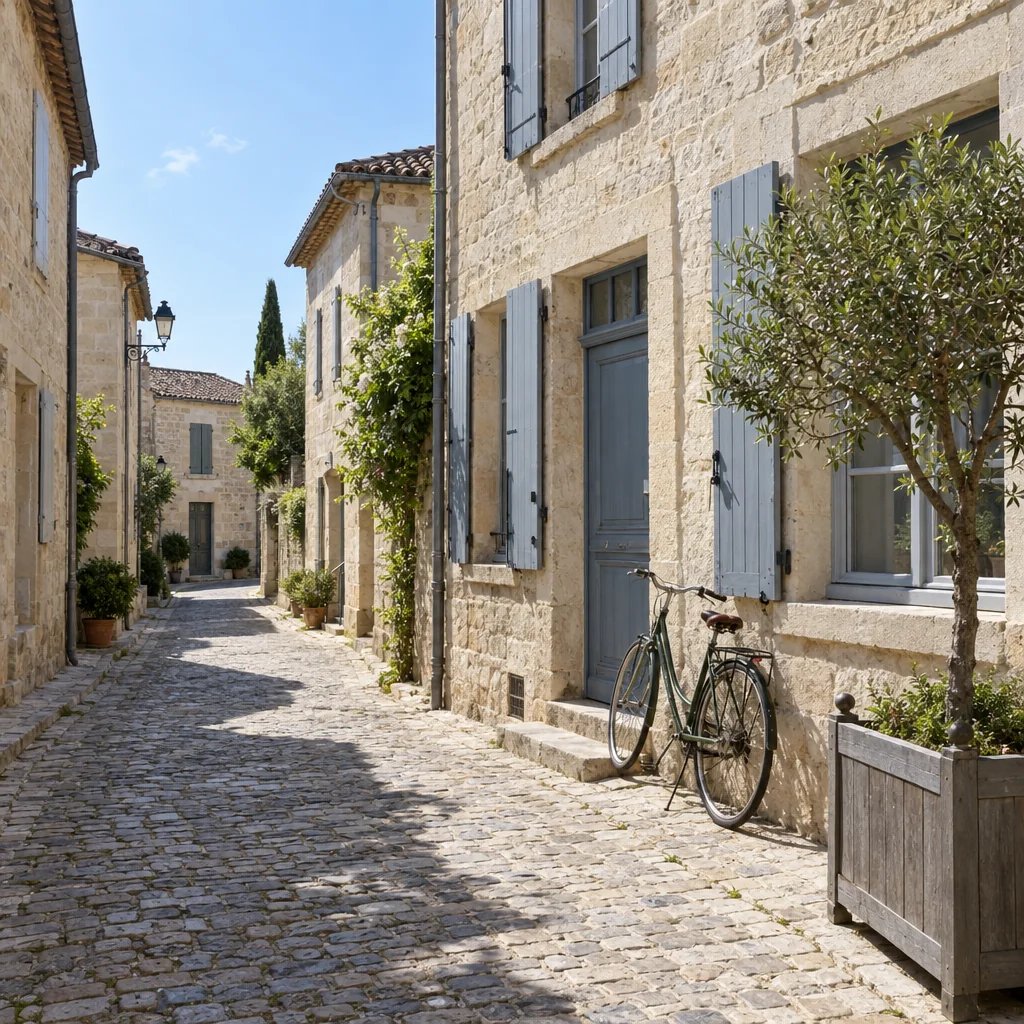
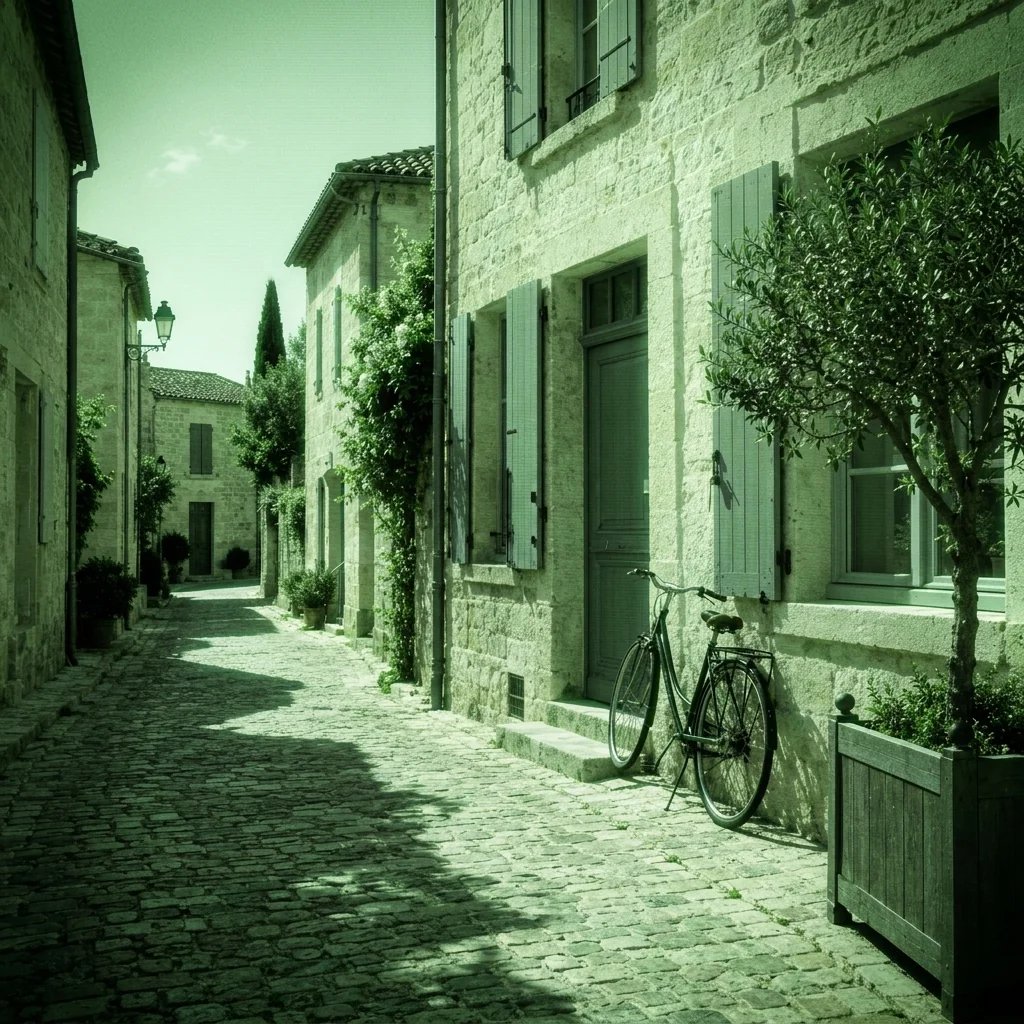
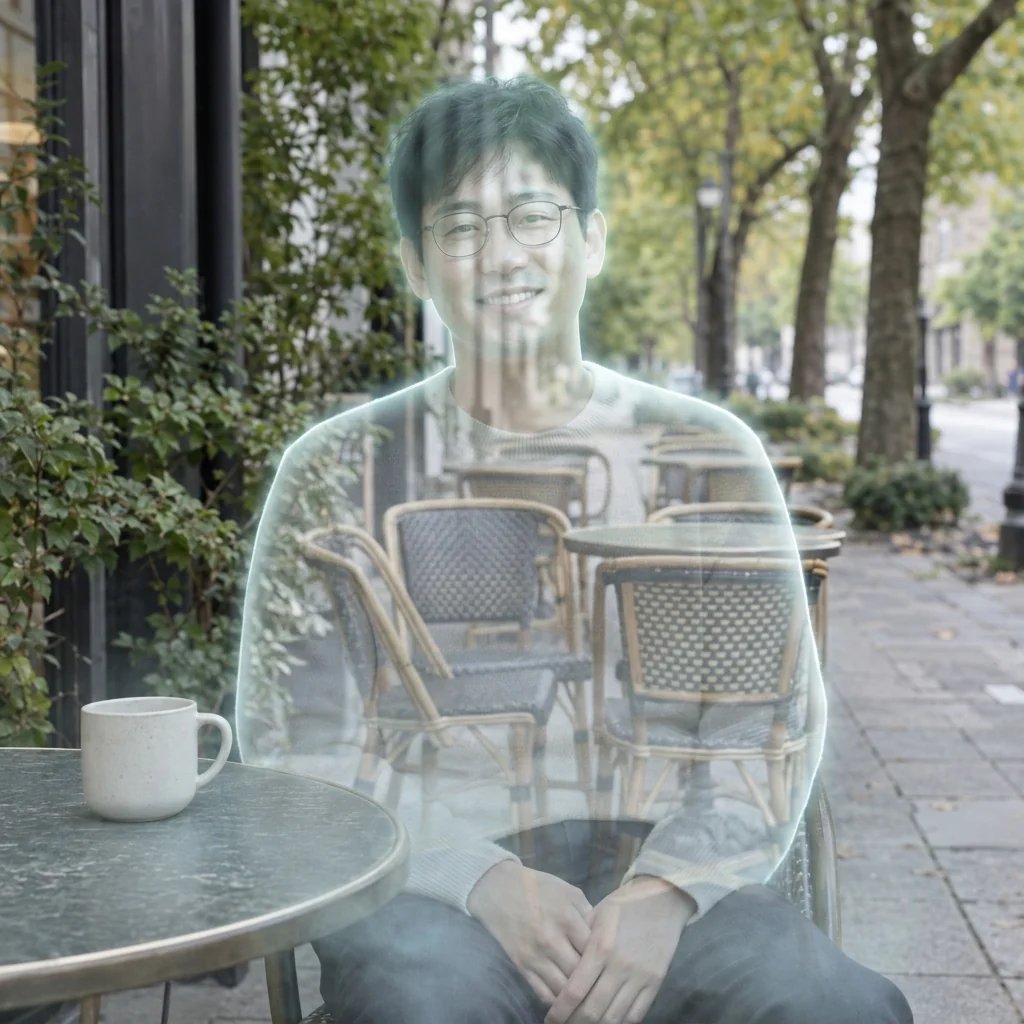
Upload a photo, or describe a scene, and get back a widescreen frame that reads as cinema: one motivated light source with real falloff, a background dropping softly out of focus, lifted blacks, warm-and-cool separation, and fine grain. Direct the time of day, the light, the weather and the lens. On a photo of yourself, this changes the light and the color — not your face.

8 credits
One motivated light source, and everything else falling away

Cinematic filter examples

The Same Look Across Window Light, Rain, a Late-Night Diner, and Headlights

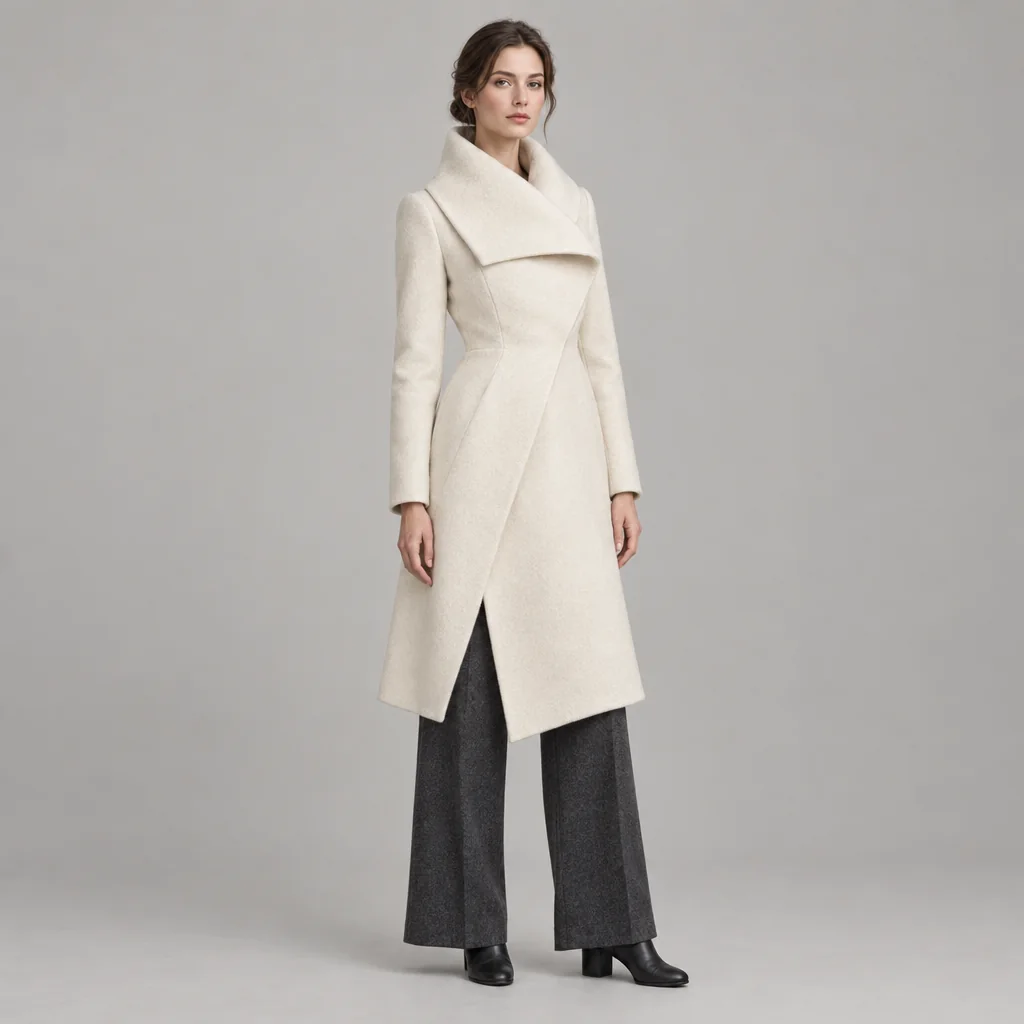
  • Soft window light, and a room that falls away
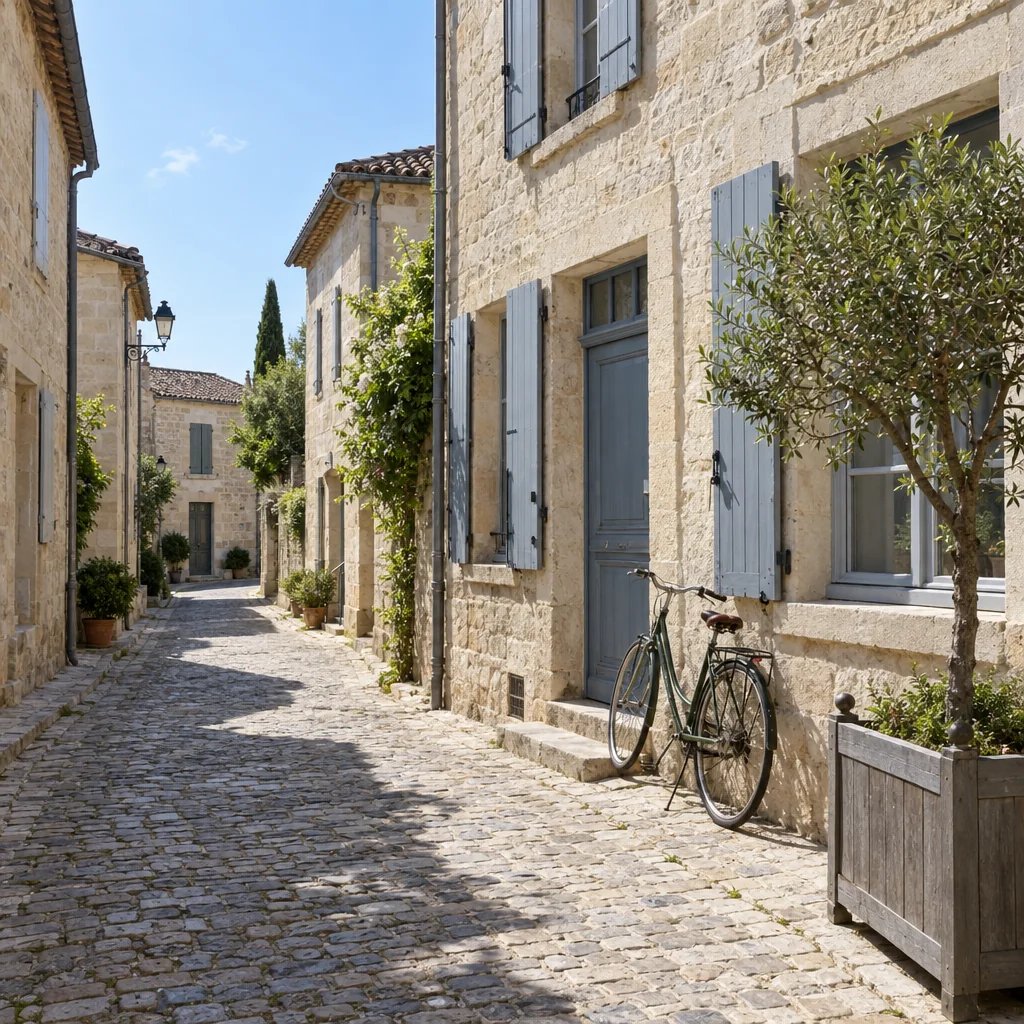
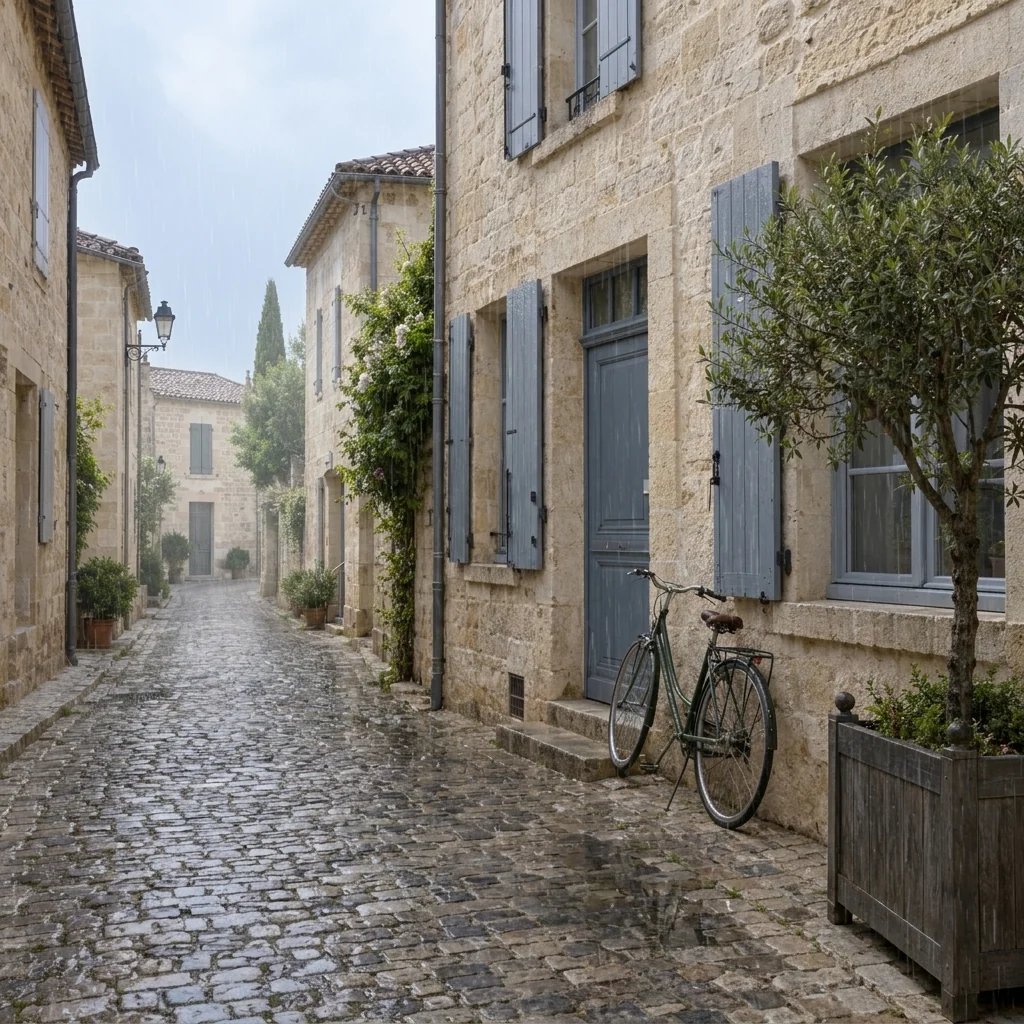
  • Dusk rain, and lights melted into circles
  • Practical light inside the frame
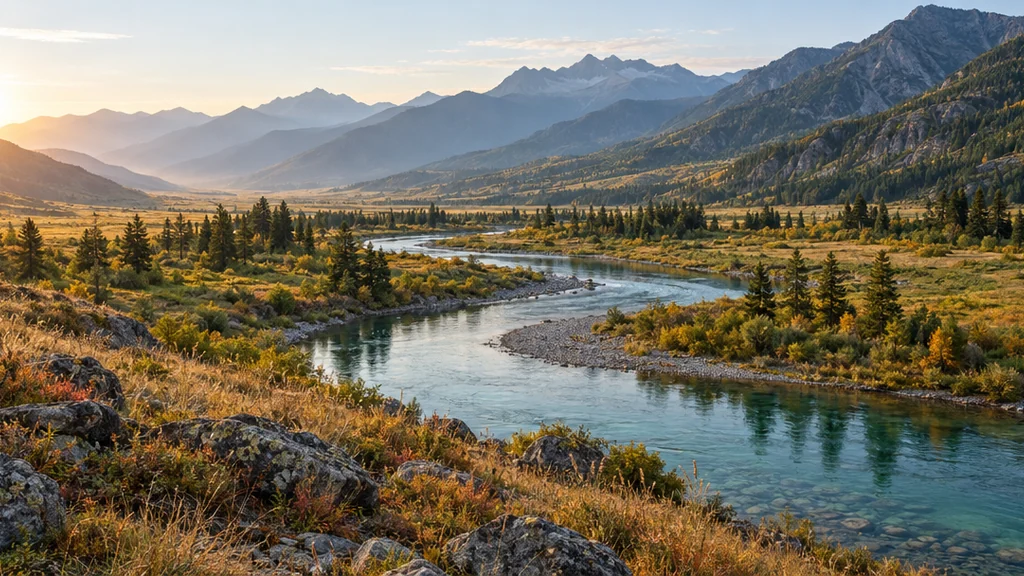
  • A hard backlight and a lot of air

How it works

Get a Cinematic Photo in Three Steps

  1. Step 1

    Say where the light comes from

    Cinematic is mostly lighting. Name the time of day, the source and its direction, the weather, and how much of the frame the subject should occupy. Upload a photo if you want your own scene relit.

  2. Step 2

    Generate the frame

    YouArt returns one 1K widescreen 16:9 still for 8 credits, graded and grained, with no letterbox bars drawn into it.

  3. Step 3

    Check the shadows, then download

    Look at the dark half of the frame before you commit. A cinematic image keeps detail in its shadows rather than crushing them to black, and that is the part worth re-running for.

What the filter controls

Three Things That Separate a Film Still from a Photo

A real 16:9 frame, no bars

The picture is generated wide rather than squeezed into a square, so the extra width is image you can use. Nothing is masked off: there are no black letterbox bars drawn over the top and bottom.

Light with a source and a falloff

A window, a lamp, a headlight, a sign. One key that comes from somewhere in the scene and dies away across it is what reads as cinema, far more than any color grade laid over the top.

Your face, relit

On an uploaded photo this is a lighting, lens and color direction only. The person keeps their features, their build, their hair and their clothes — the room around them changes, not them.

Prompt ideas

Cinematic Prompts That Name the Light, Not the Mood

"Cinematic" on its own gives the generator nothing to work with. Name a light source and a direction, a time of day, and how much of the wide frame the subject should fill.

Pin the hour

A woman at a tall window in the last twenty minutes of sunlight, warm hard key raking in from camera left, the interior behind her three stops darker and out of focus.

Put the source in the shot

A man alone in a diner booth at night under a warm pendant lamp visible at the top of frame, chrome and red vinyl catching the light, the window behind him almost black.

Ask for a lens, not a filter

Shot on a long lens from across the street: the subject small in a wide frame, background compressed and thrown out of focus, streetlights rendered as soft round highlights.

Ways to use it

Where a Widescreen Frame Earns Its Shape

Banners and cover images

A 16:9 frame is the native shape of a channel banner, a LinkedIn cover and a video thumbnail, so the result drops in without being cropped back to a strip.

Travel and street photos

Give a flat midday snapshot the light it did not have, or push an already good frame further into the grade you had in mind when you took it.

Press and promo images

Build a moody, consistent-looking set for a band, a short film or a podcast without booking a location and a lighting kit.

Look development and boards

Try a lighting direction for a scene before shooting it. Naming the source and its angle here is the same conversation you would have on set.

Create more with one YouArt membership

This generator uses 8 credits for one 1K image. Membership credits work across YouArt image, video, audio, and workflow tools.

Basic

For hobbyists and explorers

$9.99/mo
Select Plan
  • 1000 credits
  • Up to ~200 images/month
  • At least ~1000s video/month
  • Intelligent creative agent
  • Video editor
  • Latest image models, including GPT Image 2 and Nano Banana Pro
  • Latest video models, including Seedance 2
  • Realistic face uploads
  • Voice generation with ElevenLabs
  • No watermark
  • Unlimited template access

Pro

Most Popular

For creators and pro users

$29.99/mo
Select Plan
  • 3300 credits
  • Up to ~1000 images/month
  • At least ~3300s video/month
  • Intelligent creative agent
  • Video editor
  • Latest image models, including GPT Image 2 and Nano Banana Pro
  • Latest video models, including Seedance 2
  • Realistic face uploads
  • Voice generation with ElevenLabs
  • No watermark
  • Unlimited template access

Max

For power users and teams

$149.99/mo
Select Plan
  • 18000 credits
  • Up to ~6000 images/month
  • At least ~18000s video/month
  • Intelligent creative agent
  • Video editor
  • Latest image models, including GPT Image 2 and Nano Banana Pro
  • Latest video models, including Seedance 2
  • Realistic face uploads
  • Voice generation with ElevenLabs
  • No watermark
  • Unlimited template access

Team

For teams and studios

$329.99/mo
Select Plan
  • 36300 credits
  • Up to ~12000 images/month
  • At least ~36300s video/month
  • Realistic face uploads
  • Share canvas, workflows, and assets with your team
  • Up to 10 members per team
  • Up to 5 teams
  • Role-based management
  • Team credit management and spending caps
  • Per-member usage tracking

FAQ

Cinematic Photo Filter FAQ

What does the cinematic photo filter do?
It rebuilds a photo, or a scene you describe, as a widescreen film still. The light is redirected to come from a source in the scene and fall away across it, the background is thrown out of focus, and the color is graded filmically with lifted blacks, gentle highlights and warm-and-cool separation. It is a re-render, not an overlay.
What makes a good cinematic prompt?
Name the light. A time of day, a source, and the direction it comes from will do more than any number of words like "cinematic", "epic" or "moody". Then say how much of the wide frame the subject should fill — a person small in a big frame reads as cinema; a face filling it reads as a portrait.
Can I upload my own photo?
Yes, and it is what the page is built around. With a photo attached the run is a lighting, lens and color direction only: the person keeps their face, features, build, hair and clothing, and what changes is how the scene is lit and graded.
Why are there no black bars on the result?
Because the frame itself is widescreen. The bars on a film still exist to fit a wide image into a squarer frame, and here the image is already 16:9 — drawing them would just crop your picture and give back two black stripes. If you want a 2.39:1 letterbox, crop the result and add the bars yourself.
How much does one image cost?
The credit cost of the workflow behind this page, shown next to the button before you run it. The figure comes from the same pricing data the rest of YouArt bills on, so what is quoted is what you are charged.

Keep exploring

More AI art styles to try

The closest looks to this one. Each is a full generator with its own prompt studio and examples.

Browse all 40 AI generators

Build beyond one image

Turn your result into a complete creative workflow

Open YouArt's visual canvas to connect generation, editing, upscaling, animation, and sound in one reusable process.