Small worlds with a soft touch

Felt Art Generator for Soft Wool Illustrations

Imagine a wool fox beneath a mushroom, a cozy cottage or a felt portrait with character. Describe your idea or upload a photo; the felt art generator brings it together with fuzzy fibers, rounded shapes and gentle light.

8 credits
A woodland fox nestled among soft wool shapes

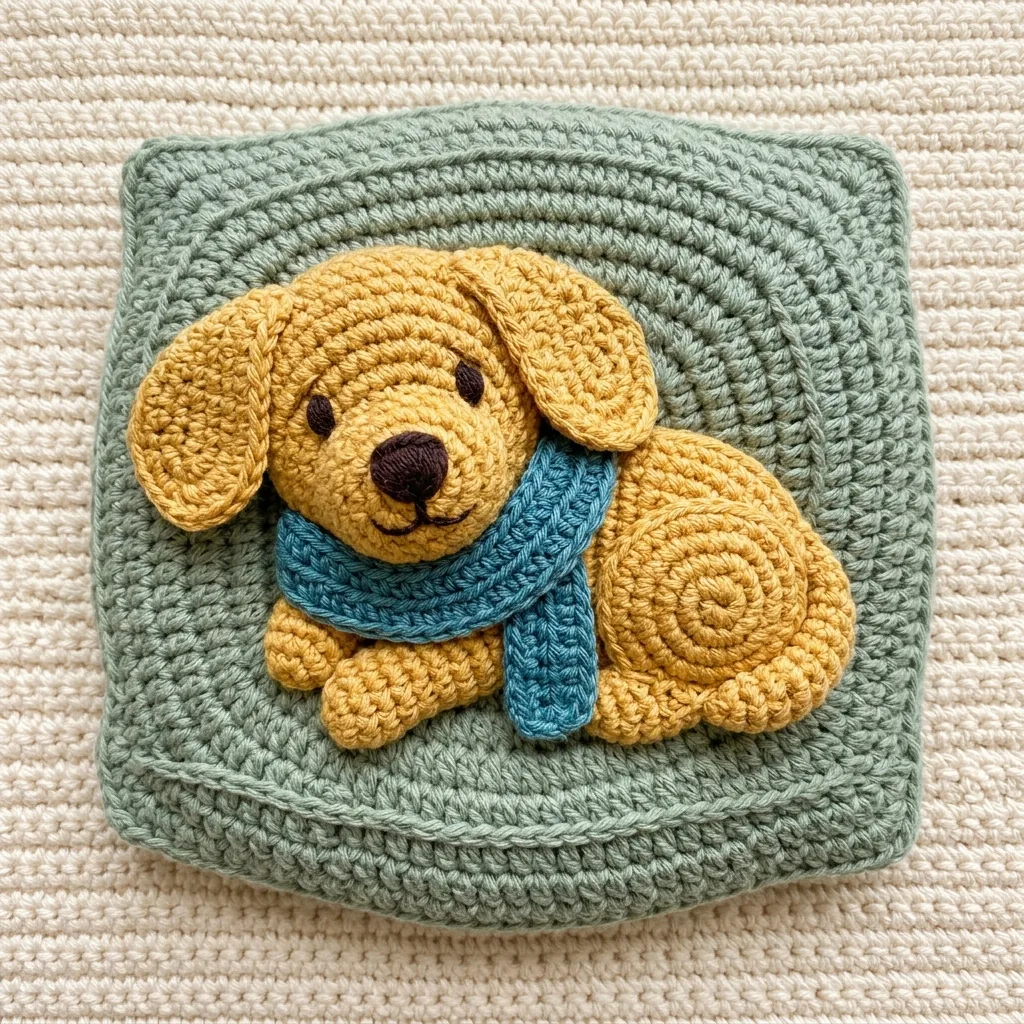
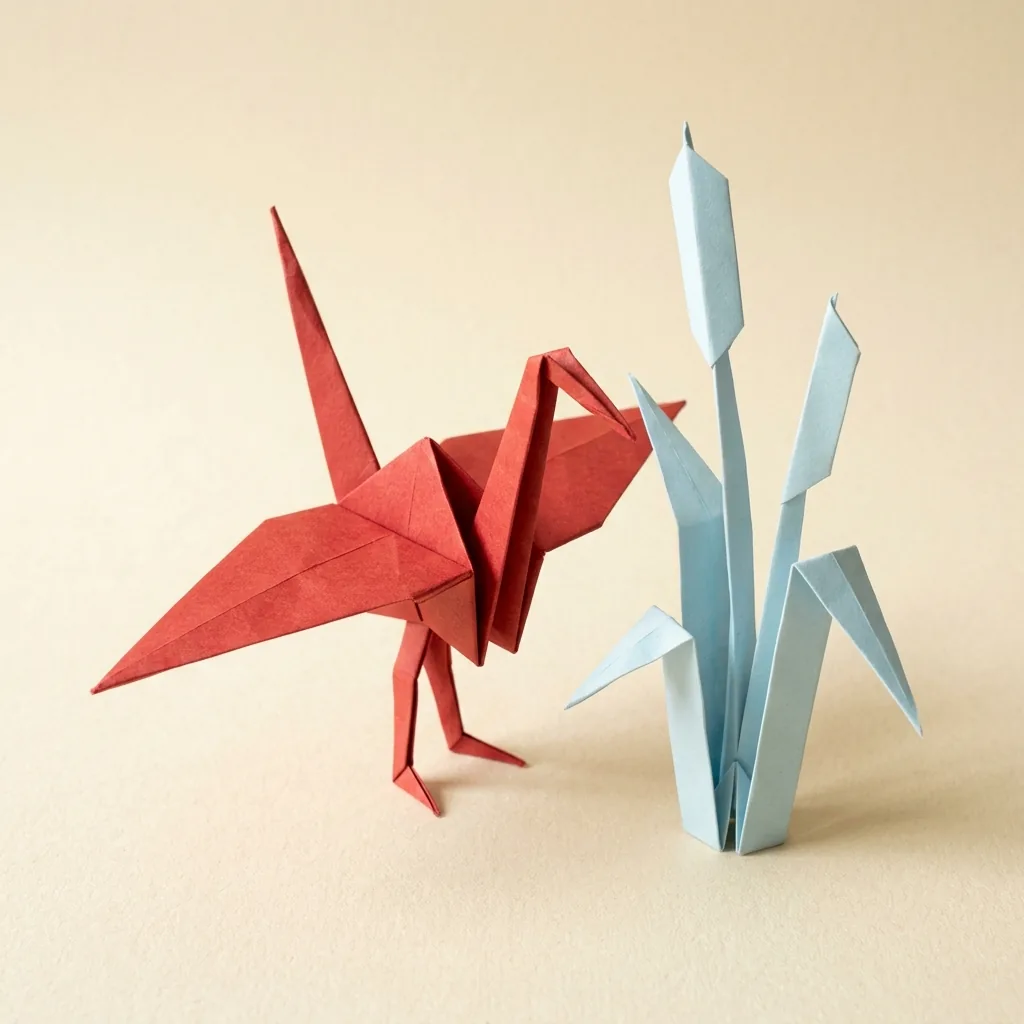
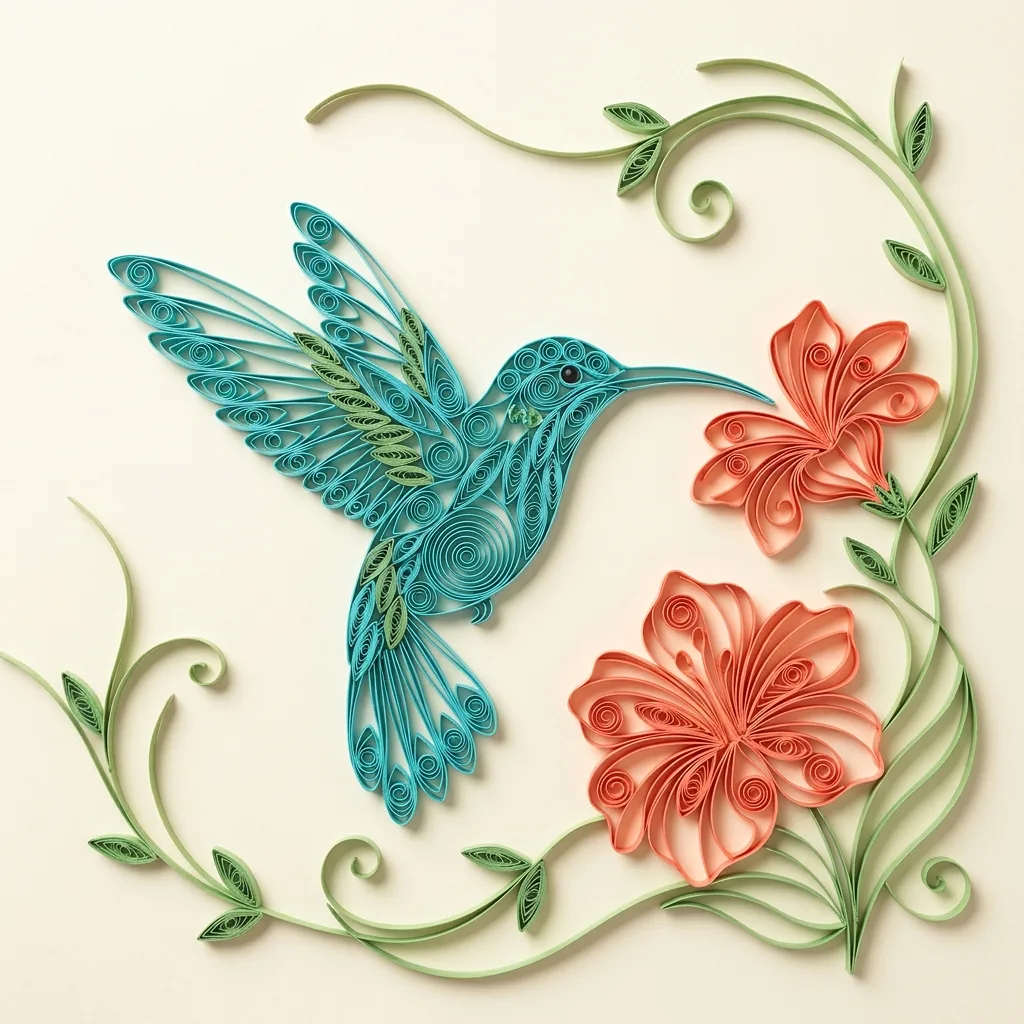
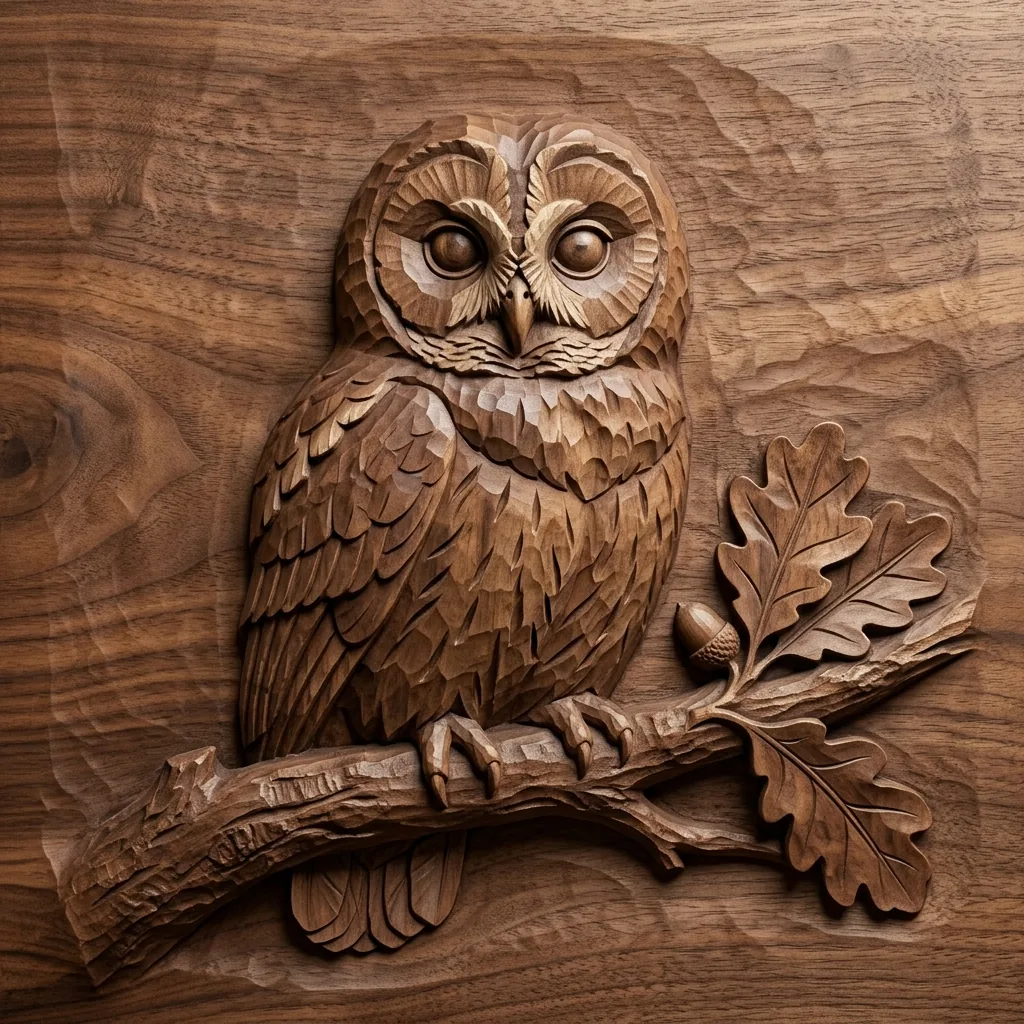
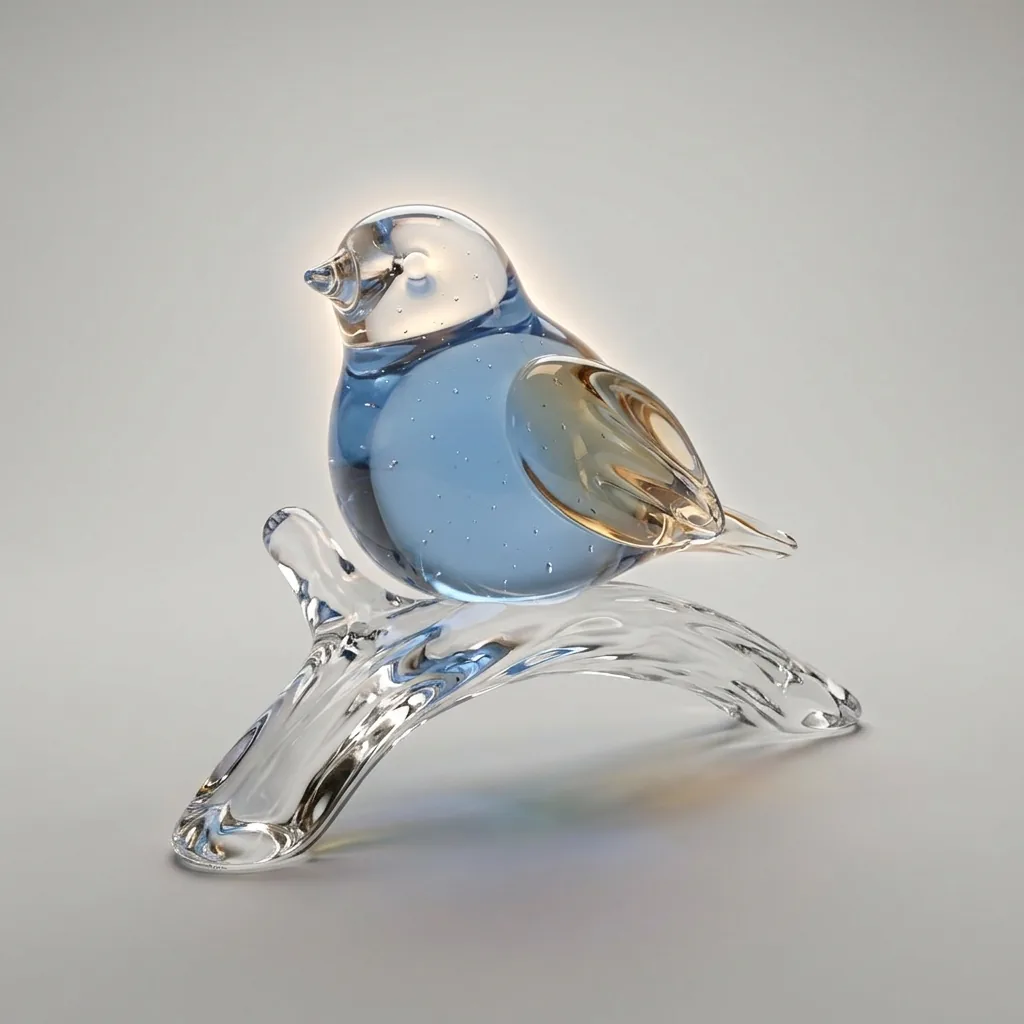
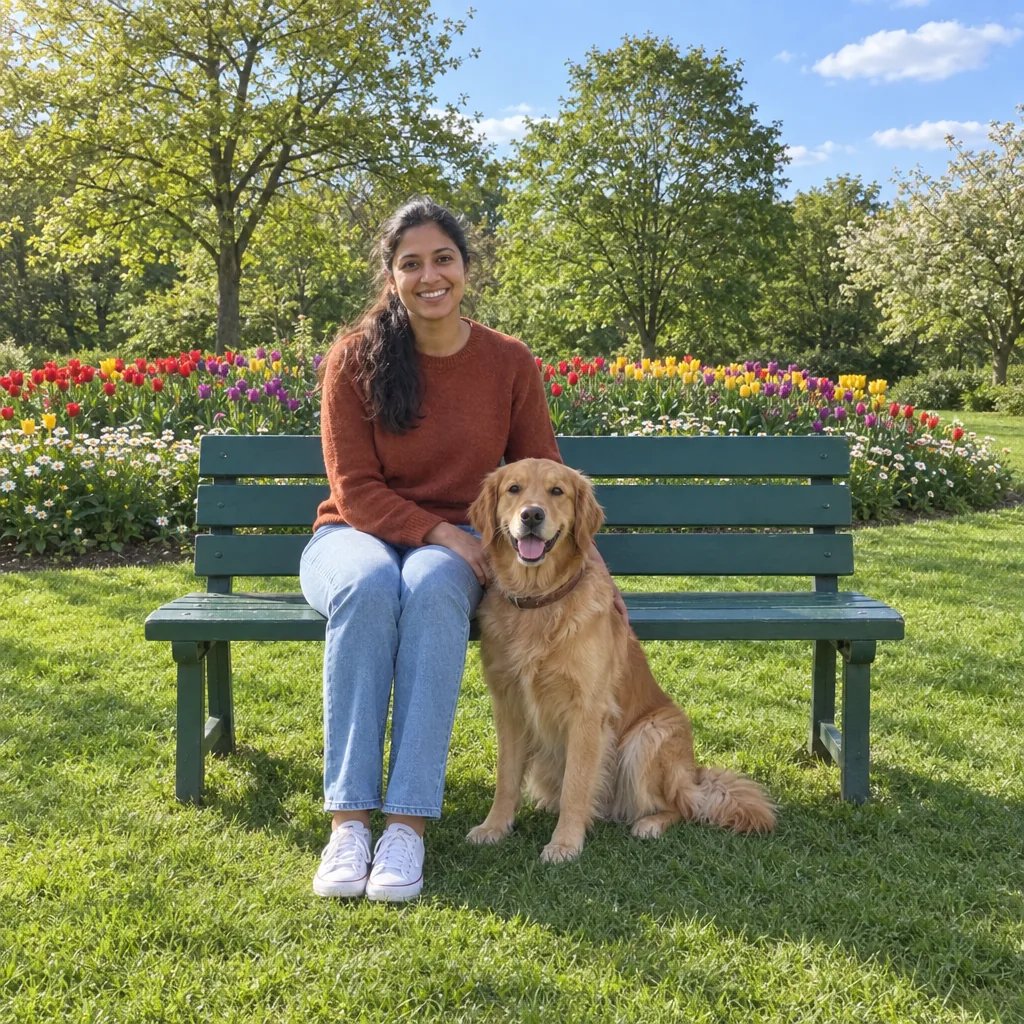
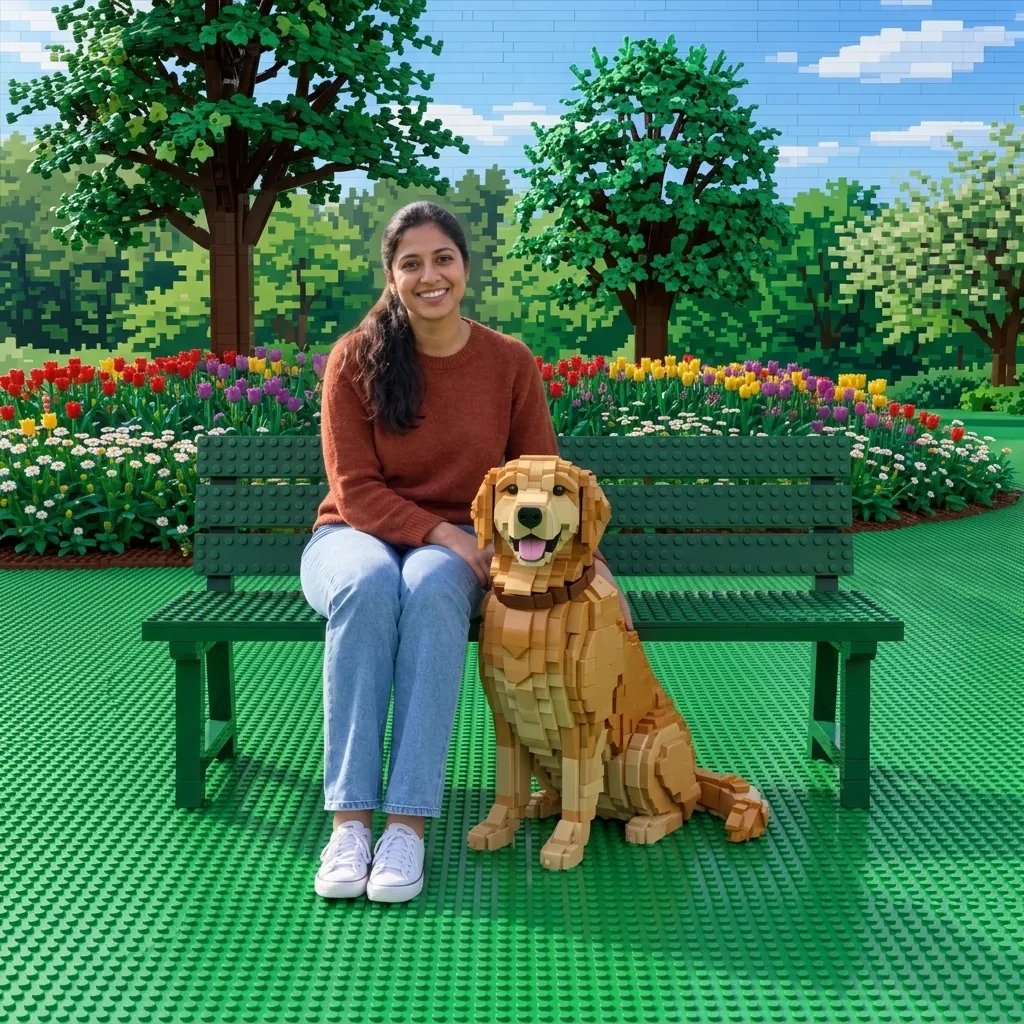
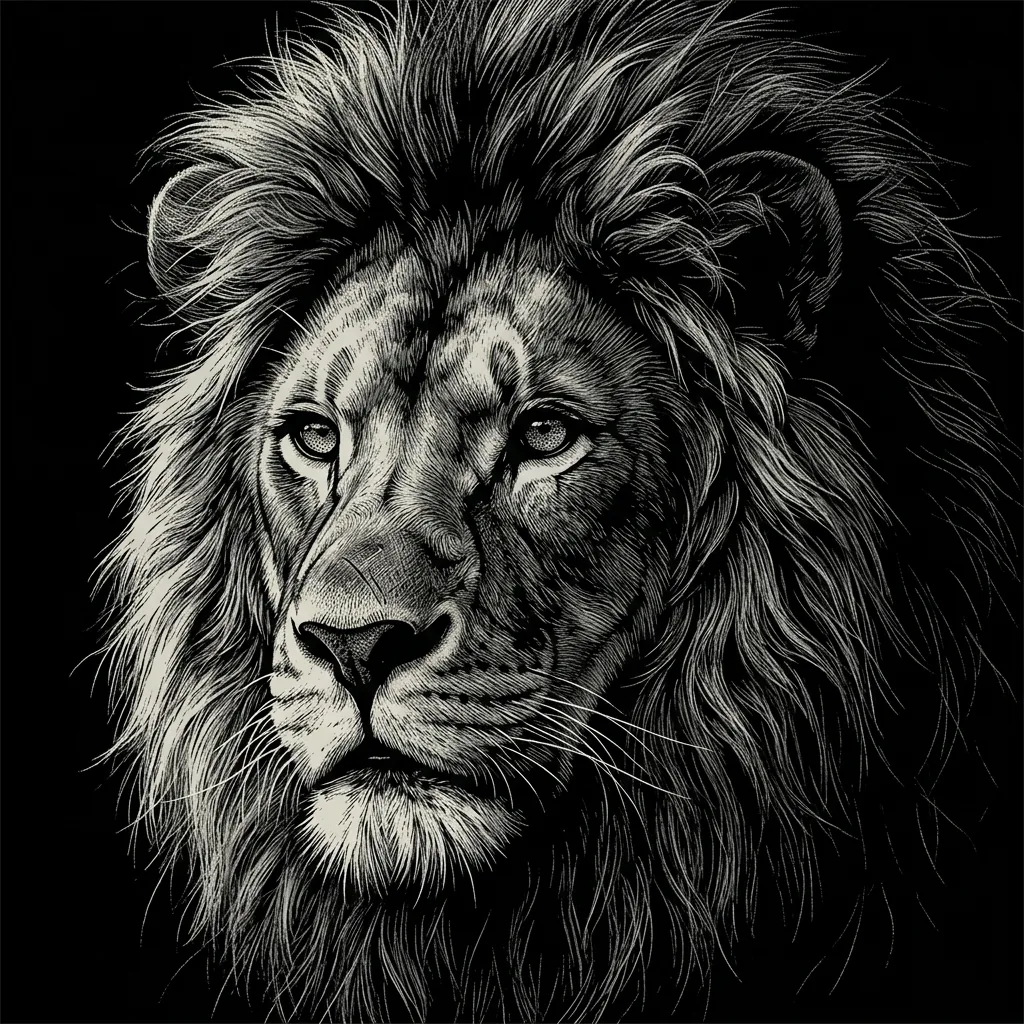
Soft texture across four subjects

Felt Art Generator Examples

  • A sleeping cat on a blue cushion
  • Bright flowers in a wool garden
  • A cottage among rounded hills
  • A portrait with wool curls

A clear subject is enough to begin

How to Create Felt Art from a Photo or Prompt

  1. Step 1

    Choose your subject

    Upload a clear photo or describe a character, animal, object or small scene. Give the main subject room in the composition so its shape remains recognizable. A photo can be used on its own; optional text helps guide the palette, pose and setting.

  2. Step 2

    Generate and review the wool texture

    Look for softly rounded forms, short visible fibers and clear defining features. If the scene becomes crowded, simplify the setting in your next prompt. For a portrait, describe the hairstyle, clothing and expression you want to emphasize rather than asking for equal detail everywhere.

  3. Step 3

    Download your favorite image

    Save the version you prefer and view it at full size. Check small details such as glasses, paws and flower shapes before placing it in a design. When adding a title or a border later, leave space around the subject so the wool texture stays easy to see.

What gives the image its softness

Wool Texture and Shape in the AI Felt Art Generator

Short fibers with visible volume

Dense, matted fibers and softly fuzzy edges give the image a needle-felted appearance. Gentle light reveals the wool surface while small contact shadows separate neighboring forms. A simple background makes these details easier to see, especially around a character’s face or a pet’s silhouette.

Rounded forms and deliberate color

The felt treatment simplifies tiny details into soft shapes while retaining the larger arrangement. A few contrasting colors can distinguish a face, outfit or flower from its surroundings. Use your prompt to name the focal subject, the main colors and any background elements that matter.

Photos as a starting point

A reference can guide the pose, broad composition and recognizable features of a person, pet or object. The surface is reinterpreted as wool throughout the image. Choose a sharp photo with a clear subject; subtle markings and very small objects may change as the material becomes more sculptural.

Give the wool a subject to shape

Felt Art Prompt Ideas

Start with one subject, a few colors and a simple setting. Add a light direction when you want the fibers and rounded forms to stand out.

A woodland animal

Try a small orange fox curled beneath a red mushroom among moss cushions. Specify a pale sage setting and soft light from the left. The strong orange silhouette and larger mushroom give the scene a clear focus while the moss adds a different wool shape.

A character portrait

Describe an adult with short dark curls, round glasses and a mustard sweater against dusty blue wool. Keep the complete face near the center and name the expression. Broad clothing colors and a distinctive hairstyle help the portrait remain readable after its surfaces become felt.

A miniature countryside

Try a cream cottage with a red roof, a winding path and two trees on rounded green hills. Ask for a quiet morning atmosphere and a small number of background elements. Larger shapes leave enough room for wool fibers and soft shadows to carry the handmade look.

Ideas suited to a tactile finish

Ways to Use Felt Art Images

Storybook illustrations

Explore gentle characters and small settings for a story or a personal visual project. Reuse a concise palette and character description when developing related images.

Cover artwork

Create a warm focal image for a playlist, digital booklet or social cover. Keep important faces away from the edges and add any lettering in your layout editor.

Personal portraits and pets

Reimagine a familiar person or animal as a wool character. A clear reference and a simple pose give defining features more room in the finished picture.

Craft appearance studies

Explore how a subject could look with different wool colors and softly sculpted forms. Use the image to consider shape and mood while planning any physical construction separately.

Create more with one YouArt membership

This generator uses 8 credits for one 1K image. Membership credits work across YouArt image, video, audio, and workflow tools.

Basic

For hobbyists and explorers

$9.99/mo
Select Plan
  • 1000 credits
  • Up to ~200 images/month
  • Up to ~332s video/month
  • Intelligent creative agent
  • Video editor
  • Latest image models, including GPT Image 2.5, GPT Image 2 and Nano Banana Pro
  • Latest video models, including Seedance 2
  • Realistic face uploads
  • Voice generation with ElevenLabs
  • No watermark
  • Unlimited template access

Pro

Most Popular

For creators and pro users

$29.99/mo
Select Plan
  • 3300 credits
  • Up to ~1000 images/month
  • Up to ~1100s video/month
  • Intelligent creative agent
  • Video editor
  • Latest image models, including GPT Image 2.5, GPT Image 2 and Nano Banana Pro
  • Latest video models, including Seedance 2
  • Realistic face uploads
  • Voice generation with ElevenLabs
  • No watermark
  • Unlimited template access

Max

For power users and teams

$149.99/mo
Select Plan
  • 18000 credits
  • Up to ~6000 images/month
  • Up to ~6000s video/month
  • Intelligent creative agent
  • Video editor
  • Latest image models, including GPT Image 2.5, GPT Image 2 and Nano Banana Pro
  • Latest video models, including Seedance 2
  • Realistic face uploads
  • Voice generation with ElevenLabs
  • No watermark
  • Unlimited template access

Team

For teams and studios

$329.99/mo
Select Plan
  • 36300 credits
  • Up to ~12000 images/month
  • Up to ~12100s video/month
  • Realistic face uploads
  • Share canvas, workflows, and assets with your team
  • Up to 10 members per team
  • Up to 5 teams
  • Role-based management
  • Team credit management and spending caps
  • Per-member usage tracking

Before you begin

Felt Art Generator FAQ

What does the AI felt art generator create?
It creates a digital illustration with the appearance of needle-felted wool. Short fuzzy fibers, rounded masses and soft shadows shape the subject and its surroundings. You can begin with a written idea or use a photo to guide the composition, then download the finished image.
Can I turn a photo into felt art without writing a prompt?
Yes. Upload a photo and leave the text field empty for the default wool treatment. Add text when you want a particular palette, setting or expression. The reference guides the subject, but very fine details and exact facial likeness can change during the artistic transformation.
How is felt art different from embroidery or clay?
This treatment builds forms from dense, matted wool with short visible fibers. Embroidery describes a picture through directional stitches across fabric, while clay uses smoother solid surfaces. Choose felt when you want softly sculpted characters, fuzzy edges and a warm miniature appearance.
Does the result include a felting pattern or a physical doll?
The result is a single digital image. It does not include a sewing pattern, wool quantities, needle instructions or a finished object. Use it for illustration or to explore a craft idea, then develop practical measurements and construction steps separately if you want to make something by hand.
How much does a felt art image cost, and what size is it?
Each generation costs 8 credits and returns one square 1K image. Text prompts and reference photos use the same settings. Review the displayed cost before generating, and inspect the downloaded fibers at your intended display size before enlarging the artwork.

Keep exploring

More AI art styles to try

The closest looks to this one. Each is a full generator with its own prompt studio and examples.

Browse all 95 AI generators

Build beyond one image

Turn your result into a complete creative workflow

Open YouArt's visual canvas to connect generation, editing, upscaling, animation, and sound in one reusable process.