A world shaped in yarn

AI Crochet Art Generator for Cozy Yarn Illustrations

Turn a puppy, a portrait or a little seaside scene into crochet artwork. Describe an idea or upload a photo, and explore rounded yarn forms, visible loops and colors that feel warm and carefully put together.

8 credits
A little puppy with soft yarn loops

Four ways to use the texture

AI Crochet Art Generator Examples

  • A portrait with a blue camera
  • Tulips shaped from colorful yarn
  • A mint-green crochet coffee machine
  • A cottage beside a yarn sea

Start with a subject you love

How to Create Crochet Art from a Photo or Prompt

  1. Step 1

    Describe an idea or add a photo

    Choose a person, pet, object or scene. A photo can be used on its own; add text if you want to guide the colors or surroundings. Keep the main subject clearly visible and leave a little space around important features.

  2. Step 2

    Generate and inspect the stitches

    Review the balance between recognizable shapes and visible yarn loops. For a crowded scene, reduce the number of objects in your next prompt. Larger color areas usually give stitch rows more room than tiny lettering or intricate surface patterns.

  3. Step 3

    Save the version you prefer

    Download your chosen image and check it at the size you plan to use. Look closely at faces, paws and small props. Add headings or labels separately in your design editor.

The details that make it feel handmade

Yarn Texture in the AI Crochet Art Generator

Loops that follow the form

Connected loops and twisted yarn strands wrap around rounded shapes. Small gaps and soft shadows make the stitches visible, while curved rows suggest the volume of cheeks, petals and clothing. A quiet background keeps smaller images clear.

Simple shapes, considered colors

Crochet artwork works well when the main silhouette is easy to read. Describe a limited palette and let a contrasting scarf, roof or flower establish the focal point. Fine details are simplified into yarn forms rather than preserved as photographic patches.

A familiar subject in a new material

A reference photo can guide the pose, arrangement and defining features. The treatment rebuilds those surfaces as yarn, including hair, clothing and surroundings. Start with good lighting and a clear view; exact facial likeness and very small markings may change.

A few details give the image direction

Crochet Art Prompt Ideas

Name the subject first, then add two or three colors and a simple setting. Give the stitch texture room to show.

A pet with a touch of color

Try a small golden puppy with floppy ears and a teal scarf on a sage cushion. Ask for a cream yarn background and soft light from the left. The simple pose leaves room for loops around the muzzle and paws.

A character with a favorite object

Describe an adult woman with short dark curls, a terracotta sweater and a small blue camera. Keep the camera near her chest and the full face in view. The colored clothing and prop give the portrait character.

A coastline made of stitches

Picture a cream cottage with a coral roof beside a blue sea and rounded green hills. Add a short path and a few soft clouds. Larger landscape shapes make it easier to see stitch rows curve through the scene.

A softer visual direction

Ways to Use Crochet-Style Images

Gentle story illustrations

Explore friendly characters and simple settings for a personal story or digital booklet. A recurring palette helps related pictures feel connected.

Warm cover artwork

Create a textured focal image for a playlist, social cover or small publication. Leave clear space for titles and place the lettering later in your layout.

Pet and portrait keepsakes

Give a familiar face a playful yarn appearance for a card or personal image. A clear photograph helps guide the features that make the subject recognizable.

Material and color studies

Compare how an object feels in mint, cream or terracotta yarn. Use the images to explore shape and color before developing any practical crochet construction separately.

Create more with one YouArt membership

This generator uses 8 credits for one 1K image. Membership credits work across YouArt image, video, audio, and workflow tools.

Basic

For hobbyists and explorers

$9.99/mo
Select Plan
  • 1000 credits
  • Up to ~200 images/month
  • Up to ~332s video/month
  • Intelligent creative agent
  • Video editor
  • Latest image models, including GPT Image 2.5, GPT Image 2 and Nano Banana Pro
  • Latest video models, including Seedance 2
  • Realistic face uploads
  • Voice generation with ElevenLabs
  • No watermark
  • Unlimited template access

Pro

Most Popular

For creators and pro users

$29.99/mo
Select Plan
  • 3300 credits
  • Up to ~1000 images/month
  • Up to ~1100s video/month
  • Intelligent creative agent
  • Video editor
  • Latest image models, including GPT Image 2.5, GPT Image 2 and Nano Banana Pro
  • Latest video models, including Seedance 2
  • Realistic face uploads
  • Voice generation with ElevenLabs
  • No watermark
  • Unlimited template access

Max

For power users and teams

$149.99/mo
Select Plan
  • 18000 credits
  • Up to ~6000 images/month
  • Up to ~6000s video/month
  • Intelligent creative agent
  • Video editor
  • Latest image models, including GPT Image 2.5, GPT Image 2 and Nano Banana Pro
  • Latest video models, including Seedance 2
  • Realistic face uploads
  • Voice generation with ElevenLabs
  • No watermark
  • Unlimited template access

Team

For teams and studios

$329.99/mo
Select Plan
  • 36300 credits
  • Up to ~12000 images/month
  • Up to ~12100s video/month
  • Realistic face uploads
  • Share canvas, workflows, and assets with your team
  • Up to 10 members per team
  • Up to 5 teams
  • Role-based management
  • Team credit management and spending caps
  • Per-member usage tracking

Useful answers before you create

AI Crochet Art Generator FAQ

What does the AI crochet art generator create?
It creates a digital image with the appearance of crocheted yarn: interlocking loops, curved stitch rows and rounded forms. You can describe a new subject or reinterpret a photo. The result is artwork you can download, rather than an object made from yarn.
Can I turn a photo into crochet art without writing a prompt?
Yes. Upload a photo and leave the text field empty to use the default crochet treatment. Optional text can guide colors, setting and emphasis. The reference provides a starting point, but details and likeness can shift as the subject becomes yarn artwork.
How is crochet art different from felt or knitting?
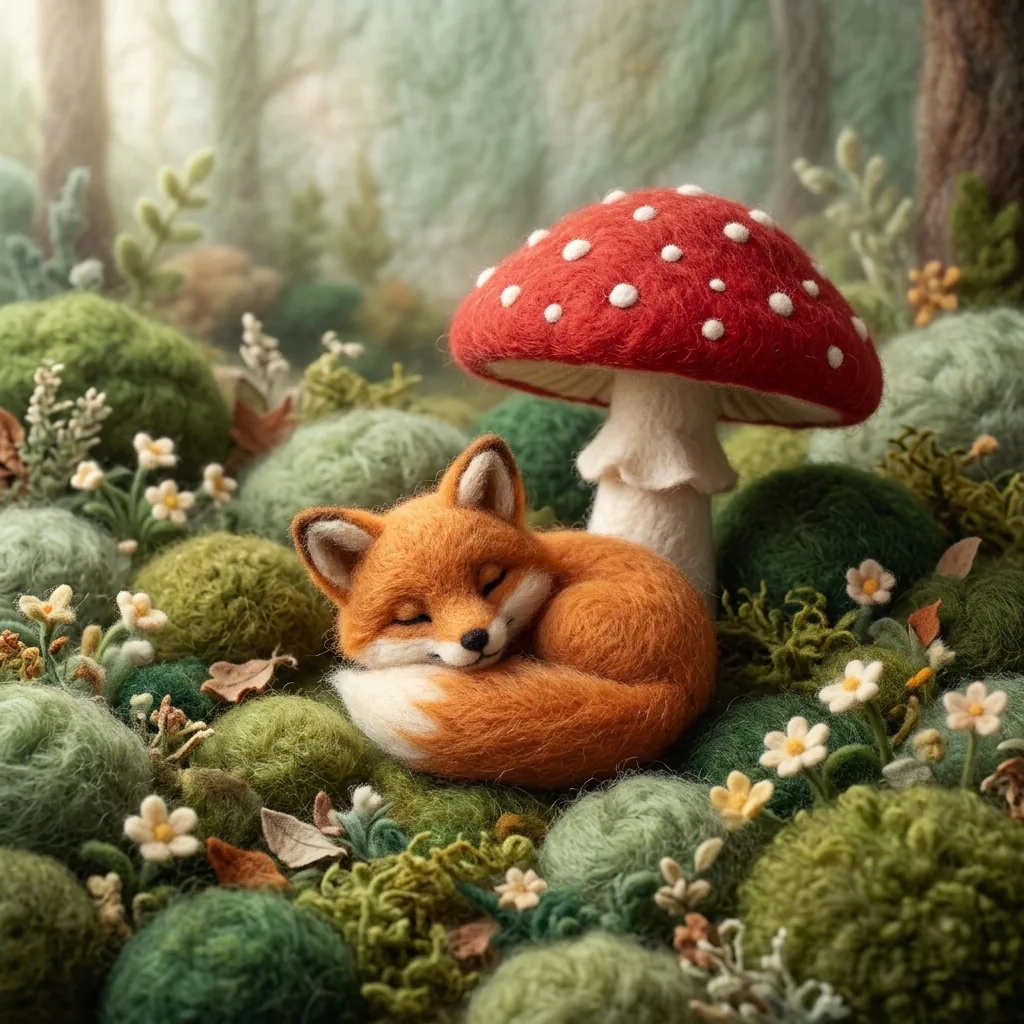
This look emphasizes connected yarn loops and distinct stitch rows around shaped objects. Felt has a dense, matted surface with fuzzy edges; knitting commonly shows repeated V-shaped stitches or ribbing. Choose crochet when you want visible loops and a softly sculpted yarn appearance.
Does it make crochet patterns or stitch charts?
The output is a single raster image. It does not include row instructions, stitch counts, gauge calculations or a tested amigurumi pattern. You can use it as visual inspiration, then work out the construction and materials separately if you want to make the object.
How much does a crochet image cost, and what size is it?
Each generation costs 8 credits and produces one square 1K image. A text prompt, a reference photo, or a photo with added direction uses the same output settings. Check the displayed cost before generating.

Keep exploring

More AI art styles to try

The closest looks to this one. Each is a full generator with its own prompt studio and examples.

Browse all 101 AI generators

Build beyond one image

Turn your result into a complete creative workflow

Open YouArt's visual canvas to connect generation, editing, upscaling, animation, and sound in one reusable process.