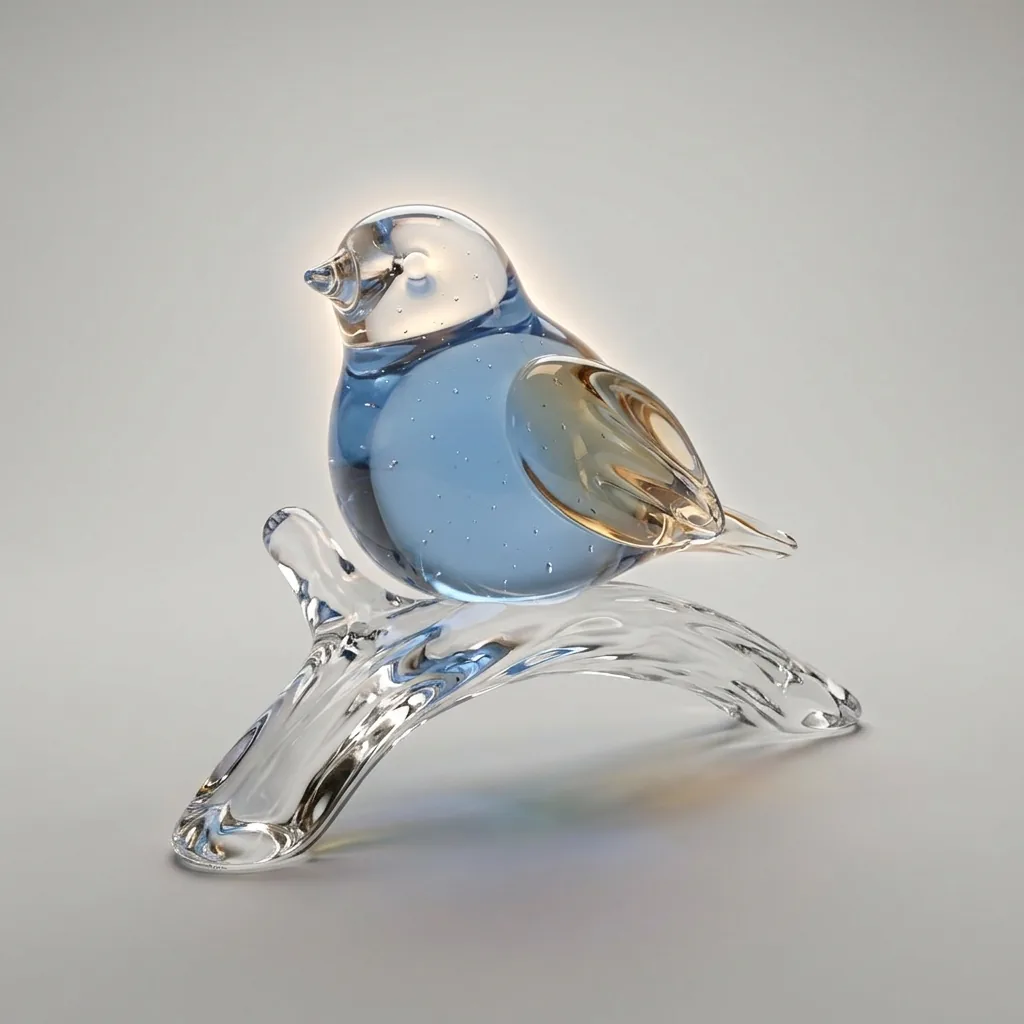
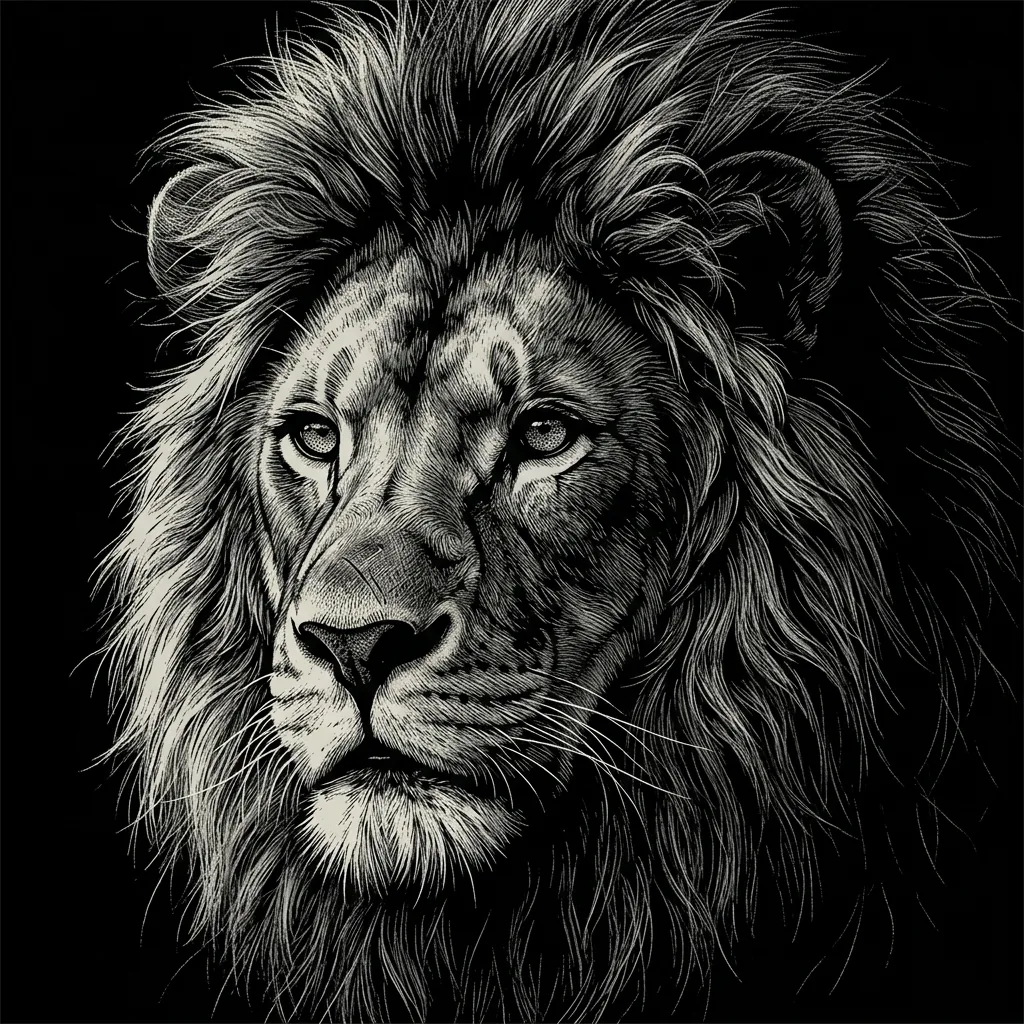
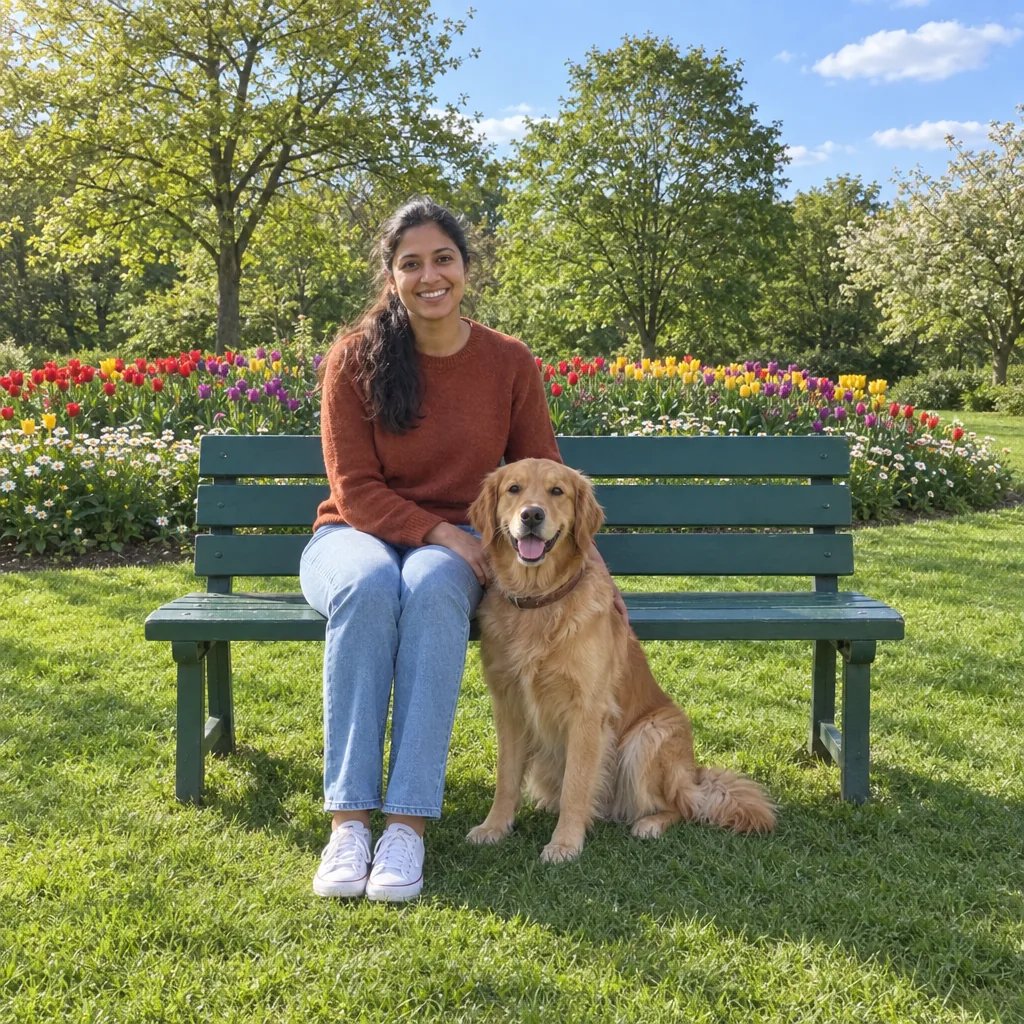
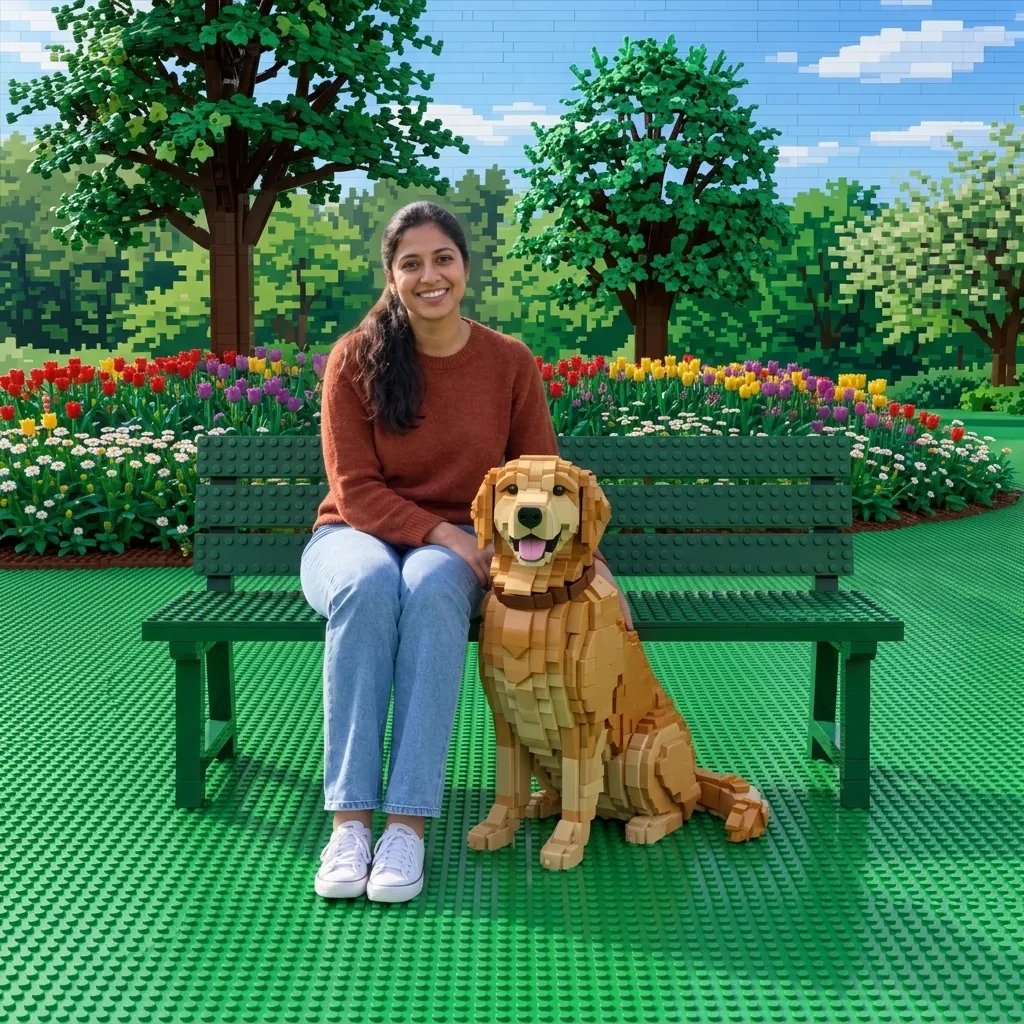
A world shaped by paper folds

Origami Generator for Folded Paper Art

Turn an animal, a flower or an imagined scene into crisp paper forms. Describe your idea or upload a reference; the origami generator combines angular folds, overlapping flaps and soft shadows in a clean, sculptural image.

8 credits
A red crane shaped by crisp folds and soft light

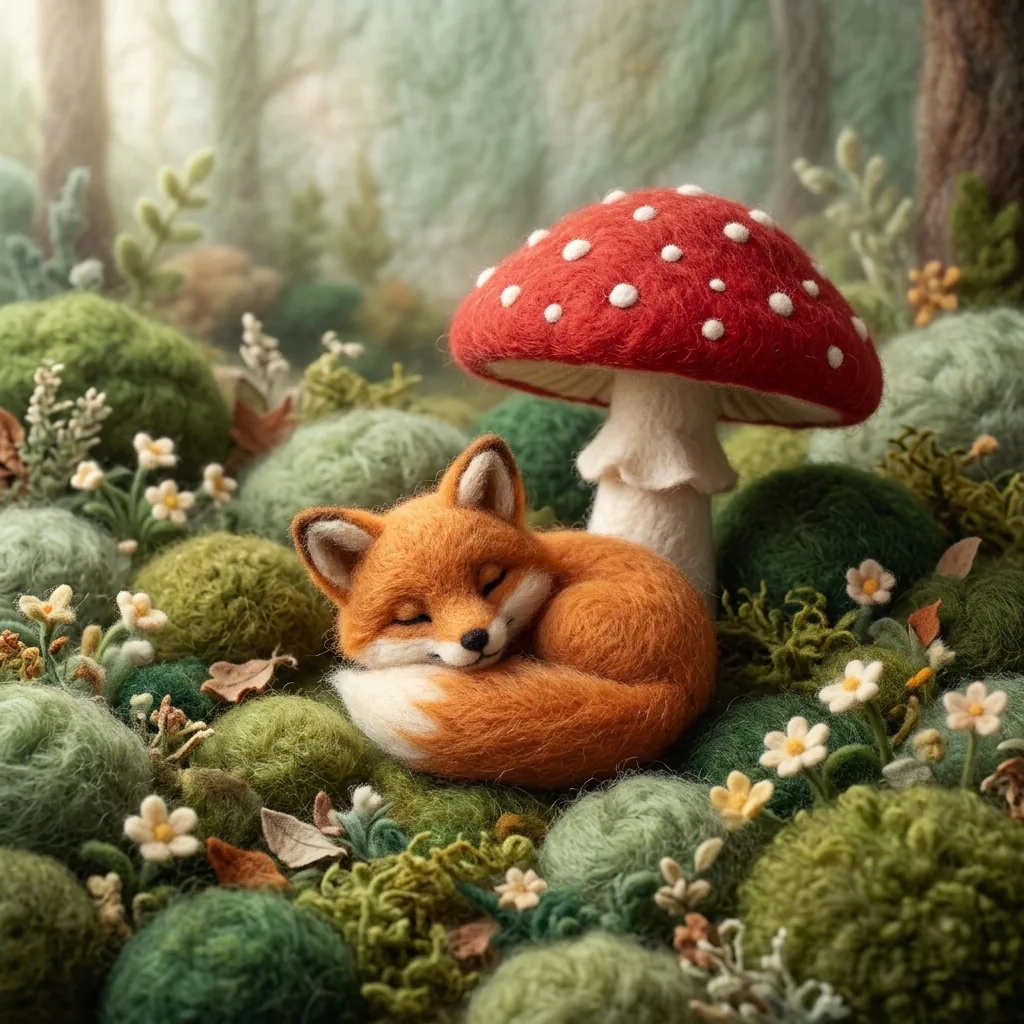
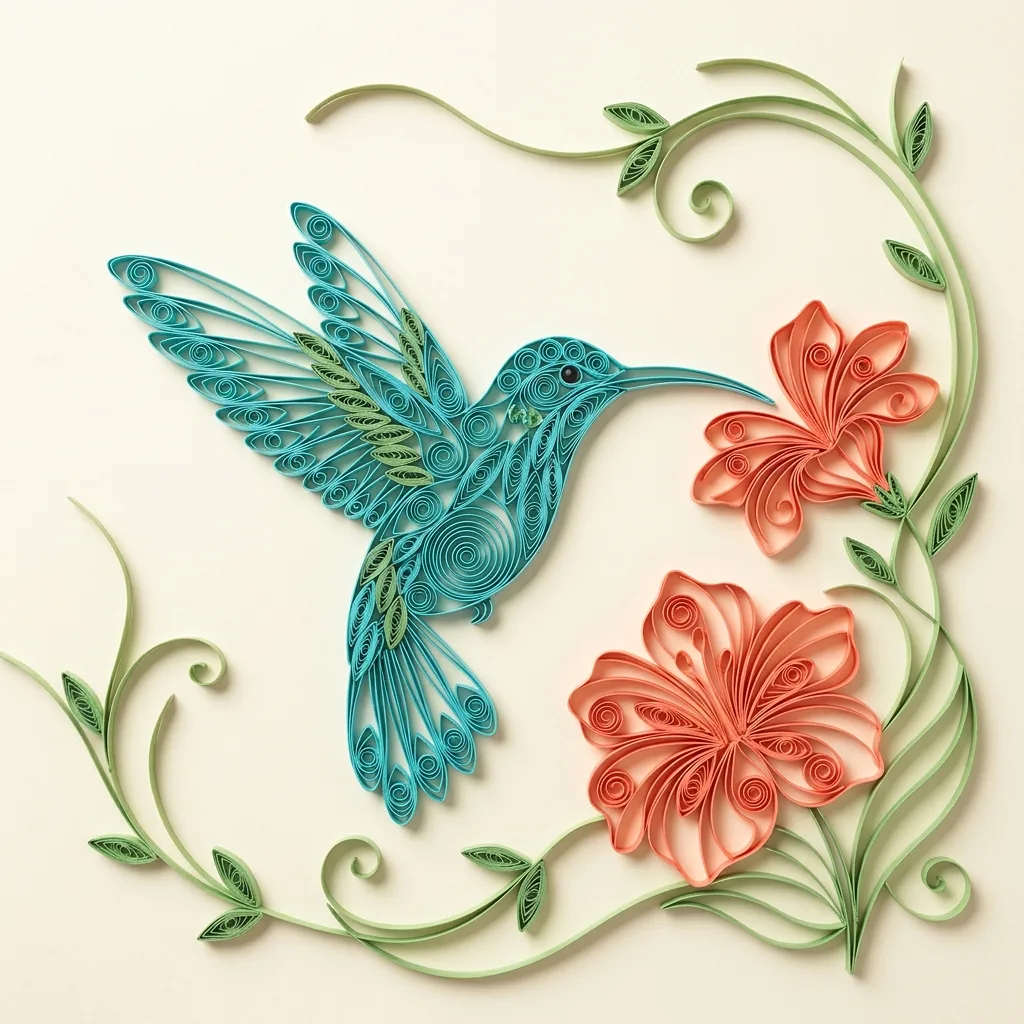
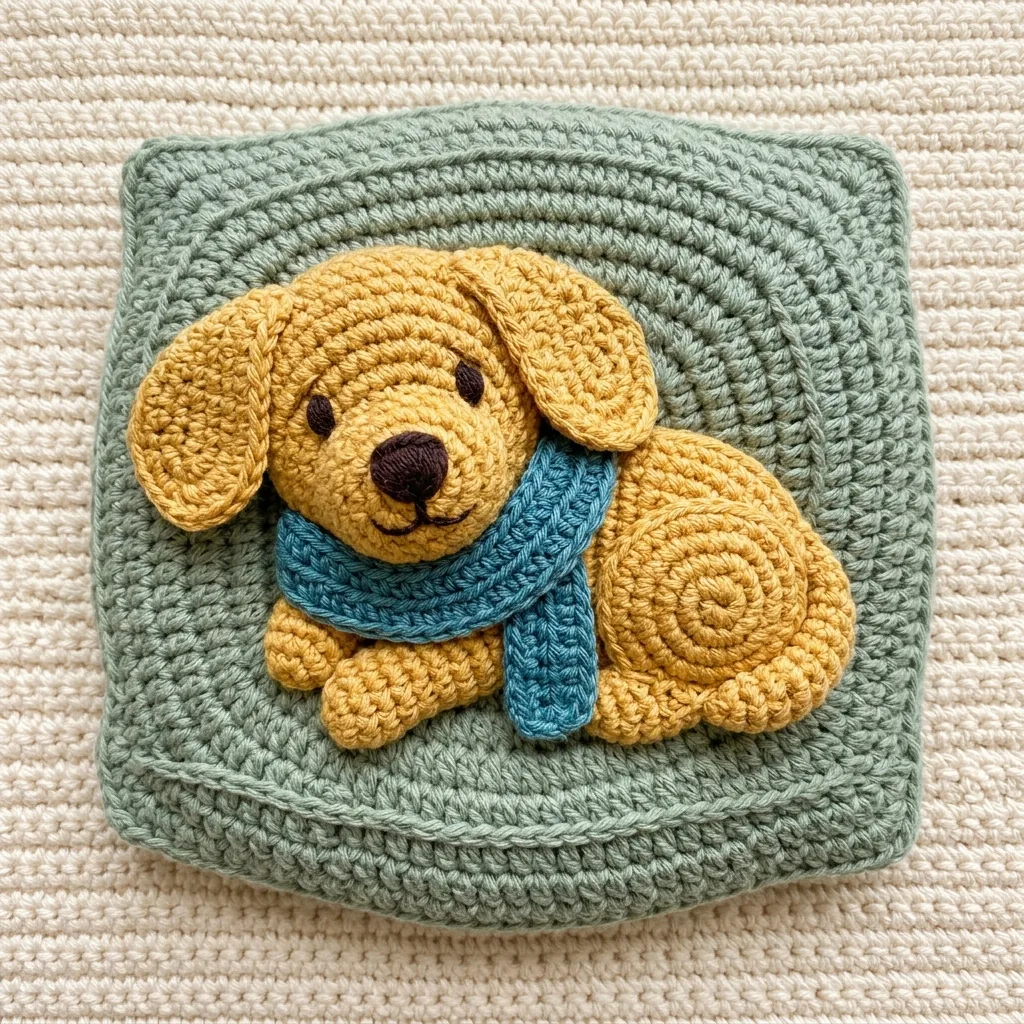
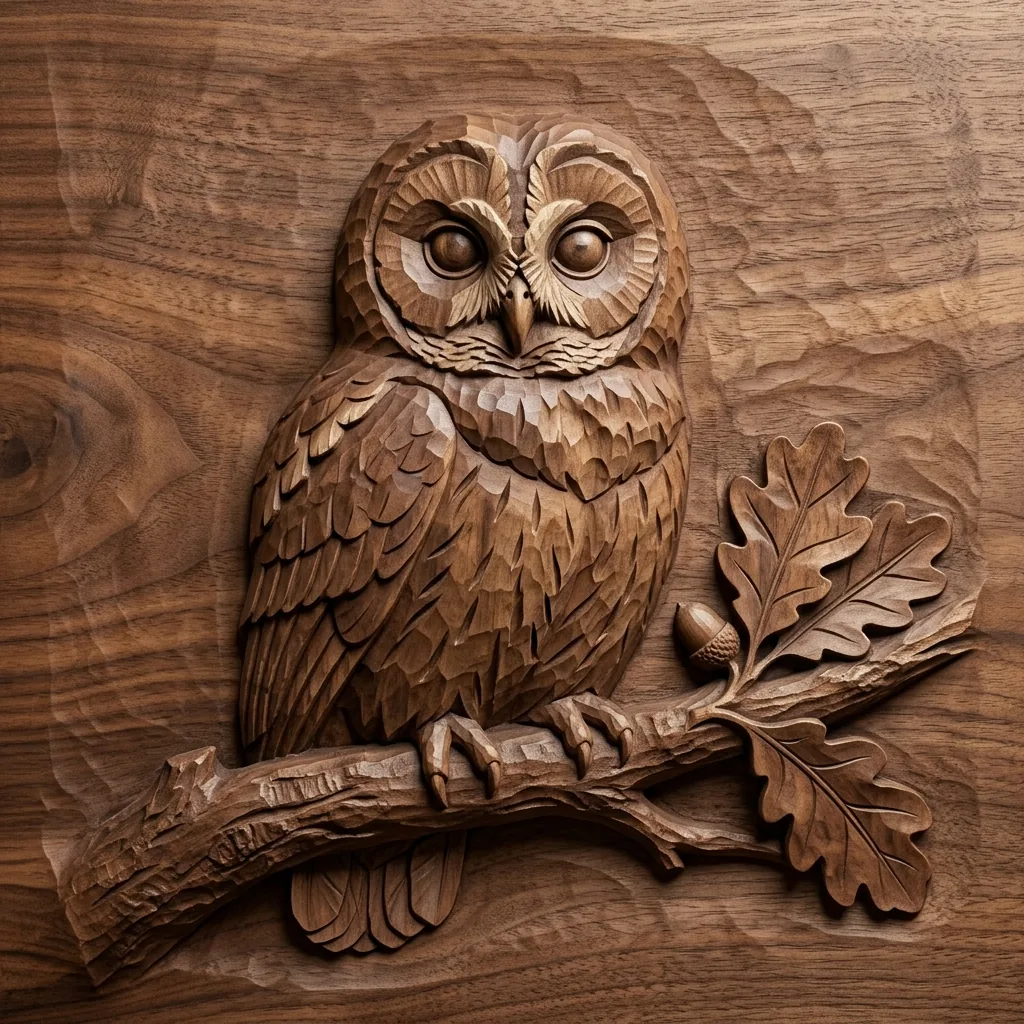
Crisp folds across four ideas

Origami Generator Examples

  • An orange fox with a folded tail
  • Tulips formed from paper petals
  • A sailboat on paper waves
  • A butterfly with angular wings

From an idea to a paper sculpture image

How to Use the AI Origami Generator

  1. Step 1

    Describe a shape or upload a photo

    Start with a recognizable subject such as a fox, crane, flower or boat. Specify its colors and pose, or upload a reference to guide those choices. You can use a photo without extra text; add a short instruction when you want to change the setting or composition.

  2. Step 2

    Generate and inspect the folds

    Review the silhouette first, then look for visible creases, sheet edges and overlapping flaps. If a result is too complex, ask for broader folds and fewer small elements in your next prompt. A clear main subject gives the paper structure room to read.

  3. Step 3

    Download the artwork

    Save your preferred image and check the details at full size. Keep the main subject within the crop when adapting the square image for a cover or card. If you plan a physical craft project, treat the image as a visual idea and design a workable folding method separately.

The details that make paper recognizable

Folds, Flaps and Light in Origami Art

Thin sheets and deliberate creases

The artwork uses matte paper planes with visible folds, overlapping flaps and thin edges. Slight surface grain helps the material read as paper. These details are especially clear around wings, ears, petals and other larger shapes where a crease can define the form.

Angular shapes with a clear focus

Broad folded planes simplify an animal, object or scene into a strong silhouette. Soft light across the planes creates volume without hiding the creases. Name the main subject and keep supporting objects limited when you want a compact composition that works at a smaller size.

Your reference, reimagined in paper

A photo can guide the subject’s color, position and defining outline. The generator then interprets those features as folded shapes. Complex textures, fine facial details and tiny objects may simplify, so references with a distinct silhouette give the paper treatment a clearer starting point.

Choose a subject with a strong outline

Origami Generator Prompt Ideas

Name the subject, paper colors, pose and setting. A clear silhouette and one light direction make folds easier to see.

An expressive paper animal

Try a rust-orange fox sitting in three-quarter view with pointed ears and a long folded tail. Place it against pale blue paper with light from the upper left. Ask for broad angular folds and a complete silhouette so the ears and tail remain easy to recognize.

A portrait interpreted as folded forms

Describe an adult with a short hairstyle and a plain collared shirt against a calm paper background. Use a reference if the person matters, then ask for a centered face and simple larger folds. Expect an artistic interpretation, with fine facial details reduced to paper shapes.

A small paper seascape

Try a navy sailboat with a cream folded sail on broad pale blue paper waves. Keep the horizon simple and place the boat near the center. Soft morning light across the sail folds can distinguish the vessel from the larger folds that form the surrounding water.

Explore shape through folded paper

Ways to Use Origami Art Images

Illustrations and visual stories

Build a simple scene around a paper animal, flower or object. Repeat a limited palette and lighting direction to give related images a consistent visual character.

Cover and card artwork

Use a strong folded silhouette as the focus of a digital cover or greeting card. Add text separately and check that the crop preserves the complete subject.

Personal photo interpretations

Reimagine a pet, favorite object or familiar place as paper art. Choose a reference with clear outlines and recognizable color areas to guide the transformation.

Paper sculpture concepts

Explore combinations of shape, color and light before planning a craft or design project. The images help communicate a visual direction; physical folding requires its own construction process.

Create more with one YouArt membership

This generator uses 8 credits for one 1K image. Membership credits work across YouArt image, video, audio, and workflow tools.

Basic

For hobbyists and explorers

$9.99/mo
Select Plan
  • 1000 credits
  • Up to ~200 images/month
  • Up to ~332s video/month
  • Intelligent creative agent
  • Video editor
  • Latest image models, including GPT Image 2.5, GPT Image 2 and Nano Banana Pro
  • Latest video models, including Seedance 2
  • Realistic face uploads
  • Voice generation with ElevenLabs
  • No watermark
  • Unlimited template access

Pro

Most Popular

For creators and pro users

$29.99/mo
Select Plan
  • 3300 credits
  • Up to ~1000 images/month
  • Up to ~1100s video/month
  • Intelligent creative agent
  • Video editor
  • Latest image models, including GPT Image 2.5, GPT Image 2 and Nano Banana Pro
  • Latest video models, including Seedance 2
  • Realistic face uploads
  • Voice generation with ElevenLabs
  • No watermark
  • Unlimited template access

Max

For power users and teams

$149.99/mo
Select Plan
  • 18000 credits
  • Up to ~6000 images/month
  • Up to ~6000s video/month
  • Intelligent creative agent
  • Video editor
  • Latest image models, including GPT Image 2.5, GPT Image 2 and Nano Banana Pro
  • Latest video models, including Seedance 2
  • Realistic face uploads
  • Voice generation with ElevenLabs
  • No watermark
  • Unlimited template access

Team

For teams and studios
$329.99/mo
Select Plan
  • 36300 credits
  • Up to ~12000 images/month
  • Up to ~12100s video/month
  • Realistic face uploads
  • Share canvas, workflows, and assets with your team
  • Up to 10 members per team
  • Up to 5 teams
  • Role-based management
  • Team credit management and spending caps
  • Per-member usage tracking

Before you begin

Origami Generator FAQ

What does the AI origami generator create?
It creates a digital image that resembles folded paper artwork. Angular planes, creases, overlapping flaps and soft shadows give the subject a sculptural appearance. You can describe a new idea or upload a photo to guide the composition and colors.
Can I turn a photo into origami art?
Yes. Upload a clear photo and generate with or without optional text. The reference guides the main silhouette, pose and colors while the generator replaces surfaces with paper forms. Fine markings and facial details may simplify, so the result is an artistic interpretation rather than an exact reconstruction.
How is origami art different from paper cut or low-poly art?
This origami treatment emphasizes folded sheets, creases, flaps and thin paper edges. Paper cut art usually builds depth from stacked cutout shapes. Low-poly art uses simplified polygonal surfaces that can appear solid. Choose origami when visible folding and paper structure are central to the look you want.
Does it generate folding instructions or a crease pattern?
No. It returns one raster artwork, not diagrams, an unfolded crease pattern or a verified sequence of folds. An attractive paper sculpture image may be impossible to fold as shown. Use it for digital art or visual inspiration, and choose a tested pattern when making physical origami.
How much does an origami image cost, and what size is it?
Each generation costs 8 credits and returns one square 1K image. The same settings apply to text prompts and reference photos. Check the displayed cost before generating, then inspect the downloaded folds and sheet edges before using the artwork at a larger size.

Keep exploring

More AI art styles to try

The closest looks to this one. Each is a full generator with its own prompt studio and examples.

Browse all 95 AI generators

Build beyond one image

Turn your result into a complete creative workflow

Open YouArt's visual canvas to connect generation, editing, upscaling, animation, and sound in one reusable process.