Turn photo into painting

Turn Photo into Painting with Layered Oil Brushwork

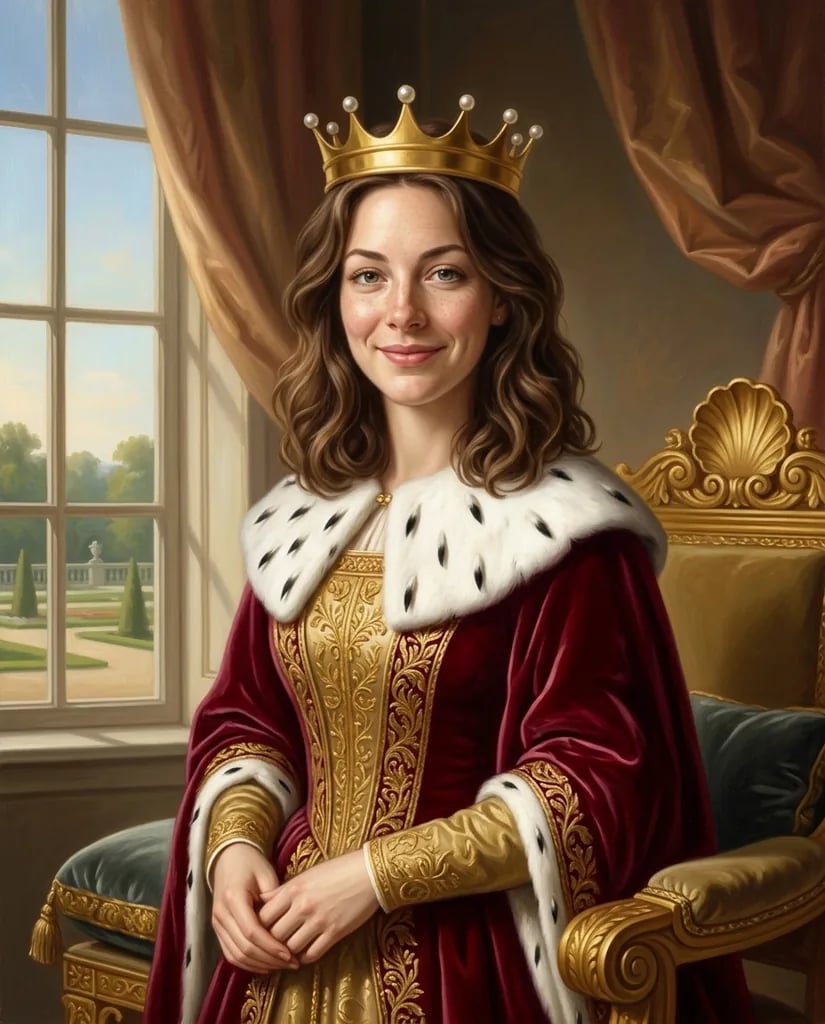
Upload a portrait, pet, performance, or landscape and repaint it in one focused oil-on-canvas treatment. Direct the palette, crop, light, background, and brush character; opaque pigment, bristle marks, moderate impasto, canvas tooth, and painterly depth complete the surface.

8 credits
A window-lit portrait with layered blue and earth pigments

Painting examples

Turn Photo into Painting Ideas for Portraits and Landscapes

  • Summer portrait
  • Violinist under stage light
  • Tabby on a green chair
  • Mountain lake at sunset

How it works

Turn a Photo into a Painting in Three Steps

  1. Step 1

    Add a photo and painting direction

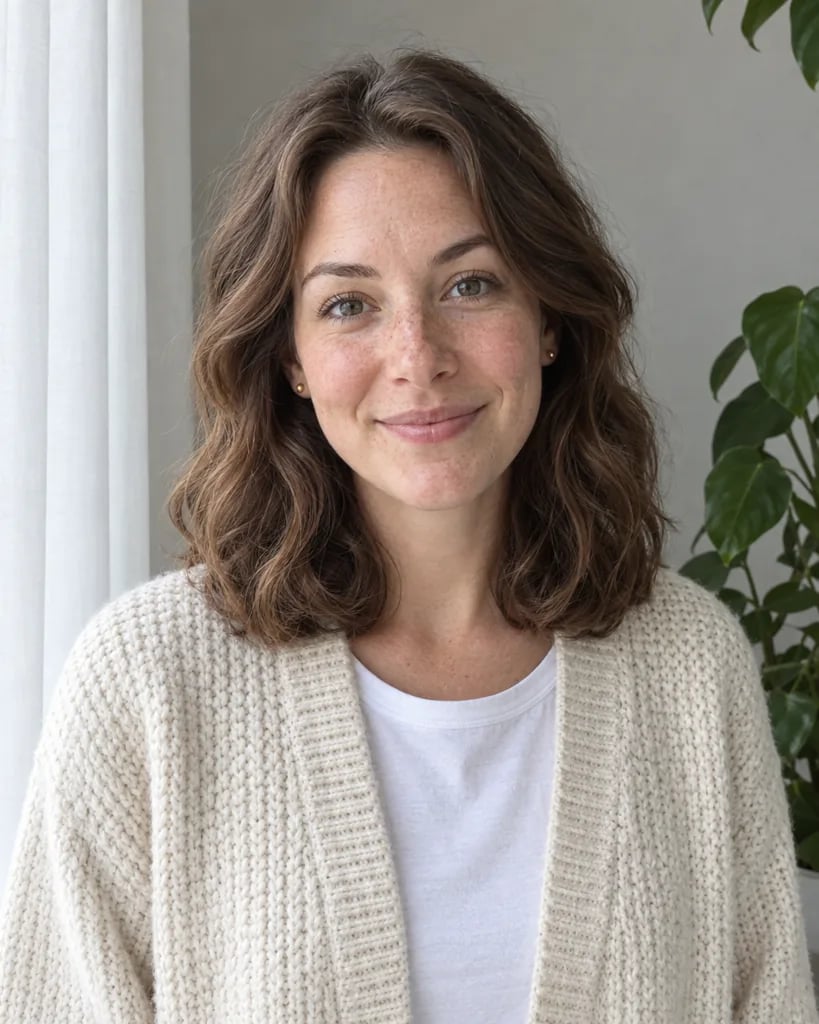
    Use a clear reference when pose and composition matter. Add the palette, light, background, crop, edge softness, and where you want visible brushwork or thicker paint.

  2. Step 2

    Create one oil-on-canvas interpretation

    YouArt creates one 1K square oil painting for 8 credits with opaque pigment, bristle marks, canvas tooth, and modeled light.

  3. Step 3

    Inspect subject and brush detail

    Check the face, hands, pet markings, instruments, horizon, and important objects at full size. Refine the brief if needed, then download your chosen painting.

Painting direction

Control the Look of One Focused Oil-Painting Treatment

Visible layered brushwork

Bristle marks and moderate impasto build form instead of covering the source with a flat canvas texture. Ask for stronger strokes around the focal area or softer blending in the background.

Opaque pigment and color depth

Layered color, warm and cool transitions, and modeled light give portraits, pets, still lifes, and landscapes physical depth. Name a compact palette for more deliberate results.

Photo-guided composition

A reference can guide the subject, pose, horizon, and major shapes while the image is repainted. State which face, object, or landscape feature must remain the visual anchor.

Prompt ideas

Oil-Painting Prompts for People, Places, and Still Life

Describe the subject, composition, palette, light, background edges, canvas character, and where the brushwork should be most visible.

Window-lit portrait

Three-quarter portrait of a woman in a blue scarf beside a tall window, warm side light, deep green background, layered oil pigment, visible bristle strokes around the scarf and hair, softer painterly edges behind her.

Mountain lake at sunset

Mountain lake at sunset with dark pines in the foreground, clear horizon, amber light across the water, deep blue-violet shadows, broad layered brushwork, moderate impasto on the brightest clouds.

Fruit and linen still life

Pears and dark grapes in a shallow ceramic bowl on folded cream linen, warm directional light, restrained umber olive and gold palette, visible bristle work, thick highlights on the nearest fruit, quiet dark background.

Ways to use it

Painted Artwork for Portraits, Gifts, and Editorial Projects

Painted portraits

Reinterpret a person, couple, musician, or pet with a deliberate palette, controlled background, and visible oil-paint texture.

Personal paintings and gifts

Turn a meaningful portrait, pet, home, landscape, or shared moment into a square painted image for a keepsake or print layout.

Interior art concepts

Explore the subject, palette, and mood of a painted piece before deciding how it fits a room, wall, or coordinated set.

Editorial and cover art

Create a focused painterly portrait, scene, or still life for articles, newsletters, presentations, and cover concepts.

Create more with one YouArt membership

This generator uses 8 credits for one 1K image. Membership credits work across YouArt image, video, audio, and workflow tools.

Basic

For hobbyists and explorers

$9.99/mo
Select Plan
  • 1000 credits
  • Up to ~200 images/month
  • At least ~1000s video/month
  • Intelligent creative agent
  • Video editor
  • Latest image models, including GPT Image 2 and Nano Banana Pro
  • Latest video models, including Seedance 2
  • Realistic face uploads
  • Voice generation with ElevenLabs
  • No watermark
  • Unlimited template access

Pro

Most Popular

For creators and pro users

$29.99/mo
Select Plan
  • 3300 credits
  • Up to ~1000 images/month
  • At least ~3300s video/month
  • Intelligent creative agent
  • Video editor
  • Latest image models, including GPT Image 2 and Nano Banana Pro
  • Latest video models, including Seedance 2
  • Realistic face uploads
  • Voice generation with ElevenLabs
  • No watermark
  • Unlimited template access

Max

For power users and teams

$149.99/mo
Select Plan
  • 18000 credits
  • Up to ~6000 images/month
  • At least ~18000s video/month
  • Intelligent creative agent
  • Video editor
  • Latest image models, including GPT Image 2 and Nano Banana Pro
  • Latest video models, including Seedance 2
  • Realistic face uploads
  • Voice generation with ElevenLabs
  • No watermark
  • Unlimited template access

Team

For teams and studios

$329.99/mo
Select Plan
  • 36300 credits
  • Up to ~12000 images/month
  • At least ~36300s video/month
  • Realistic face uploads
  • Share canvas, workflows, and assets with your team
  • Up to 10 members per team
  • Up to 5 teams
  • Role-based management
  • Team credit management and spending caps
  • Per-member usage tracking

Frequently asked questions

Turn Photo into Painting FAQ

What does turn photo into painting create?
It repaints a written scene, uploaded photo, or both as a new oil-on-canvas-style image with opaque layered pigment, visible bristle work, moderate impasto, canvas tooth, and painterly light.
What should I include in a painting prompt?
Name the subject, pose or composition, palette, lighting direction, background, crop, edge softness, and where brushwork should be most visible. One clear oil-painting direction works better than mixing several media.
Can I turn my own portrait, pet, or landscape into a painting?
Yes. Upload a clear photo and state which face, markings, pose, object, or horizon should remain recognizable. The image is repainted, so review fine identity and object details at full size.
Can I choose watercolor, sketch, or pop art on this page?
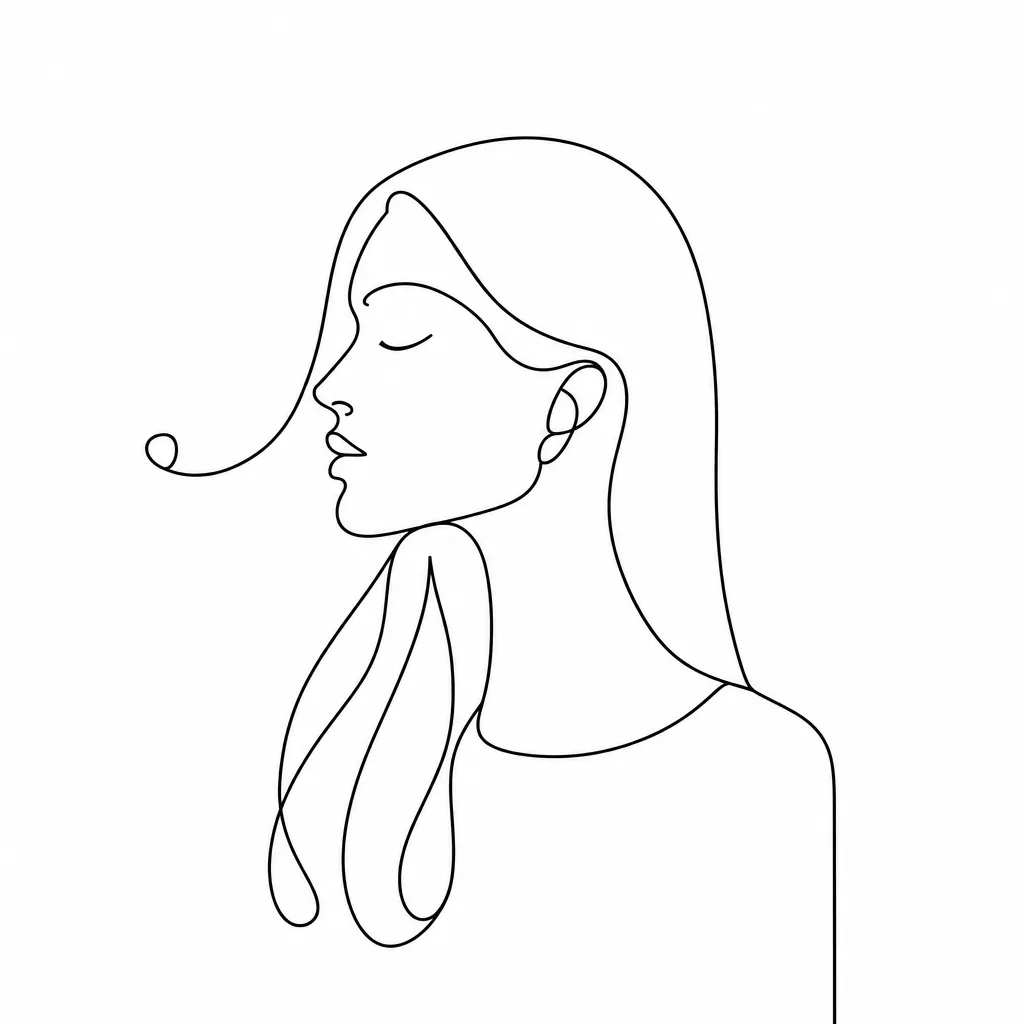
This generator stays within one opaque oil-on-canvas treatment. Use the dedicated watercolor, line-drawing, pop-art, or other generator when you need a different medium, so each page delivers a predictable visual direction.
How much does one painting cost?
Each run creates one 1K image and costs 8 YouArt credits. Editing the prompt is free until you generate; every additional variation is a new run.

Build beyond one image

Turn your result into a complete creative workflow

Open YouArt's visual canvas to connect generation, editing, upscaling, animation, and sound in one reusable process.