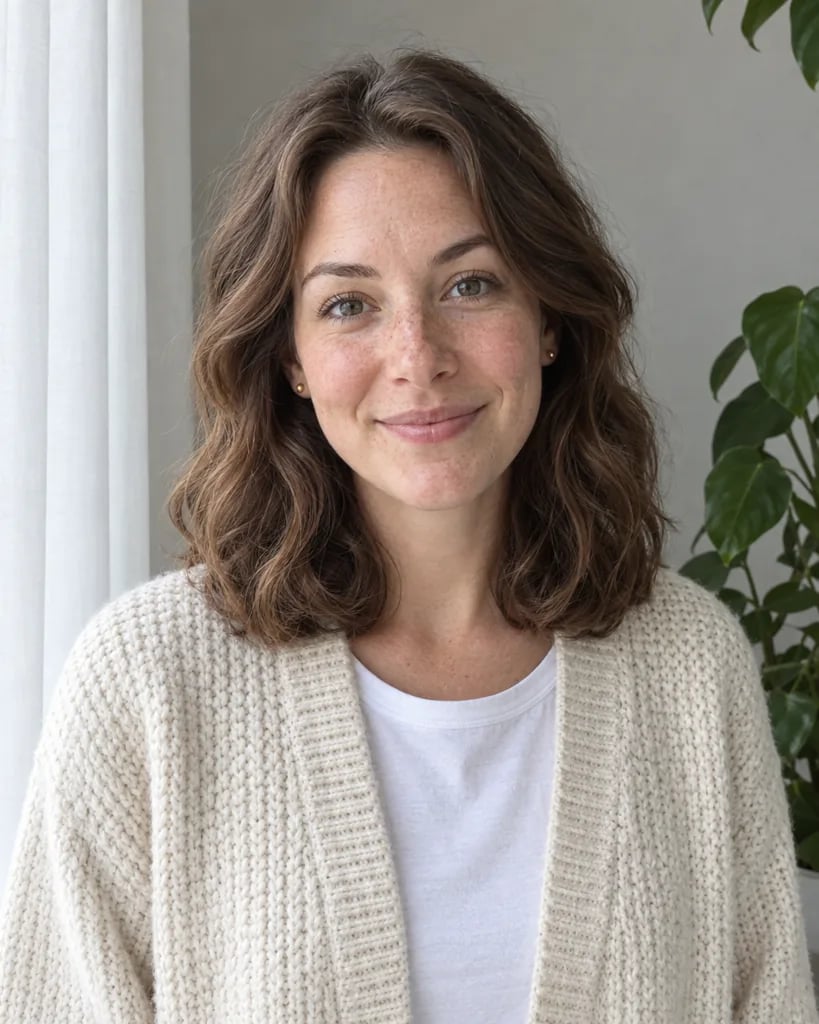
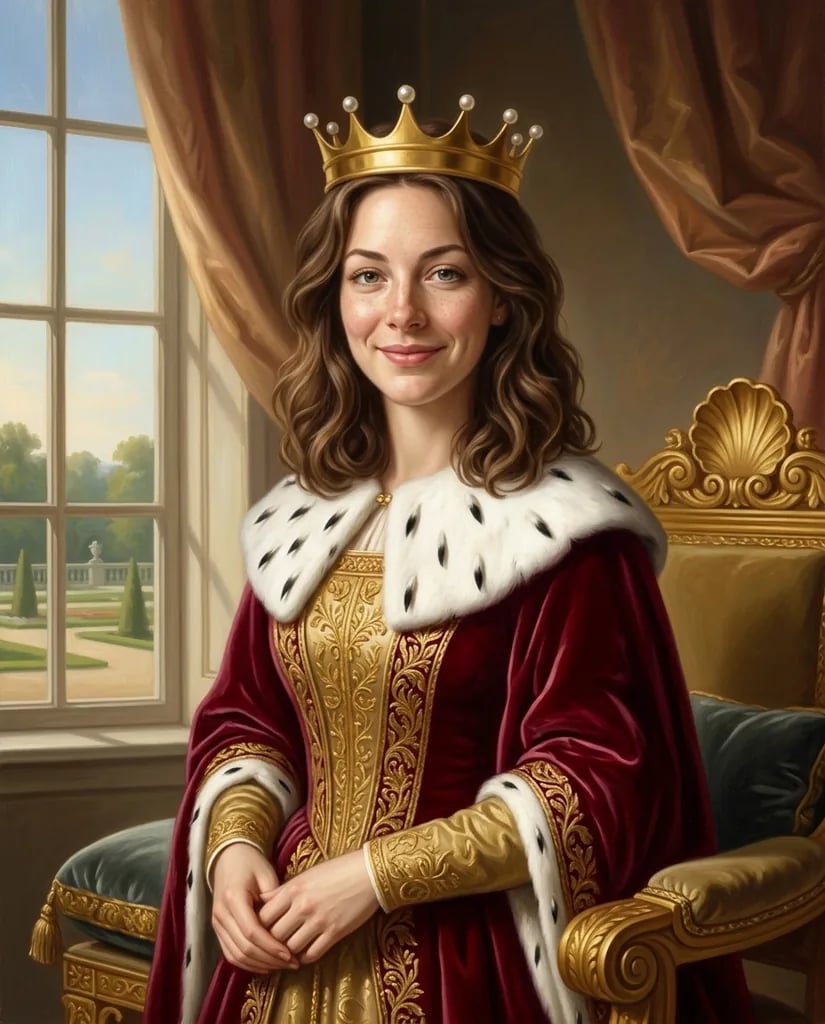
Photo to watercolor

Photo to Watercolor Art with Layered, Luminous Washes

Upload a photo or describe a scene, then shape it as a watercolor painting with translucent color, visible paper grain, softened edges, and crisp focal details. Add the subject, palette, weather, light, and crop you want; YouArt creates one square interpretation you can review and refine.

8 credits
A sunlit balcony garden in layered red and green washes

Watercolor examples

Photo to Watercolor Ideas for People, Places, and Still Life

  • Golden retriever portrait
  • Newlyweds in soft daylight
  • Pink peonies on a table
  • Café street after rain

How it works

Turn a Photo into Watercolor in Three Steps

  1. Step 1

    Add a photo or describe the scene

    Use a clear reference when the subject and composition should stay recognizable. Add a short prompt for palette, paper, lighting, edge softness, background detail, and crop.

  2. Step 2

    Create one watercolor interpretation

    YouArt creates one 1K square watercolor image for 8 credits. Each run produces a new interpretation of the brief.

  3. Step 3

    Inspect the painting at full size

    Check facial features, hands, object shapes, pigment edges, and background details. Refine the prompt if needed, then download the result you want.

Watercolor controls

Direct a Watercolor Look, Not a Flat Photo Overlay

Layered transparent washes

Translucent pigment, color blooms, pooling, and luminous light areas replace opaque digital paint. Name a dominant palette and the focal area that should stay crisp.

Visible paper and painted edges

Cold-press grain, broken brush edges, and soft transitions help the result read as a physical watercolor. Ask for looser backgrounds or more controlled architectural lines when the scene needs them.

A reference for recognizable structure

A photo can guide pose, major shapes, and composition while the image is repainted. Use a clear source and state which face, object, or landmark must remain the visual anchor.

Prompt ideas

Watercolor Prompts You Can Adapt

A useful prompt combines one clear subject, setting, palette, light, paper character, and camera view.

Garden portrait

A three-quarter portrait of a woman among blue hydrangeas, dappled afternoon light, transparent cobalt and sap-green washes, cold-press paper, soft garden edges, crisp eyes and face, square crop.

Harbor travel sketch

Small wooden fishing boats moored in a blue harbor at dawn, loose wet-on-wet sky, pale mist, reflections bleeding into the water, restrained indigo and ochre palette, airy square composition.

Wildflower still life

Poppies, cornflowers, and leafy stems in a cream ceramic pitcher on rumpled linen, clear morning side light, delicate pigment blooms, generous white paper, selective detail on the nearest petals.

Ways to use it

Watercolor Artwork for Personal and Editorial Projects

Watercolor portraits

Reinterpret a clear portrait with softer backgrounds, a chosen palette, and hand-painted texture while keeping the person as the focal point.

Personal artwork and gifts

Turn a meaningful place, pet, bouquet, or shared moment into a square painting for a card, keepsake, or print layout.

Travel scenes

Translate streets, harbors, cafés, and landscapes into airy paintings with controlled detail and room for later editorial layout.

Editorial illustration

Create restrained watercolor scenes for articles, newsletters, presentations, and story concepts without relying on stock photography.

Create more with one YouArt membership

This generator uses 8 credits for one 1K image. Membership credits work across YouArt image, video, audio, and workflow tools.

Basic

For hobbyists and explorers

$9.99/mo
Select Plan
  • 1000 credits
  • Up to ~200 images/month
  • At least ~1000s video/month
  • Intelligent creative agent
  • Video editor
  • Latest image models, including GPT Image 2 and Nano Banana Pro
  • Latest video models, including Seedance 2
  • Realistic face uploads
  • Voice generation with ElevenLabs
  • No watermark
  • Unlimited template access

Pro

Most Popular

For creators and pro users

$29.99/mo
Select Plan
  • 3300 credits
  • Up to ~1000 images/month
  • At least ~3300s video/month
  • Intelligent creative agent
  • Video editor
  • Latest image models, including GPT Image 2 and Nano Banana Pro
  • Latest video models, including Seedance 2
  • Realistic face uploads
  • Voice generation with ElevenLabs
  • No watermark
  • Unlimited template access

Max

For power users and teams

$149.99/mo
Select Plan
  • 18000 credits
  • Up to ~6000 images/month
  • At least ~18000s video/month
  • Intelligent creative agent
  • Video editor
  • Latest image models, including GPT Image 2 and Nano Banana Pro
  • Latest video models, including Seedance 2
  • Realistic face uploads
  • Voice generation with ElevenLabs
  • No watermark
  • Unlimited template access

Team

For teams and studios

$329.99/mo
Select Plan
  • 36300 credits
  • Up to ~12000 images/month
  • At least ~36300s video/month
  • Realistic face uploads
  • Share canvas, workflows, and assets with your team
  • Up to 10 members per team
  • Up to 5 teams
  • Role-based management
  • Team credit management and spending caps
  • Per-member usage tracking

Frequently asked questions

Photo to Watercolor FAQ

What does the photo to watercolor generator do?
It creates a new watercolor-style image from a written scene, an uploaded photo, or both. The result uses translucent washes, paper grain, softened edges, and selective detail rather than adding a simple texture over the source.
What should I include in a watercolor prompt?
Name the subject and setting first, then add palette, time of day, light, paper, edge softness, level of detail, and crop. Say which focal detail should remain crisp and which areas can dissolve into looser washes.
Can I turn my own photo into watercolor art?
Yes. Add a clear JPG, PNG, or WebP and optionally describe the watercolor treatment. The photo guides the new painting, but generation may reinterpret fine facial, text, or background details, so inspect the result at full size.
Can I control how loose or detailed the watercolor looks?
Yes. Ask for loose wet-on-wet backgrounds, controlled dry-brush edges, a limited palette, crisp architectural lines, or detailed focal features. One concise direction is easier to follow than a long list of conflicting techniques.
How much does one watercolor image cost?
Each run creates one 1K image and costs 8 YouArt credits. Editing the prompt is free until you generate; every additional variation is a new run.

Build beyond one image

Turn your result into a complete creative workflow

Open YouArt's visual canvas to connect generation, editing, upscaling, animation, and sound in one reusable process.