Let the light find the subject

Rembrandt Filter for Warm, Expressive Paintings

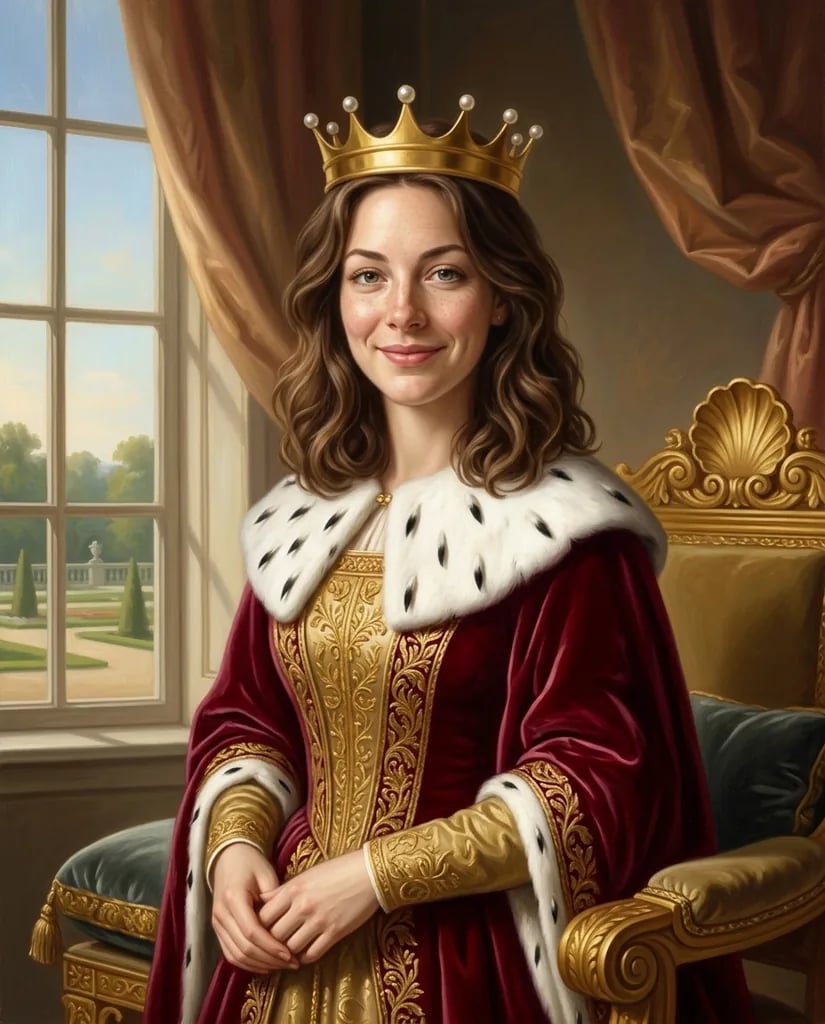
Give a portrait or still life the depth of warm light against quiet shadow. Upload a photo or describe a subject; the Rembrandt filter interprets it with amber highlights, deep brown tones and varied paint marks. Familiar clothes and objects can stay part of the picture while the lighting changes its mood.

8 credits
Warm side light reveals the face against deep brown shadow

Subjects in light and shade

Rembrandt Filter Examples

  • A reader beside a warm window
  • A resting greyhound in warm tones
  • Copper and fruit catching the light
  • A violinist with a quiet expression

From subject to painted light

How to Use the Rembrandt Filter on a Photo or Idea

  1. Step 1

    Start with a clear subject

    Upload a portrait, pet photo or still-life image, or describe a scene from scratch. A visible face and an uncomplicated background make useful portrait references. A photo alone is enough; extra text can name the light direction, setting or expression.

  2. Step 2

    Review the light and shadow

    Generate the painting and check that the important features remain readable. If the dark side feels too heavy, ask for softer contrast and more detail in the shadows. A plain background can help the face or object hold attention.

  3. Step 3

    Choose and save your painting

    Download the result you prefer. Look closely at eyes, hands and small objects before using the image in a larger design. If recognition matters, compare the painting with the original photo as well as judging the atmosphere.

A painterly sense of depth

What Defines the Rembrandt-Inspired Look

One light with a clear purpose

Warm side light brings a face, a muzzle or a reflective object forward. The surrounding shadows stay colored and quiet, helping a few highlights become the focus. You can describe where the light should fall instead of accepting the default direction.

Varied marks across the surface

Lit areas carry more visible bristle marks and brighter paint accents, while darker passages remain softer. This variation can give skin, wool, fur and copper different characters. The treatment aims for a painted surface with detail concentrated around the subject.

A familiar subject in a new atmosphere

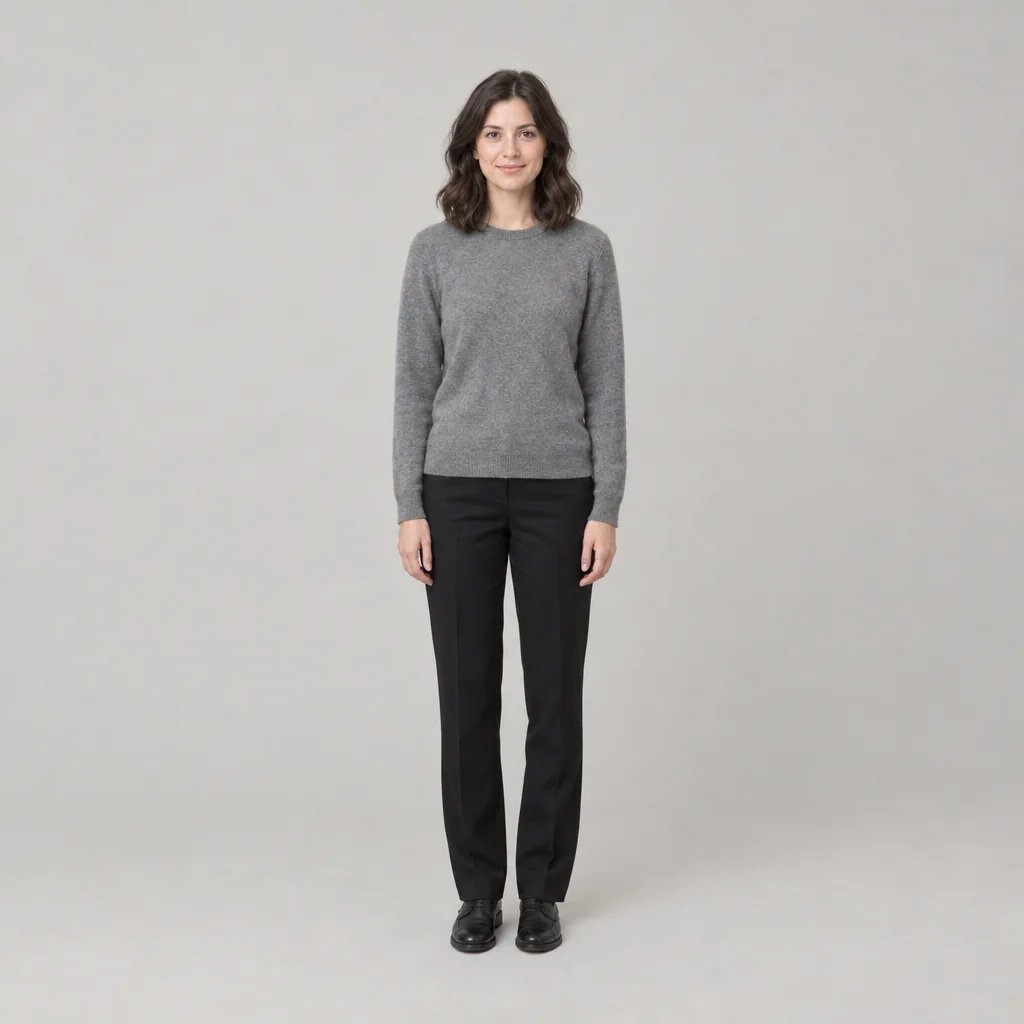
A reference supplies the main features, clothes and arrangement. A modern sweater can remain a sweater, and a simple room can remain simple. The effect does not need a historical hat or decorative collar to create a convincing study of light.

Directions for the next painting

Rembrandt-Style Portrait and Still-Life Prompts

Name the subject, light source and mood. The warm oil-painting treatment is already selected.

A portrait with a quiet background

Try a shoulder-up portrait in a plain dark sweater, lit from a window on the left. Ask for a visible eye on the shadow side, a warm cheek highlight and a thoughtful expression. Keep the background understated.

A few objects with contrasting surfaces

Describe a copper jug, two pears and a folded cloth on a dark table. A single warm light can give the metal a bright accent while the fruit and fabric stay softer. Avoid crowding the arrangement with decorative objects.

A pet with a recognizable resting pose

Use a clear photo of a dog or cat, then ask for warm light on the muzzle and eyes. Let the blanket and background fall into quieter tones. The animal’s posture and expression can carry the painting without a costume or elaborate setting.

Paintings with a personal subject

Ways to Use Rembrandt-Style Images

Personal portraits

Explore a thoughtful painted interpretation of a familiar face. Start with a clear reference and compare the defining features before choosing a final image.

Pet paintings

Give a favorite resting pose a warm, intimate atmosphere. A simple blanket or dark background helps the eyes and muzzle become the focal point.

Still-life studies

Try arrangements of fruit, cloth, pottery or metal. Change the light direction to explore how highlights and deep shadows shape the objects.

Cover and editorial concepts

Develop a portrait or still life where a restrained, dramatic mood suits the subject. Add titles and other layout elements separately after selecting the painting.

Create more with one YouArt membership

This generator uses 8 credits for one 1K image. Membership credits work across YouArt image, video, audio, and workflow tools.

Basic

For hobbyists and explorers

$9.99/mo
Select Plan
  • 1000 credits
  • Up to ~200 images/month
  • Up to ~332s video/month
  • Intelligent creative agent
  • Video editor
  • Latest image models, including GPT Image 2.5, GPT Image 2 and Nano Banana Pro
  • Latest video models, including Seedance 2
  • Realistic face uploads
  • Voice generation with ElevenLabs
  • No watermark
  • Unlimited template access

Pro

Most Popular

For creators and pro users

$29.99/mo
Select Plan
  • 3300 credits
  • Up to ~1000 images/month
  • Up to ~1100s video/month
  • Intelligent creative agent
  • Video editor
  • Latest image models, including GPT Image 2.5, GPT Image 2 and Nano Banana Pro
  • Latest video models, including Seedance 2
  • Realistic face uploads
  • Voice generation with ElevenLabs
  • No watermark
  • Unlimited template access

Max

For power users and teams

$149.99/mo
Select Plan
  • 18000 credits
  • Up to ~6000 images/month
  • Up to ~6000s video/month
  • Intelligent creative agent
  • Video editor
  • Latest image models, including GPT Image 2.5, GPT Image 2 and Nano Banana Pro
  • Latest video models, including Seedance 2
  • Realistic face uploads
  • Voice generation with ElevenLabs
  • No watermark
  • Unlimited template access

Team

For teams and studios

$329.99/mo
Select Plan
  • 36300 credits
  • Up to ~12000 images/month
  • Up to ~12100s video/month
  • Realistic face uploads
  • Share canvas, workflows, and assets with your team
  • Up to 10 members per team
  • Up to 5 teams
  • Role-based management
  • Team credit management and spending caps
  • Per-member usage tracking

Before you begin

Rembrandt Filter FAQ

What does the Rembrandt filter do?
It creates a new oil-style image inspired by warm chiaroscuro and expressive paint handling. Directional light, rich brown shadows and selective highlights reinterpret the subject. You can begin with a photo or text. It is an AI rendering, not a painting made or authenticated by Rembrandt.
Can I apply the Rembrandt filter to my own photo?
Yes. Upload a photo and generate with the text field empty, or add a short direction for the light and setting. The preset aims to retain defining features and the main arrangement. Artistic interpretation can change small details, so review the likeness before choosing a result.
How is this different from the Renaissance portrait generator?
This page concentrates on warm, directional light and varied oil-paint texture, with no automatic change into period costume. The Renaissance portrait page offers a different historical portrait direction. Choose Rembrandt when the contrast between a lit subject and deep, colored shadow is the main effect you want.
Can I make the shadows lighter or the light more dramatic?
Yes, through the prompt. Try softer side light with visible shadow detail for a gentler result, or a small warm light against a dark room for stronger contrast. These words guide the interpretation; there is no dedicated lighting slider or guarantee of an exact light pattern.
How much does a Rembrandt-style painting cost, and what size is it?
Each generation costs 8 credits and returns one square 1K image. The same settings apply to text and photo input. Check the displayed cost before generating, and inspect faces, hands and dark areas at full size before using the result in a larger layout.

Keep exploring

More AI art styles to try

The closest looks to this one. Each is a full generator with its own prompt studio and examples.

Browse all 89 AI generators

Build beyond one image

Turn your result into a complete creative workflow

Open YouArt's visual canvas to connect generation, editing, upscaling, animation, and sound in one reusable process.