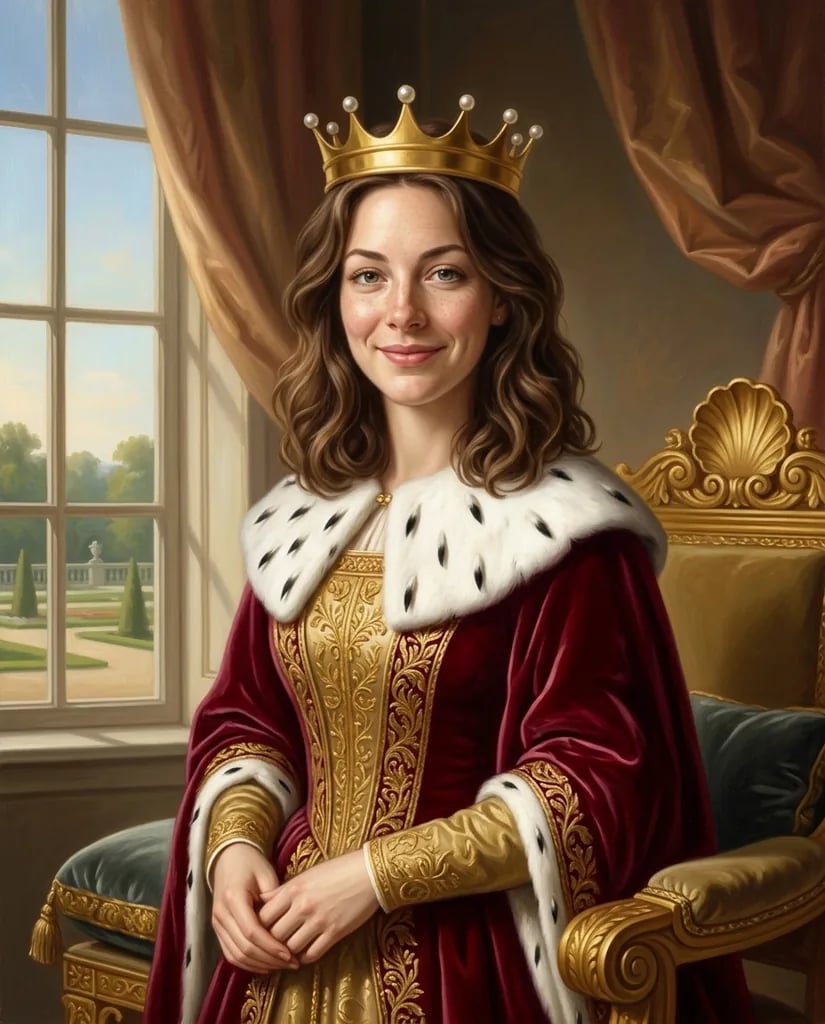
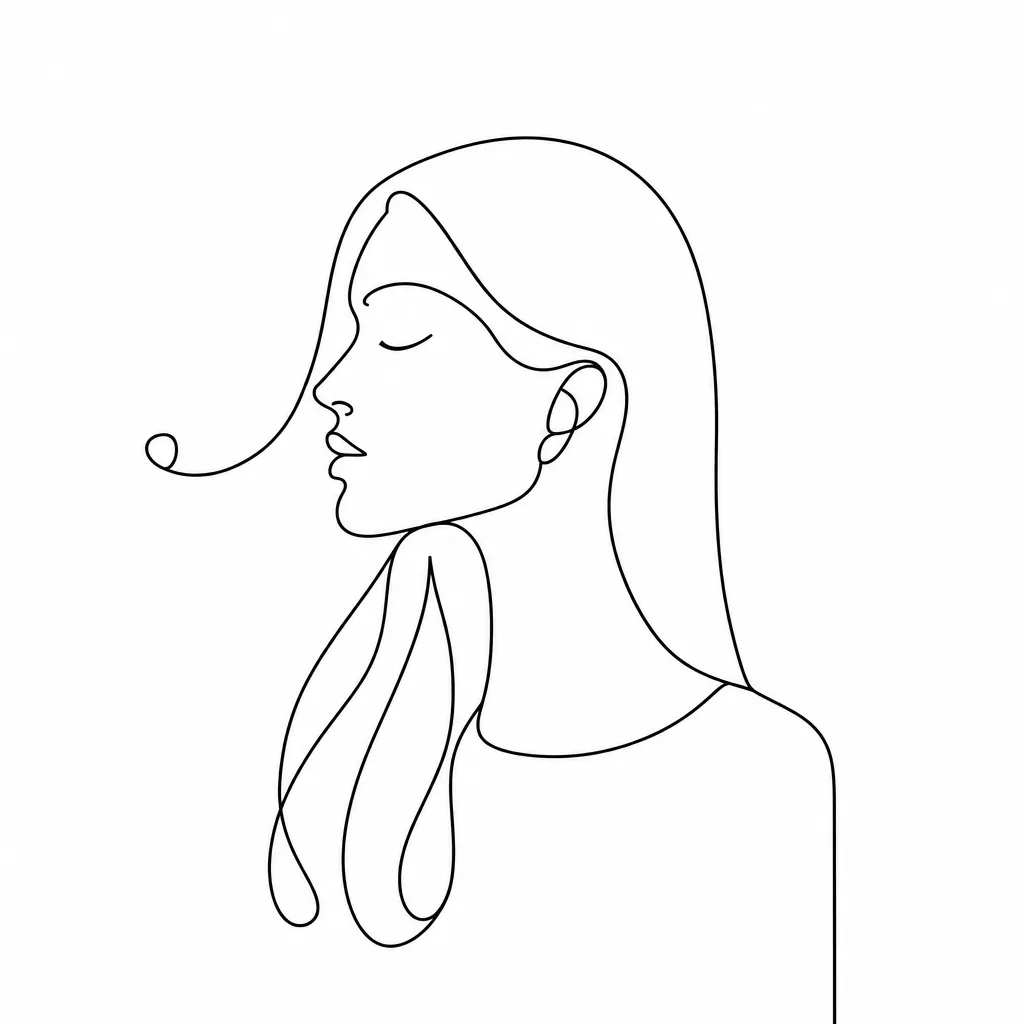
Photo to illustration

Photo to Illustration with Clean Lines and Balanced Color

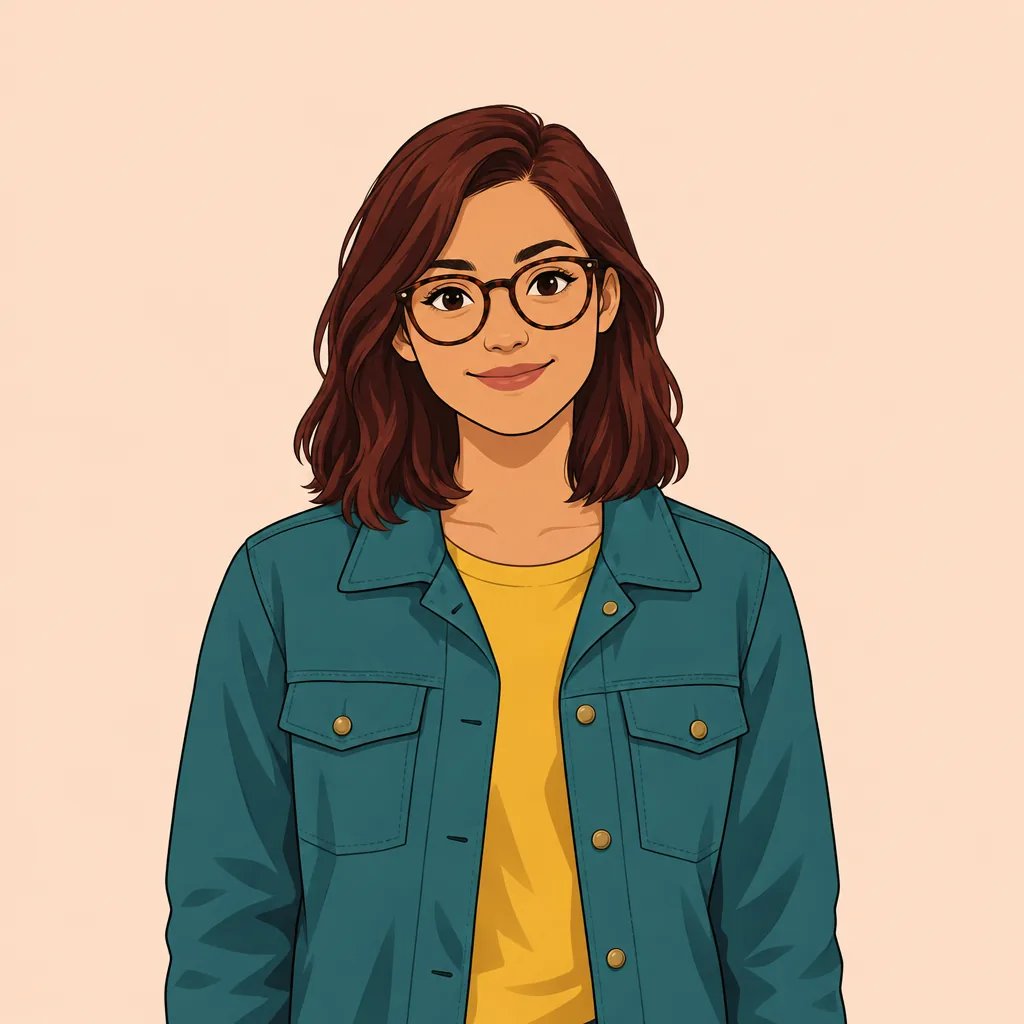
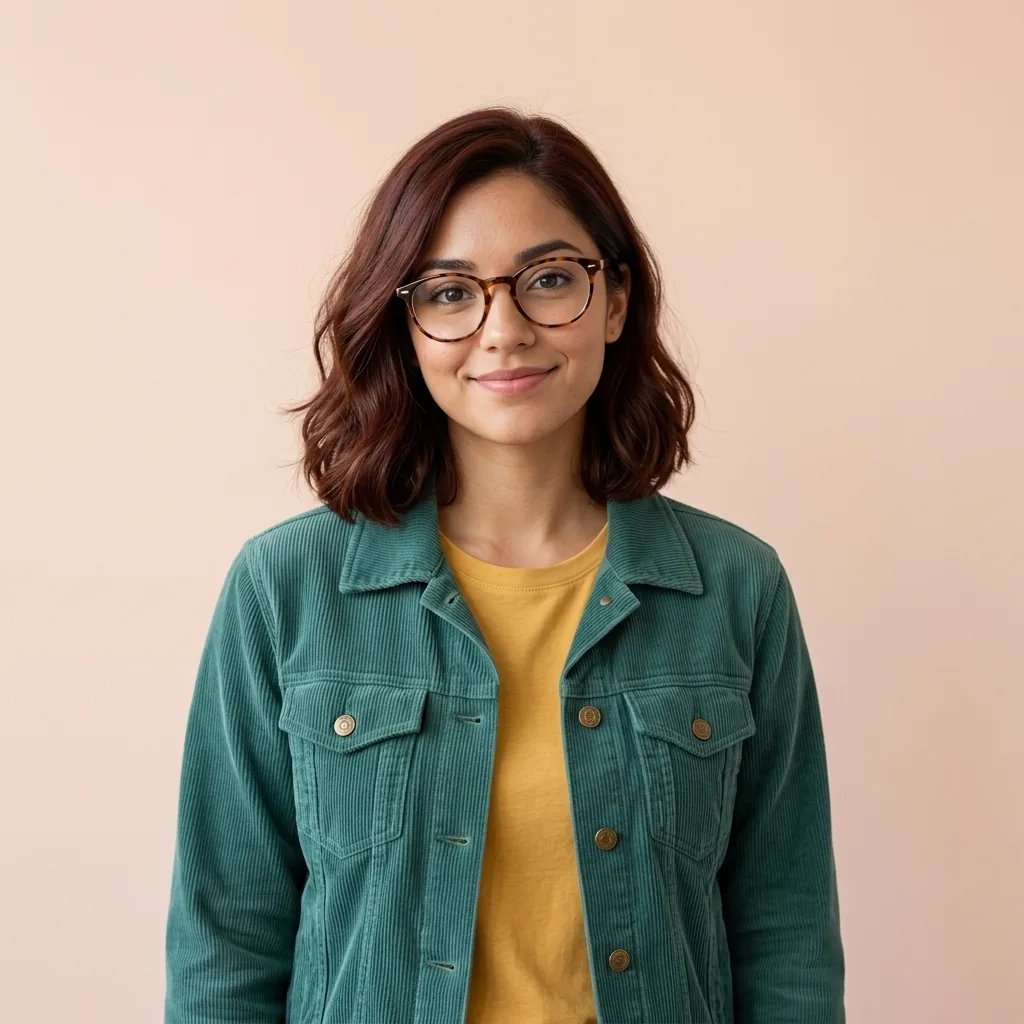
Upload a portrait, pet, product, or scene and redraw it in one consistent editorial-storybook style. Direct the palette, mood, background, crop, and details while clean linework, simplified forms, opaque color shapes, and subtle paper grain hold the look together.

8 credits
A quiet café reader in warm linework and layered color

Illustration examples

Photo to Illustration Examples with One Consistent Look

  • Golden-hour street portrait
  • Golden retriever portrait
  • Amber cosmetic bottle
  • Peonies and eucalyptus

How it works

Turn a Photo into an Illustration in Three Steps

  1. Step 1

    Add a photo and set the direction

    Use a clear source when the subject and composition matter. Describe the palette, mood, background, line character, level of simplification, and final crop.

  2. Step 2

    Create one illustrated redraw

    YouArt creates one 1K square editorial-storybook image for 8 credits with clean lines, color blocks, and restrained texture.

  3. Step 3

    Review recognizable details

    Inspect faces, hands, product shapes, pet features, and important objects at full size. Refine the prompt when needed, then download your chosen illustration.

Illustration direction

A Focused Illustration Style You Can Direct

Simplified recognizable forms

The treatment reduces visual noise while preserving the subject's major contours, pose, and identifying shapes. State which features or objects must remain prominent.

Clean editorial finish

Confident lines, opaque color blocks, restrained shadows, and subtle paper grain create a cohesive result for articles, books, and presentations.

Photo-guided composition

A reference can guide a face, pet, product, or location while your prompt changes the palette and surrounding scene. Use a simple source with a clear focal point for the strongest redraw.

Prompt ideas

Photo-to-Illustration Prompts for Different Subjects

Describe the focal subject, composition, palette, background, light, and the details that should stay recognizable.

Editorial street portrait

A woman in a beige trench coat crossing a downtown street at golden hour, clean ink linework, simplified architecture, ochre and slate color blocks, restrained shadows, subtle paper grain, square editorial crop.

Botanical still life

Pink peonies and eucalyptus arranged against a warm neutral wall, confident contour lines, opaque blush and sage shapes, delicate interior detail, quiet storybook illustration, centered square composition.

Illustrated food spread

A breakfast table with sourdough, berries, coffee, and folded linen seen from a slight overhead angle, clean linework, warm limited palette, simple color blocks, soft paper texture, organized editorial layout.

Ways to use it

Illustrations for Articles, Books, and Brand Concepts

Articles and newsletters

Turn a person, place, object, or idea into a cohesive editorial image that can replace a generic stock-photo treatment.

Presentations and reports

Create focused illustrations for a cover, section opener, process story, or case-study slide with a controlled palette.

Story and book concepts

Explore character, pet, botanical, food, and setting artwork in one consistent storybook-oriented visual language.

Campaign visual direction

Test simplified compositions and color systems before adapting an approved direction into a wider asset set.

Create more with one YouArt membership

This generator uses 8 credits for one 1K image. Membership credits work across YouArt image, video, audio, and workflow tools.

Basic

For hobbyists and explorers

$9.99/mo
Select Plan
  • 1000 credits
  • Up to ~200 images/month
  • At least ~1000s video/month
  • Intelligent creative agent
  • Video editor
  • Latest image models, including GPT Image 2 and Nano Banana Pro
  • Latest video models, including Seedance 2
  • Realistic face uploads
  • Voice generation with ElevenLabs
  • No watermark
  • Unlimited template access

Pro

Most Popular

For creators and pro users

$29.99/mo
Select Plan
  • 3300 credits
  • Up to ~1000 images/month
  • At least ~3300s video/month
  • Intelligent creative agent
  • Video editor
  • Latest image models, including GPT Image 2 and Nano Banana Pro
  • Latest video models, including Seedance 2
  • Realistic face uploads
  • Voice generation with ElevenLabs
  • No watermark
  • Unlimited template access

Max

For power users and teams

$149.99/mo
Select Plan
  • 18000 credits
  • Up to ~6000 images/month
  • At least ~18000s video/month
  • Intelligent creative agent
  • Video editor
  • Latest image models, including GPT Image 2 and Nano Banana Pro
  • Latest video models, including Seedance 2
  • Realistic face uploads
  • Voice generation with ElevenLabs
  • No watermark
  • Unlimited template access

Team

For teams and studios

$329.99/mo
Select Plan
  • 36300 credits
  • Up to ~12000 images/month
  • At least ~36300s video/month
  • Realistic face uploads
  • Share canvas, workflows, and assets with your team
  • Up to 10 members per team
  • Up to 5 teams
  • Role-based management
  • Team credit management and spending caps
  • Per-member usage tracking

Frequently asked questions

Photo to Illustration FAQ

What does photo to illustration do?
It redraws a prompt, uploaded photo, or both as a new editorial-storybook illustration with clean linework, simplified forms, opaque color blocks, restrained shading, and paper grain.
What should I include in an illustration prompt?
Name the subject, action, background, palette, light, crop, and the details that should remain recognizable. Ask for one coherent mood and composition rather than several conflicting illustration styles.
Can I illustrate my own portrait, pet, or product photo?
Yes. Upload a clear source and describe the treatment you want. The model redraws the image rather than tracing it exactly, so inspect faces, text, logos, and product details before using the result.
Can I switch this page to watercolor, manga, or 3D?
This generator stays within one clean editorial-storybook illustration treatment. Use the dedicated watercolor, manga, or other generator when you need a different medium, so the output promise remains predictable.
How much does one illustration cost?
Each run creates one 1K image and costs 8 YouArt credits. Editing the prompt is free until you generate; every additional variation is a new run.

Build beyond one image

Turn your result into a complete creative workflow

Open YouArt's visual canvas to connect generation, editing, upscaling, animation, and sound in one reusable process.