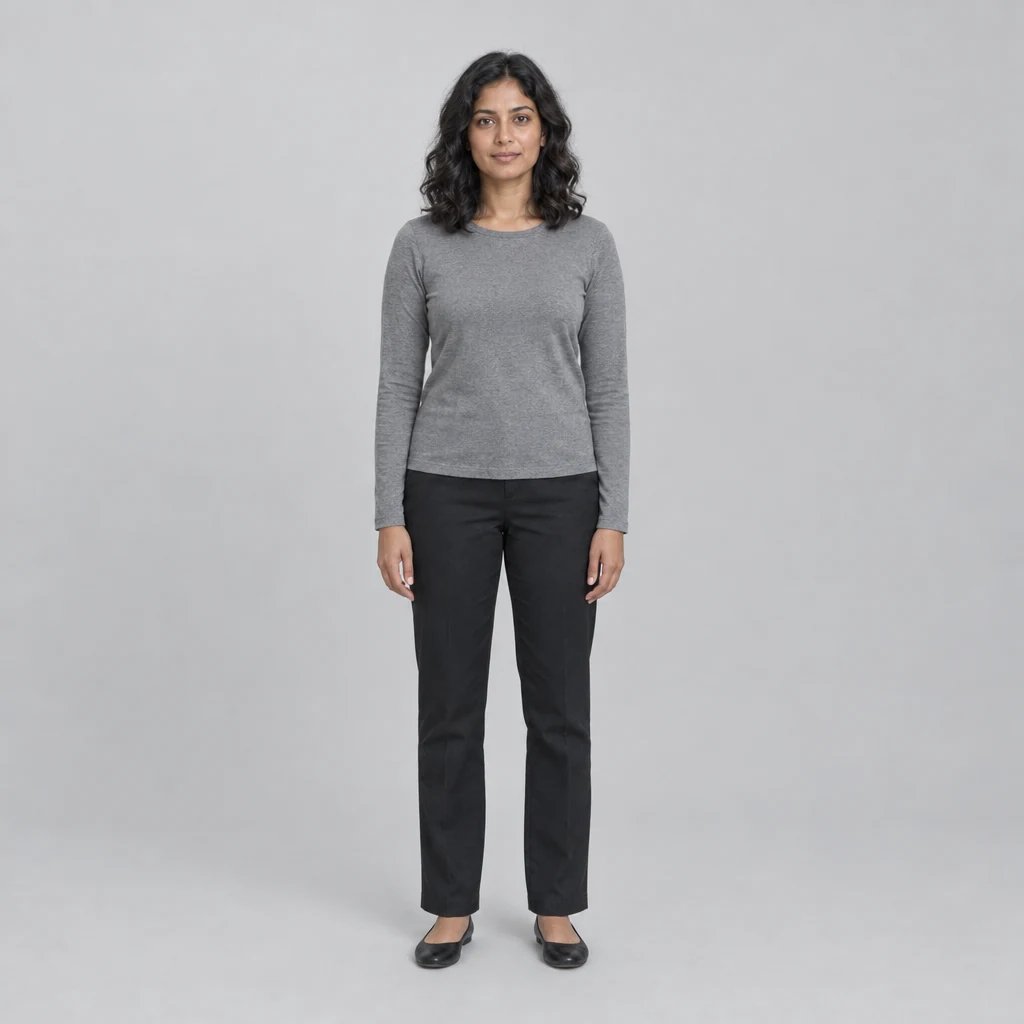
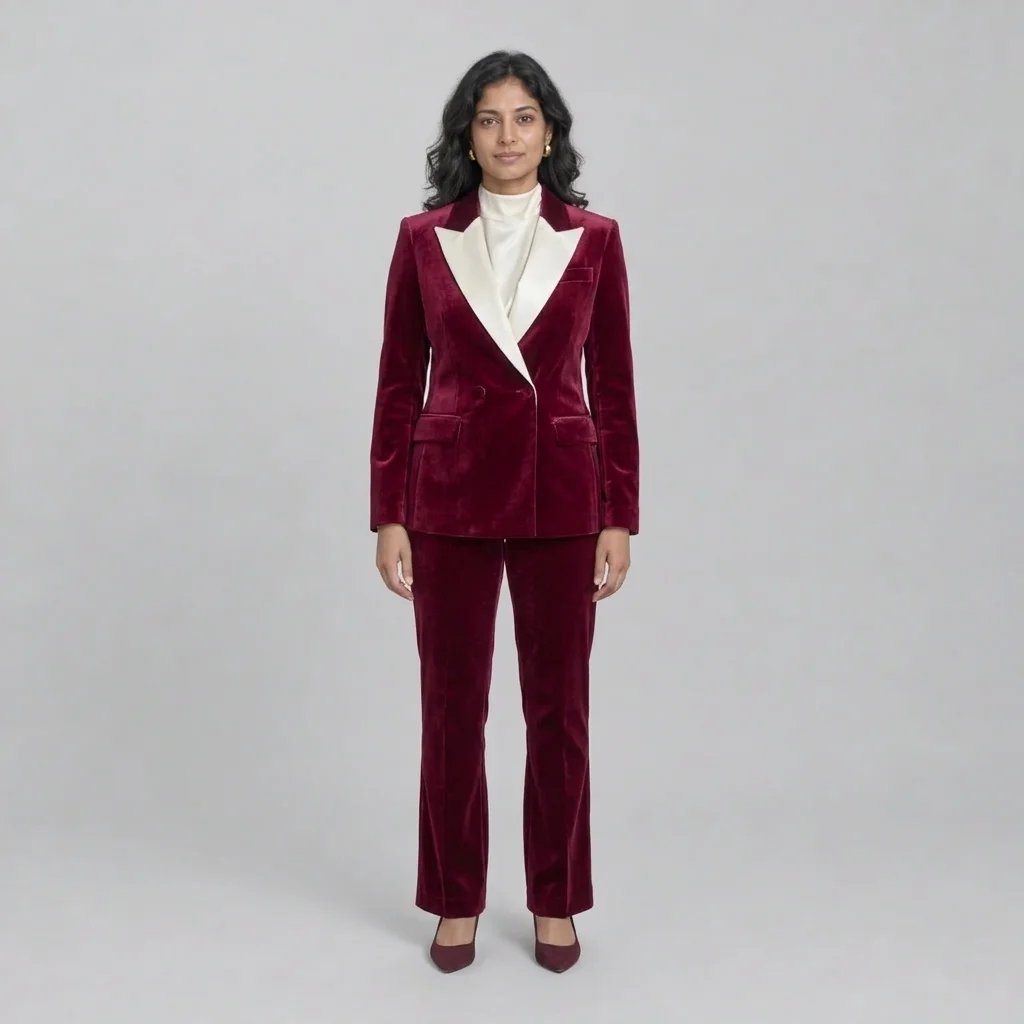
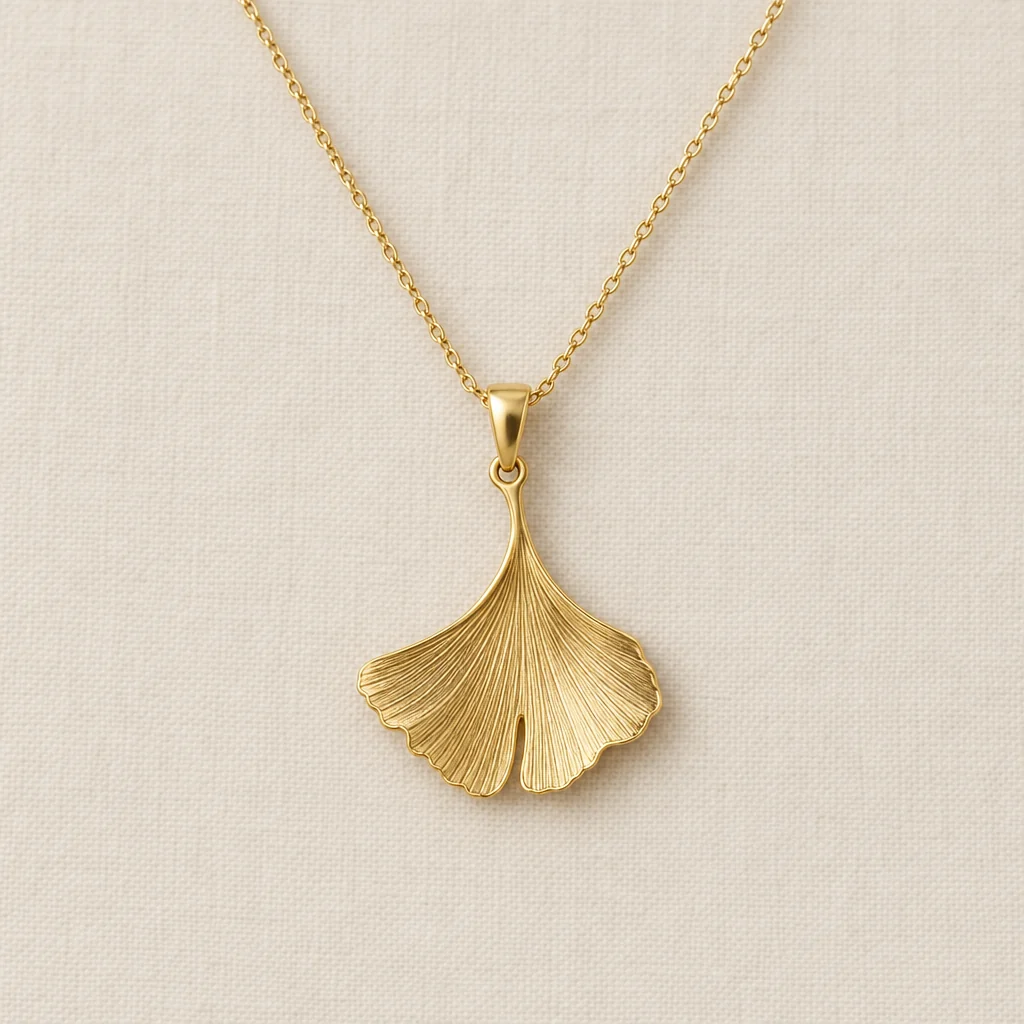
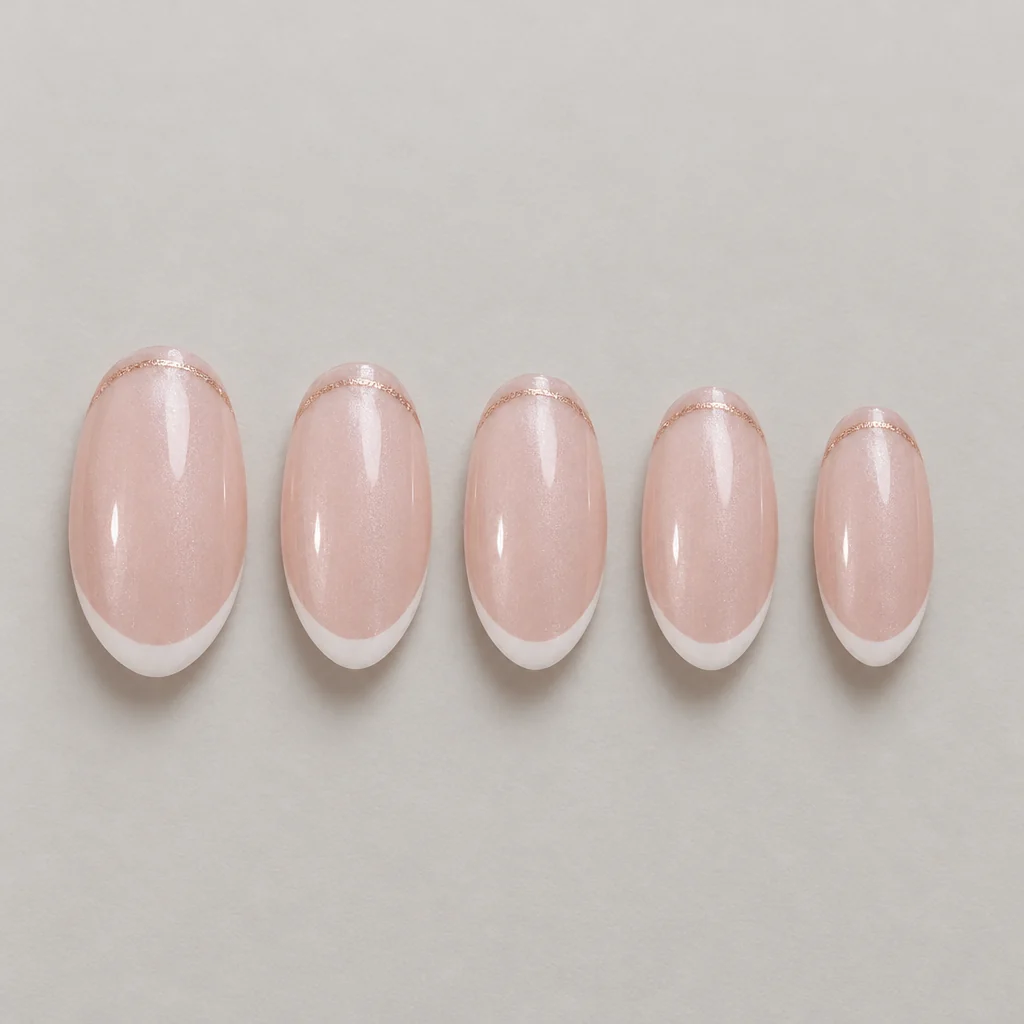
AI fashion design generator

AI Fashion Design Generator for Original Clothing Concepts

Give your next garment a visible shape. Describe the cut, fabric and colors, or add a sketch or reference image, then create a fashion concept to explore on its own or as part of a collection.

8 credits
Folded-collar coat and wide-leg trousers

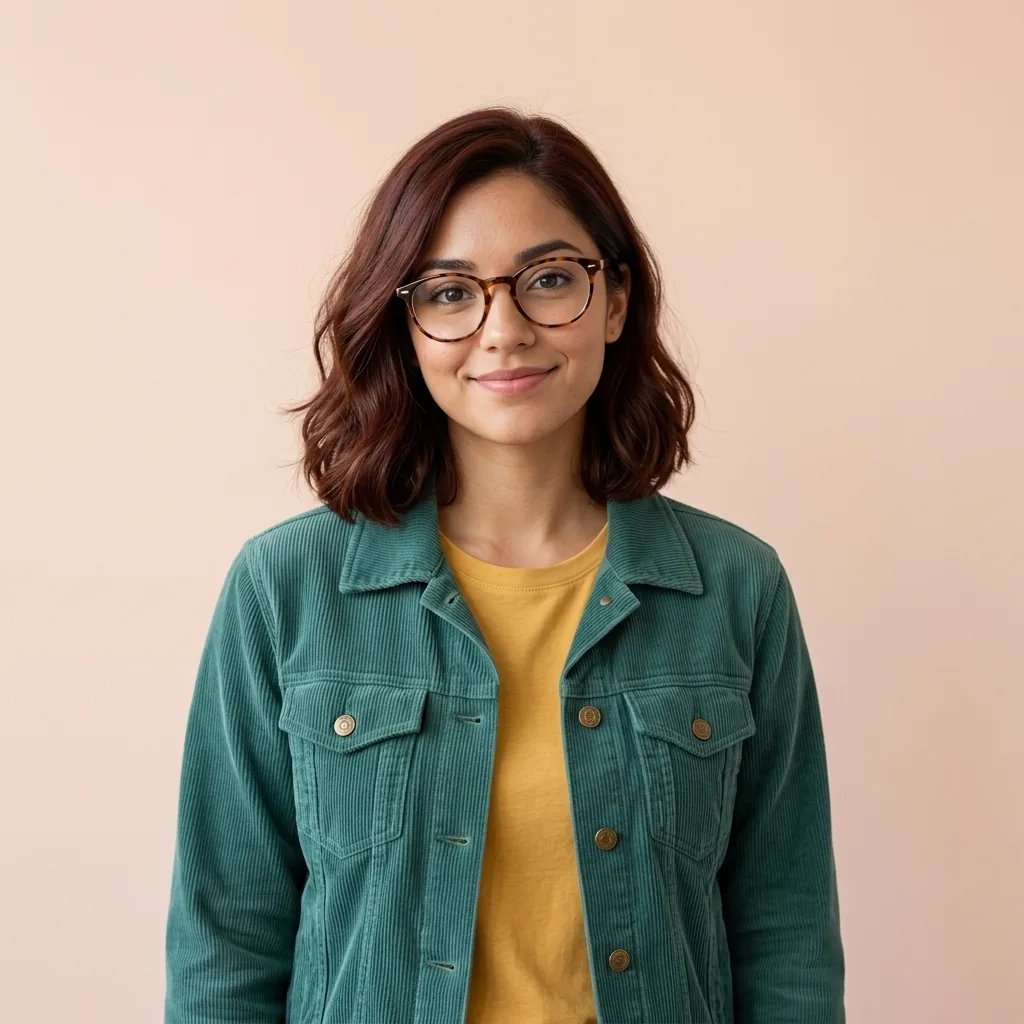
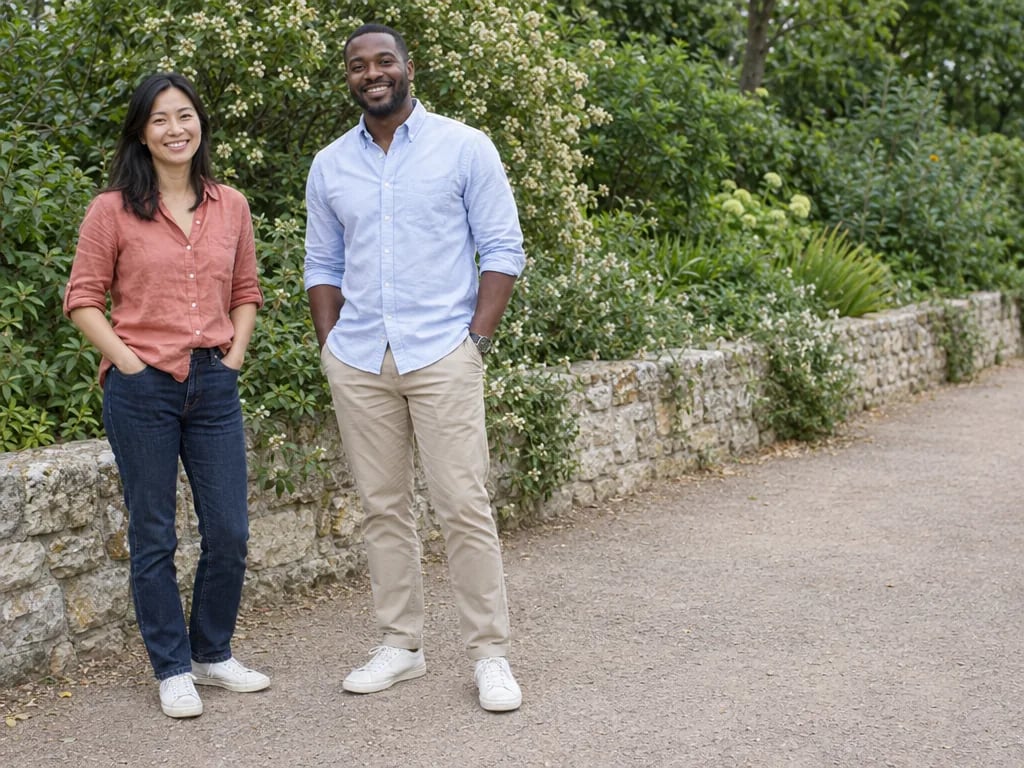
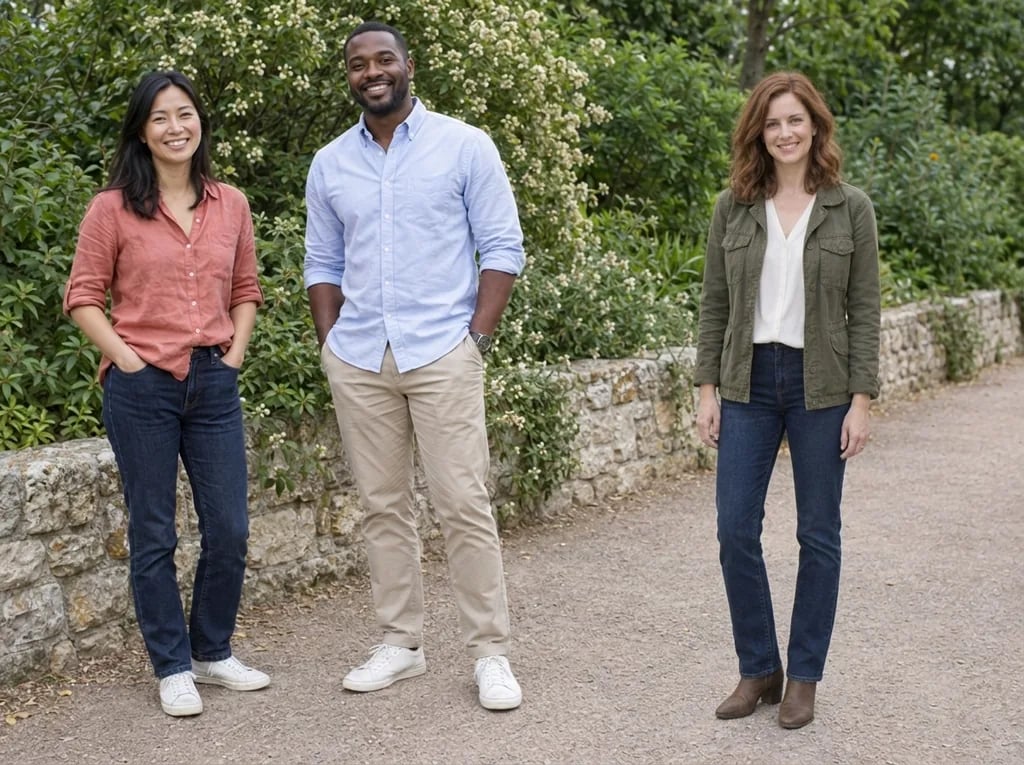
Fashion concepts created with GPT Image 2.5

Explore Eveningwear, Streetwear and Tailoring

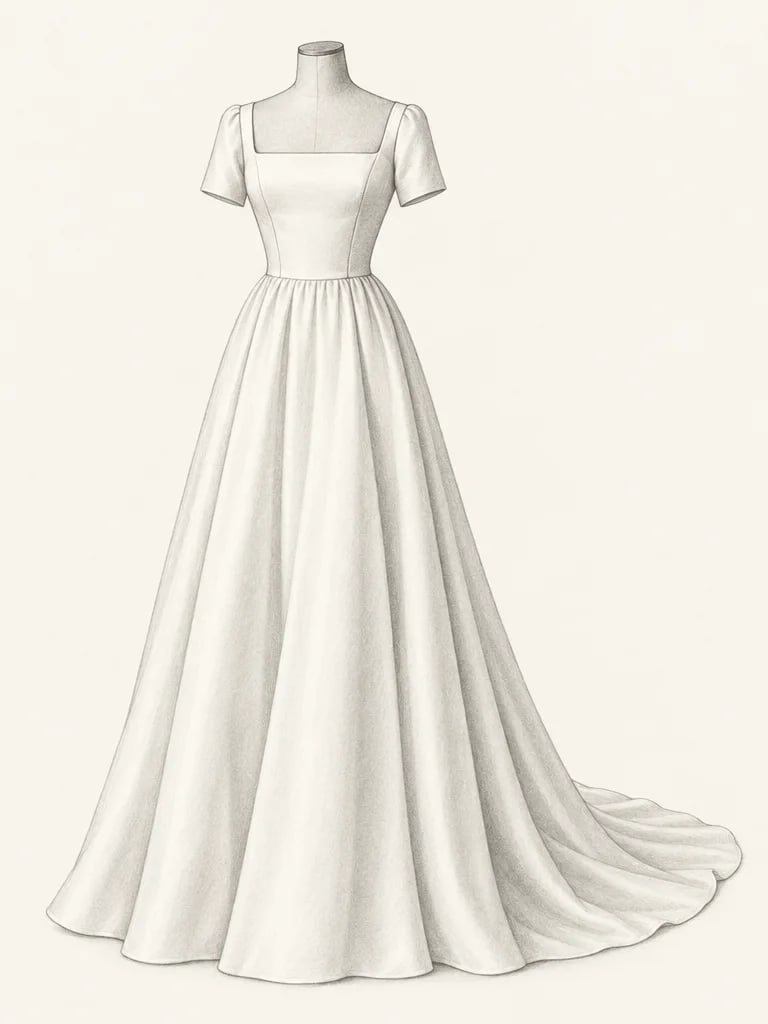
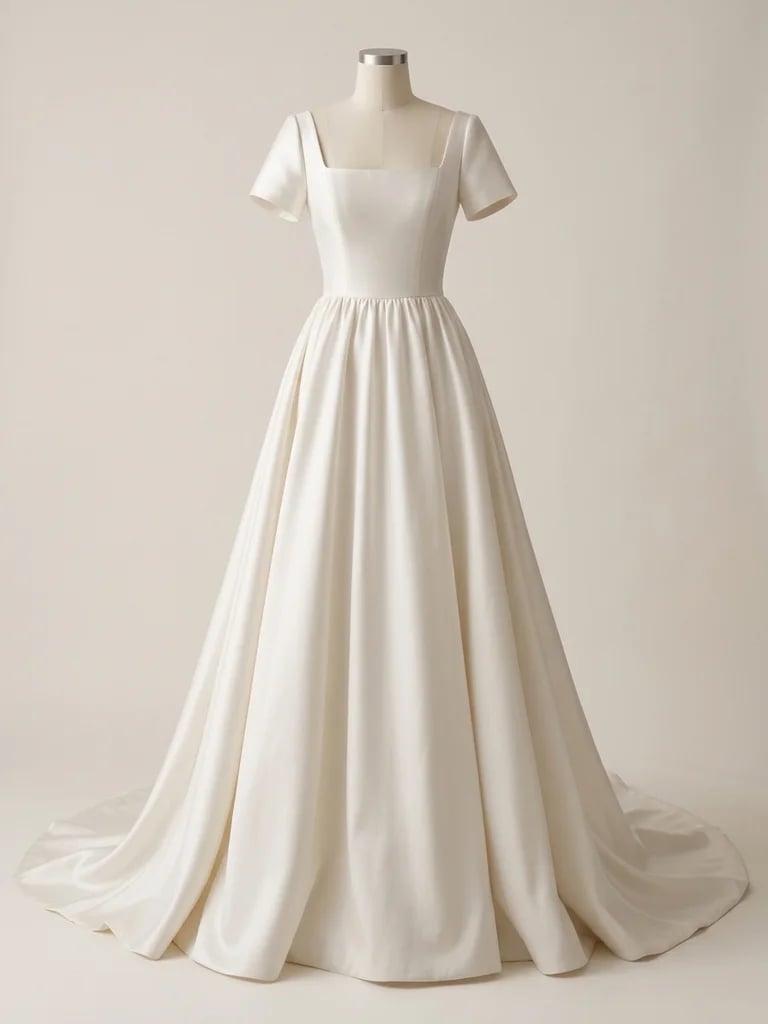
  • Draped evening gown
  • Layered utility streetwear
  • Relaxed linen set
  • Modern tailored suit

How it works

Create an AI Fashion Design in Three Steps

  1. Step 1

    Describe the garment

    Start with the garment type and silhouette, then add fabric, color and a few defining details. Upload one sketch, garment photo or palette image if you have a visual starting point.

  2. Step 2

    Generate a clothing concept

    Create one square 1K image for 8 credits. You can begin with a prompt, a reference image, or both. Keep the brief focused on one garment or a complete outfit.

  3. Step 3

    Review and refine the direction

    Look closely at the seams, closures, hems and fabric drape. Change the brief to explore another direction, then download the concept that best communicates your idea.

Fashion design direction

Define the Silhouette, Fabric and Details

A silhouette with a clear idea

Explore a sculptural shoulder, a relaxed oversized cut or a clean tailored shape. Describe the overall proportion first, then add the sleeves, neckline or hem that makes the piece distinctive.

Fabric and color exploration

Specify matte linen, soft wool, fluid satin or washed denim to guide the visible texture and drape. Change one material or color at a time when you want to compare design directions.

Garment-focused presentation

Ask for a full outfit on an adult model or a simple mannequin against a quiet background. A clear pose and uncluttered setting make the garment's shape, layering and details easier to discuss.

Prompt ideas

Clothing Design Prompts to Start From

Name the garment, silhouette, fabric, palette and key details. Finish with a clear presentation, such as a full-length model on a plain background.

Draped eveningwear

An emerald satin evening gown with an asymmetric shoulder, softly gathered waist and long flowing skirt, full-length adult model in a relaxed standing pose, plain warm-gray background, soft studio light.

Utility streetwear

An olive cotton utility jacket over a cream top, oversized patch pockets and a short boxy cut, loose charcoal cargo trousers, full-length adult model, clean light-gray background, visible fabric weave.

Modern tailoring

A charcoal wool suit with a defined shoulder, single-button jacket and wide-leg trousers, pale blue shirt, full-length adult model on a plain studio background, a restrained palette and clear lapel details.

Ways to use it

Fashion Concepts for Collections and Creative Briefs

Early collection ideas

Explore a shared palette or silhouette across separate garment concepts. Compare the images together when choosing the direction for a capsule or seasonal collection.

Fashion design studies

Try a new neckline, sleeve shape or material as a visual exercise. Use the result to develop your own drawings and explain which details you want to pursue.

Fashion mood boards

Give a color story or aesthetic a concrete garment to sit beside your references. Build a more specific brief by showing the fabric, shape and styling you have in mind.

Concept presentations

Share a clear image of a proposed look with collaborators before investing in samples. Pair it with your own notes about materials, construction and the decisions still to make.

Create more with one YouArt membership

This generator uses 8 credits for one 1K image. Membership credits work across YouArt image, video, audio, and workflow tools.

Basic

For hobbyists and explorers

$9.99/mo
Select Plan
  • 1000 credits
  • Up to ~200 images/month
  • Up to ~332s video/month
  • Intelligent creative agent
  • Video editor
  • Latest image models, including GPT Image 2.5, GPT Image 2 and Nano Banana Pro
  • Latest video models, including Seedance 2
  • Realistic face uploads
  • Voice generation with ElevenLabs
  • No watermark
  • Unlimited template access

Pro

Most Popular

For creators and pro users

$29.99/mo
Select Plan
  • 3300 credits
  • Up to ~1000 images/month
  • Up to ~1100s video/month
  • Intelligent creative agent
  • Video editor
  • Latest image models, including GPT Image 2.5, GPT Image 2 and Nano Banana Pro
  • Latest video models, including Seedance 2
  • Realistic face uploads
  • Voice generation with ElevenLabs
  • No watermark
  • Unlimited template access

Max

For power users and teams

$149.99/mo
Select Plan
  • 18000 credits
  • Up to ~6000 images/month
  • Up to ~6000s video/month
  • Intelligent creative agent
  • Video editor
  • Latest image models, including GPT Image 2.5, GPT Image 2 and Nano Banana Pro
  • Latest video models, including Seedance 2
  • Realistic face uploads
  • Voice generation with ElevenLabs
  • No watermark
  • Unlimited template access

Team

For teams and studios

$329.99/mo
Select Plan
  • 36300 credits
  • Up to ~12000 images/month
  • Up to ~12100s video/month
  • Realistic face uploads
  • Share canvas, workflows, and assets with your team
  • Up to 10 members per team
  • Up to 5 teams
  • Role-based management
  • Team credit management and spending caps
  • Per-member usage tracking

Frequently asked questions

AI Fashion Design Generator FAQ

It creates a photographic clothing concept image from your description or a visual reference. You can explore dresses, coats, streetwear, suits and coordinated outfits, directing the silhouette, fabric, palette and visible details. The result is useful for comparing ideas and communicating a design direction.

Name the garment and its overall cut, then specify fabric, colors and two or three important details. For example, describe a cropped wool jacket with rounded shoulders, large patch pockets and a concealed closure. Add the presentation you want, such as an adult model shown full length against a plain background.
Yes. Add one reference image, with or without a prompt. A sketch can guide the silhouette, while a garment photo or palette can guide materials and colors. The generator creates a new interpretation, so inspect the result when a particular seam, closure or proportion matters.

Use it as a visual brief for a designer or pattern maker. The output does not include measured sewing patterns, CAD files, graded sizes or a verified fit. Garment construction, measurements and material behavior still need to be developed and checked through the usual sampling process.

Each run creates one downloadable 1K image in a square 1:1 frame. Ask for a full-length view when the whole outfit matters, leaving space around the hem and shoes. The image can be added to a mood board or presentation; check its dimensions before planning a larger print.

Each generation costs 8 YouArt credits and creates one image. Editing the prompt does not spend credits. Generating another design, fabric choice or color variation starts a new paid run.

Keep exploring

More AI art styles to try

The closest looks to this one. Each is a full generator with its own prompt studio and examples.

Browse all 111 AI generators

Build beyond one image

Turn your result into a complete creative workflow

Open YouArt's visual canvas to connect generation, editing, upscaling, animation, and sound in one reusable process.