Set the mood around your candle

AI Candle Product Photography

Start with your candle photo and create a styled product scene. Guide the surface, backdrop and light for your next product visual.

Optional. Describe the setting. The source photo determines whether the candle is lit.
8 credits

One 1K image per run. Check the label, wick and flame before publishing.

Before

After

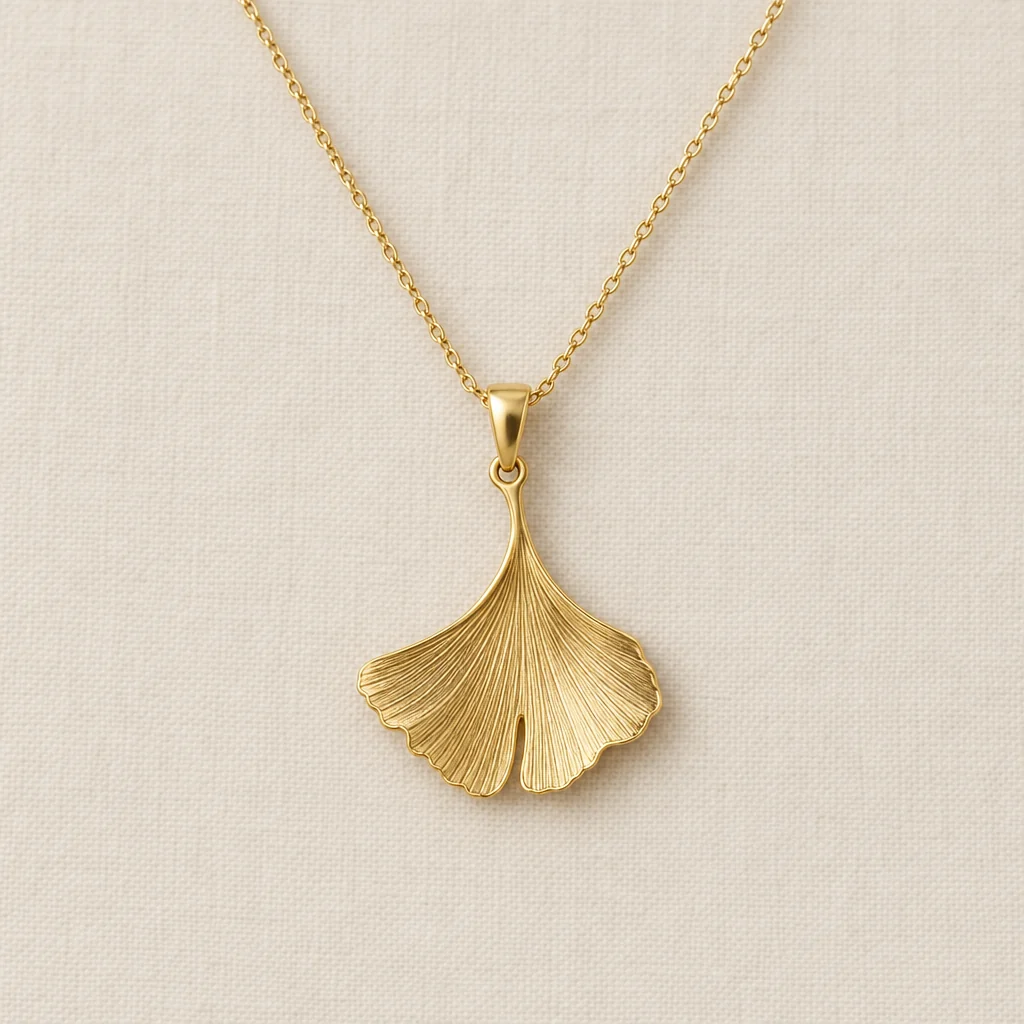
Amber jar — a styled setting, without a flame

Gallery

Candle product photography examples

Amber jar — a styled setting, without a flame
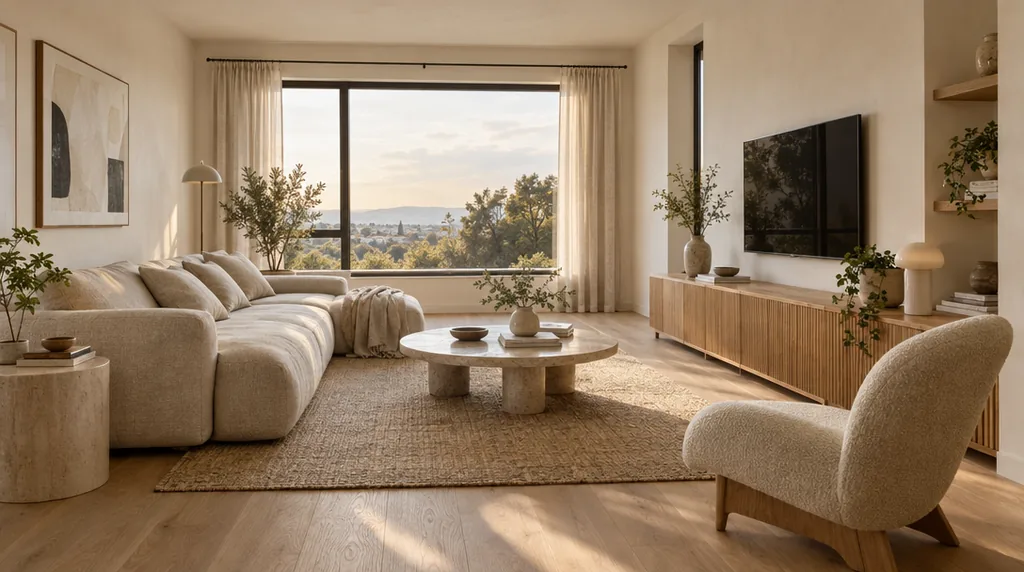
Pillar candle — warm light around a visible flame
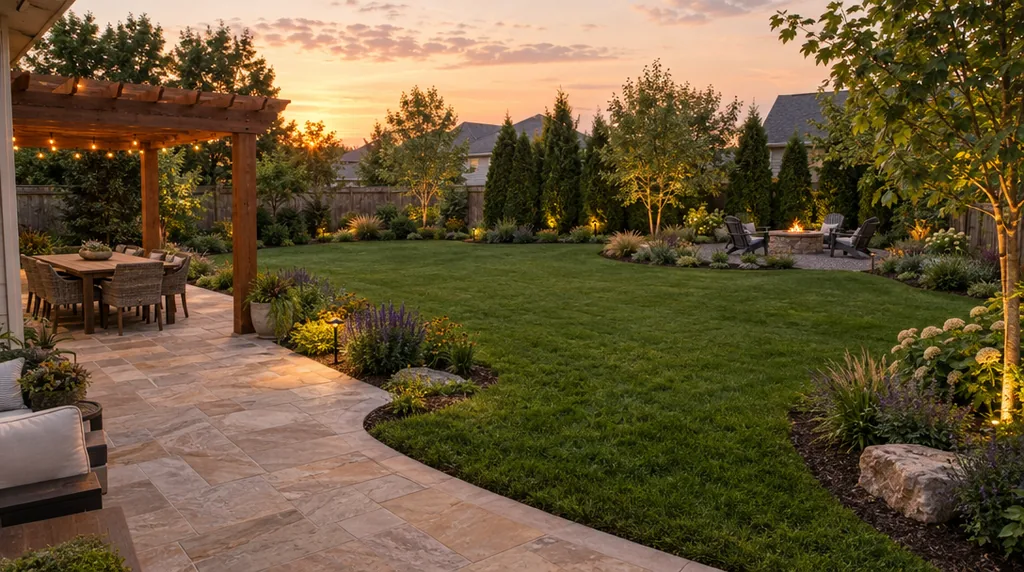
Blue-gray jar — window light on wood
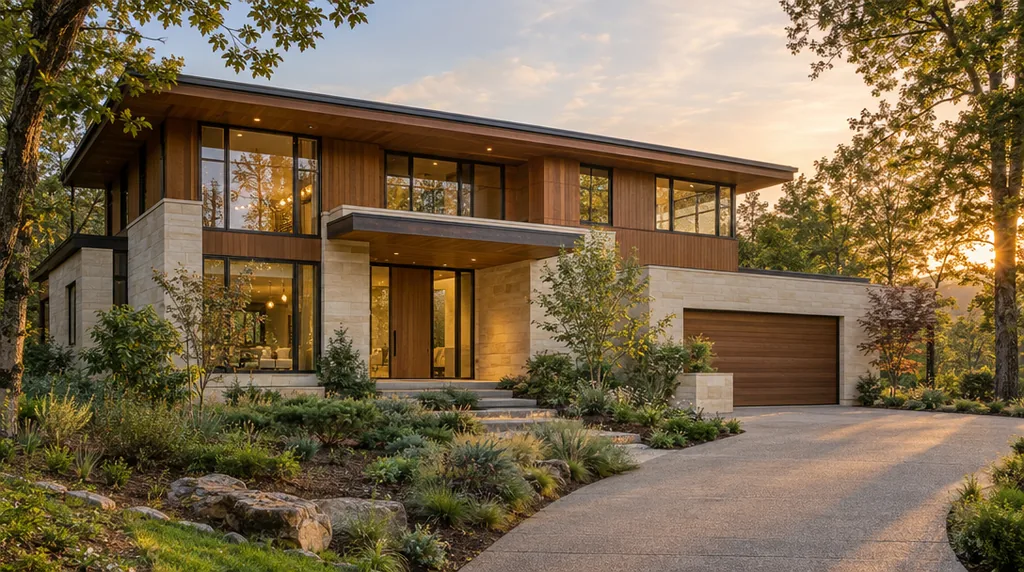
Twisted candle — sculptural shape in sunlight

Three steps

How to create candle photos with AI

  1. Step 1

    Upload your candle

    Choose a clear photo showing the container, wax, wick and label. Include the whole product with space around its outline.

  2. Step 2

    Set the atmosphere

    Optionally describe a background, surface and lighting. Sign in and generate at the displayed credit cost.

  3. Step 3

    Review and download

    Compare the label, candle shape and lit or unlit state with the source. Download the result from your generation session.

Keep the candle at the center

Candle photography for product stories

Start with the real candle

Your reference guides the container, wax and label appearance. Generative editing can still alter fine detail, so check the finished product closely.

Style the setting

Explore a clean studio setting or a warm interior. Choose an already-lit or unlit reference; the preset asks to keep that state.

Explore a campaign mood

Make concepts for product listings, seasonal collections or social posts. Choose props and lighting that suit the candle without obscuring it.

Questions, answered

Candle product photography FAQ

It uses a candle photo as the reference for a newly generated product scene. Describe the background, surface and light, or leave the note empty for the preset's default styling.

Yes, start with a clear photo of the candle you want to show. Keep the full shape, label and wick visible. Glass, glossy containers and small lettering can need extra inspection.

The preset asks to keep the source's lit or unlit state. To show a flame, upload an already-lit candle photo; to show no flame, use an unlit photo. Inspect the generated flame, wick and wax.

The reference guides the product, but AI may alter label wording, logos, vessel shape or wax detail. Review those details against the original before using the photo in a listing or advertisement.

Each run creates one 1K raster image. Open and download it in your generation session. The result is a finished image, not a layered scene or a print-ready packaging design.

Yes. Sign-in and credits are required for generation. Check the current cost beside the generate button before starting; one run produces one image.

Credits for candle product images

Check the current credit cost beside the generate button.

Basic

For hobbyists and explorers

$9.99/mo
Select Plan
  • 1000 credits
  • Up to ~200 images/month
  • Up to ~332s video/month
  • Intelligent creative agent
  • Video editor
  • Latest image models, including GPT Image 2.5, GPT Image 2 and Nano Banana Pro
  • Latest video models, including Seedance 2
  • Realistic face uploads
  • Voice generation with ElevenLabs
  • No watermark
  • Unlimited template access

Pro

Most Popular

For creators and pro users

$29.99/mo
Select Plan
  • 3300 credits
  • Up to ~1000 images/month
  • Up to ~1100s video/month
  • Intelligent creative agent
  • Video editor
  • Latest image models, including GPT Image 2.5, GPT Image 2 and Nano Banana Pro
  • Latest video models, including Seedance 2
  • Realistic face uploads
  • Voice generation with ElevenLabs
  • No watermark
  • Unlimited template access

Max

For power users and teams

$149.99/mo
Select Plan
  • 18000 credits
  • Up to ~6000 images/month
  • Up to ~6000s video/month
  • Intelligent creative agent
  • Video editor
  • Latest image models, including GPT Image 2.5, GPT Image 2 and Nano Banana Pro
  • Latest video models, including Seedance 2
  • Realistic face uploads
  • Voice generation with ElevenLabs
  • No watermark
  • Unlimited template access

Team

For teams and studios

$329.99/mo
Select Plan
  • 36300 credits
  • Up to ~12000 images/month
  • Up to ~12100s video/month
  • Realistic face uploads
  • Share canvas, workflows, and assets with your team
  • Up to 10 members per team
  • Up to 5 teams
  • Role-based management
  • Team credit management and spending caps
  • Per-member usage tracking
Keep exploring

More AI art styles to try

The closest looks to this one. Each is a full generator with its own prompt studio and examples.

Browse all 114 AI generators

Keep creating

Build a visual story around your product

Connect product-photo generation with more image tools in a workflow.
Explore workflows