AI passport photo

AI Passport Photo Generator for ID-Style Portraits

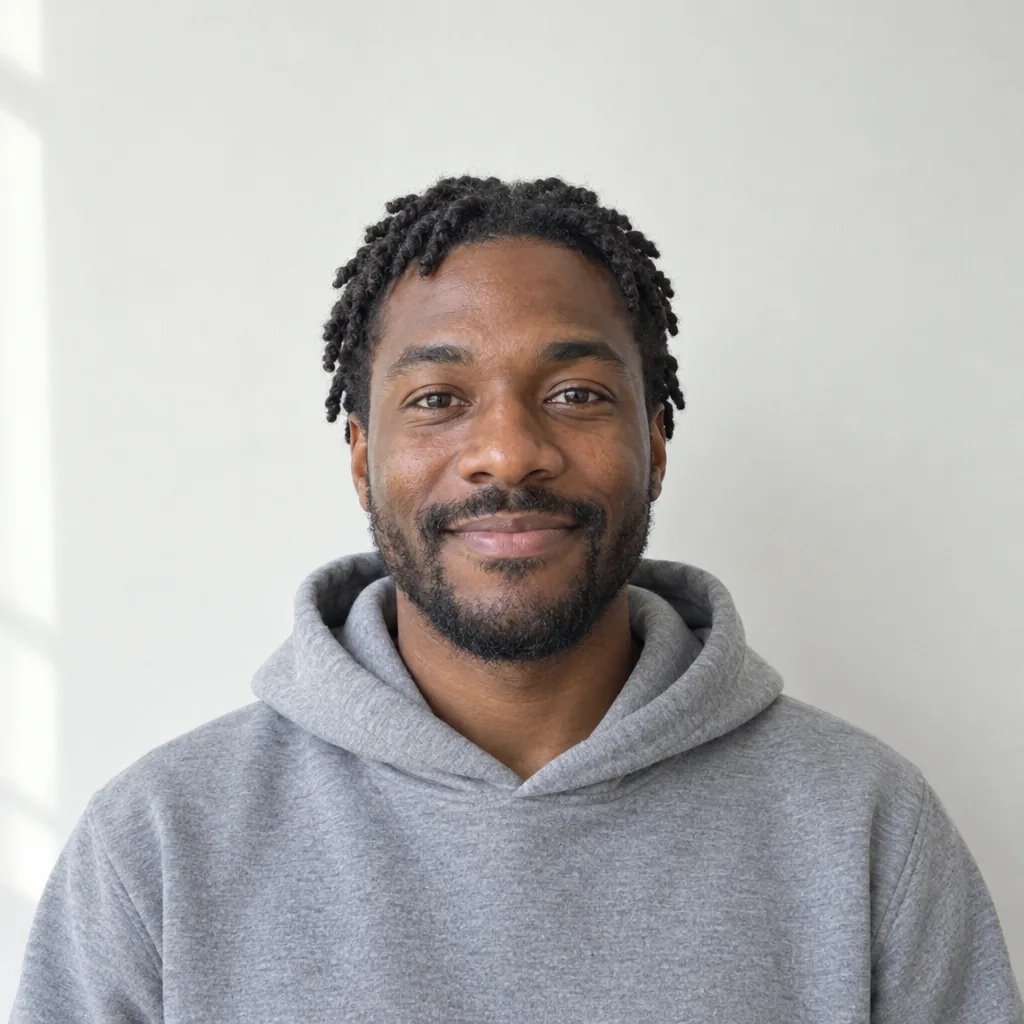
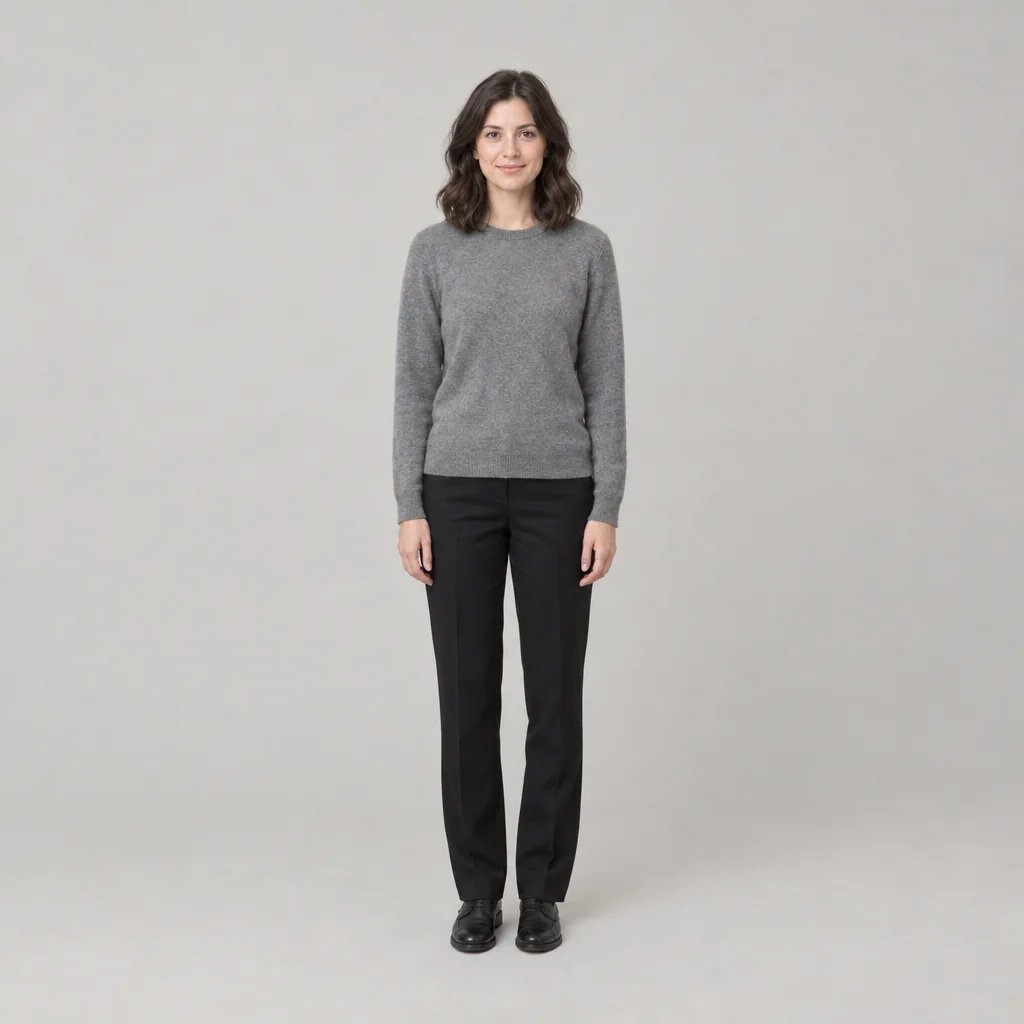
Square to camera, neutral expression, flat even light and a plain background in whatever colour you name. Read the FAQ before you use one for a real application: this page makes a portrait that looks the part, and is not a certified document photo.

8 credits
Flat frontal light, no cast shadow, skin left unretouched

AI passport photo examples

Portraits on Off-White and Light Grey Backgrounds

  • Plain light grey background
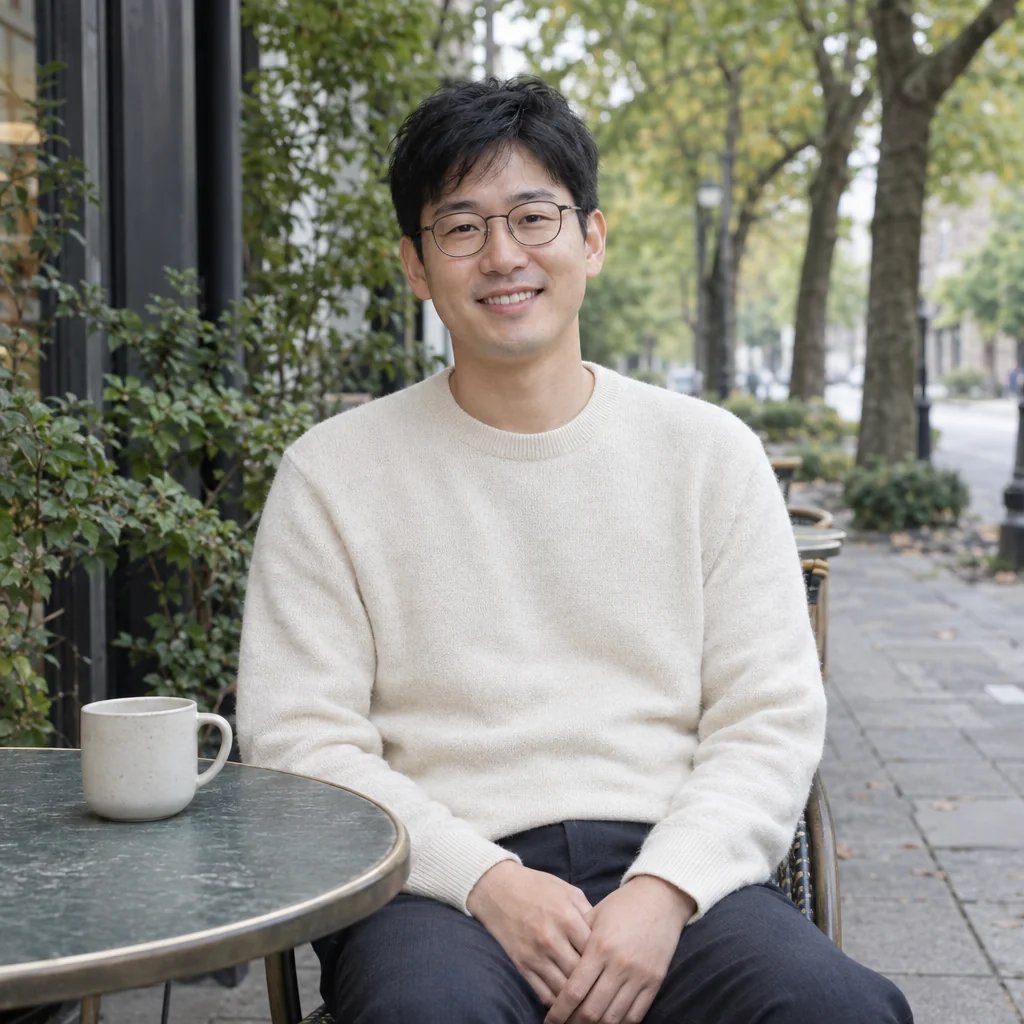
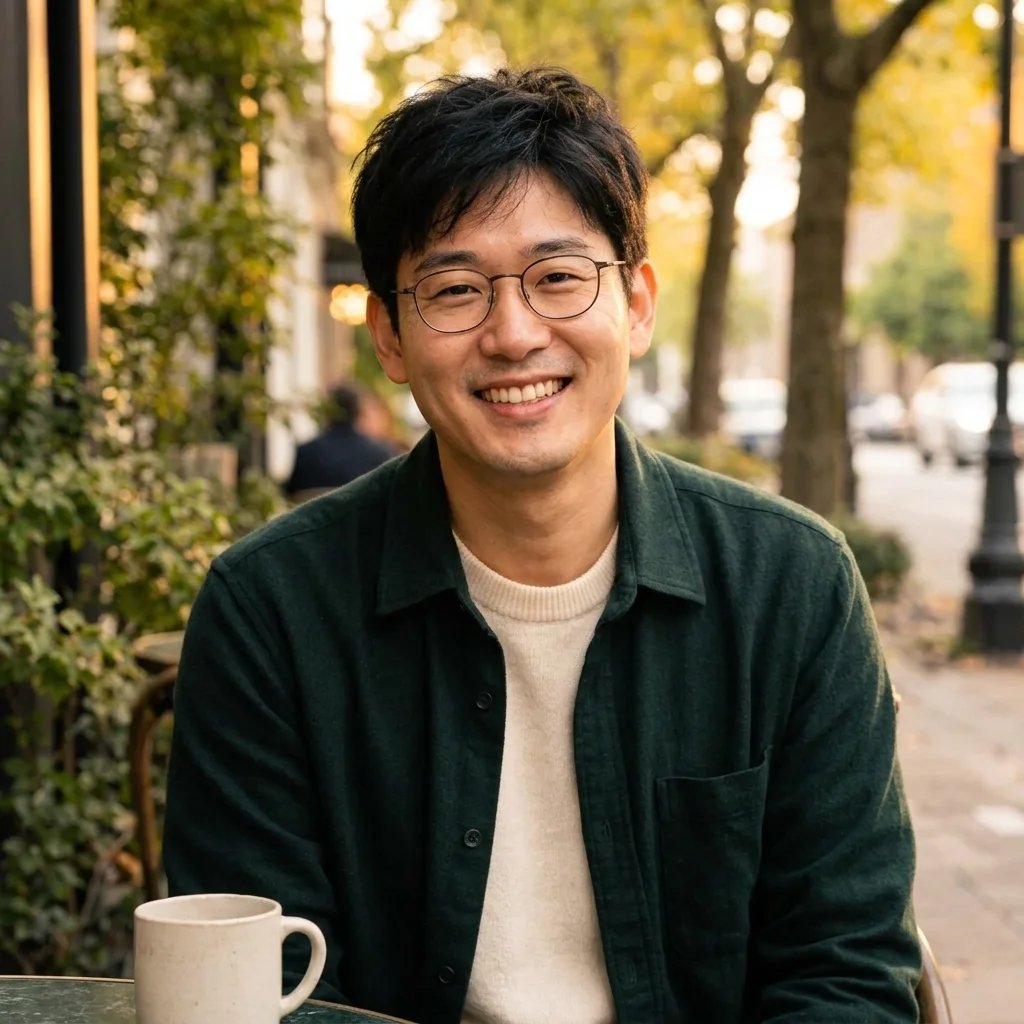
  • Glasses with no lens glare
  • Skin texture left alone
  • Volume kept inside the frame

How it works

Make an ID-Style Portrait in Three Steps

  1. Step 1

    Upload a photo or describe one

    Attach a clear front-facing photo, or describe the portrait. Name the background colour you want, since that is the choice this page exists to give you.

  2. Step 2

    Generate the portrait

    YouArt returns one 1K square portrait for 8 credits: square to camera, neutral expression, flat even light, no shadow on the background.

  3. Step 3

    Check the details, then download

    Look at the eyes, the glasses if you wear them, and the edge of your hair against the background. Those three are where an ID-style portrait usually fails.

What the generator controls

Three Things an ID-Style Portrait Has to Get Right

The background colour is yours

Off-white, light grey, pale blue or whatever the form in front of you asks for. Name it in the prompt and you get a uniform ground with no gradient, no texture and no visible corners.

Flat, shadowless light

Even frontal lighting with no cast shadow on the face and none on the wall behind. Shadow behind the head is the most common reason a real ID photo gets rejected, so it is ruled out here.

No smoothing, no reshaping

Natural skin texture, no beauty filter, and no change to face shape, age or features. An identity portrait that flatters you is a worse identity portrait.

Prompt ideas

Prompts That Name the Background Colour

Name the background colour, the clothing and nothing else. Everything about pose, expression and lighting is already locked.

Off-white background

A man in his forties with short dark hair, clean-shaven, plain navy crew-neck top, neutral expression, on a uniform off-white background.

Light grey background

A young woman with voluminous dark curly hair kept fully inside the frame, plain black top, neutral expression, on a uniform light grey background.

Pale blue background

A woman in her sixties with short grey hair, plain burgundy top, neutral expression, on a uniform pale blue background.

Ways to use it

Practice Shots, Profiles, Print Checks, and Records

See how you would look first

Try a background colour and a top before you sit for the real photograph, so you turn up to the booth already knowing what works.

Plain profile pictures

Some systems want a plain, front-facing portrait with no styling at all: staff directories, membership cards, access passes.

Checking a layout

Drop a placeholder ID-style portrait into a card or badge design to see how the crop and background sit before real photos exist.

Illustration and mock-ups

Character sheets, fictional documents, teaching material and design mock-ups that need an ID-style portrait without using a real person's photograph.

Create more with one YouArt membership

This generator uses 8 credits for one 1K image. Membership credits work across YouArt image, video, audio, and workflow tools.

Basic

For hobbyists and explorers

$9.99/mo
Select Plan
  • 1000 credits
  • Up to ~200 images/month
  • At least ~1000s video/month
  • Intelligent creative agent
  • Video editor
  • Latest image models, including GPT Image 2 and Nano Banana Pro
  • Latest video models, including Seedance 2
  • Realistic face uploads
  • Voice generation with ElevenLabs
  • No watermark
  • Unlimited template access
Pro

Most Popular

For creators and pro users

$29.99/mo
Select Plan
  • 3300 credits
  • Up to ~1000 images/month
  • At least ~3300s video/month
  • Intelligent creative agent
  • Video editor
  • Latest image models, including GPT Image 2 and Nano Banana Pro
  • Latest video models, including Seedance 2
  • Realistic face uploads
  • Voice generation with ElevenLabs
  • No watermark
  • Unlimited template access
Max

For power users and teams

$149.99/mo
Select Plan
  • 18000 credits
  • Up to ~6000 images/month
  • At least ~18000s video/month
  • Intelligent creative agent
  • Video editor
  • Latest image models, including GPT Image 2 and Nano Banana Pro
  • Latest video models, including Seedance 2
  • Realistic face uploads
  • Voice generation with ElevenLabs
  • No watermark
  • Unlimited template access
Team

For teams and studios

$329.99/mo
Select Plan
  • 36300 credits
  • Up to ~12000 images/month
  • At least ~36300s video/month
  • Realistic face uploads
  • Share canvas, workflows, and assets with your team
  • Up to 10 members per team
  • Up to 5 teams
  • Role-based management
  • Team credit management and spending caps
  • Per-member usage tracking

Frequently asked questions

AI Passport Photo FAQ

Can I use this for a real passport or visa application?
No. Treat it as a styling preview. Official passport, visa and ID photos must be an unaltered photograph of you at an exact size against a regulation background, and every government checks them against biometric rules. This page generates an image rather than adjusting your photograph, so it cannot meet that standard. Use a compliant passport photo service for the real application.
Can I change the background colour?
Yes, and it is the point of the page. Name the colour in your prompt — off-white, light grey, pale blue — and you get a uniform ground with no gradient or texture. Different countries and different forms ask for different colours, so it is worth seeing yours before you commit.
Does it work with glasses?
Yes. The instruction rules out lens glare and keeps both eyes plainly visible, which is the usual failure with glasses. Frames that cover the eyes are a problem in real ID photos regardless, so thin rims work best here too.
Can I use my own photo?
Yes, and you should. Attach a clear front-facing photo and the generator replaces the background and lighting while keeping your face, features, age and build unchanged. Without a photo it invents a person from your description.
How many credits does one portrait cost?
Each run costs 8 credits and returns one 1K square image. Membership credits work the same way here as anywhere else on YouArt.

Keep exploring

More AI art styles to try

The closest looks to this one. Each is a full generator with its own prompt studio and examples.

Browse all 36 AI generators

Build beyond one image

Turn your result into a complete creative workflow

Open YouArt's visual canvas to connect generation, editing, upscaling, animation, and sound in one reusable process.