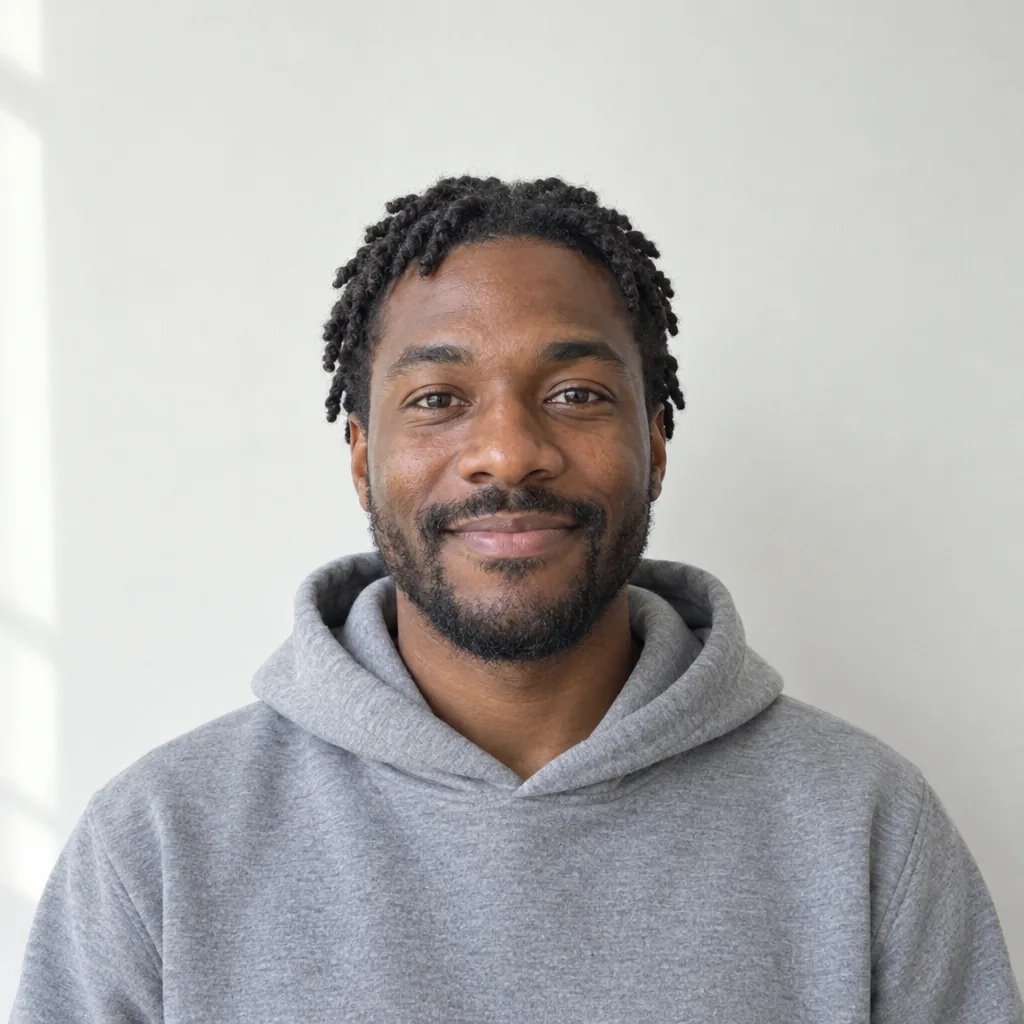
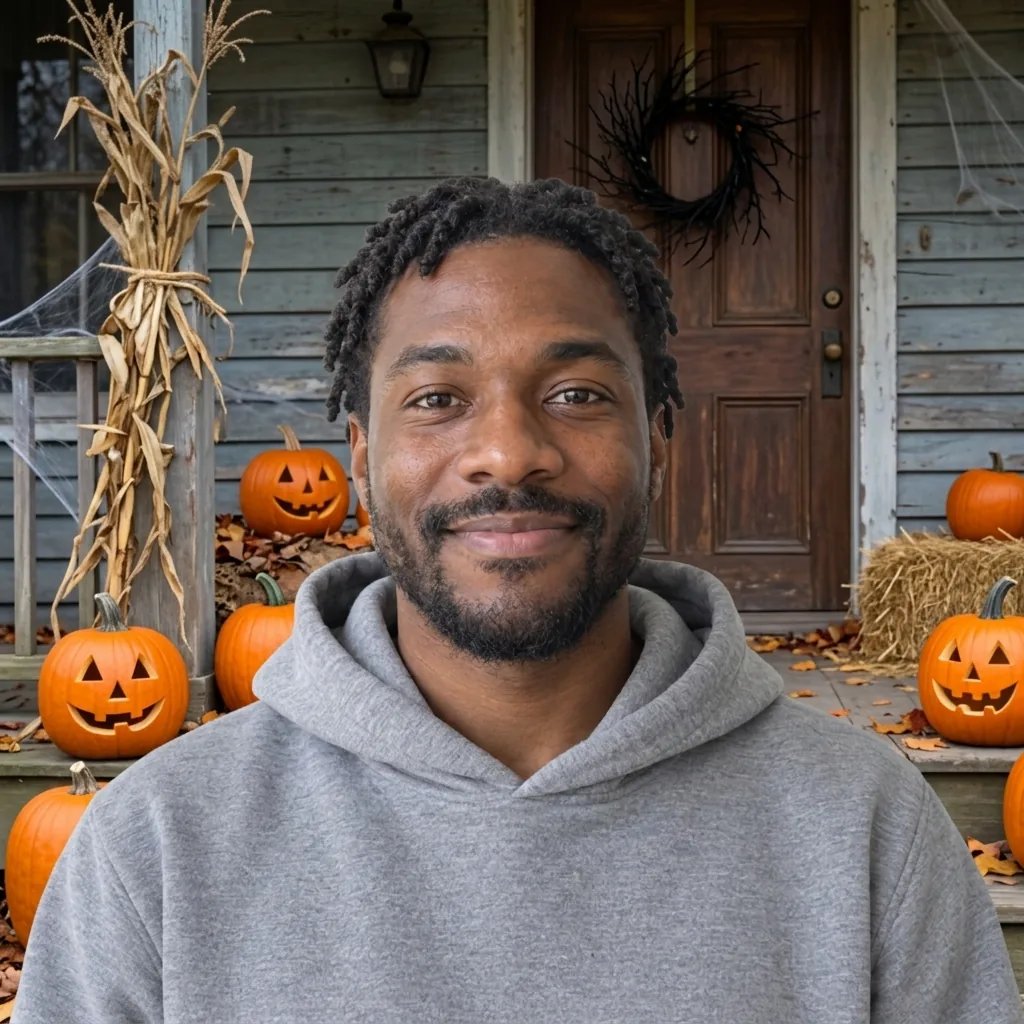
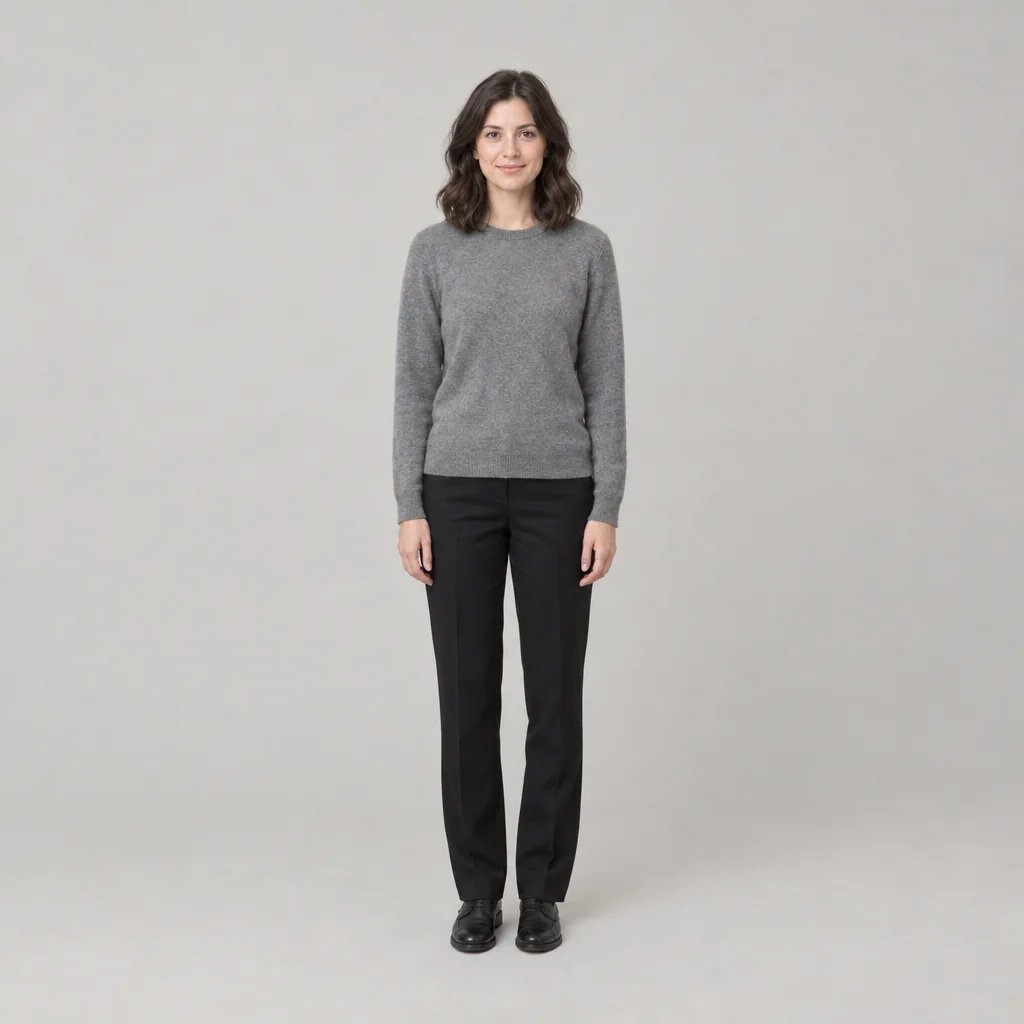
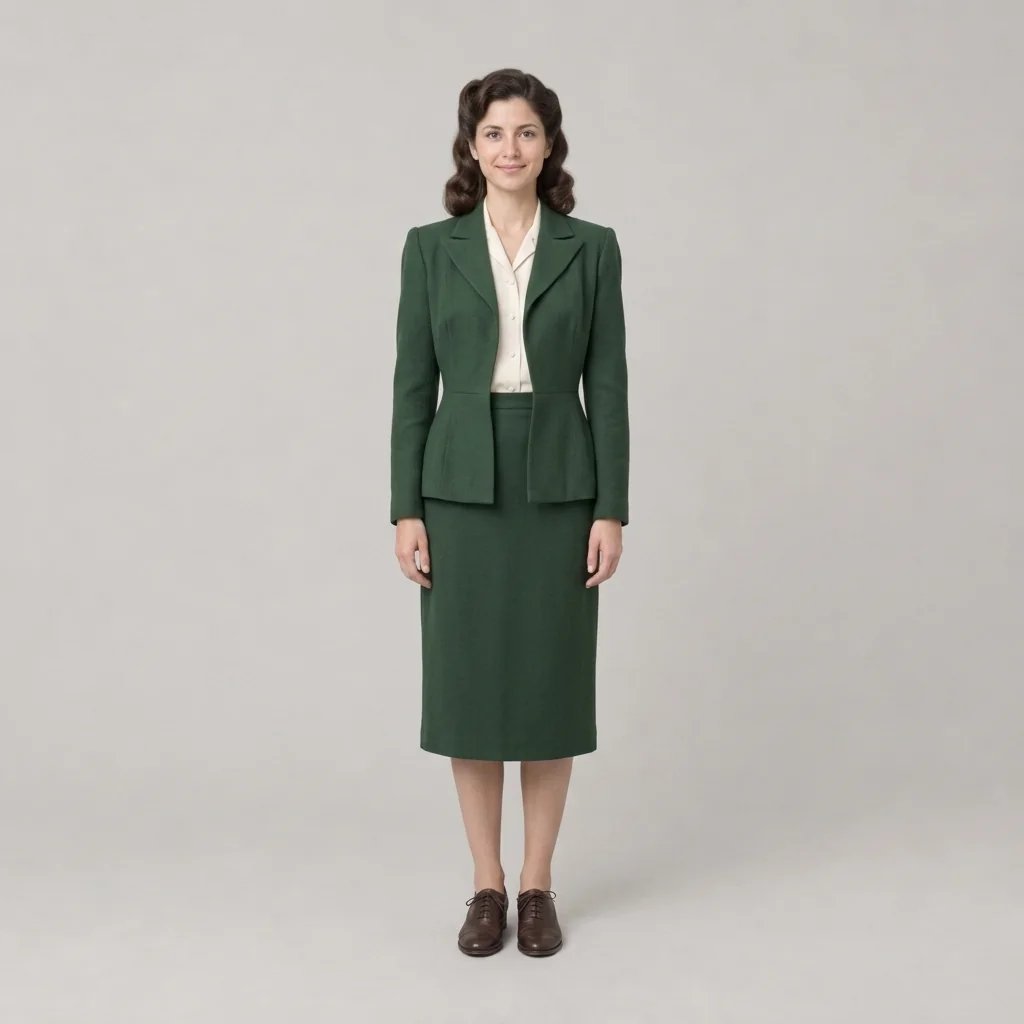
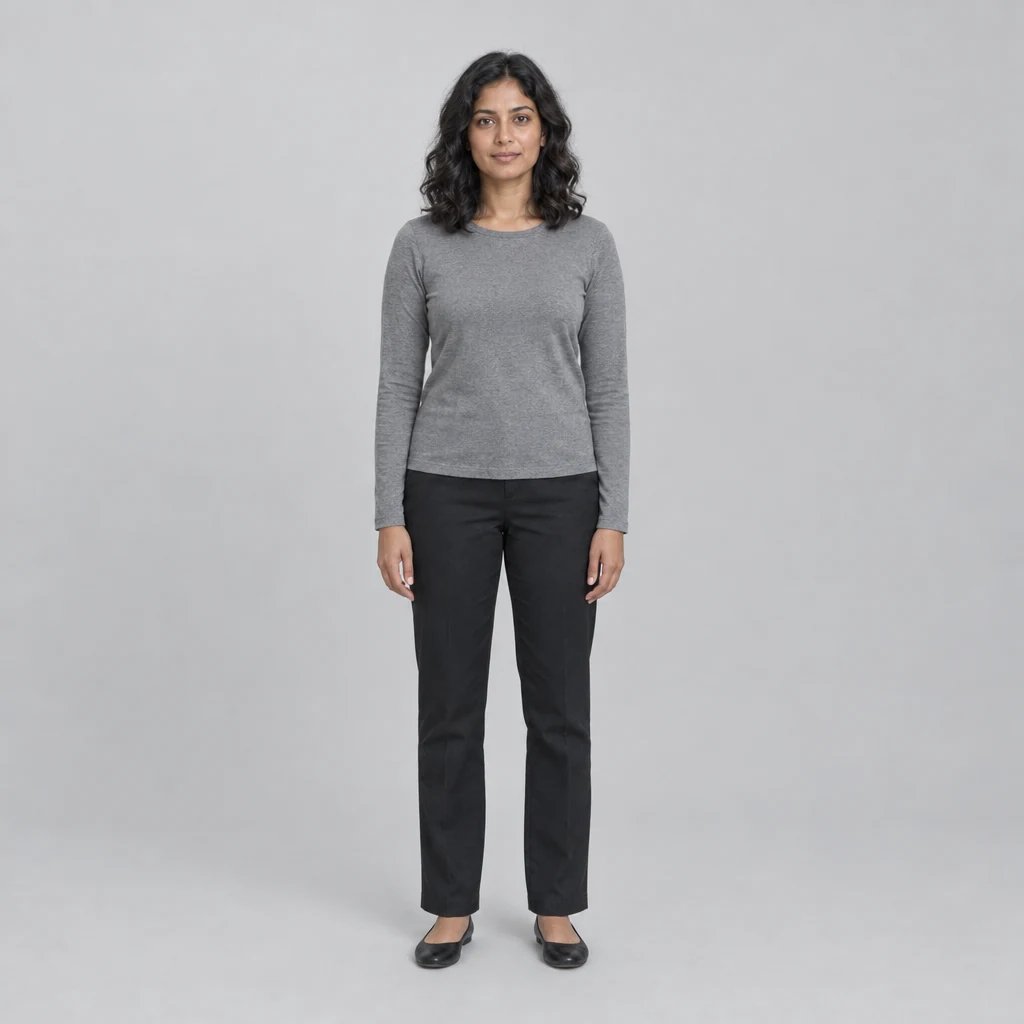
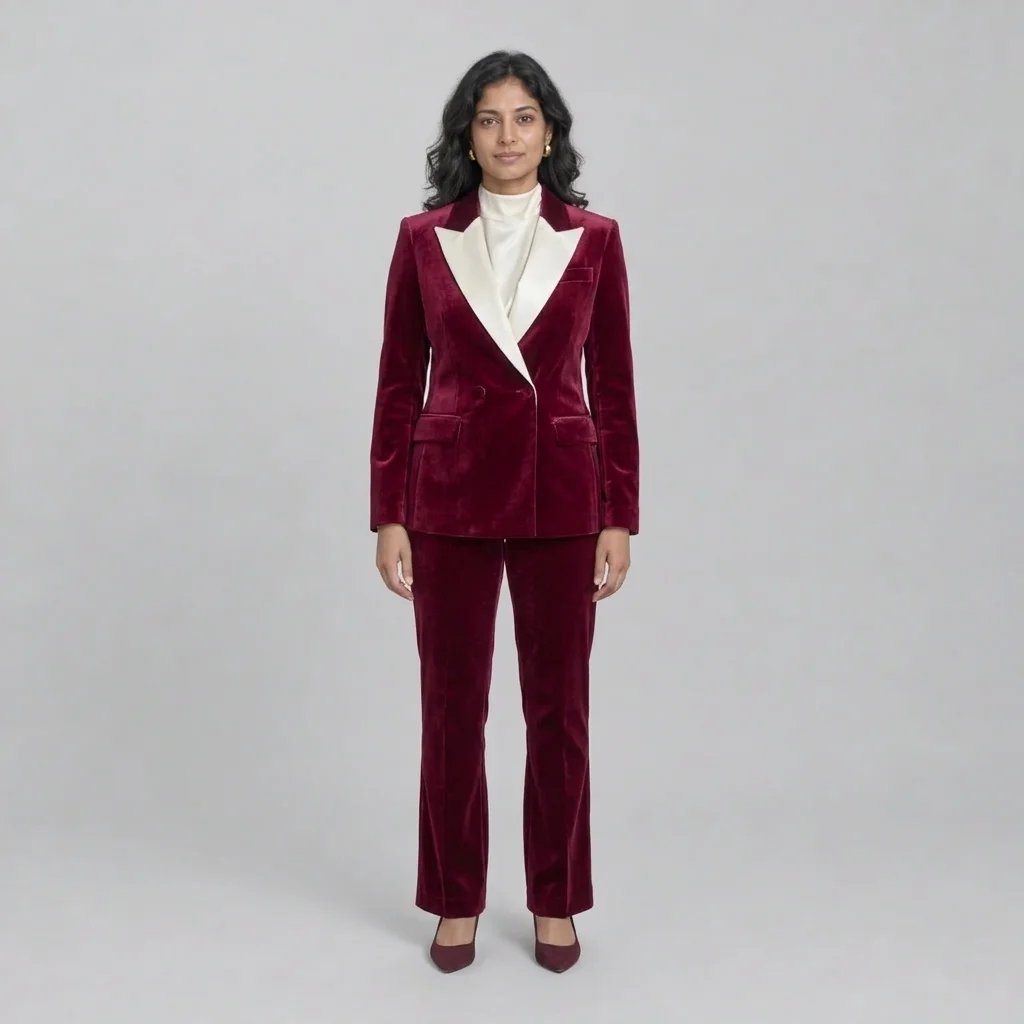
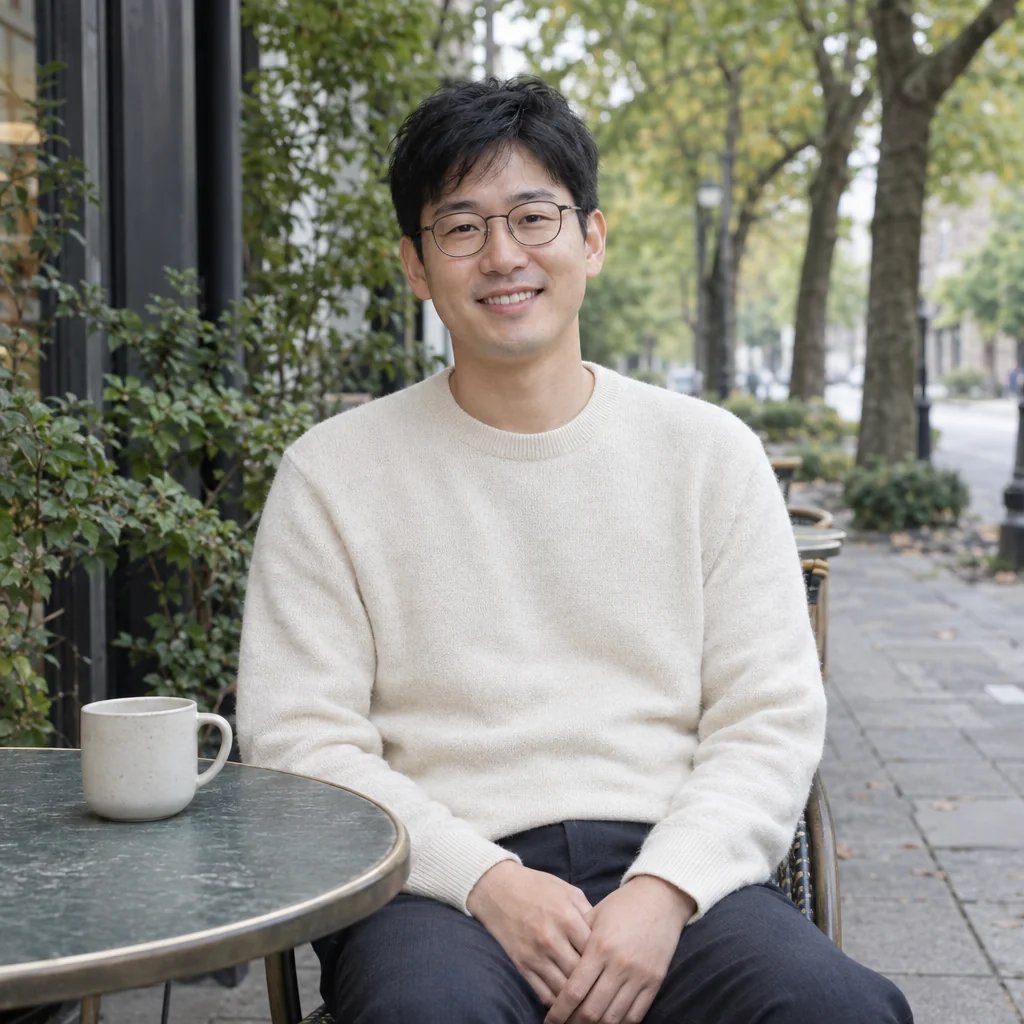
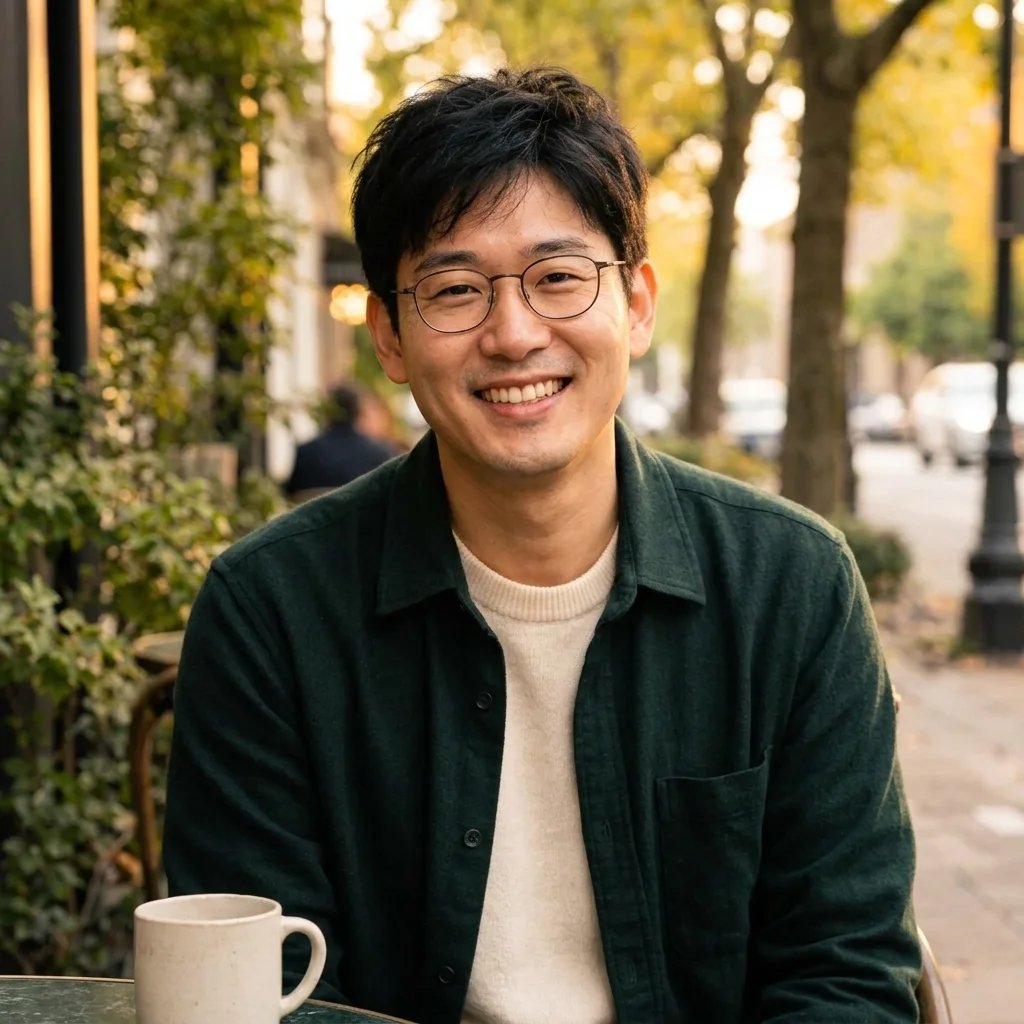
Two photos, one composition

Add Person to Photo with AI

Choose the photo to edit and the person to add. Guide their position, then create a combined image with AI.

Destination photo

JPG, PNG or WebP

Person reference

JPG, PNG or WebP

Optional. Describe position, relative size or pose. Both photos are required.
8 credits

One 1K image per run. Review the result in your generation session.

Before

After

Bring someone into a garden group photo

Gallery

Add people to pictures with two references

Bring someone into a garden group photo
Combine two portraits in one city scene
Bring two people together by the sea
Add someone to a picnic portrait

Three steps

How to add someone to a photo

  1. Step 1

    Choose both photos

    Upload the destination image first and the person reference second. Use clear photos with similar viewpoints and visible faces.

  2. Step 2

    Guide the placement

    Optionally say where the person should stand or sit. Sign in and generate at the displayed credit cost.

  3. Step 3

    Review and download

    Check faces, existing people, scale and shadows in the generation session before downloading your image.

Make the composition your own

AI photo compositing with a clear starting point

Separate scene and person

Two labeled inputs distinguish the photo being edited from the person reference. You supply the subject instead of describing an invented person.

Guide position and scale

Ask for a person on the left, beside a group or seated in the scene. AI interprets the placement; this is not a manual layer editor.

Match the scene, then inspect

The preset asks for consistent lighting, perspective and shadows. Review the result because faces and existing details can change.

Questions, answered

Add person to photo FAQ

It combines two uploaded references: the destination photo and a photo of the person to add. AI creates a new image guided by both sources and any placement note you provide.

Yes. The destination and person reference are both required. Use a clear view of one person in the second photo. Similar angles and lighting can help the composition look more consistent.

Add an optional instruction such as “standing to the right of the group.” The model interprets your request; there are no exact coordinates or drag-to-position controls.

Not necessarily. This is generative editing, not a pixel-preserving cut-and-paste. Likeness, clothing, existing people and background details may change. Inspect the full image before using it.

Each run creates one 1K raster image in your generation session. You can view and download it there. It is a flattened image, not an editable layered project.

Generation requires sign-in and credits. The button shows the current cost before you run the tool; uploading references alone does not start a generation.

Credits for photo compositing

Check the current credit cost beside the generate button.

Basic

For hobbyists and explorers

$9.99/mo
Select Plan
  • 1000 credits
  • Up to ~200 images/month
  • Up to ~332s video/month
  • Intelligent creative agent
  • Video editor
  • Latest image models, including GPT Image 2.5, GPT Image 2 and Nano Banana Pro
  • Latest video models, including Seedance 2
  • Realistic face uploads
  • Voice generation with ElevenLabs
  • No watermark
  • Unlimited template access

Pro

Most Popular

For creators and pro users

$29.99/mo
Select Plan
  • 3300 credits
  • Up to ~1000 images/month
  • Up to ~1100s video/month
  • Intelligent creative agent
  • Video editor
  • Latest image models, including GPT Image 2.5, GPT Image 2 and Nano Banana Pro
  • Latest video models, including Seedance 2
  • Realistic face uploads
  • Voice generation with ElevenLabs
  • No watermark
  • Unlimited template access

Max

For power users and teams

$149.99/mo
Select Plan
  • 18000 credits
  • Up to ~6000 images/month
  • Up to ~6000s video/month
  • Intelligent creative agent
  • Video editor
  • Latest image models, including GPT Image 2.5, GPT Image 2 and Nano Banana Pro
  • Latest video models, including Seedance 2
  • Realistic face uploads
  • Voice generation with ElevenLabs
  • No watermark
  • Unlimited template access

Team

For teams and studios

$329.99/mo
Select Plan
  • 36300 credits
  • Up to ~12000 images/month
  • Up to ~12100s video/month
  • Realistic face uploads
  • Share canvas, workflows, and assets with your team
  • Up to 10 members per team
  • Up to 5 teams
  • Role-based management
  • Team credit management and spending caps
  • Per-member usage tracking

Keep exploring

More AI art styles to try

The closest looks to this one. Each is a full generator with its own prompt studio and examples.

Browse all 114 AI generators

Keep creating

Take your photo further

Open a workflow to combine image generation with more editing tools.

Explore workflows