AI Costume Generator

AI Costume Generator: Party, Stage & Red Carpet Looks

Try Christmas and holiday party outfits, K-pop stagewear, ninja costumes, red carpet dresses and Renaissance festival looks in one place. Upload your photo or describe a person, choose a style and create an original outfit concept.

Choose your outfit style

Pick one style to see its before-and-after example. Your choice guides generation; add colors, fabrics or garment details below.

8 credits

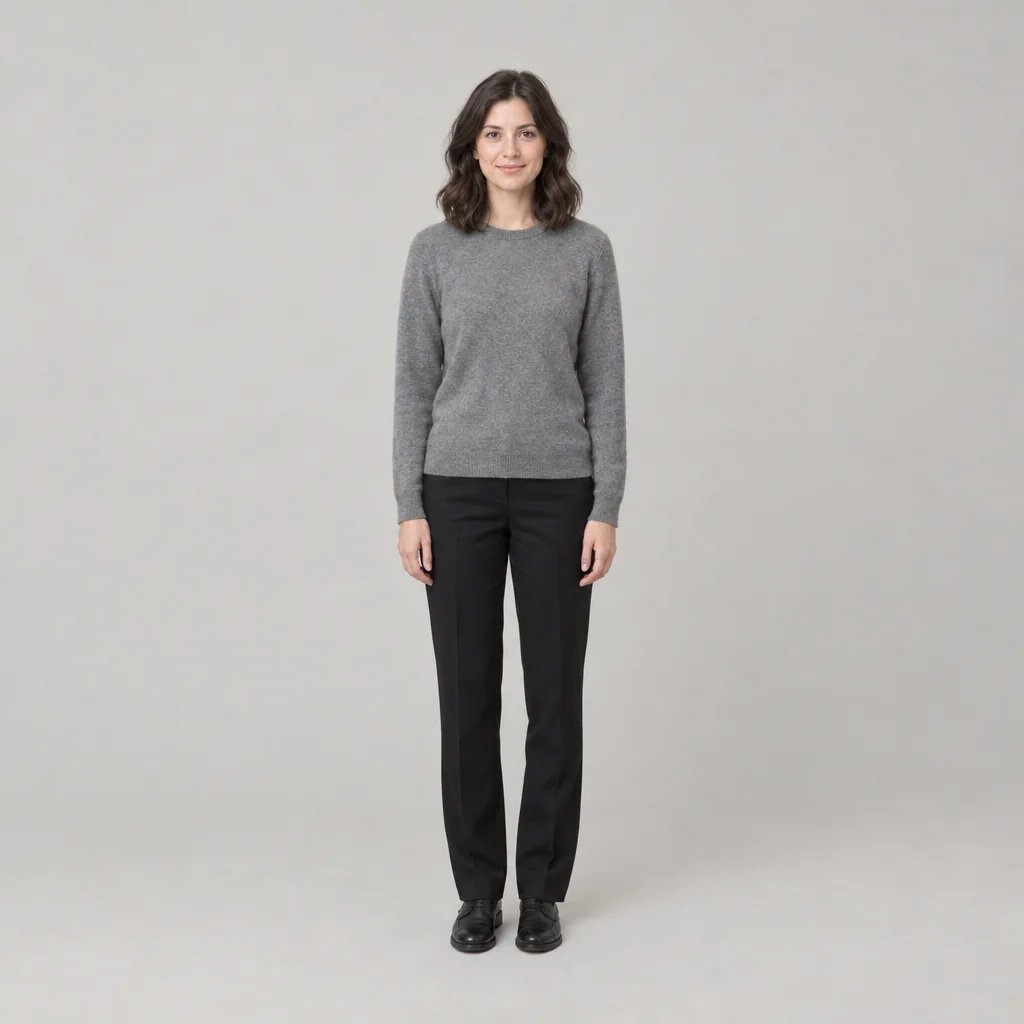
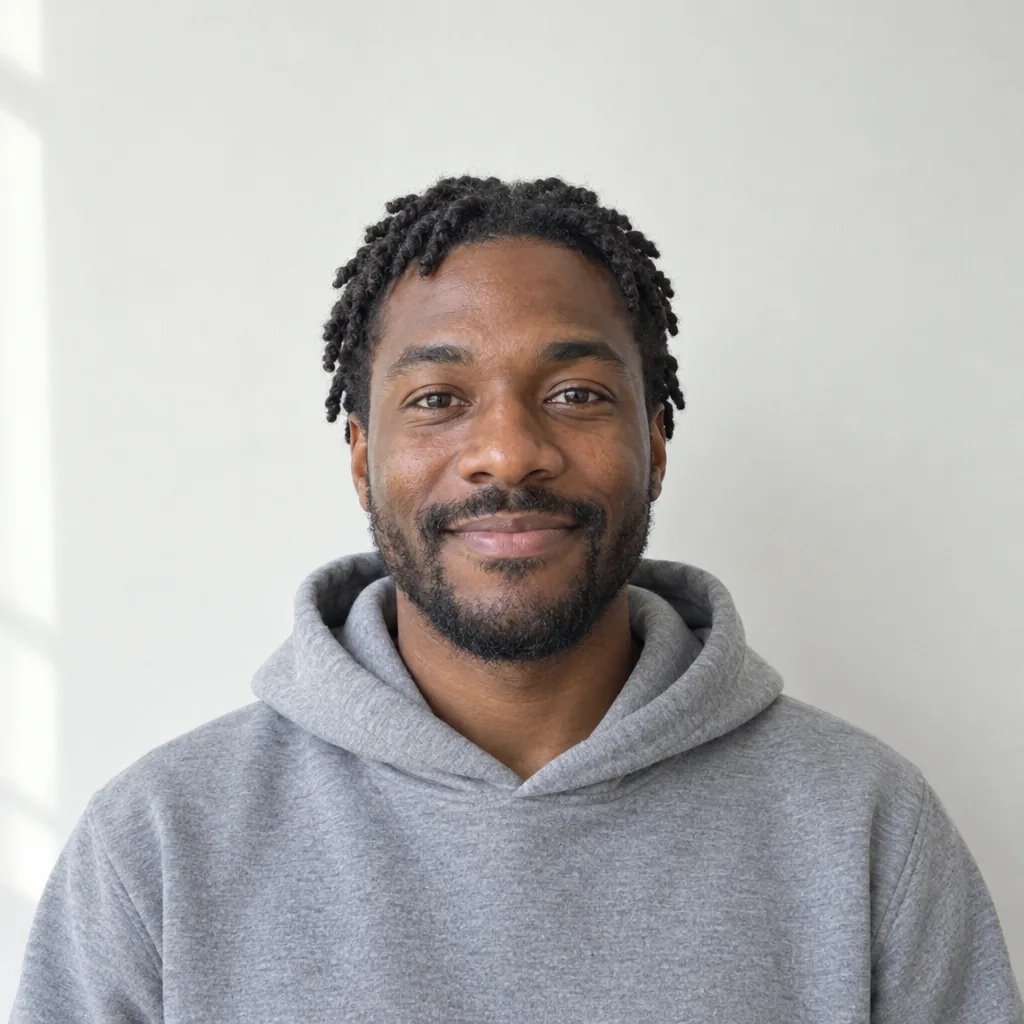
Before

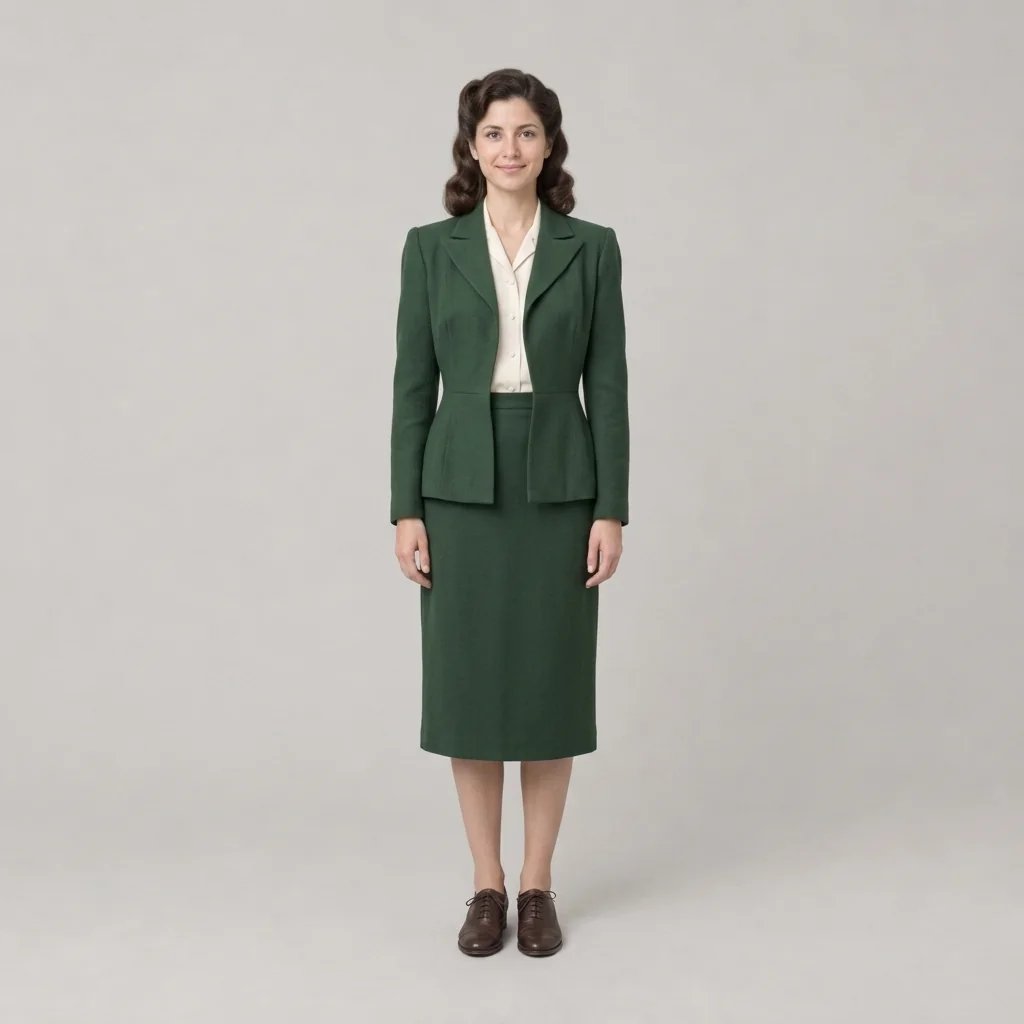
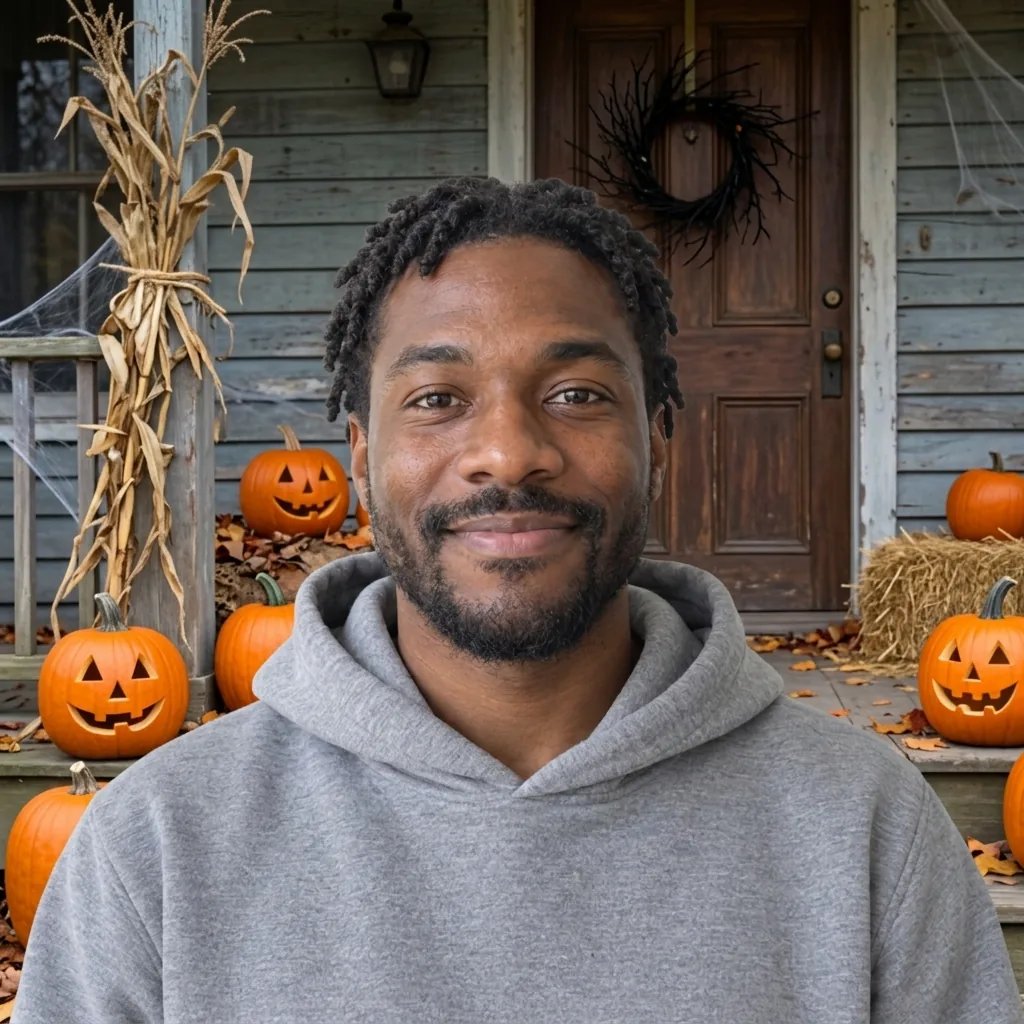
After

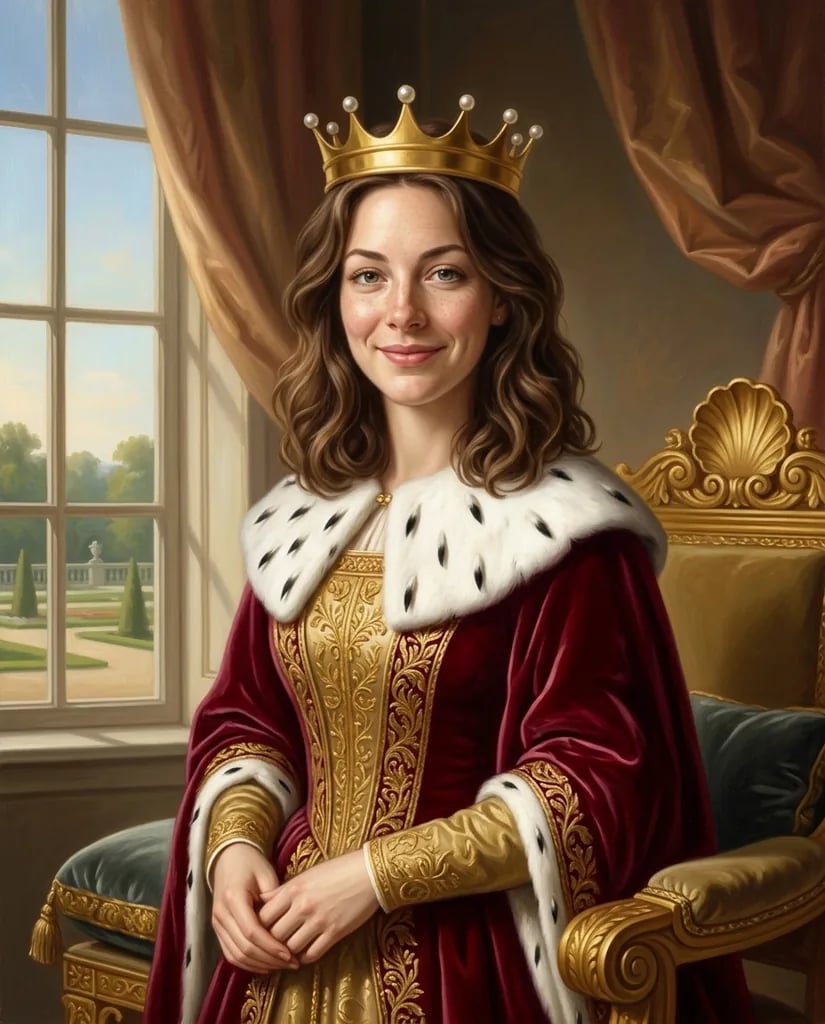
Original photo and an AI-generated outfit variation based on that photo. The square result may change framing.

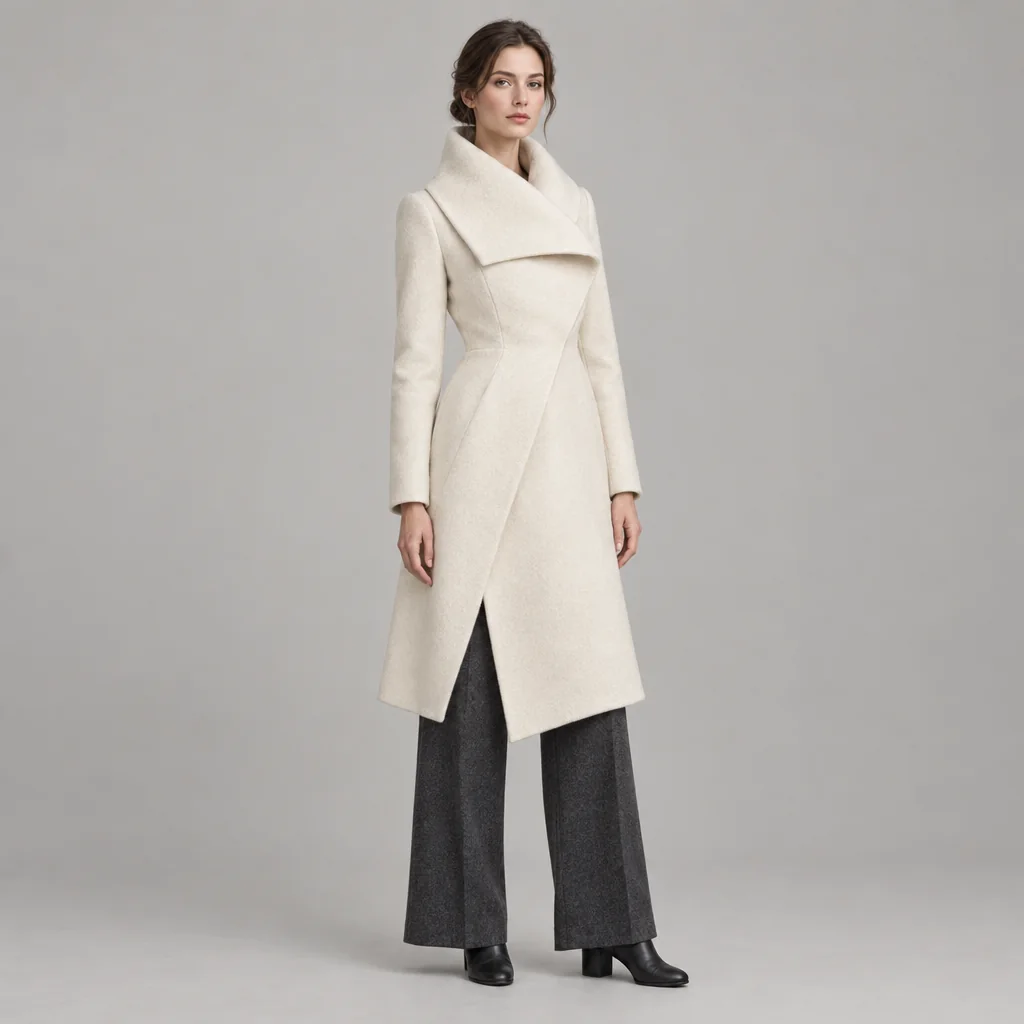
Outfit concepts created with GPT Image 2.5

AI Costume Ideas: From Stagewear to Red Carpet Dresses

  • Ruby velvet, bold tailoring
  • Black and silver stagewear
  • Emerald satin and gentle draping
  • Forest-green doublet and linen shirt

How it works

Create an AI Costume in Three Steps

  1. Step 1

    Add a photo or describe the person

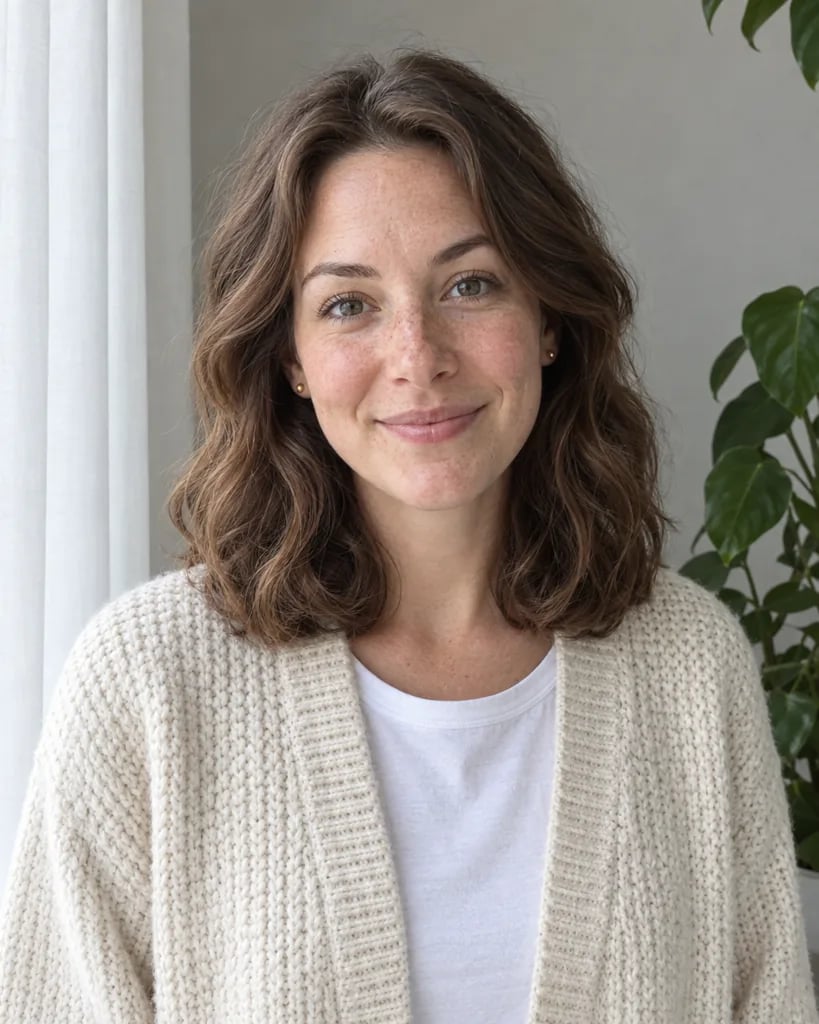
    Upload a clear photo of one adult, such as yourself or someone who has given permission, with their clothes in view. You can also skip the photo and describe the person and setting in words.

  2. Step 2

    Choose a style and add the details

    Select one of the five styles, then add optional garment, color or fabric details. The selected style is included when you generate. Each run returns one 1K square image for 8 credits.

  3. Step 3

    Compare and download

    Compare the face, hands, hair and background with your original. Inspect the garment layers, sleeves, seams and hem, then download the image you want. Changing the brief and generating a new version starts a separate paid run.

Details that shape the look

Choose the Right Costume Direction

Holiday parties and red carpet evenings

Explore festive velvet tailoring or a dramatic evening gown. Compare the silhouette and palette before choosing which look to develop. These images show styling ideas, not a real garment fitting.

K-pop stagewear and ninja costumes

Try coordinated performance jackets and trousers, or layered ninja-inspired costumes. Create an original outfit for the person in your photo, without copying a performer or a named character.

Renaissance festival layers

Explore doublets, layered skirts and textured fabrics for a Renaissance fair. The result is a festival costume concept, not a historically verified reconstruction.

Ideas to start from

AI Costume Prompts to Try

Describe one outfit at a time. Name the main garments, fabric, color and footwear. With a reference photo, the edit aims to keep the person and pose; the square output may change the framing.

Burgundy velvet for a winter dinner

A woman in a burgundy velvet blazer, ivory long-sleeved blouse, charcoal trousers and plain closed shoes, warm indoor foyer.

Black and silver stagewear

A woman in a short boxy black performance jacket with silver shoulder panels, opaque white high-neck top, black wide-leg cargo trousers with visible patch pockets and silver side straps, and plain black boots, pale studio.

Emerald satin and gentle draping

A woman in an emerald satin floor-length gown with long sleeves, a high rounded neckline and a softly draped waist, quiet premiere-style background.

Ways to use the images

Plan, Compare and Share Your Outfit Direction

Prepare an event look

Explore a few clothing directions before deciding which details to pursue. Save the visual idea alongside your own notes about the event, venue and dress guidance.

Compare color combinations

Use the same photo and garment description while changing one color or material. Review separate results together to decide which combination best communicates your idea.

Explain a costume or styling brief

Show collaborators the silhouette, layers and material direction you have in mind. Add your own notes about measurements and construction rather than treating the image as a production specification.

Build a personal outfit mood board

Keep the concepts that reflect your taste and use them to guide further research. The generated clothes are visual ideas; they are not shopping listings or verified garment previews.

Create more with one YouArt membership

This generator uses 8 credits for one 1K image. Membership credits work across YouArt image, video, audio, and workflow tools.

Basic

For hobbyists and explorers
$11$9.99/mo
  • 1000 credits
  • Up to ~200 images/month
  • Up to ~332s video/month
  • Intelligent creative agent
  • Video editor
  • Latest image models, including GPT Image 2.5, GPT Image 2 and Nano Banana Pro
  • Latest video models, including Seedance 2
  • Realistic face uploads
  • Voice generation with ElevenLabs
  • No watermark
  • Unlimited template access
Popular

Pro

Save 16%
For creators and pro users
$36$29.99/mo
  • 3300 credits
  • Up to ~1000 images/month
  • Up to ~1100s video/month
  • Intelligent creative agent
  • Video editor
  • Latest image models, including GPT Image 2.5, GPT Image 2 and Nano Banana Pro
  • Latest video models, including Seedance 2
  • Realistic face uploads
  • Voice generation with ElevenLabs
  • No watermark
  • Unlimited template access

Max

Save 24%Best Value
For power users and teams
$198$149.99/mo
  • 18000 credits
  • Up to ~6000 images/month
  • Up to ~6000s video/month
  • Intelligent creative agent
  • Video editor
  • Latest image models, including GPT Image 2.5, GPT Image 2 and Nano Banana Pro
  • Latest video models, including Seedance 2
  • Realistic face uploads
  • Voice generation with ElevenLabs
  • No watermark
  • Unlimited template access

Team

Save 24%
For teams and studios
$435$329.99/mo
  • 36300 credits
  • Up to ~12000 images/month
  • Up to ~12100s video/month
  • Realistic face uploads
  • Share canvas, workflows, and assets with your team
  • Up to 10 members per team
  • Up to 5 teams
  • Role-based management
  • Team credit management and spending caps
  • Per-member usage tracking

Questions answered

AI Costume Generator FAQ

Try Christmas and holiday party outfits, K-pop stagewear, ninja costumes, red carpet dresses and Renaissance festival looks in one place. Upload your photo or describe a person, choose a style and create an original outfit concept.

Build beyond one image

Turn your result into a complete creative workflow

Open YouArt's visual canvas to connect generation, editing, upscaling, animation, and sound in one reusable process.