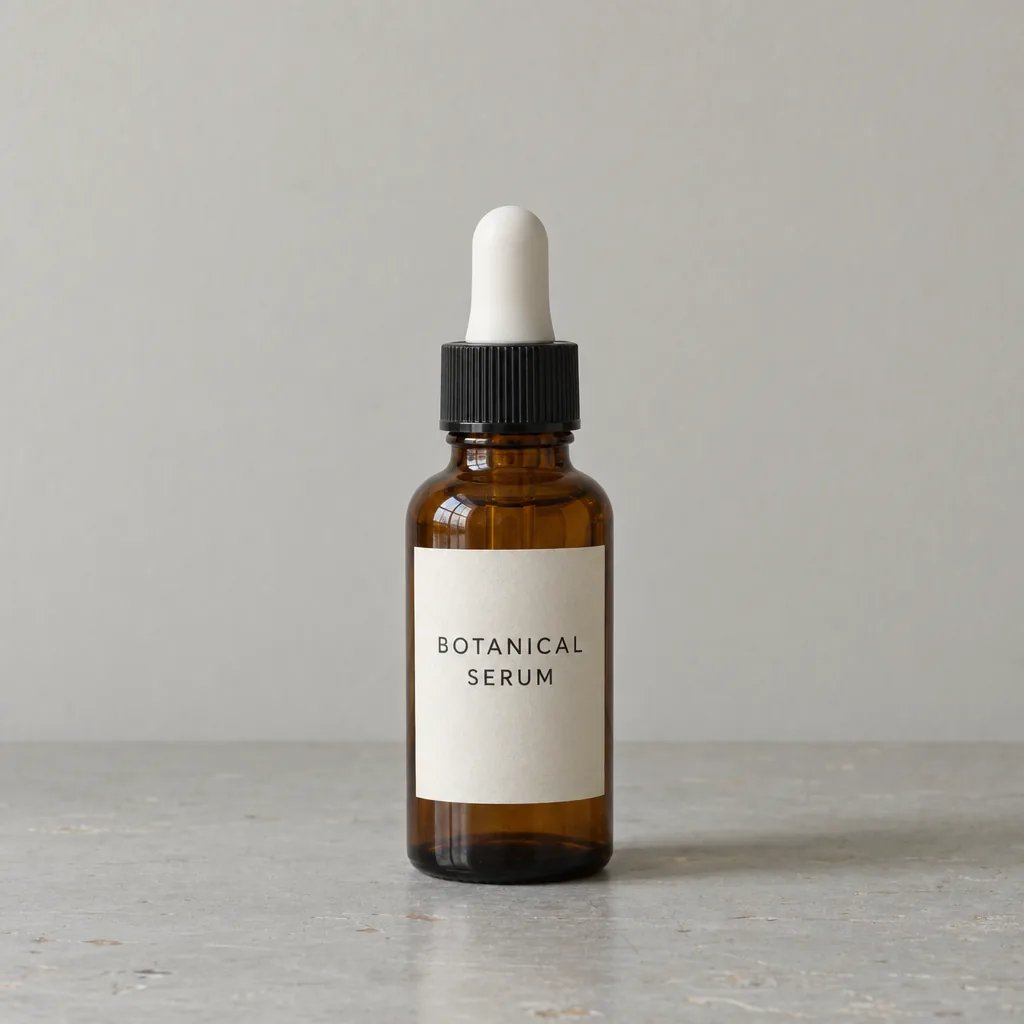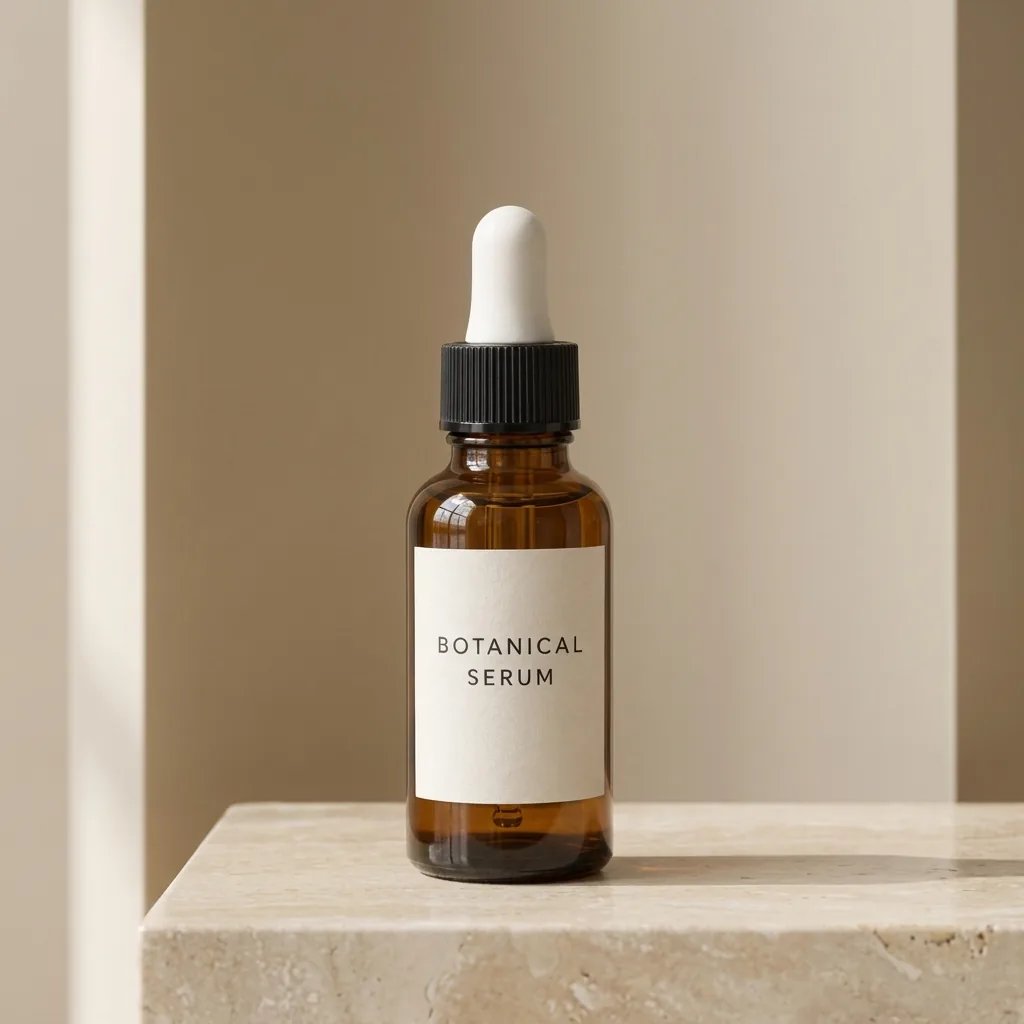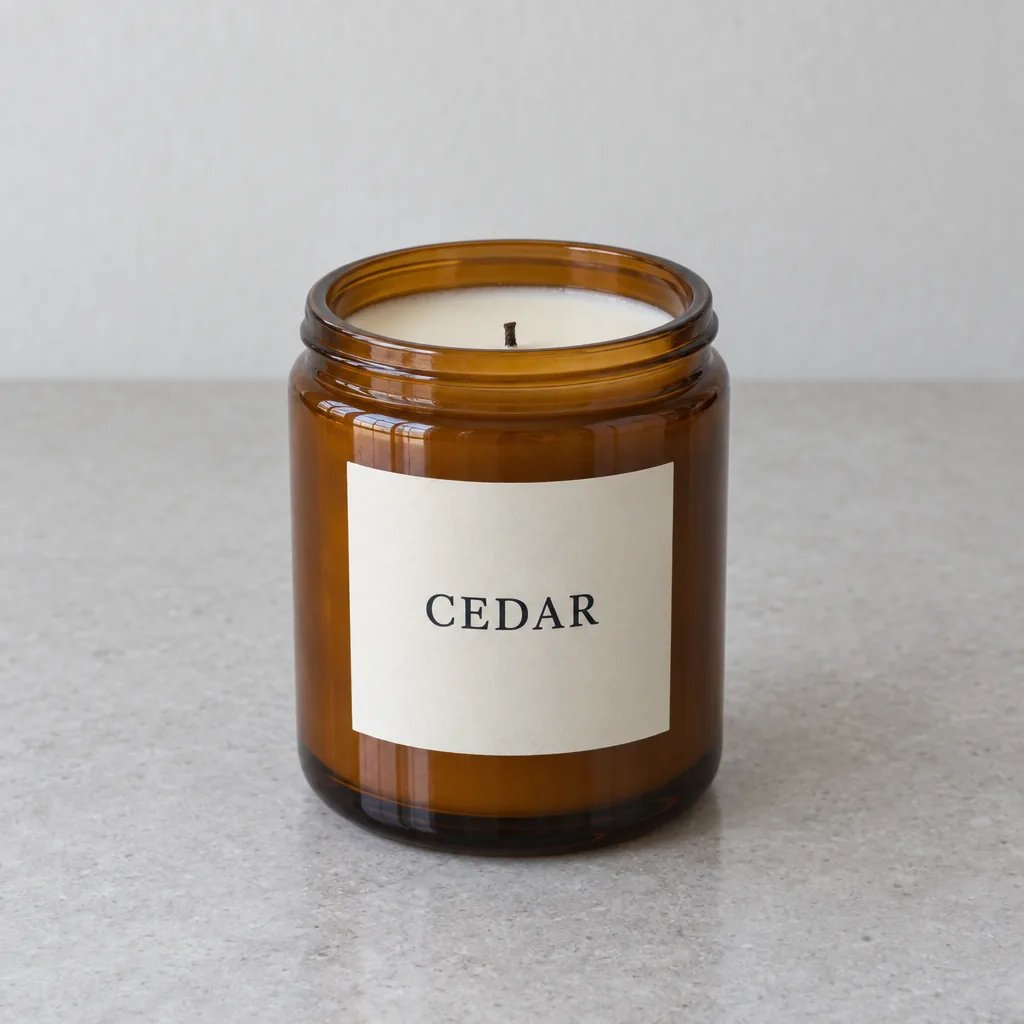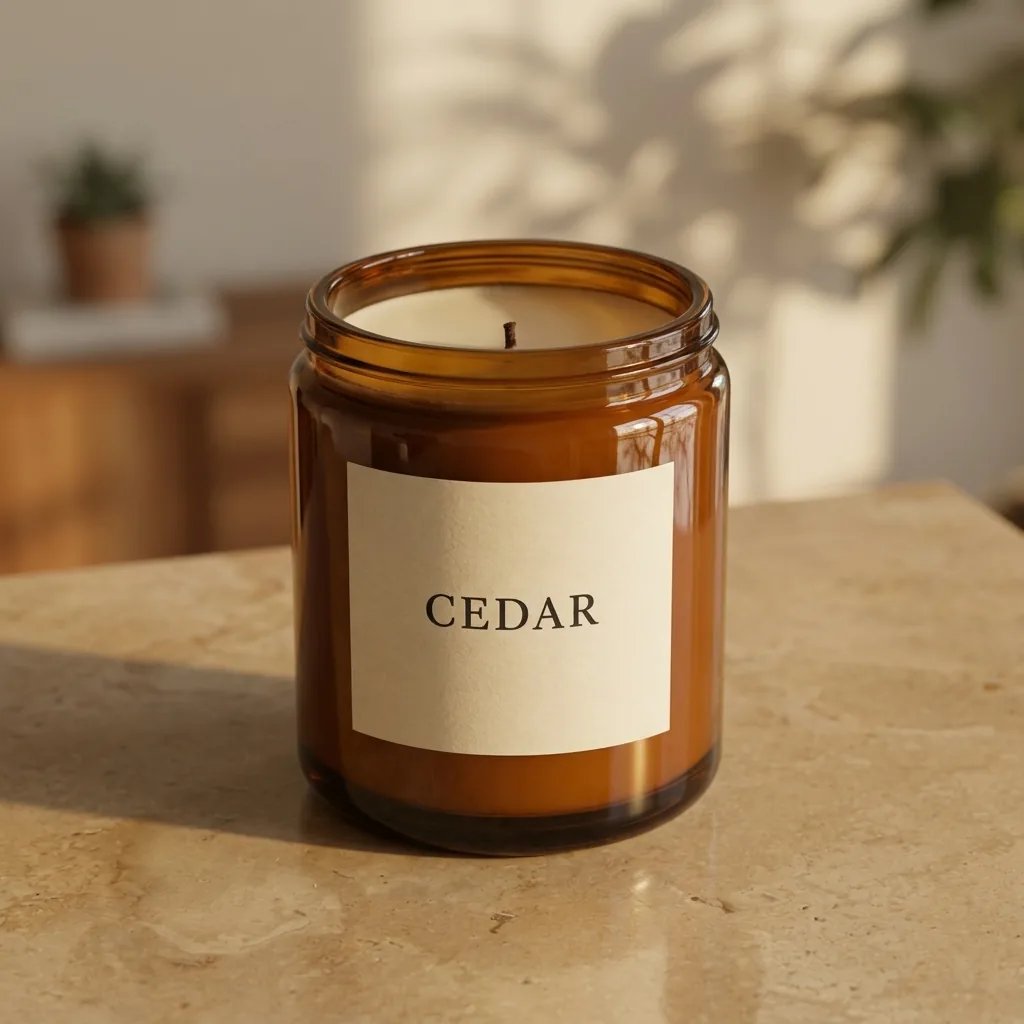
From phone photo to product shot

AI Product Photography: Turn One Product Photo into Studio and Lifestyle Shots

Upload one photo of your product, even a quick phone shot on a cluttered desk, and get a new professional photo of it: a clean studio packshot, or a scene you pick or describe, from a kitchen counter to a forest stream. No studio or lighting kit needed.

Pick a scene

Adds to your words when you generate. Pick one; tap it again to clear. Festive table sets a Christmas-style table with pine, lights and ribbon.

8 credits
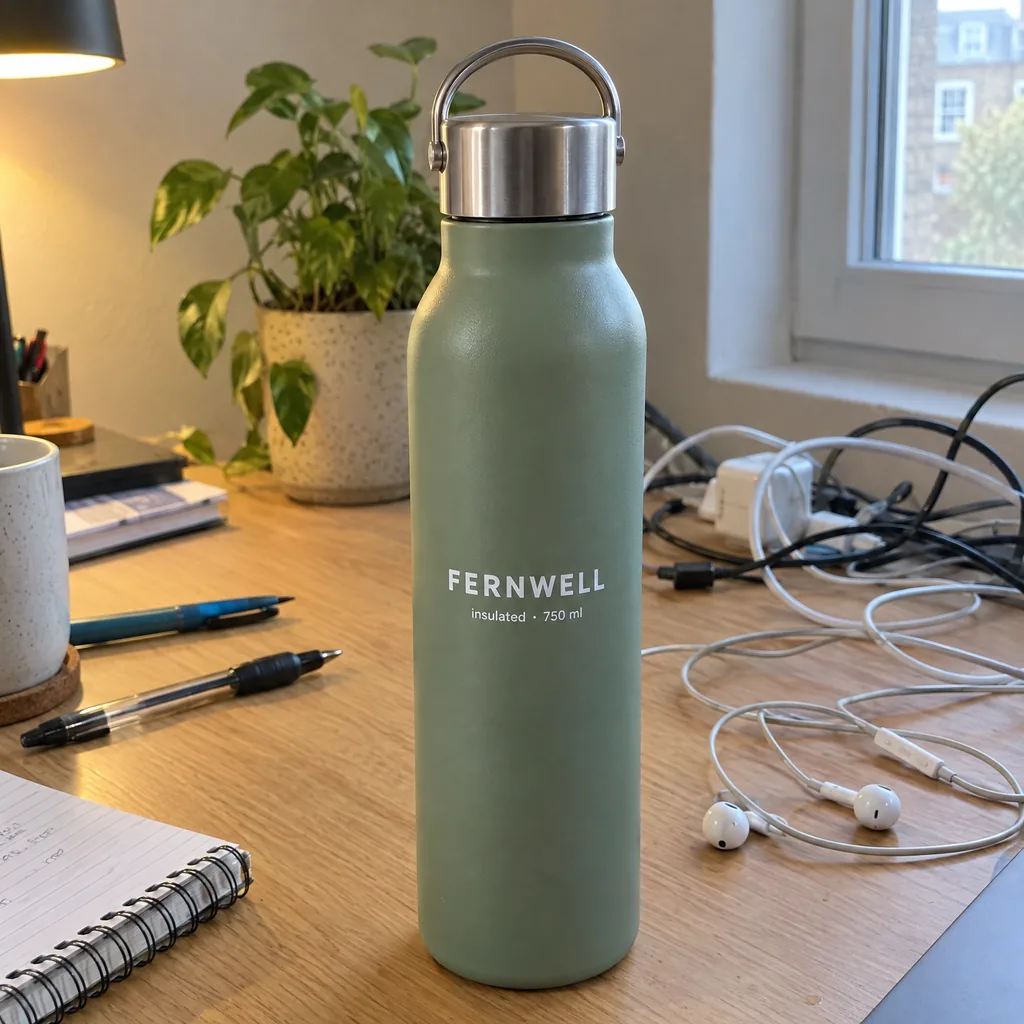
Snapshot of a sage-green FERNWELL water bottle on a cluttered desk with tangled cables, earbuds, pens and a notebook
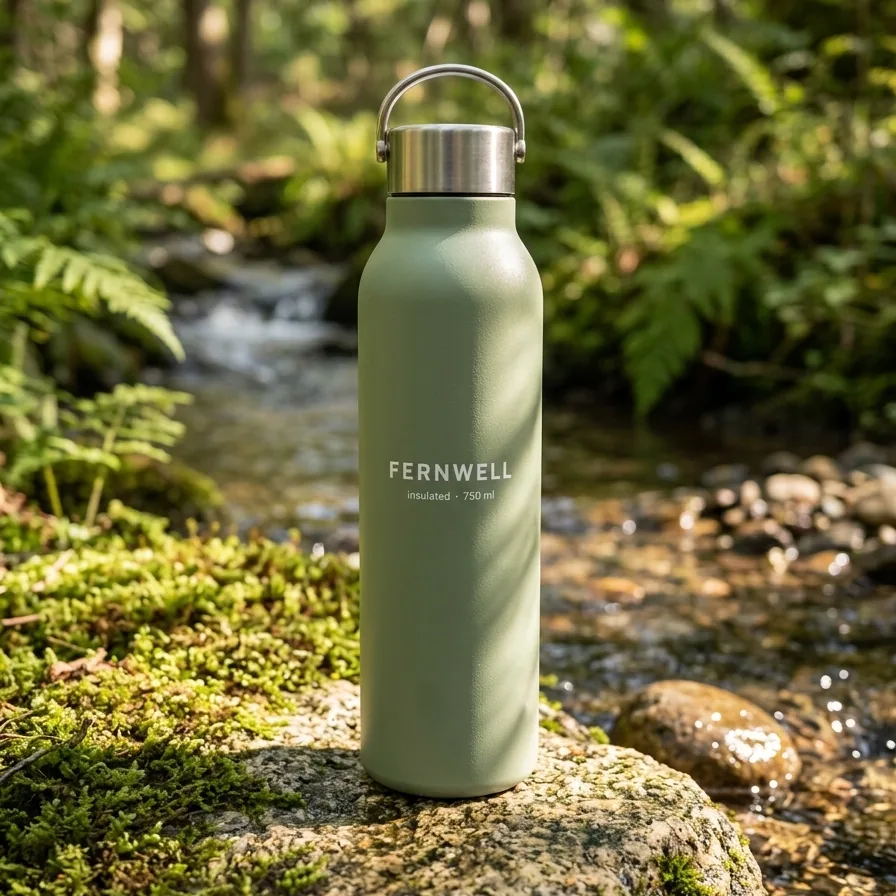
AI product photography of a sage-green FERNWELL water bottle standing on a mossy rock beside a forest stream in dappled sunlight
Drag to compare the desk photo with the new forest-stream shot.

Style examples · GPT Image 2.5

AI Product Photography Examples in Four Scenes

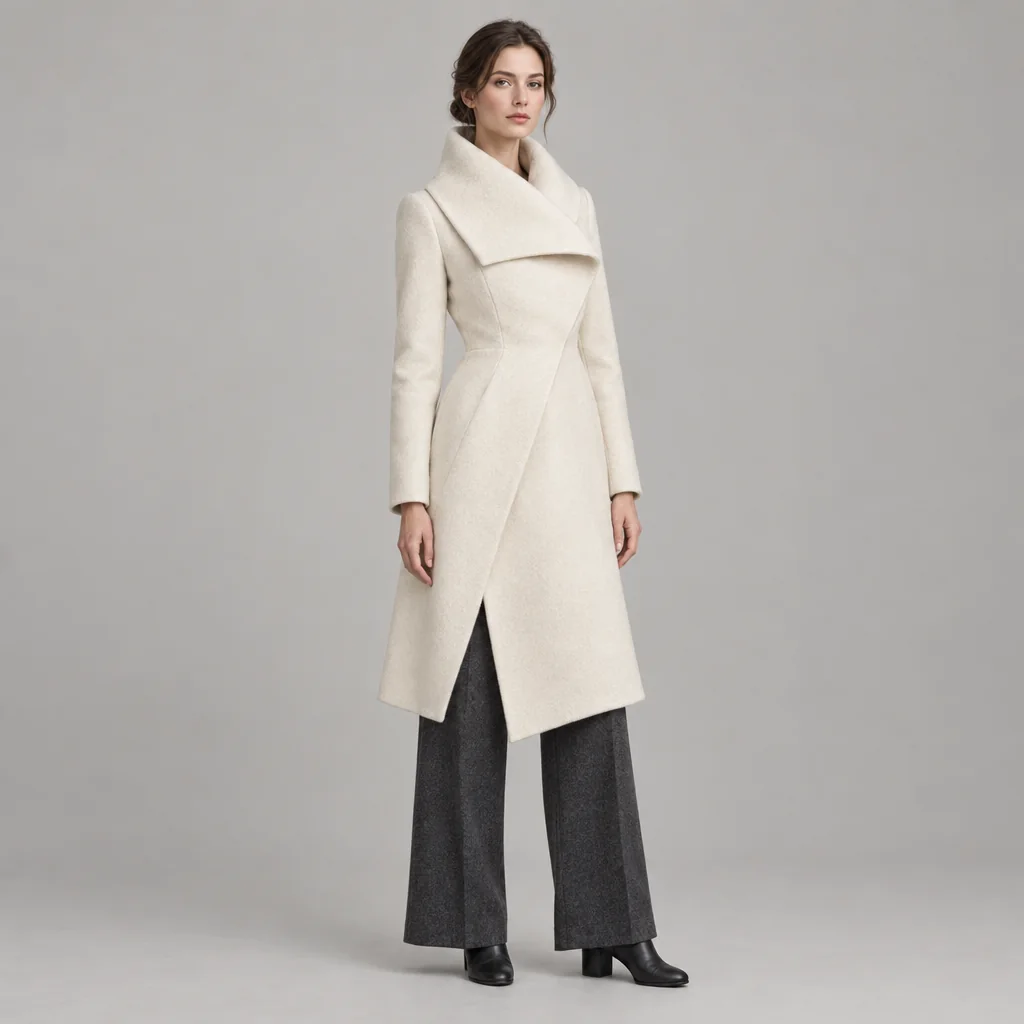
  • Headphones on a light-gray backdrop
  • Stoneware mug on a kitchen counter
  • Steel watch on dark slate
  • Drink can on a picnic blanket

How it works

How to Use the AI Product Image Generator

  1. Step 1

    Upload a product photo

    Choose a sharp photo that shows the whole product and its label, with nothing covering it. For a pair or a bundle, include every item.

  2. Step 2

    Pick a scene or describe one

    Leave the words empty for a studio packshot, tap one of six scenes, or describe your own. Then generate.

  3. Step 3

    Check the details, then download

    At full size, compare the label, logo and colors with your photo before you publish. If anything is off, generate again.

The look

A Professional Set Around Your Own Product

A clean studio packshot

Your product sits centered on a seamless light-gray backdrop, lit softly, with a soft shadow beneath it and no props.

A new set for every scene

Each scene is built as a styled set around your product: a clean surface, simple props, a softly blurred background and matching light. The clutter and background of your photo are left out.

Whole, sharp and in proportion

The product stays fully in view and in focus at a believable size next to the props, and is meant to keep that size even if you ask for it bigger. The number of items is meant to stay as photographed, so a pair stays a pair.

Prompt ideas

Product Photography Prompts to Try

Describe the setting, surface, props and light rather than the product itself. If you want a logo, price or offer on the image, add it afterwards in your own design tool.

A place in a few words

Try "on a sunny breakfast table beside a croissant." A short phrase is enough; the rest of the set is filled in to match.

A mood for the set

Try "luxury gold, on black velvet." Mood words are meant to shape the props and light around your product rather than turn the product itself gold.

A scene plus your details

Tap Marble and window light, then type "a sprig of eucalyptus and a folded linen cloth." The scene sets the surface and light; your words are meant to add the props.

Ways to use it

Store Listings, Ads, Gift Guides and Launches

Online store listings

Give every product a matching clean studio look across your shop, then add a styled scene or two to each product gallery.

Social posts and ads

Put one product on a kitchen counter, outdoors and in a dark, moody scene, then see which look your audience responds to.

Christmas gift guides

Tap Festive table for gift-guide pictures, Christmas posts and newsletters.

New product previews

Photograph a sample and see it in a finished scene for a launch page or a pitch before you book a shoot.

Create more with one YouArt membership

This generator uses 8 credits for one 1K image. Membership credits work across YouArt image, video, audio, and workflow tools.

Basic

For hobbyists and explorers

$9.99/mo
Select Plan
  • 1000 credits
  • Up to ~200 images/month
  • Up to ~332s video/month
  • Intelligent creative agent
  • Video editor
  • Latest image models, including GPT Image 2.5, GPT Image 2 and Nano Banana Pro
  • Latest video models, including Seedance 2
  • Realistic face uploads
  • Voice generation with ElevenLabs
  • No watermark
  • Unlimited template access
Pro

Popular

For creators and pro users

$29.99/mo
Select Plan
  • 3300 credits
  • Up to ~1000 images/month
  • Up to ~1100s video/month
  • Intelligent creative agent
  • Video editor
  • Latest image models, including GPT Image 2.5, GPT Image 2 and Nano Banana Pro
  • Latest video models, including Seedance 2
  • Realistic face uploads
  • Voice generation with ElevenLabs
  • No watermark
  • Unlimited template access

Max

Best Value

For power users and teams

$149.99/mo
Select Plan
  • 18000 credits
  • Up to ~6000 images/month
  • Up to ~6000s video/month
  • Intelligent creative agent
  • Video editor
  • Latest image models, including GPT Image 2.5, GPT Image 2 and Nano Banana Pro
  • Latest video models, including Seedance 2
  • Realistic face uploads
  • Voice generation with ElevenLabs
  • No watermark
  • Unlimited template access
Team

For teams and studios

$329.99/mo
Select Plan
  • 36300 credits
  • Up to ~12000 images/month
  • Up to ~12100s video/month
  • Realistic face uploads
  • Share canvas, workflows, and assets with your team
  • Up to 10 members per team
  • Up to 5 teams
  • Role-based management
  • Team credit management and spending caps
  • Per-member usage tracking

Questions answered

AI Product Photography FAQ

Everyday products you can fit whole in one photo, such as water bottles, mugs, gadgets and shoes. Beauty products, candles and supplements each have a page made for them: AI Beauty Product Photography, AI Candle Product Photography and AI Supplement Product Photography.

They are meant to stay as photographed, but small lettering can change, such as a word gaining a capital letter. Printed ink can come out lighter, and warm or dark scenes can tint colors, especially on pale or clear products.

No. Studio shots, including Clean studio, come out light gray rather than pure white, and YouArt does not check them against any marketplace's image rules. For a transparent cutout you can place on white, use the Background Remover.

No. This page makes product-only photos: it is meant to leave out models and never to show a real or famous person.

Each result is meant to show the side you photographed, so upload a separate photo for every side you want to show.

Each generation costs 8 YouArt credits and creates one 1K image in the same shape as your photo, so crop it first if you need a square. Uploading a photo or picking a scene costs nothing until you generate.

Build beyond one image

Turn your result into a complete creative workflow

Open YouArt's visual canvas to connect generation, editing, upscaling, animation, and sound in one reusable process.