Frequently asked questions
AI Wedding Photo Generator FAQ
- What does the AI wedding photo generator create?
- It creates one new photographic wedding image from text, an uploaded photo, or both, with soft directional light, shallow depth of field, styled gown and tailoring detail, fresh florals, and a garden or venue setting. What you get is a styling and setting concept rather than a record of a real ceremony, so it belongs next to a photographer's work as planning material rather than in place of it.
- How do I write a good wedding photo prompt?
- Name who is in frame, the gown silhouette and fabric, the suit cut and color, the florals, the setting and time of day, the light direction, and the crop. Words such as soft window light, shallow depth of field, and candid keep the result photographic instead of drifting toward illustration.
- Can I use my own photo?
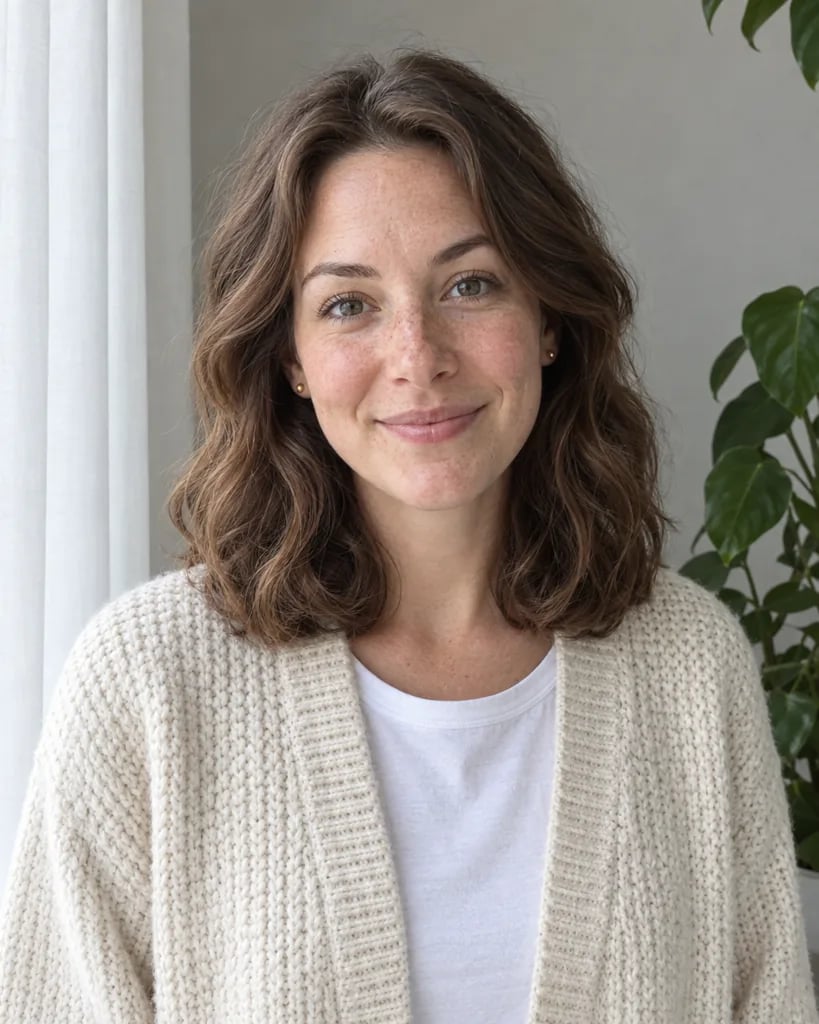
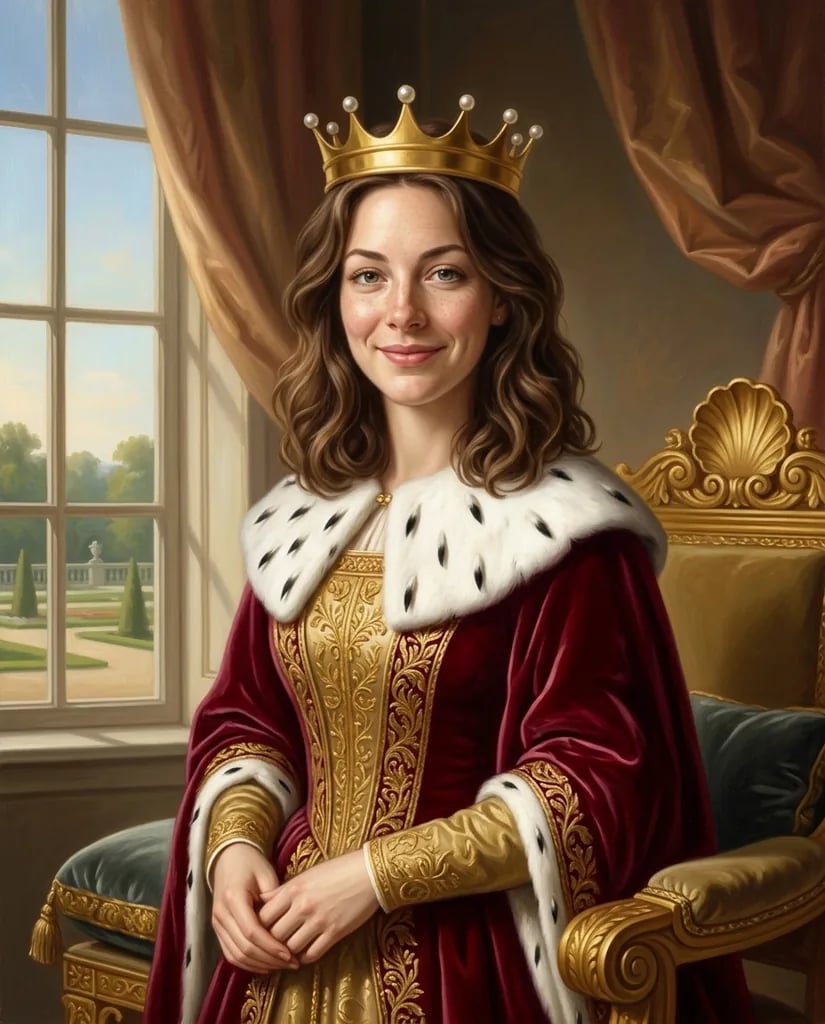
- Yes, and a written brief works on its own too. Attach one clear, evenly lit photo and say who should stay recognizable and what should change around them. There is a single reference slot per run, so a couple has to come from one photo of them both, and the result is a new image interpreting that reference rather than an edit of the file you uploaded.
- Will the faces look exactly like us?
- No. The result reads as a recognizable interpretation rather than a photograph of the person: one reference goes through one generation pass, so features, skin texture, and hand or ring detail all shift, and wedding styling changes the silhouette further. Keep the reference sharp and front-facing, name the two or three features that matter most, and use the result to settle the dress, the styling, and the setting rather than the faces.
- How much does one AI wedding photo cost?
- Each run creates one 1K image and costs 8 YouArt credits. Editing the prompt is free until you generate; every additional variation is a new run.