AI LinkedIn photo generator

AI LinkedIn Photo Generator for Professional Headshots

Upload a photo of yourself, or describe the headshot you want, and get a portrait with studio lighting, a clean background and business styling. Your face, age and build are left alone, because a profile photo only works if the person who turns up to the meeting is recognisably the same one.

8 credits
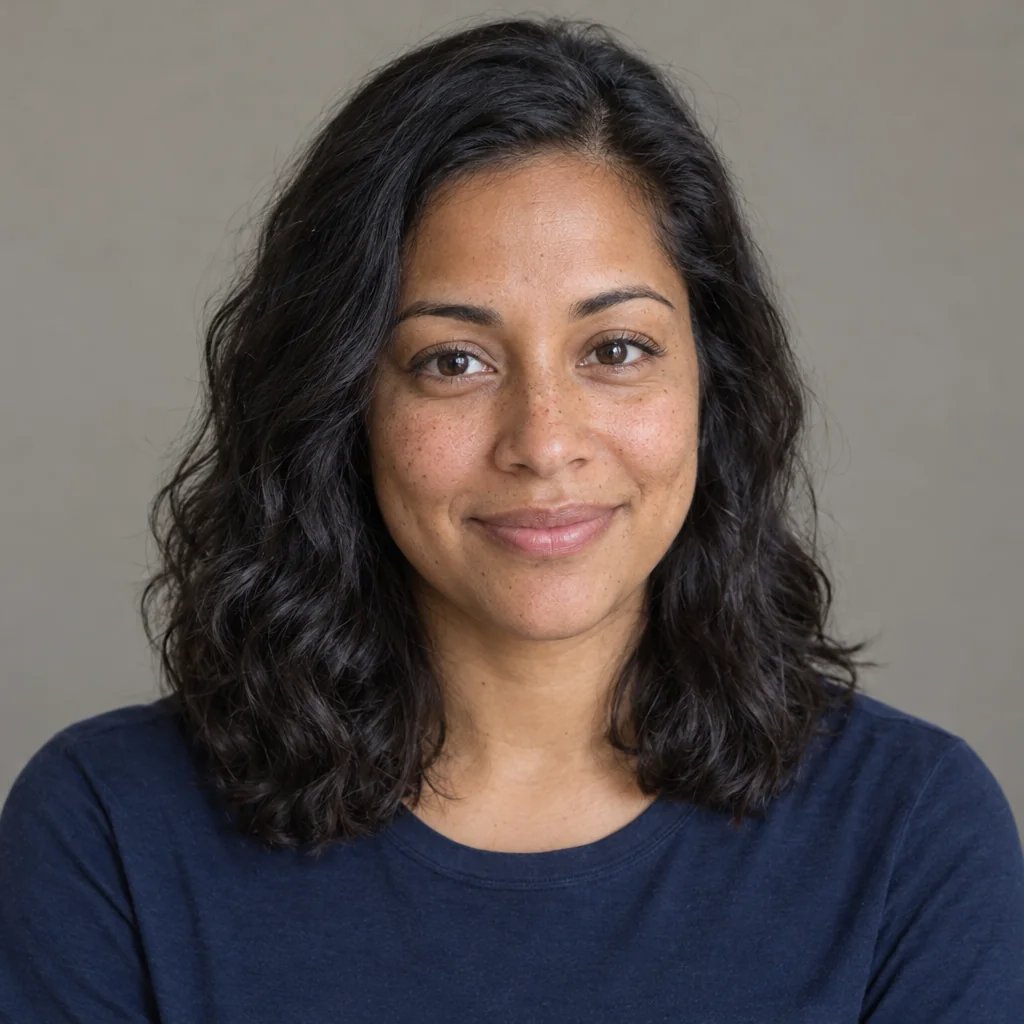
Soft window light, a blurred office background, and skin left unretouched

AI LinkedIn photo examples

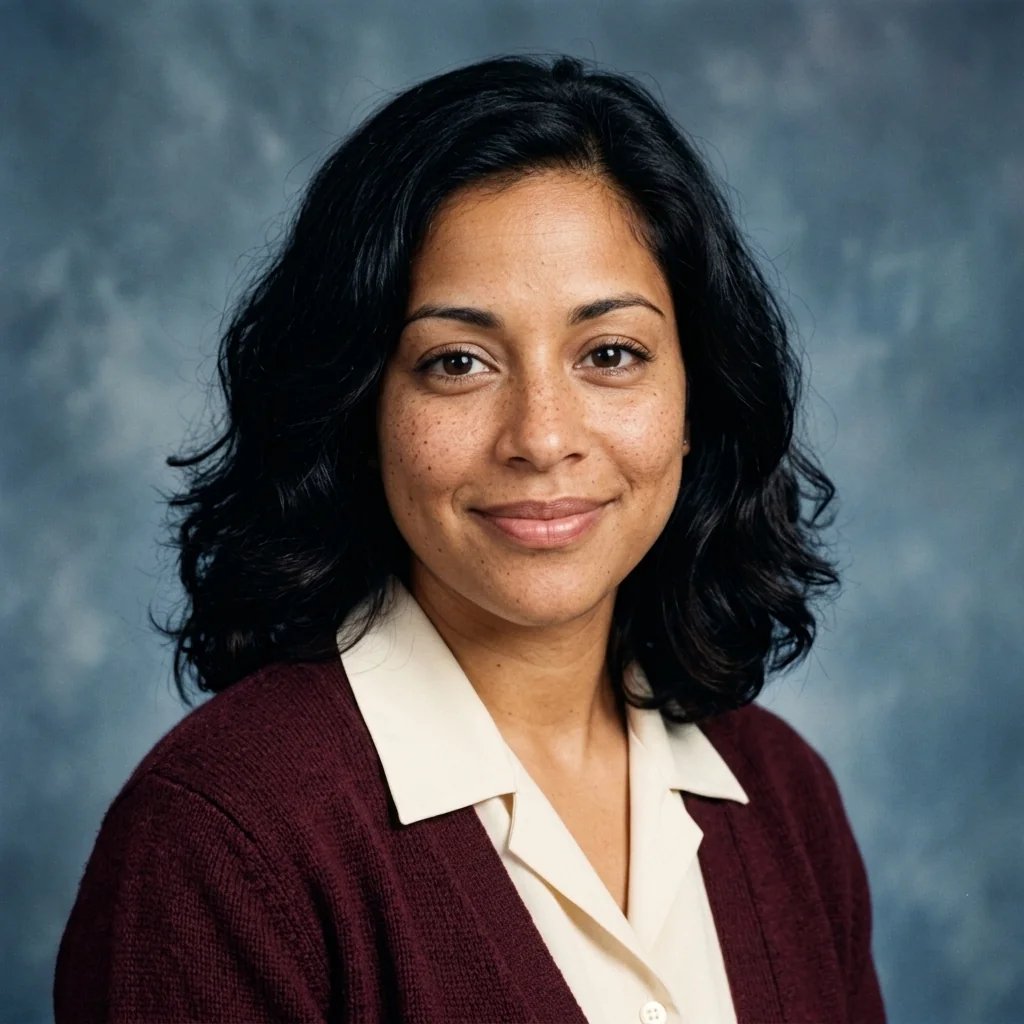
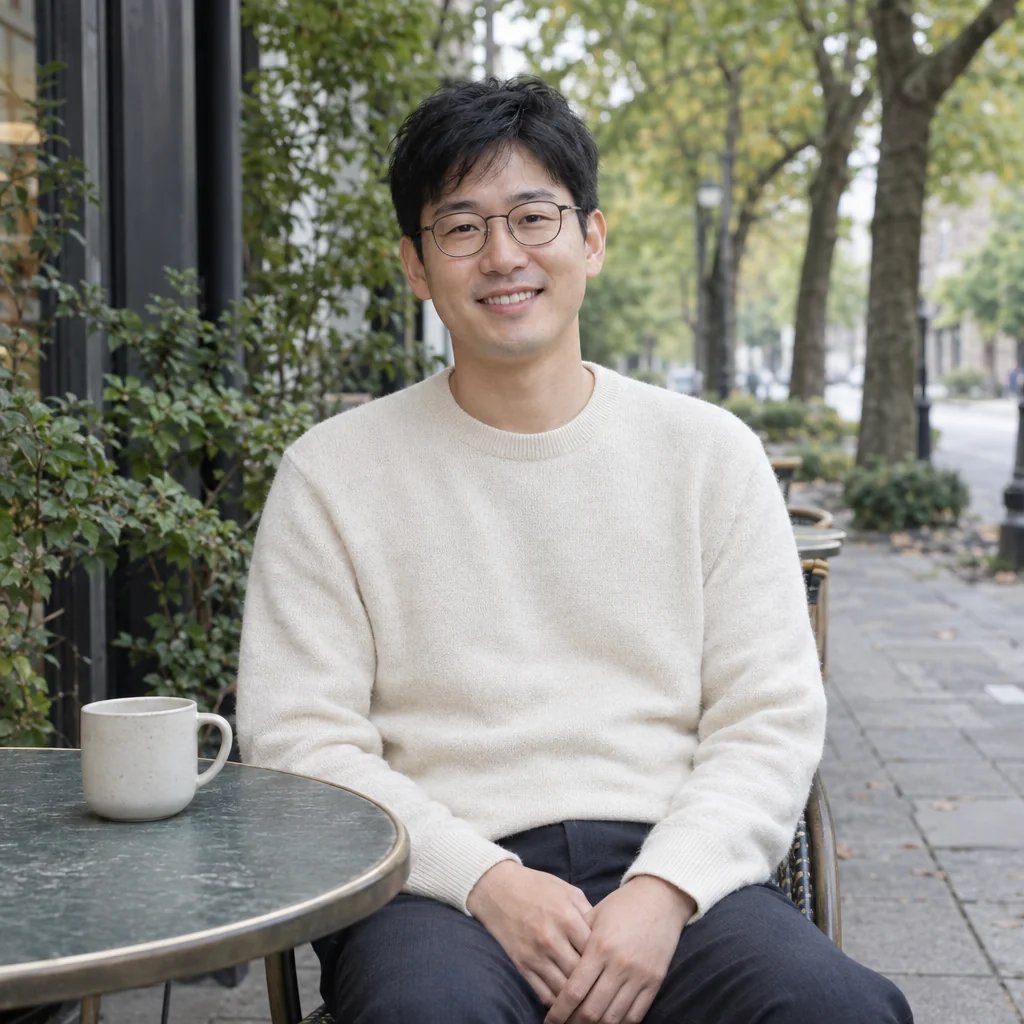
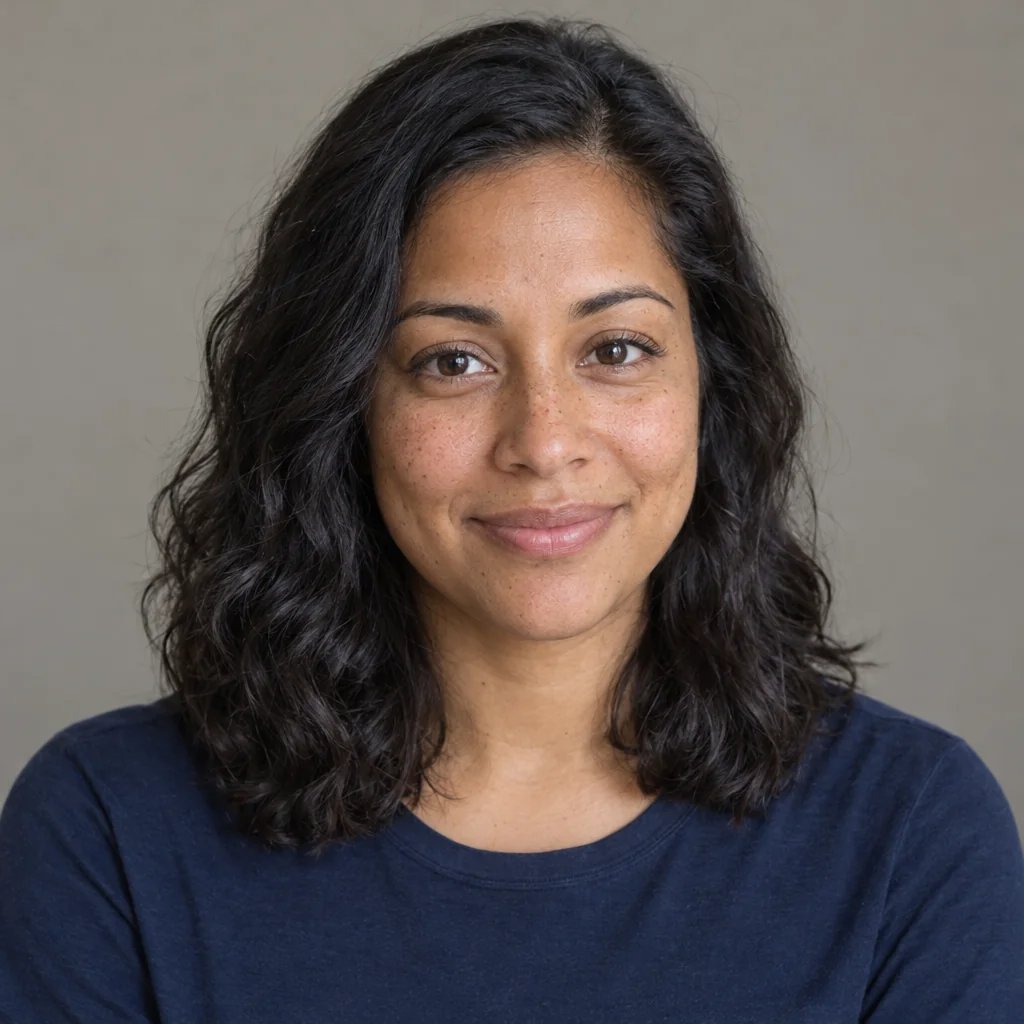
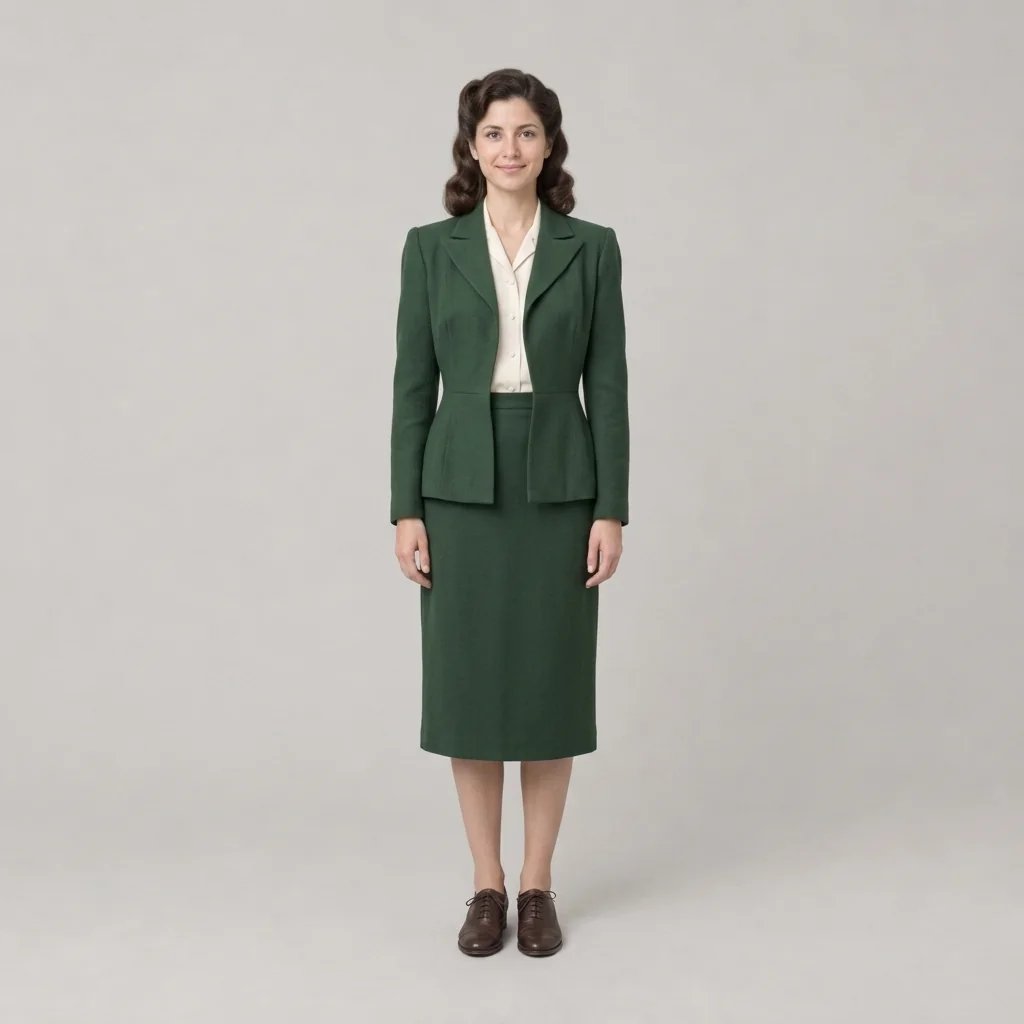
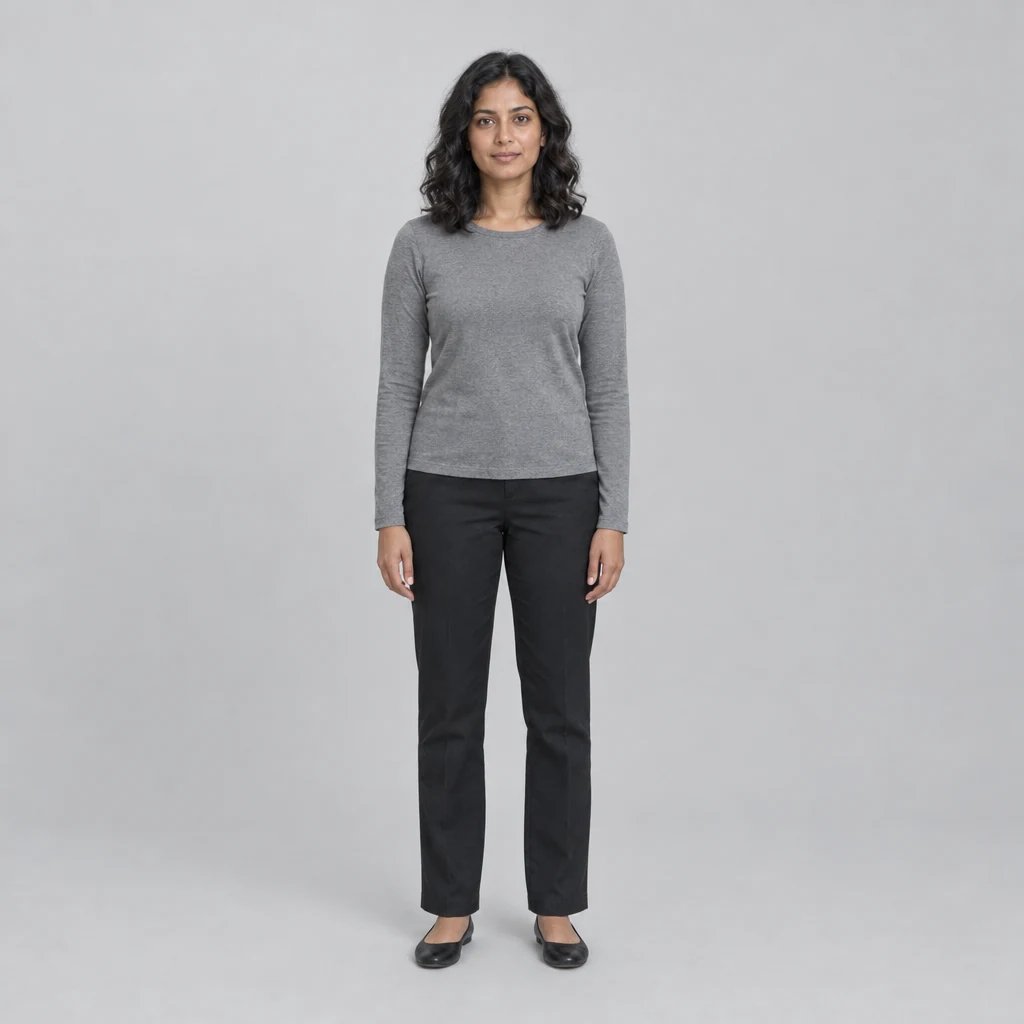
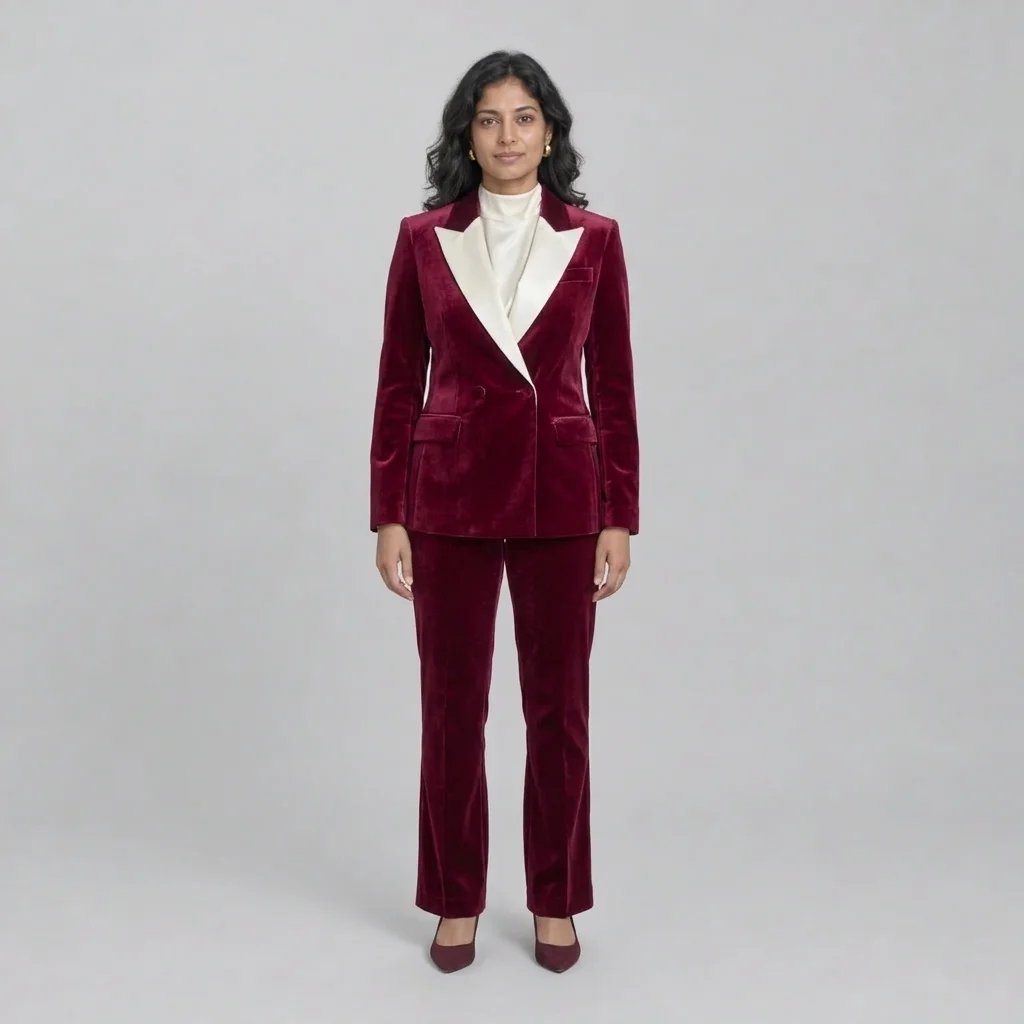
Headshots on Studio, Outdoor, Dark and Interior Backgrounds

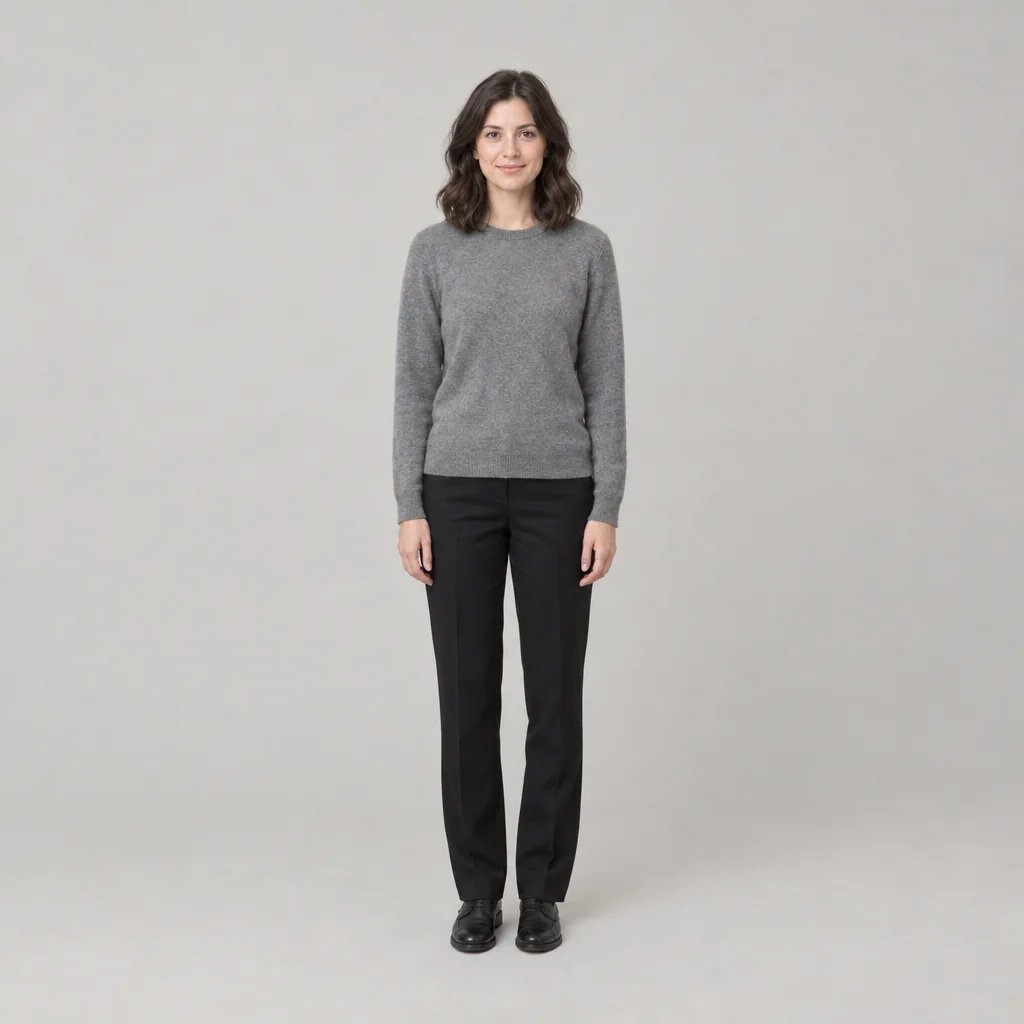
  • Seamless grey studio backdrop
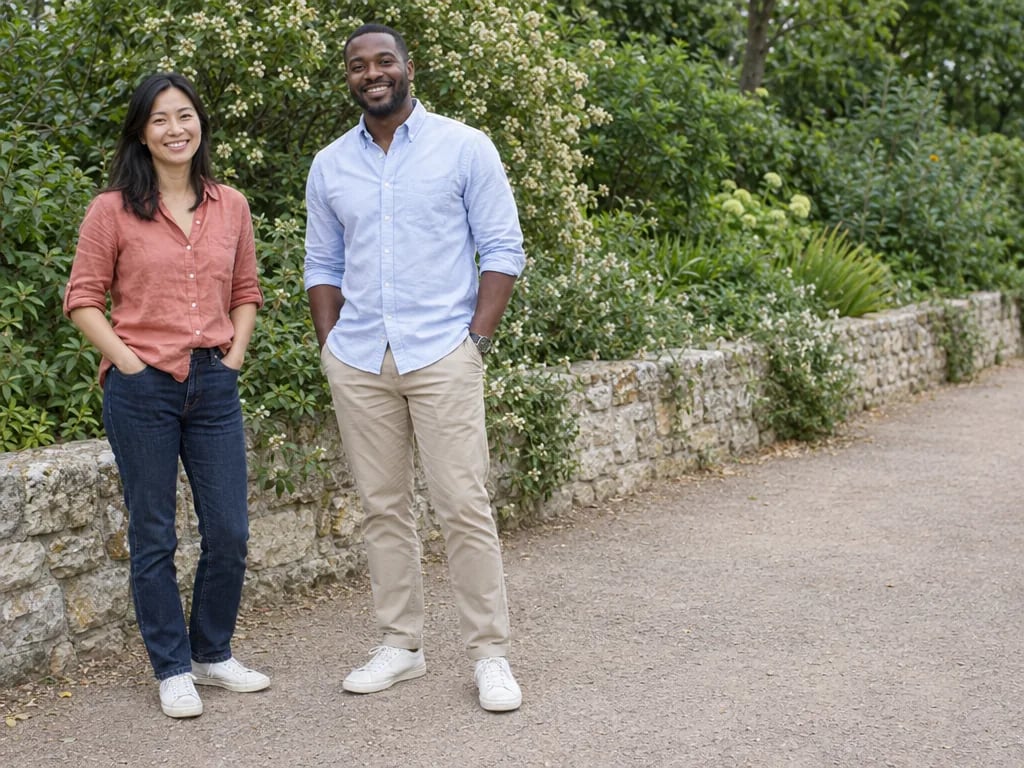
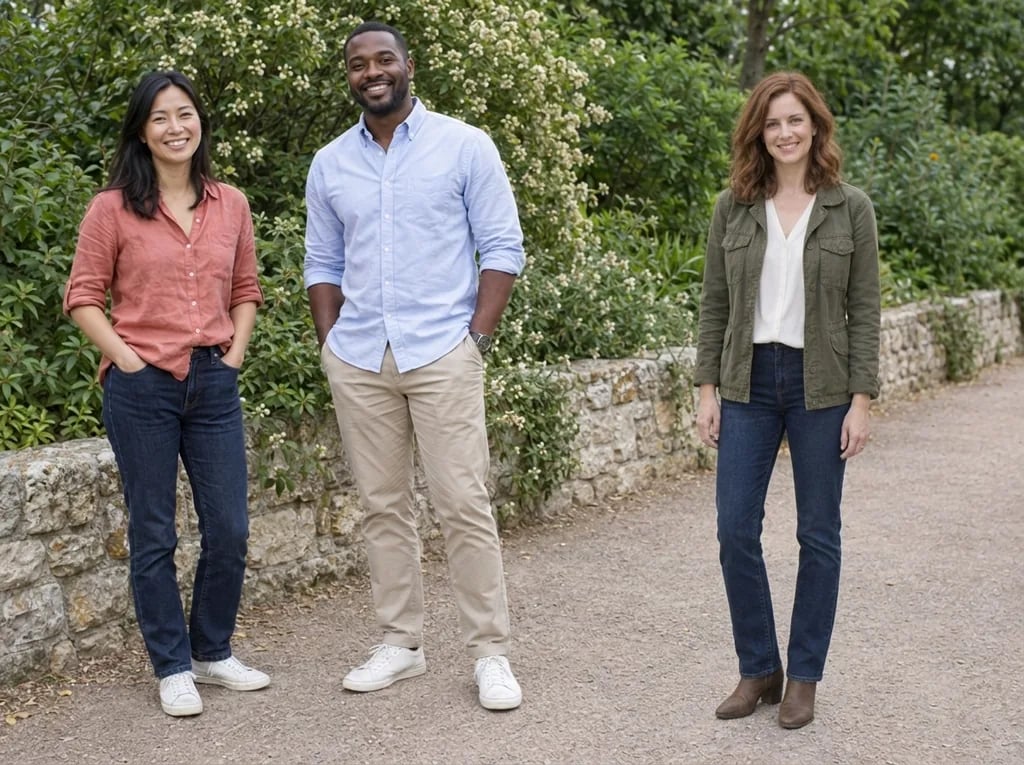
  • Outdoor shade with soft greenery
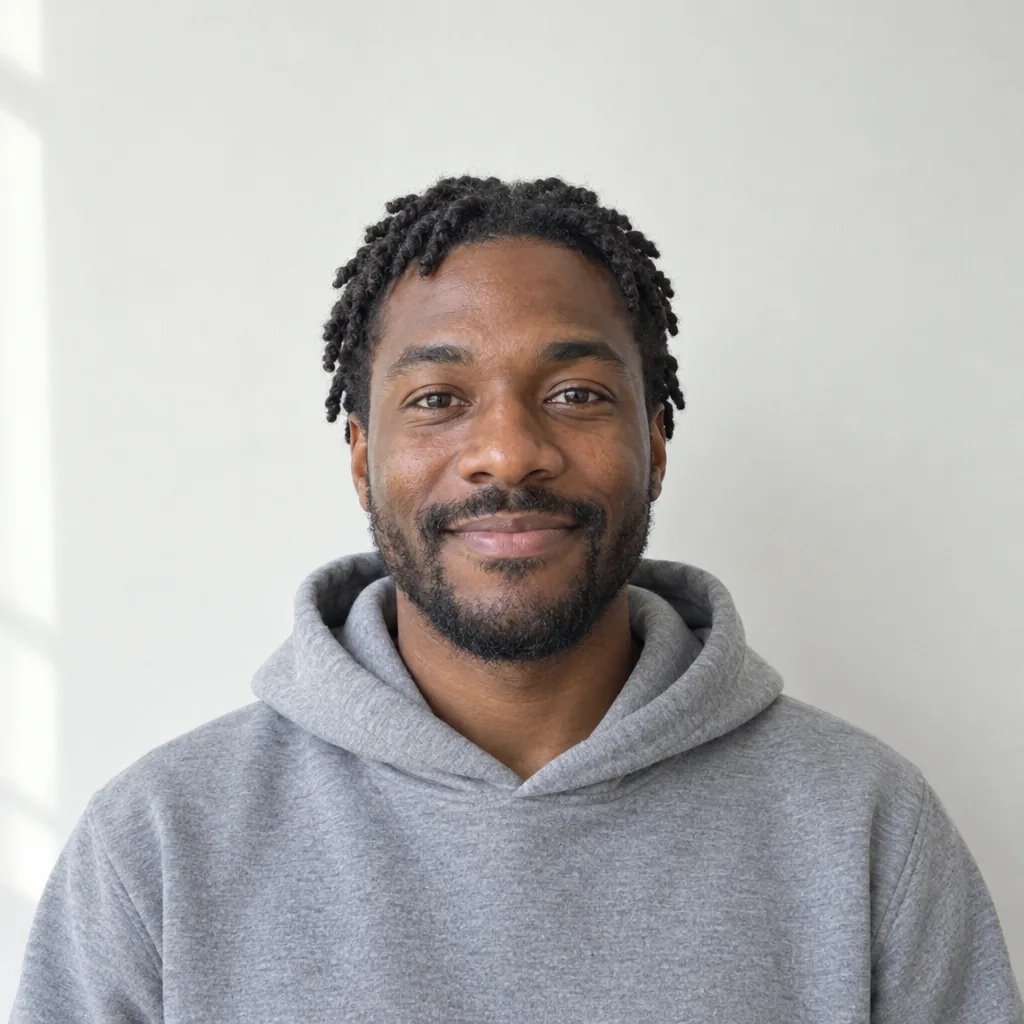
  • Dark backdrop with a cool rim light
  • Warm interior, window behind

How it works

Make a LinkedIn Photo in Three Steps

  1. Step 1

    Upload a photo or describe one

    Attach a clear, front-facing photo of yourself, or write the headshot you want. Either way, name the wardrobe and the background you are after, since those are the two things this page changes.

  2. Step 2

    Generate the headshot

    YouArt returns one 1K square portrait for 8 credits, with soft directional key light, a shallow depth of field and a clean background.

  3. Step 3

    Check it small, then download

    LinkedIn shows your photo as a small circle. Shrink the result before you commit: if your face stops reading at that size, reframe tighter and generate again.

What the generator controls

The Three Things That Make a Headshot Work

It still has to be you

The instruction behind this page forbids changing your face shape, age, weight or features, and keeps skin texture, pores and fine lines intact. A photo that quietly makes you younger and thinner is the one failure a profile picture cannot survive.

Lighting a phone cannot fake

Soft directional key light with open fill, catchlights in the eyes, and a shallow depth of field that separates you from the background. That combination is what reads as photographed rather than filtered.

You pick the background

A seamless studio sweep, a blurred office, outdoor shade, or a dark backdrop with a rim light. Name the one you want in the prompt, and it holds across regenerations.

Prompt ideas

Headshot Prompts That Name Wardrobe and Background

Name the clothing, the background and the light direction. Leave your face out of it: the generator is instructed not to change it.

Studio, seamless backdrop

Charcoal crew-neck sweater, seamless mid-grey studio backdrop, soft large key light from camera left, a subtle rim light on the shoulder, calm direct expression.

Blurred office interior

Navy blazer over a white shirt, standing in a softly blurred modern office with daylight coming from a window to the left, warm natural smile.

Outdoor, late afternoon

Light blue open-collar shirt, outdoors in late-afternoon shade, deep green foliage thrown far out of focus behind, relaxed confident smile.

Ways to use it

Profiles, Applications, Speaker Pages, and Team Pages

LinkedIn and professional profiles

The square result crops cleanly to the circular profile photo LinkedIn displays, and works unchanged on other professional networks.

CVs and job applications

A consistent, well-lit portrait for a CV, a portfolio header, or an application that asks for a photo, without booking a studio session for one image.

Speaker and author bios

Conference programmes, podcast pages and bylines usually want a clean background and a neutral crop. Generate a version that suits the page rather than reusing a cropped holiday photo.

Consistent team pages

Give everyone the same background and light direction so an about page reads as one set, even when the source photos were taken on different phones in different rooms.

Create more with one YouArt membership

This generator uses 8 credits for one 1K image. Membership credits work across YouArt image, video, audio, and workflow tools.

Basic

For hobbyists and explorers

$9.99/mo
Select Plan
  • 1000 credits
  • Up to ~200 images/month
  • At least ~1000s video/month
  • Intelligent creative agent
  • Video editor
  • Latest image models, including GPT Image 2 and Nano Banana Pro
  • Latest video models, including Seedance 2
  • Realistic face uploads
  • Voice generation with ElevenLabs
  • No watermark
  • Unlimited template access

Pro

Most Popular

For creators and pro users

$29.99/mo
Select Plan
  • 3300 credits
  • Up to ~1000 images/month
  • At least ~3300s video/month
  • Intelligent creative agent
  • Video editor
  • Latest image models, including GPT Image 2 and Nano Banana Pro
  • Latest video models, including Seedance 2
  • Realistic face uploads
  • Voice generation with ElevenLabs
  • No watermark
  • Unlimited template access

Max

For power users and teams

$149.99/mo
Select Plan
  • 18000 credits
  • Up to ~6000 images/month
  • At least ~18000s video/month
  • Intelligent creative agent
  • Video editor
  • Latest image models, including GPT Image 2 and Nano Banana Pro
  • Latest video models, including Seedance 2
  • Realistic face uploads
  • Voice generation with ElevenLabs
  • No watermark
  • Unlimited template access

Team

For teams and studios

$329.99/mo
Select Plan
  • 36300 credits
  • Up to ~12000 images/month
  • At least ~36300s video/month
  • Realistic face uploads
  • Share canvas, workflows, and assets with your team
  • Up to 10 members per team
  • Up to 5 teams
  • Role-based management
  • Team credit management and spending caps
  • Per-member usage tracking

Frequently asked questions

AI LinkedIn Photo FAQ

What makes a good LinkedIn profile photo?
Your face fills a good share of the frame, you are looking at the camera, the light is soft and comes from the front, and the background is quiet enough that nothing competes with you. Head-and-shoulders to mid-chest is the usual crop, because LinkedIn displays the photo as a small circle and a full-body shot disappears at that size.
What should I wear in a LinkedIn photo?
Wear what you would wear to meet a client in your field, one step smarter than your daily default. Solid colours photograph better than busy patterns, which can shimmer at small sizes, and a fitted mid-tone or dark top separates you cleanly from a light background. Name the garment in your prompt and the generator will use it.
Can I use my own photo?
Yes, and it is the better path. Attach a clear, front-facing photo and the generator restyles the lighting, wardrobe and background while leaving your face, age, build and hair as they are. Without a photo it generates a portrait from your description instead, which will not be you.
What size should a LinkedIn profile photo be?
LinkedIn recommends a square image of at least 400 x 400 pixels and displays it as a circle. This page returns a 1K square, which is comfortably above that and crops to the circle without cutting into your face.
How many credits does one headshot cost?
Each run costs 8 credits and returns one 1K square image. Membership credits work the same way here as anywhere else on YouArt.

Keep exploring

More AI art styles to try

The closest looks to this one. Each is a full generator with its own prompt studio and examples.

Browse all 36 AI generators

Build beyond one image

Turn your result into a complete creative workflow

Open YouArt's visual canvas to connect generation, editing, upscaling, animation, and sound in one reusable process.