AI graduation photo generator

AI Graduation Photo Generator for Cap and Gown Portraits

Name the gown colour, the tassel side, the stole or honour cords and where you want to be standing, and get a graduation portrait with soft directional light and a background that falls away behind you. Useful if you graduated remotely, the gown arrived after the ceremony, or nobody booked a photographer. Read the FAQ before you treat it as a picture of you: it builds a new portrait rather than retouching your photo, so the face it returns is close but not exact.

8 credits
Gown, tassel side and setting all named in the prompt

Graduation photo examples

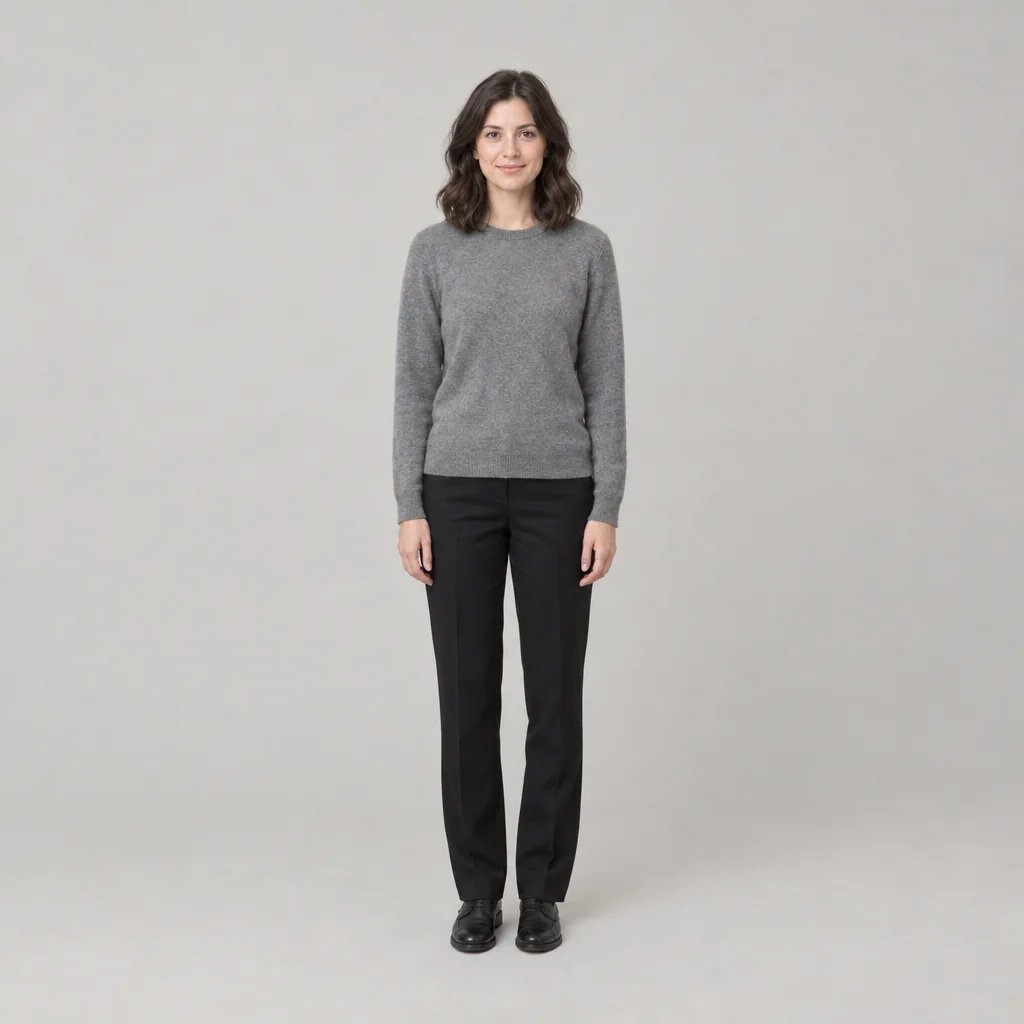
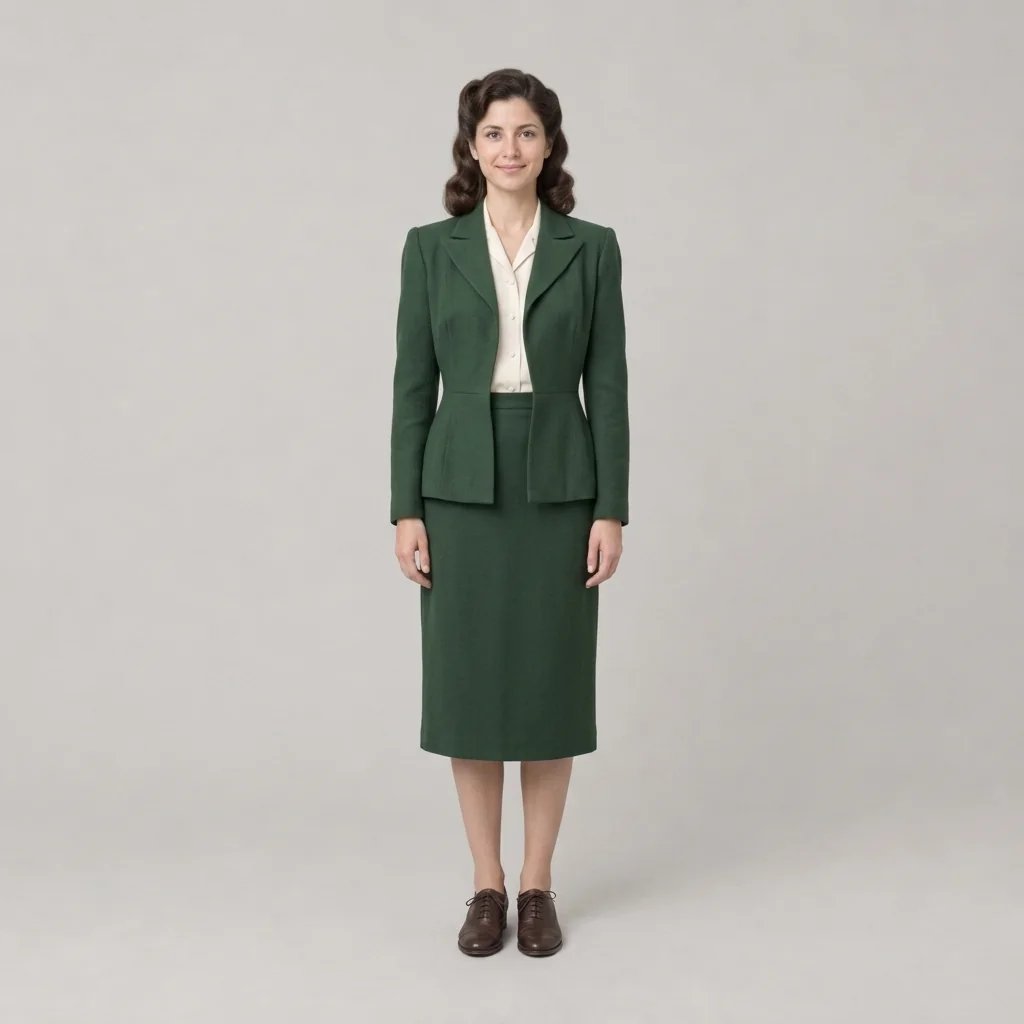
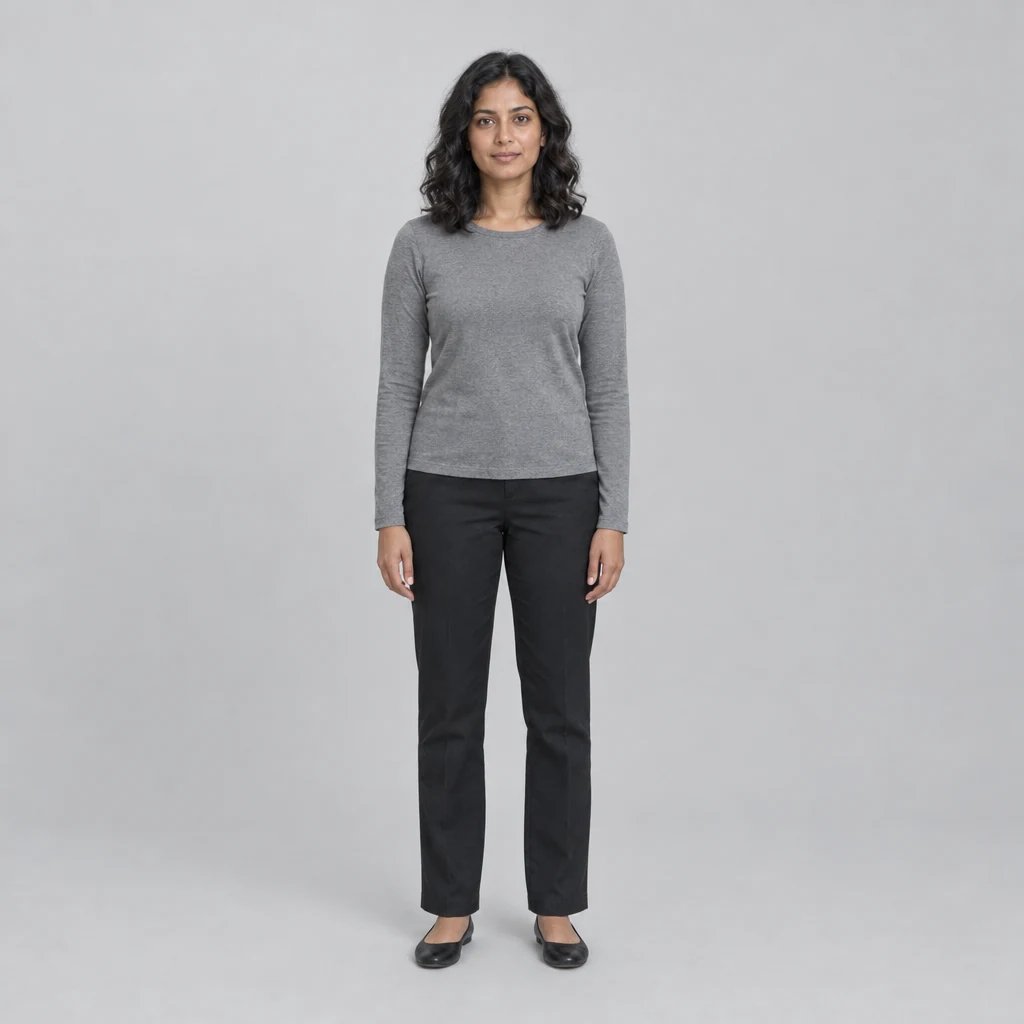
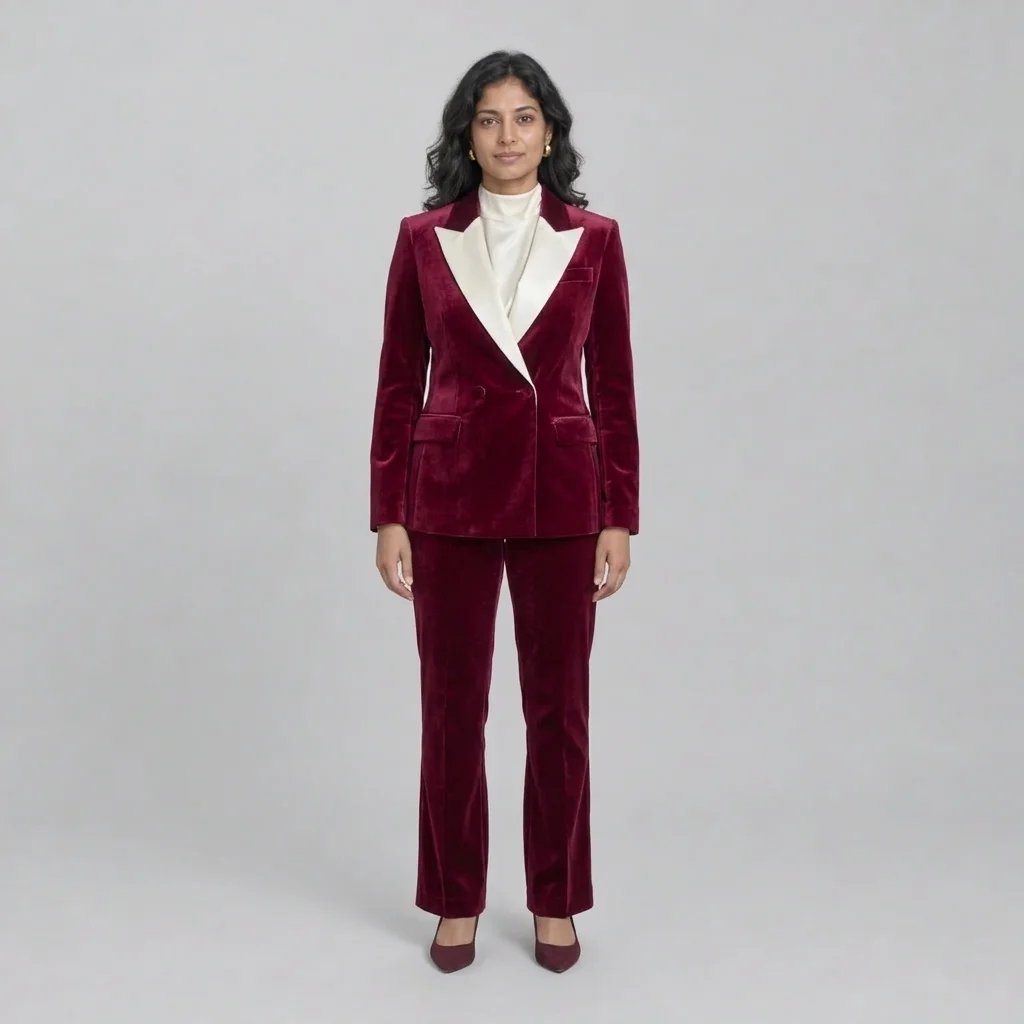
Studio, Campus, a Cap Toss and Full Doctoral Regalia

  • Studio — the plain one that prints well
  • Campus at golden hour, building thrown out of focus
  • The cap toss, with room above for it to travel
  • Doctoral dress — velvet bars, hood and cords

How it works

Make a Graduation Portrait in Three Steps

  1. Step 1

    Describe the regalia

    Gown colour, tassel side, stole, honour cords, mortarboard or doctoral tam, and how much of you should be in frame. Attach a photo if you want the portrait built around your own face.

  2. Step 2

    Pick the light and the place

    A seamless studio backdrop, a campus lawn at golden hour, an auditorium stage. YouArt returns one 1K square photograph for 8 credits.

  3. Step 3

    Check the details before you send it

    Look at the hands, the tassel and the regalia before you post it or print it on a card. A single generation pass gets small things wrong, and this is a photograph people will look at closely.

What the generator controls

The Three Things a Graduation Portrait Turns On

Gown, tassel and cords, all directable

Name the gown and stole colour, the honour cords, the hood, and whether the tassel hangs left or right, and they are followed. It is the field's own most-asked question and the page's real control surface.

Light and place, not just a backdrop

Soft directional daylight against an out-of-focus campus building is the default. Name a seamless studio sweep, an auditorium stage or a golden-hour lawn and the light changes with the place rather than being pasted behind you.

Photographic, not glamour-retouched

Natural skin texture, catchlights in the eyes, no beauty smoothing and no HDR crunch. A graduation portrait that looks airbrushed reads as a stock photo, which is the one thing it must not look like.

Prompt ideas

Spend the Words on the Regalia

The regalia is what makes it a graduation photo, so name it precisely — gown colour, stole, cords, tassel side — and let the setting be one short phrase. Asking for a school's name or crest will not work; the generator is instructed to leave regalia blank.

The plain studio one

Waist-up, matte black gown, level mortarboard with the tassel to the left, plain seamless grey backdrop, soft key from camera left, warm neutral grade.

Outside, late in the day

Full length on a sunlit campus lawn, the building blurred well behind, backlit late-afternoon haze, a rolled diploma in hand.

All words on the dress

Maroon gown, gold honour cords, a two-colour satin stole, tassel on the left, doctoral tam instead of a mortarboard, plain backdrop.

Ways to use it

Cards, Family, Missed Ceremonies and Planning

Announcements and thank-you cards

Art for a graduation announcement, an invitation or a thank-you card, at a square size that drops into most templates without cropping.

The one you send home

A portrait for the family group chat or the frame on someone's shelf, without booking a session for a photograph you only need one of.

If the ceremony did not happen

Remote graduations, a gown that arrived after the day, a photographer nobody got round to booking. This is the case the field is built on, and the honest one.

Plan a real shoot

Settle the stole, cord and backdrop combination before the day, or hand the direction to the photographer you did book, the way the wedding page is used for mood boards.

Create more with one YouArt membership

This generator uses 8 credits for one 1K image. Membership credits work across YouArt image, video, audio, and workflow tools.

Basic

For hobbyists and explorers

$9.99/mo
Select Plan
  • 1000 credits
  • Up to ~200 images/month
  • At least ~1000s video/month
  • Intelligent creative agent
  • Video editor
  • Latest image models, including GPT Image 2 and Nano Banana Pro
  • Latest video models, including Seedance 2
  • Realistic face uploads
  • Voice generation with ElevenLabs
  • No watermark
  • Unlimited template access

Pro

Most Popular

For creators and pro users

$29.99/mo
Select Plan
  • 3300 credits
  • Up to ~1000 images/month
  • At least ~3300s video/month
  • Intelligent creative agent
  • Video editor
  • Latest image models, including GPT Image 2 and Nano Banana Pro
  • Latest video models, including Seedance 2
  • Realistic face uploads
  • Voice generation with ElevenLabs
  • No watermark
  • Unlimited template access
Max

For power users and teams

$149.99/mo
Select Plan
  • 18000 credits
  • Up to ~6000 images/month
  • At least ~18000s video/month
  • Intelligent creative agent
  • Video editor
  • Latest image models, including GPT Image 2 and Nano Banana Pro
  • Latest video models, including Seedance 2
  • Realistic face uploads
  • Voice generation with ElevenLabs
  • No watermark
  • Unlimited template access
Team

For teams and studios

$329.99/mo
Select Plan
  • 36300 credits
  • Up to ~12000 images/month
  • At least ~36300s video/month
  • Realistic face uploads
  • Share canvas, workflows, and assets with your team
  • Up to 10 members per team
  • Up to 5 teams
  • Role-based management
  • Team credit management and spending caps
  • Per-member usage tracking

FAQ

AI Graduation Photo Generator FAQ

What does the AI graduation photo generator create?
One new photographic graduation portrait from a written brief, an uploaded photo, or both: cap and gown, soft directional light, shallow depth of field, and a setting you name. The generator is instructed to leave the regalia blank of any school's crest, seal or wordmark, so what comes back is generic academic dress rather than a particular institution's.
Will it actually look like me?
Not exactly, and no page that runs one photo through one generation pass can honestly say otherwise. It builds a new portrait rather than retouching your photograph, so features, skin texture, teeth and hands all shift a little. It is close enough for a card or a post and not close enough for anything that has to prove who you are. No page on YouArt produces a document-grade or identity-verifying photograph.
Can I choose the gown colour, tassel side and honour cords?
Yes — name them in the prompt and they are followed: gown and stole colour, honour cords, hood, mortarboard or doctoral tam, and whether the tassel hangs left or right. What it will not do is reproduce a real school's crest, seal, wordmark or mascot, and it does not know your institution's rules about which side the tassel belongs on or what a hood colour signifies. Check those yourself.
Can I use my own photo?
Yes, and a written brief works on its own too — a reference photo is not required. There is one reference slot per run, so a group or couple portrait is not something this page does well; it is built around one graduate.
How many credits does one portrait cost?
Each run costs 8 credits and returns one 1K square image. Membership credits work the same way here as anywhere else on YouArt.

Keep exploring

More AI art styles to try

The closest looks to this one. Each is a full generator with its own prompt studio and examples.

Browse all 43 AI generators

Build beyond one image

Turn your result into a complete creative workflow

Open YouArt's visual canvas to connect generation, editing, upscaling, animation, and sound in one reusable process.