YouArt

Your product, a fresh setting

AI Beauty Product Photography

Turn a product photo into a styled image for cosmetics, skincare or fragrance. Describe the setting and let AI arrange the scene.

Optional. Describe the surface, background, lighting or mood.
8 credits

One 1K image per run. Inspect packaging, labels and colors before publishing.

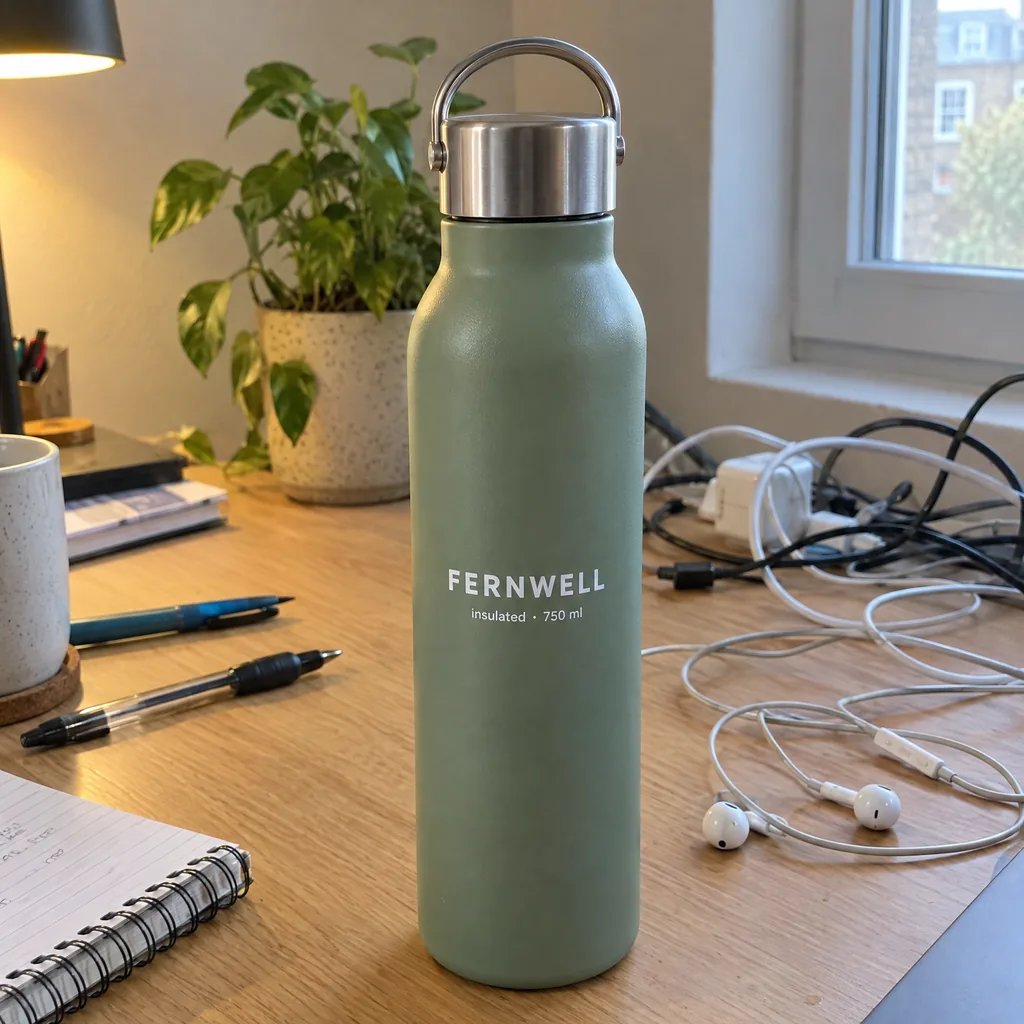
Before

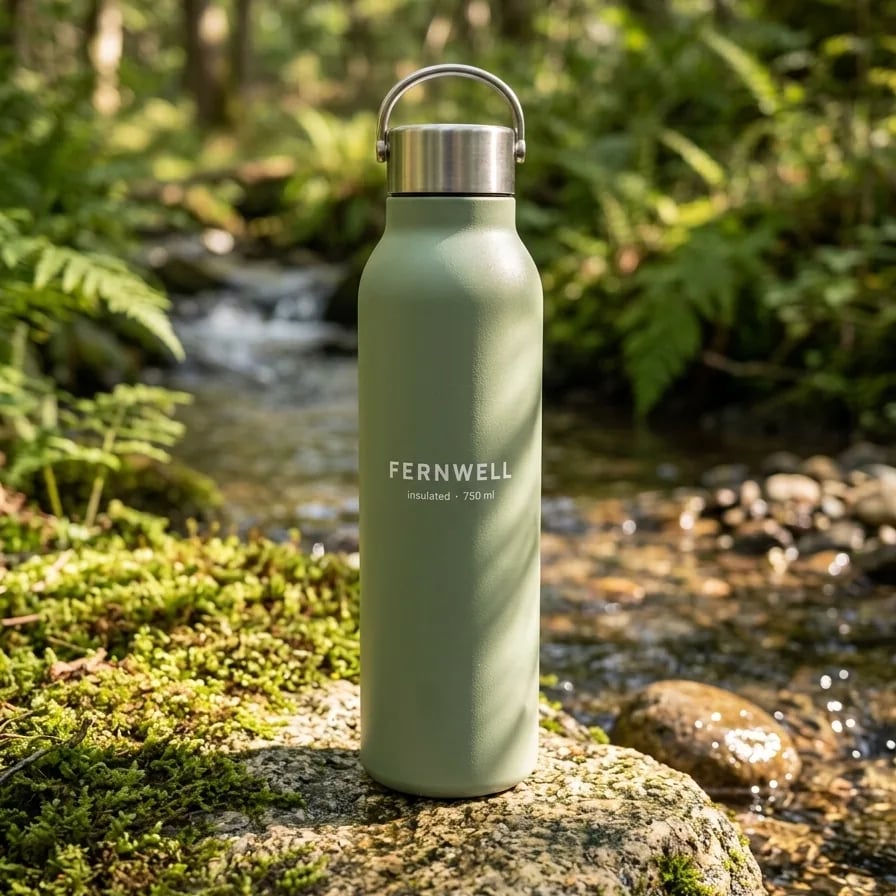
After

Serum — a clean studio presentation

Gallery

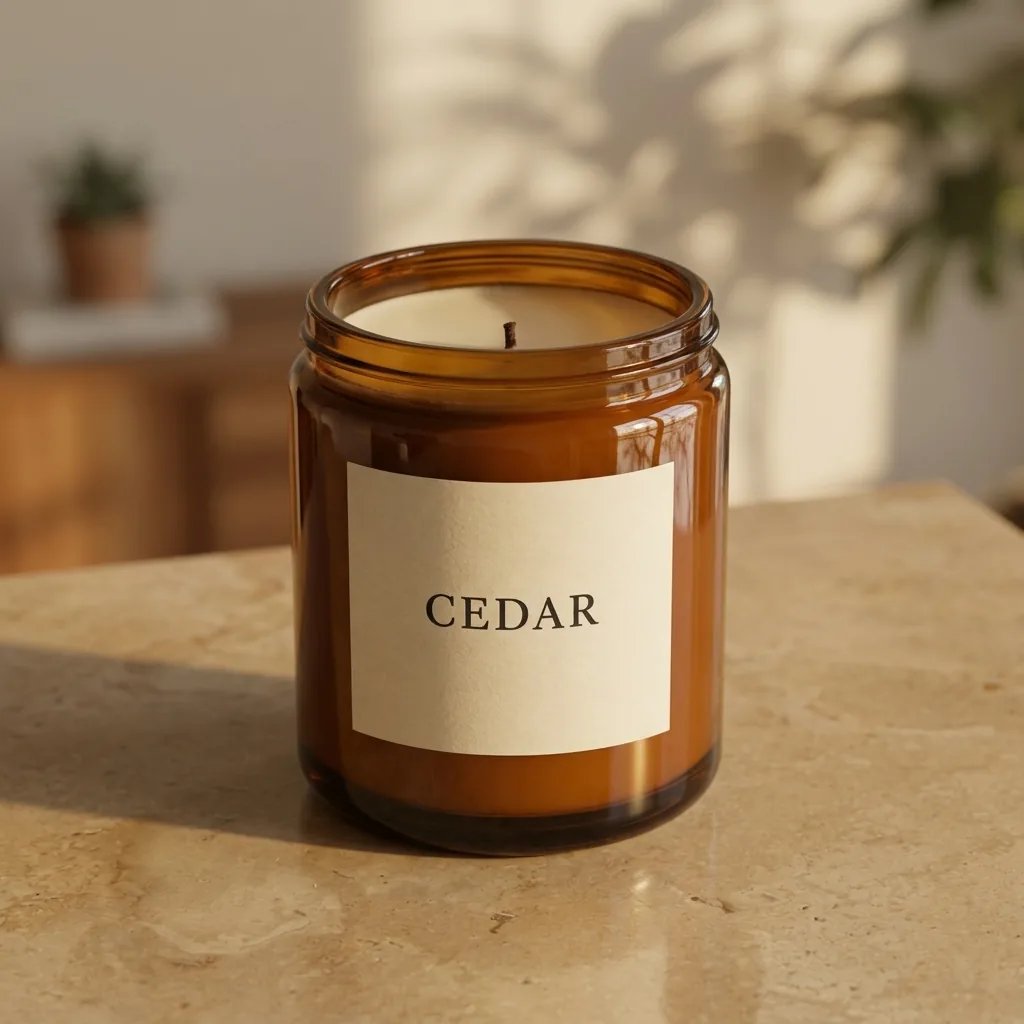
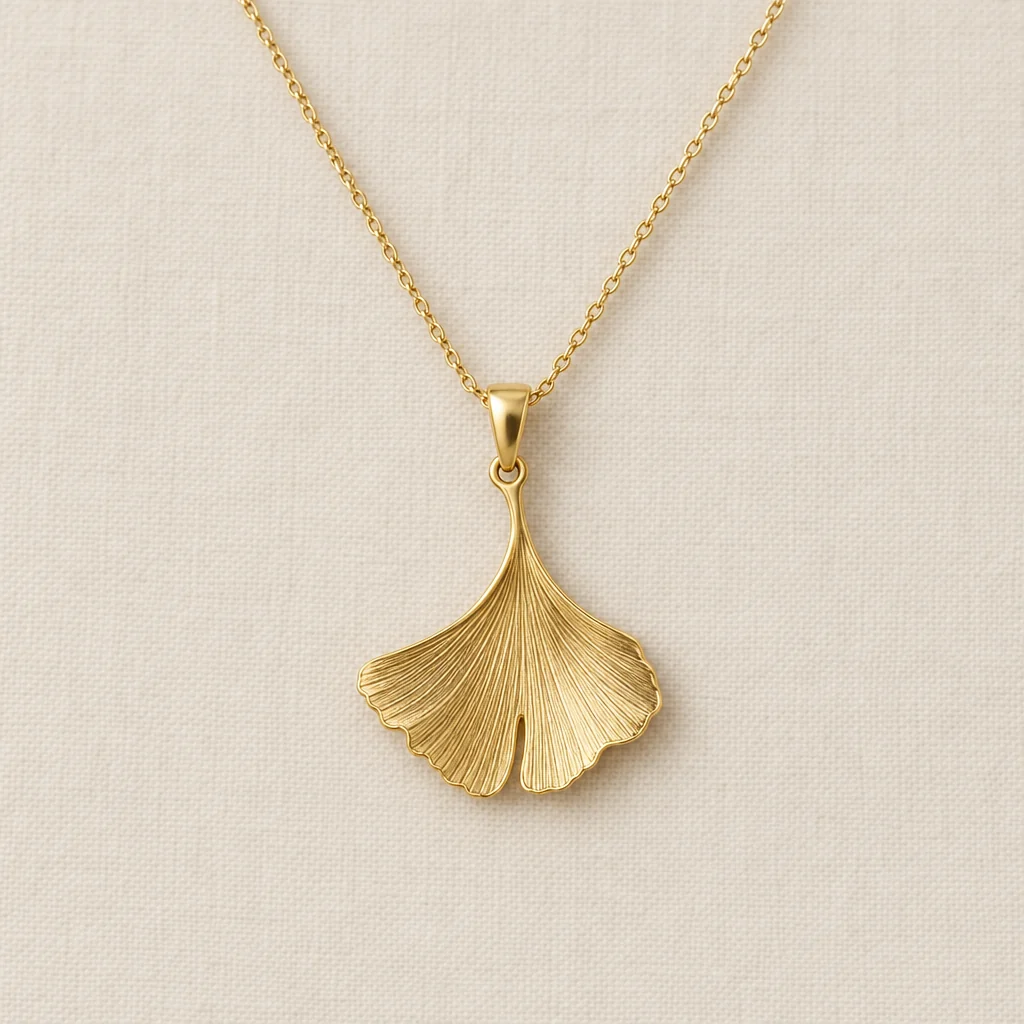
Beauty and cosmetic product photography examples

Serum — a clean studio presentation
Cream — soft light and a stone surface
Perfume — warm light on a dark plinth
Lipstick — warm color and long shadows

Three steps

How to create cosmetic product photography

  1. Step 1

    Upload your product

    Choose a sharp photo of the product with its packaging fully visible. Good lighting gives the model a clearer reference.

  2. Step 2

    Describe the setting

    Optionally choose a surface, light and mood in words. Sign in and generate at the displayed credit cost.

  3. Step 3

    Check the product details

    Review the container, label text, logo and colors in your generation session, then download the image.

Style around the product

Product photography for beauty, skincare and fragrance

Start with your packaging

Use a real product reference instead of generating a generic bottle. The preset asks the model to retain the visible product design.

Explore a visual direction

Try clean studio light, a stone pedestal or soft reflections. Describe props deliberately; decorative ingredients should not imply an unsupported formula.

Create campaign concepts

Explore imagery for product pages, social posts or launch layouts. Check brand-critical details before using a generated image commercially.

Questions, answered

Beauty product photography FAQ

It uses your product photo as a reference for a newly generated styled image. You can describe the background, surface, lighting and mood without assembling a physical set.

Credits for beauty product images

Check the current credit cost beside the generate button.

Basic

For hobbyists and explorers
$11$9.99/mo
  • 1000 credits
  • Up to ~200 images/month
  • Up to ~332s video/month
  • Intelligent creative agent
  • Video editor
  • Latest image models, including GPT Image 2.5, GPT Image 2 and Nano Banana Pro
  • Latest video models, including Seedance 2
  • Realistic face uploads
  • Voice generation with ElevenLabs
  • Video uploads up to 50 MB
  • No watermark
  • Unlimited template access
  • Up to 20 new files per message
Popular

Pro

Save 16%
For creators and pro users
$36$29.99/mo
  • 3300 credits
  • Up to ~1000 images/month
  • Up to ~1100s video/month
  • Intelligent creative agent
  • Video editor
  • Latest image models, including GPT Image 2.5, GPT Image 2 and Nano Banana Pro
  • Latest video models, including Seedance 2
  • Realistic face uploads
  • Voice generation with ElevenLabs
  • Video uploads up to 200 MB
  • No watermark
  • Unlimited template access
  • Up to 30 new files per message

Max

Save 24%Best Value
For power users and teams
$198$149.99/mo
  • 18000 credits
  • Up to ~6000 images/month
  • Up to ~6000s video/month
  • Intelligent creative agent
  • Video editor
  • Latest image models, including GPT Image 2.5, GPT Image 2 and Nano Banana Pro
  • Latest video models, including Seedance 2
  • Realistic face uploads
  • Voice generation with ElevenLabs
  • Video uploads up to 200 MB
  • No watermark
  • Unlimited template access
  • Up to 50 new files per message

Team

Save 24%
For teams and studios
$435$329.99/mo
  • 36300 credits
  • Up to ~12000 images/month
  • Up to ~12100s video/month
  • Realistic face uploads
  • Share canvas, workflows, and assets with your team
  • Up to 10 members per team
  • Up to 5 teams
  • Role-based management
  • Team credit management and spending caps
  • Per-member usage tracking
  • Video uploads up to 200 MB
  • Up to 50 new files per message
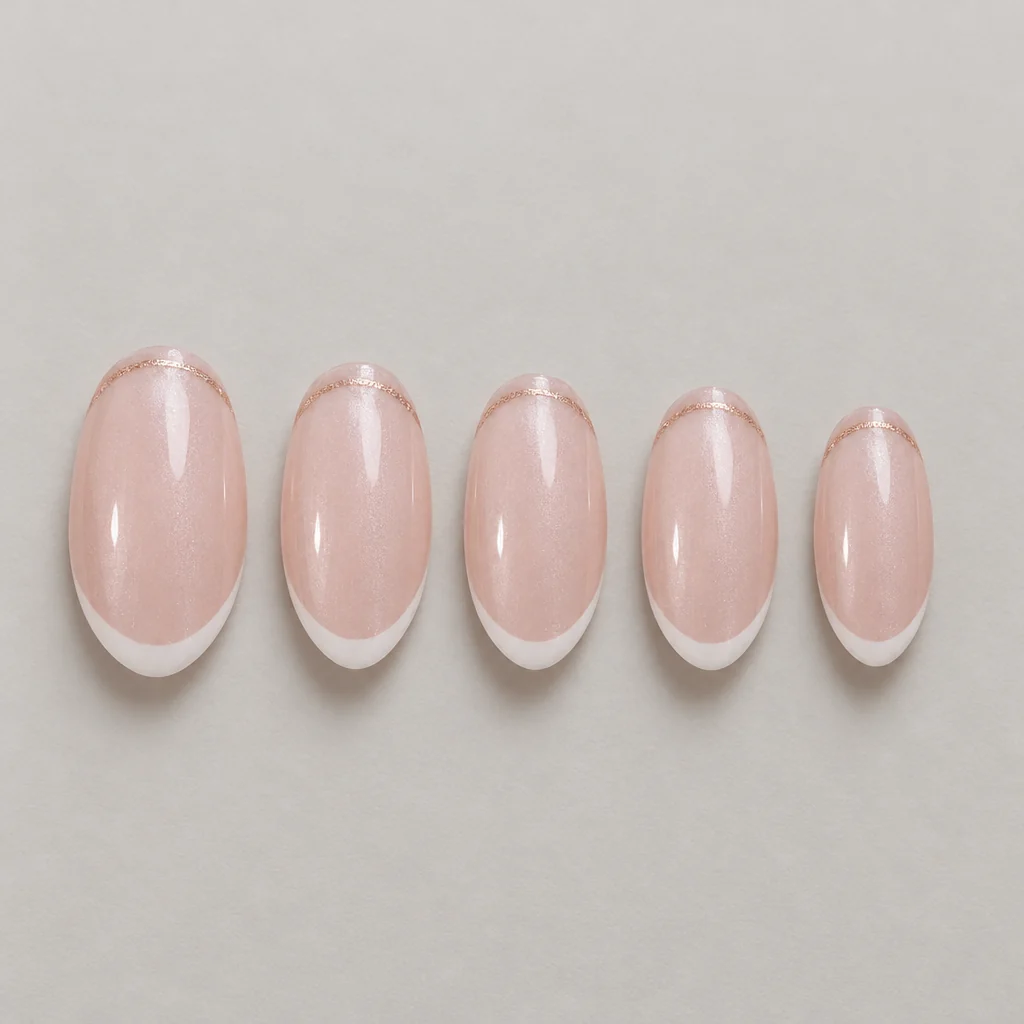
Keep creating

Build your next product visual

Use workflows to connect product-image generation with more editing tools.

Explore workflows