AI outfit generator

AI Outfit Generator: Restyle Your Clothes in a Photo

Curious how a navy suit or a wedding-guest dress would look on you? Upload one photo of yourself and describe the outfit, or pick an occasion. The new clothes are generated with your face, hair, pose and background as the guide. No photo? Describe the person and the outfit in words instead.

Pick an occasion

The occasion is sent with your words rather than typed into the box, so add colors or garments in your own words. Choose one at a time and tap again to clear it. With a photo and no occasion or description, you get a smart-casual outfit.

8 credits
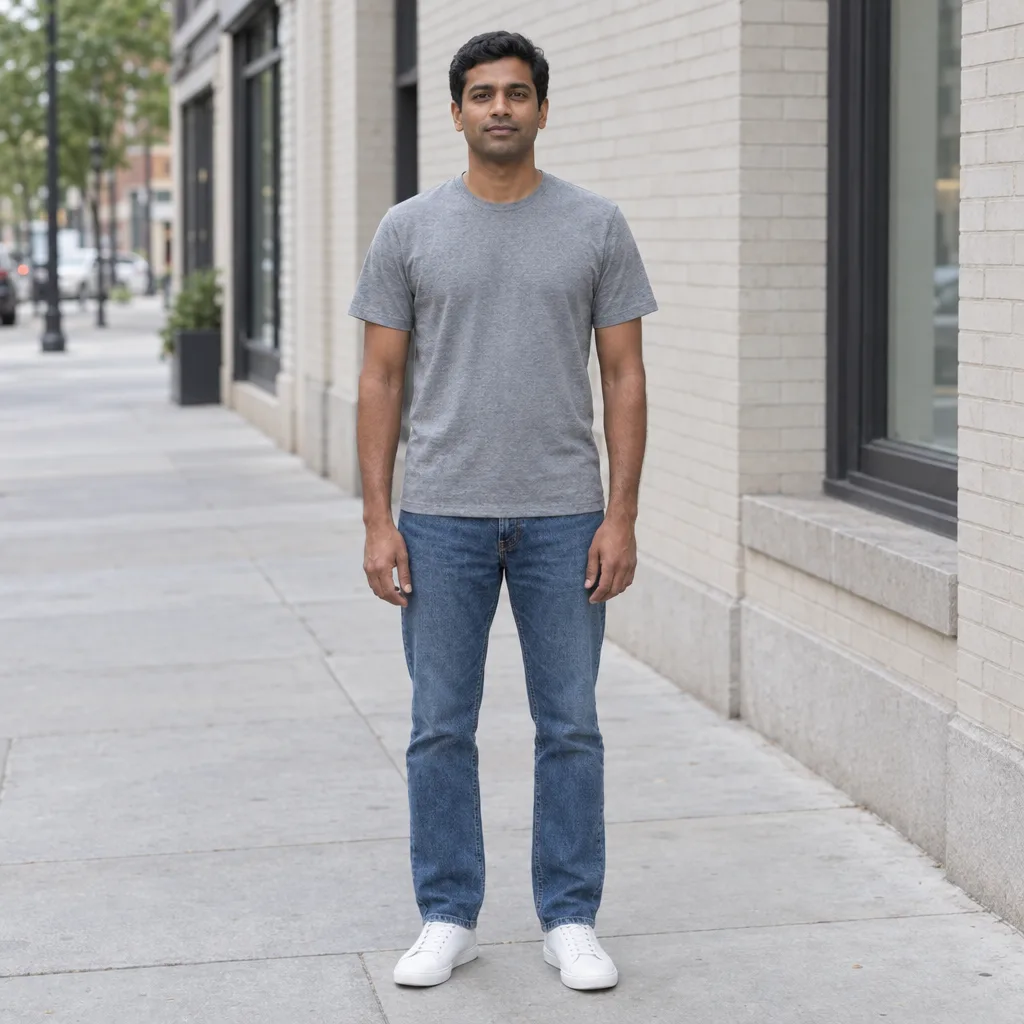
Man in a plain grey T-shirt and jeans standing on a city sidewalk before the outfit change
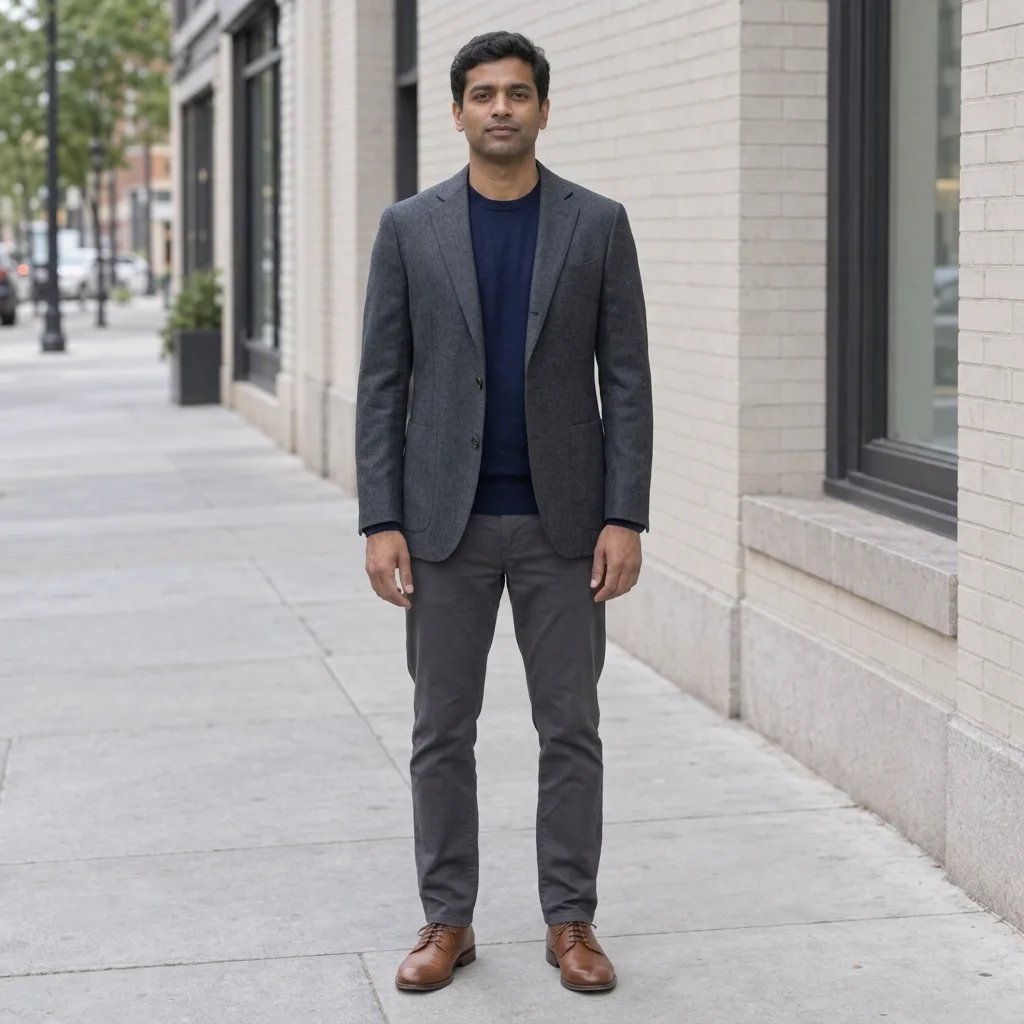
AI outfit generator result showing the same man in a tailored jacket, knit top, straight trousers and leather shoes on the same sidewalk
Drag to compare a T-shirt and jeans with the default smart-casual outfit.

Outfit examples

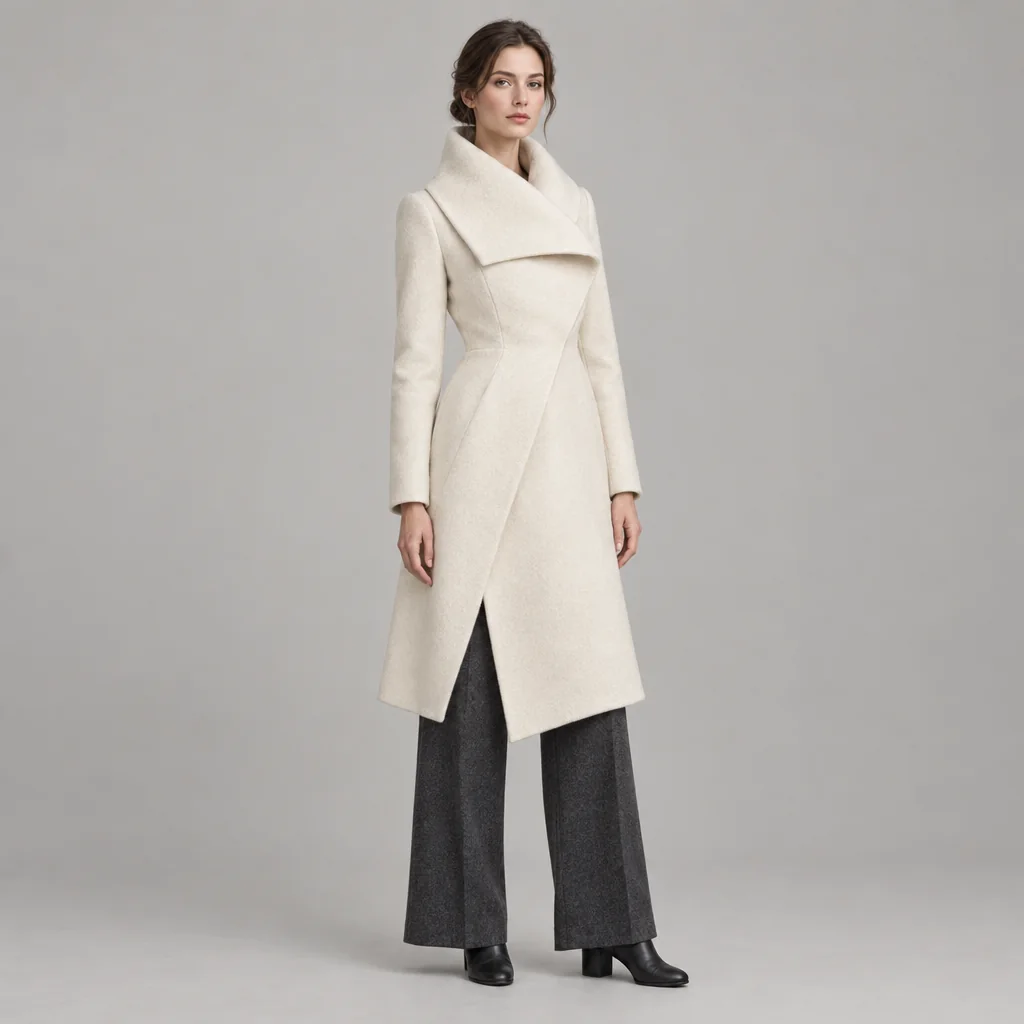
Outfit Examples for Four Occasions

  • A navy tailored suit for the office
  • A long-sleeved gown for an evening event
  • Relaxed streetwear for the weekend
  • Warm layers for an autumn walk

How it works

How to Use the AI Outfit Generator

  1. Step 1

    Add a photo or describe the person

    Upload a clear photo of one adult, such as yourself or someone who has given permission, with their clothes in view. You can also skip the photo and describe the person and setting in words.

  2. Step 2

    Describe the outfit

    Name the garments, colors, fabrics and occasion, or pick an occasion. With a photo and no words, you get a smart-casual outfit. One generation uses 8 credits and returns one 1K square image.

  3. Step 3

    Compare and download

    Check the face, hands, hair and background against your original, then look at how the garments sit. Download the look you like, or change the description to try another outfit. Each new version is a separate generation.

Clothes, not the person

An AI Clothes Changer Built Around Your Photo

The outfit is the target

The edit is aimed at clothing, shoes and wearable accessories. Your face, hair, body shape, pose, background and light are the reference it works from. AI can still change nearby details, so compare the result with your photo before you use it.

Start from words, a photo or both

Describe garments, colors, fabrics, fit, season and occasion in plain words. Add a photo to see the outfit on a real person, or leave it out to generate an outfit idea on an adult you describe.

Clothes that match the scene

The new outfit is lit and shaded to fit the photo, with folds, seams and contact shadows that follow the pose. A clear, evenly lit source helps the garments look photographed rather than pasted on.

Outfit ideas

Outfit Ideas to Describe

Name the main garments, colors and shoes in one sentence, then add the occasion or season.

Office

Navy tailored suit with a crisp white shirt and brown leather loafers.

Wedding guest

Sage-green midi dress with elbow sleeves, a light wrap and low block heels for a garden wedding.

Streetwear

Oversized washed-black hoodie, olive cargo trousers and chunky white sneakers.

Ways to use it

When an Outfit Preview Helps

Plan an event look

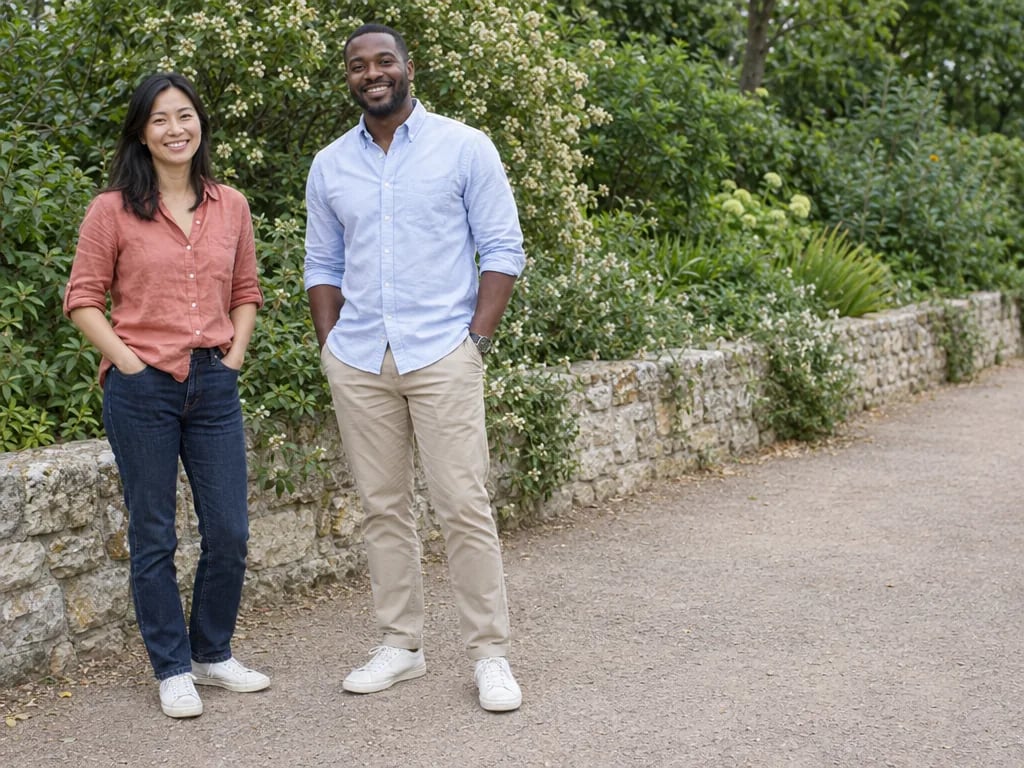
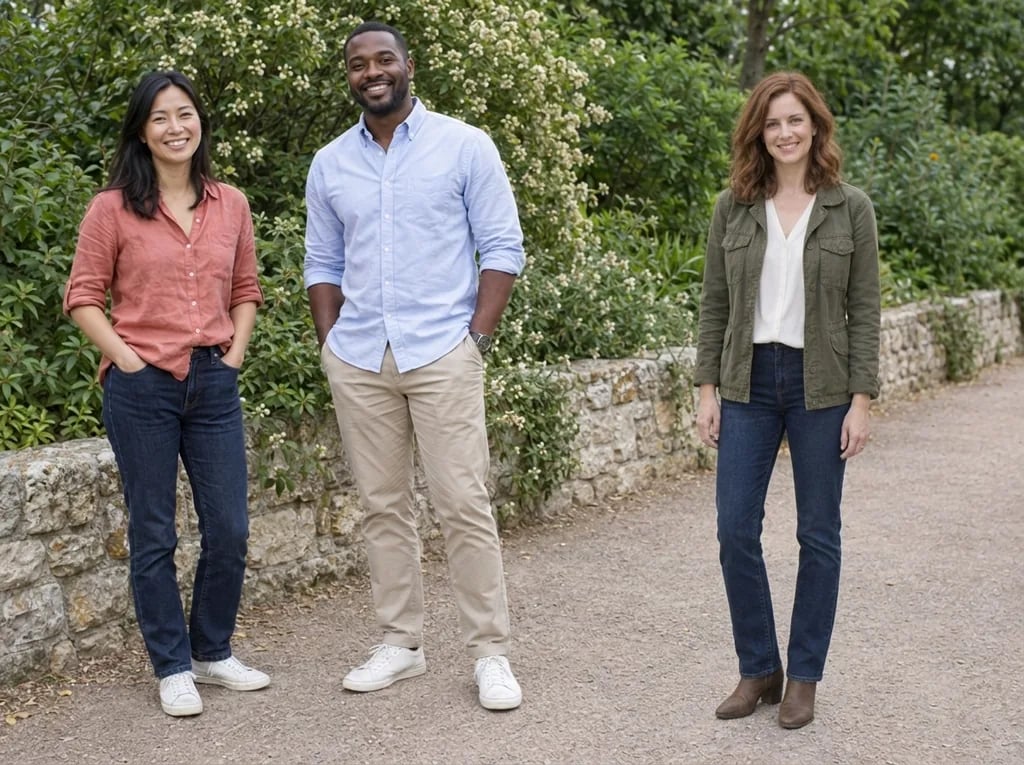
Compare wedding-guest, gala or interview outfits on your own photo to settle on the colors and silhouettes you like.

Try a style you have never worn

See yourself in a color, silhouette or aesthetic outside your usual wardrobe, from tailoring to streetwear, and keep the ideas you want to explore further.

Picture seasons and trips

Try winter layers, rain-ready outfits or city-break looks for a trip you are planning, with the same photo as the starting point each time.

Add variety to your posts

Create outfit variations of one photo for a social post without another shoot. For a professional headshot with studio light, try the AI LinkedIn Photo Generator.

Create more with one YouArt membership

This generator uses 8 credits for one 1K image. Membership credits work across YouArt image, video, audio, and workflow tools.

Basic

For hobbyists and explorers

$9.99/mo
Select Plan
  • 1000 credits
  • Up to ~200 images/month
  • Up to ~332s video/month
  • Intelligent creative agent
  • Video editor
  • Latest image models, including GPT Image 2.5, GPT Image 2 and Nano Banana Pro
  • Latest video models, including Seedance 2
  • Realistic face uploads
  • Voice generation with ElevenLabs
  • No watermark
  • Unlimited template access

Pro

Popular

For creators and pro users

$29.99/mo
Select Plan
  • 3300 credits
  • Up to ~1000 images/month
  • Up to ~1100s video/month
  • Intelligent creative agent
  • Video editor
  • Latest image models, including GPT Image 2.5, GPT Image 2 and Nano Banana Pro
  • Latest video models, including Seedance 2
  • Realistic face uploads
  • Voice generation with ElevenLabs
  • No watermark
  • Unlimited template access

Max

Best Value

For power users and teams

$149.99/mo
Select Plan
  • 18000 credits
  • Up to ~6000 images/month
  • Up to ~6000s video/month
  • Intelligent creative agent
  • Video editor
  • Latest image models, including GPT Image 2.5, GPT Image 2 and Nano Banana Pro
  • Latest video models, including Seedance 2
  • Realistic face uploads
  • Voice generation with ElevenLabs
  • No watermark
  • Unlimited template access

Team

For teams and studios

$329.99/mo
Select Plan
  • 36300 credits
  • Up to ~12000 images/month
  • Up to ~12100s video/month
  • Realistic face uploads
  • Share canvas, workflows, and assets with your team
  • Up to 10 members per team
  • Up to 5 teams
  • Role-based management
  • Team credit management and spending caps
  • Per-member usage tracking

Questions answered

AI Outfit Generator FAQ

It creates a new image with a different outfit. Upload a photo to restyle the clothes on that person, describe an outfit in words, or do both. Results are fully clothed everyday or occasion outfits. For clothing concepts on a presentation model rather than on your photo, use the AI Fashion Design Generator.

The edit is instructed to keep your face, hair, body shape, pose, background and lighting, and to change only the clothes, shoes and accessories. AI can still alter details, especially hands, hair edges and the areas around necklines, sleeves and hems. Compare those areas with your original before choosing a result.

Use a sharp, evenly lit photo of one adult, from the waist up or full length, with the clothes clearly visible. Use a photo of yourself or of someone who has given permission. The page is not for photos of children, and group photos, heavy shadows or arms folded across the body leave the AI more to guess.

Name the main garments, colors, fabrics and shoes, then add the occasion or season, such as a charcoal wool coat, cream turtleneck and dark jeans for a winter weekend. Describe one outfit at a time. Brand names and logos are not reproduced, so describe the style instead.

No. It is a visual idea, not a fitting. It does not know your measurements or sizes, cannot use a photo of a specific garment as a second input, and does not link to products. Describe the piece in words to get a similar look.

Each generation costs 8 YouArt credits and returns one 1K image in a fixed 1:1 square frame. Uploading a photo or editing your words does not start a paid run. Every new outfit version uses another 8 credits, shown before you generate.

Build beyond one image

Turn your result into a complete creative workflow

Open YouArt's visual canvas to connect generation, editing, upscaling, animation, and sound in one reusable process.