AI animal generator

AI Animal Generator for Realistic Wildlife and Pets

Imagine a fox resting in woodland, a dog exploring a meadow or a turtle gliding underwater. Describe the animal and its surroundings, or start with an animal photo, to create a realistic picture with natural textures and light.

8 credits
Red fox resting in morning woodland

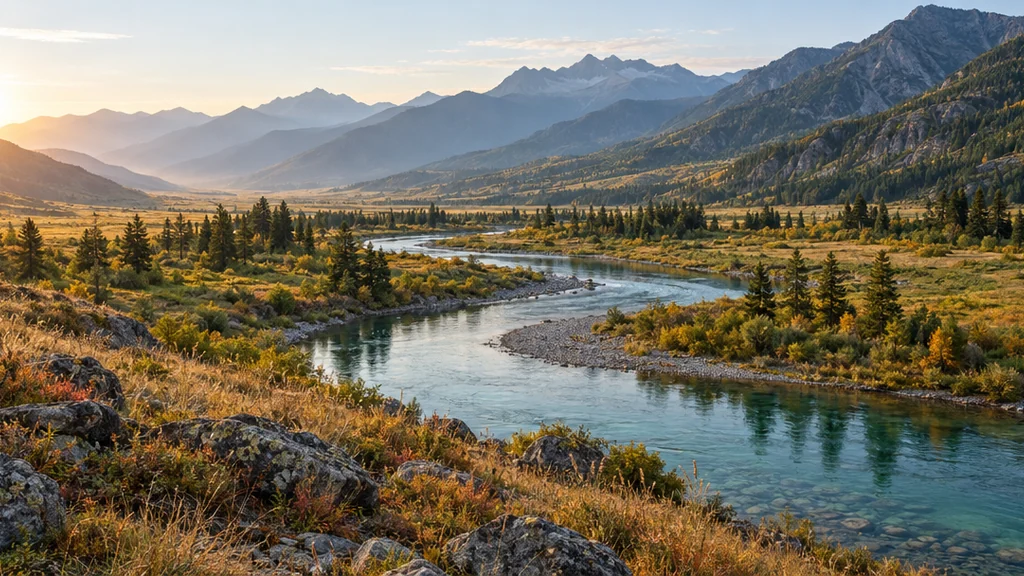
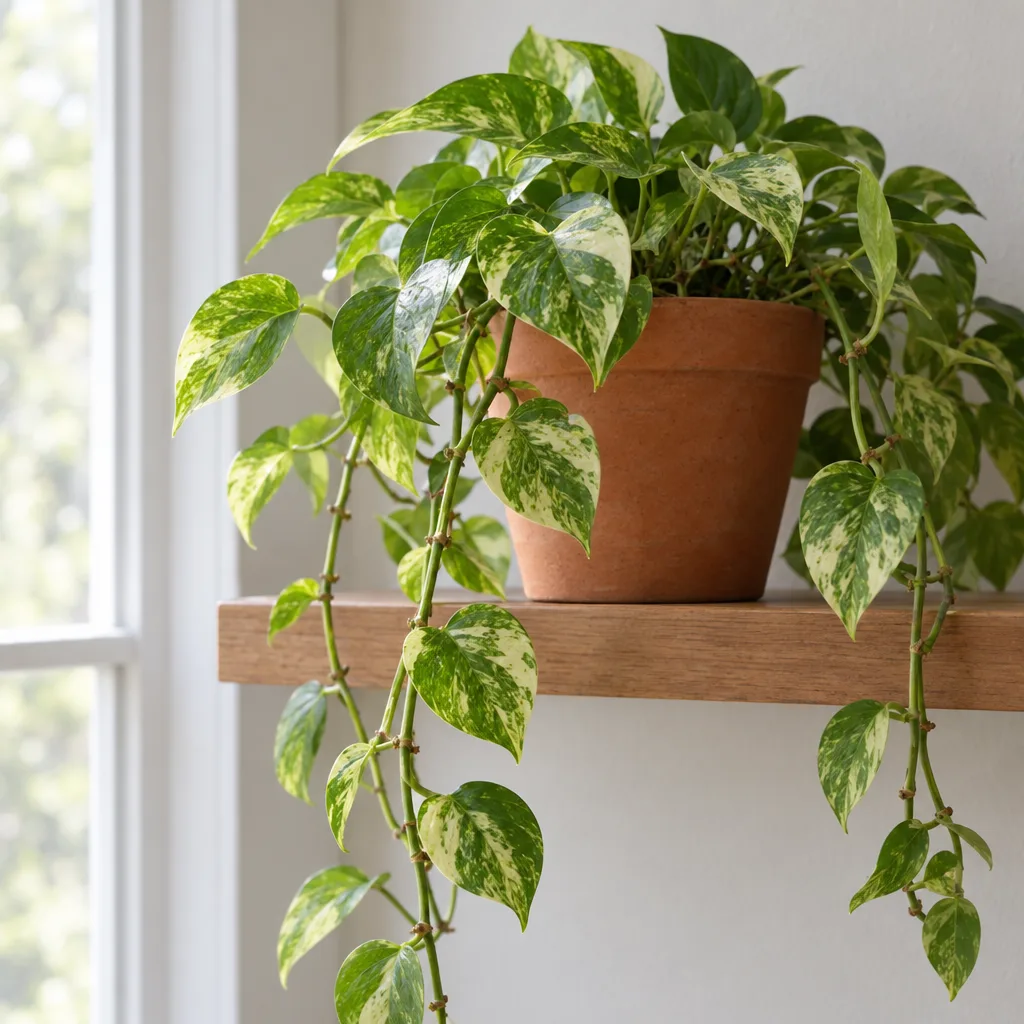
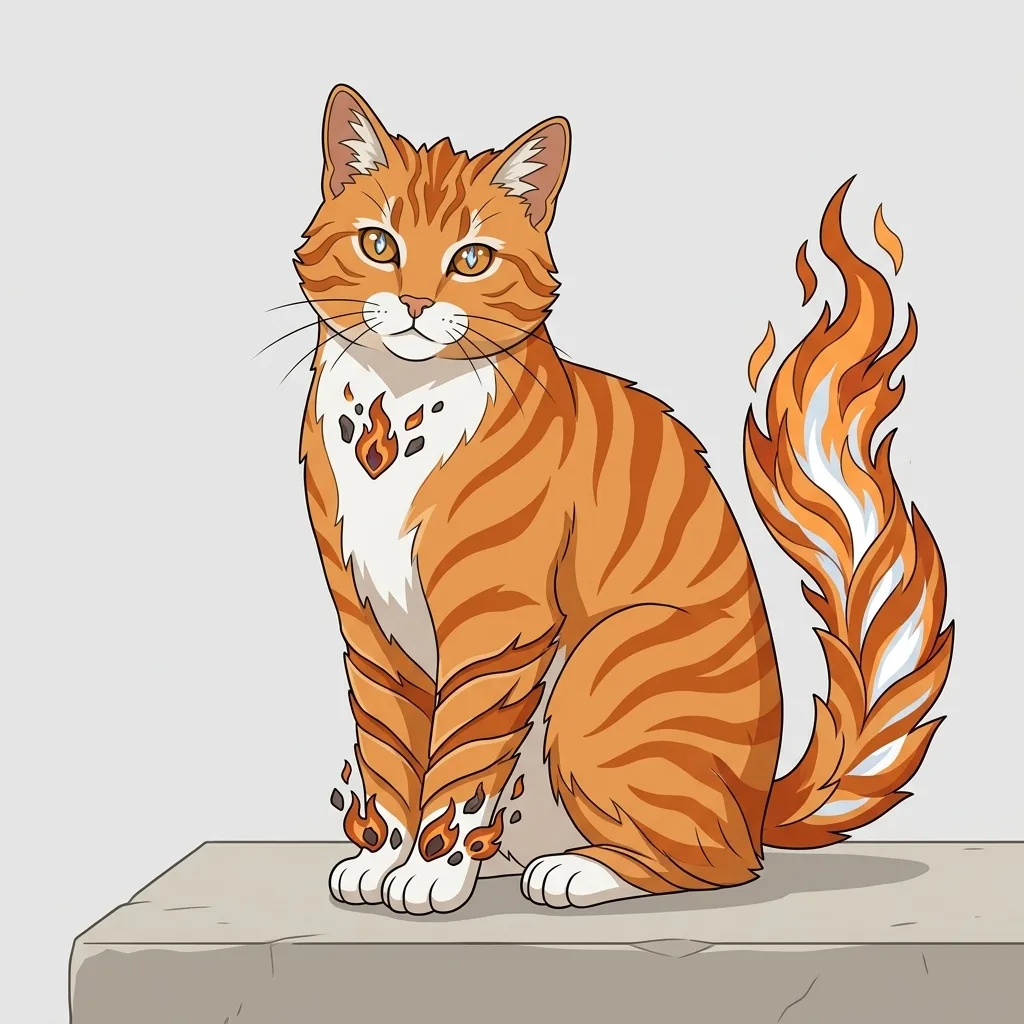
Animal examples created with GPT Image 2.5

Realistic AI Animal Pictures, from Pets to Wildlife

  • Golden retriever in a meadow
  • Tabby cat beside a window
  • Kingfisher above a quiet river
  • Sea turtle in clear blue water

How it works

How to Use the AI Animal Generator

  1. Step 1

    Choose an animal and a setting

    Name one species or pet breed, then describe its markings, pose, surroundings and light. Add one animal photo if you want a visual starting point. A clear subject gives the prompt more direction than a long list of unrelated details.

  2. Step 2

    Generate a square animal image

    Start with words, a reference photo, or both. Each run creates one 1K image in a fixed 1:1 frame for 8 credits. Keep the animal's full outline in your description when you want to see its body and tail.

  3. Step 3

    Inspect the details and download

    Open the result at full size and check the eyes, paws, wings or flippers, along with the background. Refine the pose or framing for another version, then download the picture that suits your idea.

Animal photography direction

Shape the Subject, Pose and Habitat

Species and distinctive markings

Start with the animal you want to see: a red fox, a tabby cat or a golden retriever. Add a few visible traits such as coat length, stripes, ear shape or feather color. These details help distinguish your subject without turning it into a mixed-species creature.

A readable pose and clear framing

Choose a resting pose, an alert stance or a simple swimming motion. An eye-level view feels close to the animal; a wider view shows its surroundings. Say whether you want a close portrait or the whole animal, leaving room for ears, wings and a tail.

Surroundings that fit the animal

Place a woodland fox among moss and trees, a river bird above water or a pet beside a familiar window. Describe morning haze, overcast daylight or warm evening light to guide the atmosphere. Specific surroundings make the scene more coherent than a generic scenic background.

Prompt ideas

Animal Image Prompts to Start From

Use one species, a clear pose and a few visible details. Add the setting and light, then leave the rest simple.

A pet in soft window light

A brown tabby cat sitting beside a tall window, dark stripes and a pale chin, both ears visible, relaxed front paws, softly blurred indoor background, gentle daylight across its face, close eye-level photograph.

Wildlife in its surroundings

A red fox standing on a moss-covered rock in a quiet temperate woodland, russet coat and white chest, full body and bushy tail in frame, damp ferns nearby, soft early morning light, realistic wildlife photograph.

A bird above the water

A common kingfisher perched sideways on a bare branch above a calm river, blue upper feathers and orange breast, beak and feet clearly visible, a softly blurred green riverbank behind it, diffused daylight, detailed wildlife photograph.

Ways to use it

Animal Pictures for Personal Projects and Ideas

Personal pet portraits

Explore a portrait inspired by your pet's coat, features and personality. Try a quieter background or a different setting, and compare the result with your reference before choosing a favorite.

Wildlife picture collections

Build a collection around woodland mammals, river birds or marine life. Use a similar viewpoint and lighting description to explore a visual theme across different animals.

Mood boards and visual ideas

Explore an animal's pose, surroundings and color palette for a creative brief. Save the image as a starting point for composition, photography planning or a nature-themed project.

Square images for sharing

Create animal pictures for personal profiles, mood boards or social posts. Preview the final crop, particularly for long tails and tall ears, and add any captions separately in your preferred editor.

Create more with one YouArt membership

This generator uses 8 credits for one 1K image. Membership credits work across YouArt image, video, audio, and workflow tools.

Basic

For hobbyists and explorers

$9.99/mo
Select Plan
  • 1000 credits
  • Up to ~200 images/month
  • Up to ~332s video/month
  • Intelligent creative agent
  • Video editor
  • Latest image models, including GPT Image 2.5, GPT Image 2 and Nano Banana Pro
  • Latest video models, including Seedance 2
  • Realistic face uploads
  • Voice generation with ElevenLabs
  • No watermark
  • Unlimited template access

Pro

Most Popular

For creators and pro users

$29.99/mo
Select Plan
  • 3300 credits
  • Up to ~1000 images/month
  • Up to ~1100s video/month
  • Intelligent creative agent
  • Video editor
  • Latest image models, including GPT Image 2.5, GPT Image 2 and Nano Banana Pro
  • Latest video models, including Seedance 2
  • Realistic face uploads
  • Voice generation with ElevenLabs
  • No watermark
  • Unlimited template access

Max

For power users and teams

$149.99/mo
Select Plan
  • 18000 credits
  • Up to ~6000 images/month
  • Up to ~6000s video/month
  • Intelligent creative agent
  • Video editor
  • Latest image models, including GPT Image 2.5, GPT Image 2 and Nano Banana Pro
  • Latest video models, including Seedance 2
  • Realistic face uploads
  • Voice generation with ElevenLabs
  • No watermark
  • Unlimited template access

Team

For teams and studios

$329.99/mo
Select Plan
  • 36300 credits
  • Up to ~12000 images/month
  • Up to ~12100s video/month
  • Realistic face uploads
  • Share canvas, workflows, and assets with your team
  • Up to 10 members per team
  • Up to 5 teams
  • Role-based management
  • Team credit management and spending caps
  • Per-member usage tracking
Frequently asked questions

AI Animal Generator FAQ

It creates original photographic-style pictures of real animal species, including pets, mammals, birds and marine life. Describe one species or breed and the scene around it. The result is a generated still image rather than a record of a real wildlife encounter.
Name the species or breed, add two or three distinguishing features, then describe the pose, setting and light. Use a simple pose and say which parts of the animal should be visible. Inspect the result for anatomy and markings; a more specific prompt can guide another attempt.

Yes. Upload one animal reference photo, with or without extra text. A clear photo helps guide the species, markings and general appearance. The result is a new interpretation, so exact likeness, coat patterns and small details can change. It still uses the square output frame.

This page focuses on realistic animals of one species. Use the AI Animal Hybrid Generator to combine species into an invented creature, or the AI Furry Art Generator for an anthropomorphic character. Those pages suit a different visual direction from wildlife and pet photography.
Each run creates one downloadable 1K still image in a fixed square 1:1 frame, including runs with a reference photo. Check the downloaded dimensions and crop against your layout. Prepare or upscale it separately when you need a large print.

Each generation costs 8 YouArt credits and creates one image. Writing a prompt or changing its wording does not spend credits. Generating another version starts a new paid run.

Keep exploring

More AI art styles to try

The closest looks to this one. Each is a full generator with its own prompt studio and examples.

Browse all 111 AI generators

Build beyond one image

Turn your result into a complete creative workflow

Open YouArt's visual canvas to connect generation, editing, upscaling, animation, and sound in one reusable process.