Handmade miniature worlds

AI Clay Filter for Photos and Ideas

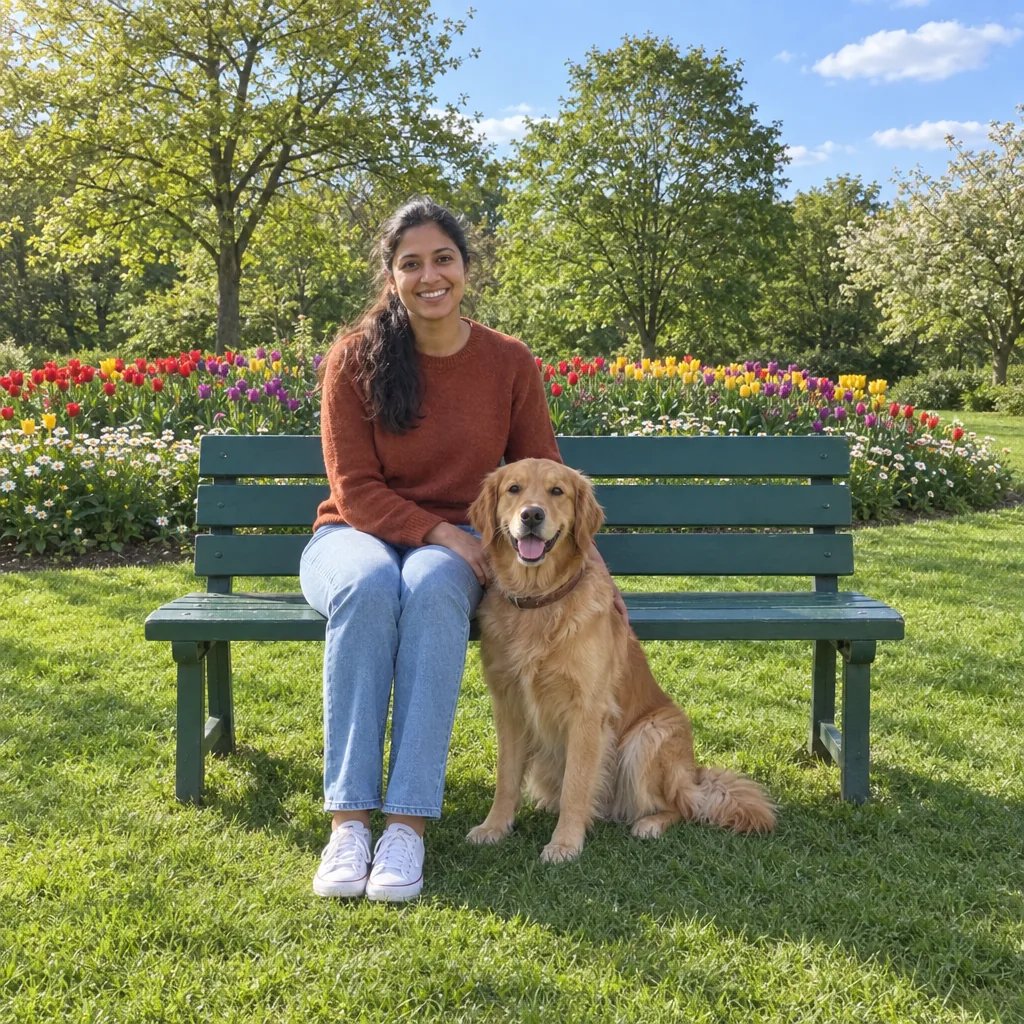
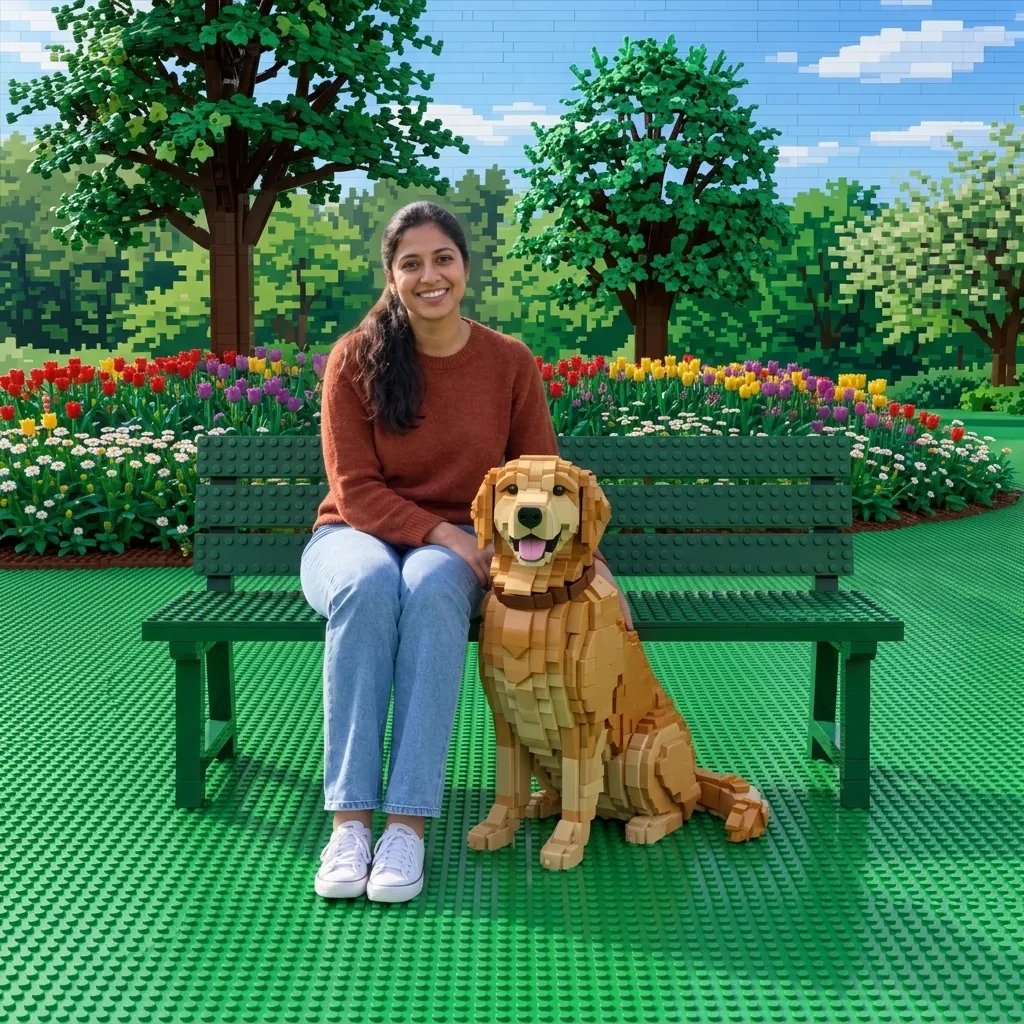
Give a portrait, a pet or an everyday scene the soft look of modelling clay. Rounded shapes, tiny sculpting marks and warm light make the whole picture feel handmade, from the main subject to the smallest prop. Upload a photo to start with something familiar, or describe a miniature world of your own.

8 credits
Warm bread, rounded forms and a miniature bakery.

Clay art examples

One Clay Filter, Four Kinds of Subject

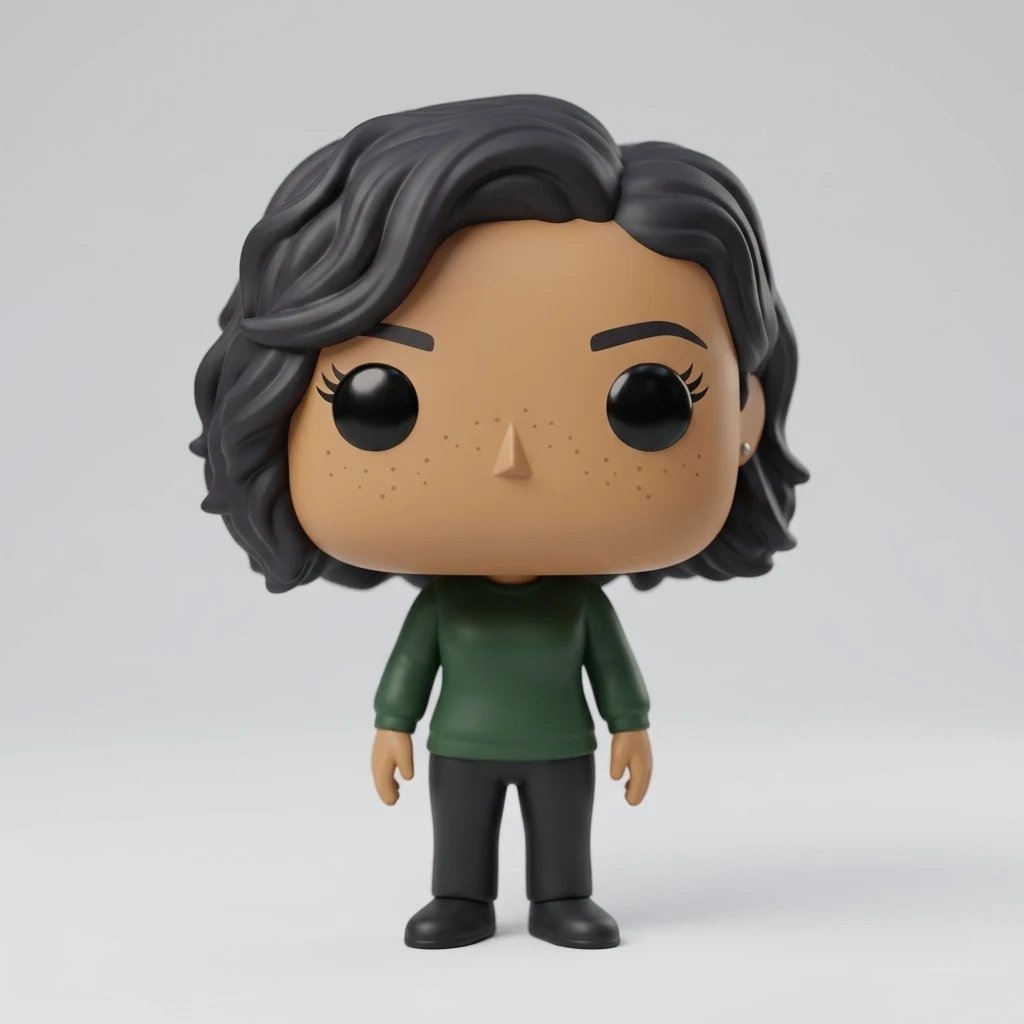
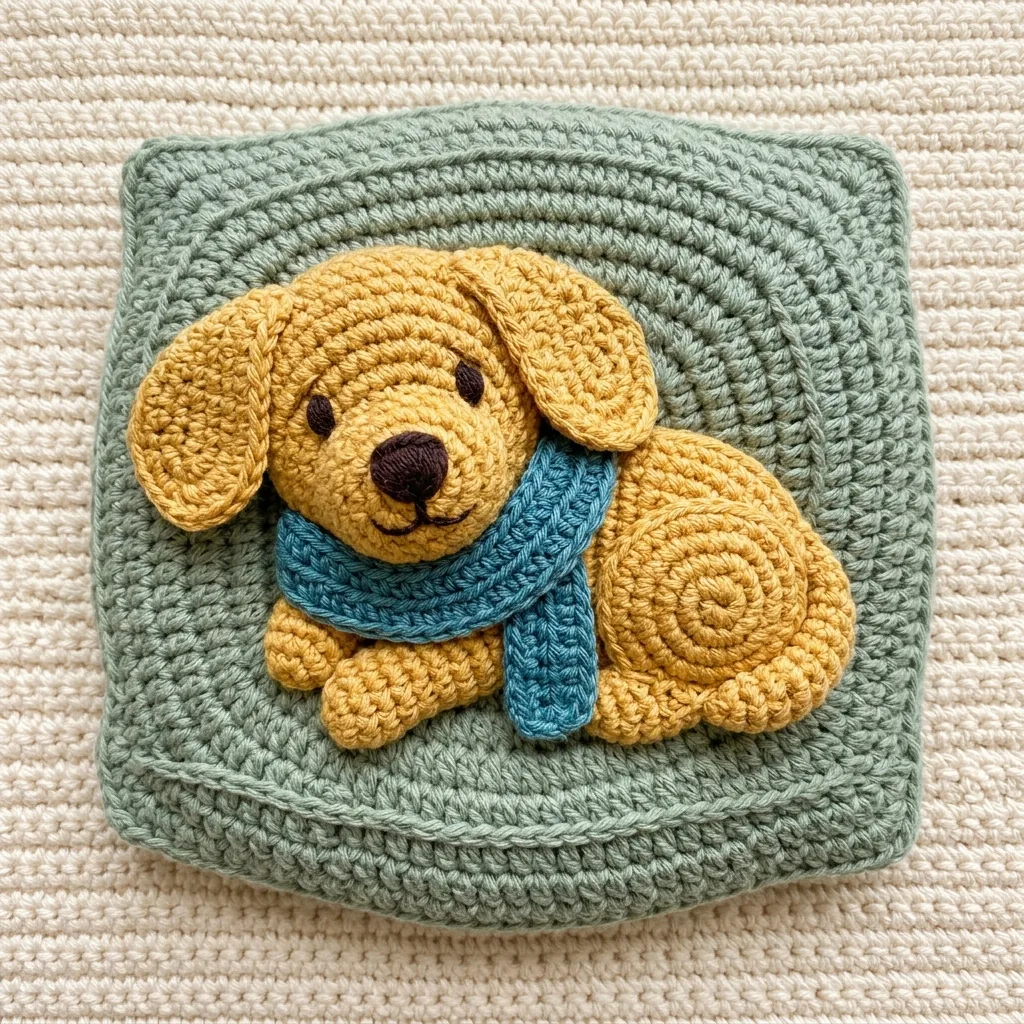
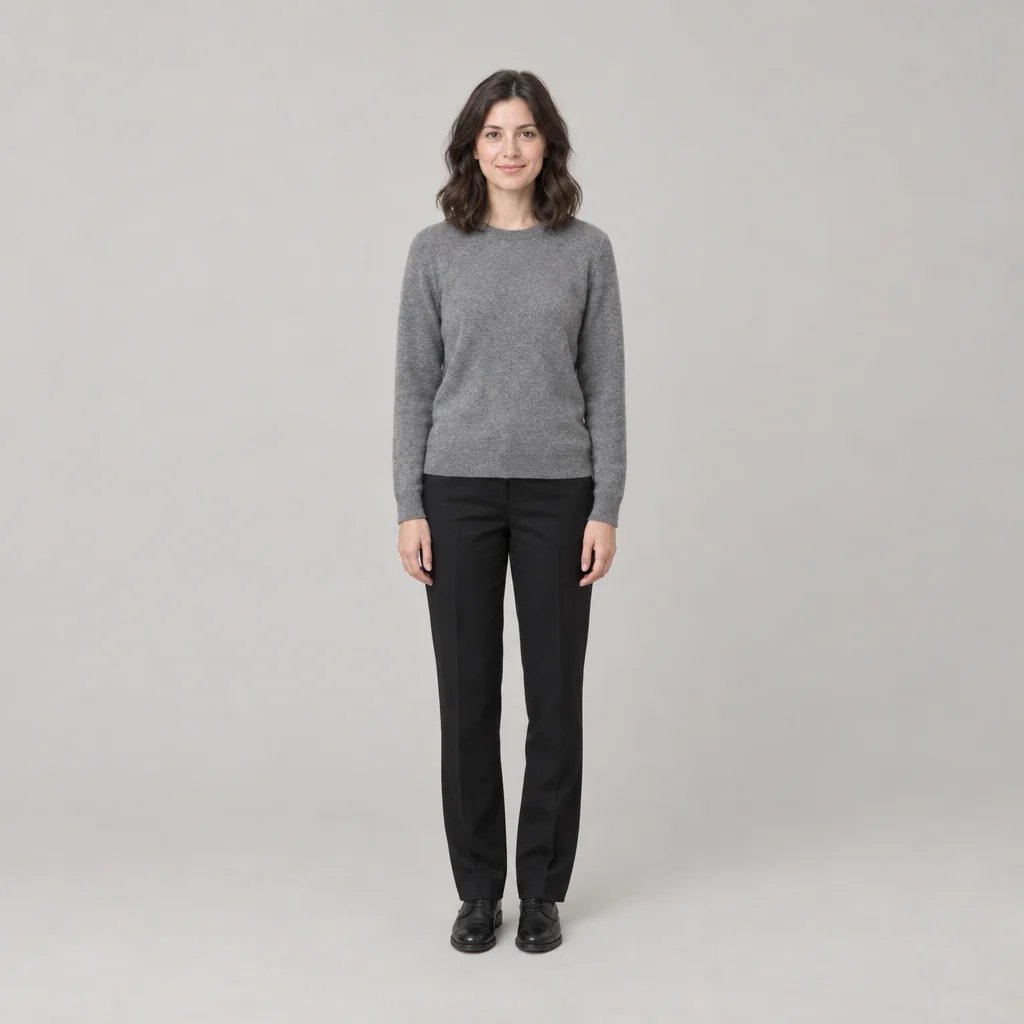
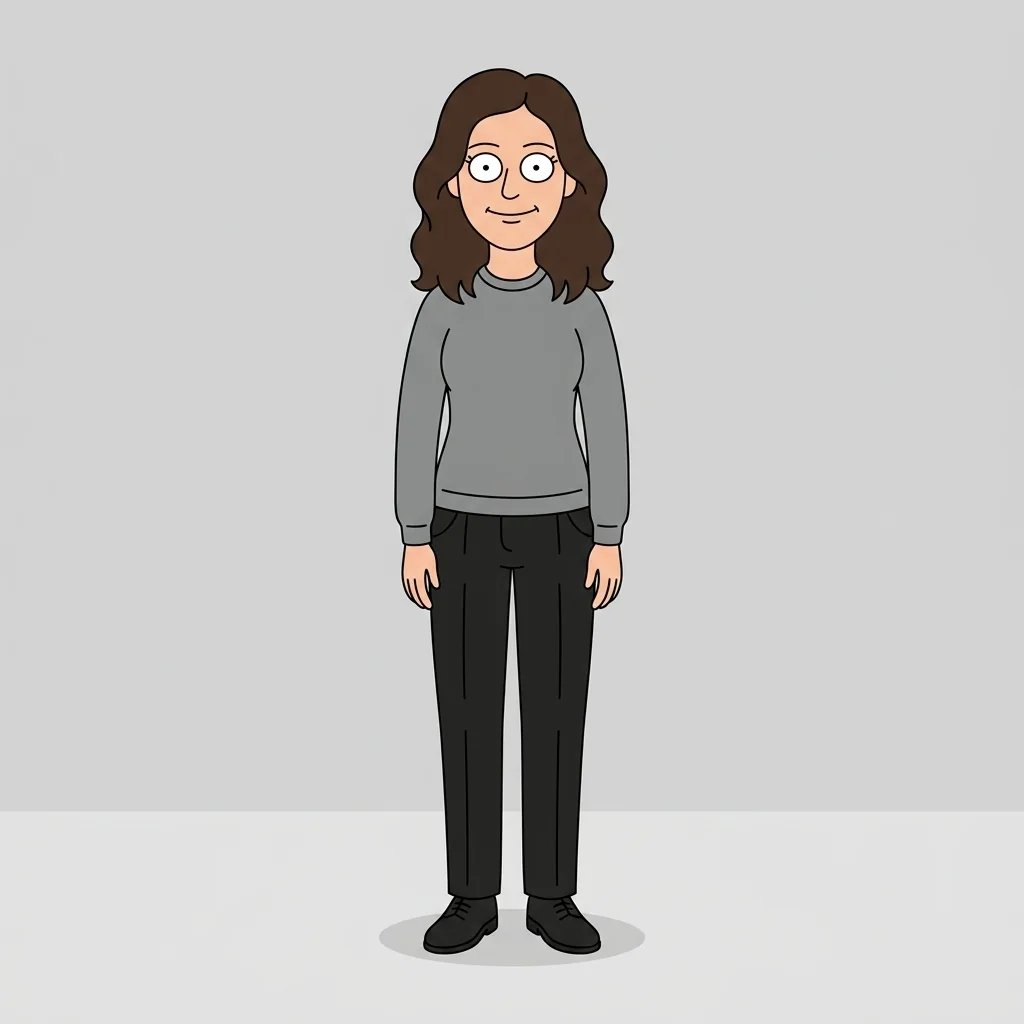
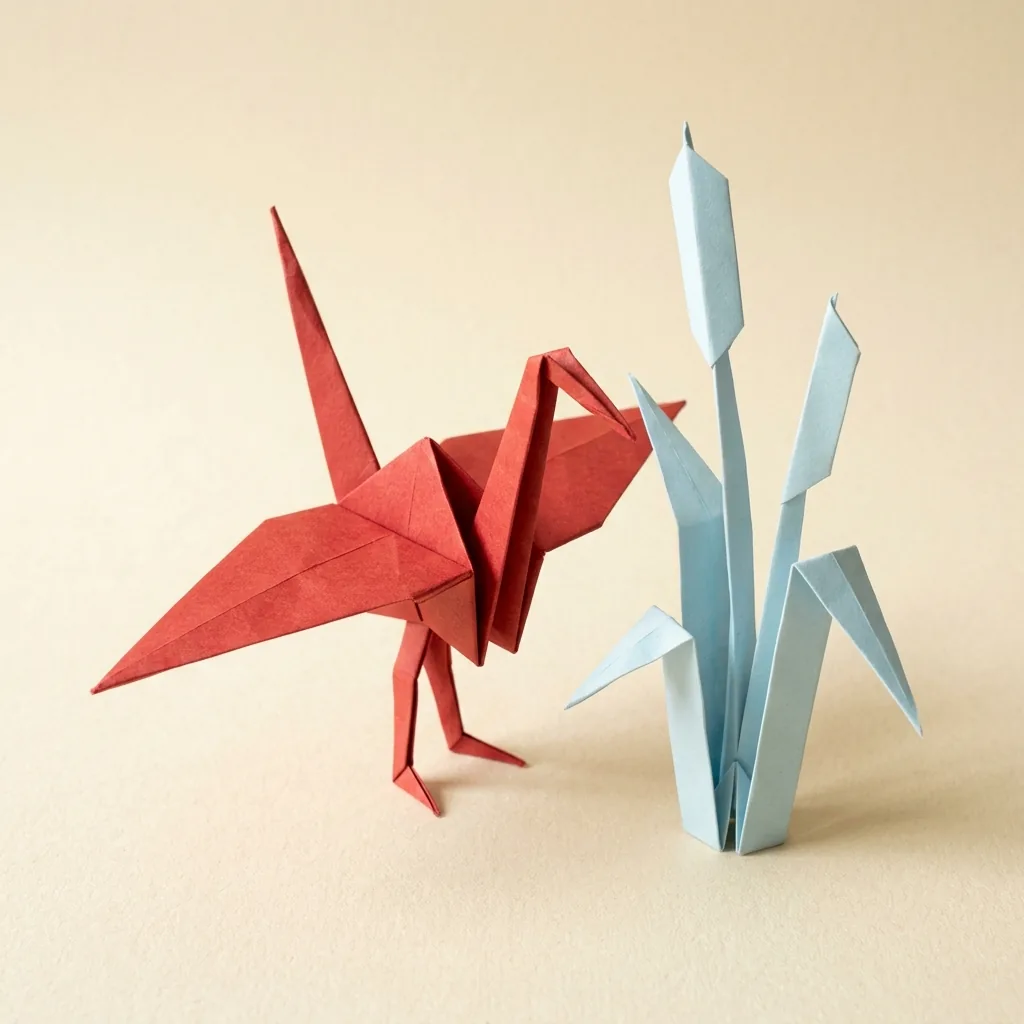
  • A cheerful clay portrait
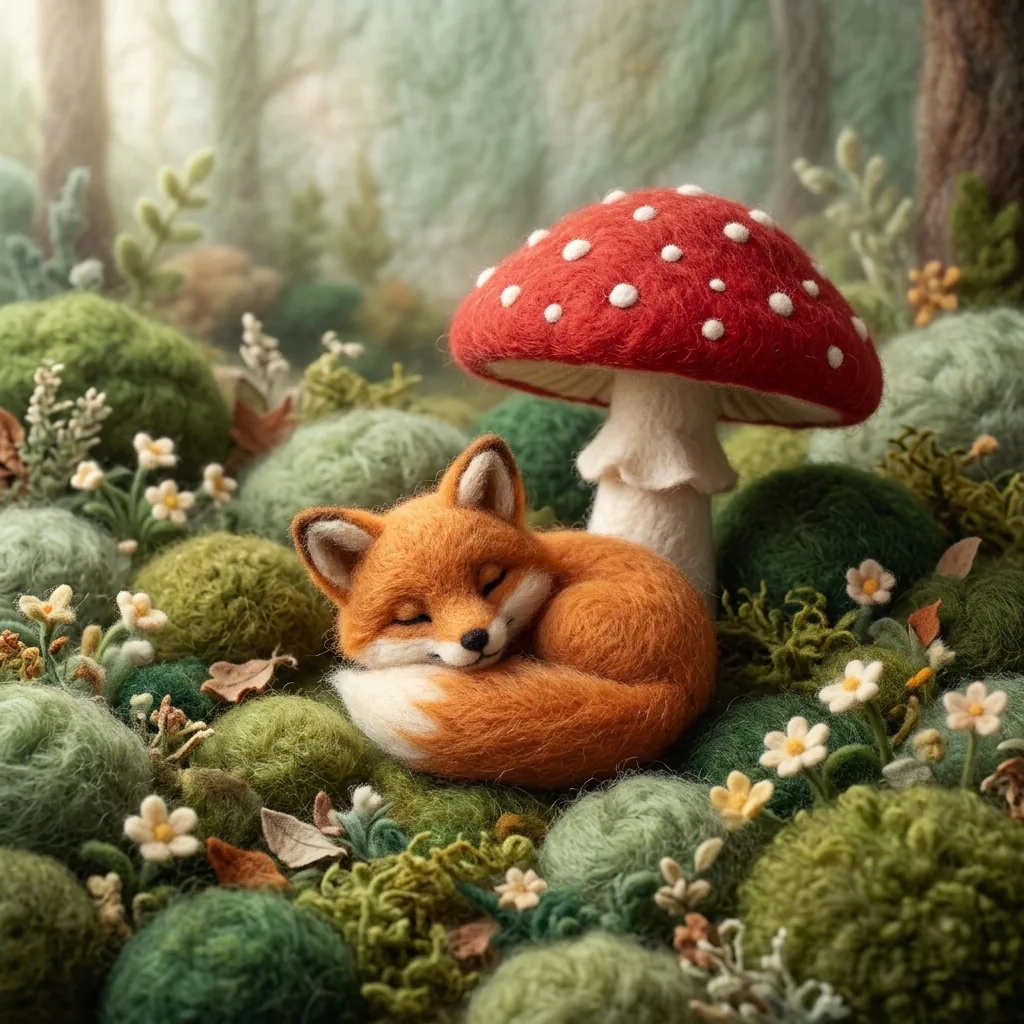
  • A sleepy miniature companion
  • A garden built from soft shapes
  • Breakfast with handmade texture

How it works

Turn a Photo into Clay Art in Three Steps

  1. Step 1

    Choose a subject

    Upload a clear portrait, pet photo or scene, or write a short description. A photo can run on its own; add words when you want to guide the setting, colours or expression.

  2. Step 2

    Create the clay image

    Generate a square image with soft sculpted forms and a miniature-set feel. Start with one main subject and a simple background so the clay shapes remain easy to read.

  3. Step 3

    Save your favourite

    Review the face, paws and small props, then download the result. If you want another version, change a detail such as the background colour or viewpoint before generating again.

What shapes the look

Clay Texture Across the Whole Scene

Soft, sculpted surfaces

Matte colour, slight irregularities and small modelling marks give the picture a tactile character. Hair becomes shaped strands, fabric becomes rounded folds and tiny props feel assembled by hand.

Start with someone you know

A reference photo supplies the pose, clothing colours and recognisable features. The transformation simplifies fine detail, so distinctive glasses, a hairstyle or a pet's markings make useful visual anchors.

Build a little world around it

The clay treatment carries into furniture, plants and scenery. Name a bakery, a garden or a cosy room to give the subject a setting that feels made from the same material.

Prompt ideas

Three Ways to Shape Your Clay Image

Name the subject first, then the setting and one or two colours. Simple silhouettes give the handmade texture room to show.

A friendly portrait

A cheerful person with round glasses and a mustard jacket, chest-up portrait, dusty blue background and soft studio light.

A pet's quiet moment

A sleepy corgi curled on a rust-red cushion beside a small houseplant, seen from a low angle in warm afternoon light.

A tiny place to explore

A cream cottage with a curved red roof, a round teal door and a winding path through oversized daisies and rounded shrubs.

Made for your ideas

Where Clay-Style Artwork Fits

Playful profile pictures

Create a distinctive avatar with a clear face and a simple background. Check the result at a small size before choosing your crop.

Pet portraits

Give a favourite pet a soft miniature treatment, using its ear shape, markings and familiar pose to keep the picture personal.

Story and character ideas

Explore a character's room, shop or garden as a handmade-looking scene before developing a larger illustration or story.

Greetings and social posts

Make a cheerful image for a birthday, a thank-you or an everyday update. Add your own message in an editor after downloading.

Create more with one YouArt membership

This generator uses 8 credits for one 1K image. Membership credits work across YouArt image, video, audio, and workflow tools.

Basic

For hobbyists and explorers

$9.99/mo
Select Plan
  • 1000 credits
  • Up to ~200 images/month
  • Up to ~332s video/month
  • Intelligent creative agent
  • Video editor
  • Latest image models, including GPT Image 2.5, GPT Image 2 and Nano Banana Pro
  • Latest video models, including Seedance 2
  • Realistic face uploads
  • Voice generation with ElevenLabs
  • No watermark
  • Unlimited template access

Pro

Most Popular

For creators and pro users

$29.99/mo
Select Plan
  • 3300 credits
  • Up to ~1000 images/month
  • Up to ~1100s video/month
  • Intelligent creative agent
  • Video editor
  • Latest image models, including GPT Image 2.5, GPT Image 2 and Nano Banana Pro
  • Latest video models, including Seedance 2
  • Realistic face uploads
  • Voice generation with ElevenLabs
  • No watermark
  • Unlimited template access

Max

For power users and teams

$149.99/mo
Select Plan
  • 18000 credits
  • Up to ~6000 images/month
  • Up to ~6000s video/month
  • Intelligent creative agent
  • Video editor
  • Latest image models, including GPT Image 2.5, GPT Image 2 and Nano Banana Pro
  • Latest video models, including Seedance 2
  • Realistic face uploads
  • Voice generation with ElevenLabs
  • No watermark
  • Unlimited template access

Team

For teams and studios

$329.99/mo
Select Plan
  • 36300 credits
  • Up to ~12000 images/month
  • Up to ~12100s video/month
  • Realistic face uploads
  • Share canvas, workflows, and assets with your team
  • Up to 10 members per team
  • Up to 5 teams
  • Role-based management
  • Team credit management and spending caps
  • Per-member usage tracking

Questions, answered

Clay Filter FAQ

What does the AI clay filter make?
It creates a still image that looks like a scene made from coloured modelling clay. People, pets, objects and backgrounds are reinterpreted with rounded forms and sculpted texture. You can start from a photo or describe a new subject.
Do I need to write a prompt after uploading a photo?
No. A reference photo can be used on its own. Add a short instruction if you want to change the background, expression or colours. A well-lit image with one clearly visible subject usually gives the transformation a stronger starting point.
Does this make claymation video or a 3D model?
The result is a single image with a claymation-like appearance. It does not include motion, a sculptable 3D file or a physical object. Use it as artwork or as visual direction for a later animation or modelling project.
How can I keep my subject recognisable?
Choose a photo where the face or animal is large enough to see clearly. Mention distinctive features such as glasses, curly hair or a white patch on a pet's chest. Very small details and fine lettering can change as the image becomes sculpted shapes.
How much does a clay image cost?
Each generation costs 8 credits and returns one square 1K image. Generating another version uses another 8 credits, so describe the changes you want before starting a new run.

Keep exploring

More AI art styles to try

The closest looks to this one. Each is a full generator with its own prompt studio and examples.

Browse all 77 AI generators

Build beyond one image

Turn your result into a complete creative workflow

Open YouArt's visual canvas to connect generation, editing, upscaling, animation, and sound in one reusable process.