Night Vision Filter

Night Vision Filter: Green Camera Glow and Film Grain

Use the Night Vision Filter to give a photo a green monochrome camera look with grain, highlight glow and darkened corners. Upload a clear image or describe a scene to create a simulated night-vision effect.

8 credits
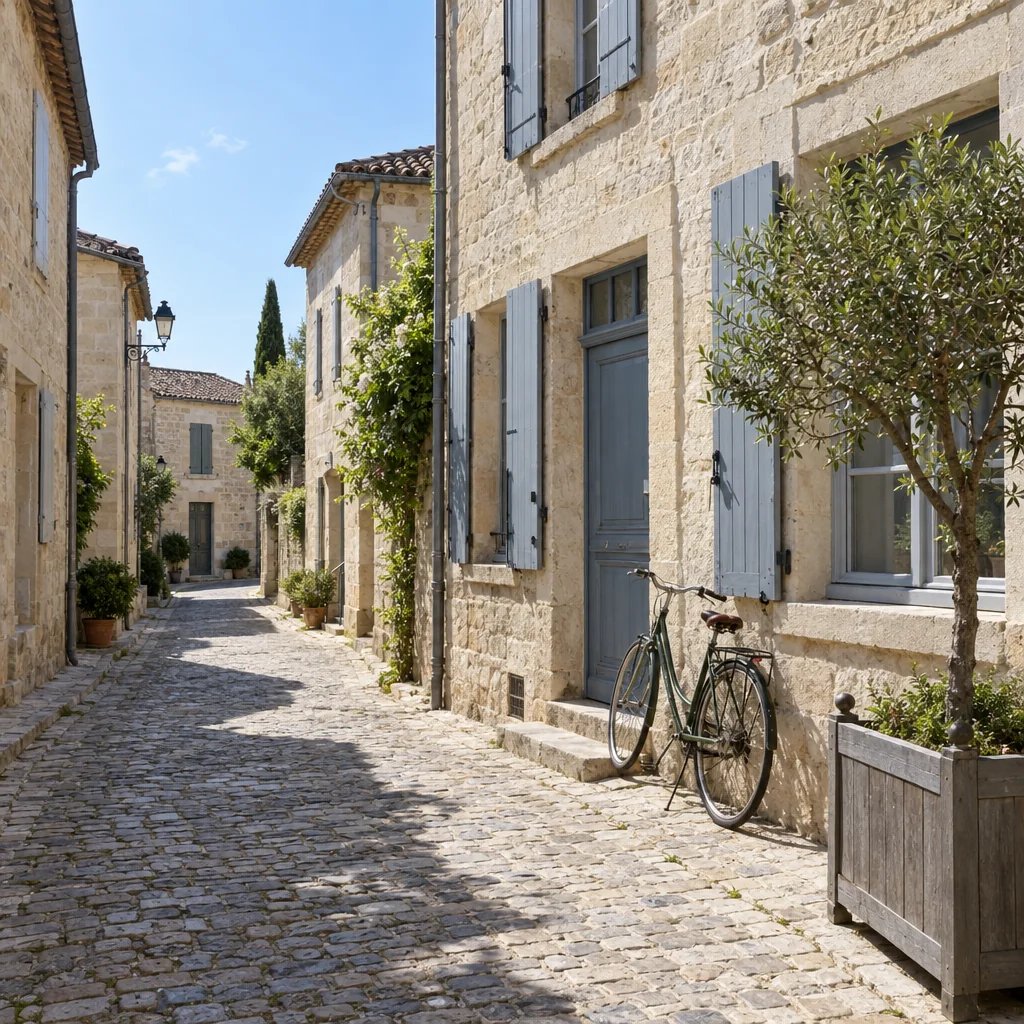
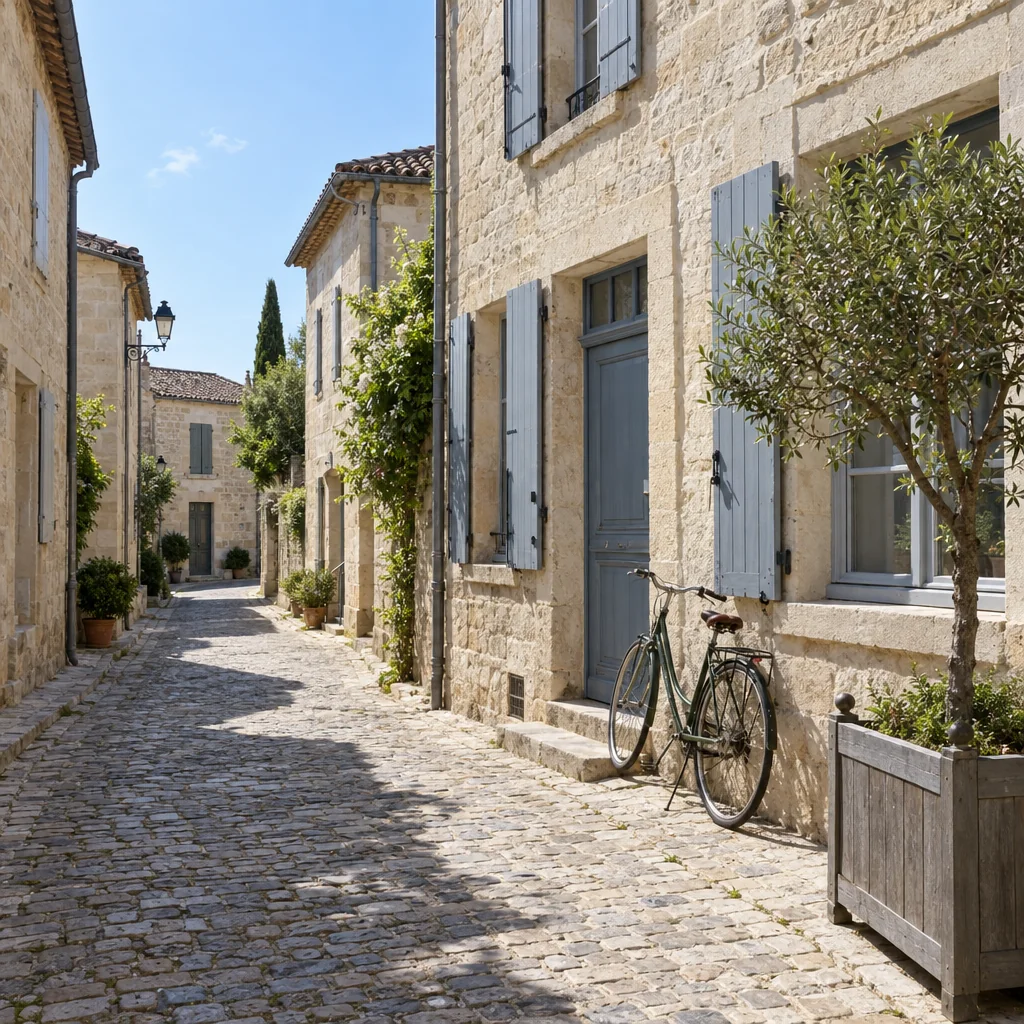
A daylight stone street with dry cobbles, pale buildings, a bicycle and a small tree.
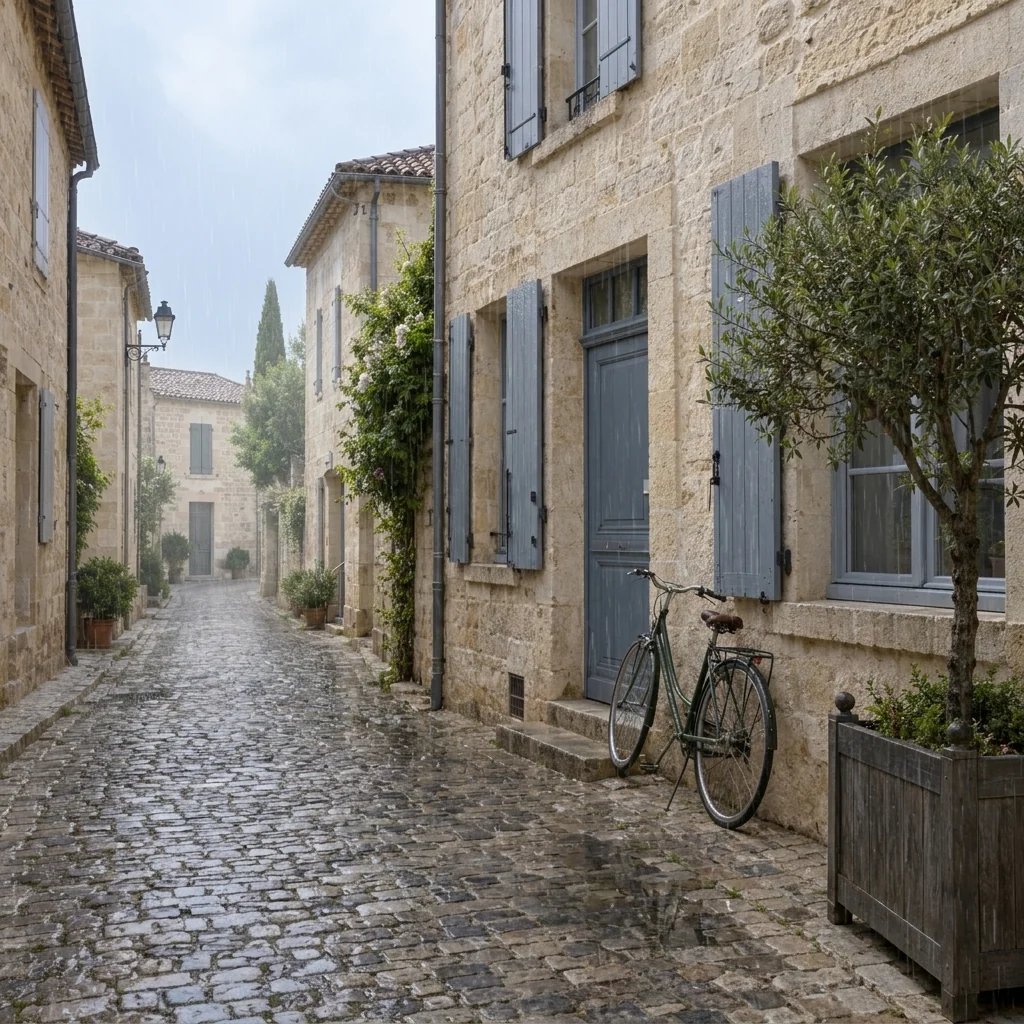
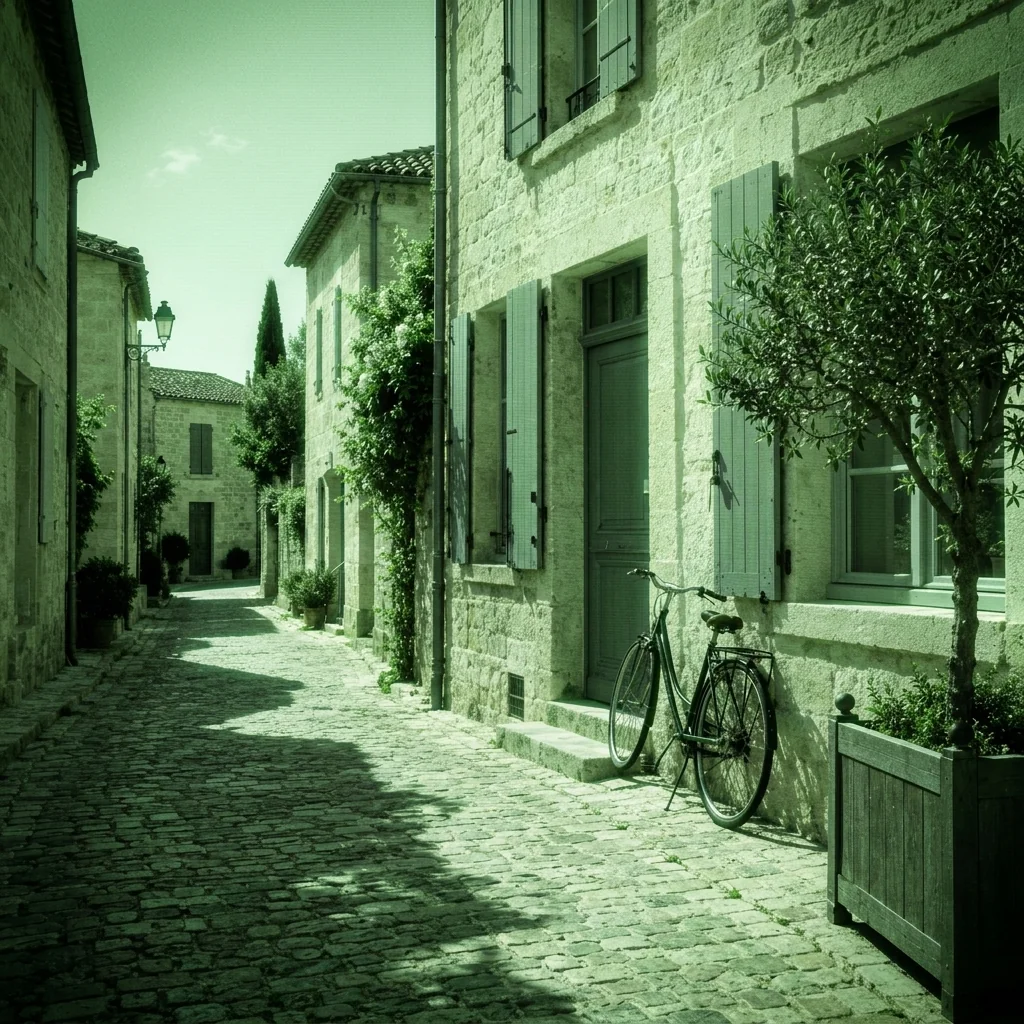
A stone street with a bicycle and tree rendered in green monochrome with grain and darkened corners.
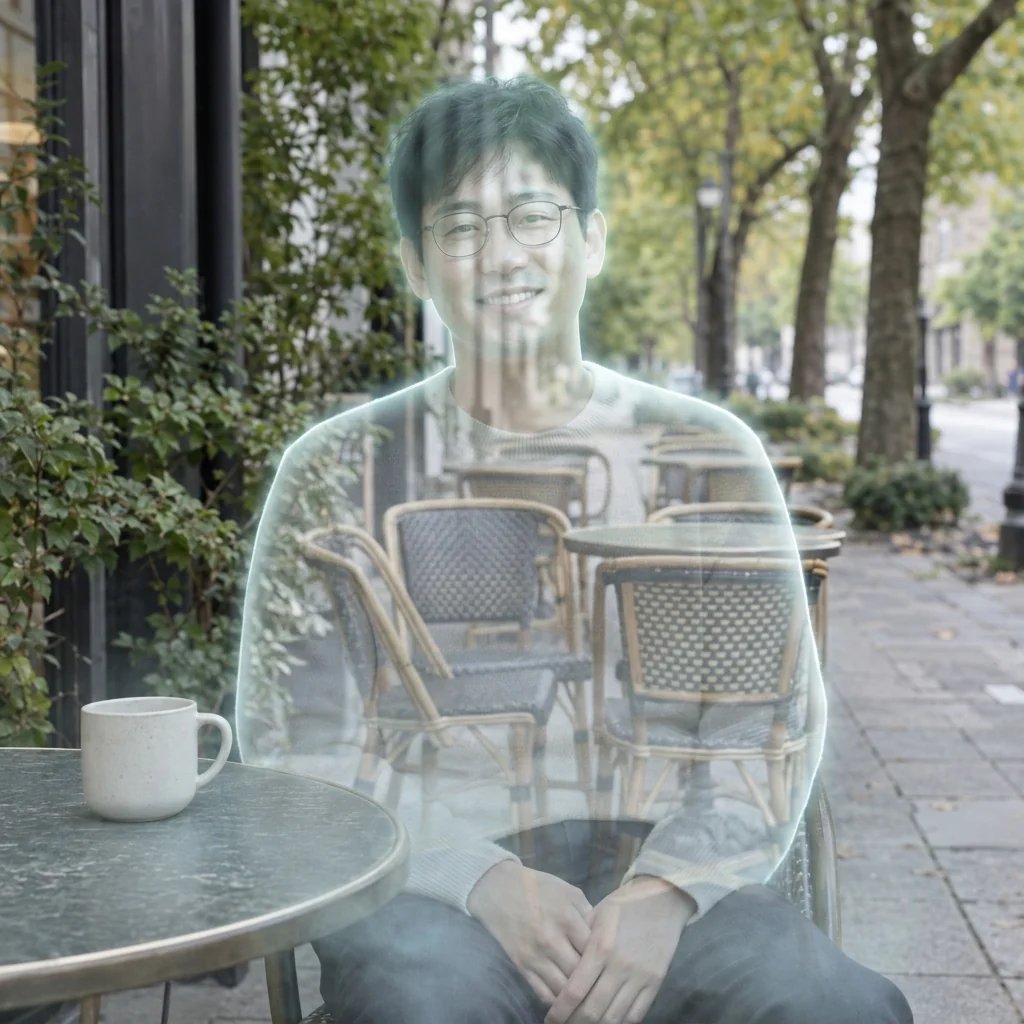
Green monochrome, highlight glow and darkened corners.

Style examples created with GPT Image 2.5

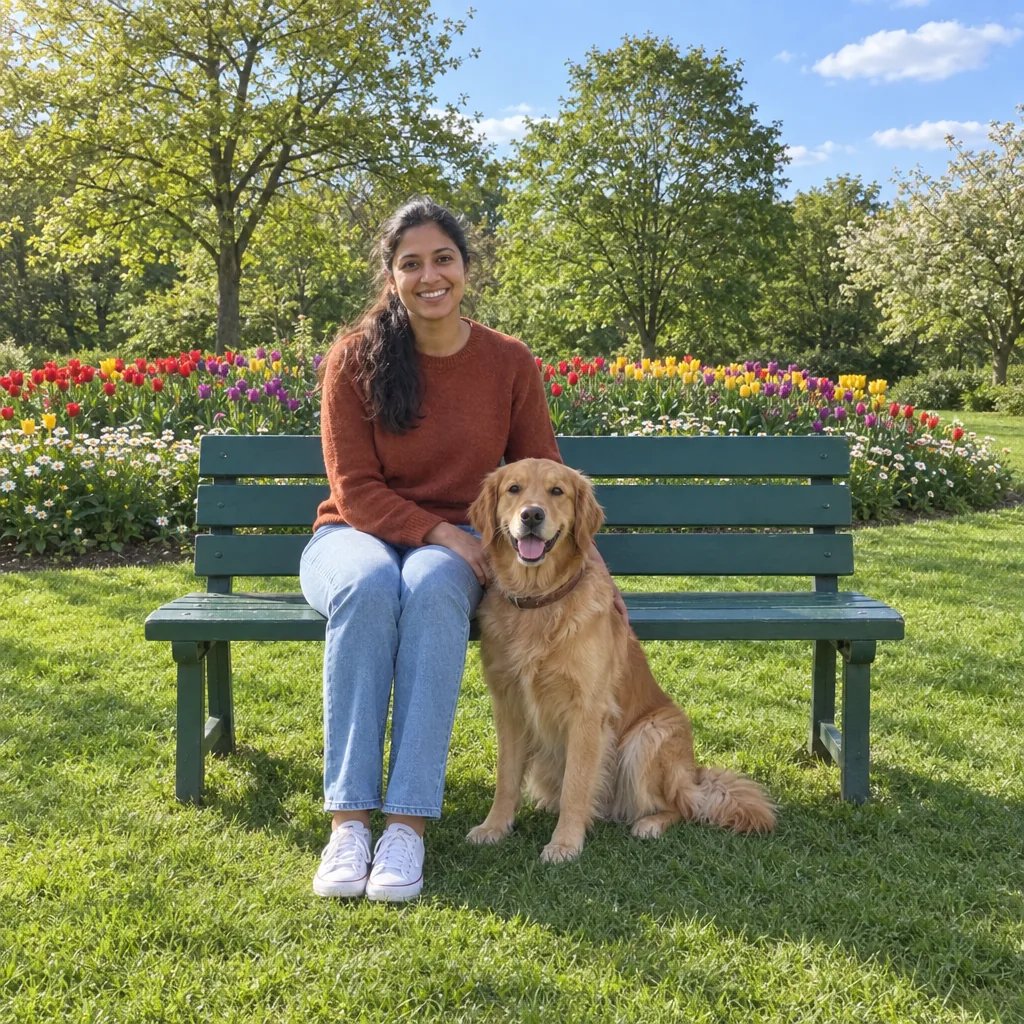
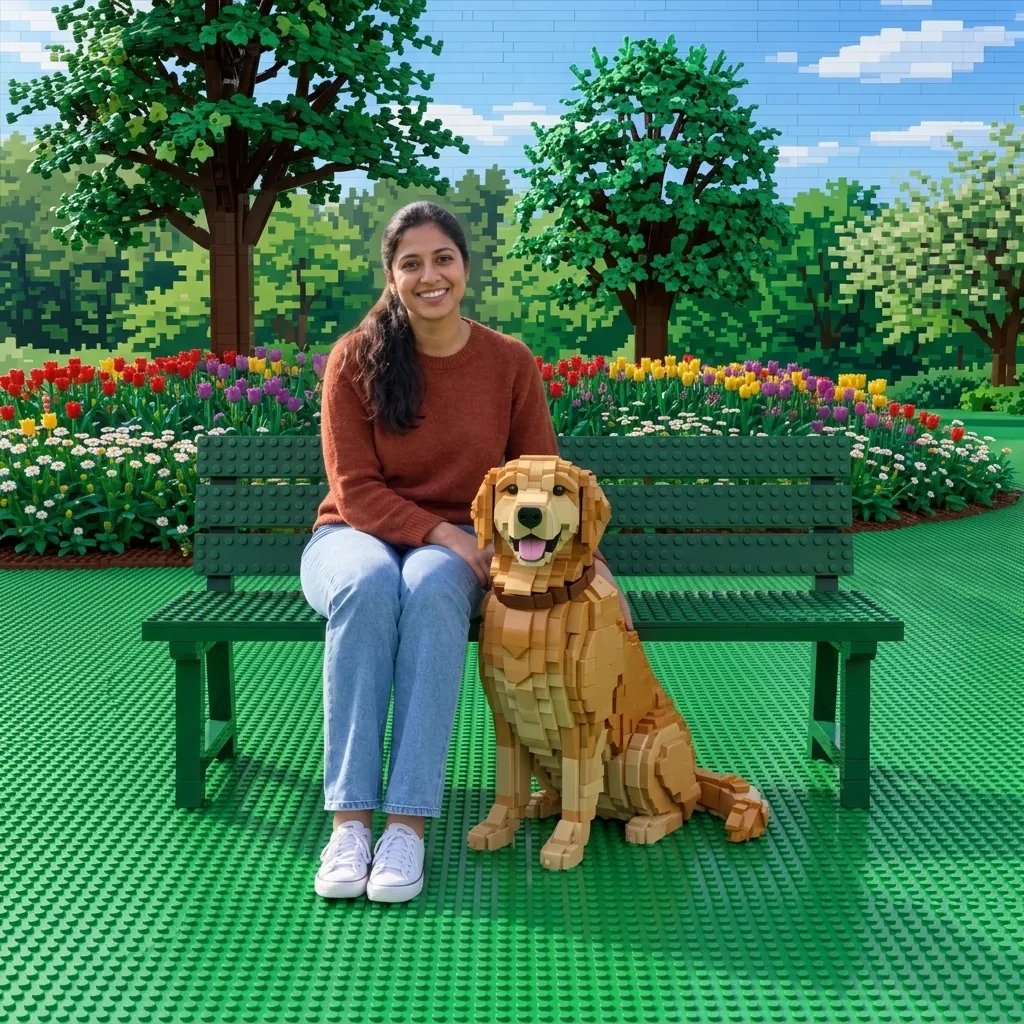
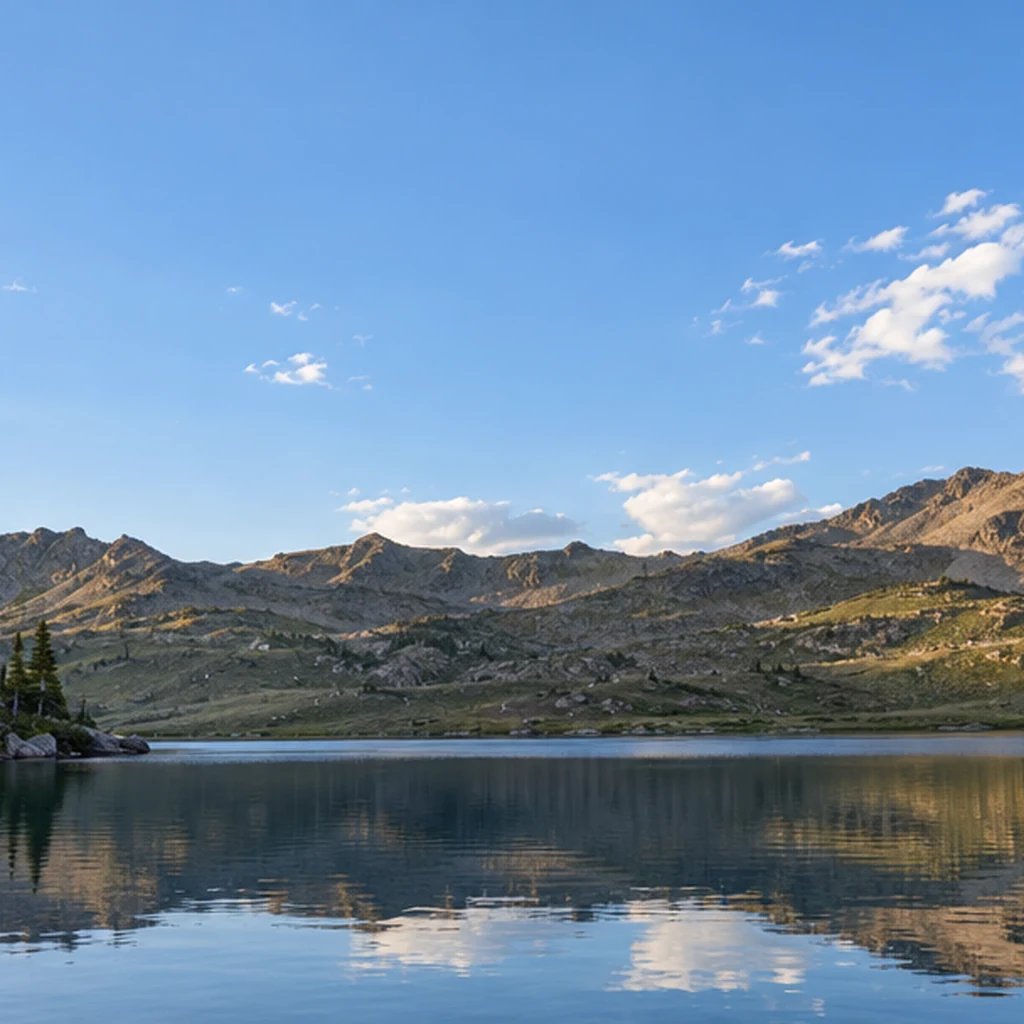
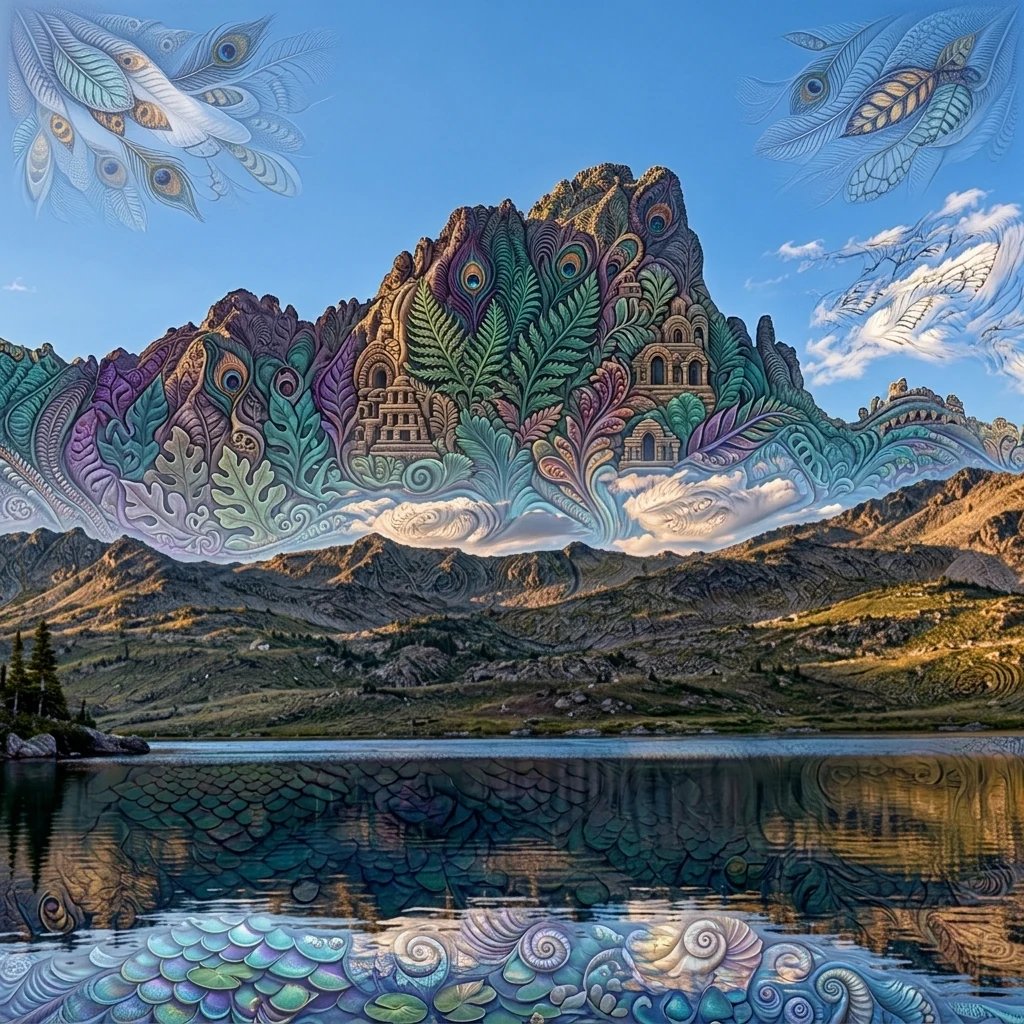
Night Vision Filter: Four Visual Directions

  • A forest path in green monochrome
  • A quiet street with glowing highlights
  • A cat with a readable silhouette
  • An interior with green camera texture

How it works

Create with the Night Vision Filter in Three Steps

  1. Step 1

    Upload a photo or write a description

    Choose a photo with readable details and clear shapes. Very dark or blurred areas provide little information. A street, forest path, room or pet portrait can all show the green monochrome treatment. You can also describe a new image without uploading a photo.

  2. Step 2

    Choose the details and generate

    Add optional direction for the look you want. With a photo and no words, the starting treatment is applied automatically. Review the displayed credit cost, sign in when prompted, and generate one square image.

  3. Step 3

    Review the details and download

    Compare the result with your source and inspect small details at full size. Download the image you want. A changed prompt and another generation start a separate run.

What shapes the result

Night Vision Filter: Details to Look For

A green monochrome camera look

The effect replaces natural colors with shades of green, pale highlights and deep shadows. This makes it visually different from ordinary dark color grading or a thermal image with red and yellow heat colors.

Grain, glow and darkened corners

Electronic grain and restrained highlight bloom give the scene a camera-recording feel. Ask for lighter grain when fine details matter. The result is a generated still image, so texture is not a technical measurement of sensor noise.

Keep the original scene readable

Architecture, faces and foreground objects should remain recognizable. Start from an image that already contains the details you want to see. The filter cannot recover information that was never captured or reliably reveal objects hidden in darkness.

Prompt ideas

Three Directions to Start With

Name one subject or setting, then the visual treatment and light. With a photo, describe only the changes you want; the uploaded image supplies the reference.

A forest path in green monochrome

A quiet empty forest footpath and tall tree trunks rendered as simulated green-phosphor night vision, luminous pale green leaves, deep black shadows, restrained electronic grain and darkened corners, coherent 35mm eye-level photograph.

A quiet street with glowing highlights

An empty residential city street with stone buildings and a parked bicycle rendered in green monochrome night-vision style, pale green highlights on windows, restrained grain and soft vignette, no signs or lettering.

A cat with a readable silhouette

A seated grey tabby cat on a garden wall rendered in simulated green night vision, clear cat face and ears, green-white eyeshine kept subtle, monochrome fur detail, restrained grain and dark corners.

Ways to use it

Ideas for Your Next Image

Fictional scene references

Explore the mood of a nighttime scene for a story or concept board. Treat the result as an illustration of a visual style.

Game and film moodboards

Compare how a forest, street or room reads with green highlights and heavy shadows. Use the image to communicate a look, not camera specifications.

Creative photo edits

Give a familiar location or pet photo a different atmosphere. Check important edges and features before sharing the result.

Social graphics

Prepare a square still image for a themed post. Add any captions separately so the image remains free of invented camera labels or timestamps.

Create more with one YouArt membership

This generator uses 8 credits for one 1K image. Membership credits work across YouArt image, video, audio, and workflow tools.

Basic

For hobbyists and explorers
$11$9.99/mo
  • 1000 credits
  • Up to ~200 images/month
  • Up to ~332s video/month
  • Intelligent creative agent
  • Video editor
  • Latest image models, including GPT Image 2.5, GPT Image 2 and Nano Banana Pro
  • Latest video models, including Seedance 2
  • Realistic face uploads
  • Voice generation with ElevenLabs
  • Video uploads up to 50 MB
  • No watermark
  • Unlimited template access
Popular

Pro

Save 16%
For creators and pro users
$36$29.99/mo
  • 3300 credits
  • Up to ~1000 images/month
  • Up to ~1100s video/month
  • Intelligent creative agent
  • Video editor
  • Latest image models, including GPT Image 2.5, GPT Image 2 and Nano Banana Pro
  • Latest video models, including Seedance 2
  • Realistic face uploads
  • Voice generation with ElevenLabs
  • Video uploads up to 200 MB
  • No watermark
  • Unlimited template access
Max

Save 24%Best Value
For power users and teams
$198$149.99/mo
  • 18000 credits
  • Up to ~6000 images/month
  • Up to ~6000s video/month
  • Intelligent creative agent
  • Video editor
  • Latest image models, including GPT Image 2.5, GPT Image 2 and Nano Banana Pro
  • Latest video models, including Seedance 2
  • Realistic face uploads
  • Voice generation with ElevenLabs
  • Video uploads up to 200 MB
  • No watermark
  • Unlimited template access

Team

Save 24%
For teams and studios
$435$329.99/mo
  • 36300 credits
  • Up to ~12000 images/month
  • Up to ~12100s video/month
  • Realistic face uploads
  • Share canvas, workflows, and assets with your team
  • Up to 10 members per team
  • Up to 5 teams
  • Role-based management
  • Team credit management and spending caps
  • Per-member usage tracking
  • Video uploads up to 200 MB

FAQ

Night Vision Filter Questions

Use the Night Vision Filter to give a photo a green monochrome camera look with grain, highlight glow and darkened corners. Upload a clear image or describe a scene to create a simulated night-vision effect. Each run returns one 1K square still image.

Build beyond one image

Turn your result into a complete creative workflow

Open YouArt's visual canvas to connect generation, editing, upscaling, animation, and sound in one reusable process.