Ghost Filter

Ghost Filter: Translucent Portraits with Cool Glow

Apply the Ghost Filter to create a translucent portrait with a cool glow and light mist. Upload a photo or describe a spectral character, then explore an eerie still image while keeping the subject recognizable.

8 credits

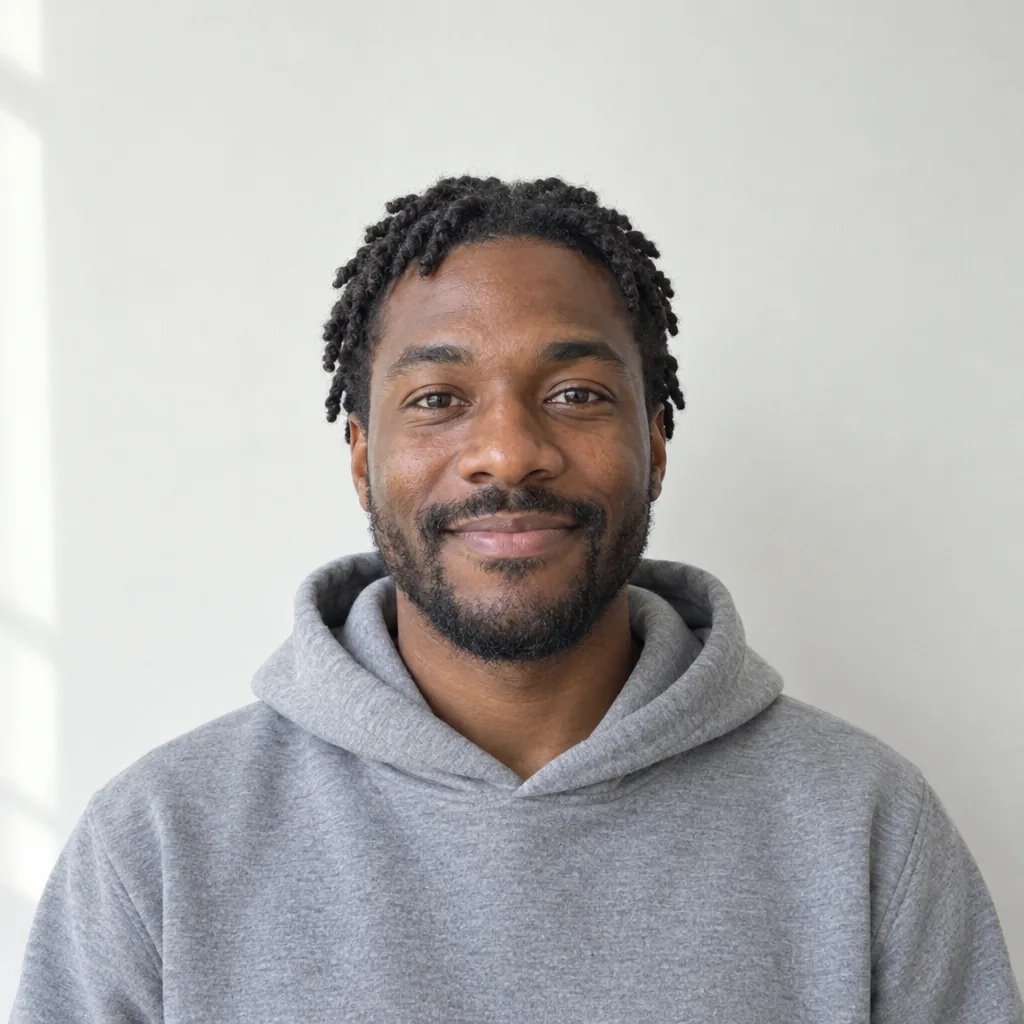
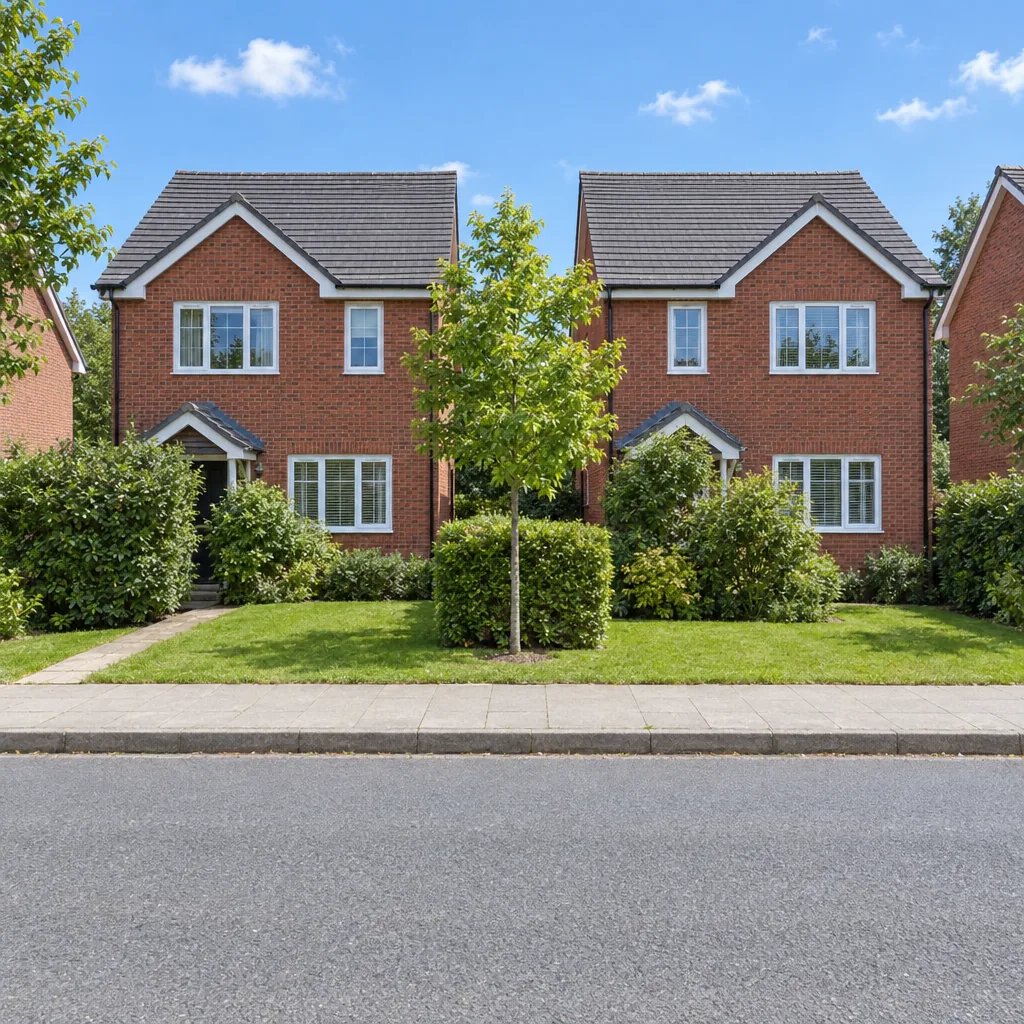
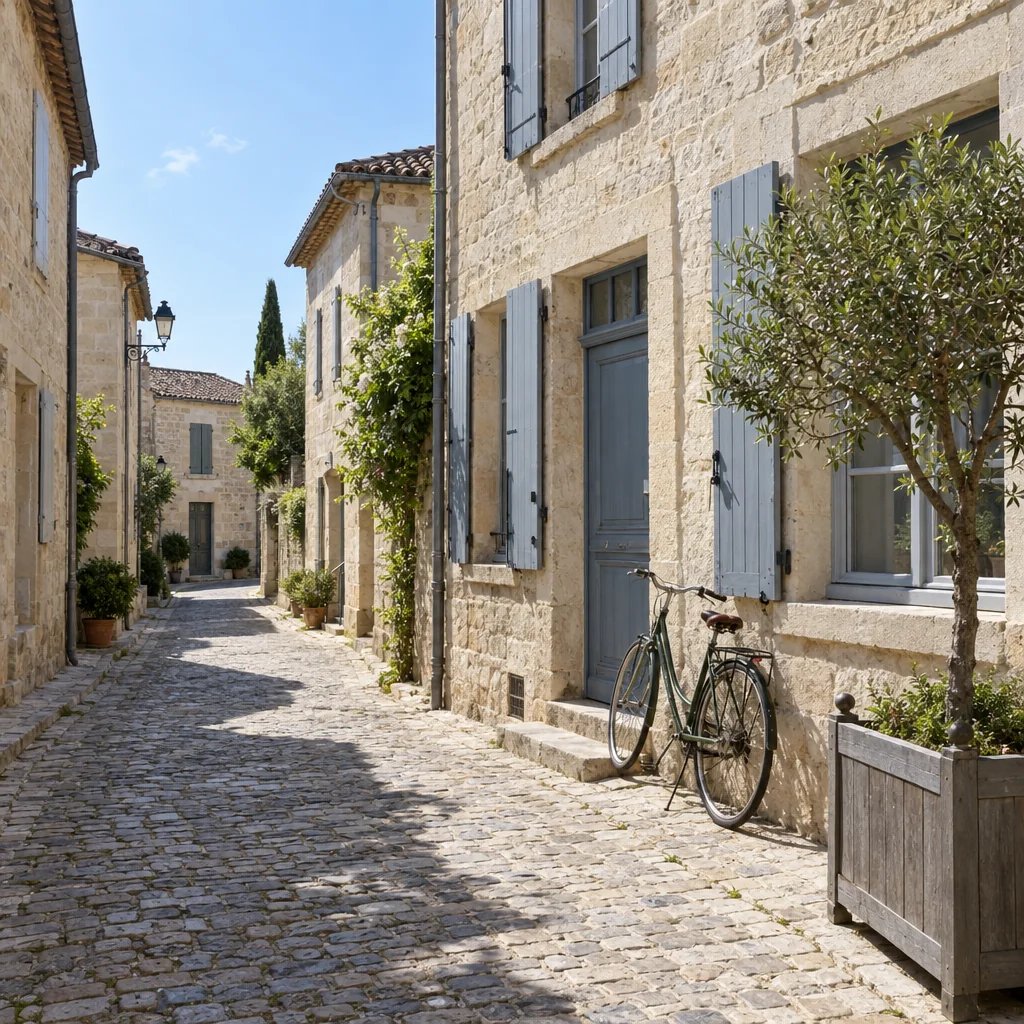
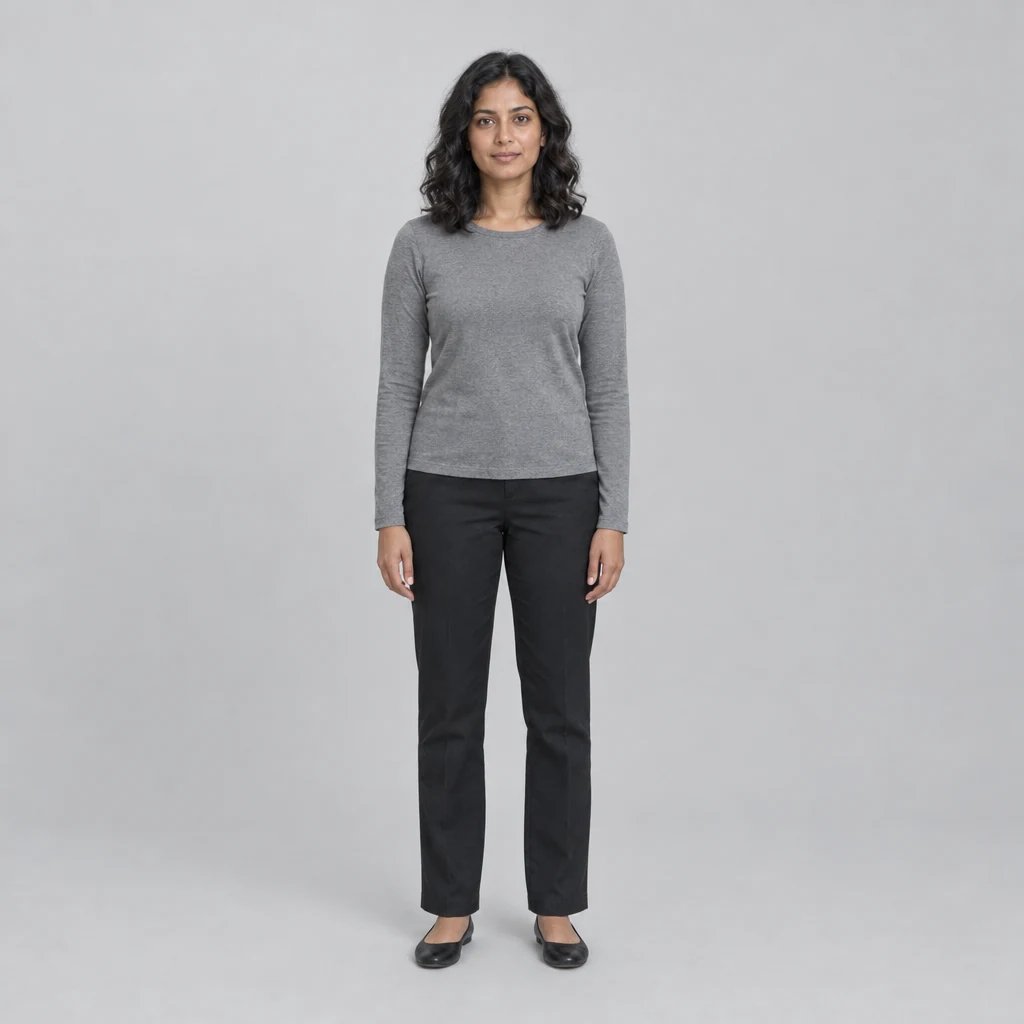
Before

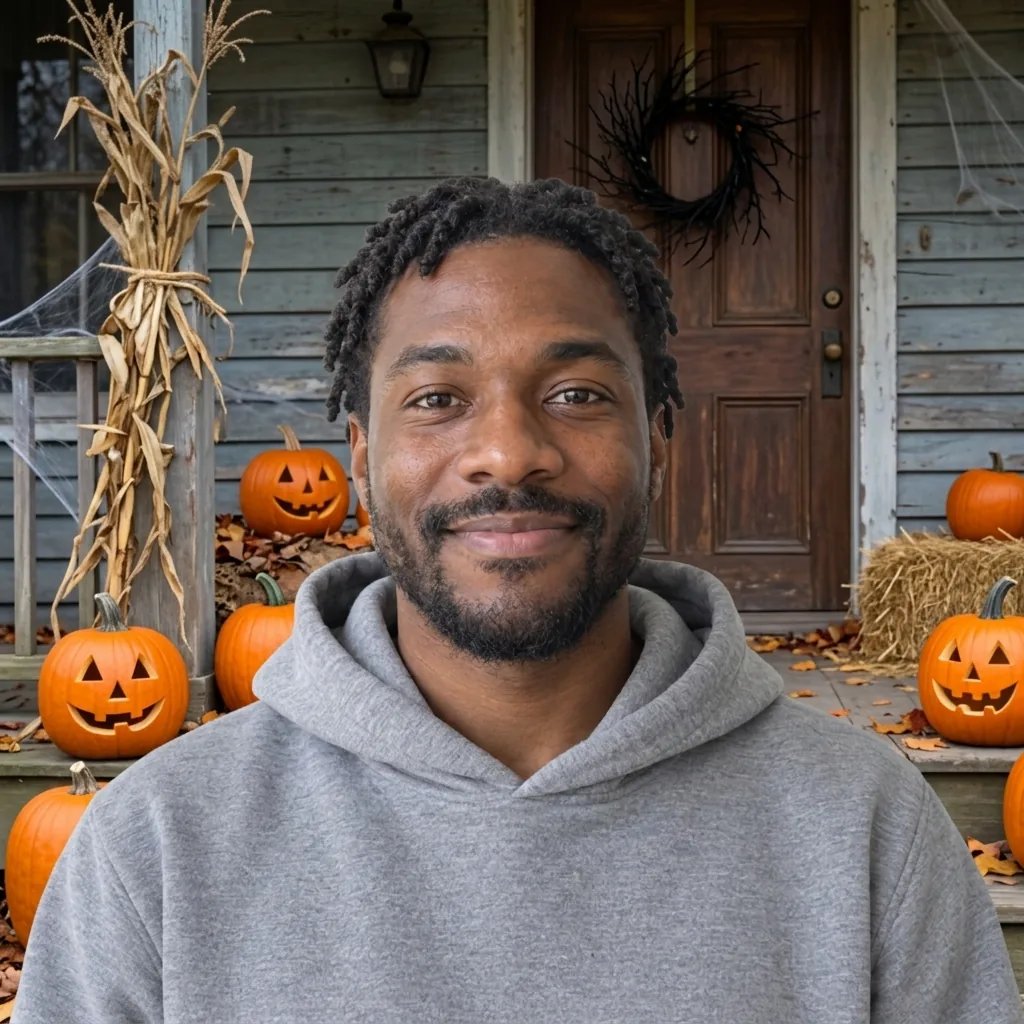
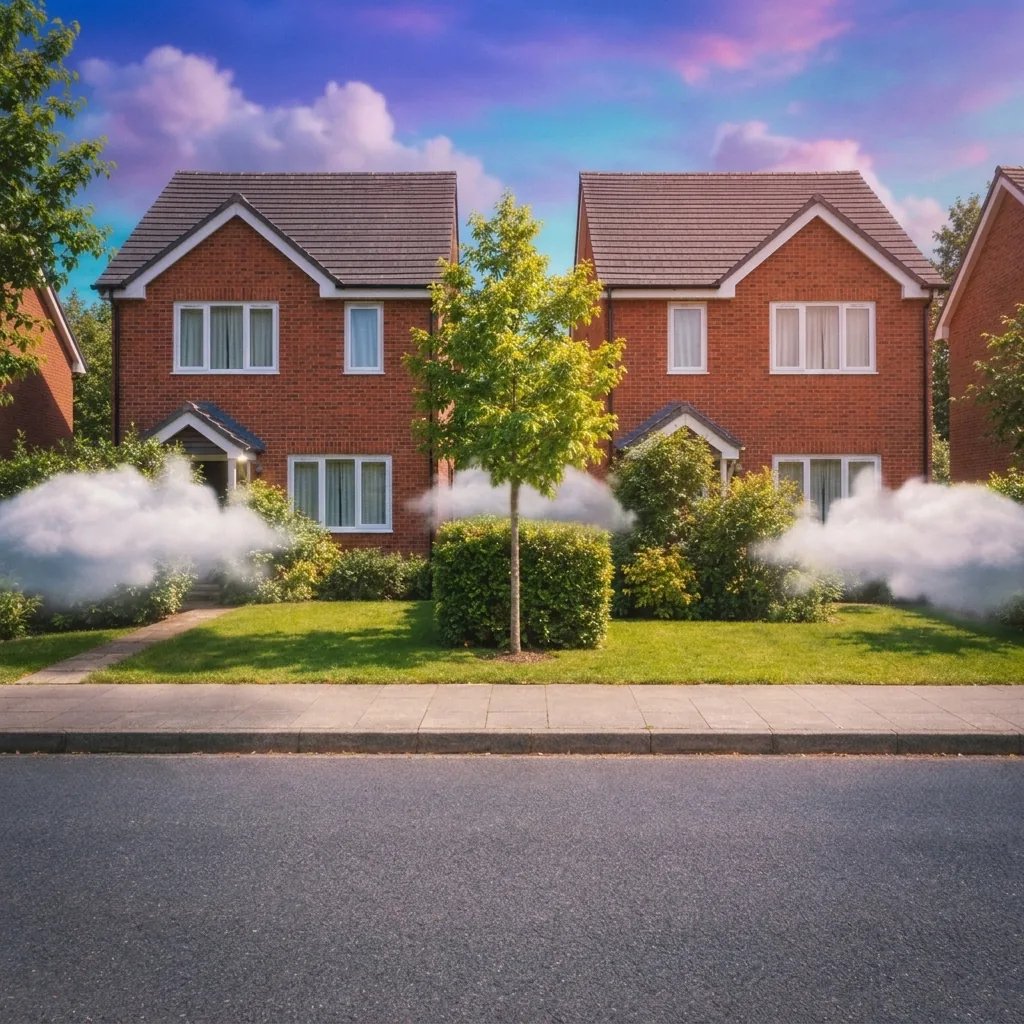
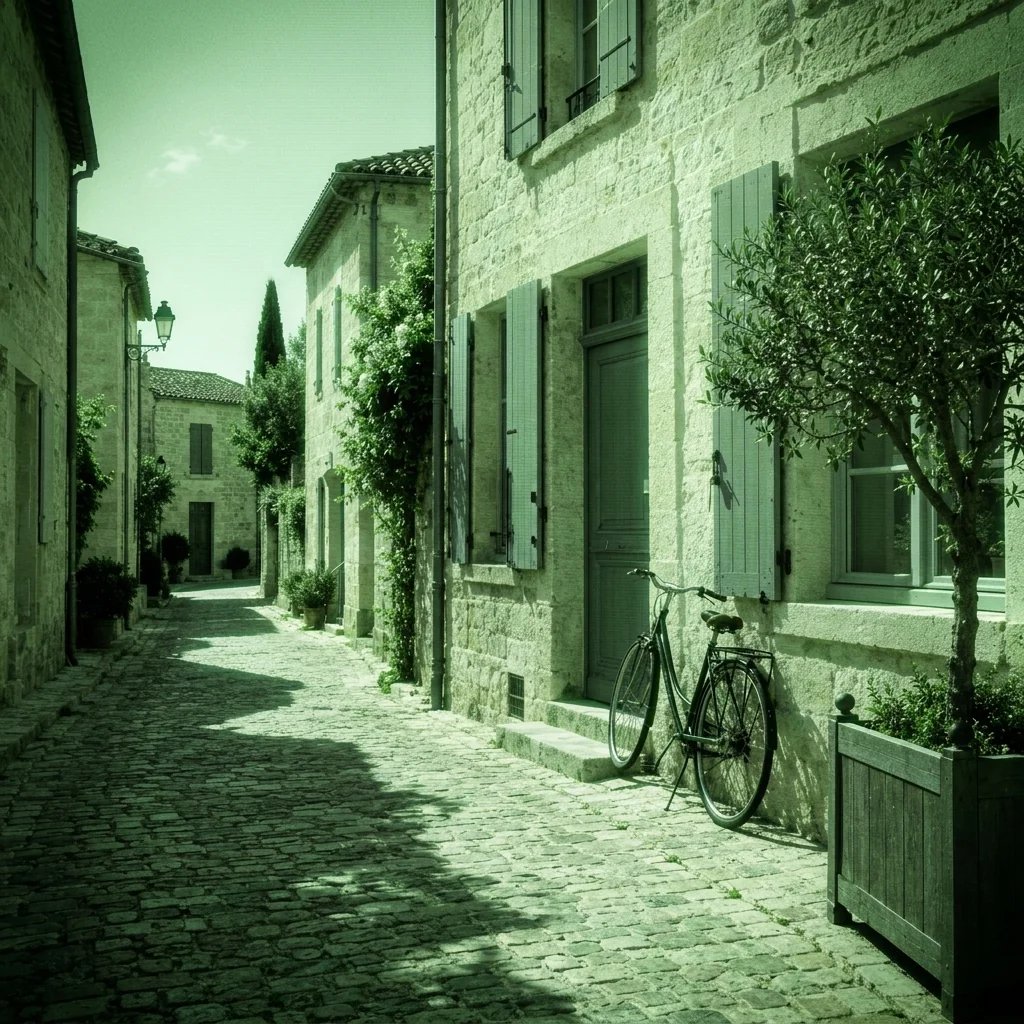
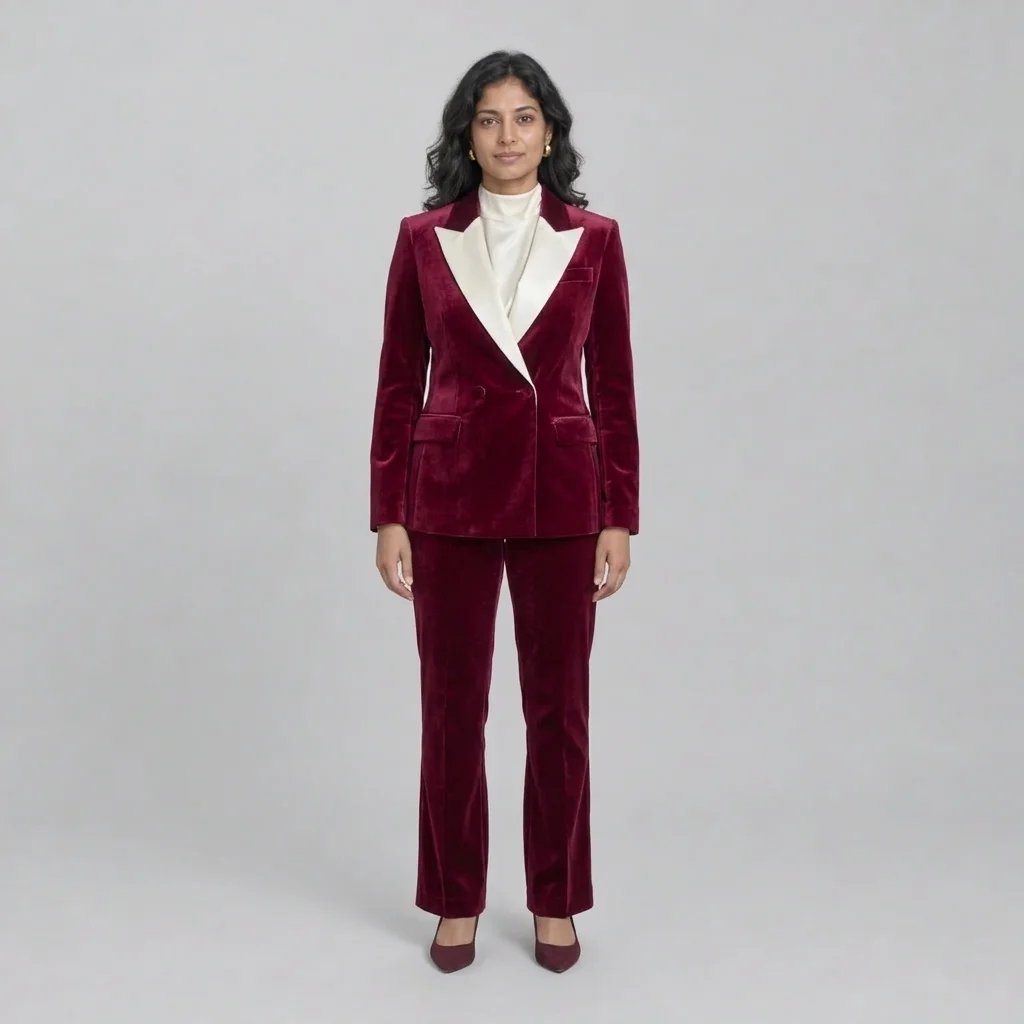
After

A translucent figure with cool edge light.

Style examples created with GPT Image 2.5

Ghost Filter: Four Visual Directions

  • Cool glow beside a window
  • A figure on a misty forest path
  • A spectral library portrait
  • A softly glowing cat

How it works

Create with the Ghost Filter in Three Steps

  1. Step 1

    Upload a photo or write a description

    Use a clear photo of one person or pet with a visible background. Avoid extreme close-ups or a subject hidden by objects. Background texture makes the translucent effect easier to see. You can also describe a new image without uploading a photo.

  2. Step 2

    Choose the details and generate

    Add optional direction for the look you want. With a photo and no words, the starting treatment is applied automatically. Review the displayed credit cost, sign in when prompted, and generate one square image.

  3. Step 3

    Review the details and download

    Compare the result with your source and inspect small details at full size. Download the image you want. A changed prompt and another generation start a separate run.

What shapes the result

Ghost Filter: Details to Look For

Translucency with a readable silhouette

The main effect is a subject that partly reveals the scene behind it. Keep the face and outline recognizable so the image reads as a ghostly version of the original, not a random blur.

A restrained glow and thin mist

A pale blue edge light and a little low mist create the atmosphere. Describe the amount in words if you want a quieter result. Excessive fog can hide the face and background that make the comparison useful.

Keep the scene as a reference

Use a photo with clear space around the person or pet. Existing walls, trees and furniture give the model something to show through the translucent subject. Inspect those structures for continuity after generation.

Prompt ideas

Three Directions to Start With

Name one subject or setting, then the visual treatment and light. With a photo, describe only the changes you want; the uploaded image supplies the reference.

Cool glow beside a window

A translucent adult woman in an opaque pale blue long-sleeved dress standing beside an old house window, recognizable face, faint wall texture visible through her clothed torso, soft cyan-white edge glow, restrained mist near the floor, quiet moonlit photography.

A figure on a misty forest path

A translucent adult man wearing a plain long dark coat on a misty forest path, coherent face and silhouette, tree trunks faintly visible through the coat, pale blue rim glow, non-graphic atmospheric photograph.

A spectral library portrait

A translucent adult woman in a plain cream sweater sitting in a library armchair, blank unlabelled book spines faintly visible through her clothed figure, cool edge light and a little floor mist, calm expression, cinematic photograph.

Ways to use it

Ideas for Your Next Image

Halloween portraits

Create a spectral portrait for a seasonal post or invitation. The effect can look eerie without injuries, gore or a threatening expression.

Fantasy character references

Show how a ghostly character might appear in an ordinary environment. Combine a clear silhouette with one simple lighting direction.

Pet photo effects

Try a softly glowing version of a cat or dog. Keep ears, paws and the face visible so the pet remains identifiable.

Atmospheric story images

Build a still image for a fictional scene in a library, forest or house. A single subject gives the transparency effect room to read.

Create more with one YouArt membership

This generator uses 8 credits for one 1K image. Membership credits work across YouArt image, video, audio, and workflow tools.

Basic

For hobbyists and explorers
$11$9.99/mo
  • 1000 credits
  • Up to ~200 images/month
  • Up to ~332s video/month
  • Intelligent creative agent
  • Video editor
  • Latest image models, including GPT Image 2.5, GPT Image 2 and Nano Banana Pro
  • Latest video models, including Seedance 2
  • Realistic face uploads
  • Voice generation with ElevenLabs
  • Video uploads up to 50 MB
  • No watermark
  • Unlimited template access
Popular

Pro

Save 16%
For creators and pro users
$36$29.99/mo
  • 3300 credits
  • Up to ~1000 images/month
  • Up to ~1100s video/month
  • Intelligent creative agent
  • Video editor
  • Latest image models, including GPT Image 2.5, GPT Image 2 and Nano Banana Pro
  • Latest video models, including Seedance 2
  • Realistic face uploads
  • Voice generation with ElevenLabs
  • Video uploads up to 200 MB
  • No watermark
  • Unlimited template access

Max

Save 24%Best Value
For power users and teams
$198$149.99/mo
  • 18000 credits
  • Up to ~6000 images/month
  • Up to ~6000s video/month
  • Intelligent creative agent
  • Video editor
  • Latest image models, including GPT Image 2.5, GPT Image 2 and Nano Banana Pro
  • Latest video models, including Seedance 2
  • Realistic face uploads
  • Voice generation with ElevenLabs
  • Video uploads up to 200 MB
  • No watermark
  • Unlimited template access
Team

Save 24%
For teams and studios
$435$329.99/mo
  • 36300 credits
  • Up to ~12000 images/month
  • Up to ~12100s video/month
  • Realistic face uploads
  • Share canvas, workflows, and assets with your team
  • Up to 10 members per team
  • Up to 5 teams
  • Role-based management
  • Team credit management and spending caps
  • Per-member usage tracking
  • Video uploads up to 200 MB

FAQ

Ghost Filter Questions

Apply the Ghost Filter to create a translucent portrait with a cool glow and light mist. Upload a photo or describe a spectral character, then explore an eerie still image while keeping the subject recognizable. Each run returns one 1K square still image.

Build beyond one image

Turn your result into a complete creative workflow

Open YouArt's visual canvas to connect generation, editing, upscaling, animation, and sound in one reusable process.