Your own character, softly painted

Disney Filter

Use the Disney Filter to reimagine a photo or an original character idea with expressive eyes, flowing outlines and warm storybook light. Keep the details that make a subject personal: a hairstyle, a pair of glasses, a favorite jacket or a pet’s markings. Describe a gentle woodland setting or a sunlit garden, then explore a newly illustrated scene. YouArt creates an independent Disney-inspired effect with original subjects and settings.

8 credits

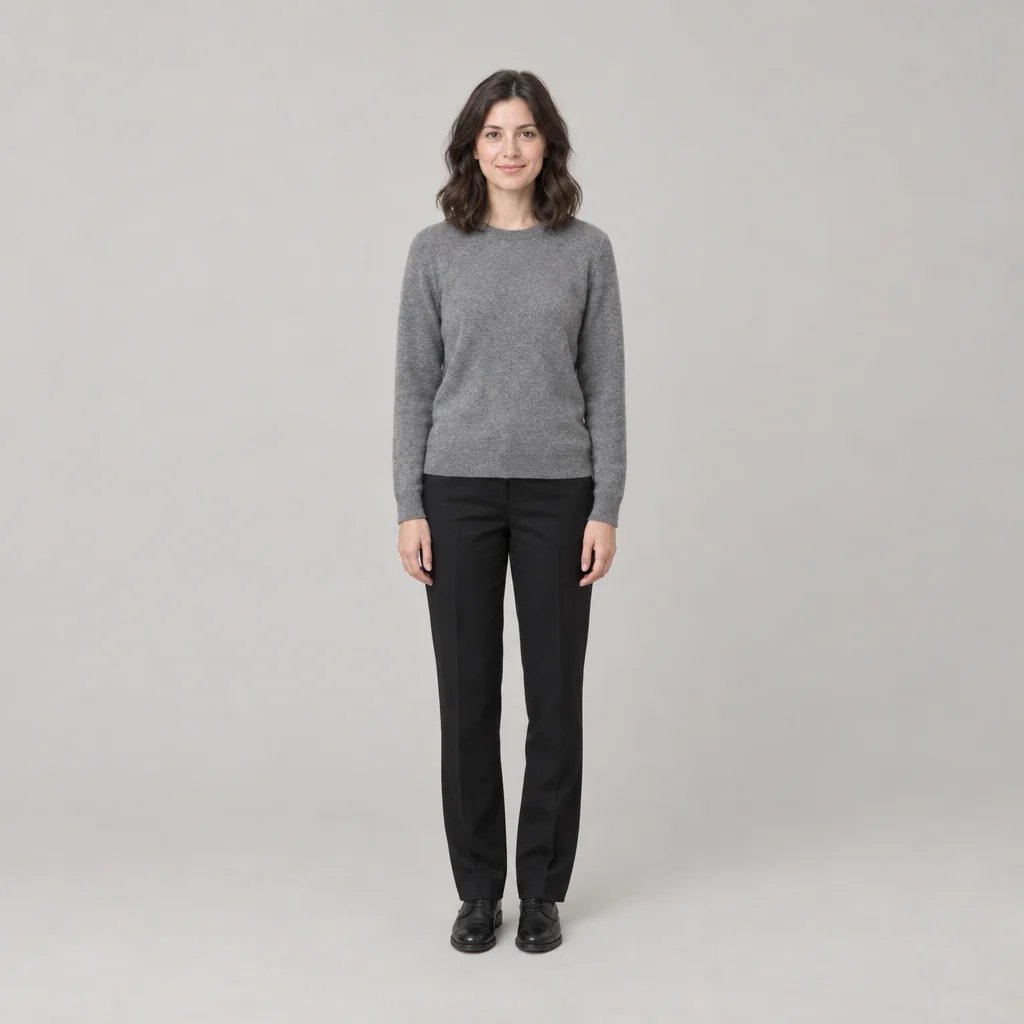
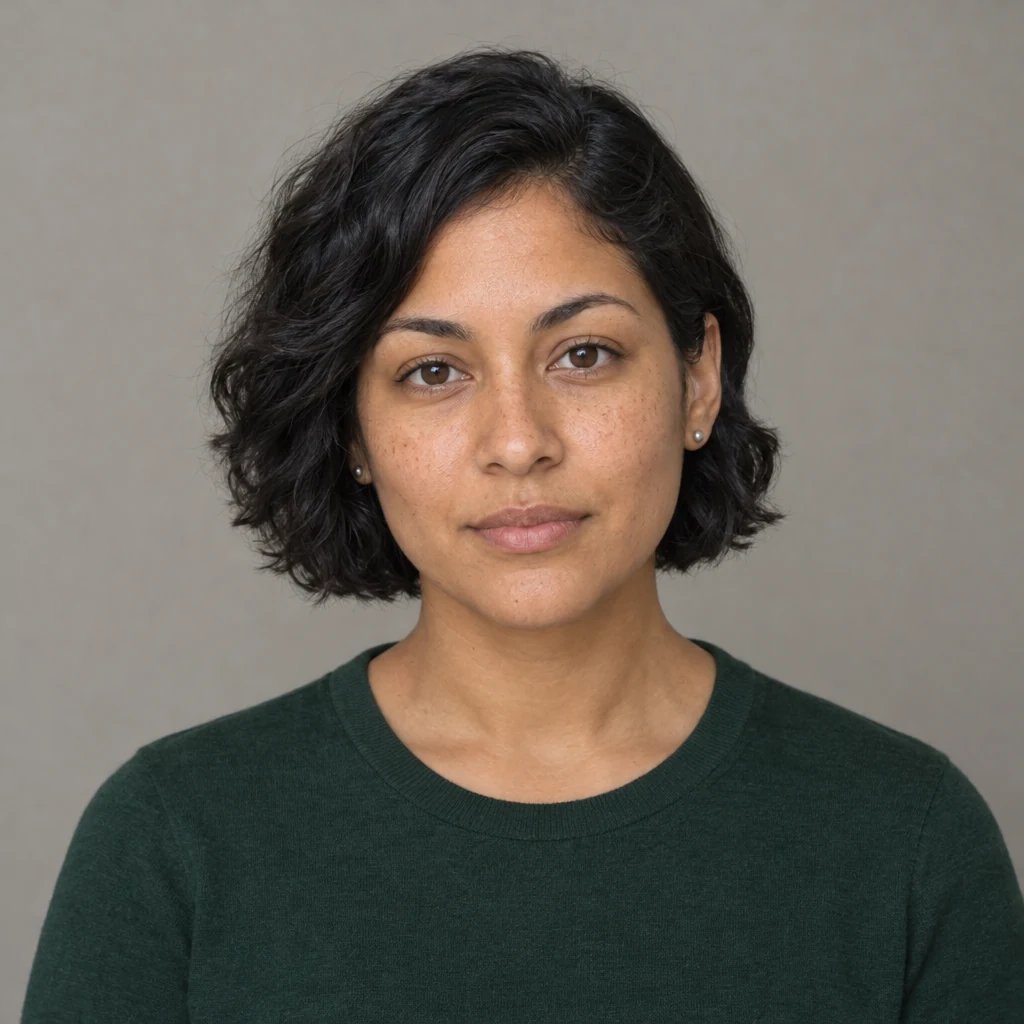
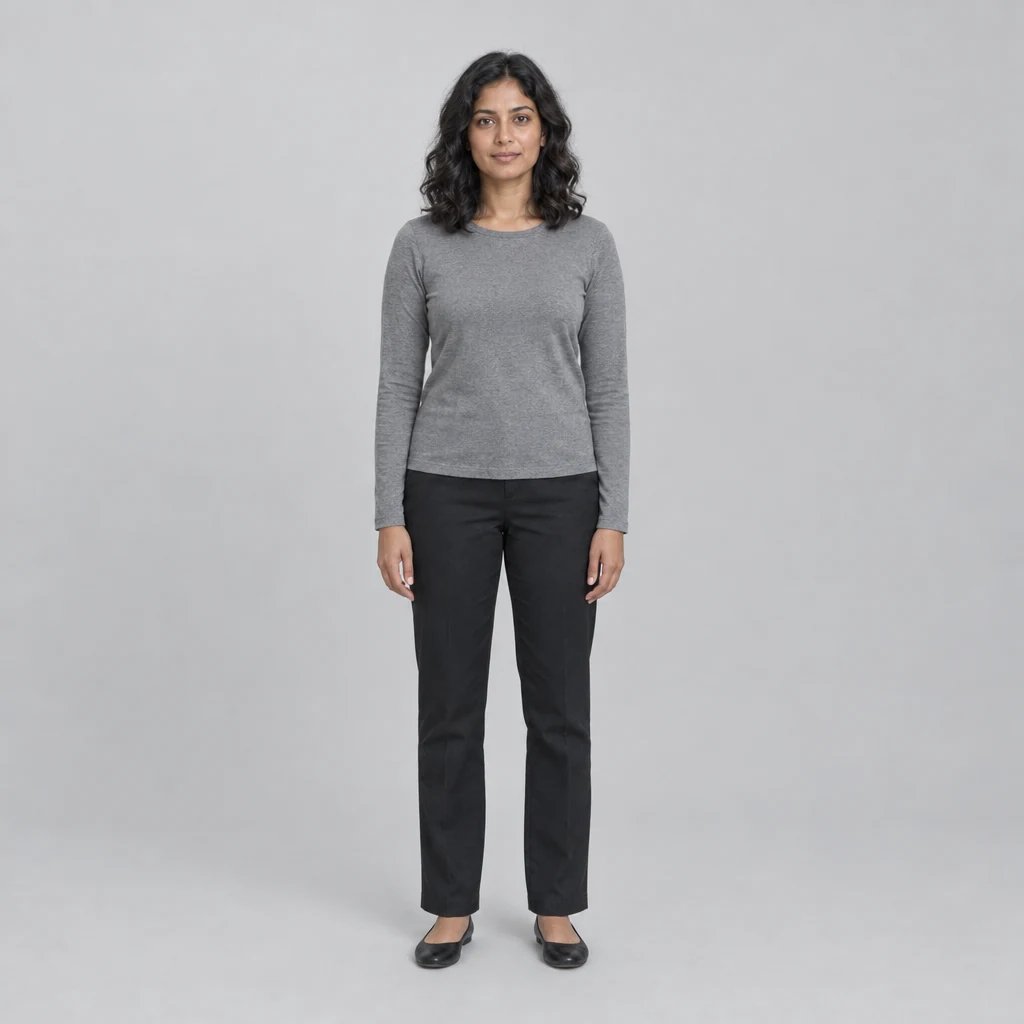
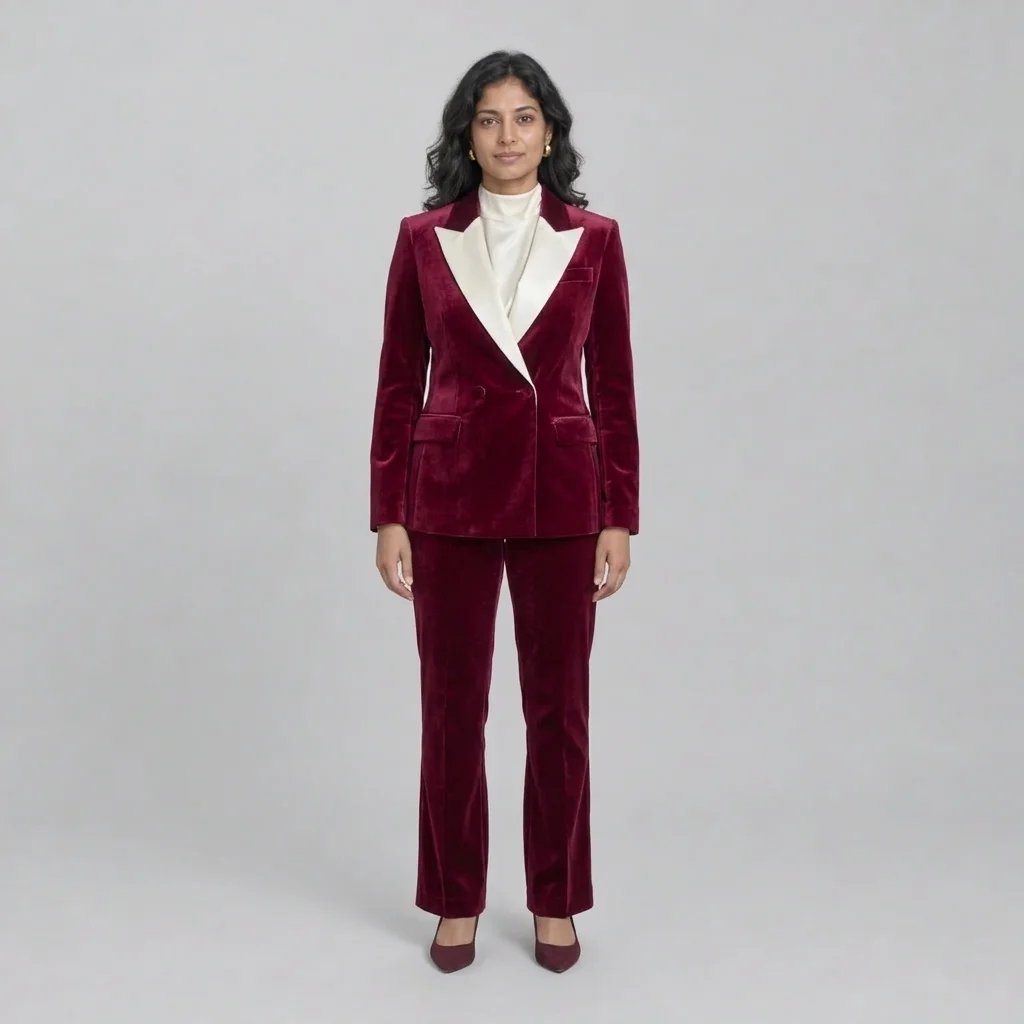
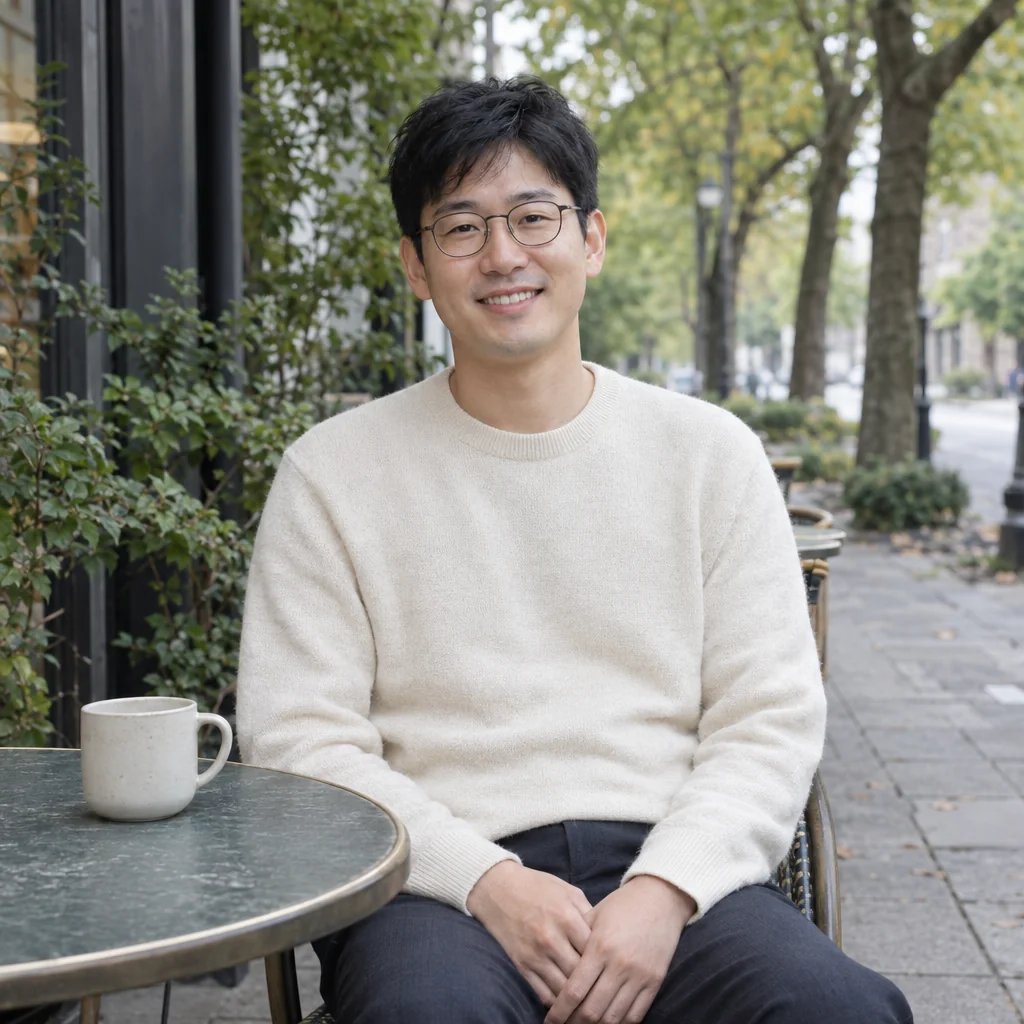
Before

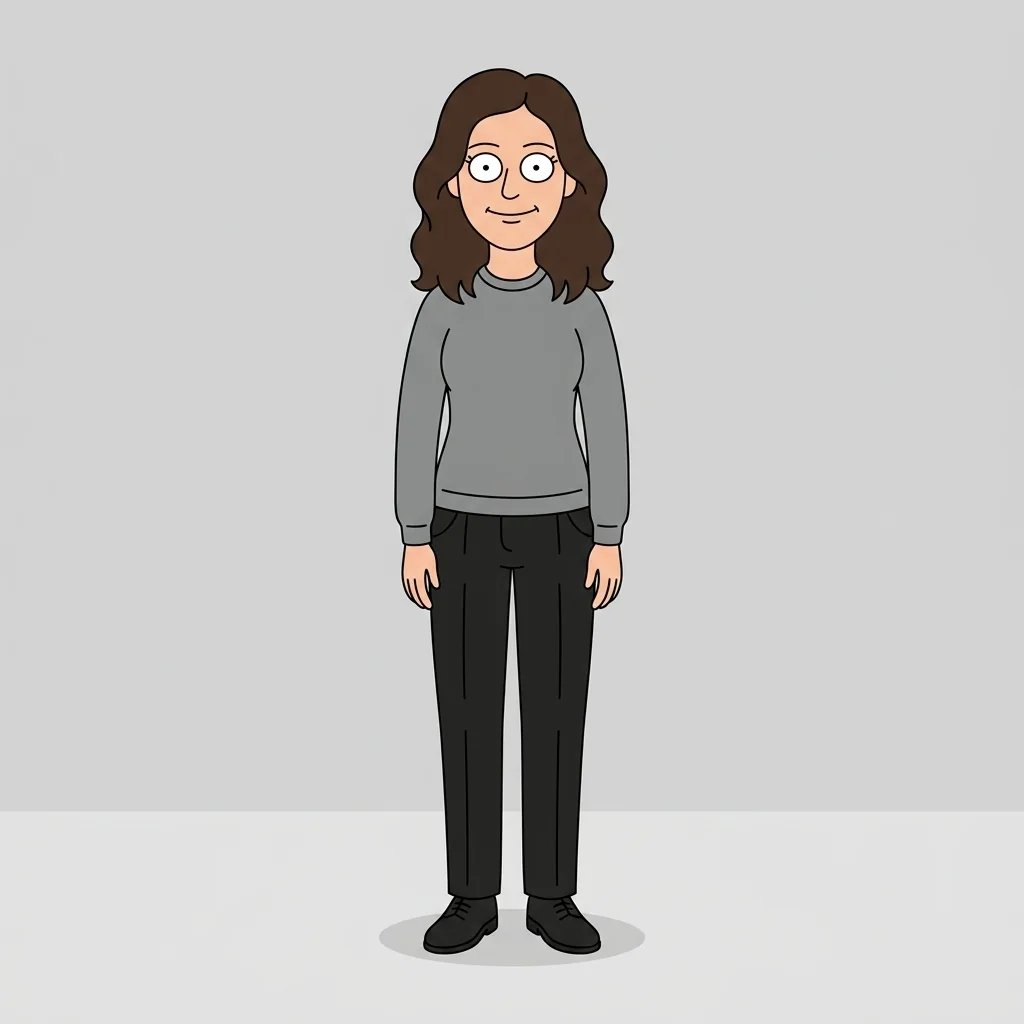
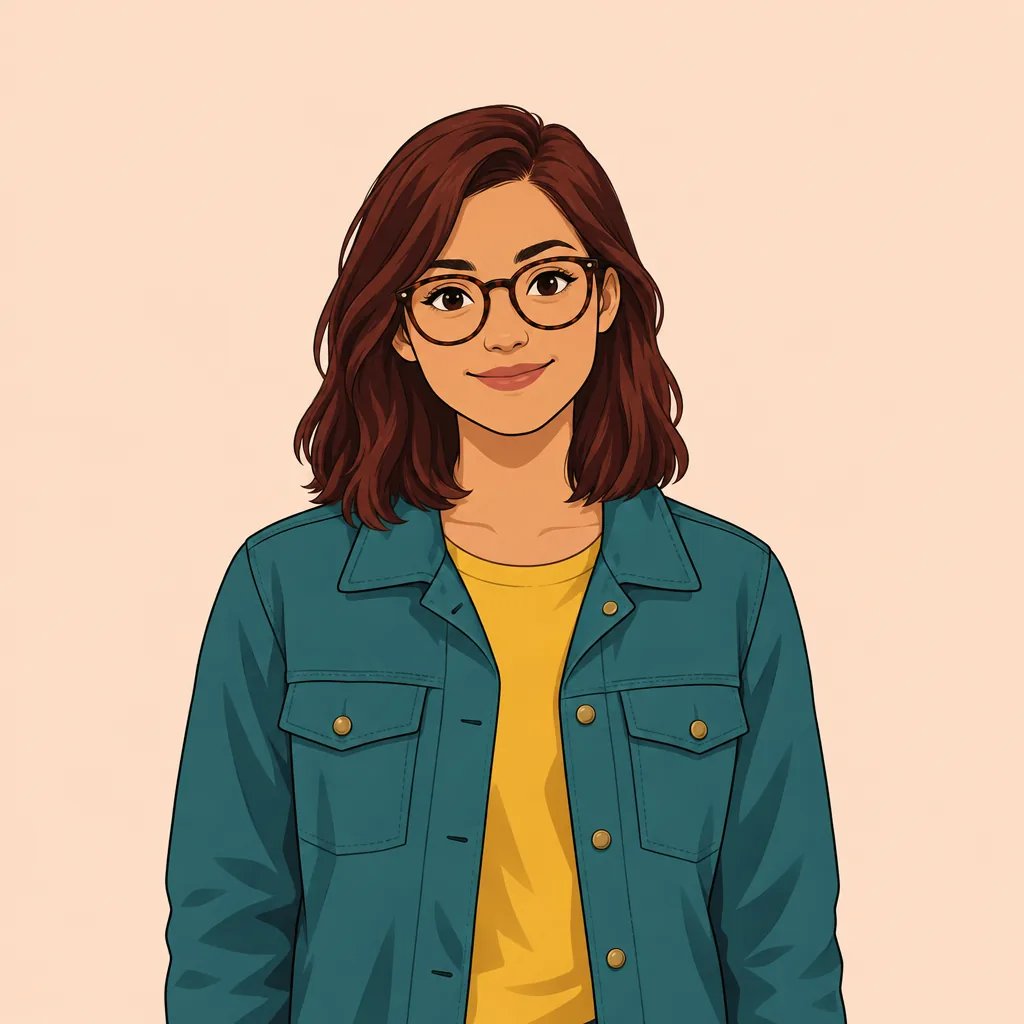
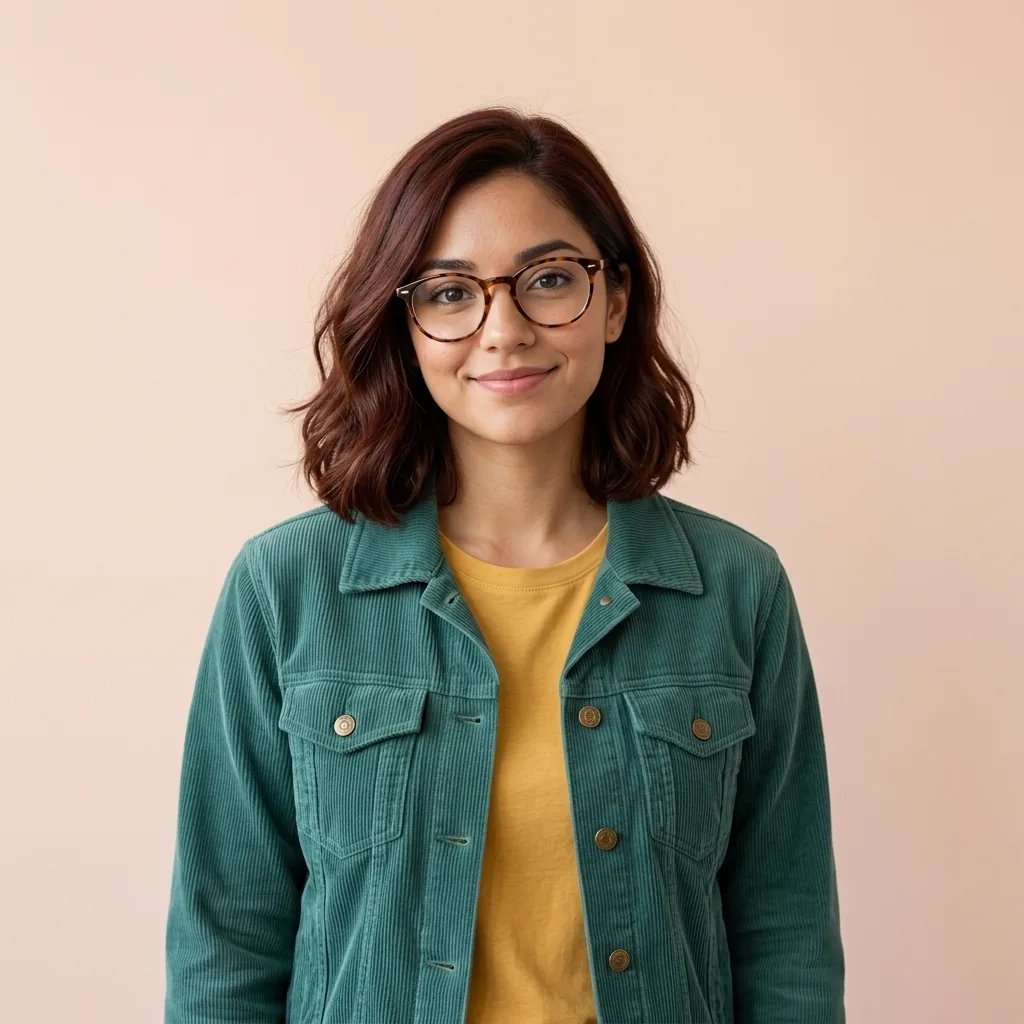
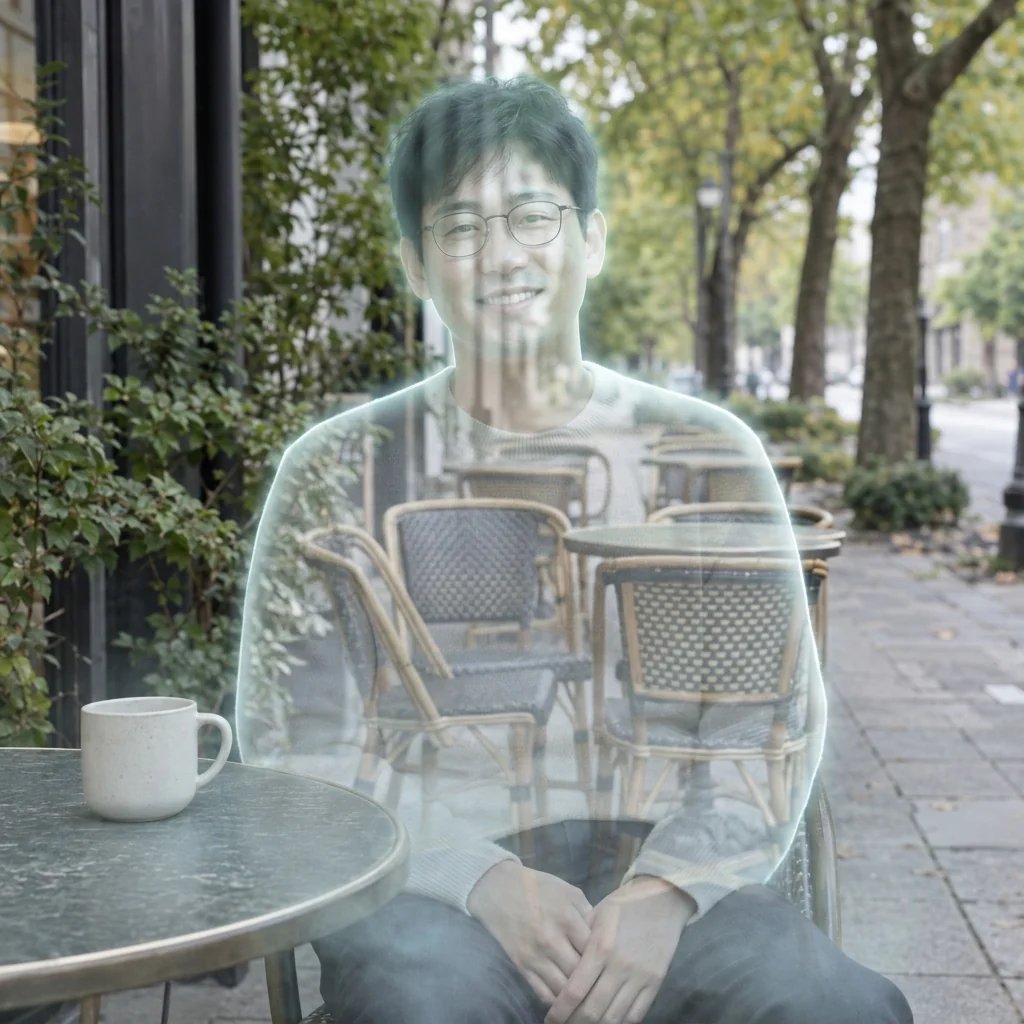
After

A portrait reimagined as a 2D storybook character

Style examples · GPT Image 2.5

Disney Filter · Image Examples

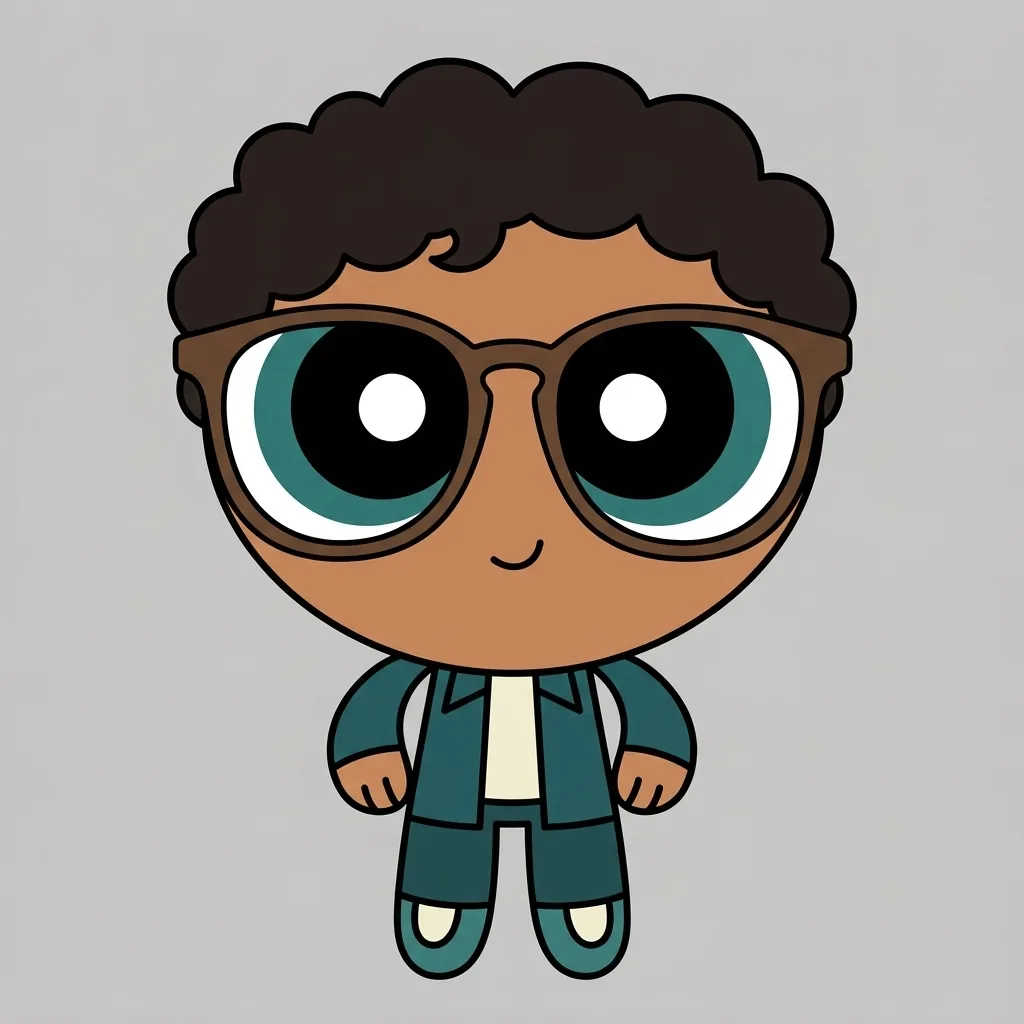
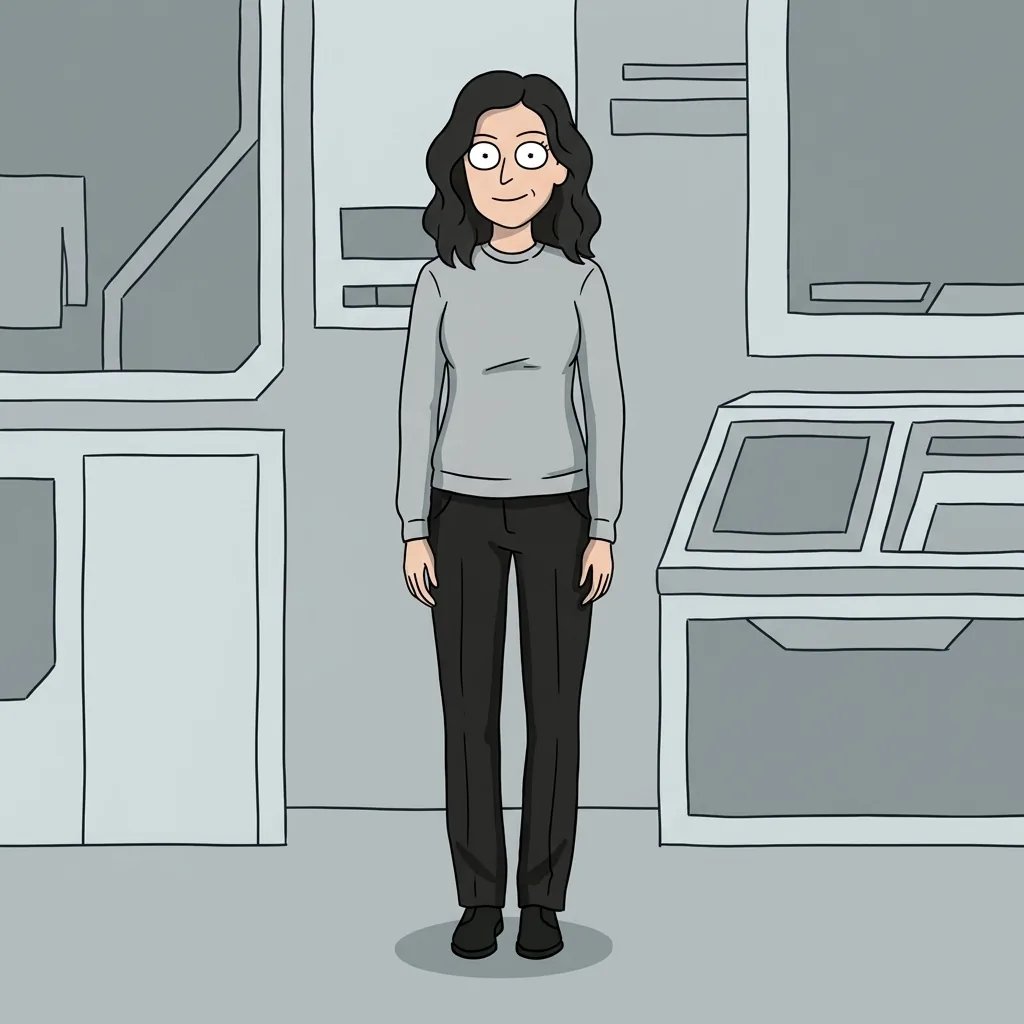
  • A storybook portrait
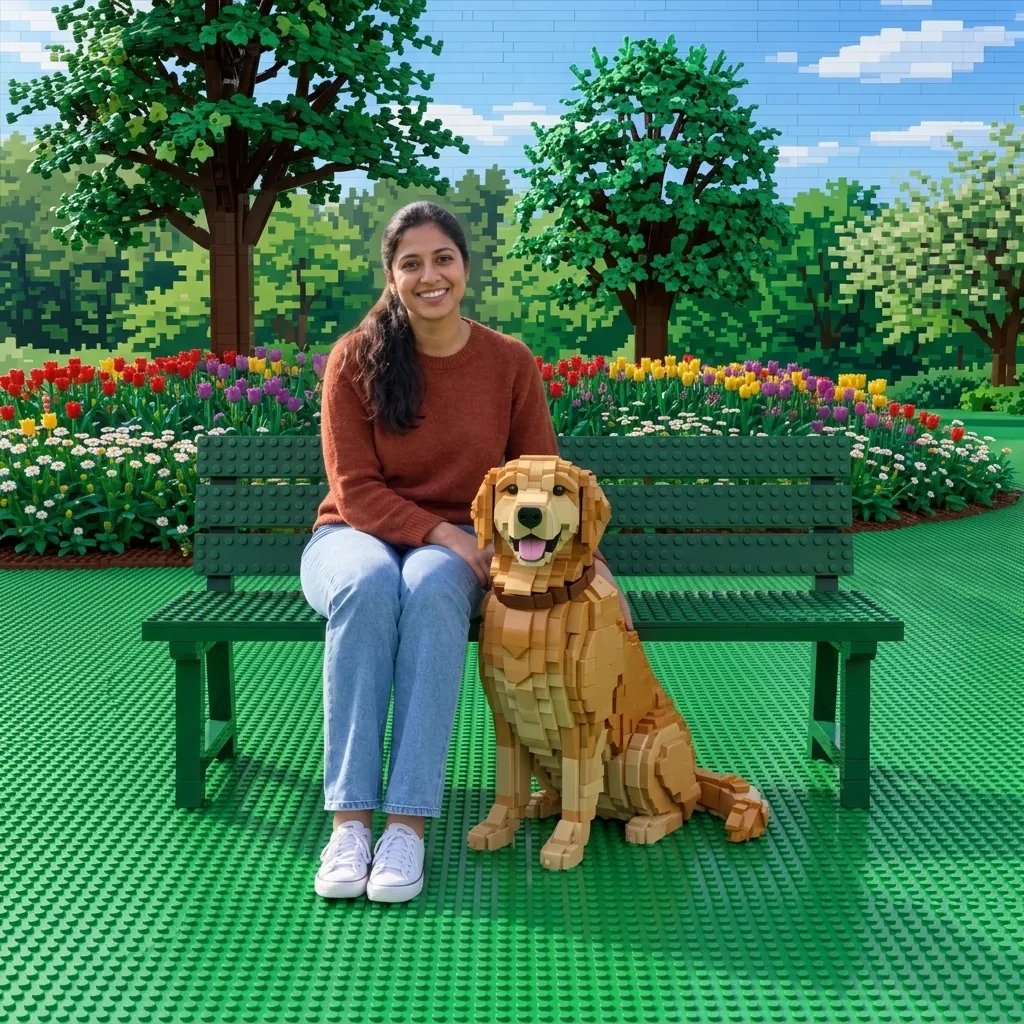
  • Two characters in a garden
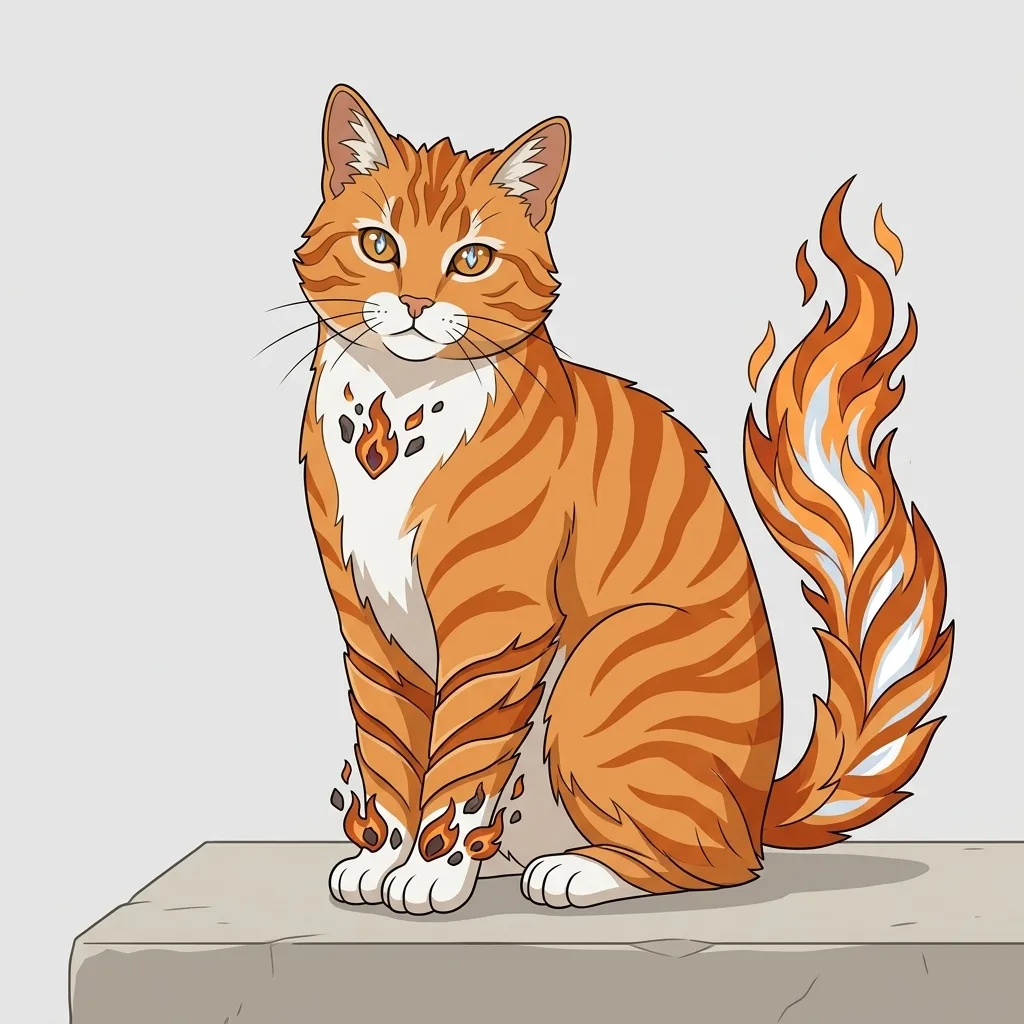
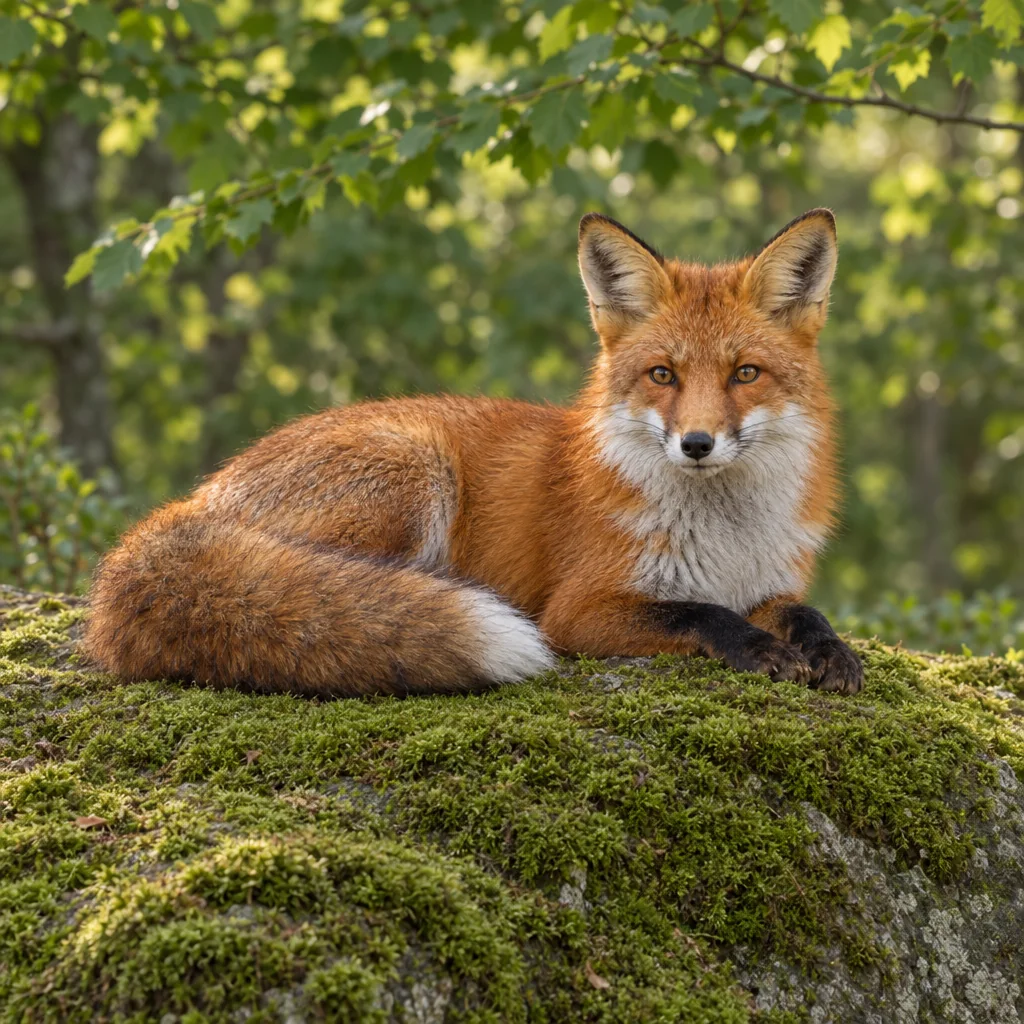
  • A pet with an animated expression
  • An original harbor explorer

From an idea to an image

How to Create Your Image

  1. Step 1

    Upload a photo or describe a character

    Use a clear portrait with visible facial features, or start from a description of an original character. A pet photo can also guide the result. Words are optional when you attach a photo. Choose an image you are allowed to use and describe only the setting or details you want to change.

  2. Step 2

    Give the illustration a direction

    Mention a color palette, everyday outfit or invented setting, such as a warm garden or woodland path. The effect supplies the soft animated drawing style. Sign in and check the displayed credit cost, then generate. A focused prompt usually gives the character more room to remain recognizable than a long list of competing scenes.

  3. Step 3

    Review the character and download

    Compare the hair, skin tone, glasses, expression and clothing with your starting idea or photo. Stylization can change facial details, so review the result before sharing it. Download your chosen image from the generation session. Add names or other typography in a separate editor if your project needs them.

Shape the look

Disney Filter · What You Can Create

Disney-inspired storybook drawing

The look combines expressive character features with flowing outlines, gentle painted shading and warm environmental light. It leans toward a two-dimensional fairy-tale illustration. The character should read clearly against a supporting background, with enough detail to feel personal rather than a generic face placed in a costume.

Build an original character and setting

Choose an everyday outfit, mood and invented location. A garden, a small harbor or a woodland path can support very different stories. You do not need to select an existing film character or reproduce a movie scene. Descriptive details help you develop a new illustration around the subject you have in mind.

Carry recognizable details into the drawing

A photograph can guide the hairstyle, skin tone, face shape, glasses and outfit. These details are translated into an illustrated character rather than preserved pixel for pixel. Clear light and an unobstructed face make the starting point easier to interpret. Multiple subjects may require a few attempts and careful review.

Start with a specific idea

Prompt Ideas

Use one clear subject and a few useful details. You can change the wording before generating.

A woodland traveler

An original adult traveler with curly dark hair, round glasses and a simple teal jacket on a softly sunlit woodland path, expressive hand-drawn fairy-tale portrait.

A personal garden portrait

An original adult character with dark skin, black twists and a sage overshirt in a sunlit flower garden, expressive eyes, flowing hand-drawn lines and soft painted shadows.

A storybook pet

A fluffy ginger cat with white paws sitting by a plain cottage window, lively amber eyes, warm painted light and a softly illustrated leafy view, no lettering.

Make something personal

Ways to Use Your Images

Profile pictures with a storybook mood

Turn a portrait into an illustrated profile image while carrying over useful identity cues such as hair and glasses. Keep the composition simple so the face stays readable at small sizes. Check a square crop and a circular avatar preview before using the image on a profile.

Ideas for original character art

Explore how a new character might look in a gentle fairy-tale setting. Change the clothing, light or surroundings between generations to compare directions. Each image is an individual concept; this page does not promise identical character details across a sequence or create a finished animated film.

Personal cards and creative layouts

Make an illustration for a personal greeting, celebration board or story-inspired layout. Leave room for your own message and add that text afterward. The result is a flat image, so prepare the size, crop and typography in a design editor before using it in a finished layout.

Pet portraits and shared moments

Try a clear pet photograph or a picture with two adults to explore a warmer illustrated memory. Make sure each subject is visible in the reference. The result can reinterpret anatomy, faces and small details, so inspect every subject rather than assuming a group transformation will preserve them all equally.

Create more with one YouArt membership

This generator uses 8 credits for one 1K image. Membership credits work across YouArt image, video, audio, and workflow tools.

Basic

For hobbyists and explorers
$11$9.99/mo
  • 1000 credits
  • Up to ~200 images/month
  • Up to ~332s video/month
  • Intelligent creative agent
  • Video editor
  • Latest image models, including GPT Image 2.5, GPT Image 2 and Nano Banana Pro
  • Latest video models, including Seedance 2
  • Realistic face uploads
  • Voice generation with ElevenLabs
  • Video uploads up to 50 MB
  • No watermark
  • Unlimited template access
Popular

Pro

Save 16%
For creators and pro users
$36$29.99/mo
  • 3300 credits
  • Up to ~1000 images/month
  • Up to ~1100s video/month
  • Intelligent creative agent
  • Video editor
  • Latest image models, including GPT Image 2.5, GPT Image 2 and Nano Banana Pro
  • Latest video models, including Seedance 2
  • Realistic face uploads
  • Voice generation with ElevenLabs
  • Video uploads up to 200 MB
  • No watermark
  • Unlimited template access

Max

Save 24%Best Value
For power users and teams
$198$149.99/mo
  • 18000 credits
  • Up to ~6000 images/month
  • Up to ~6000s video/month
  • Intelligent creative agent
  • Video editor
  • Latest image models, including GPT Image 2.5, GPT Image 2 and Nano Banana Pro
  • Latest video models, including Seedance 2
  • Realistic face uploads
  • Voice generation with ElevenLabs
  • Video uploads up to 200 MB
  • No watermark
  • Unlimited template access

Team

Save 24%
For teams and studios
$435$329.99/mo
  • 36300 credits
  • Up to ~12000 images/month
  • Up to ~12100s video/month
  • Realistic face uploads
  • Share canvas, workflows, and assets with your team
  • Up to 10 members per team
  • Up to 5 teams
  • Role-based management
  • Team credit management and spending caps
  • Per-member usage tracking
  • Video uploads up to 200 MB

Questions, answered

Disney Filter FAQ

It is a YouArt image effect that creates Disney-inspired storybook character art from a description or a photo. Expect expressive eyes, clean flowing outlines, soft painted shading and an original setting. It creates a still illustration, not a live camera filter or animated video.

Build beyond one image

Turn your result into a complete creative workflow

Open YouArt's visual canvas to connect generation, editing, upscaling, animation, and sound in one reusable process.