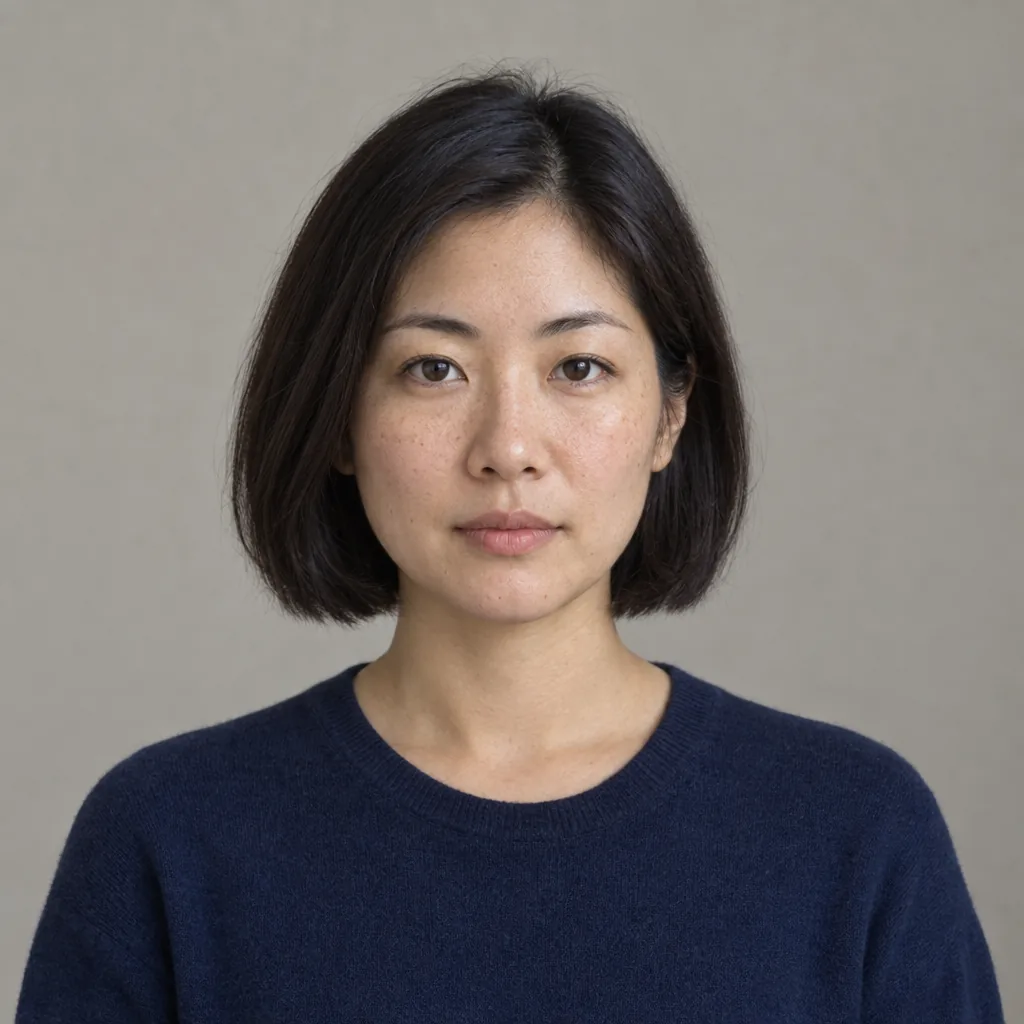
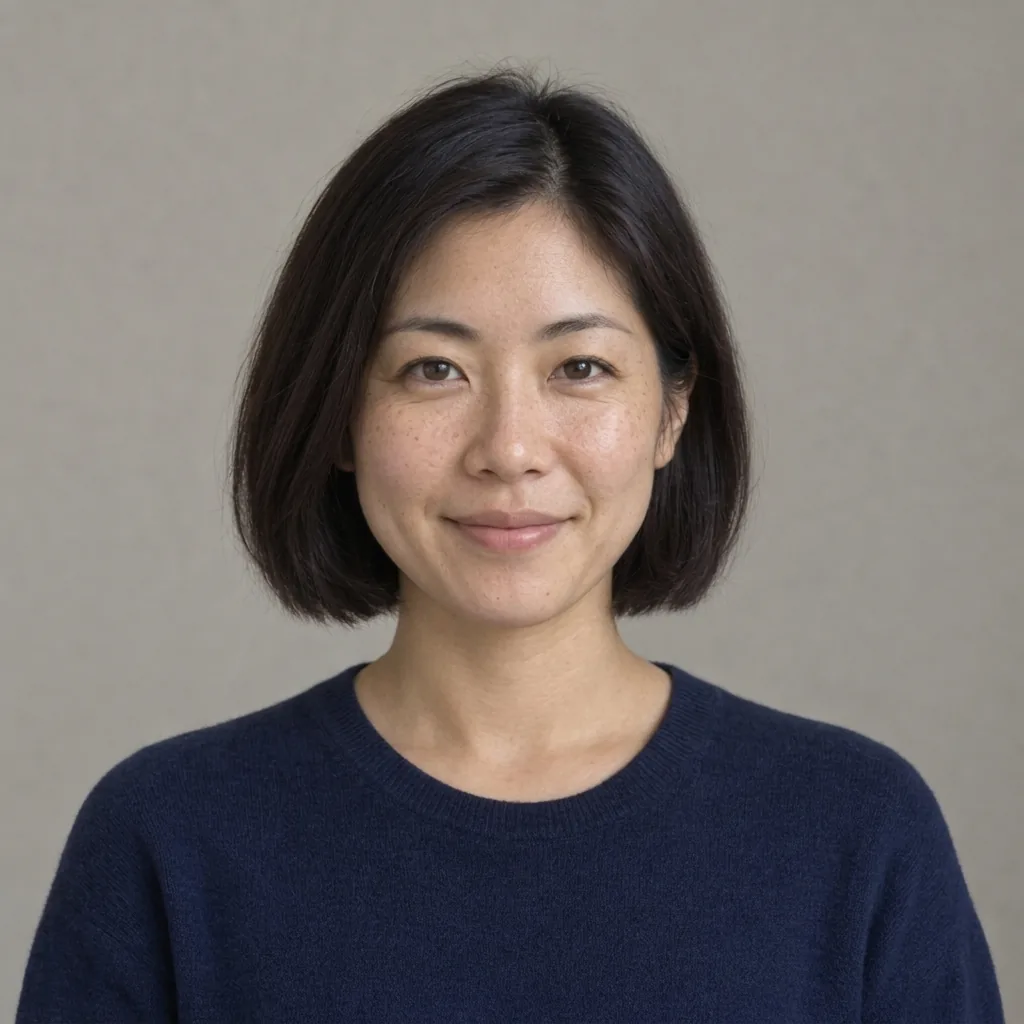
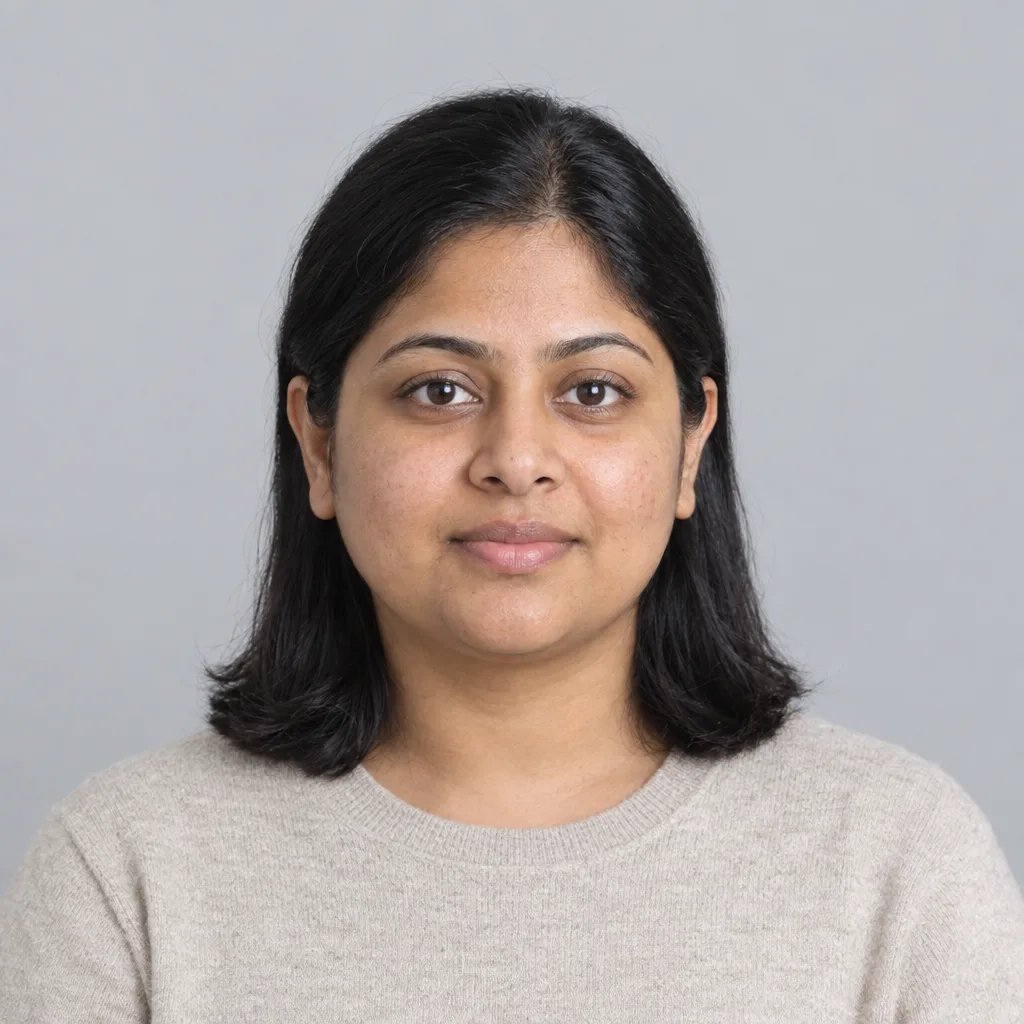
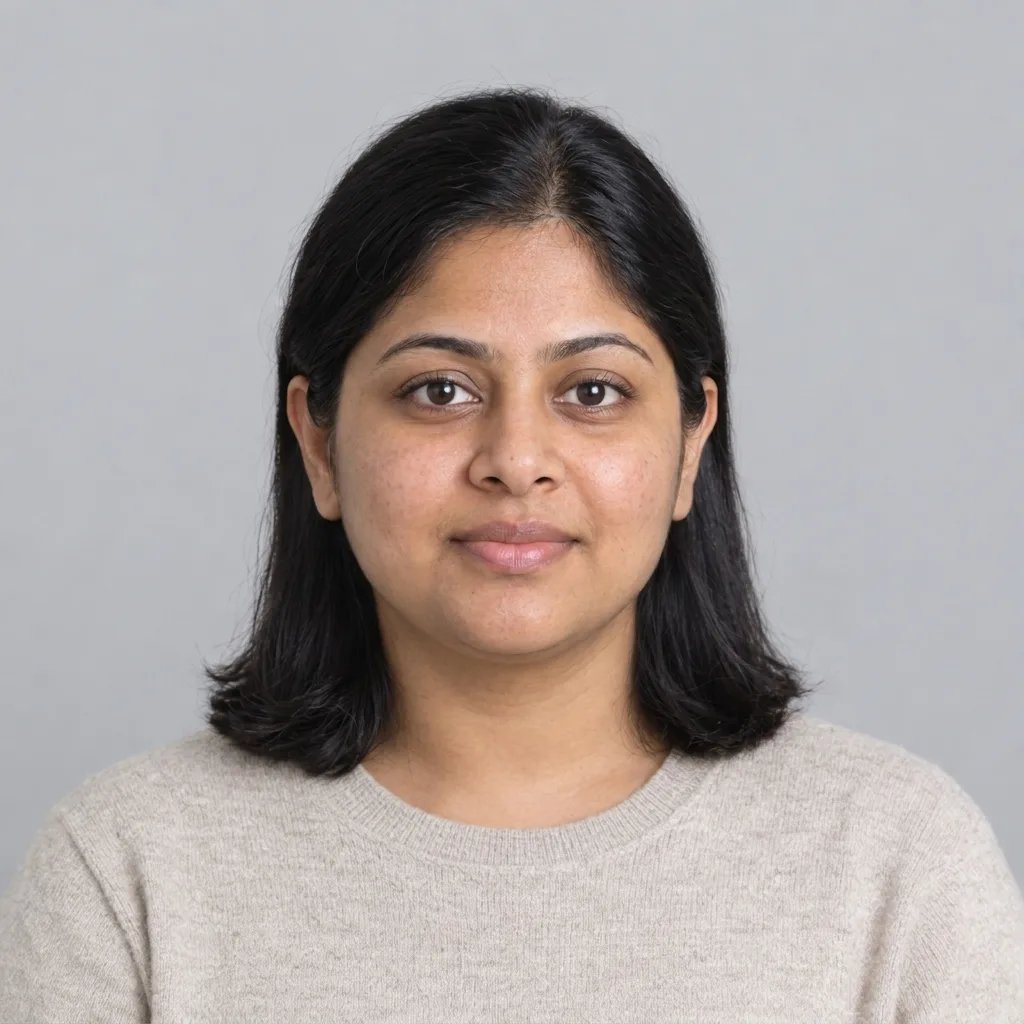
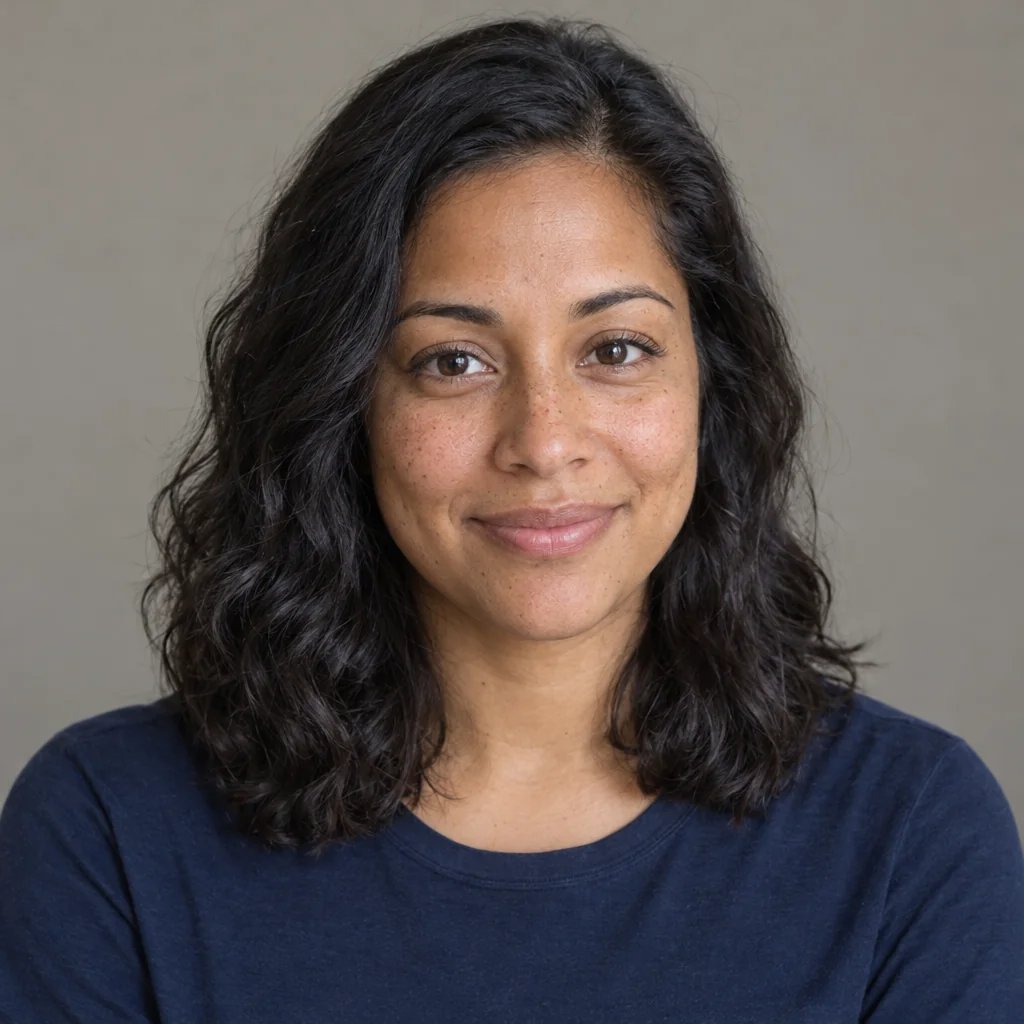
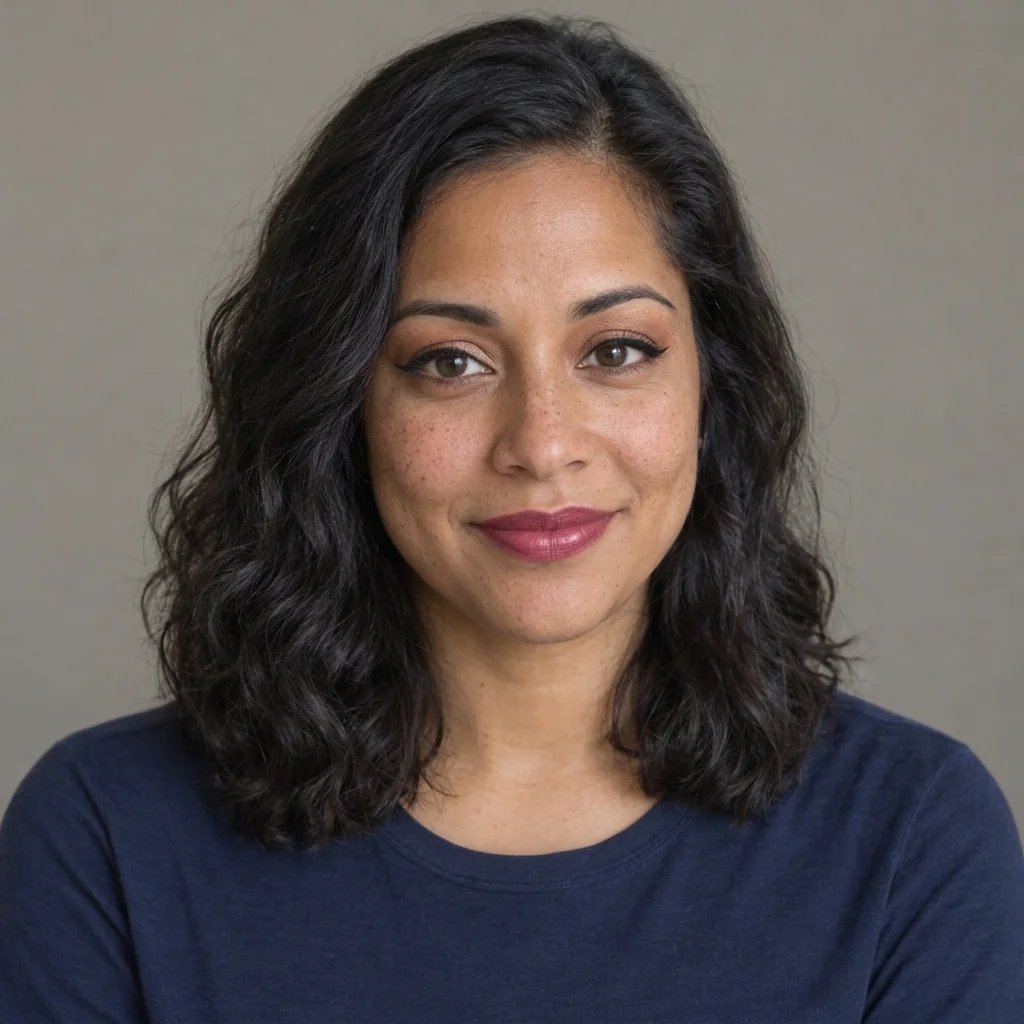
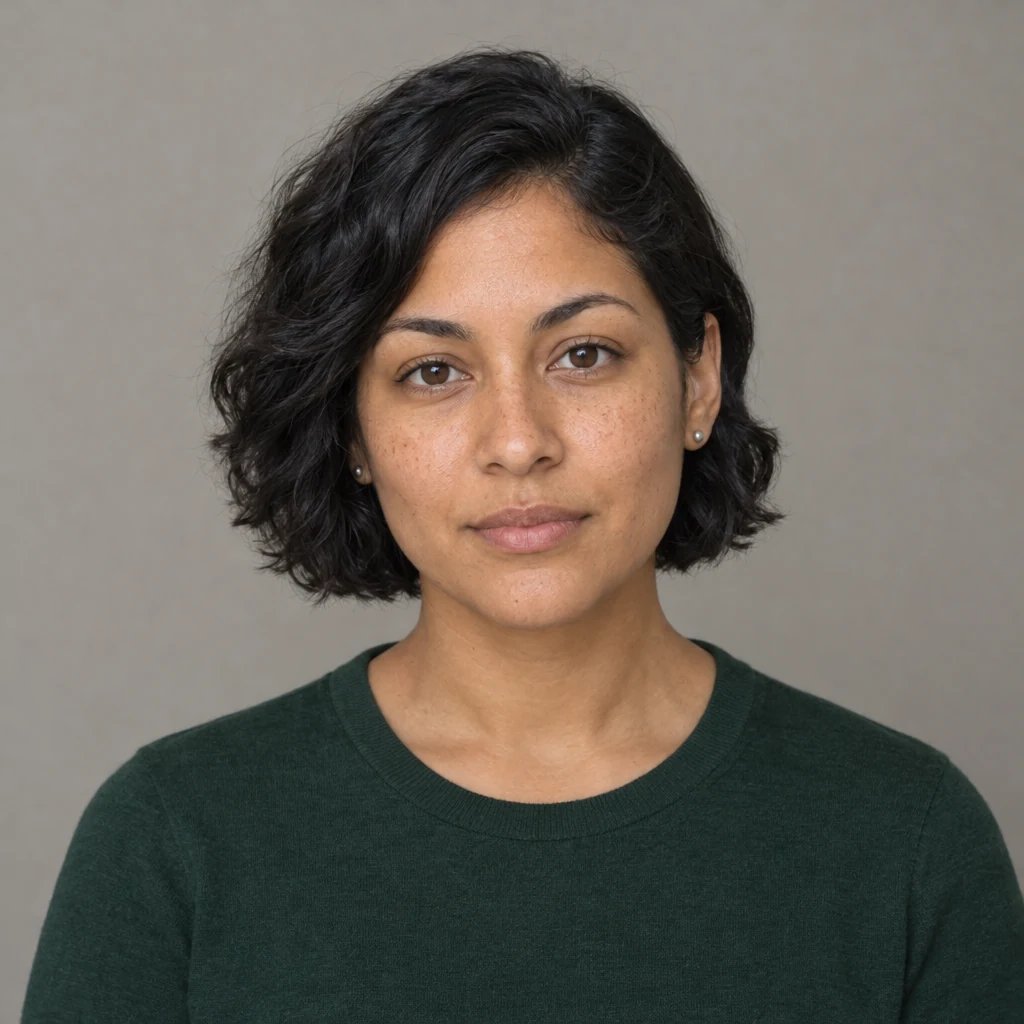
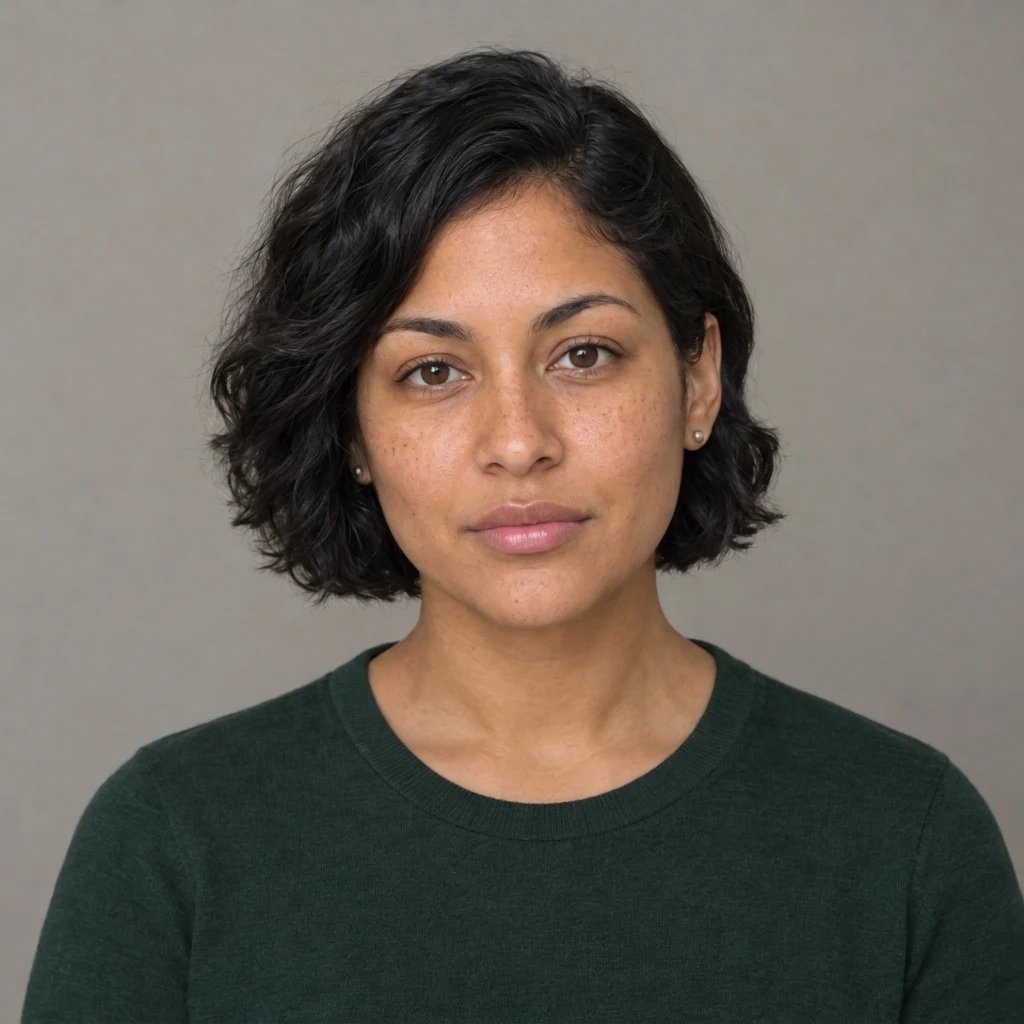
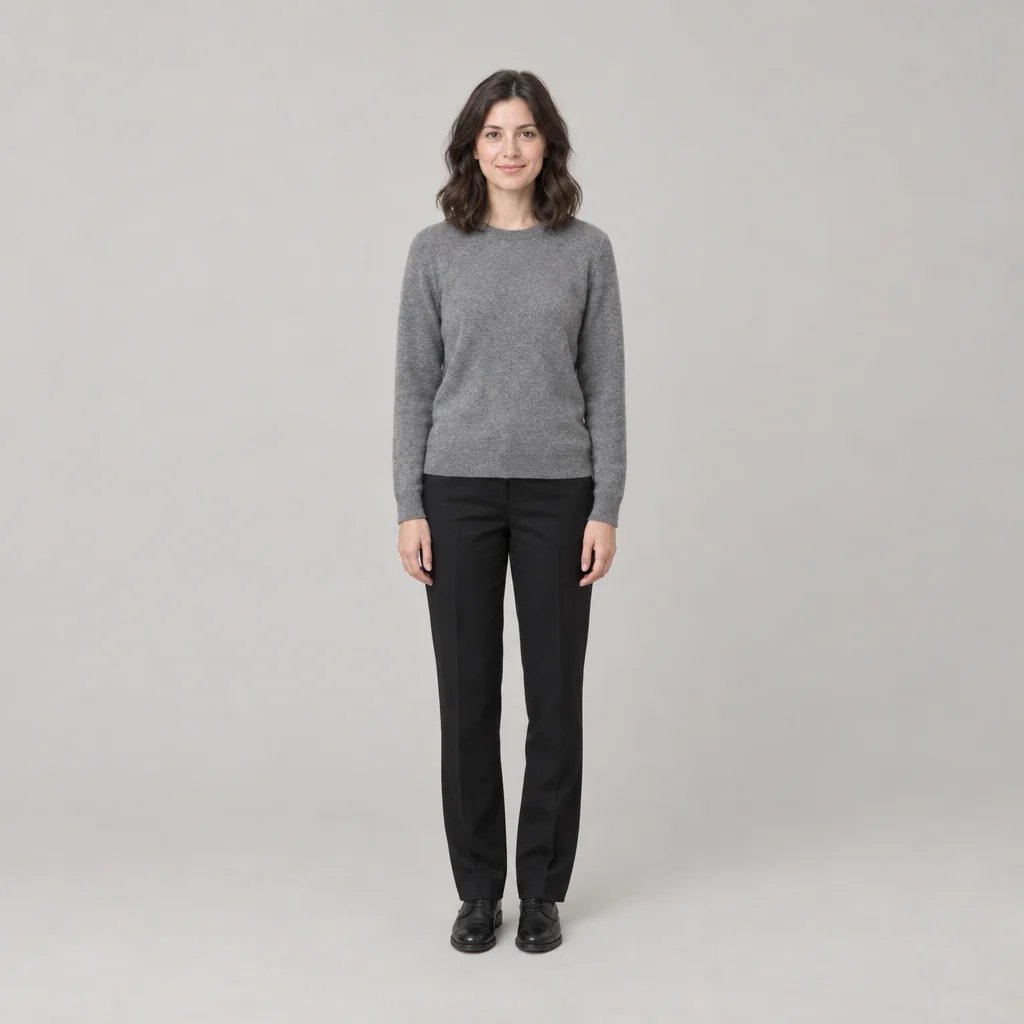
Baby filter

Baby Filter: Turn One Portrait into a Plausible Baby Face

The baby filter takes one portrait and rebuilds the face to real infant proportions: a large rounded cranium and a high smooth forehead, eyes that take up far more of the face, full round cheeks, a short flat nose bridge with a small upturned tip, a small mouth, a short set-back chin and no jaw angle to speak of. That rebuild is the part most baby face filters skip, which is why their results look like a shrunken adult. Eye colour, hair colour, skin tone and the general cast of the features carry across; the face shape does not, because an infant skull is a different shape. Pick Baby or Toddler, write the scene in your own words, and one square photograph comes back for 8 credits. It invents a plausible baby. It does not recover yours.


Pick the age

The age word is added in front of your prompt when you generate rather than typed into the box, so the box stays whatever you wrote. Leave both off and you get the default, a smiling baby of about one year. Child, teenager and older ages are not here; they live on the AI age progression page.

8 credits
A baby of about one year — the default when no age is named. One photograph, not a before-and-after pair.

Baby filter examples

Baby Filter Examples: a One-Year-Old, a Toddler, Outdoors and at Play

  • A one-year-old — what you get when you name no age at all
  • Toddler — a year or two further on, still no jaw angle
  • Outdoors — the scene named in words, not a preset
  • At play — plump hands and short fingers are worth checking

How it works

How to Use the Baby Filter in Three Steps

  1. Step 1

    Attach a portrait, or write one

    A clear, front-facing, evenly lit photo of one person works best, because the features that carry across have to be readable before anything can be rebuilt. Upload a photo of yourself, or one you have the person's permission to use, and not a photo of someone else's child. Without a photo the generator invents a baby from your description instead, which is fine for character work and tells you nothing about anyone real. One face per run, and it will not depict a public figure.

  2. Step 2

    Pick Baby or Toddler

    Tap Baby for roughly a one-year-old or Toddler for a small child up on their feet, or name the age in words: newborn, six months, eighteen months, two and a half. Say nothing and you get a smiling baby of about one year. YouArt returns one 1K square photograph for 8 credits. One image per run, so a second age or a second look is another run.

  3. Step 3

    Check the face before you share it

    Look at the eyes first, then the hands and the mouth, then the skin: babies have plump hands with short fingers, few or no teeth, and soft skin with real texture and fine downy hair rather than a doll's plastic finish. The test that matters is whether it reads as a baby or as a small adult with big eyes. If the age is off, name it in words and run it again, then download the frame you want.

What it changes

What Gets Rebuilt, and What This Page Will Not Claim

Real infant proportions, not a shrunken adult

A baby's head is not a smaller copy of yours. The cranium is large and rounded, the forehead high and smooth, the eyes take up a far larger share of the face, the cheeks are full, the nose bridge is short and flat with a small upturned tip, the mouth is small, the chin is short and set back, and there is no real jaw angle. All of that is what gets rebuilt, and it is why the result reads as an infant rather than as your own face scaled down. The finish stays photographic throughout: soft baby skin with real texture, fine downy hair, catchlights in the eyes, no beauty smoothing and no doll-like plastic rendering. There is no cartoon or illustrated baby on this page.

A playful invention, not a preserved identity

Most pages in this field promise that your bone structure, your smile and your eyes stay recognisable. That claim cannot be kept here, so this page does not make it: face shape is the thing being changed, and an infant skull is genuinely a different shape from an adult one, which leaves nothing structural to hold on to. What carries across is eye colour, hair colour, skin tone and the general cast of the features. What comes back is one plausible baby that plainly came from your photo, rather than a verified younger you. Run the same photo twice and two different babies come back.

The clothes, the room and the light are asked for, not guaranteed

With a photo attached, the generator is instructed to keep the clothing, setting and lighting in the spirit of the original, so a knit jumper and a sunlit kitchen usually survive the change of age. It is an instruction rather than a lock: every run draws a new frame instead of editing your file, so the sofa can move, the pattern on the jumper can drift and the light can shift. Ask in words for the scene you want, and look at the background before you post it.

Prompt ideas

Name the Age, Then the Scene

Words are the only control on this page. There is no intensity slider, no realism setting and no cartoon-baby style to switch to, so the way to change a result is to change the sentence: name the age, the expression, the clothes, the room and the light. Age labels, timelines, before-and-after splits and grids of ages are all ruled out, because one photograph filling the frame is what comes back either way.

Name the age

A smiling baby about a year old sitting up on a pale rug in soft window light, fine sparse hair, full round cheeks, a small upturned nose, wearing the same oatmeal knit jumper.

Or move it along a year or two

A toddler of about two and a half standing barefoot on a wooden floor, more hair now, cheeks still full, chin still short, caught mid-laugh in warm afternoon light.

Put the baby somewhere

A baby of about one year sitting behind a small desk with a foam-topped microphone in front of them, warm studio light, looking straight at the camera.

Ways to use it

Posts, Family Chats, Cards and Reference

Posts, avatars and group-chat bits

A square frame crops cleanly to a circle, so a version you like works as an avatar or a post straight away. Share it as what it is, a playful picture, rather than as a photograph of your actual childhood.

A joke for the family thread

Turning a relative into a one-year-old is why most people are here, and it lands best when the person can laugh at it. Ask the adult in the photo before you upload them, and leave other people's children out of it.

Cards, invitations and joke gifts

A birthday card, a leaving card, a caption-ready picture for a party invitation. The output is one 1K square image, which is a screen-size picture rather than a print file, so treat it as artwork for a digital card rather than something to hand a print shop at poster size.

Reference for illustrators and character work

Infant proportions are the thing artists get wrong most often, and a photographic reference of one specific face rebuilt as a one-year-old is more use than a chart. The unretouched finish, with real skin texture, downy hair and proper catchlights, is what makes it usable as reference.

Create more with one YouArt membership

This generator uses 8 credits for one 1K image. Membership credits work across YouArt image, video, audio, and workflow tools.

Basic

For hobbyists and explorers

$9.99/mo
Select Plan
  • 1000 credits
  • Up to ~200 images/month
  • At least ~1000s video/month
  • Intelligent creative agent
  • Video editor
  • Latest image models, including GPT Image 2.5, GPT Image 2 and Nano Banana Pro
  • Latest video models, including Seedance 2
  • Realistic face uploads
  • Voice generation with ElevenLabs
  • No watermark
  • Unlimited template access

Pro

Most Popular

For creators and pro users

$29.99/mo
Select Plan
  • 3300 credits
  • Up to ~1000 images/month
  • At least ~3300s video/month
  • Intelligent creative agent
  • Video editor
  • Latest image models, including GPT Image 2.5, GPT Image 2 and Nano Banana Pro
  • Latest video models, including Seedance 2
  • Realistic face uploads
  • Voice generation with ElevenLabs
  • No watermark
  • Unlimited template access

Max

For power users and teams

$149.99/mo
Select Plan
  • 18000 credits
  • Up to ~6000 images/month
  • At least ~18000s video/month
  • Intelligent creative agent
  • Video editor
  • Latest image models, including GPT Image 2.5, GPT Image 2 and Nano Banana Pro
  • Latest video models, including Seedance 2
  • Realistic face uploads
  • Voice generation with ElevenLabs
  • No watermark
  • Unlimited template access

Team

For teams and studios

$329.99/mo
Select Plan
  • 36300 credits
  • Up to ~12000 images/month
  • At least ~36300s video/month
  • Realistic face uploads
  • Share canvas, workflows, and assets with your team
  • Up to 10 members per team
  • Up to 5 teams
  • Role-based management
  • Team credit management and spending caps
  • Per-member usage tracking

FAQ

Baby Filter FAQ

What does the baby filter do?
It generates one new photograph of a baby or a small child, built from the portrait you attach or the scene you write. The face is rebuilt to infant proportions, the eye colour, hair colour and skin tone carry across, and with a photo attached the clothing, setting and lighting are kept in the spirit of the original. Running it on a photo you already have is the normal way to use the page. What comes back is a single still photograph filling the frame, 1K and square. There is no before-and-after split, no age ladder, no grid and no age label in it, and no video either, so nothing here animates, talks or becomes a clip.
Is the AI baby filter accurate?
No. It is an AI-generated interpretation for creative use, not a reconstruction or prediction of how someone actually looked as a baby. It is worth saying why, because most of this field answers the question as though the answer were yes. A baby's skull is a different shape from an adult's, so unlike an ageing filter there is no bone structure to hold constant between the two: rebuilding the proportions is the whole effect. The generator reads the colours and the general cast of the features in front of it, then invents one baby those could plausibly belong to. Run the same photo twice and two different babies come back, and neither is a record of anybody. The expressions are invented too, so a laugh here is a rendered laugh rather than a moment that happened.
Can it show me what I looked like as a baby, or what my future baby will look like?
Neither, and both are worth refusing plainly. Looking backwards: your baby photographs are the only record of how you looked, and nothing in your adult face contains them, so this page invents a plausible baby rather than recovering yours. If the real prints exist, a scan is what you want. Looking forwards: this page will not blend two faces into a predicted child. What a child inherits is decided by genetics that no photograph can see, so an image dressed up as a prediction is a guess with a picture attached, and we would rather not sell you one. Use it for what it is honestly good at: one playful, plausible baby out of one portrait.
Does it work on group photos, pets or celebrities?
One human face per run. A group photo does not work here: the generator is instructed to work from the single person in the reference and to render one person only, so faces get merged or dropped rather than each getting their own baby version. Crop to one person and run them one at a time. Pets are out as well, because the proportions being rebuilt are human infant ones. It will not depict a real public figure or a named person as a child, so there are no celebrity babies either. Use a photo of yourself or one you have permission to use, and please do not upload a photo of someone else's child.

How many credits does one run cost, and is it free?
Each run costs 8 credits and returns one 1K square image. It is not a free unlimited tool and it does not run without an account: new accounts start with credits, so you can try the baby filter before paying for anything, and membership credits work here exactly as they do elsewhere on YouArt. There is no batch mode, so one image per run: Baby and Toddler side by side is two runs at 8 credits each, and a second attempt at the same age is another 8.

Keep exploring

More AI art styles to try

The closest looks to this one. Each is a full generator with its own prompt studio and examples.

Browse all 58 AI generators

Build beyond one image

Turn your result into a complete creative workflow

Open YouArt's visual canvas to connect generation, editing, upscaling, animation, and sound in one reusable process.