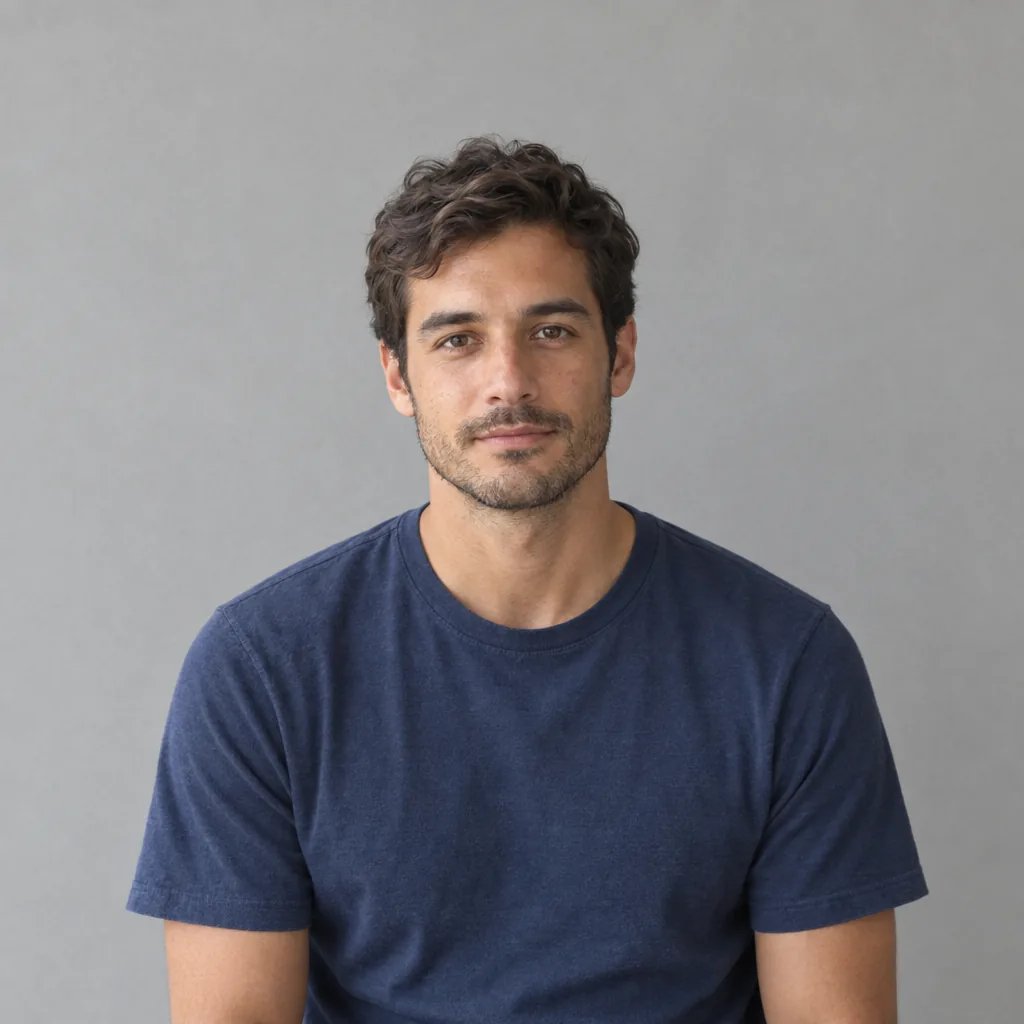
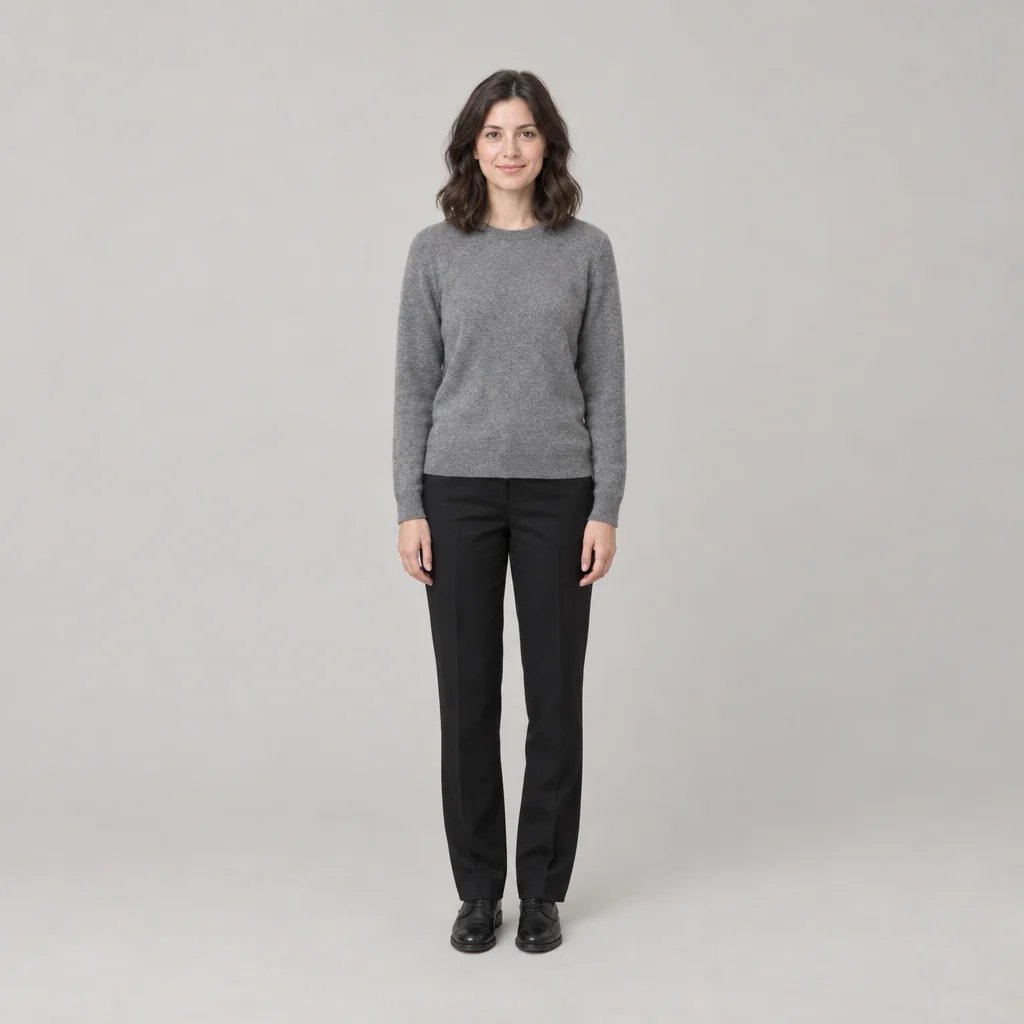
Bangs filter

Bangs Filter: Try On Bangs Without Changing Your Face

Upload a photo and name a cut — curtain, blunt, wispy, side-swept, curly — and the fringe arrives in your own hair colour and texture, grown out of your own hairline. Everything else stays put: your face, your skin, your expression, the hair behind the fringe, the light and the room. Ask for no bangs and it sweeps an existing fringe back instead, so you can see the grown-out version too.

8 credits
Curtain bangs, named in the prompt. Attach a photo and only the fringe changes.

Bangs filter examples

Curtain, Blunt, Wispy and Curly, on Four Different Heads

  • Curtain — the default, and the softest place to start
  • Blunt — one hard horizontal line just above the brow
  • Wispy — see-through, and the hardest one to fake
  • Curly — the fringe takes the curl pattern it already has

How it works

Try a Fringe in Three Steps

  1. Step 1

    Upload a photo of your face

    A clear front-facing shot with your forehead and hairline visible works best — that is what the fringe has to grow out of. Without a photo the generator invents a person instead, which is fine for browsing cuts but tells you nothing about you.

  2. Step 2

    Name the cut

    Blunt, curtain, wispy, side-swept, baby, choppy or curly, plus the length and parting. YouArt returns one 1K square photograph for 8 credits.

  3. Step 3

    Compare before you commit

    Run the same photo through two or three cuts and look at them together. Bangs take months to grow out, and a day of sitting with three versions is cheaper than that.

What the filter changes

The Fringe Moves. You Do Not.

Only the fringe

Your face, skin texture, expression, the length and colour of the hair behind it, your clothes, the background and the light all come back as they were. A try-on that quietly slims your jaw or smooths your skin is not showing you anything you can act on.

Your hair, not a wig

The fringe is grown out of your own hairline in your hair's colour, texture, curl pattern and density, with finer wisps at the temples and a real soft shadow across the brow — rather than a flat slab laid over your forehead.

Name the cut and it holds

Blunt, curtain, wispy, side-swept, baby, choppy or curly, plus the length, parting and density. Ask for no bangs and an existing fringe is swept back instead, so the page works in both directions.

Prompt ideas

Name the Cut, the Length and the Parting

"Bangs" on its own gets you the default. Name the cut, then pin the length against a landmark — at the eyebrow, to the eyelashes, to the cheekbone — because "short" means something different to everyone.

Curtain, if you have never had a fringe

Centre-parted curtain bangs tapering from cheekbone length down to the outer brow, left soft rather than blow-dried.

Blunt, with the length pinned

A heavy blunt fringe cut straight across just above the eyebrows, dense, with the length behind kept as it is.

Or the other direction

No bangs — grow the fringe out and sweep it back off the forehead, so you can see the version you are waiting months for.

Ways to use it

Before the Chair, Not After

A reference for your stylist

A picture of your own face wearing the cut is a better conversation than a saved photo of a model whose hair is nothing like yours. Take it as a reference, not as an order sheet.

The commitment check

Bangs grow out over months. Generate two or three, leave them overnight, and find out whether you actually want one while changing your mind is still free.

Put it to a vote

Run one photo through several cuts and show people the set. The comparison only means anything because your face is identical in all of them.

Keep the one you like

The result is a 1K square photograph, so a version you are happy with is usable as a profile picture straight away.

Create more with one YouArt membership

This generator uses 8 credits for one 1K image. Membership credits work across YouArt image, video, audio, and workflow tools.

Basic

For hobbyists and explorers

$9.99/mo
Select Plan
  • 1000 credits
  • Up to ~200 images/month
  • At least ~1000s video/month
  • Intelligent creative agent
  • Video editor
  • Latest image models, including GPT Image 2 and Nano Banana Pro
  • Latest video models, including Seedance 2
  • Realistic face uploads
  • Voice generation with ElevenLabs
  • No watermark
  • Unlimited template access

Pro

Most Popular

For creators and pro users

$29.99/mo
Select Plan
  • 3300 credits
  • Up to ~1000 images/month
  • At least ~3300s video/month
  • Intelligent creative agent
  • Video editor
  • Latest image models, including GPT Image 2 and Nano Banana Pro
  • Latest video models, including Seedance 2
  • Realistic face uploads
  • Voice generation with ElevenLabs
  • No watermark
  • Unlimited template access

Max

For power users and teams

$149.99/mo
Select Plan
  • 18000 credits
  • Up to ~6000 images/month
  • At least ~18000s video/month
  • Intelligent creative agent
  • Video editor
  • Latest image models, including GPT Image 2 and Nano Banana Pro
  • Latest video models, including Seedance 2
  • Realistic face uploads
  • Voice generation with ElevenLabs
  • No watermark
  • Unlimited template access

Team

For teams and studios

$329.99/mo
Select Plan
  • 36300 credits
  • Up to ~12000 images/month
  • At least ~36300s video/month
  • Realistic face uploads
  • Share canvas, workflows, and assets with your team
  • Up to 10 members per team
  • Up to 5 teams
  • Role-based management
  • Team credit management and spending caps
  • Per-member usage tracking

FAQ

Bangs Filter FAQ

Will bangs suit my face shape?
This page will not tell you. It does not measure your face or sort it into oval, round or heart-shaped, and it will not refuse a cut on the grounds that it flatters you badly. That is a judgement, and the point of seeing the fringe on your own face is that you get to make it yourself instead of reading a chart.
What kinds of bangs can I try?
Name the cut and it is followed: blunt or straight-across, curtain, wispy or see-through, side-swept, baby, choppy and curly. Add the length — at the eyebrow, to the eyelashes, to the cheekbone — plus the parting and how dense you want it. Asking for no bangs sweeps an existing fringe back instead.
Will my hair actually look like this after the cut?
Treat it as a preview, not a prediction. This is an image generated from your photo rather than a photograph of your hair rearranged, so it cannot know your growth pattern, your cowlicks or how a stylist will blend the ends. One case is worth naming: if your hairline is receding, a fringe has to come from hair that is not there, so the result quietly lowers your hairline and is not something a haircut can reproduce.
Can I use my own photo?
Yes, and it is the only way the page is worth using. Attach a clear front-facing photo with your forehead visible and the fringe is added to your own hair while your face, skin, expression and the background stay as they were. It is a new image built from your photo rather than an edit of the file you uploaded, so look at the result before you rely on it.
How many credits does one try-on cost?
Each run costs 8 credits and returns one 1K square image. Comparing three fringes on the same photo is three runs. Membership credits work the same way here as anywhere else on YouArt.

Keep exploring

More AI art styles to try

The closest looks to this one. Each is a full generator with its own prompt studio and examples.

Browse all 43 AI generators

Build beyond one image

Turn your result into a complete creative workflow

Open YouArt's visual canvas to connect generation, editing, upscaling, animation, and sound in one reusable process.