Family Guy AI Filter

Family Guy AI Filter: Turn Photos into Flat Sitcom Cartoons

Create Family Guy-inspired cartoon portraits with rounded heads, broad oval eyes, firm black outlines and flat suburban-sitcom colors. Upload a photo, describe a scene, or combine both to explore one image at a time.

8 credits

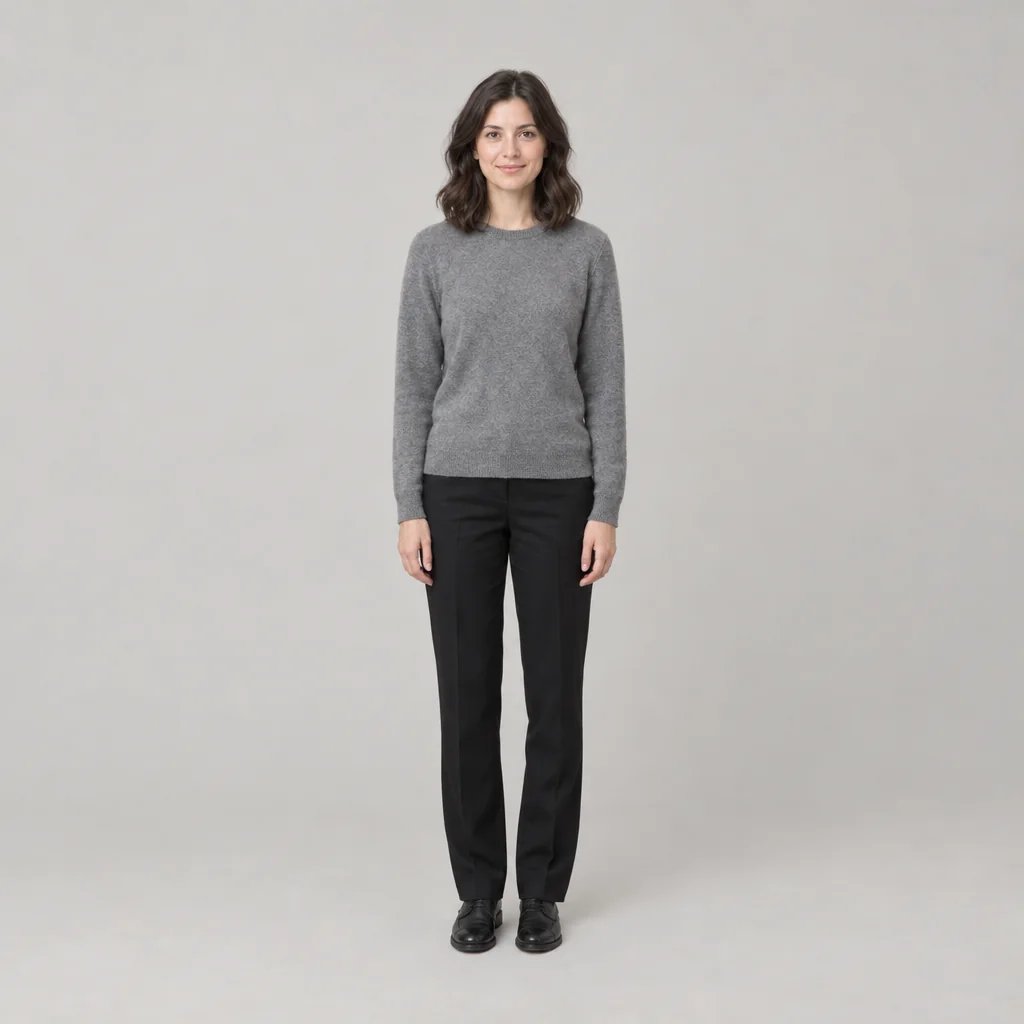
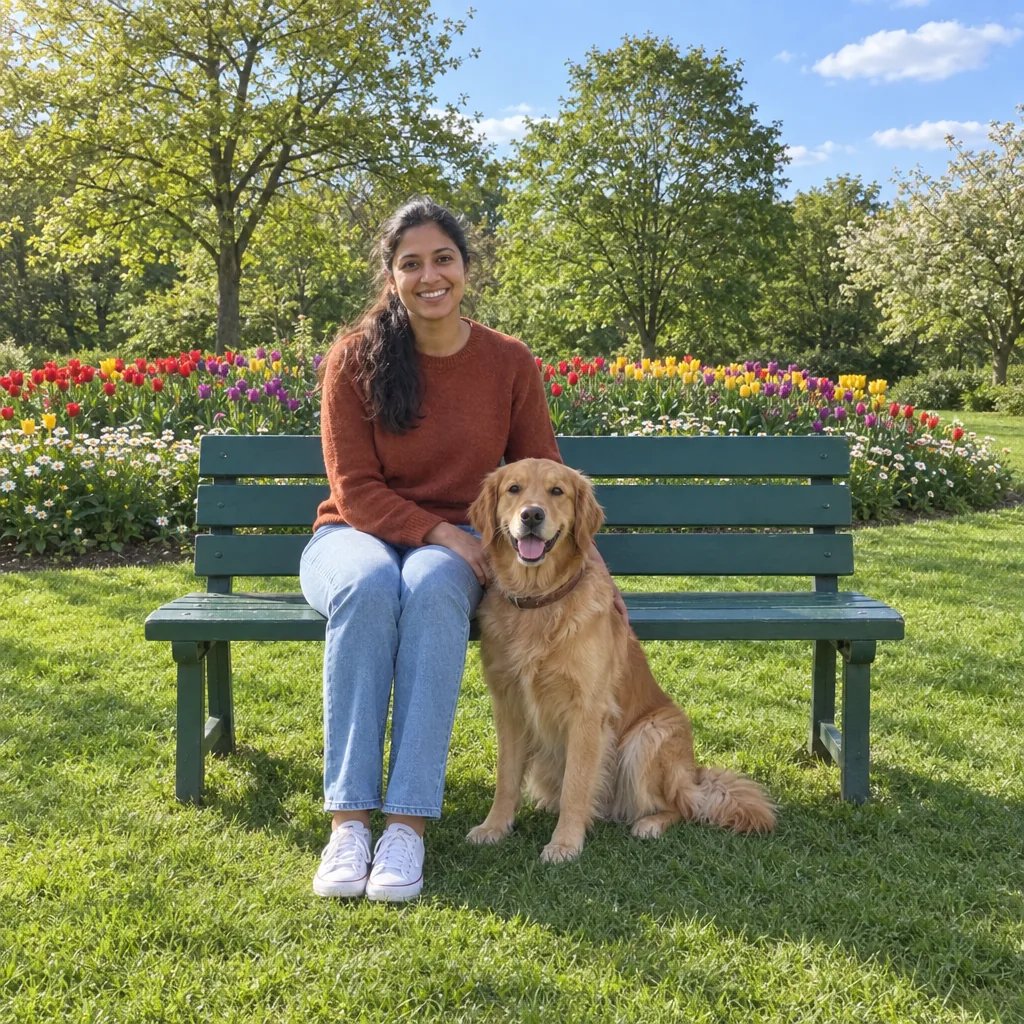
Before

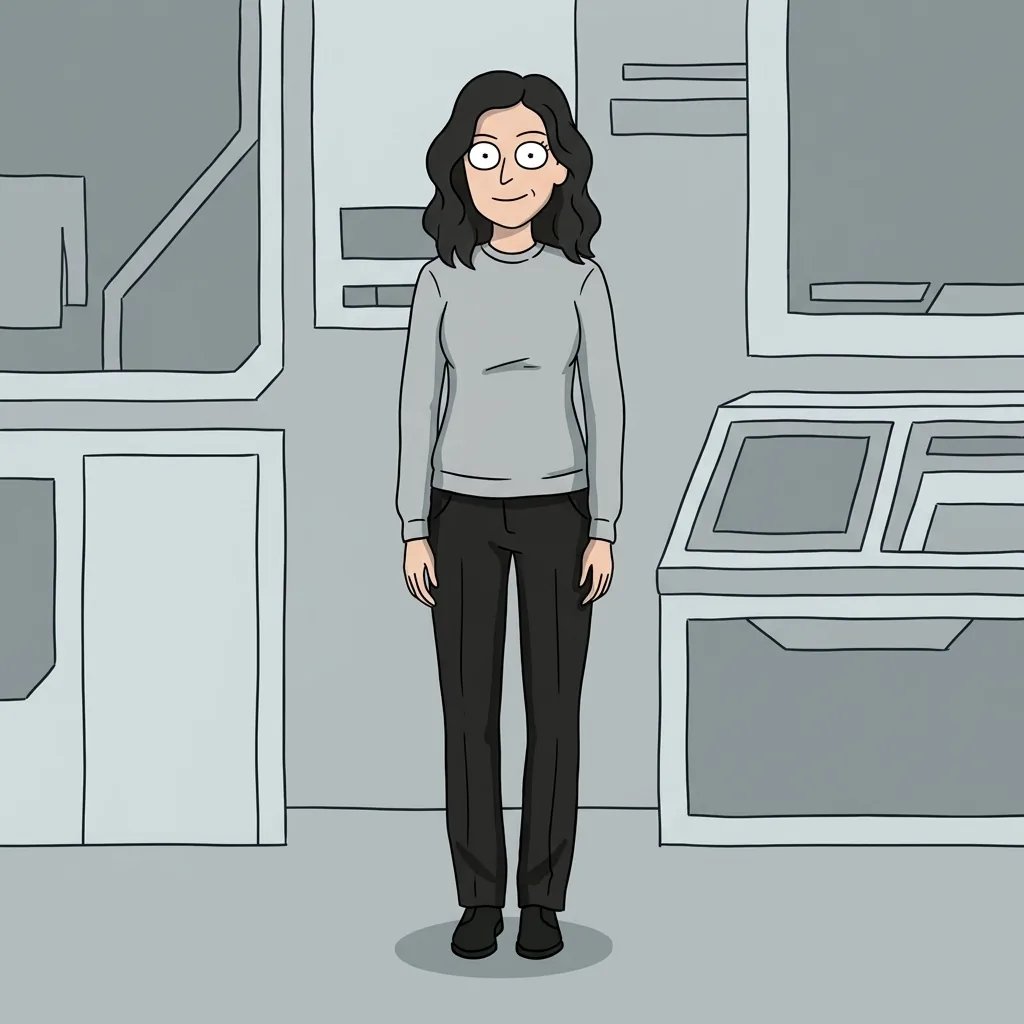
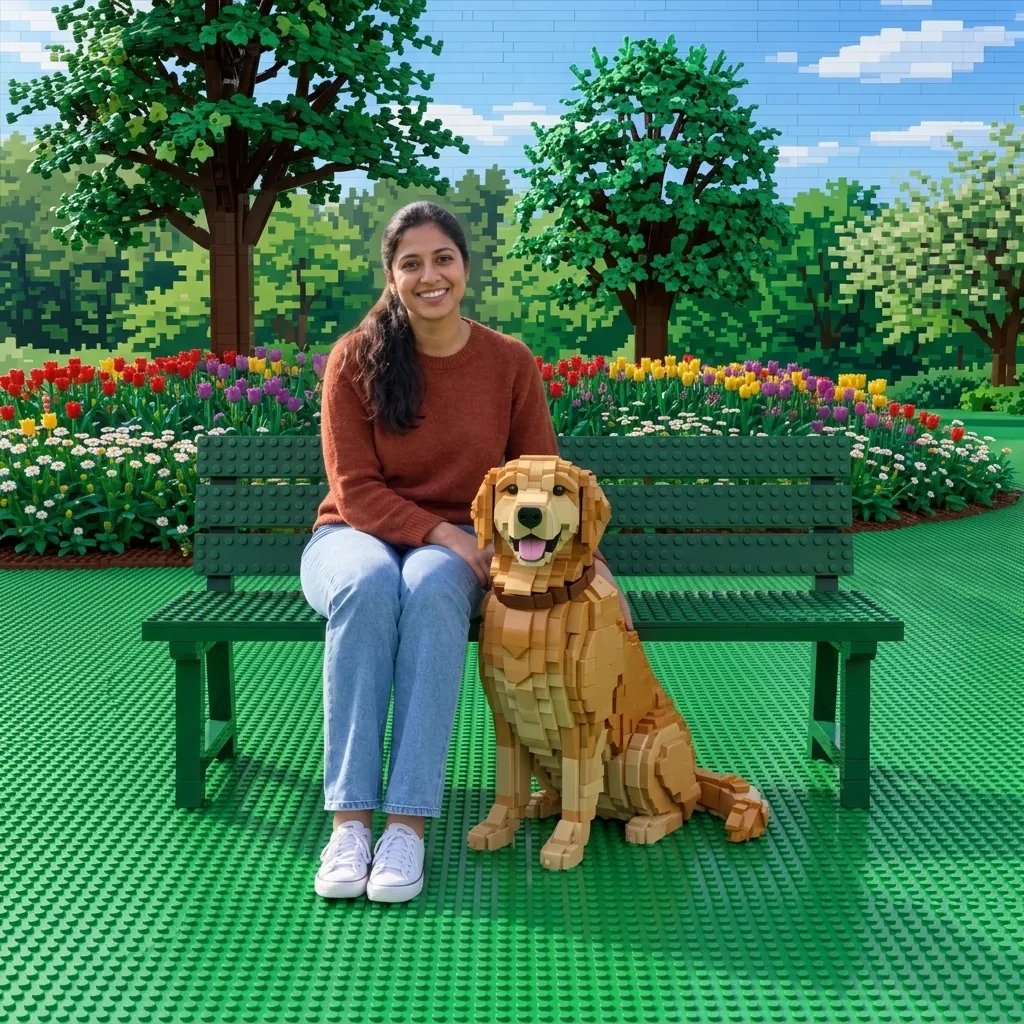
After

Rounded cartoon shapes, broad oval eyes and flat color.

Style concepts created with GPT Image 2.5

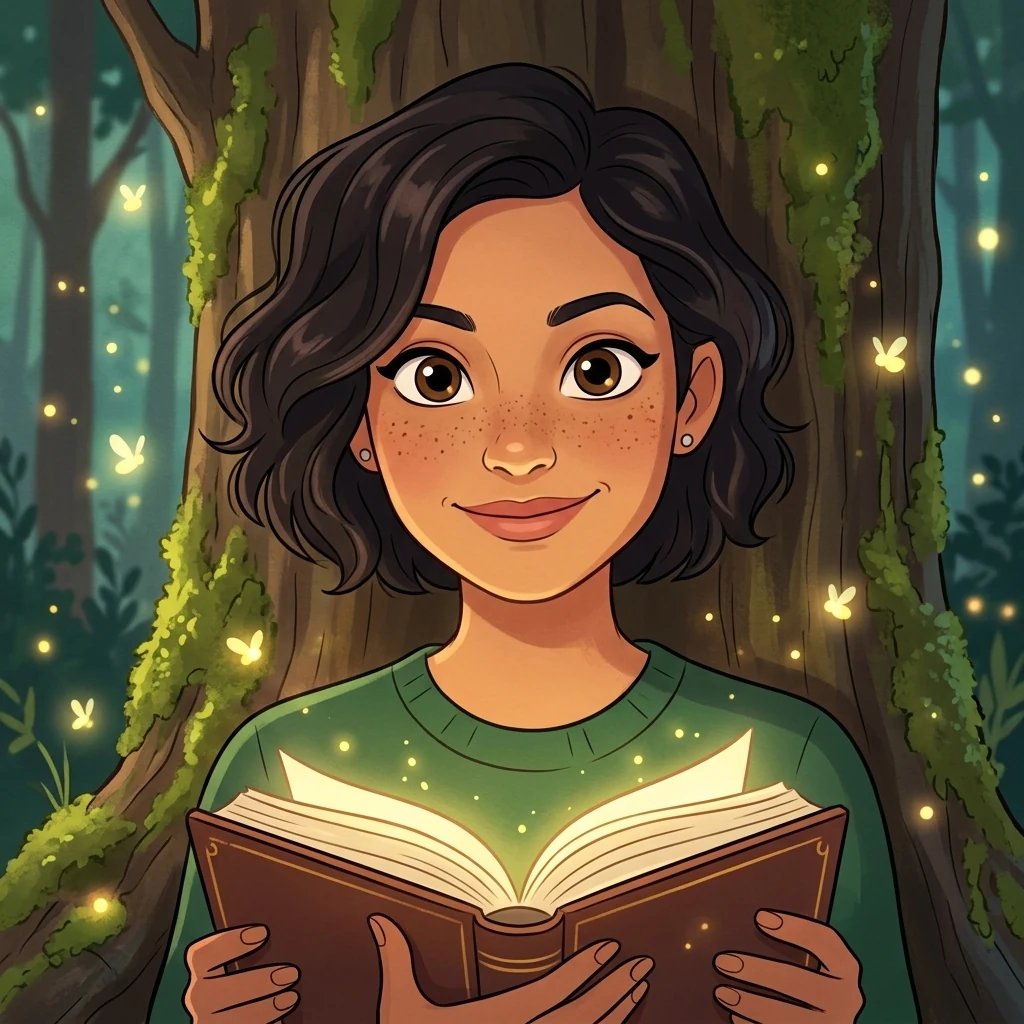
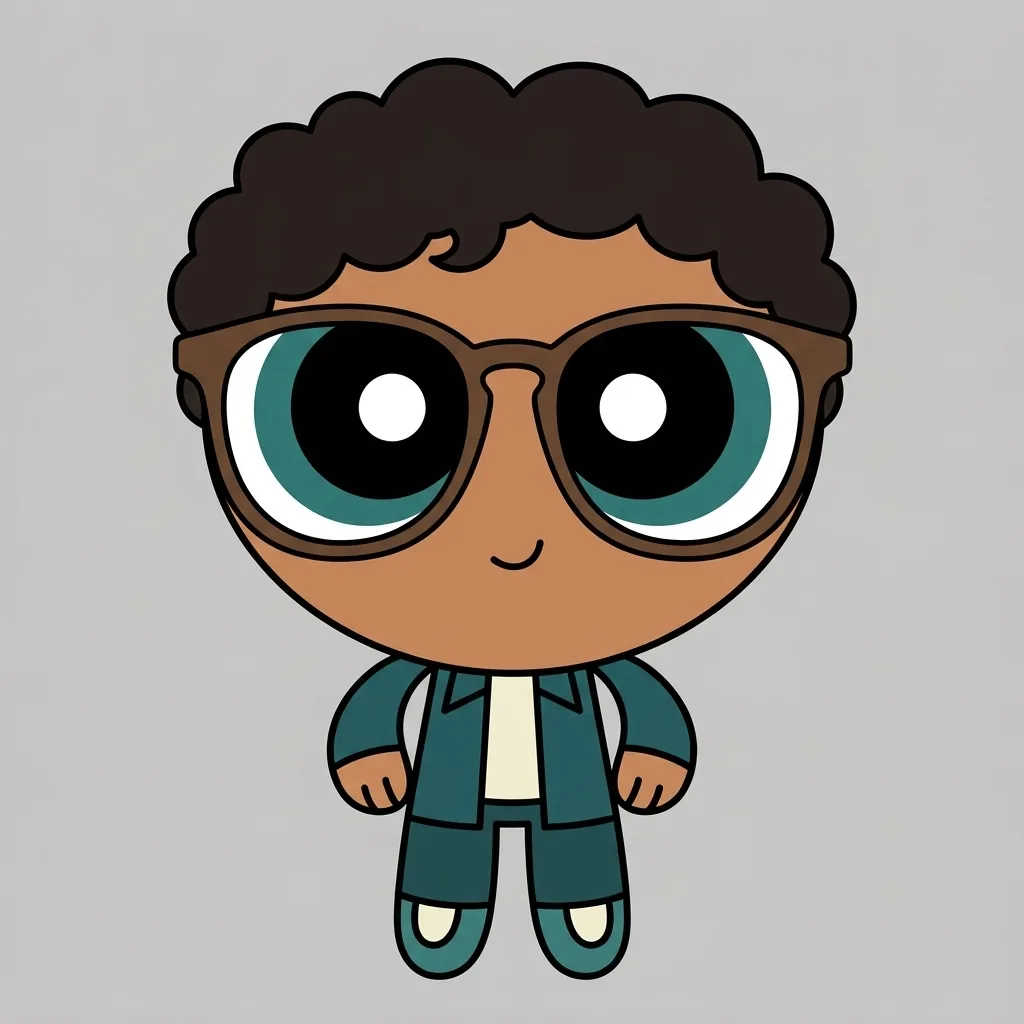
Family Guy AI Filter: Four Visual Directions

  • Neighbour in a living room
  • Coffee-shop character
  • Garden-path portrait
  • Desk-side cartoon

How it works

Use the Family Guy AI Filter in Three Steps

  1. Step 1

    Choose a photo or write an idea

    Upload a clear photo of yourself or someone who has given permission. A portrait with visible hair and facial features gives the drawing a clear subject. You can also describe an original person and scene without uploading a photo.

  2. Step 2

    Make the direction specific

    Name the character, clothing, mood and setting you want. A photo alone is enough to apply the drawing treatment. One generation uses 8 credits and returns one square 1K image.

  3. Step 3

    Inspect and download

    Compare the result with your original or your written idea. Review the face, hands, clothing edges and background before downloading. Changing your description and generating another version starts a separate paid run.

Details that shape the image

Make Your Family Guy AI Filter Results Specific

Rounded shapes and flat color

Broad oval eyes, rounded heads, firm black outlines and restrained flat fills give these original cartoon portraits a suburban-sitcom direction. The aim is a recognizable drawing treatment across the person and setting, not a photograph with a color overlay.

Keep your own cartoon identity

Hair shape, glasses, clothing colors and facial cues help a portrait remain recognizable after simplification. Small details and proportions can change. Compare the eyes, mouth and hair with the source rather than expecting a frame-exact reproduction.

Build an original everyday scene

Try a quiet living room, a coffee shop or a garden path. Describe your own person and scene rather than asking for an existing cast member. This makes the result useful as an original avatar or playful scene concept without presenting it as an official episode image.

Ideas to start from

Family Guy AI Filter Prompts to Try

Describe one image at a time. Start with the person, then name the clothing and setting. With a photo, refer to the same person; a new description should guide the treatment rather than replace their identity.

Neighbour in a living room

An original adult woman with shoulder-length brown hair, teal sweater and dark trousers standing in a simple cream-and-mustard suburban living room.

Coffee-shop character

An original adult man with curly dark hair, round glasses and an orange shirt sitting at a small cafe table with a plain blue mug.

Garden-path portrait

An original adult woman with short black hair, yellow cardigan and navy trousers standing by a green garden hedge.

Ways to use the images

Save and Compare Your Creative Direction

Explore a visual theme

Save several directions for a themed portrait, personal project or creative brief. Add your own notes about the details you want to keep and the details that need another attempt.

Compare one change at a time

Keep the same photo or subject while changing a color, garment or setting. Separate generations help you compare the visual difference without packing several competing ideas into one image.

Explain an idea to collaborators

Show collaborators the linework, proportions and setting you have in mind. Add notes about the details you want to adjust before using the image in a creative project.

Build a personal reference board

Collect the versions that communicate your direction and keep your original notes beside them. Check image details at full size before deciding which versions are useful for your project.

Create more with one YouArt membership

This generator uses 8 credits for one 1K image. Membership credits work across YouArt image, video, audio, and workflow tools.

Basic

For hobbyists and explorers
$11$9.99/mo
  • 1000 credits
  • Up to ~200 images/month
  • Up to ~332s video/month
  • Intelligent creative agent
  • Video editor
  • Latest image models, including GPT Image 2.5, GPT Image 2 and Nano Banana Pro
  • Latest video models, including Seedance 2
  • Realistic face uploads
  • Voice generation with ElevenLabs
  • Video uploads up to 50 MB
  • No watermark
  • Unlimited template access
Popular

Pro

Save 16%
For creators and pro users
$36$29.99/mo
  • 3300 credits
  • Up to ~1000 images/month
  • Up to ~1100s video/month
  • Intelligent creative agent
  • Video editor
  • Latest image models, including GPT Image 2.5, GPT Image 2 and Nano Banana Pro
  • Latest video models, including Seedance 2
  • Realistic face uploads
  • Voice generation with ElevenLabs
  • Video uploads up to 200 MB
  • No watermark
  • Unlimited template access

Max

Save 24%Best Value
For power users and teams
$198$149.99/mo
  • 18000 credits
  • Up to ~6000 images/month
  • Up to ~6000s video/month
  • Intelligent creative agent
  • Video editor
  • Latest image models, including GPT Image 2.5, GPT Image 2 and Nano Banana Pro
  • Latest video models, including Seedance 2
  • Realistic face uploads
  • Voice generation with ElevenLabs
  • Video uploads up to 200 MB
  • No watermark
  • Unlimited template access

Team

Save 24%
For teams and studios
$435$329.99/mo
  • 36300 credits
  • Up to ~12000 images/month
  • Up to ~12100s video/month
  • Realistic face uploads
  • Share canvas, workflows, and assets with your team
  • Up to 10 members per team
  • Up to 5 teams
  • Role-based management
  • Team credit management and spending caps
  • Per-member usage tracking
  • Video uploads up to 200 MB

Questions answered

Family Guy AI Filter FAQ

Create Family Guy-inspired cartoon portraits with rounded heads, broad oval eyes, firm black outlines and flat suburban-sitcom colors. Upload a photo, describe a scene, or combine both to explore one image at a time. The output is one image, not a video or an editable vector file. YouArt is an independent tool and is not affiliated with Family Guy.

Build beyond one image

Turn your result into a complete creative workflow

Open YouArt's visual canvas to connect generation, editing, upscaling, animation, and sound in one reusable process.