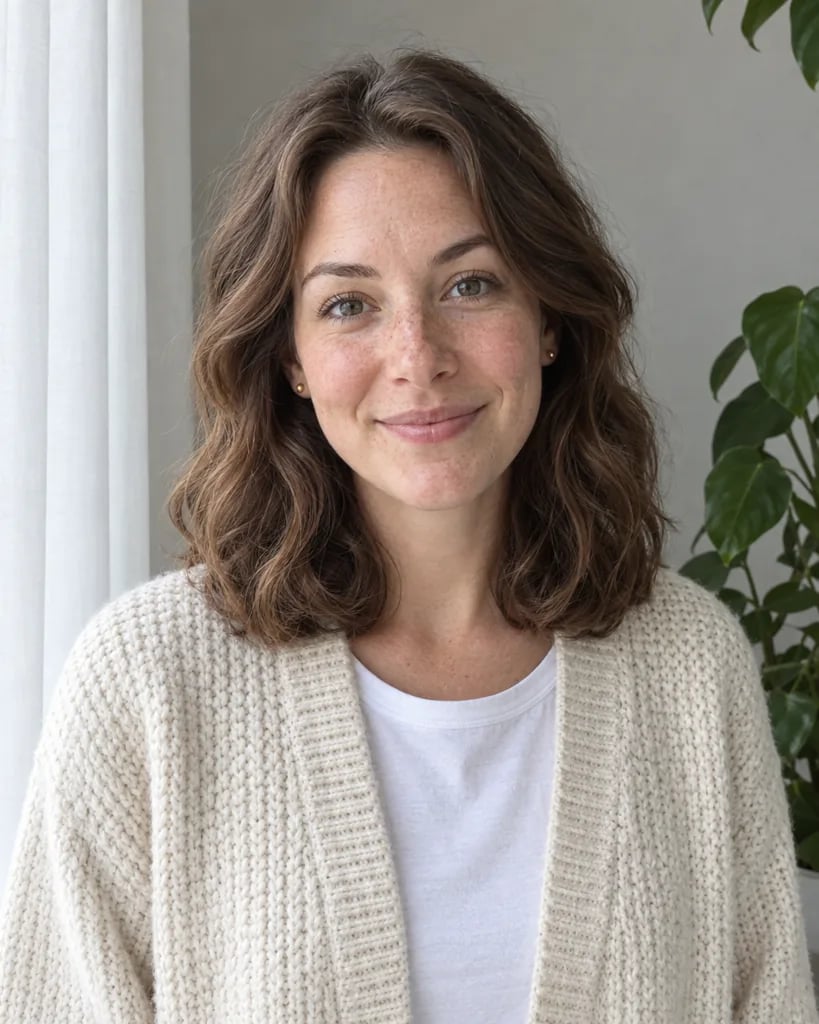
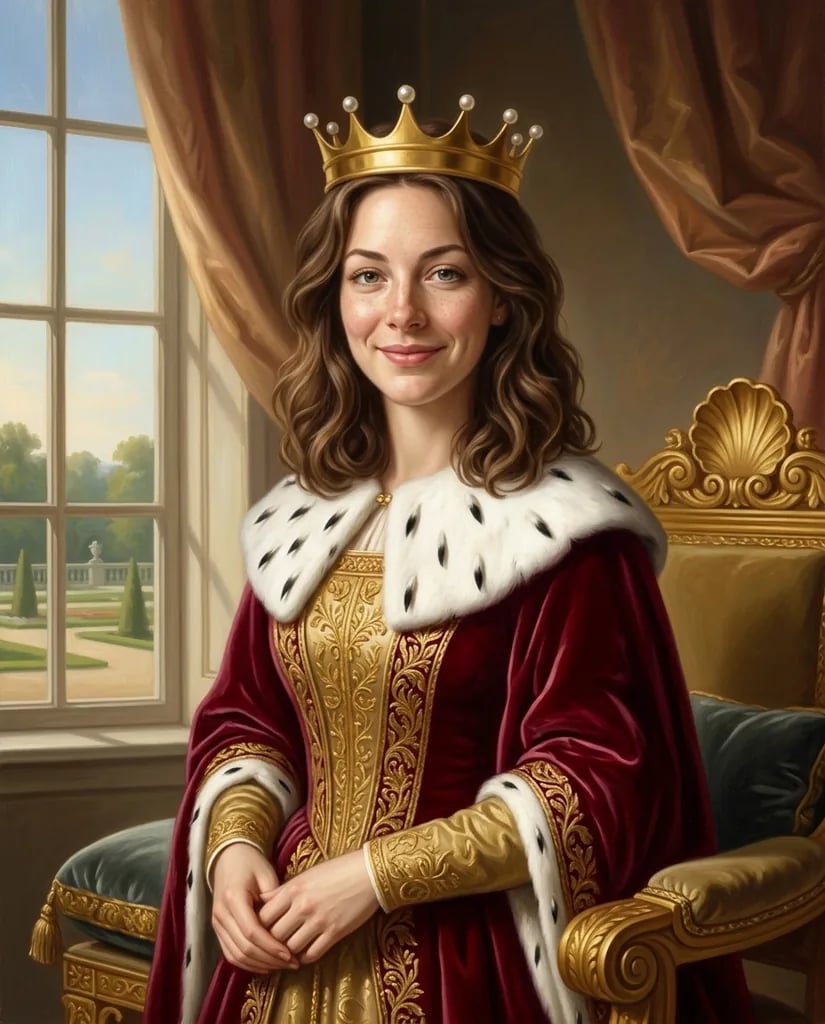
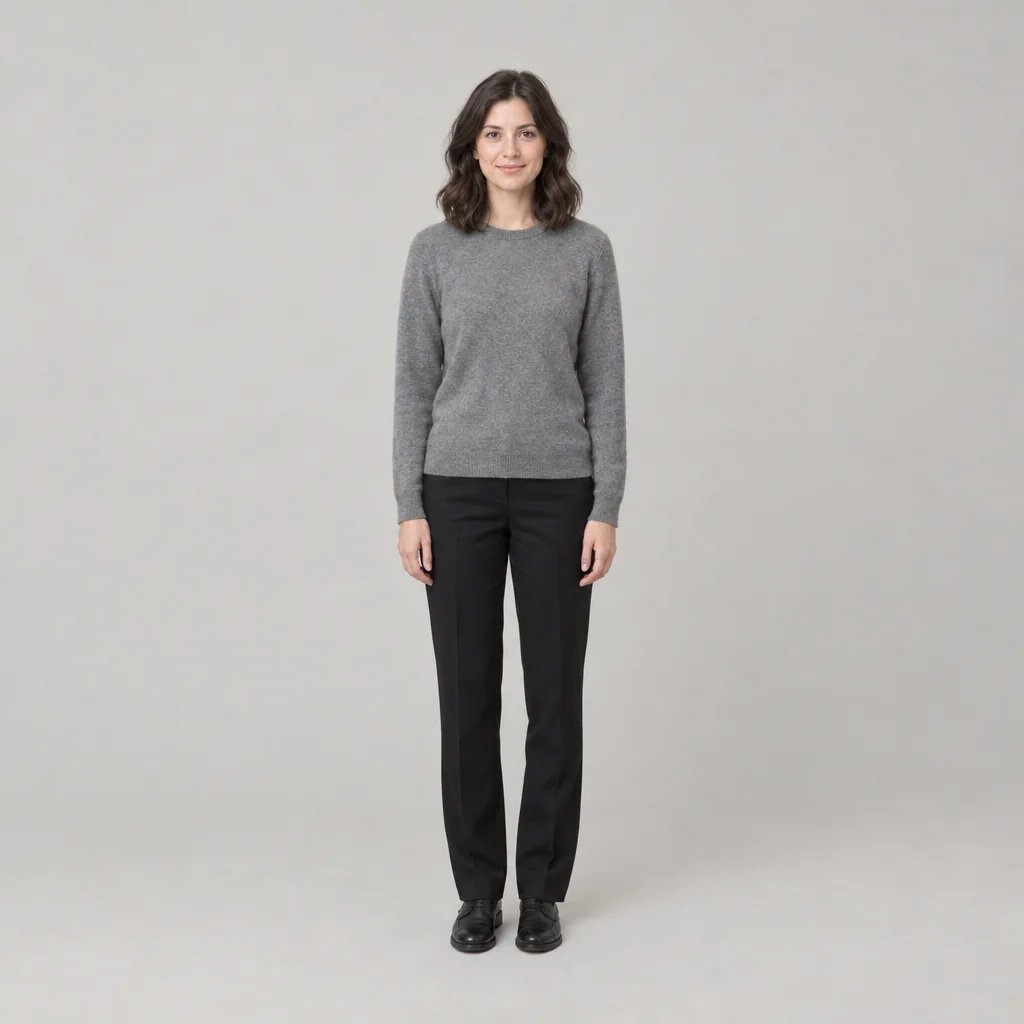
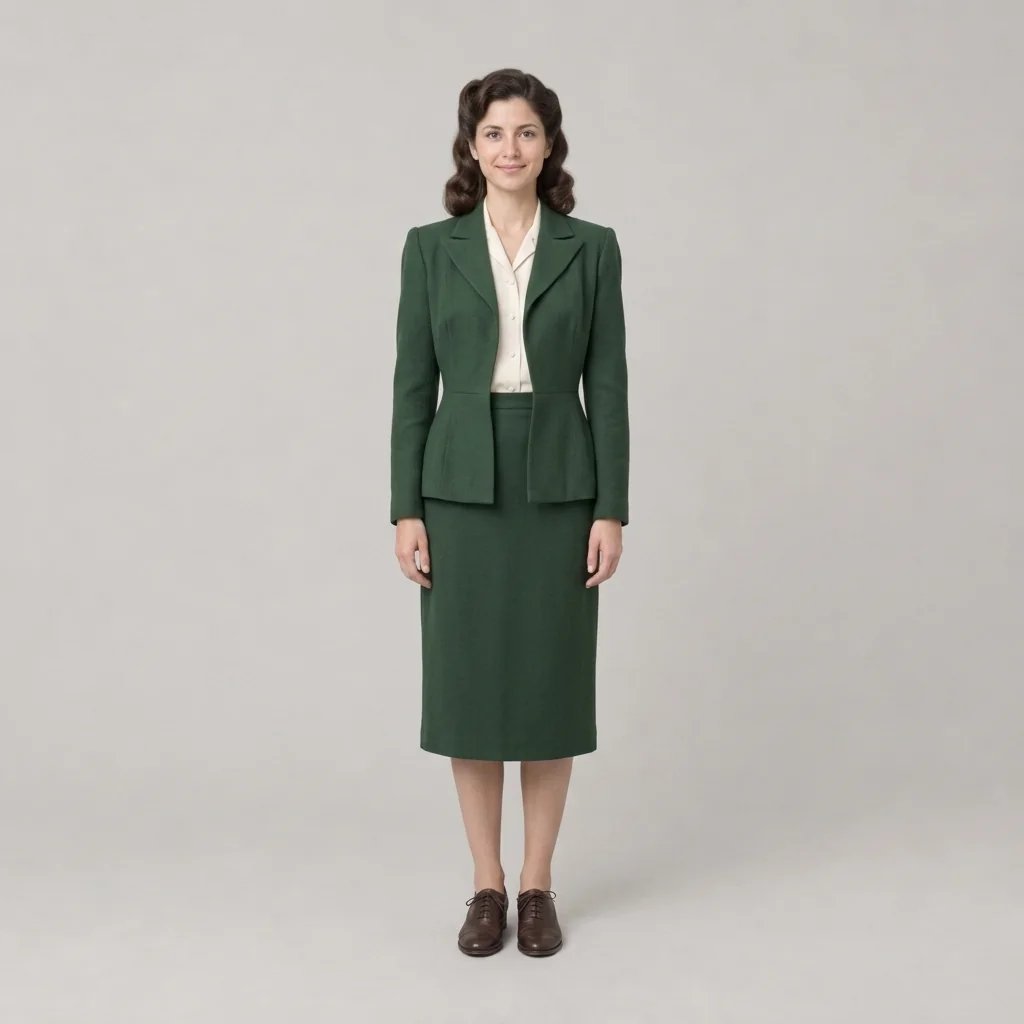
Renaissance portrait generator

Renaissance Portrait Generator for Period Dress and Chiaroscuro Light

Upload a photo or describe a sitter, then repaint them as an original 15th- or 16th-century European portrait with chiaroscuro modeling, warm earth glazes, velvet and lace costume, and aged varnish. Direct the pose, fabrics, light, and background.

8 credits
Brocade, a lace collar, and a single warm light from the left

Renaissance portrait examples

Renaissance Portrait Ideas for Sitters, Couples, and Pets

  • Noblewoman in green brocade
  • Bearded sitter by a window
  • Double portrait of a couple
  • Spaniel in a lace ruff

How it works

Create a Renaissance Portrait in Three Steps

  1. Step 1

    Set the sitter and the costume

    Start with a photo or a written sitter. Add the pose, crop, fabrics such as velvet, brocade, fur trim and lace, the light direction, the ground behind the figure, and how aged the varnish should look.

  2. Step 2

    Paint one period portrait

    YouArt creates one 1K square oil portrait for 8 credits with chiaroscuro modeling, glazed skin tones, warm earth pigment, and aged crazed varnish.

  3. Step 3

    Check the face, hands, and costume

    Inspect the eyes, hands, lace edges, brocade pattern, and jewelry at full size. Refine the brief if needed, then download the portrait.

Period portrait direction

Direct the Costume, Light, and Ground of a Period Oil Portrait

Single-source chiaroscuro

One warm light models the face while the rest of the figure falls into shadow, the way period portraits separate a sitter from a dark ground. Name the side the light comes from and how deep the shadows should go.

Costume and pose convention

Velvet, brocade, fur trim, a lace collar or ruff, and a formal sitter's pose with the hands placed low keep the portrait inside its century. Name the fabric, collar shape, and any jewelry you want carried.

Glazed skin and aged varnish

Layered glazes, warm brown shadows, and fine craquelure under yellowed varnish read as a panel that has hung for centuries. Ask for a cleaner, recently restored surface when you want less crazing.

Prompt ideas

Renaissance Prompts with Clear Costume Direction

Name one sitter, the pose and crop, the fabrics and collar, the light direction, the ground, and how aged the varnish should look.

Noble sitter in brocade

Three-quarter portrait of a young woman in a deep green brocade gown with a white lace collar and a thin gold chain, hands resting low, warm light from the left, dark umber ground, glazed skin, fine craquelure under aged varnish.

Scholar beside a window

Half-length portrait of a bearded man in a black velvet doublet with fur trim, holding a closed book, cool daylight from a stone window opening onto distant blue hills, warm shadow across the far cheek, visible brushwork in the sleeve.

Pet in a lace ruff

Seated spaniel in a white lace ruff and a small crimson cloak, three-quarter turn toward the viewer, single warm light from the right, deep brown ground, glazed highlights in the fur, aged varnish with soft craquelure.

Ways to use it

Renaissance Portraits for Gifts, Profiles, and Storytelling

Keepsakes and gifts

Turn a portrait of a person, couple, or pet into a square period painting for a card, a print layout, or an anniversary keepsake.

Profile pictures and covers

Create a stately painted portrait for a social profile, podcast cover, or team page, where the square crop already suits the slot.

Costume and character studies

Develop a period sitter for a novel, tabletop campaign, or film treatment, with the dress, jewelry, and bearing described in words.

Art-history teaching material

Show students how chiaroscuro, the sitter's pose, and period costume build a portrait by changing one element of the brief at a time.

Create more with one YouArt membership

This generator uses 8 credits for one 1K image. Membership credits work across YouArt image, video, audio, and workflow tools.

Basic

For hobbyists and explorers

$9.99/mo
Select Plan
  • 1000 credits
  • Up to ~200 images/month
  • At least ~1000s video/month
  • Intelligent creative agent
  • Video editor
  • Latest image models, including GPT Image 2 and Nano Banana Pro
  • Latest video models, including Seedance 2
  • Realistic face uploads
  • Voice generation with ElevenLabs
  • No watermark
  • Unlimited template access

Pro

Most Popular

For creators and pro users

$29.99/mo
Select Plan
  • 3300 credits
  • Up to ~1000 images/month
  • At least ~3300s video/month
  • Intelligent creative agent
  • Video editor
  • Latest image models, including GPT Image 2 and Nano Banana Pro
  • Latest video models, including Seedance 2
  • Realistic face uploads
  • Voice generation with ElevenLabs
  • No watermark
  • Unlimited template access

Max

For power users and teams

$149.99/mo
Select Plan
  • 18000 credits
  • Up to ~6000 images/month
  • At least ~18000s video/month
  • Intelligent creative agent
  • Video editor
  • Latest image models, including GPT Image 2 and Nano Banana Pro
  • Latest video models, including Seedance 2
  • Realistic face uploads
  • Voice generation with ElevenLabs
  • No watermark
  • Unlimited template access

Team

For teams and studios

$329.99/mo
Select Plan
  • 36300 credits
  • Up to ~12000 images/month
  • At least ~36300s video/month
  • Realistic face uploads
  • Share canvas, workflows, and assets with your team
  • Up to 10 members per team
  • Up to 5 teams
  • Role-based management
  • Team credit management and spending caps
  • Per-member usage tracking

Frequently asked questions

Renaissance Portrait Generator FAQ

What does the Renaissance portrait generator create?
It creates one new oil-portrait image from text, an uploaded photo, or both. The result follows 15th- and 16th-century European portrait convention: chiaroscuro light, warm earth glazes, period dress, a formal sitter's pose, a dark neutral or distant-landscape ground, and aged varnish. It paints in the manner of the period rather than copying a museum work or a named artist.
How do I write a good Renaissance portrait prompt?
Name the sitter, the crop from head-and-shoulders to half-length, the fabrics and collar, any held object or jewelry, the light direction, the ground behind the figure, and how aged the varnish should look. One century and one costume read better than several mixed together.
Can I use my own photo as the sitter?
Yes. Attach one clear, evenly lit photo and say which pose, crop, and features should carry through, then describe the costume and ground you want around them. A photo is optional: a written sitter works on its own, and words plus a photo can be combined in one run.
Will the portrait look like the person in the photo?
It reads as a portrait of that person rather than a copy of their face. Every feature is repainted, so proportions, expression, and small details shift, and period dress changes the silhouette further. Keep the reference sharp and front-facing, name the two or three features that matter most, and treat the result as a painted interpretation.
How much does one Renaissance portrait cost?
Each run creates one 1K image and costs 8 YouArt credits. Editing the prompt is free until you generate; every additional variation is a new run.

Keep exploring

More AI art styles to try

The closest looks to this one. Each is a full generator with its own prompt studio and examples.

Browse all 29 AI generators

Build beyond one image

Turn your result into a complete creative workflow

Open YouArt's visual canvas to connect generation, editing, upscaling, animation, and sound in one reusable process.