AI Dating Photos

AI Dating Photos That Show Your Best Side

Make a stronger first impression with warmer light, an easy smile and a look that feels put together. Turn your everyday photo into an eye-catching dating portrait while keeping the features that make you, you.

8 credits

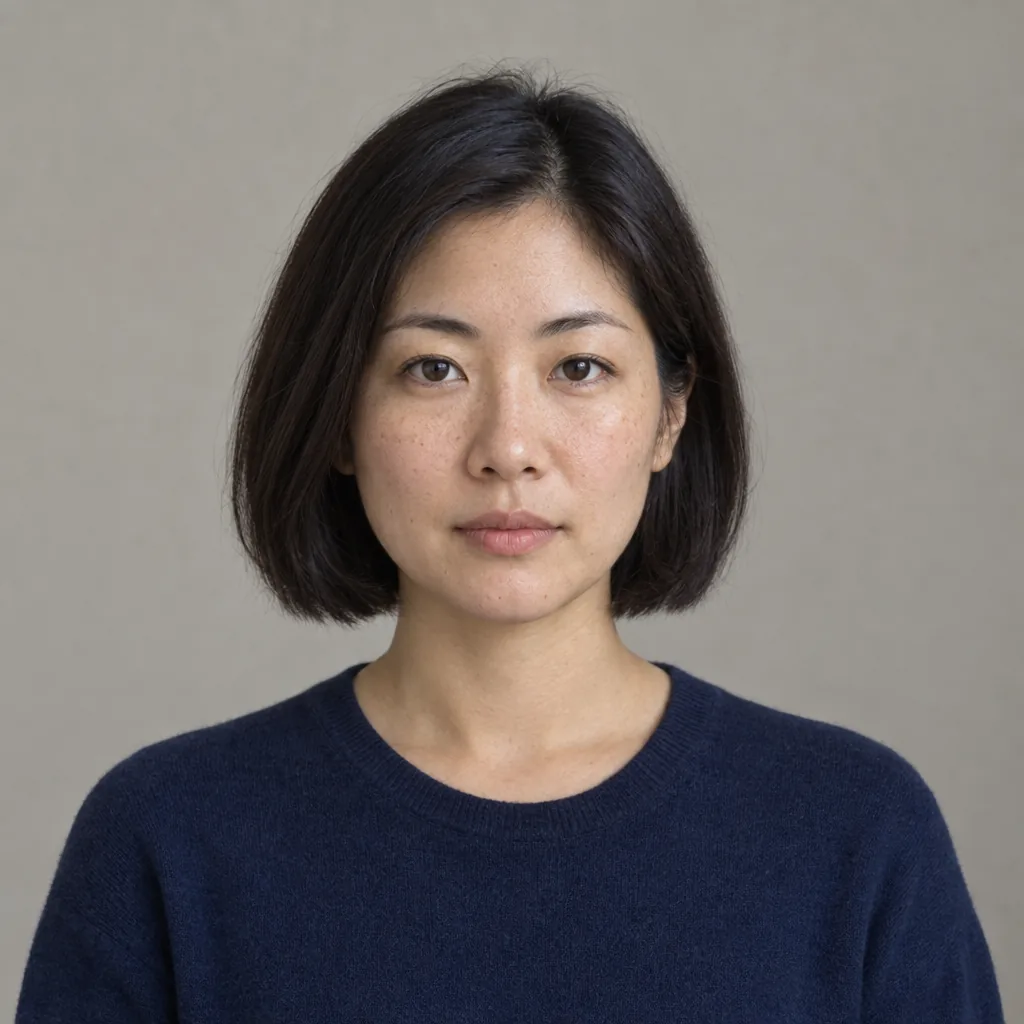
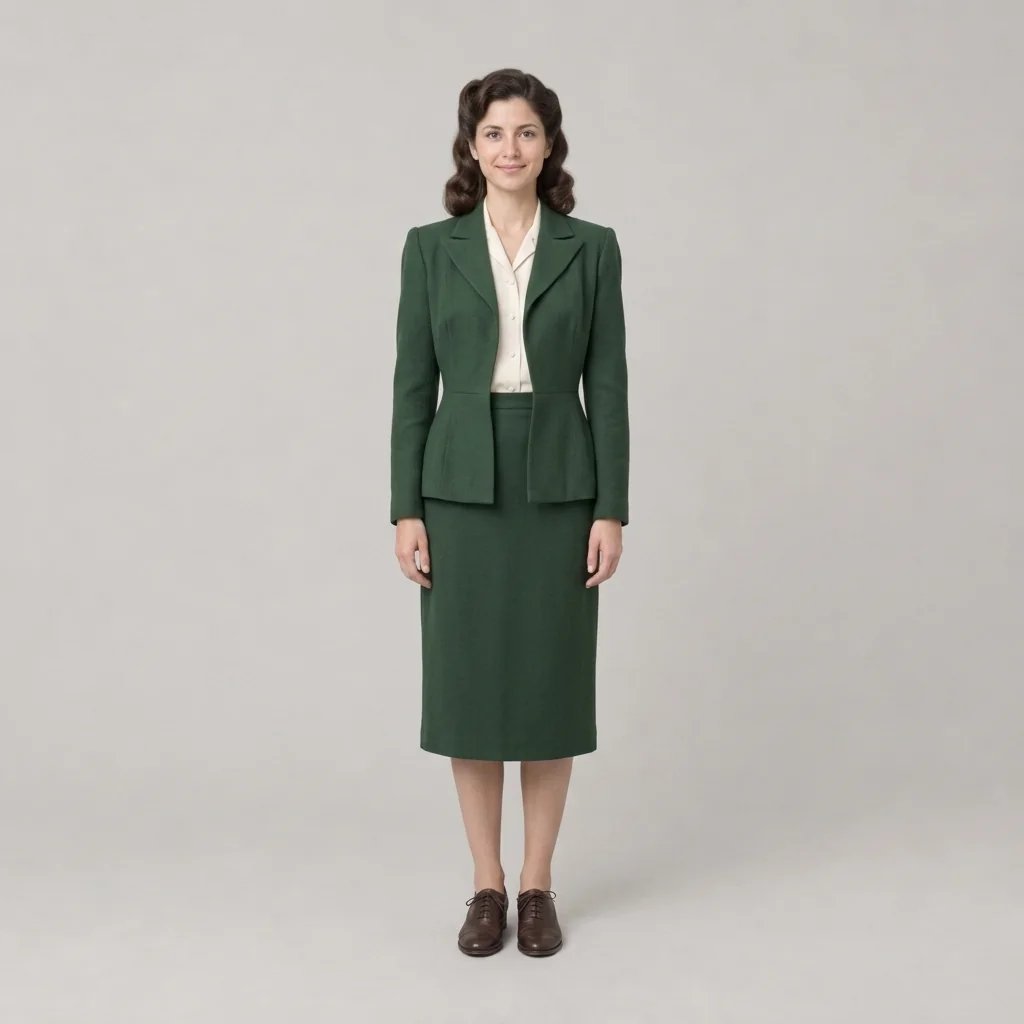
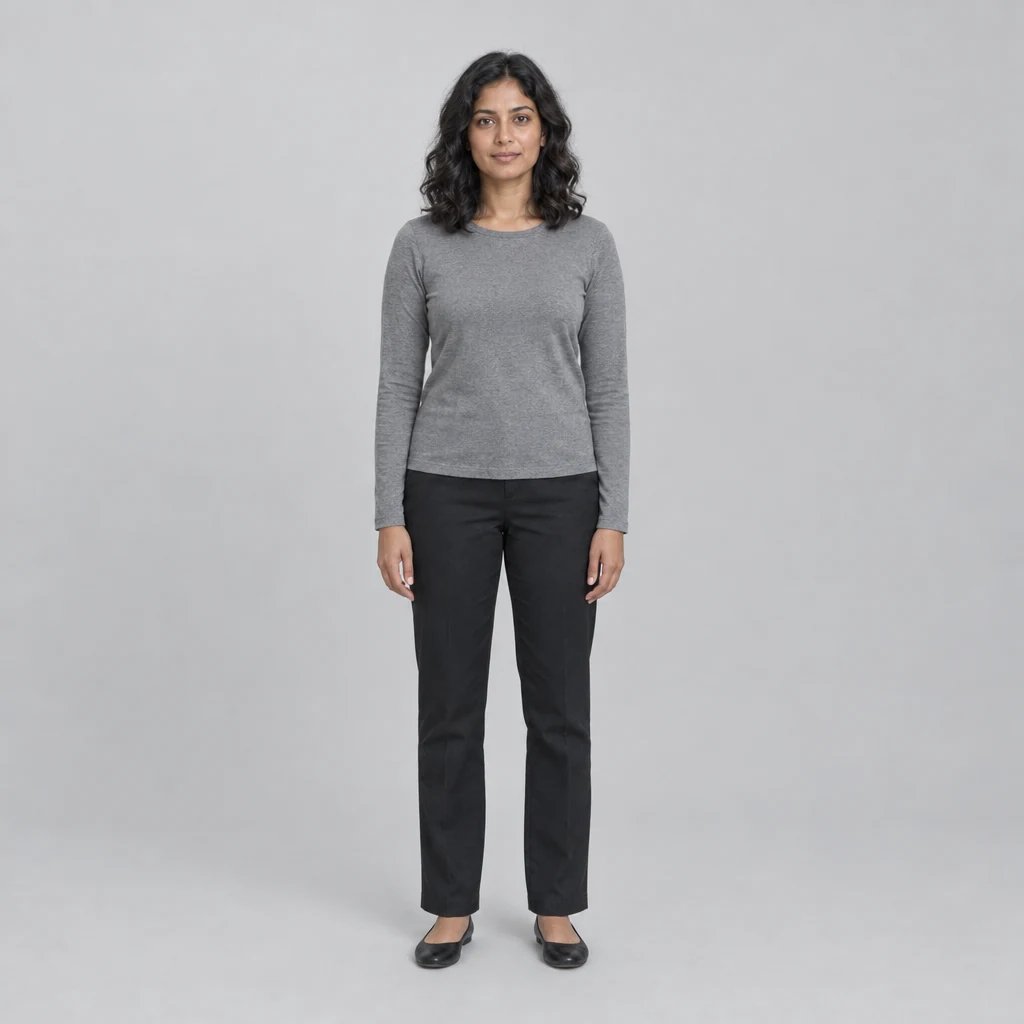
Before

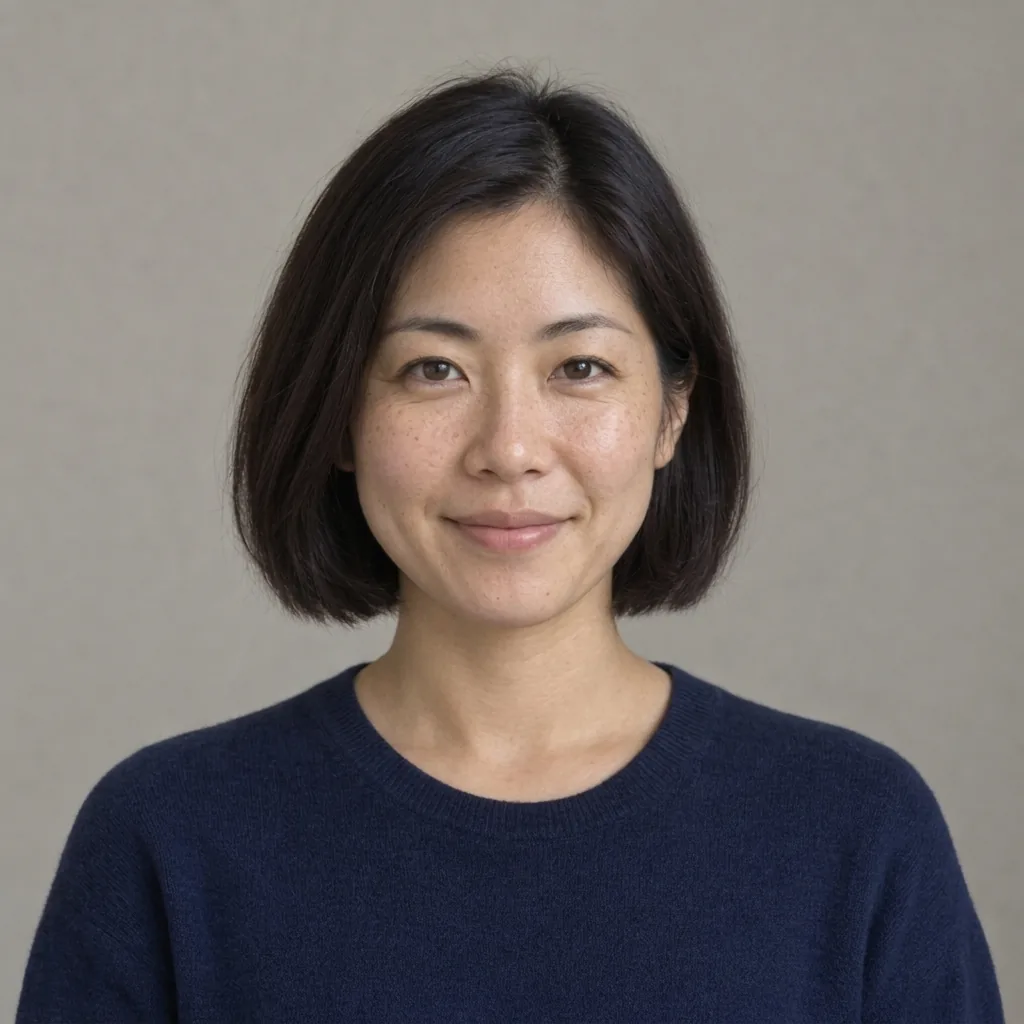
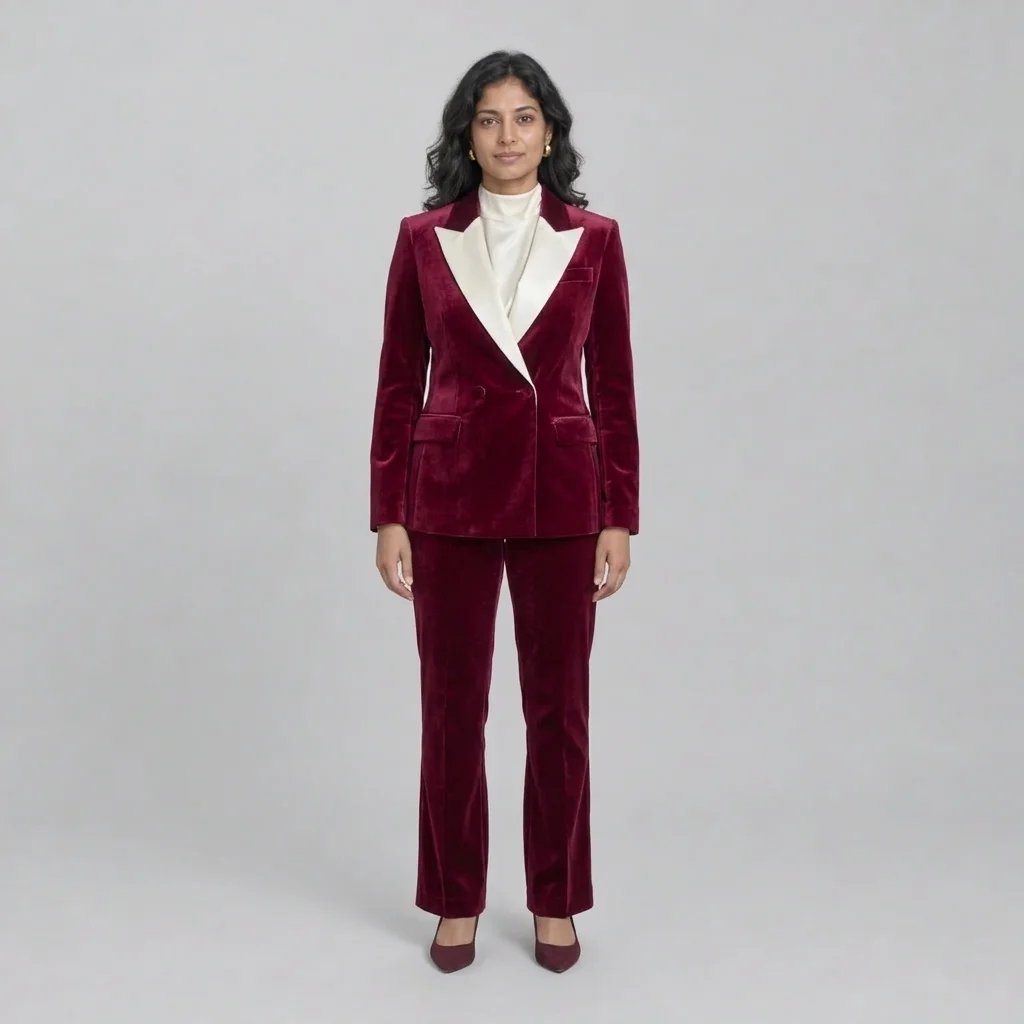
After

Warmer light, a closer smile and a more confident look.

Style examples created with GPT Image 2.5

AI Dating Photo Ideas for Your Kind of Connection

  • Golden-hour coffee date
  • A smile on a park walk
  • Evening city confidence
  • Easy Sunday conversation

How it works

Create AI Dating Photos in Three Steps

  1. Step 1

    Start with a clear photo of you

    Upload a recent photo of one adult with the face clearly visible. A simple selfie or everyday portrait works: keep both eyes in view and avoid sunglasses, heavy filters and group shots. A written description alone creates a fictional person rather than your likeness.

  2. Step 2

    Set the mood and create your portrait

    Choose a cafe, a park walk or a city setting in your description. Add the outfit, expression and light you want. Leave the description blank with a photo attached to try the warm cafe look. Check the displayed credit cost, sign in and generate.

  3. Step 3

    Pick the photo that feels like you

    Compare the new portrait with your source. Look for clear eyes, a natural smile and familiar facial details, then download your favorite. Each generation returns one 1K square image; try another direction in a separate run.

A better first impression

What Makes a Dating Profile Photo Stand Out?

Warmth you can see in the eyes

A comfortable smile, direct eye contact and relaxed shoulders make the portrait feel open and engaged. The default look brings the face closer and adds soft directional light, so the person stands out even at profile-picture size.

Styling that feels like a good day

Coordinated layers and flattering color can give an everyday photo a more considered finish. Try a dark overshirt over an ivory top, a casual jacket or your own favorite outfit. The aim is a recognizable version of you looking ready to meet someone.

A setting with room for your personality

Coffee-date warmth, a sunlit park or a softly lit city street each creates a different mood. Keep the background simple and out of focus so it supports the face. Describe the light and pose as well as the location to change more than the backdrop.

Prompt ideas

Three Looks to Try First

With a photo attached, describe the light, outfit and mood you want. Name one setting and keep your distinguishing features. Without a photo, include an adult subject to create a fictional portrait.

Golden-hour coffee date

One adult at an outdoor cafe, forest-green overshirt over an ivory top, leaning slightly toward the camera with warm eye contact and an easy smile. Soft golden-hour light on the face, blurred greenery, waist-up 50mm portrait. With a photo, keep the same face and glasses.

A candid park-walk smile

One adult paused on a leafy park walk, rust jacket over an ivory top, relaxed shoulders and a spontaneous smile toward the camera. Warm light around the hair, soft light on the face, natural skin texture. With a photo, preserve the person’s features and build.

Relaxed city-evening confidence

One adult on a quiet city street, navy casual jacket over an ivory crew-neck top, shoulders slightly angled and an inviting smile. Soft warm storefront light, blurred evening lights behind, eye-level waist-up portrait. With a photo, keep the person recognizable.

Ways to use it

Build a Profile with More Personality

A standout lead photo

Try a clear, close portrait with an easy smile and a simple backdrop. Choose the image that introduces your current appearance confidently and still feels like you.

A relaxed second look

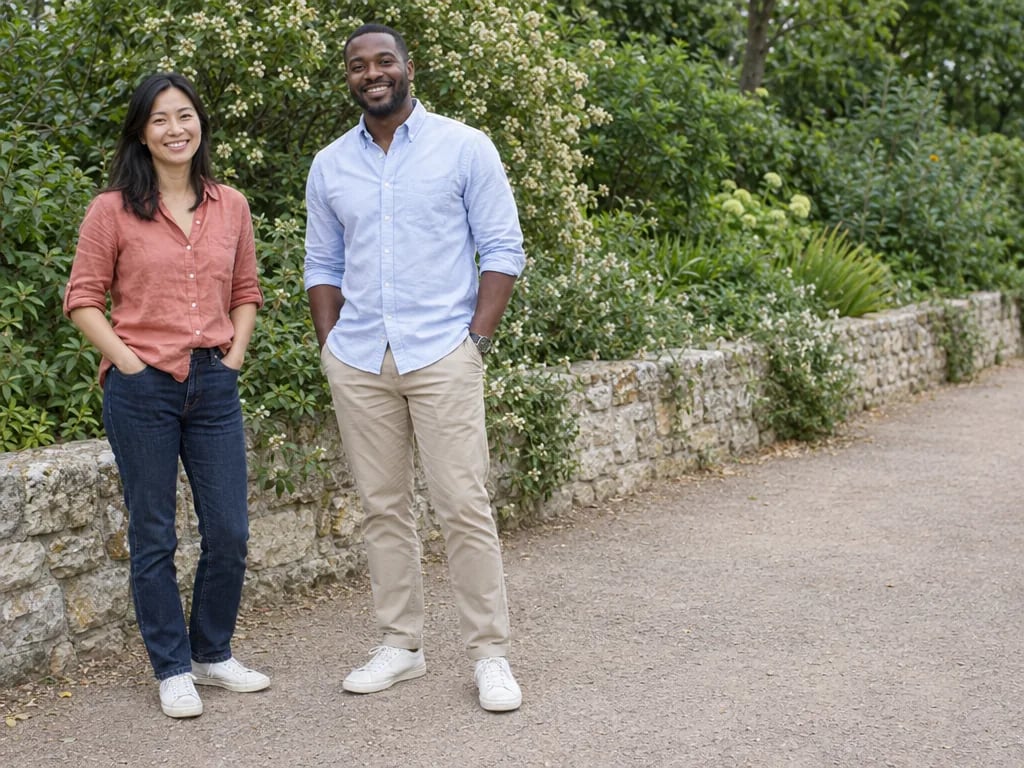
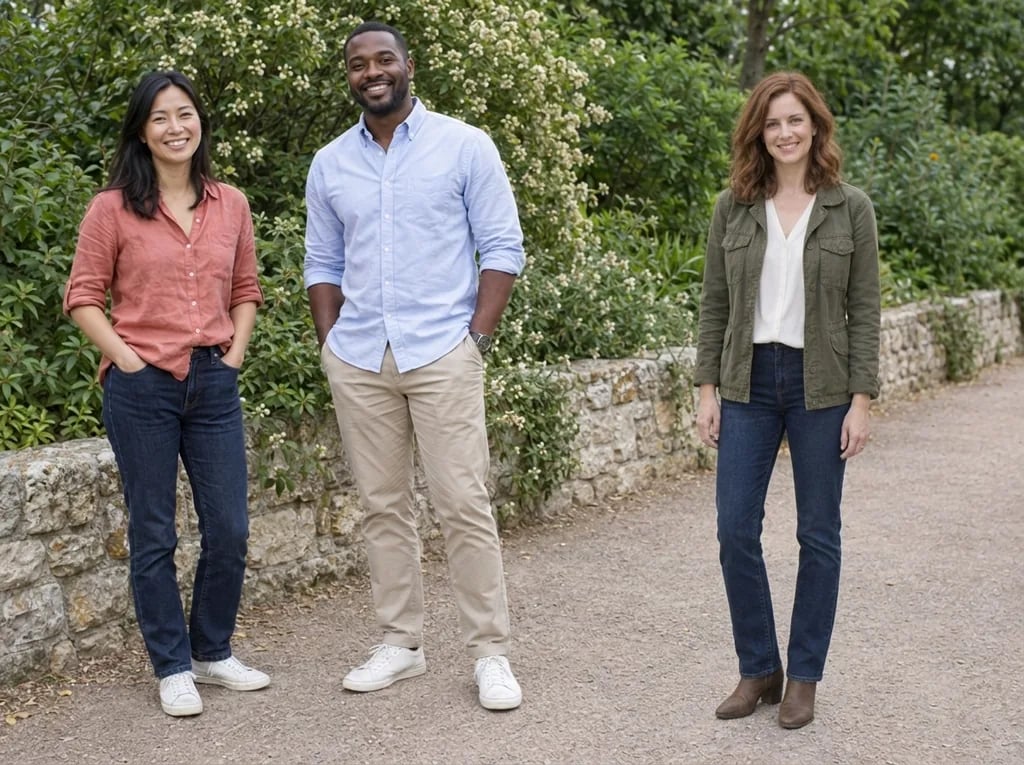
Add variety with a wider, casual portrait in a setting you enjoy. A different pose and outfit can give your profile another side without repeating the same close-up.

Find your best outfit and light

Compare a warm cafe look with soft window light or a casual city jacket. Use each variation to find colors, layers and lighting that suit the impression you want to make.

Inspiration for a real photo date

Save a favorite as a reference for a friend or photographer. Recreate the relaxed posture, simple outfit and light in a real setting you know.

Create more with one YouArt membership

This generator uses 8 credits for one 1K image. Membership credits work across YouArt image, video, audio, and workflow tools.

Basic

For hobbyists and explorers
$11$9.99/mo
  • 1000 credits
  • Up to ~200 images/month
  • Up to ~332s video/month
  • Intelligent creative agent
  • Video editor
  • Latest image models, including GPT Image 2.5, GPT Image 2 and Nano Banana Pro
  • Latest video models, including Seedance 2
  • Realistic face uploads
  • Voice generation with ElevenLabs
  • Video uploads up to 50 MB
  • No watermark
  • Unlimited template access

Popular

Pro

Save 16%
For creators and pro users
$36$29.99/mo
  • 3300 credits
  • Up to ~1000 images/month
  • Up to ~1100s video/month
  • Intelligent creative agent
  • Video editor
  • Latest image models, including GPT Image 2.5, GPT Image 2 and Nano Banana Pro
  • Latest video models, including Seedance 2
  • Realistic face uploads
  • Voice generation with ElevenLabs
  • Video uploads up to 200 MB
  • No watermark
  • Unlimited template access

Max

Save 24%Best Value
For power users and teams
$198$149.99/mo
  • 18000 credits
  • Up to ~6000 images/month
  • Up to ~6000s video/month
  • Intelligent creative agent
  • Video editor
  • Latest image models, including GPT Image 2.5, GPT Image 2 and Nano Banana Pro
  • Latest video models, including Seedance 2
  • Realistic face uploads
  • Voice generation with ElevenLabs
  • Video uploads up to 200 MB
  • No watermark
  • Unlimited template access
Team

Save 24%
For teams and studios
$435$329.99/mo
  • 36300 credits
  • Up to ~12000 images/month
  • Up to ~12100s video/month
  • Realistic face uploads
  • Share canvas, workflows, and assets with your team
  • Up to 10 members per team
  • Up to 5 teams
  • Role-based management
  • Team credit management and spending caps
  • Per-member usage tracking
  • Video uploads up to 200 MB

FAQ

AI Dating Photos Questions

It can improve lighting, expression, pose, clothing and composition while using your uploaded photo as the identity reference. The default look is a warm outdoor cafe portrait with a natural smile, coordinated layers and a softly blurred background. Each run returns one 1K square image.

Build beyond one image

Turn your result into a complete creative workflow

Open YouArt's visual canvas to connect generation, editing, upscaling, animation, and sound in one reusable process.