AI Vintage Outfit Generator

AI Vintage Outfit Generator: 1940s and 80s Fashion

Choose between the tailored jackets, high-waisted trousers and rolled hair of the 1940s, or the neon sportswear and power shoulders of the 1980s. Upload a photo or describe an adult to create a vintage outfit idea. Switch the decade to see its example, then add any colors or garments you have in mind.

Choose a decade

Choose a decade to preview the look and guide your outfit.

8 credits

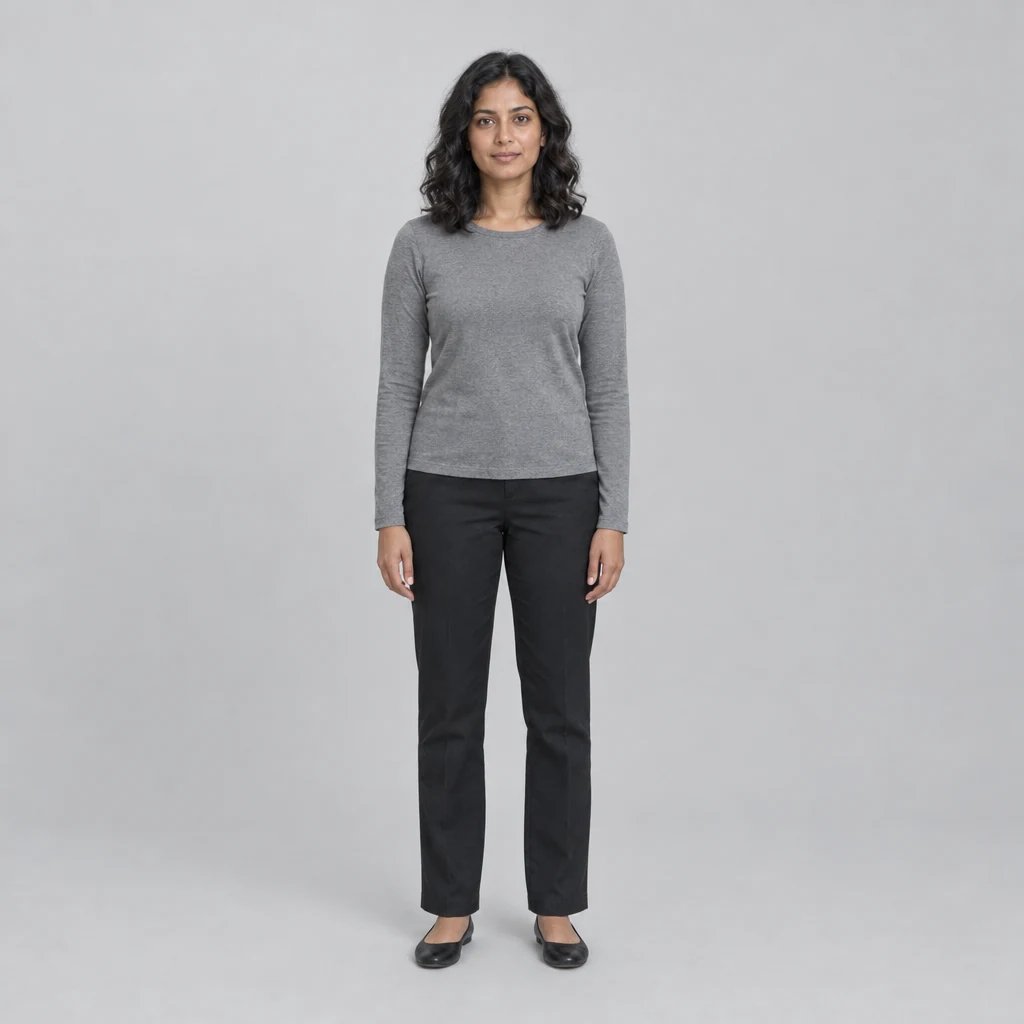
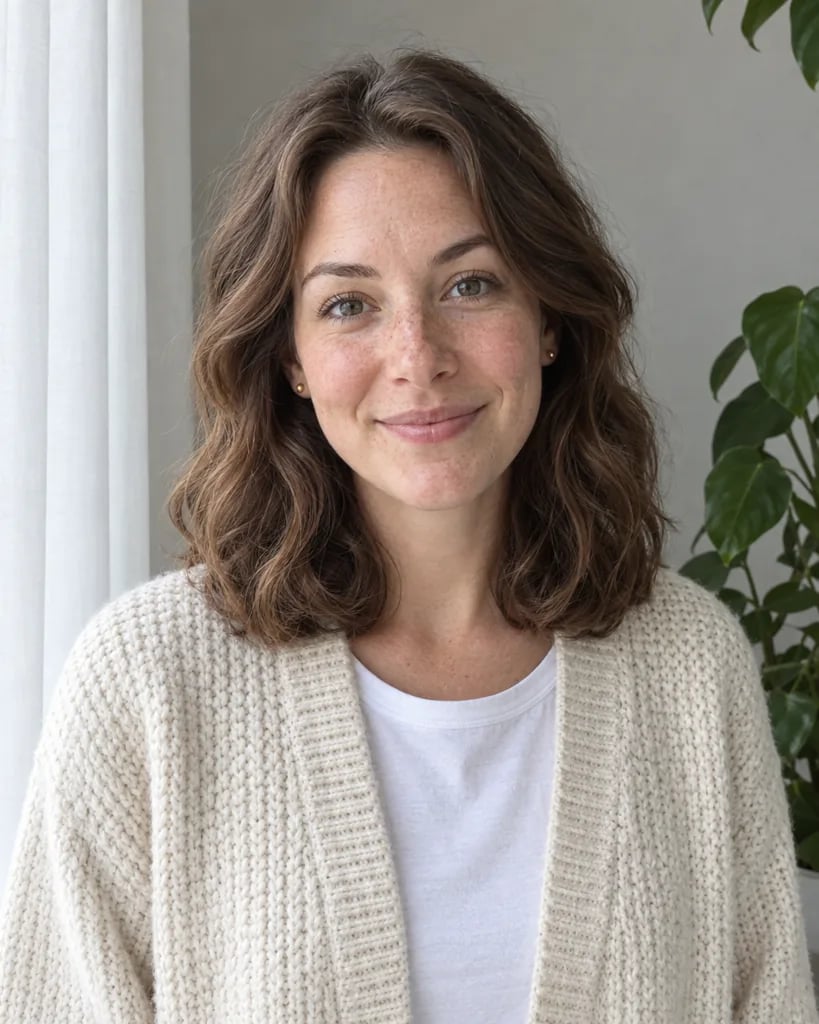
Before

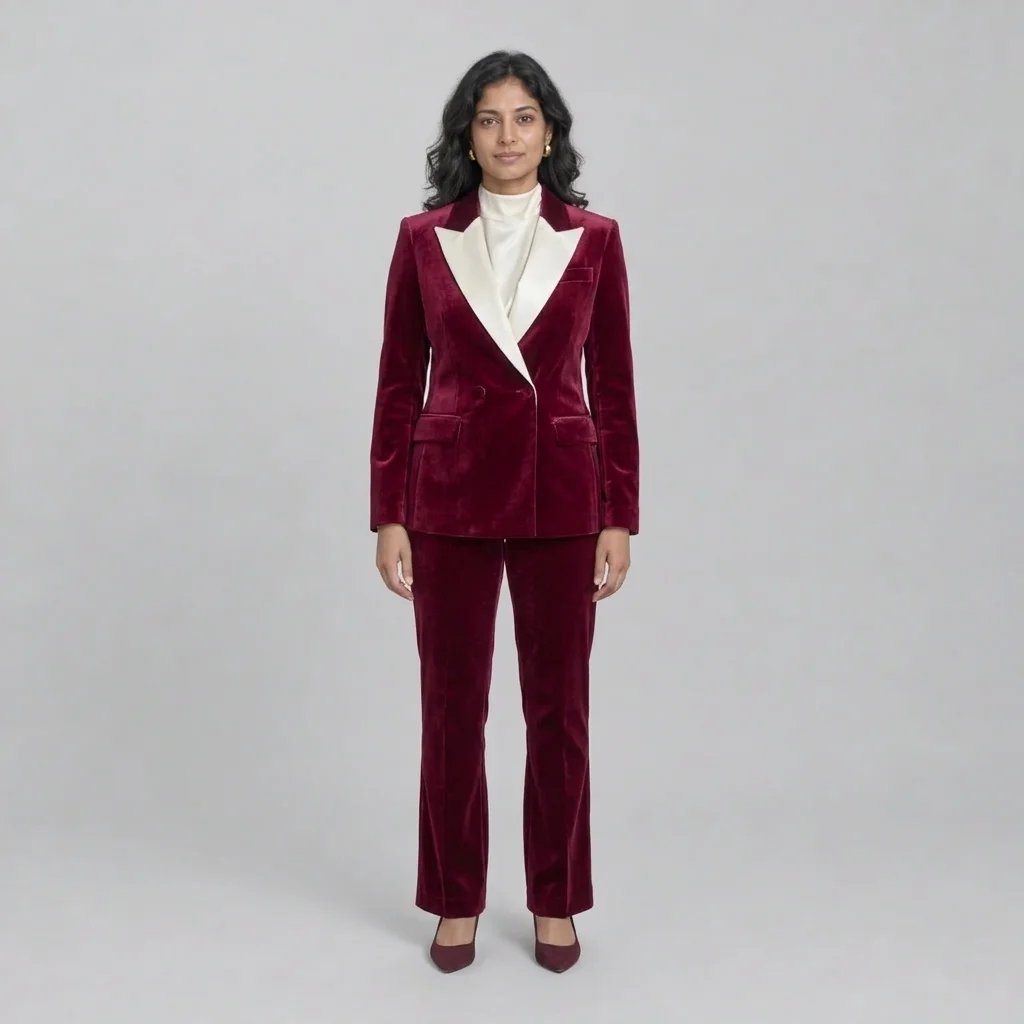
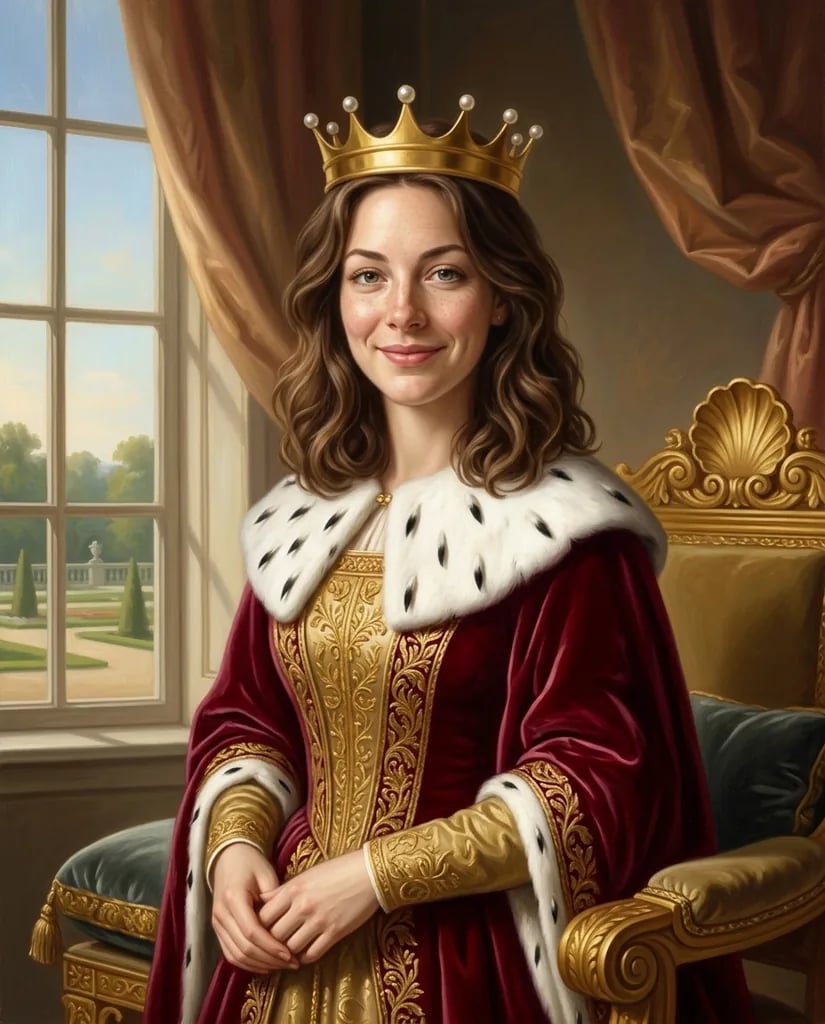
After

Tailored shoulders and a green suit with a calf-length skirt.

Style concepts created with GPT Image 2.5

Vintage Outfit Ideas: 1940s and 80s Looks

  • Green tailored suit
  • Navy high-waisted trousers
  • Neon color-block sportswear
  • Strong-shouldered tailoring

How it works

Create a Vintage Outfit in Three Steps

  1. Step 1

    Choose a photo or write an idea

    Upload a clear photo of yourself or someone who has given permission. Use one adult with the clothes clearly visible, ideally waist-up or full length. You can also describe an adult and an outfit without uploading a photo.

  2. Step 2

    Choose a decade and the clothing details

    Start with 1940s tailoring or switch to 1980s partywear. Add the garments, colors and fabrics you want, or upload a photo and use the selected style’s starting outfit. Review the displayed credit cost, then generate one square image.

  3. Step 3

    Inspect and download

    Compare the result with your original or your written idea. Review the face, hands, clothing edges and background before downloading. Changing your description and generating another version starts a separate paid run.

Details that shape the image

Two Decades of Vintage Fashion

1940s: tailoring, high waists and rolled waves

Build a period portrait around a structured jacket, a below-knee skirt or high-waisted trousers. Forest green, navy and cream work in natural color. This choice can also restyle hair and the setting to support the 1940s look.

1980s: color blocking and power shoulders

Try a cobalt-and-magenta windbreaker, teal parachute trousers or a bright padded-shoulder blazer. With a reference photo, this choice changes clothing, shoes and wearable accessories while aiming to keep the original hair, pose, background and lighting.

Compare the outfit, then refine one detail

Use the before-and-after example to see how the selected decade changes the look. Keep the same source photo when comparing your own results, then change one garment or color at a time. These are creative outfit concepts, not a guarantee of fit or historical accuracy.

Ideas to start from

Vintage Outfit Prompts to Try

Choose the matching decade before using an idea. With a photo, describe the clothes for the same person; the 1980s option aims to keep the existing setting.

Green tailored suit

A woman in a forest-green structured 1940s jacket, ivory collared blouse, below-knee straight skirt and brown closed shoes, softly rolled hair, warm period studio.

Navy high-waisted trousers

A man in a cream collared shirt, brown waistcoat and navy high-waisted wide-leg trousers, neatly side-parted hair, simple 1940s-inspired study.

Neon color-block sportswear

A woman wearing a cobalt and magenta color-block windbreaker, white crew-neck top, teal full-length parachute trousers and plain white high-top sneakers, pale studio.

Ways to use the images

Save and Compare Your Creative Direction

Explore a visual theme

Save several directions for a themed portrait, personal project or creative brief. Add your own notes about the details you want to keep and the details that need another attempt.

Compare one change at a time

Keep the same photo or subject while changing a color, garment or setting. Separate generations help you compare the visual difference without packing several competing ideas into one image.

Explain an idea to collaborators

Show collaborators the silhouette, layers and material direction you have in mind. Add your own notes about measurements and construction rather than treating the image as a production specification.

Build a personal reference board

Collect the versions that communicate your direction and keep your original notes beside them. Check image details at full size before deciding which versions are useful for your project.

Create more with one YouArt membership

This generator uses 8 credits for one 1K image. Membership credits work across YouArt image, video, audio, and workflow tools.

Basic

For hobbyists and explorers
$11$9.99/mo
  • 1000 credits
  • Up to ~200 images/month
  • Up to ~332s video/month
  • Intelligent creative agent
  • Video editor
  • Latest image models, including GPT Image 2.5, GPT Image 2 and Nano Banana Pro
  • Latest video models, including Seedance 2
  • Realistic face uploads
  • Voice generation with ElevenLabs
  • No watermark
  • Unlimited template access
Popular

Pro

Save 16%
For creators and pro users
$36$29.99/mo
  • 3300 credits
  • Up to ~1000 images/month
  • Up to ~1100s video/month
  • Intelligent creative agent
  • Video editor
  • Latest image models, including GPT Image 2.5, GPT Image 2 and Nano Banana Pro
  • Latest video models, including Seedance 2
  • Realistic face uploads
  • Voice generation with ElevenLabs
  • No watermark
  • Unlimited template access
Max

Save 24%Best Value
For power users and teams
$198$149.99/mo
  • 18000 credits
  • Up to ~6000 images/month
  • Up to ~6000s video/month
  • Intelligent creative agent
  • Video editor
  • Latest image models, including GPT Image 2.5, GPT Image 2 and Nano Banana Pro
  • Latest video models, including Seedance 2
  • Realistic face uploads
  • Voice generation with ElevenLabs
  • No watermark
  • Unlimited template access

Team

Save 24%
For teams and studios
$435$329.99/mo
  • 36300 credits
  • Up to ~12000 images/month
  • Up to ~12100s video/month
  • Realistic face uploads
  • Share canvas, workflows, and assets with your team
  • Up to 10 members per team
  • Up to 5 teams
  • Role-based management
  • Team credit management and spending caps
  • Per-member usage tracking

Questions answered

Vintage Outfit Generator FAQ

Choose 1940s-inspired period styling or 1980s party fashion. The page starts with the 1940s option. It creates one still image from a photo, a description or both; changing the selected decade does not generate a new image by itself.

Build beyond one image

Turn your result into a complete creative workflow

Open YouArt's visual canvas to connect generation, editing, upscaling, animation, and sound in one reusable process.