AI Christmas photo editor

AI Christmas Photo Generator: Turn Your Photo into a Christmas Scene

Upload a photo of yourself, your partner, your friends or your pet, and the background turns into a Christmas scene: by default, a bright living room with a lit tree. You can also ask for a fireplace with stockings, a snowy garden or Christmas market stalls.

Pick a Christmas scene

Adds to your words when you generate. Pick one; tap again to clear. Christmas tree gives the default look. With Christmas market lights, a stall sign can show blurry marks.

8 credits
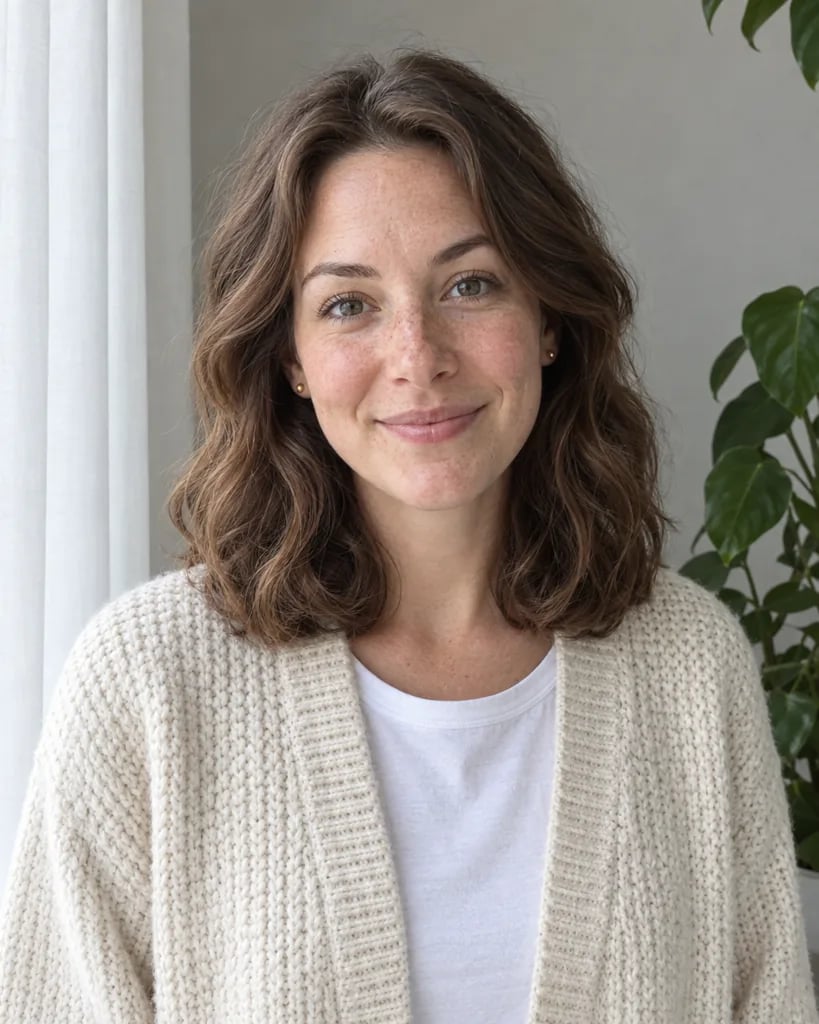
A smiling, curly-haired woman in a mustard knit sweater, photographed against a plain white wall in daylight.
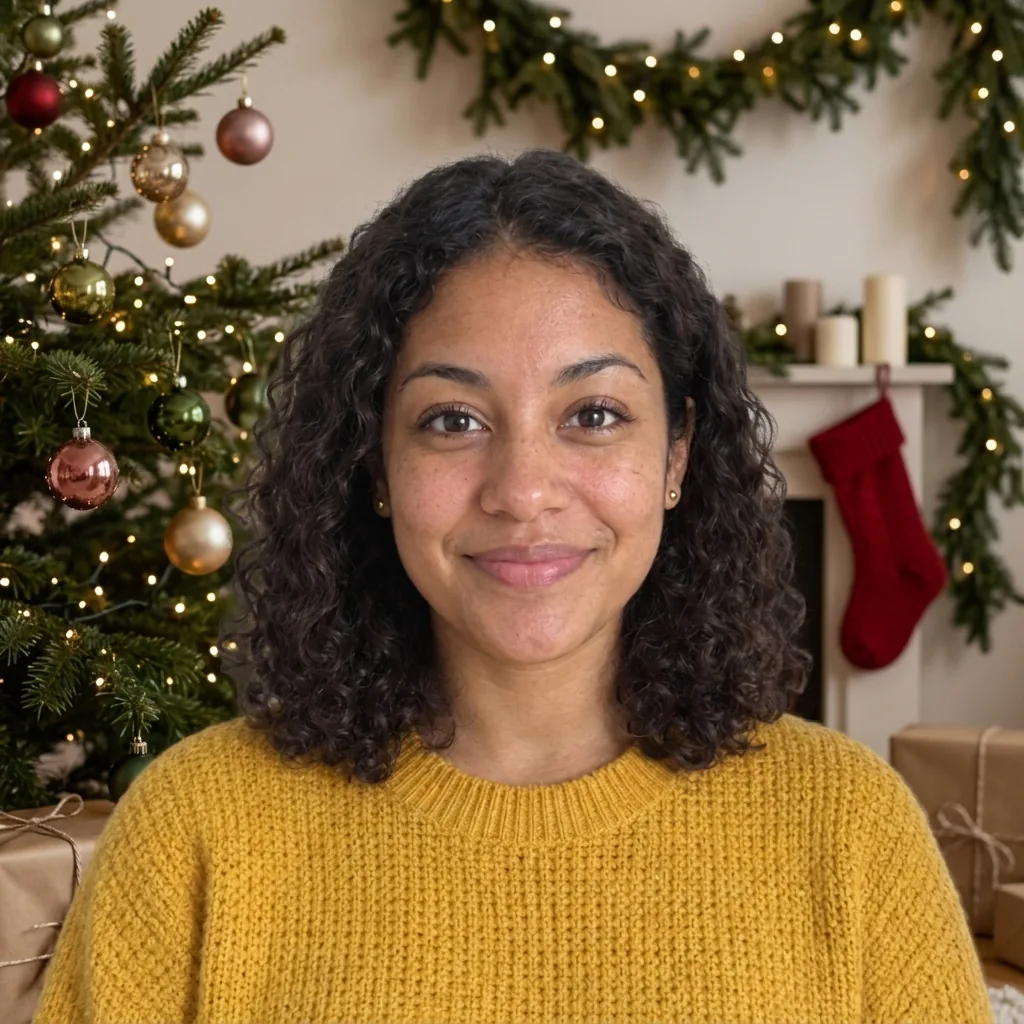
A curly-haired woman in a mustard sweater in front of a lit Christmas tree, a pine garland and a red stocking.
Drag to compare the everyday photo with its Christmas version.

Christmas photo examples created with GPT Image 2.5

AI Christmas Photo Examples Indoors and in the Snow

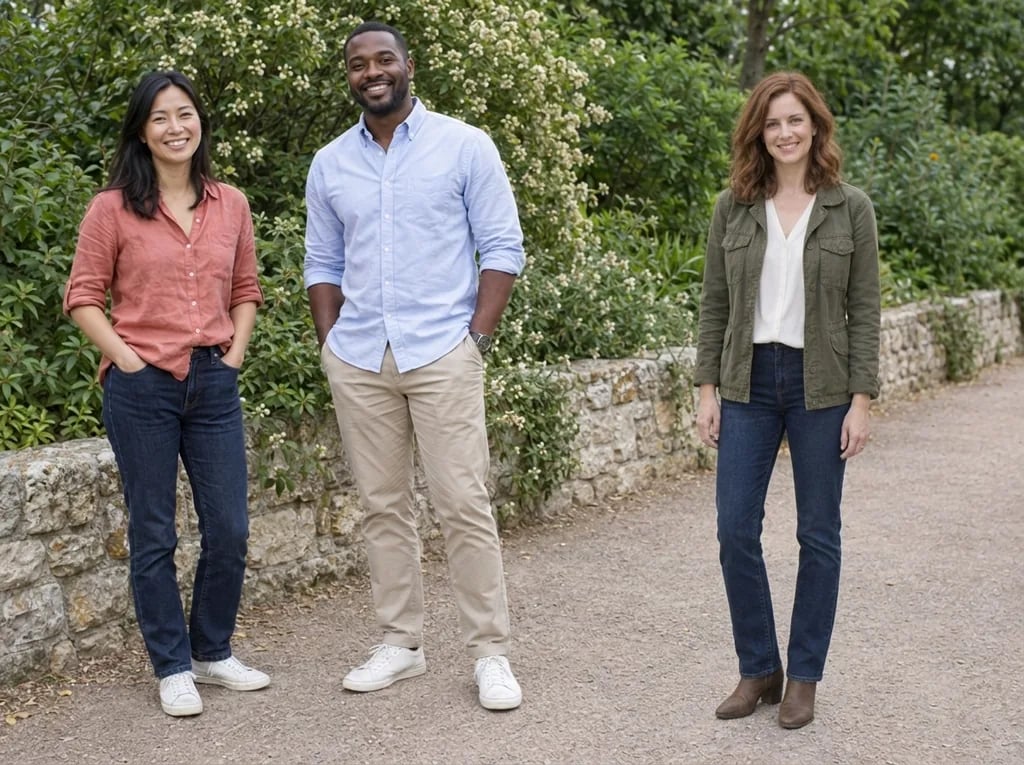
  • Five friends by a lit tree
  • A couple by the fireplace
  • Dog and owner by the tree
  • A man on a snowy lane

How it works

How to Add a Christmas Background to a Photo

  1. Step 1

    Upload a clear photo

    Choose a sharp photo of yourself, friends who have agreed, or your pet. Indoor or plain-background photos work best; outdoor photos can keep some of the original background.

  2. Step 2

    Pick a scene and generate

    Tap a scene, type your own, or add nothing for the default look. Then generate.

  3. Step 3

    Check faces, then download

    The result is a new picture, so compare each face with your original at full size and look over the background. If anything looks off, generate again.

The look

A Christmas Scene Around You

A bright Christmas living room

With no words, a fir tree hung with small white lights and red, gold and green ornaments stands behind you, often beside a mantel with a garland, candles and stockings. Stockings and gift wrap stay plain, with no names or letters.

Three more scenes

Each choice aims for a different place. Fireplace and stockings: a brick or stone fireplace with a low fire. Snowy outdoors: snowy firs and a house with lit windows. Christmas market lights: close wooden stalls with string lights and garlands, with no crowd.

You, as photographed

Faces, hair, glasses, pose and a hijab are meant to stay as photographed. So are clothes, even in the snow, where a T-shirt stays a T-shirt.

In your own words

Prompt Ideas for Your Christmas Scene

Keep your words to the scene: the room or the decorations.

Your own decorations

Try "silver and white ornaments and a garland of pine cones." Naming decorations is meant to replace the default red, gold and green ones.

A different room

Try "a log cabin with wooden beams and a window onto snowy trees." A few words about the room are meant to replace the bright living room.

Add a detail to a scene

Tap Snowy outdoors, then type "a red front door with a wreath." Your pick sets the scene, and your words are meant to add the detail.

Ways to use it

Holiday Cards, Group Chats, Profile Pictures and Pets

Christmas card photos

Give a favorite photo a Christmas scene and put it on the front of your card.

Holiday profile pictures

Use a Christmas version of your profile picture through December; start from a photo with your face near the middle, since many sites show it as a circle.

Group chats and posts

Share a festive photo of you and your friends without decorating a room or booking a photo shoot.

Pet Christmas photos

Put your dog or cat by the tree without asking it to sit still in front of one.

Create more with one YouArt membership

This generator uses 8 credits for one 1K image. Membership credits work across YouArt image, video, audio, and workflow tools.

Basic

For hobbyists and explorers

$9.99/mo
Select Plan
  • 1000 credits
  • Up to ~200 images/month
  • Up to ~332s video/month
  • Intelligent creative agent
  • Video editor
  • Latest image models, including GPT Image 2.5, GPT Image 2 and Nano Banana Pro
  • Latest video models, including Seedance 2
  • Realistic face uploads
  • Voice generation with ElevenLabs
  • No watermark
  • Unlimited template access

Pro

Popular

For creators and pro users

$29.99/mo
Select Plan
  • 3300 credits
  • Up to ~1000 images/month
  • Up to ~1100s video/month
  • Intelligent creative agent
  • Video editor
  • Latest image models, including GPT Image 2.5, GPT Image 2 and Nano Banana Pro
  • Latest video models, including Seedance 2
  • Realistic face uploads
  • Voice generation with ElevenLabs
  • No watermark
  • Unlimited template access

Max

Best Value

For power users and teams

$149.99/mo
Select Plan
  • 18000 credits
  • Up to ~6000 images/month
  • Up to ~6000s video/month
  • Intelligent creative agent
  • Video editor
  • Latest image models, including GPT Image 2.5, GPT Image 2 and Nano Banana Pro
  • Latest video models, including Seedance 2
  • Realistic face uploads
  • Voice generation with ElevenLabs
  • No watermark
  • Unlimited template access

Team

For teams and studios

$329.99/mo
Select Plan
  • 36300 credits
  • Up to ~12000 images/month
  • Up to ~12100s video/month
  • Realistic face uploads
  • Share canvas, workflows, and assets with your team
  • Up to 10 members per team
  • Up to 5 teams
  • Role-based management
  • Team credit management and spending caps
  • Per-member usage tracking

Questions answered

AI Christmas Photo Generator FAQ

Yes. Everyone in the photo is meant to stay in it, with nobody left out, and so are dogs and cats, with their own markings and collar. Keep groups small enough that each face is clear.

They are not meant to: the scene is lit to match your photo, keeping the glow of the tree lights, candles or fire off your skin.

Your framing is meant to stay as it was, so a close selfie shows only the part of the scene behind your head and shoulders, such as a few branches and lights, not the whole tree.

This page changes the scene around you. For a Santa hat on people or pets, use Add Santa Hat to Photo; add a greeting or names in your card design afterwards.

Yes. For a printed card or framed photo, enlarge it with the Image Upscaler first; for screens, use it as it is.

Each generation costs 8 YouArt credits and creates one 1K image in your photo's shape, so crop your photo first if you want a square. Uploading a photo or picking a scene costs nothing until you generate.

Build beyond one image

Turn your result into a complete creative workflow

Open YouArt's visual canvas to connect generation, editing, upscaling, animation, and sound in one reusable process.