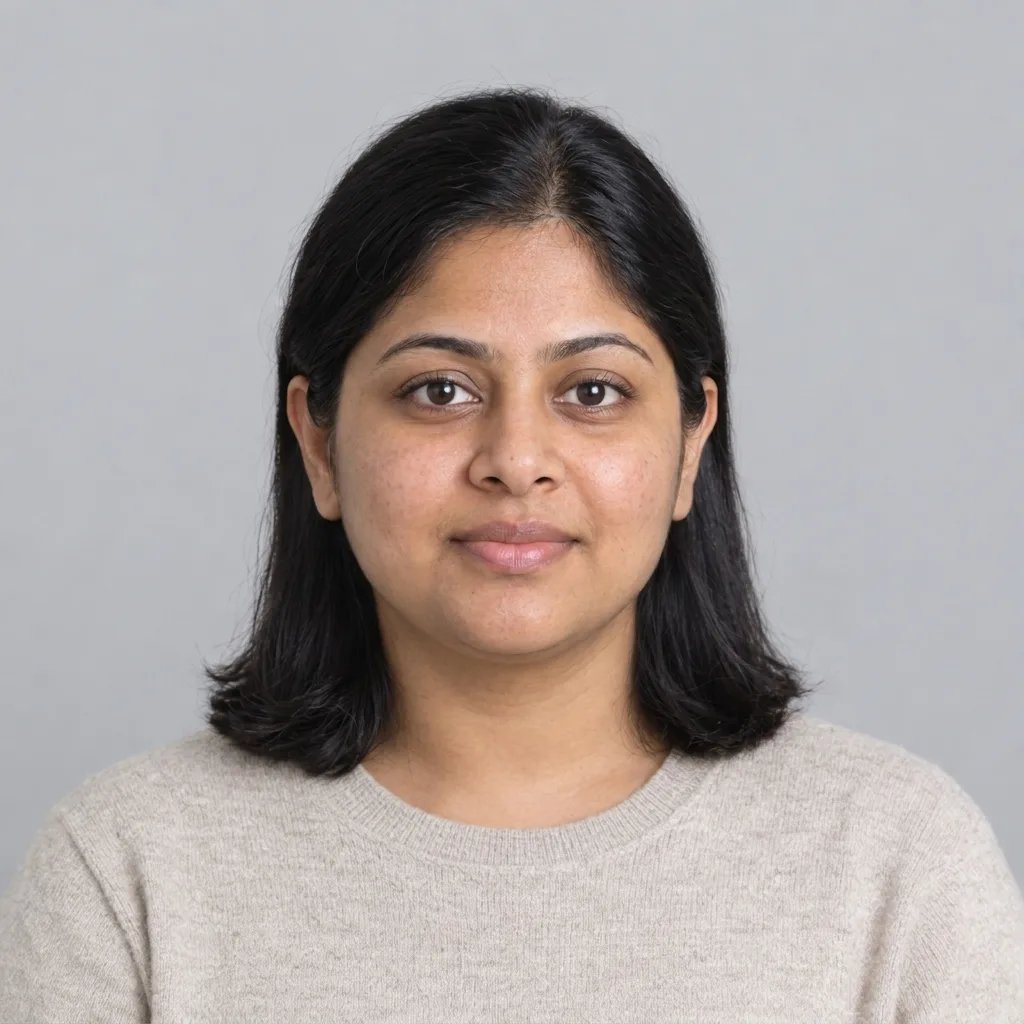
Bold Glamour Filter

Bold Glamour Filter: Explore Lip Color and Dramatic Eye Makeup

Try the Bold Glamour Filter on a portrait to explore defined eyeliner, rich lip colors and luminous makeup. Upload a clear photo or describe an adult portrait, then compare a full-glam look before your next event.

8 credits

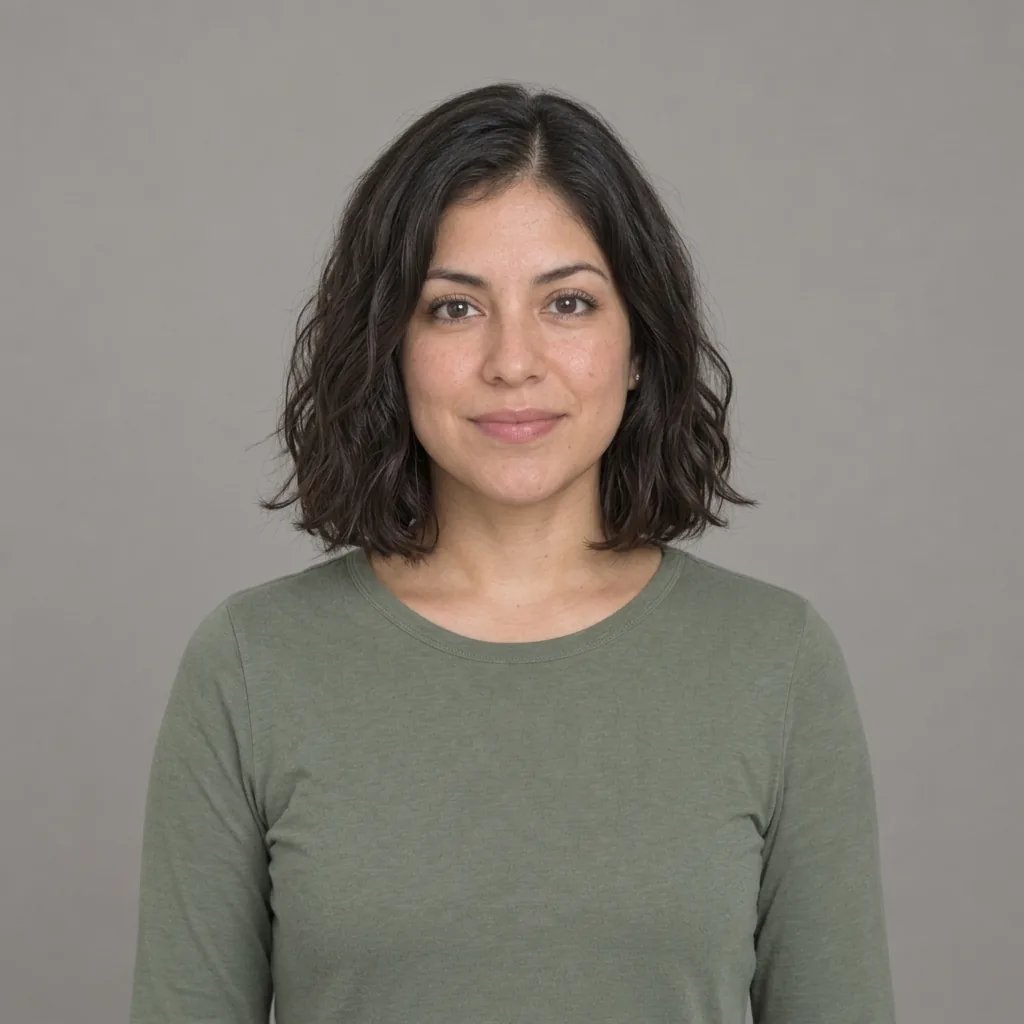
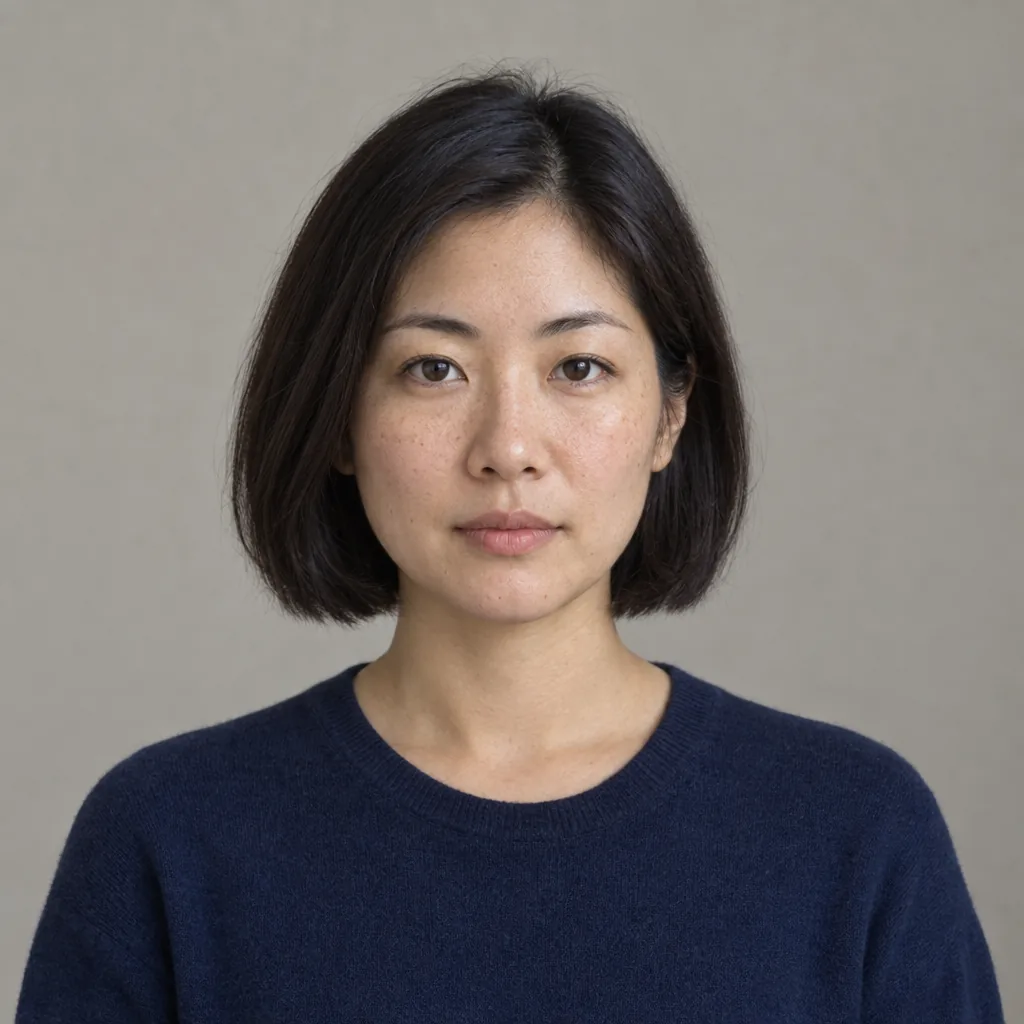
Before

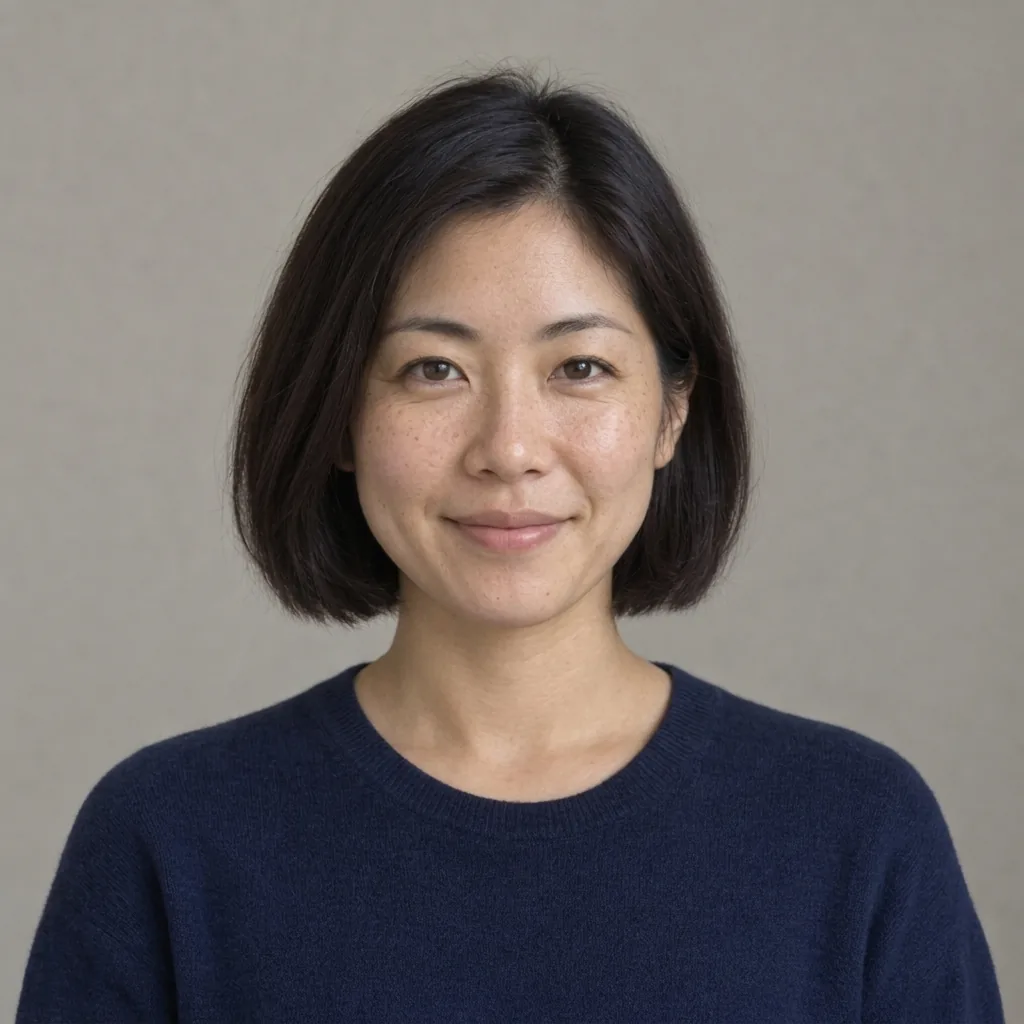
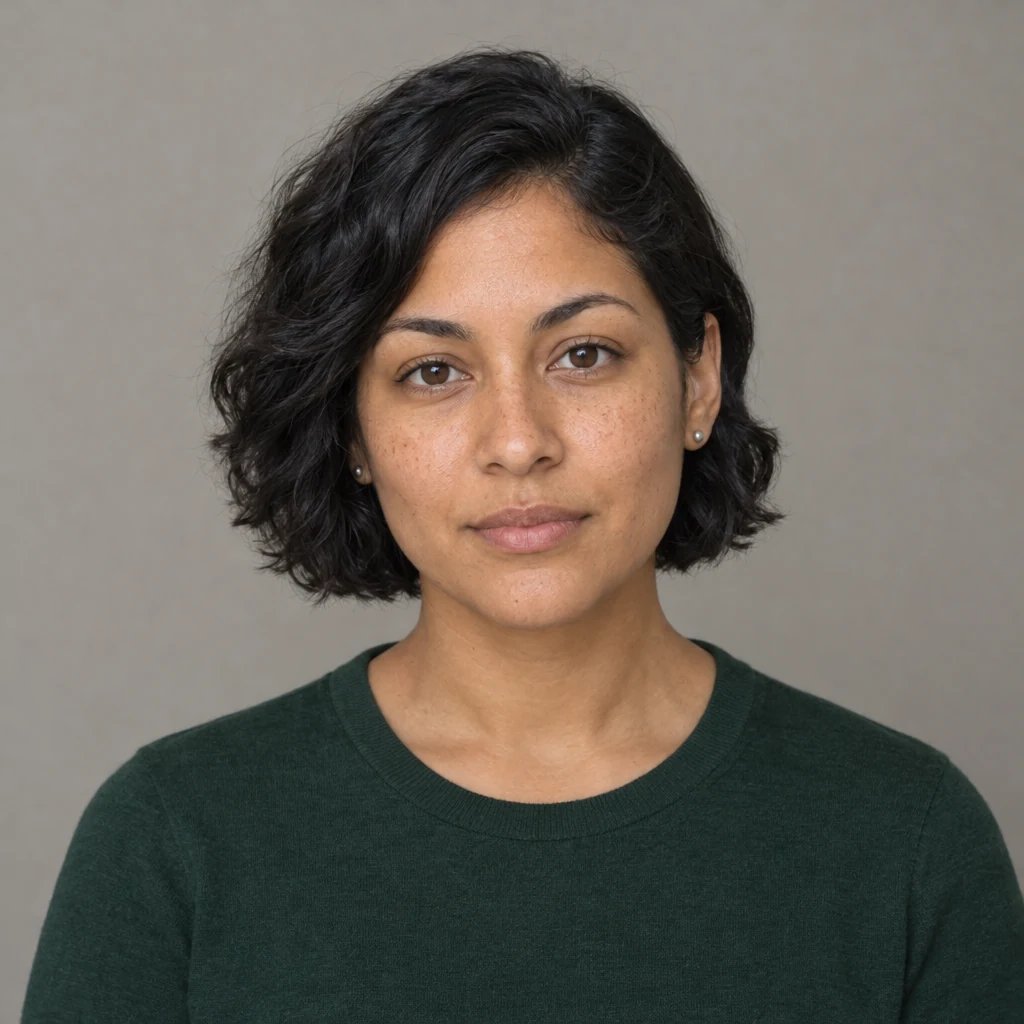
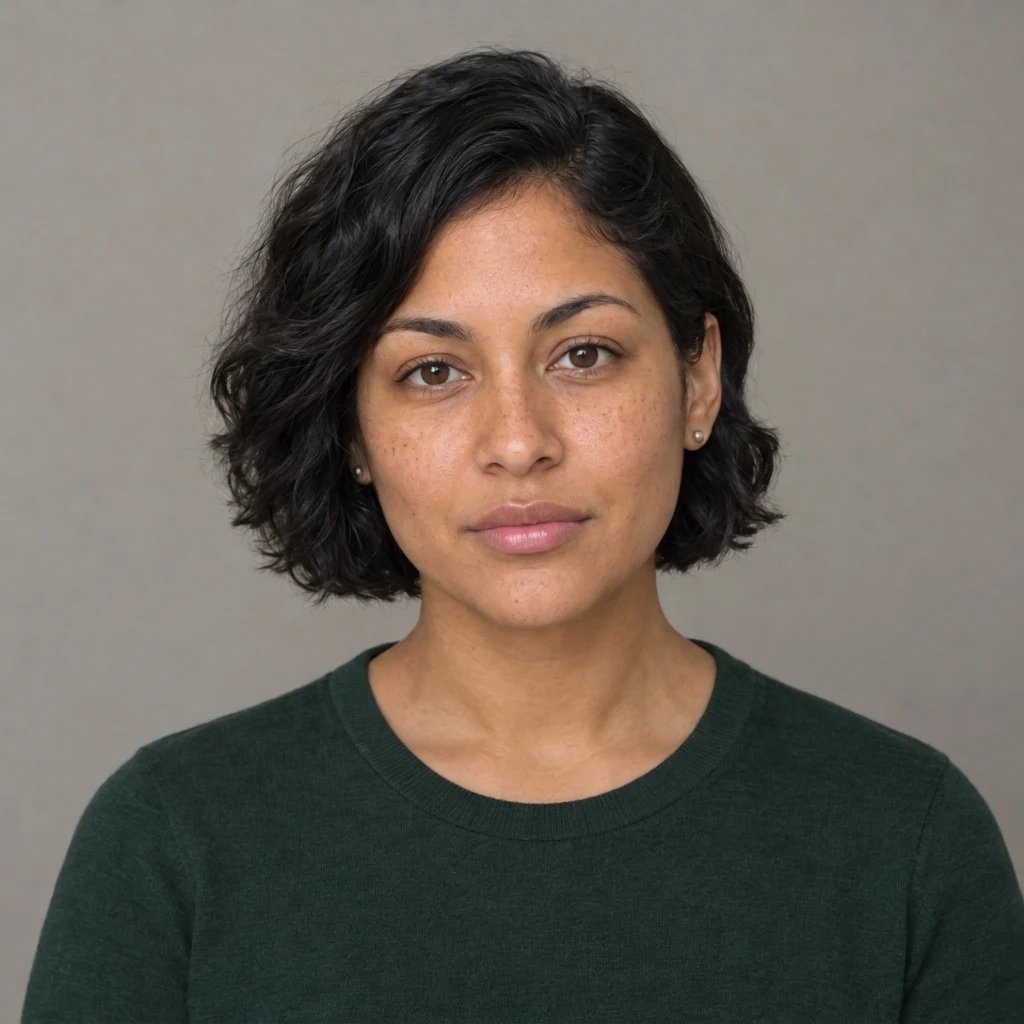
After

Bronze eyeshadow and a berry lip color.

Style examples created with GPT Image 2.5

Bold Glamour Filter: Four Visual Directions

  • Bronze eyes and berry lips
  • Defined liner and plum lips
  • Copper eyes and red lips
  • Rose makeup and soft definition

How it works

Create with the Bold Glamour Filter in Three Steps

  1. Step 1

    Upload a photo or write a description

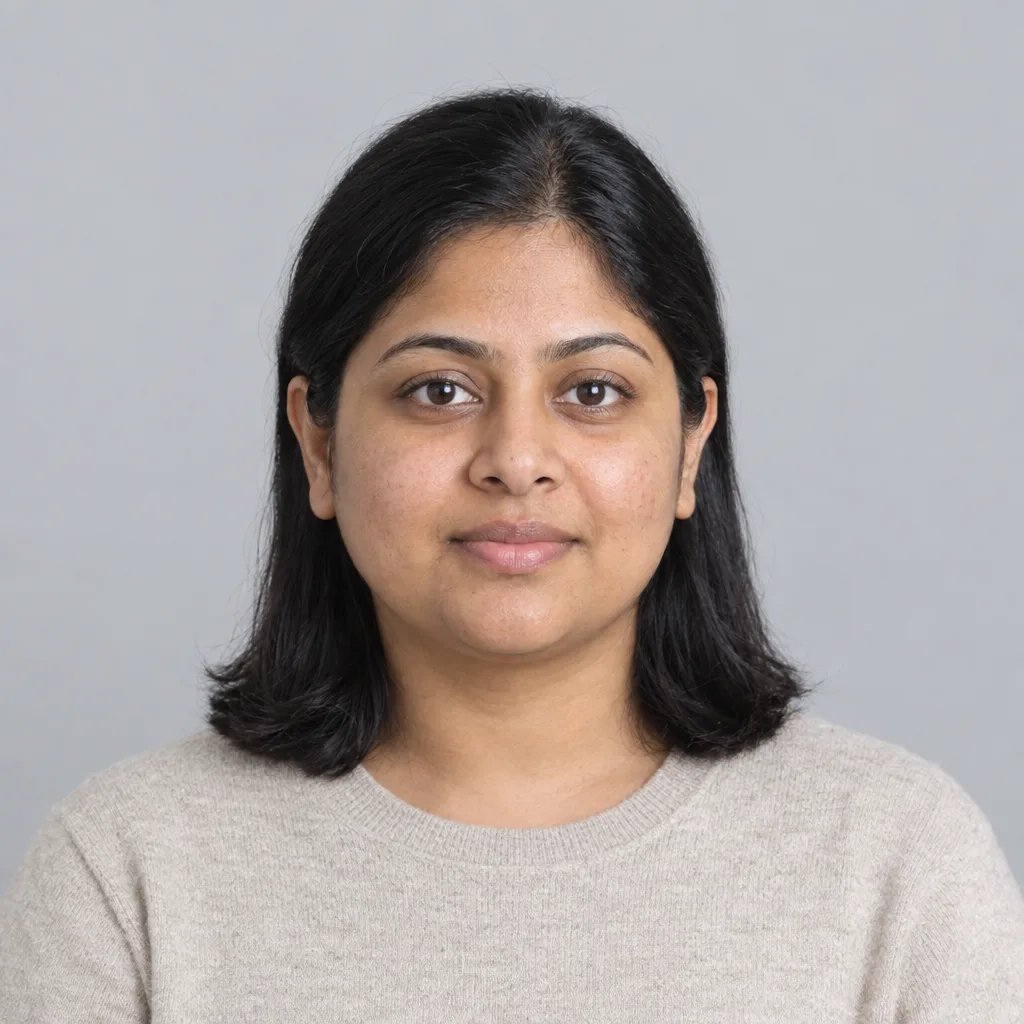
    Choose a sharp, evenly lit head-and-shoulders photo with both eyes visible and little existing makeup. Avoid heavy filters, deep face shadows or a face partly hidden by hair. You can also describe a new image without uploading a photo.

  2. Step 2

    Choose the details and generate

    Add optional direction for the look you want. With a photo and no words, the starting treatment is applied automatically. Review the displayed credit cost, sign in when prompted, and generate one square image.

  3. Step 3

    Review the details and download

    Compare the result with your source and inspect small details at full size. Download the image you want. A changed prompt and another generation start a separate run.

What shapes the result

Bold Glamour Filter: Details to Look For

Makeup color, not face reshaping

Explore the placement and color of eyeliner, eyeshadow and lipstick. A lip shade changes the visual mood without requiring a different face shape. Start with one main eye color and one lip color so the result has a clear direction.

Keep the rest of the photo familiar

An uploaded portrait supplies the hairstyle, outfit and setting. The requested edit focuses on makeup, so you can compare it with the original. Check facial details after generation because AI edits can still change small features.

Compare event makeup ideas

Try bronze and berry for warm light, silver and plum for a cooler palette, or copper and red for stronger contrast. These are visual previews of makeup, not shade matching or a prediction of how a cosmetic product will wear.

Prompt ideas

Three Directions to Start With

Name one subject or setting, then the visual treatment and light. With a photo, describe only the changes you want; the uploaded image supplies the reference.

Bronze eyes and berry lips

An adult woman with medium brown skin and wavy black hair, bronze eyeshadow, black winged eyeliner and berry satin lipstick, wearing a plain navy crew-neck shirt on a warm grey studio background.

Silver shimmer and plum lips

An adult East Asian woman with a short dark bob, cool silver eyeshadow, precise black eyeliner and deep plum lipstick, wearing a dark teal high-neck blouse in soft studio light.

Copper eyes and red lips

An adult woman with dark brown skin and natural curly hair, copper metallic eyeshadow and rich red lipstick, wearing an opaque cream blouse, head-and-shoulders portrait against a soft brown backdrop.

Ways to use it

Ideas for Your Next Image

Event preparation

Explore a makeup direction before discussing it with a makeup artist. Keep your reference photo evenly lit so the eye and lip colors are easy to compare.

Portrait moodboards

Develop a color brief for a portrait session by choosing a palette and showing where the strongest accents should sit.

Creative profile pictures

Make a stylized portrait for a profile or a social post. Review the eyes and lip edges at full size before choosing a crop.

Color comparisons

Generate separate versions with different shades while keeping the rest of the prompt stable. Each new generation is a separate run.

Create more with one YouArt membership

This generator uses 8 credits for one 1K image. Membership credits work across YouArt image, video, audio, and workflow tools.

Basic

For hobbyists and explorers
$11$9.99/mo
  • 1000 credits
  • Up to ~200 images/month
  • Up to ~332s video/month
  • Intelligent creative agent
  • Video editor
  • Latest image models, including GPT Image 2.5, GPT Image 2 and Nano Banana Pro
  • Latest video models, including Seedance 2
  • Realistic face uploads
  • Voice generation with ElevenLabs
  • Video uploads up to 50 MB
  • No watermark
  • Unlimited template access

Popular

Pro

Save 16%
For creators and pro users
$36$29.99/mo
  • 3300 credits
  • Up to ~1000 images/month
  • Up to ~1100s video/month
  • Intelligent creative agent
  • Video editor
  • Latest image models, including GPT Image 2.5, GPT Image 2 and Nano Banana Pro
  • Latest video models, including Seedance 2
  • Realistic face uploads
  • Voice generation with ElevenLabs
  • Video uploads up to 200 MB
  • No watermark
  • Unlimited template access
Max

Save 24%Best Value
For power users and teams
$198$149.99/mo
  • 18000 credits
  • Up to ~6000 images/month
  • Up to ~6000s video/month
  • Intelligent creative agent
  • Video editor
  • Latest image models, including GPT Image 2.5, GPT Image 2 and Nano Banana Pro
  • Latest video models, including Seedance 2
  • Realistic face uploads
  • Voice generation with ElevenLabs
  • Video uploads up to 200 MB
  • No watermark
  • Unlimited template access
Team

Save 24%
For teams and studios

$435$329.99/mo
  • 36300 credits
  • Up to ~12000 images/month
  • Up to ~12100s video/month
  • Realistic face uploads
  • Share canvas, workflows, and assets with your team
  • Up to 10 members per team
  • Up to 5 teams
  • Role-based management
  • Team credit management and spending caps
  • Per-member usage tracking
  • Video uploads up to 200 MB

FAQ

Bold Glamour Filter Questions

Try the Bold Glamour Filter on a portrait to explore defined eyeliner, rich lip colors and luminous makeup. Upload a clear photo or describe an adult portrait, then compare a full-glam look before your next event. Each run returns one 1K square still image. This is an independent photo makeup tool, not affiliated with TikTok or its official live camera effect.

Build beyond one image

Turn your result into a complete creative workflow

Open YouArt's visual canvas to connect generation, editing, upscaling, animation, and sound in one reusable process.