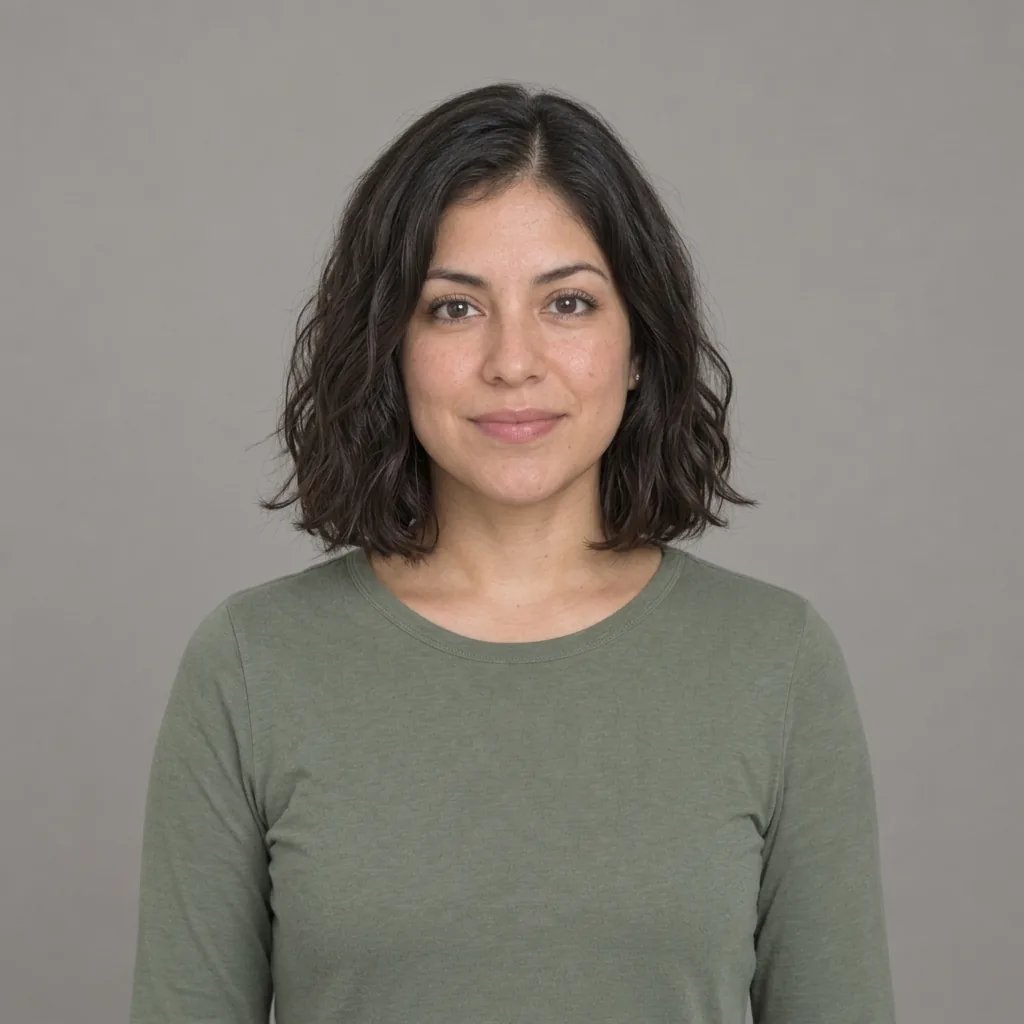
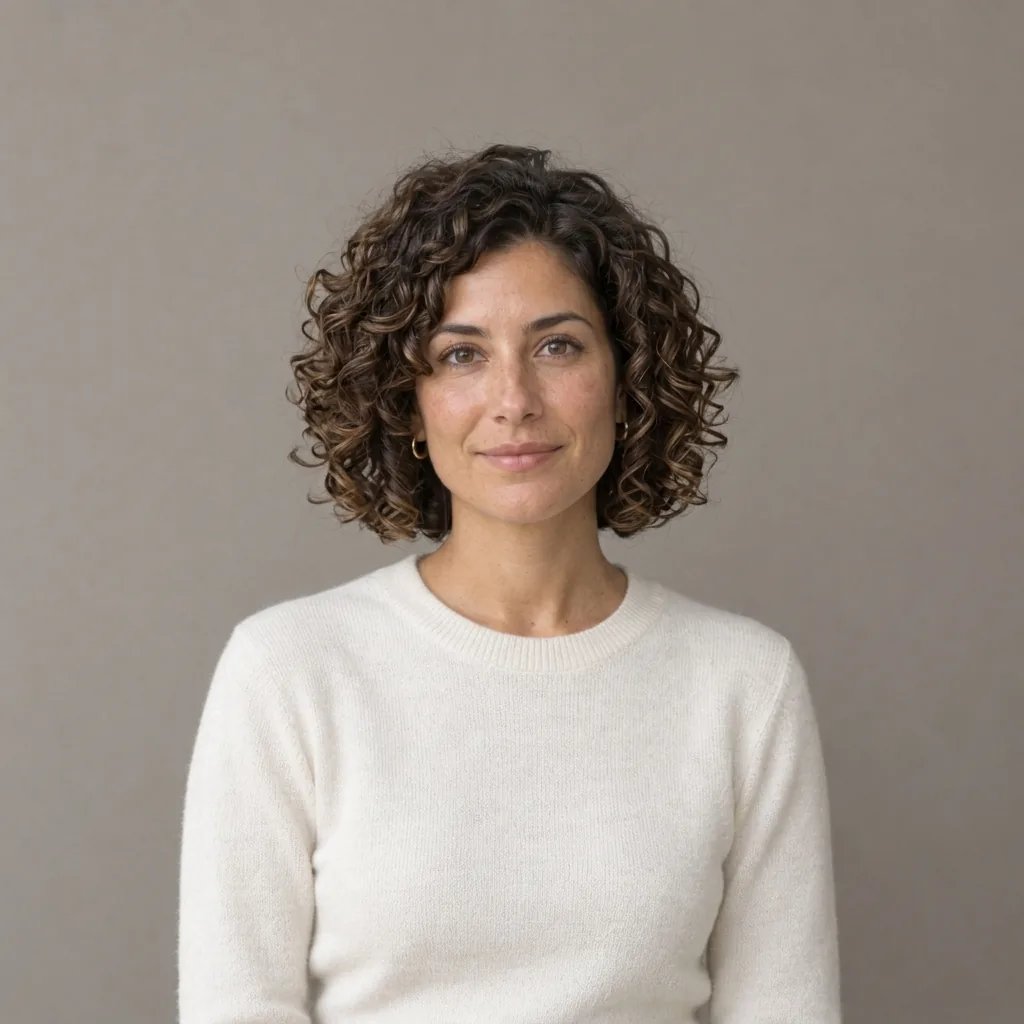
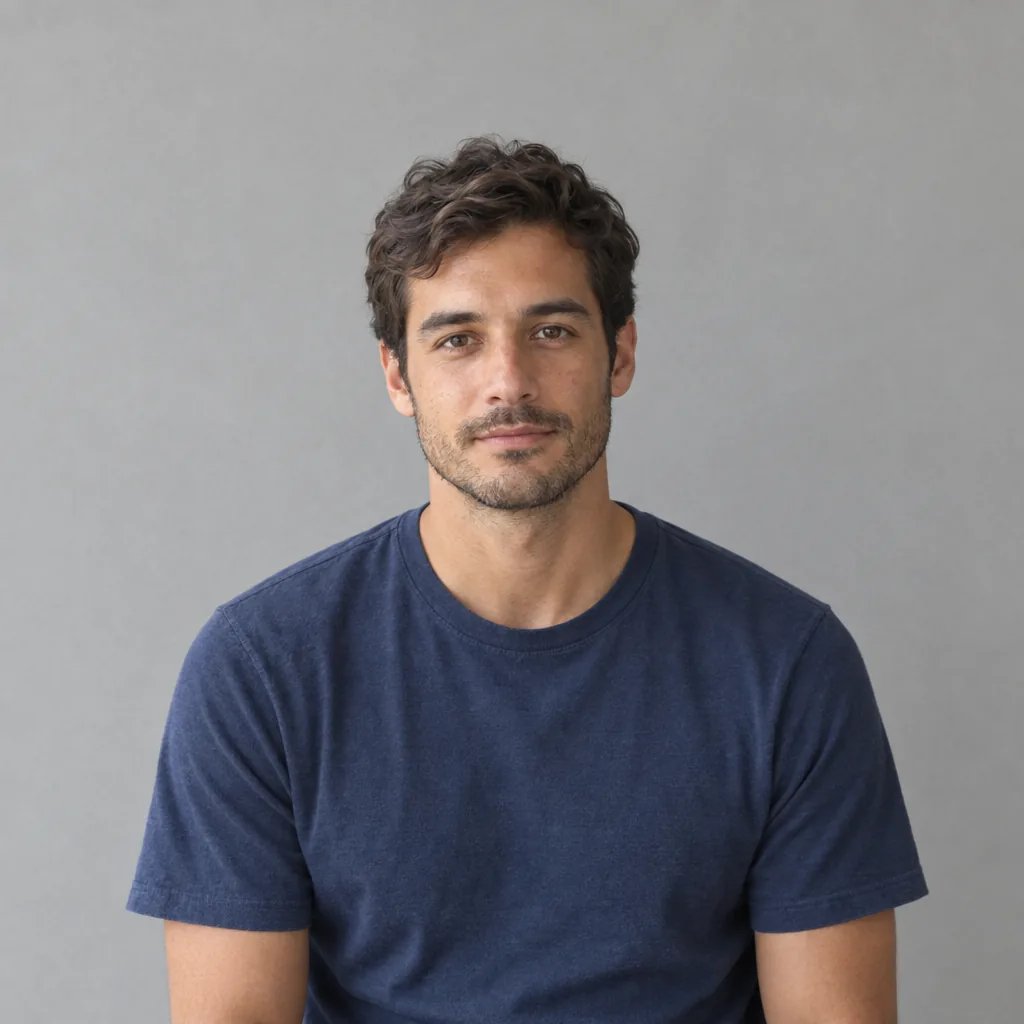
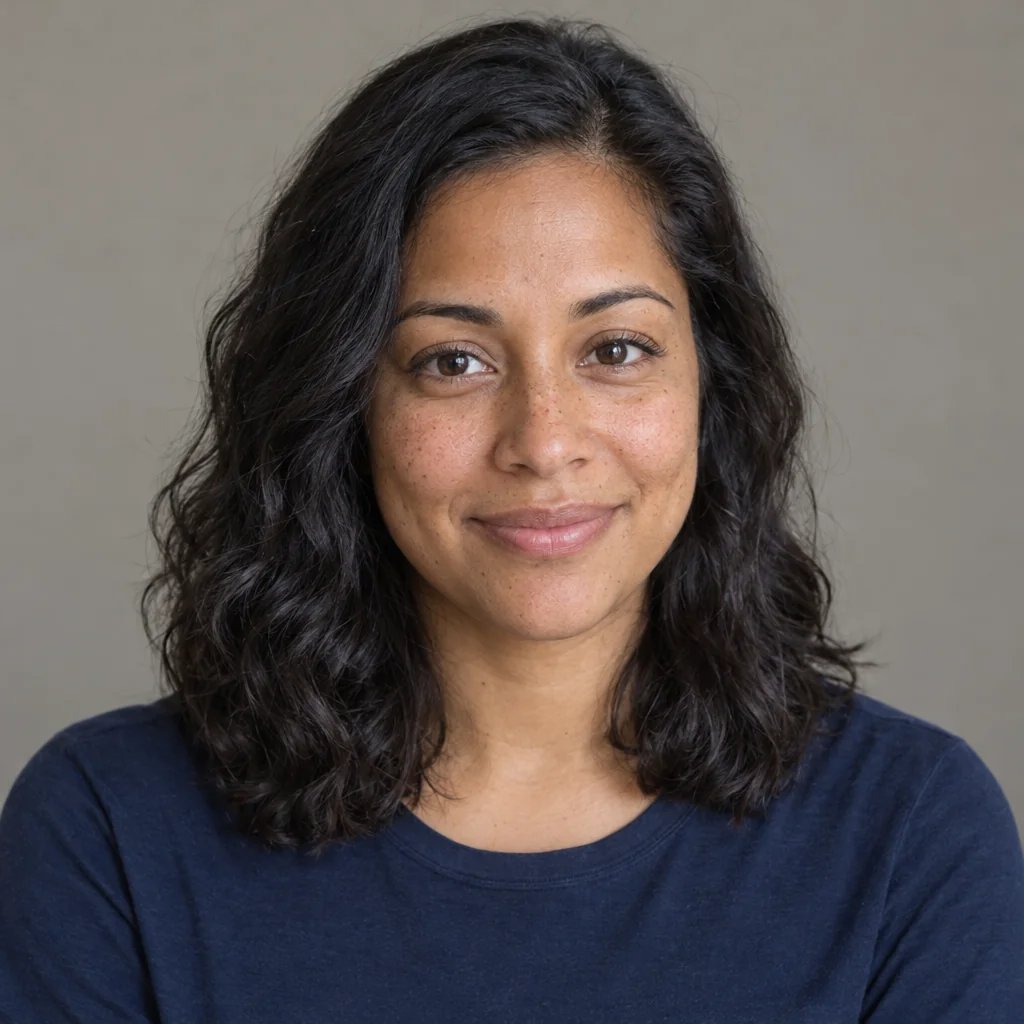
- What does the AI hair color changer do?
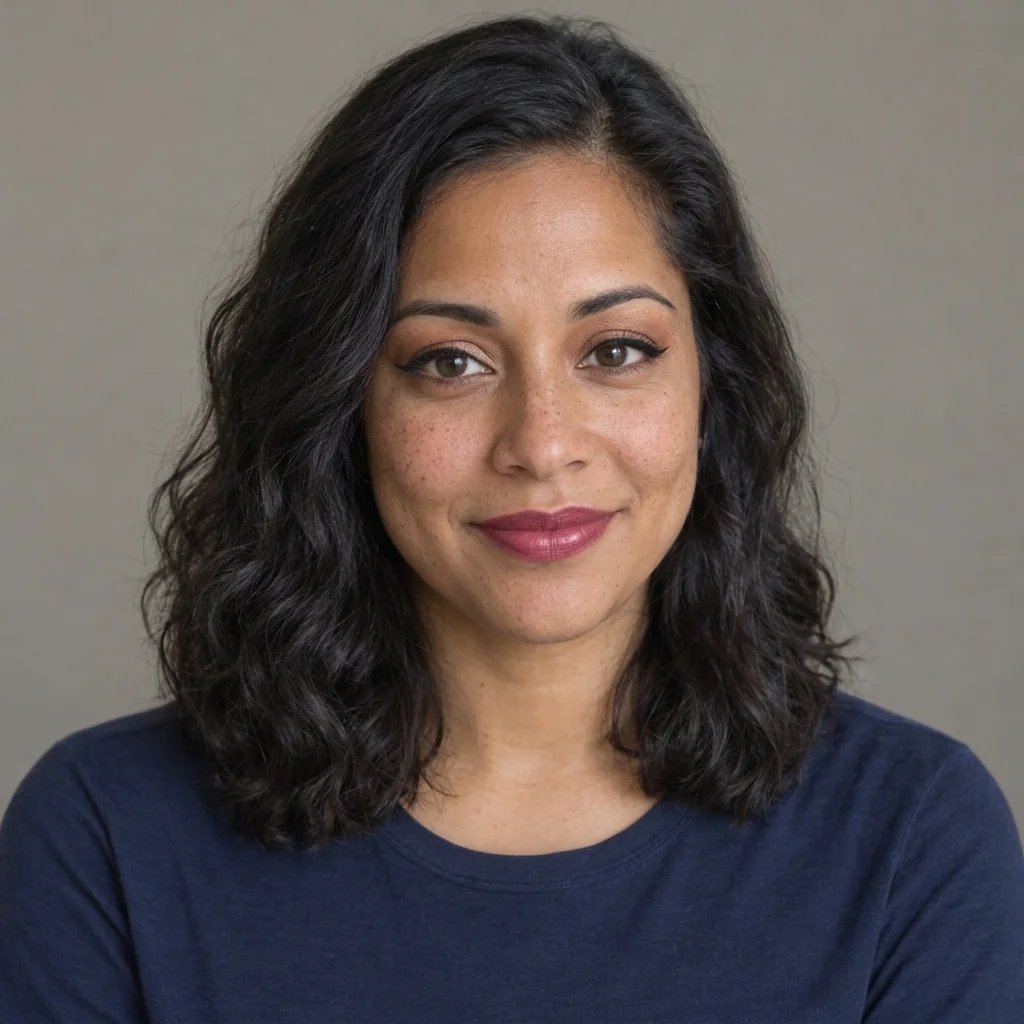
- It generates one new photograph in which the hair is the color you named. The shade is carried through the strands with real tonal variation instead of one flat tone, the roots sit a little deeper than the lengths, the shine along the hair is kept, and the curl pattern, coil definition and edges are left alone. Placement can be named too: balayage, ombre, highlights, a root shadow, a streak. What comes back is a single image filling the frame, so there is no before-and-after split, no side-by-side pair, no comparison grid and no swatch strip. There is one reference slot per run, and a written description works on its own if you only want to browse shades.
- Does it really change only the hair?
- That is what it is instructed to do, and the difference is worth stating. The instruction keeps the cut, length, parting, density, face, skin, makeup, expression, clothing, lighting and background as they are, with no beauty smoothing and no change to face shape or age. But an instruction is not a guarantee: this model regenerates the whole photograph rather than masking the hair and repainting inside the mask, so small things across the frame can move. Other pages in this field print only the hair color changes, your face stays intact as a promise. We will not, because we have measured a run where a face came back subtly different. Open the result at full size and check your own features, your parting and the hair behind the color. A new cut or a different length is a different job: bangs, braided styles and facial hair each have their own page.
- Will it work on curly or coily hair?
- That is the case the instruction is written around. Curl pattern, coil definition, frizz and edges are named explicitly as things to leave alone, because the failure here is specific: a dark shade on dark hair is a low-contrast recolor, and that is where a generation pass smooths texture into one glossy mass. So ask for the texture in the same sentence as the color — deep espresso brown, keeping every coil and my edges — then check the result where the curls meet the light. What this page does not claim is strand-level preservation: rivals promise every flyaway and every strand of the original haircut back, and a regenerated photograph cannot honour that. What you get is the shade you named, on hair that still reads as your own texture.
- Which hair colors can I try?
- Blonde, black, brown, red, grey and pink sit under the prompt box, and each is a family rather than a shade. Say where in the family you mean and it follows: platinum, ash, beige or honey blonde; soft black, jet or blue-black; chestnut, espresso or mushroom brown; ginger, auburn, copper or burgundy; silver, steel or salt-and-pepper; pastel pink, rose gold or magenta. Two things this page will not do. It will not tell you which shade suits you, because there is no undertone reading and no verdict here, and the point of seeing a color on your own face is that the judgement stays yours. And a preview provides a visual approximation, not a guarantee: accuracy depends on hair condition, chemical history and the colorist's technique. One case is harder than the field admits: already-black hair asked for a subtly different black. There is so little contrast between what is there and what you asked for that the result can read as no change at all, so name the sheen rather than the shade — blue-black with a cool sheen. Grey is a color choice here rather than an age: asking for silver will not age your face.

- How many credits does one hair color change cost?
- Each run costs 8 credits and returns one 1K square image. Trying blonde, copper and silver on the same photo is three runs, so 24 credits, and there is no pack, no batch and no set of variants out of a single run. Editing your prompt costs nothing until you generate. New accounts start with credits to spend, and membership credits work the same way as anywhere else on YouArt.