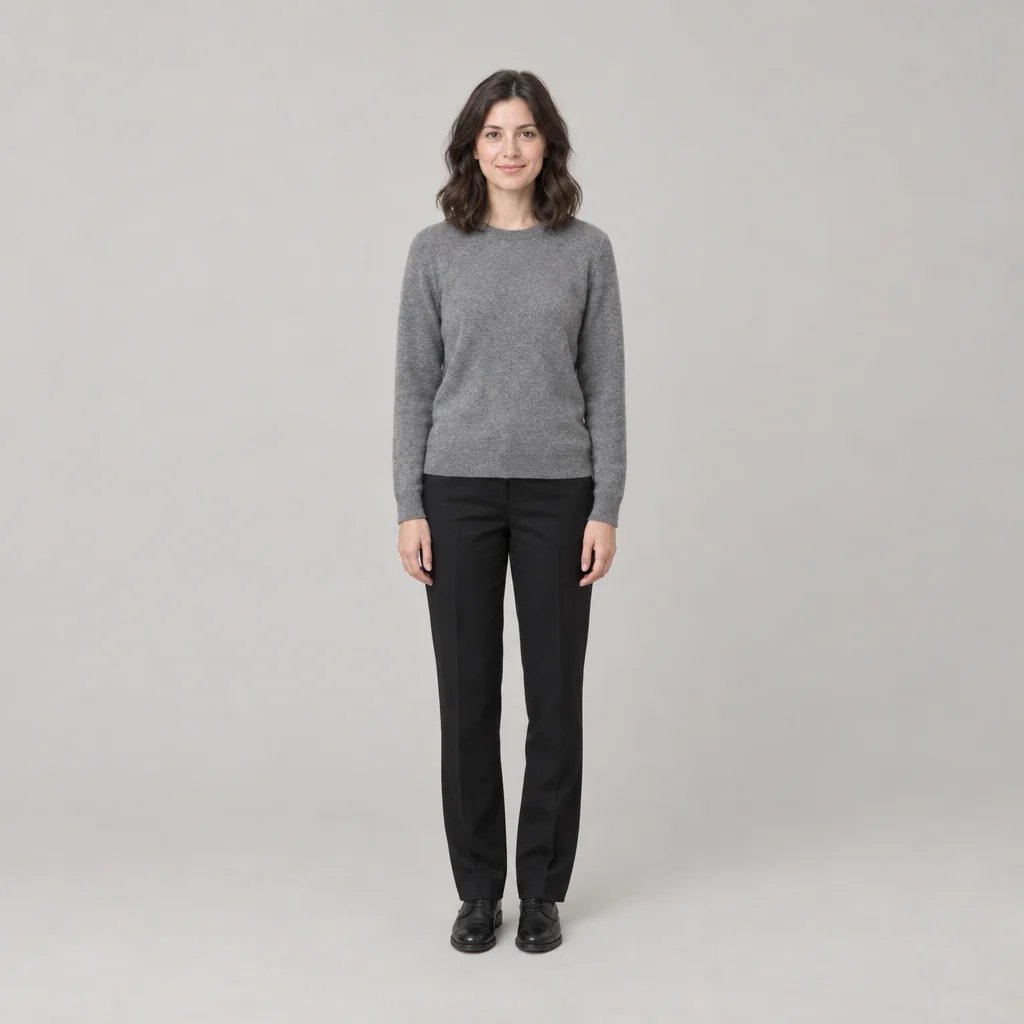
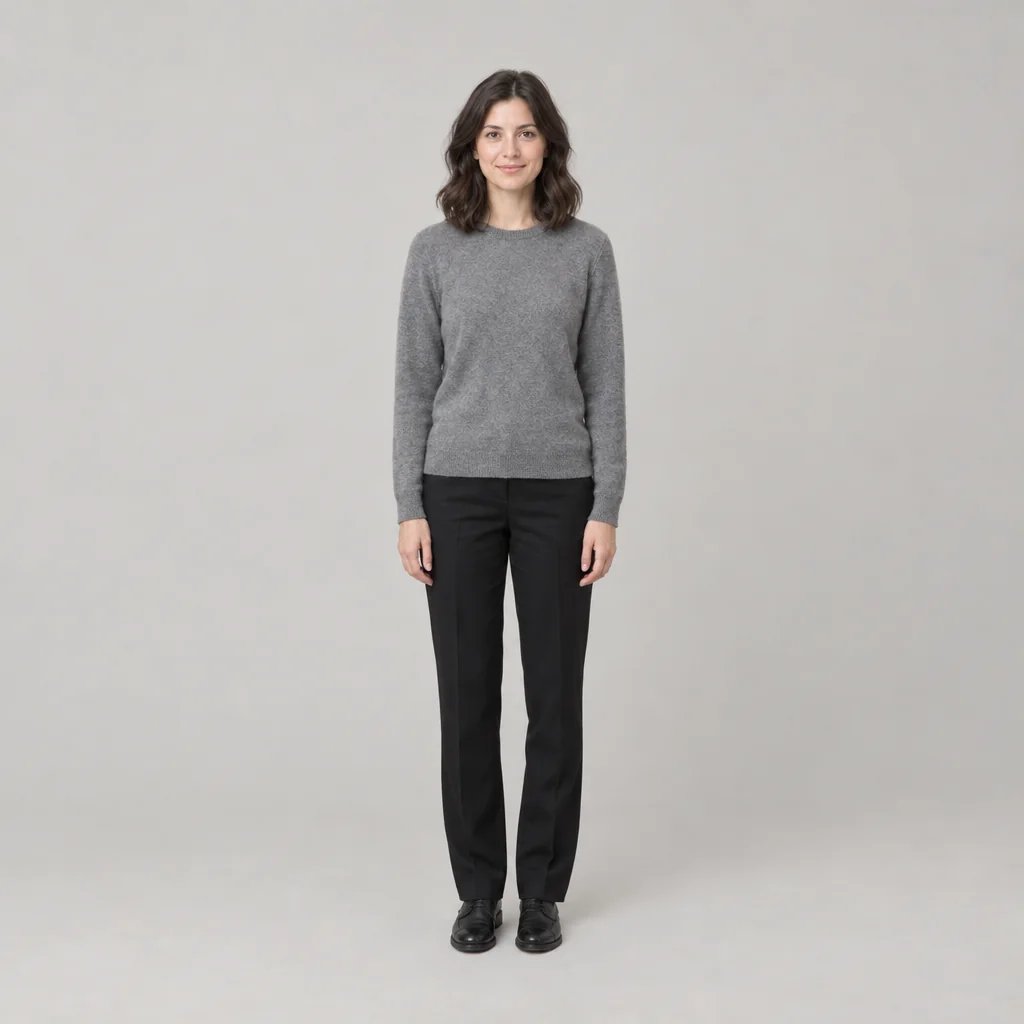
Eye color change

Eye Color Change That Stops at the Iris

Upload a portrait, name a color — grey-blue, forest green, amber, violet — and the iris comes back in it while the eye still reads as a real eye: radial stroma texture showing through the new color, a darker ring at the outer rim, flecks rather than one flat tone, the pupil still fully black at its original size, and your catchlight exactly where it was. Everything outside the iris stays put, the whites of your eyes included. Name two colors for heterochromia, or one eye on its own; name none and it settles on a natural mid grey-blue.

8 credits
Mid grey-blue, the default when no color is named. Attach a photo and the iris is the only thing that moves.

Eye color change examples

Four Eye Color Changes on Four Different Faces

  • Grey-blue — the shade that has to survive a close look
  • Forest green — deep, with the texture still reading through
  • Amber hazel — the one people mistake for their own
  • Heterochromia — two colors, named one eye at a time

How it works

Change Eye Color in Three Steps

  1. Step 1

    Upload a portrait

    A front-facing photo with the eyes open, in focus and reasonably large in the frame is what the new iris gets built from — a distant shot leaves almost no iris to work with. Without a photo the generator invents a person instead, which shows you the color but nothing about your own face.

  2. Step 2

    Name the color

    Plain names work — blue, green, hazel, amber, grey — and so do specific shades, two different colors for heterochromia, or a color applied to one eye only. Each run costs 8 credits and returns one 1K square image.

  3. Step 3

    Look at it at full size

    Zoom in on the pupil edge, the limbal ring and the catchlight, because that is where a painted-on iris gives itself away. Then check that the whites and the lashes are still yours. Comparing two shades on the same portrait is two runs.

What changes and what does not

The Iris Changes. The Rest of the Eye Does Not.

A real iris, not a colored disc

The fibrous radial texture of the stroma stays visible through the new color, a darker limbal ring holds the outer rim, and the color varies and flecks instead of sitting flat. The pupil stays fully black at its original size, and the catchlight stays exactly where it was, the same shape — move the catchlight and the whole face stops looking photographed.

The whites are left alone

No brightening of the whites, no erasing of visible vessels, no smoothing of lids, lashes or under-eye skin. None of that was asked for, and that bundle of quiet extras is what makes an edited portrait read as retouched. Skin texture comes back as it was, with no beauty smoothing.

Both eyes, one eye, or two colors

Name a shade and both irises take it. Name two and you get heterochromia, one color per eye. Name a single eye and only that iris changes. Glowing or luminous eyes appear only if you ask for them, and nothing is drawn over the iris as a contact-lens ring.

Prompt ideas

Name the Shade, Not Just the Color

“Blue” covers everything from pale ice to navy, so say where in that range you mean: light or deep, warm or cool, even or flecked, and what the rim does. Mention no color at all and you get a natural mid grey-blue with visible stroma texture.

Natural, so nobody asks

“Change my eyes to a cool mid grey-blue with fine radial texture and a dark limbal ring, and leave everything else exactly as it is.”

Vivid, on purpose

“Saturated violet irises with the stroma texture still visible and a dark rim at the edge — a real photographed eye, not a glowing one.”

Two colors, or only one eye

“Pale ice blue in one eye and warm amber-brown in the other, both with visible texture and a dark rim.” Or narrow it to one eye: “change only my left eye to green.”

Ways to use it

Before You Order the Contacts

Previewing colored contacts

See the shade on your own face before paying for a pair you cannot return. Two things it will not tell you: an opaque colored lens sits on top of the iris and hides the texture underneath, so a pale color over dark brown eyes reads flatter in life than it does here — and nothing at all about fit, comfort or prescription.

A profile picture, not a new face

The result is a 1K square photograph, usable as an avatar straight away. Because the iris is the only change, it still reads as you to people who know you, which is more than most filtered profile pictures manage.

Giving a character their eyes

Original characters, cosplay references and casting boards tend to specify an eye color before anything else. Name it — including heterochromia, or a single odd eye — and the shot stays photographic rather than turning illustrated.

A color decision on a portrait

Useful for settling whether a warmer or cooler iris suits a portrait before you brief a retoucher on it. It is not the retouch: this generates a new photograph rather than editing your file, so the deliverable still comes out of your own editor.

Create more with one YouArt membership

This generator uses 8 credits for one 1K image. Membership credits work across YouArt image, video, audio, and workflow tools.

Basic

For hobbyists and explorers
$11$9.99/mo
  • 1000 credits
  • Up to ~200 images/month
  • Up to ~332s video/month
  • Intelligent creative agent
  • Video editor
  • Latest image models, including GPT Image 2.5, GPT Image 2 and Nano Banana Pro
  • Latest video models, including Seedance 2
  • Realistic face uploads
  • Voice generation with ElevenLabs
  • Video uploads up to 50 MB
  • No watermark
  • Unlimited template access
Popular

Pro

Save 16%
For creators and pro users
$36$29.99/mo
  • 3300 credits
  • Up to ~1000 images/month
  • Up to ~1100s video/month
  • Intelligent creative agent
  • Video editor
  • Latest image models, including GPT Image 2.5, GPT Image 2 and Nano Banana Pro
  • Latest video models, including Seedance 2
  • Realistic face uploads
  • Voice generation with ElevenLabs
  • Video uploads up to 200 MB
  • No watermark
  • Unlimited template access

Max

Save 24%Best Value
For power users and teams
$198$149.99/mo
  • 18000 credits
  • Up to ~6000 images/month
  • Up to ~6000s video/month
  • Intelligent creative agent
  • Video editor
  • Latest image models, including GPT Image 2.5, GPT Image 2 and Nano Banana Pro
  • Latest video models, including Seedance 2
  • Realistic face uploads
  • Voice generation with ElevenLabs
  • Video uploads up to 200 MB
  • No watermark
  • Unlimited template access

Team

Save 24%
For teams and studios
$435$329.99/mo
  • 36300 credits
  • Up to ~12000 images/month
  • Up to ~12100s video/month
  • Realistic face uploads
  • Share canvas, workflows, and assets with your team
  • Up to 10 members per team
  • Up to 5 teams
  • Role-based management
  • Team credit management and spending caps
  • Per-member usage tracking
  • Video uploads up to 200 MB

FAQ

Eye Color Change FAQ

It generates one new photograph in which the iris is the color you named and the eye still reads as a real eye: stroma texture through the color, a darker rim, a fully black pupil at its original size, and your original catchlight where it was. What comes back is a single image filling the frame, with the background continuing past all four sides — no before-and-after split, no side-by-side pair, no color-swatch chips and no drawn frame.

Build beyond one image

Turn your result into a complete creative workflow

Open YouArt's visual canvas to connect generation, editing, upscaling, animation, and sound in one reusable process.