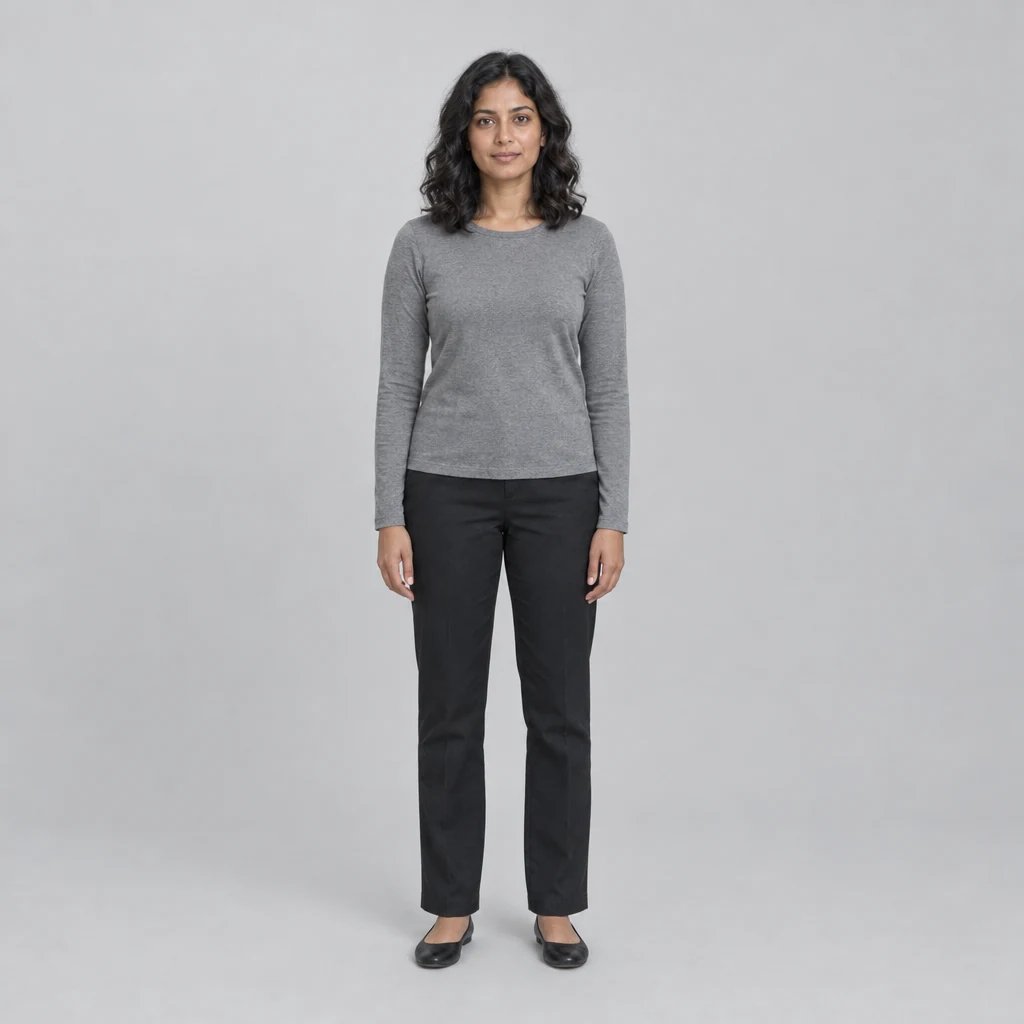
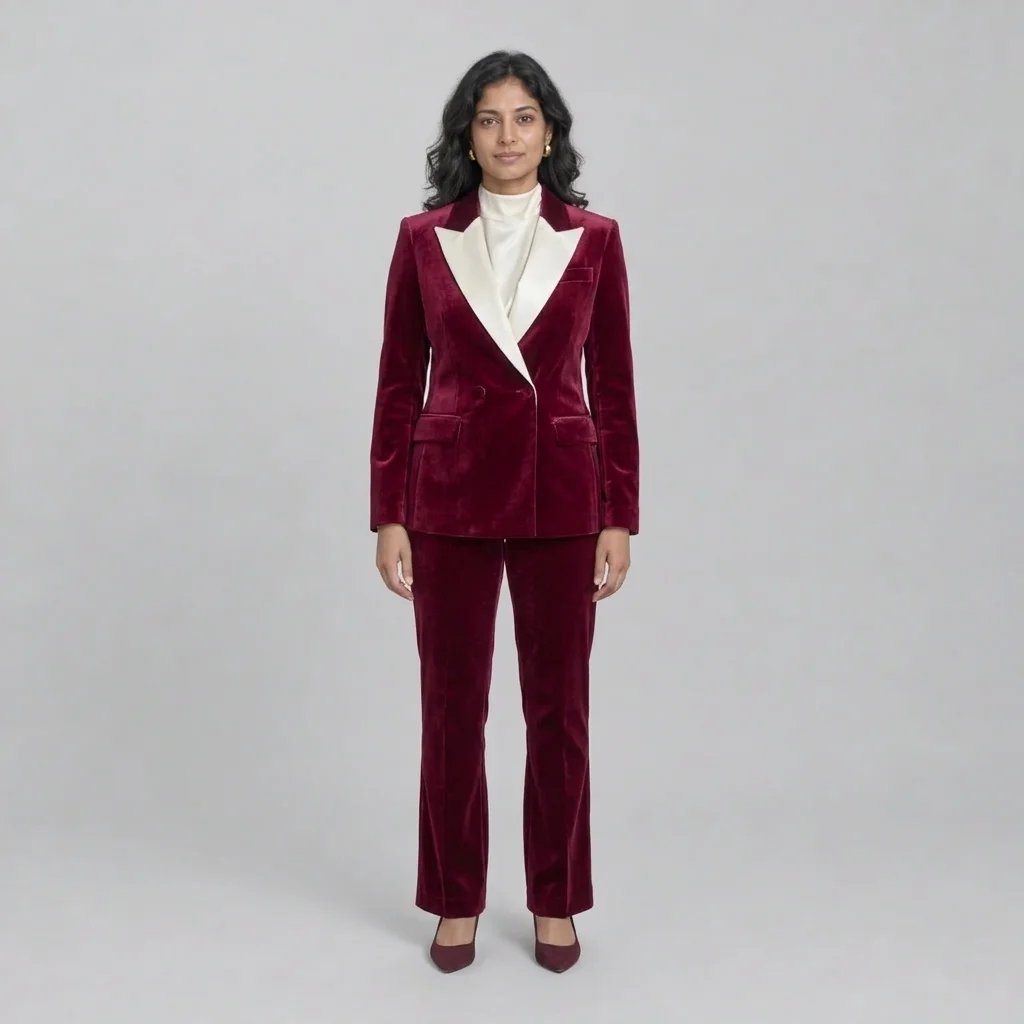
AI age progression

AI Age Progression: Age a Face Thirty Years, or Take Thirty Off

Attach a portrait and name an age — a decade, an exact number, or nothing at all, which gets you roughly thirty years older. The face is aged structurally: volume leaves the midface and temples, the jawline softens and lengthens, the upper lids hood, the hairline recedes and greys unevenly from the temples, and skin texture arrives last. The bone structure stays put, so it still reads as the same person, and the whole thing runs backwards for a younger age. What comes back is one photograph filling the frame — no before-and-after split, no grid, no age caption. Read the FAQ before you call it your future self: it is one plausible depiction, not a prediction.

8 credits
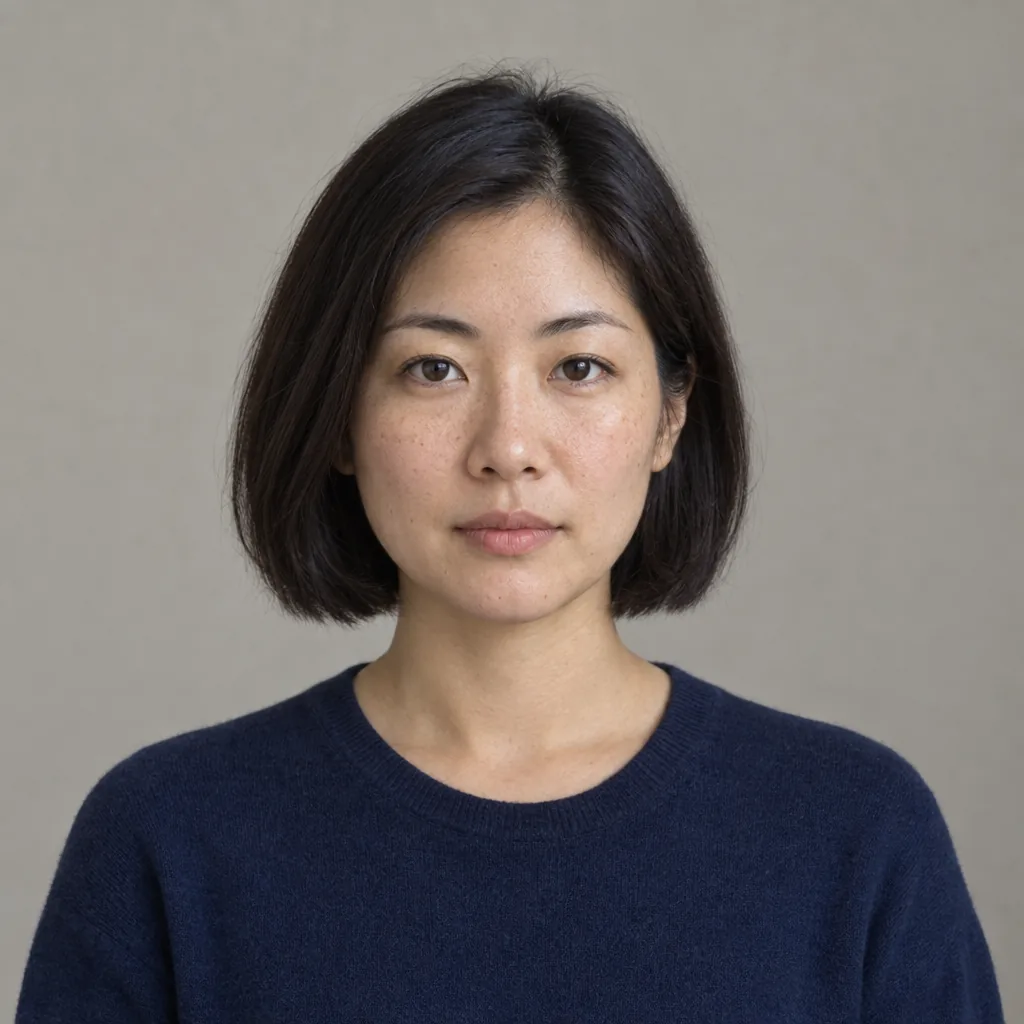
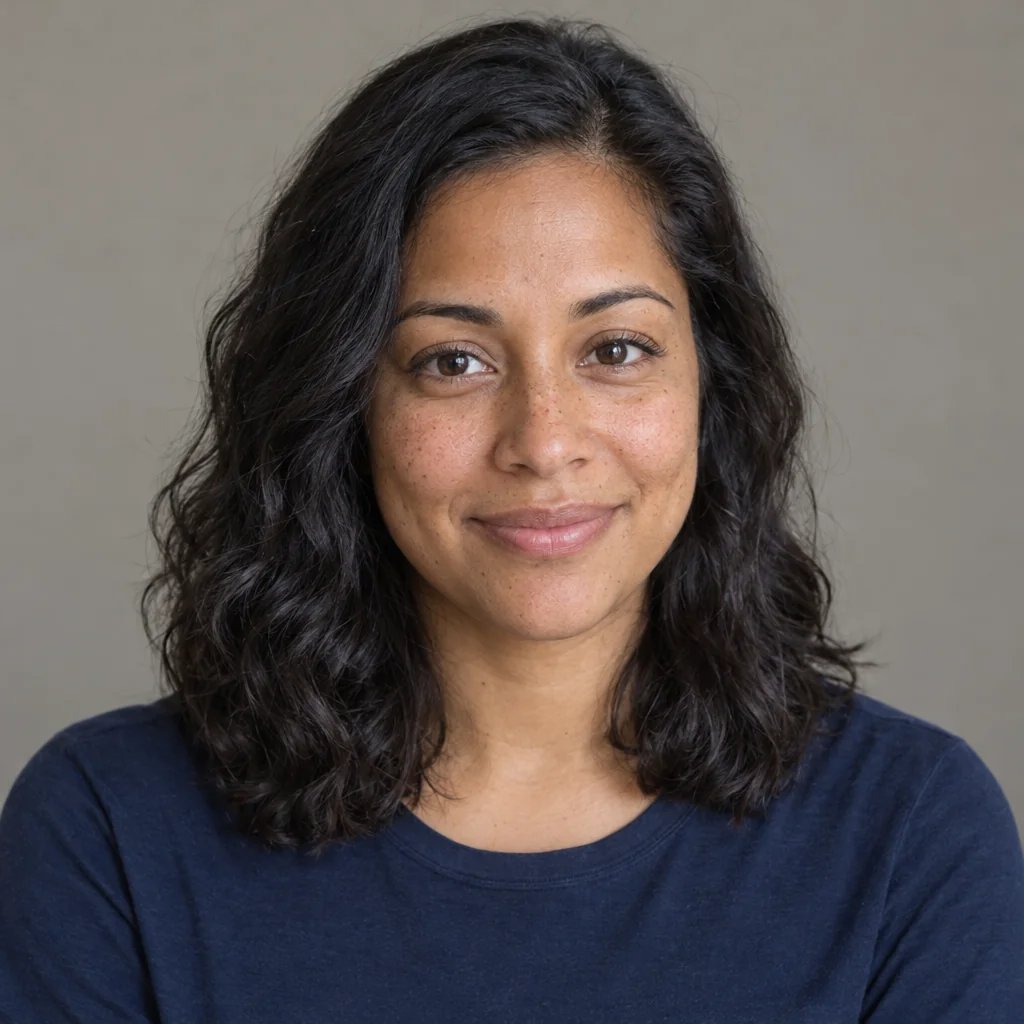
Thirty years older — the default when no age is named. One photograph, not a before-and-after pair.

AI age progression examples

Age Progression Thirty Years On, Into the Late Eighties, and Back

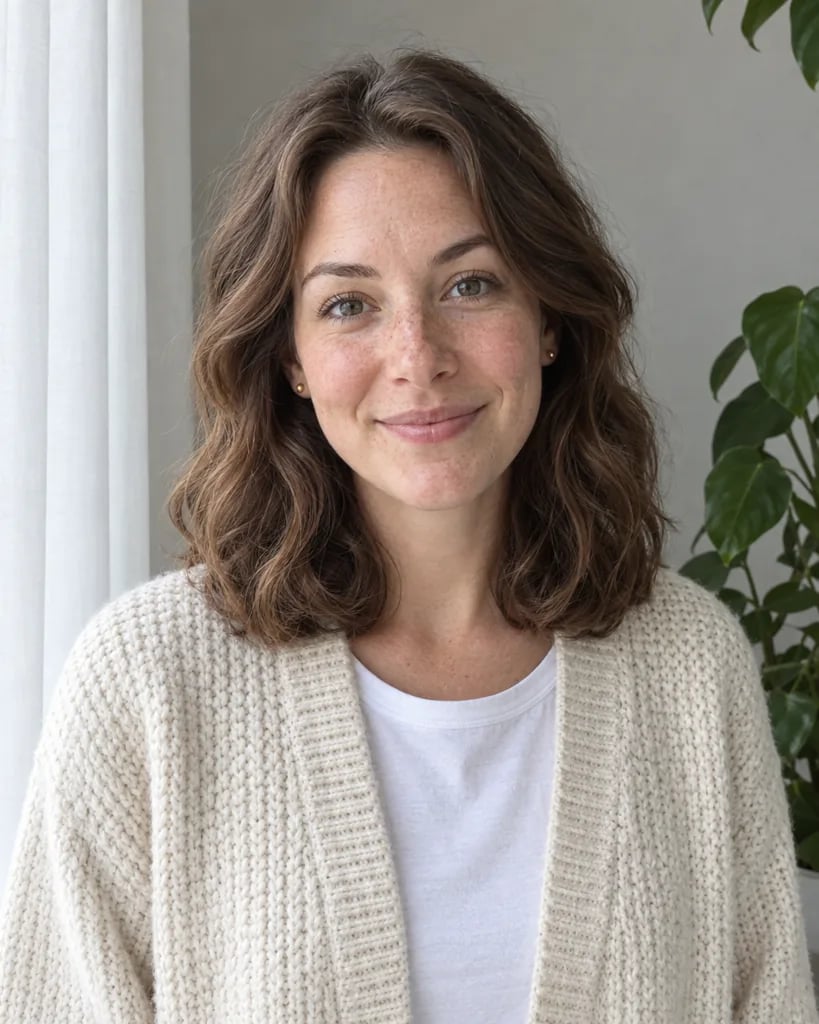
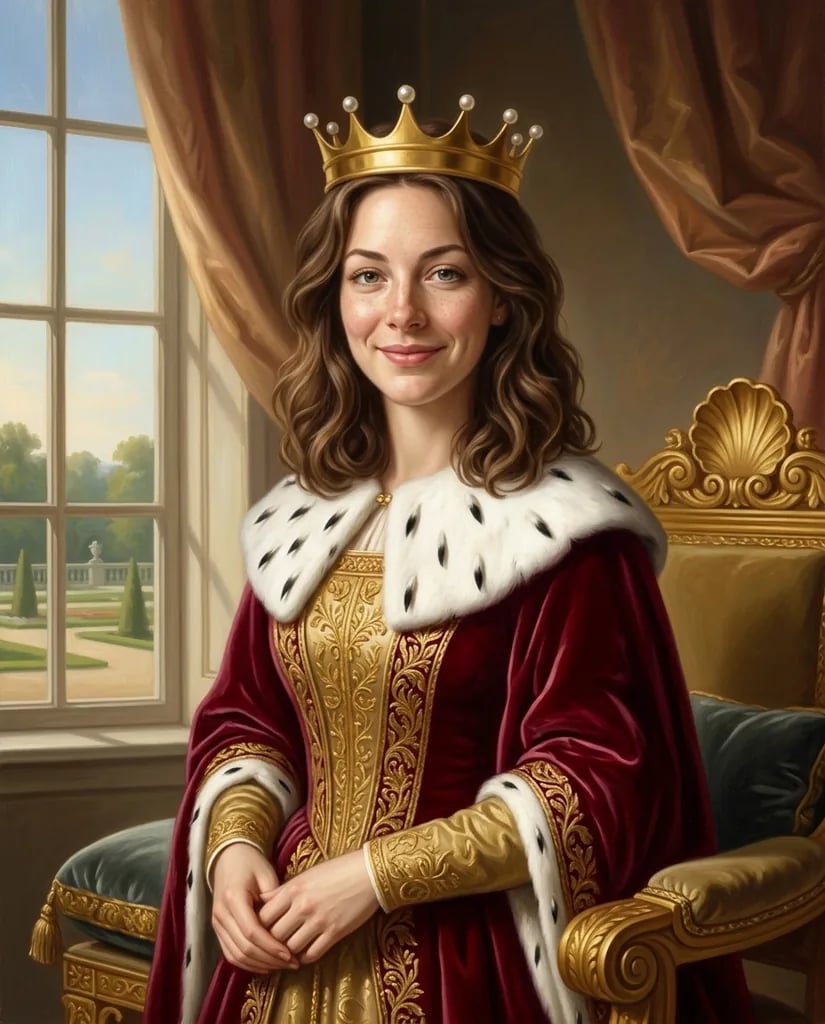
  • Thirty years on — what you get when you name no age at all
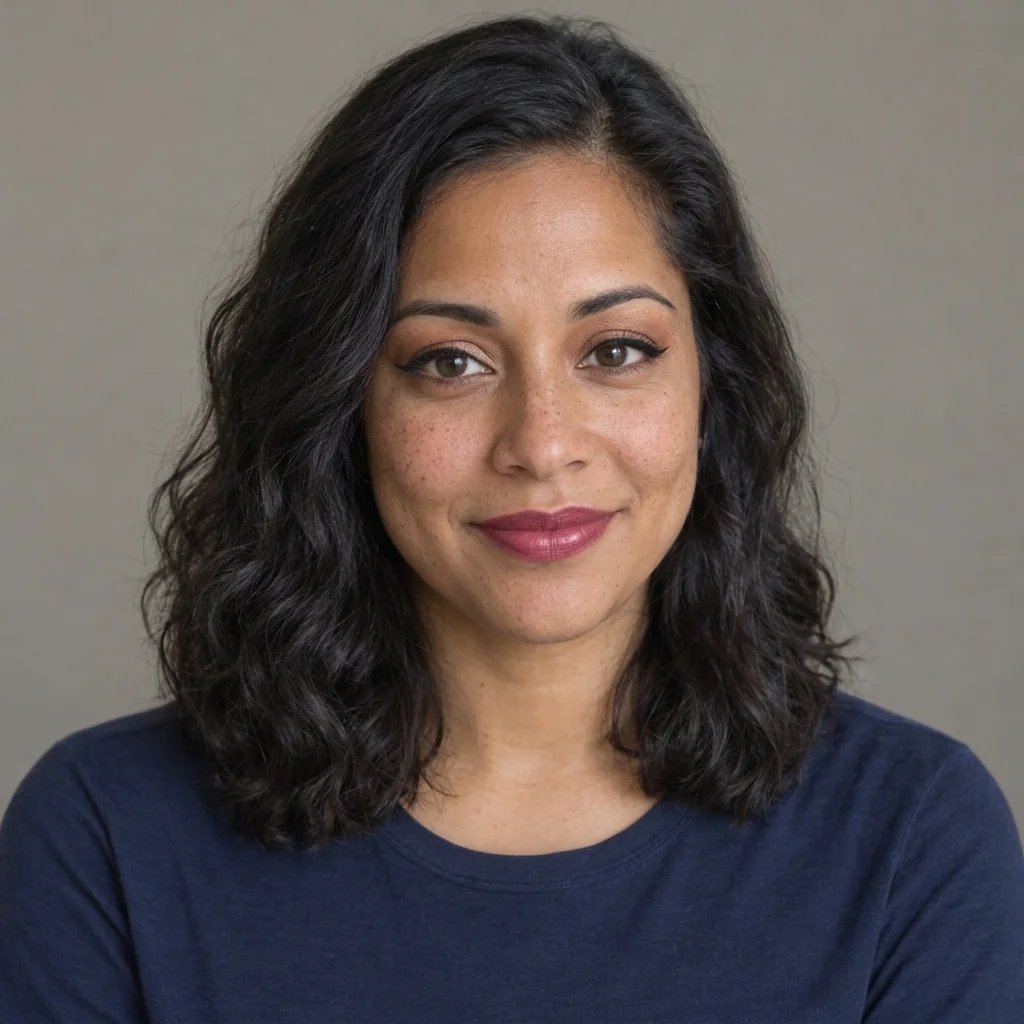
  • Volume out of the midface first; the skin texture comes last
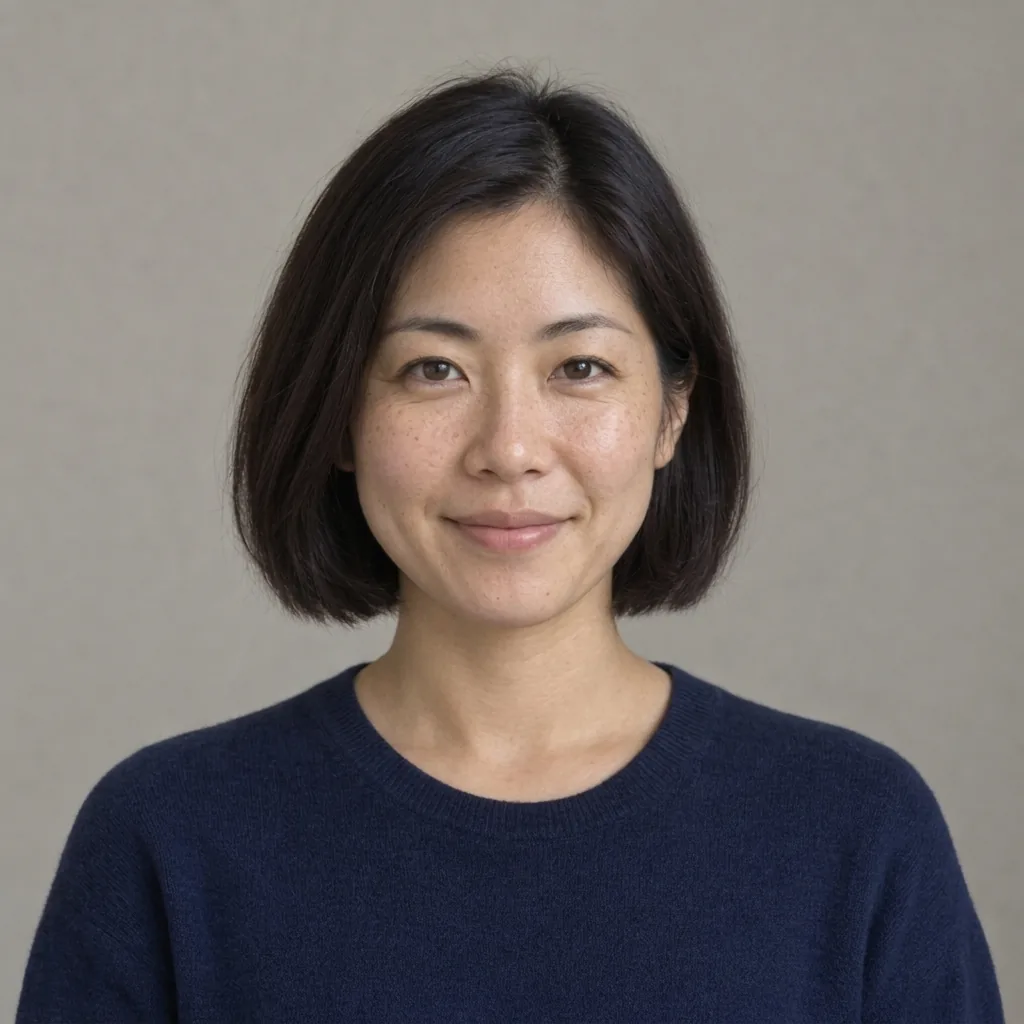
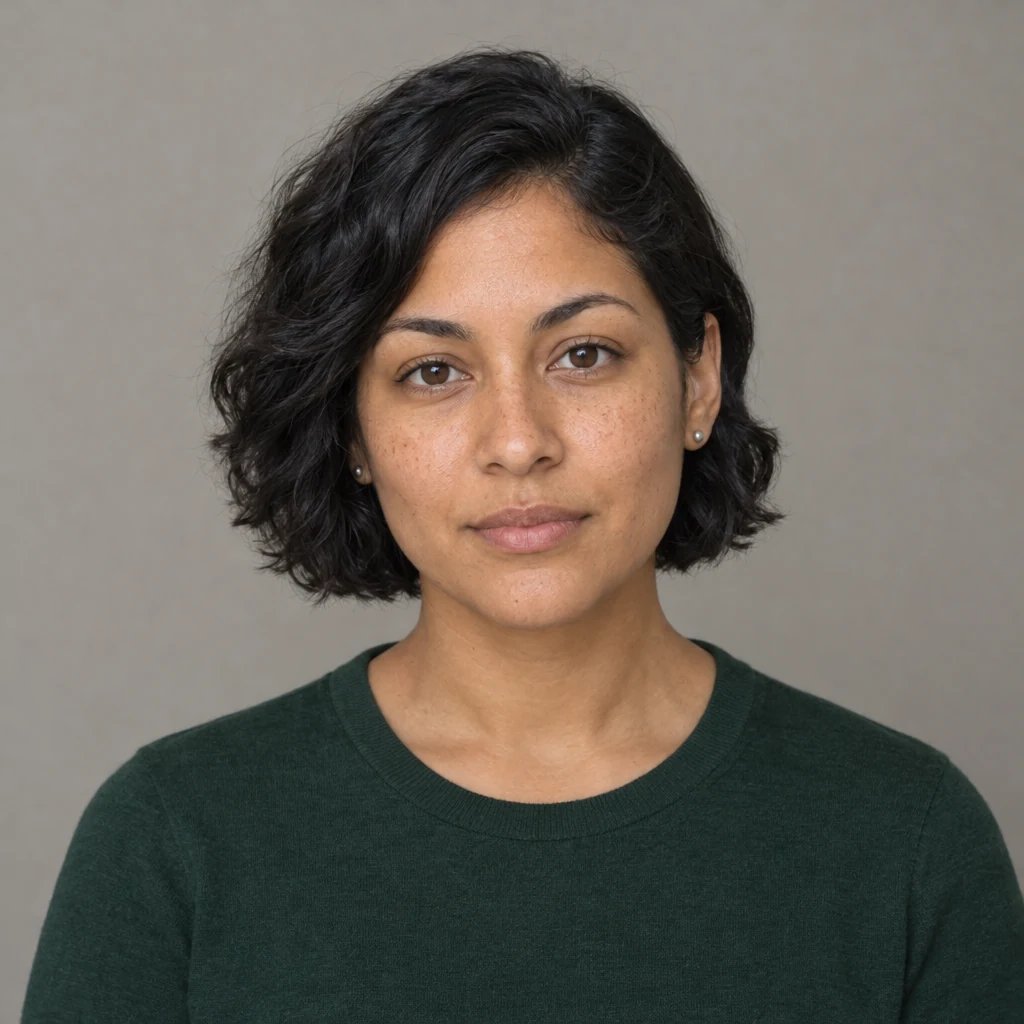
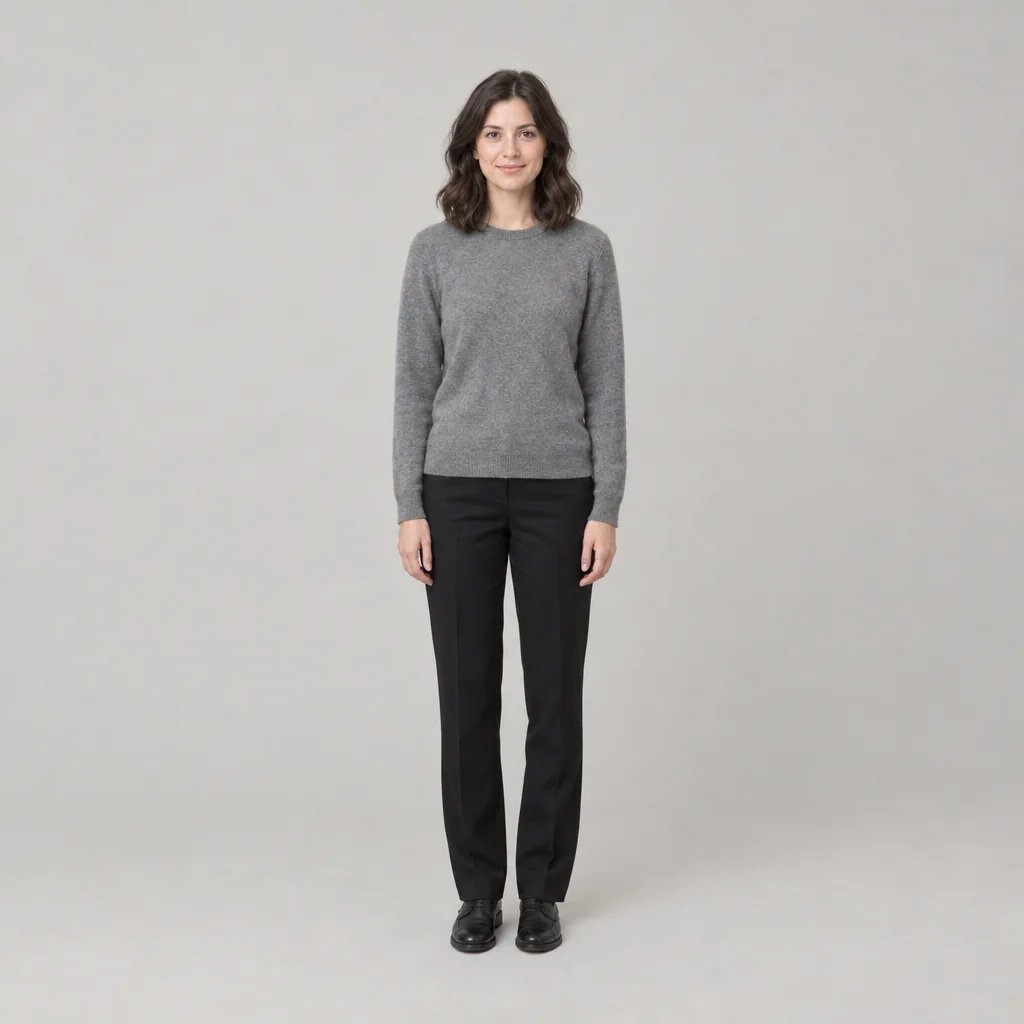
  • The same machinery in reverse — the subject at about twenty-five
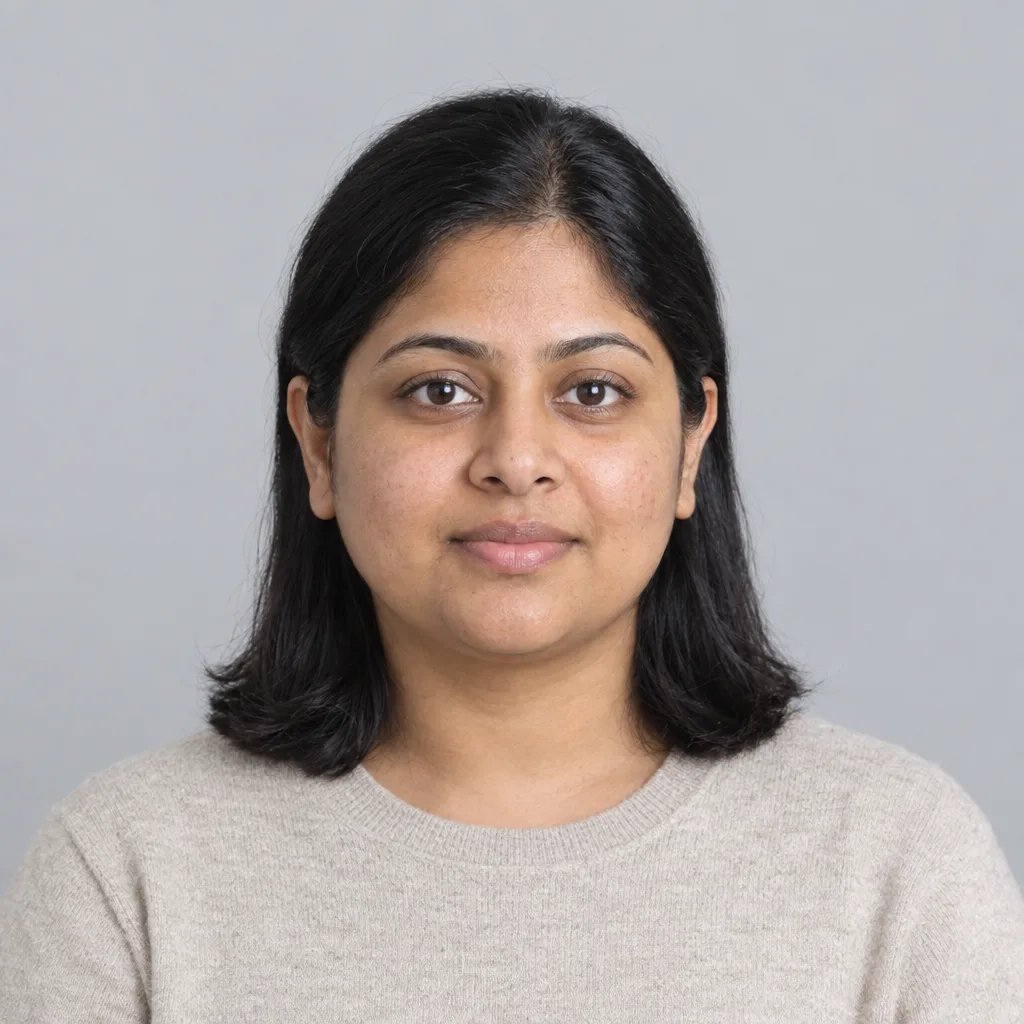
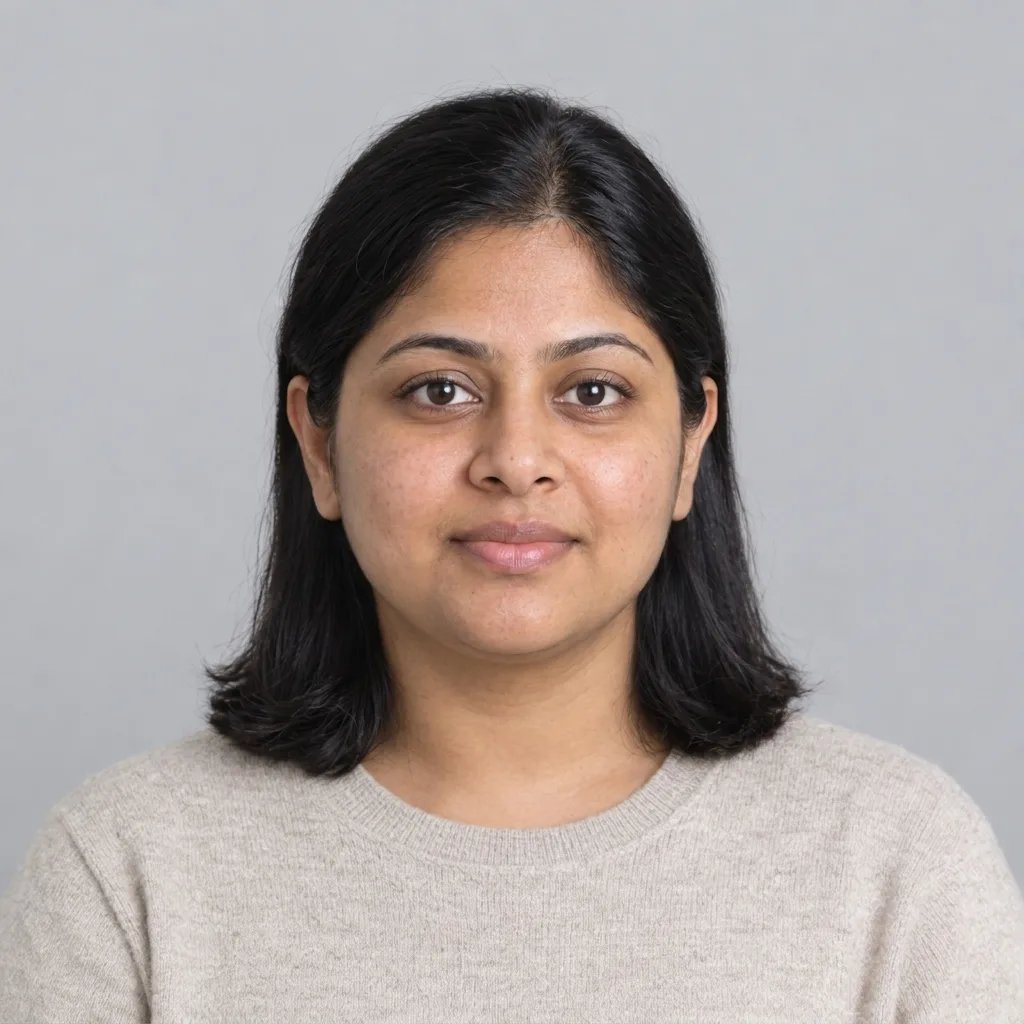
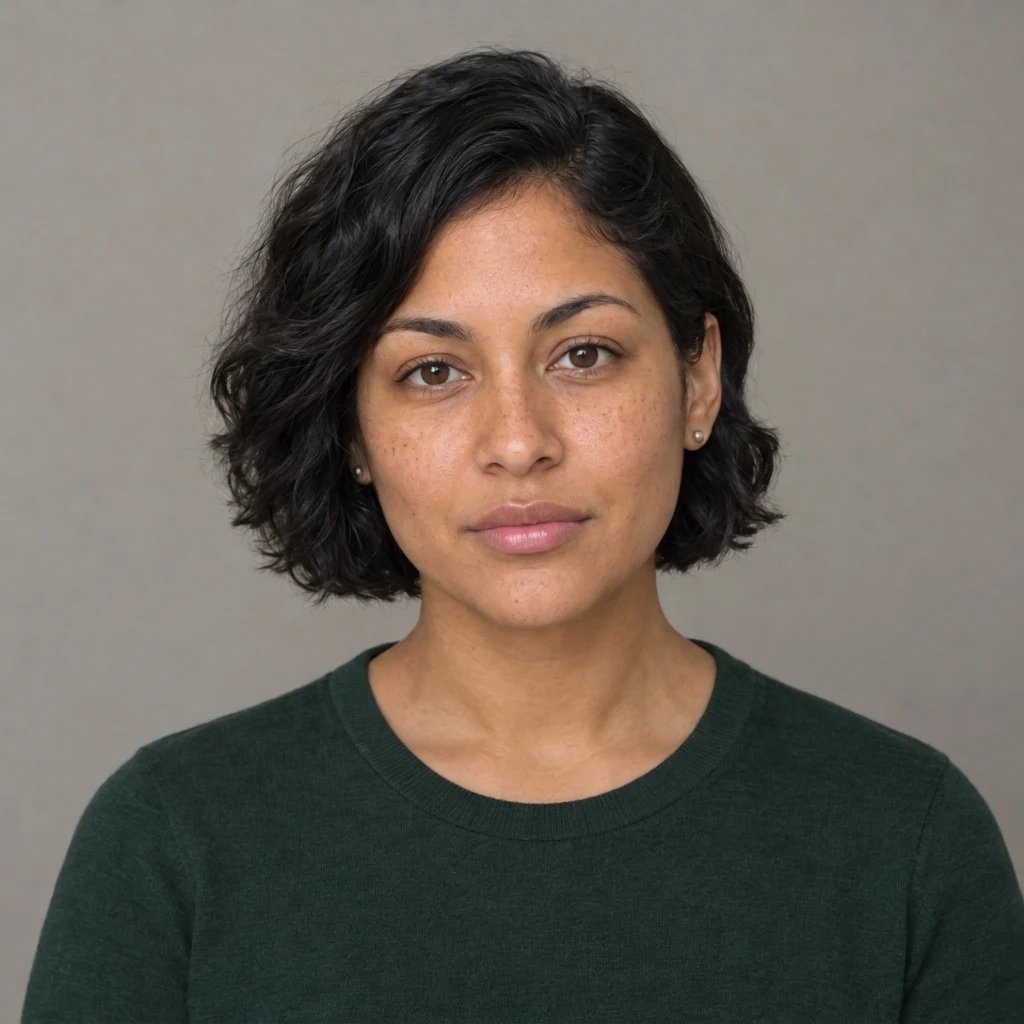
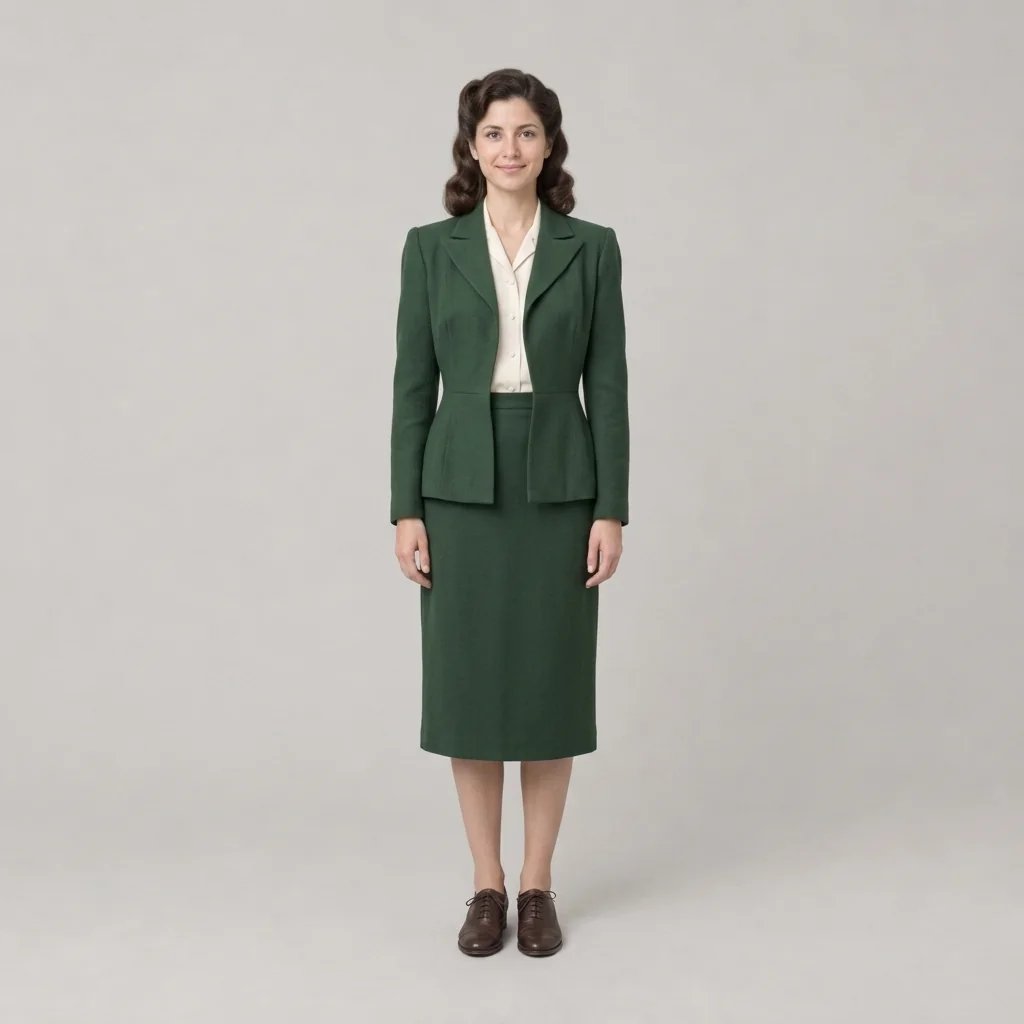
  • Late eighties, without tipping into caricature or illness

How it works

Age a Photo in Three Steps

  1. Step 1

    Attach the portrait

    A clear, evenly lit, front-facing photo works best, because the bone structure has to be readable before anything can be moved. The person in it is aged while their expression, clothing, lighting and background stay as they are. Without a photo the generator invents someone from your description instead — useful for character work, and it tells you nothing about you.

  2. Step 2

    Name the target age

    A decade, an exact age, or a number of years in either direction. Name nothing and you get roughly thirty years older. YouArt returns one 1K square photograph for 8 credits.

  3. Step 3

    Put it beside the original yourself

    The result is one single photograph, so there is no built-in before-and-after: the comparison you want is your own source photo next to it. Two ages are two runs at 8 credits each, generated independently, so they will differ in small details.

What it changes

Structure First, Skin Texture Last

Aged by structure, not by drawn-on lines

Volume moves out of the midface and temples, the jawline softens and lengthens, the upper lids hood, the tear troughs deepen, and the hairline thins and recedes with grey carried through it unevenly from the temples. Only then does skin texture arrive: crepe at the neck, pigmentation, and creases that follow the muscles that actually make them. Wrinkles laid over an otherwise unchanged young face are why most ageing filters read as marks on glass rather than as an older person.

The same skull at every age

Eye spacing, the bridge and tip of the nose, ear shape, the philtrum and the underlying skull proportions are held constant from one age to the next. That is the difference between an older version of a particular person and a generic old face wearing their haircut: bone barely changes with age, and it is most of what makes someone recognisable.

It runs in reverse too

Ask for a younger age and the same structure moves the other way — midface volume restored, jaw firmed, lids lifted, and the original hair colour and density returned. Age regression is the same pass rather than a separate tool, so "me at twenty-five" is as valid a request as "me at seventy".

Prompt ideas

Name the Age, Not the Wrinkles

Spend the words on the age and on what should stay the same. Listing individual wrinkles works against the structural pass and tends to come back as a mask. Age captions, decade labels, timelines and side-by-side pairs are all ruled out — one photograph is what you get either way.

Thirty years, the default

The same man thirty years older, hair receded and mostly grey from the temples back, expression and jacket unchanged, background left as it is.

Or an exact age

Her at 62 — volume gone from the midface, jawline softened, upper lids hooded, grey grown out unevenly, natural pores and no smoothing.

The other direction

The same person at about twenty-five: midface full again, jaw firm, lids lifted, hair back to its original dark brown at full density.

Ways to use it

Why People Run an Age Progression

Plain curiosity

The reason almost everyone is here, and a good enough one. Hold it loosely: it is a picture of one way a face like yours could age, and the moment you start planning around it you have promoted a guess to a forecast.

One character at two ages

Comics, film, games and novels need the same person in a prologue and a final act. Because the landmarks are held, the older version reads as that character rather than a new cast member — and you can generate both from a written description with no photo at all.

A portrait for the family

Carry a young photograph of a parent or grandparent forward, or take decades off a picture of them now. What you end up with is a keepsake rather than a record: the same face, imagined at another age.

Reference for anatomy and prosthetics

Painters, makeup artists and prosthetics teams need to see where volume goes, how a jawline slackens and how a hairline retreats on one specific head rather than in general. The unretouched finish — pores, catchlights, no beauty smoothing — is what makes the output usable as reference.

Create more with one YouArt membership

This generator uses 8 credits for one 1K image. Membership credits work across YouArt image, video, audio, and workflow tools.

Basic

For hobbyists and explorers

$9.99/mo
Select Plan
  • 1000 credits
  • Up to ~200 images/month
  • At least ~1000s video/month
  • Intelligent creative agent
  • Video editor
  • Latest image models, including GPT Image 2 and Nano Banana Pro
  • Latest video models, including Seedance 2
  • Realistic face uploads
  • Voice generation with ElevenLabs
  • No watermark
  • Unlimited template access

Pro

Most Popular

For creators and pro users

$29.99/mo
Select Plan
  • 3300 credits
  • Up to ~1000 images/month
  • At least ~3300s video/month
  • Intelligent creative agent
  • Video editor
  • Latest image models, including GPT Image 2 and Nano Banana Pro
  • Latest video models, including Seedance 2
  • Realistic face uploads
  • Voice generation with ElevenLabs
  • No watermark
  • Unlimited template access

Max

For power users and teams

$149.99/mo
Select Plan
  • 18000 credits
  • Up to ~6000 images/month
  • At least ~18000s video/month
  • Intelligent creative agent
  • Video editor
  • Latest image models, including GPT Image 2 and Nano Banana Pro
  • Latest video models, including Seedance 2
  • Realistic face uploads
  • Voice generation with ElevenLabs
  • No watermark
  • Unlimited template access

Team

For teams and studios

$329.99/mo
Select Plan
  • 36300 credits
  • Up to ~12000 images/month
  • At least ~36300s video/month
  • Realistic face uploads
  • Share canvas, workflows, and assets with your team
  • Up to 10 members per team
  • Up to 5 teams
  • Role-based management
  • Team credit management and spending caps
  • Per-member usage tracking

FAQ

AI Age Progression FAQ

What is AI age progression?
Here it is one new photograph of the same person at a different age, generated from a portrait you attach or a description you write. The face is rebuilt structurally — midface and temple volume, jawline, upper lids, tear troughs and hairline first, skin texture last — while eye spacing, nose, ears and skull proportions stay put so it remains the same person. Name a decade or an exact age; name nothing and you get roughly thirty years older. The output is a single photograph filling the frame, with no before-and-after split, side-by-side pair, grid, timeline or age label anywhere in it.
Is this a prediction of what I will look like?
No. It is one plausible depiction of a face at another age, and nothing more than that. Most pages in this field sell "see your future self"; this one will not, because ageing is decided by things no photograph contains — your genetics, how much sun you have had, your weight, your sleep, smoking and drinking, illness, medication, injury, whether you work outdoors. The generator knows none of it. It reads the bone structure in front of it and renders one believable way that structure could look older or younger. Run the same photo twice and you will get two different plausible faces, and neither one is your future. Treat it as a picture. Do not use it to plan anything, to prove anything, or to decide anything about your health or your identity.
Can I use this for a missing-person case?
No. Do not use this for a missing person, and the generator is instructed not to depict one. Forensic age progression is a trained discipline: a practitioner works from family photographs across generations, siblings' faces at the target age, medical and dental records and the case history, then documents the reasoning so investigators can weigh it. This page has one photo and one generation pass, and none of that context. An image from here, circulated as an age-progressed picture of a missing person, misleads the people who are looking and can steer a search away from the person it is meant to find. Take it to the agency handling the case, or to a forensic artist working with them.
Can I use my own photo?
Yes, and it is the only way the page says anything about you. Attach a clear, evenly lit, front-facing portrait and that person is aged while their expression, clothing, lighting and background stay as they were, unless you ask for something else. It is a new image built from your photo rather than an edit of the file you uploaded, so look at the result before you rely on it. There is one reference slot per run, so it ages one person at a time, and it is instructed not to depict a real public figure or a missing person.
How many credits does one age progression cost?
Each run costs 8 credits and returns one 1K square image. Naming two ages is two runs, at 8 credits each. New accounts get credits to start with, so you can try it before paying for anything.

Keep exploring

More AI art styles to try

The closest looks to this one. Each is a full generator with its own prompt studio and examples.

Browse all 51 AI generators

Build beyond one image

Turn your result into a complete creative workflow

Open YouArt's visual canvas to connect generation, editing, upscaling, animation, and sound in one reusable process.