AI bald filter

Bald Filter: See Yourself with a Shaved Head

Considering a clean shave? Upload a clear portrait to preview a fully bald scalp with natural skin texture and lighting. The filter focuses on the hair on your head, with instructions to keep your face, eyebrows, beard and expression. Compare the look before reaching for the razor.

8 credits
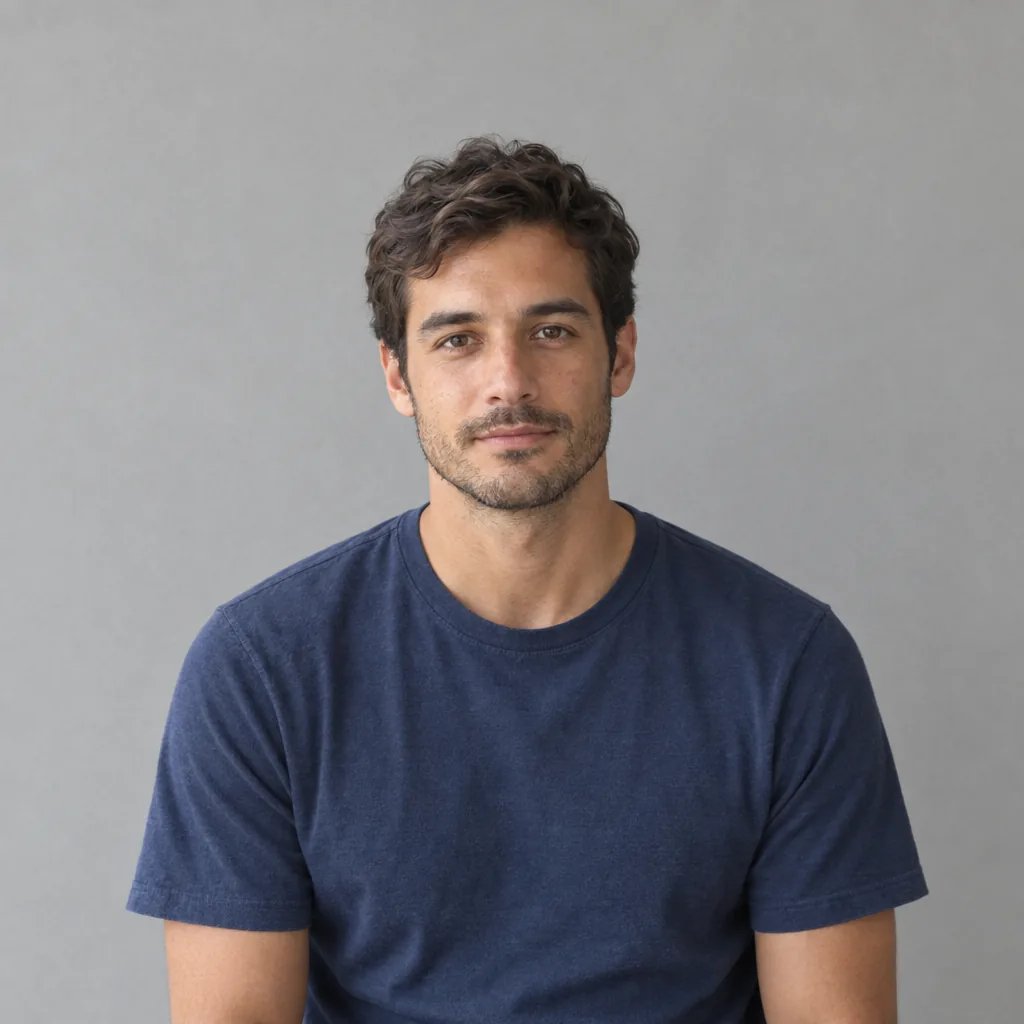
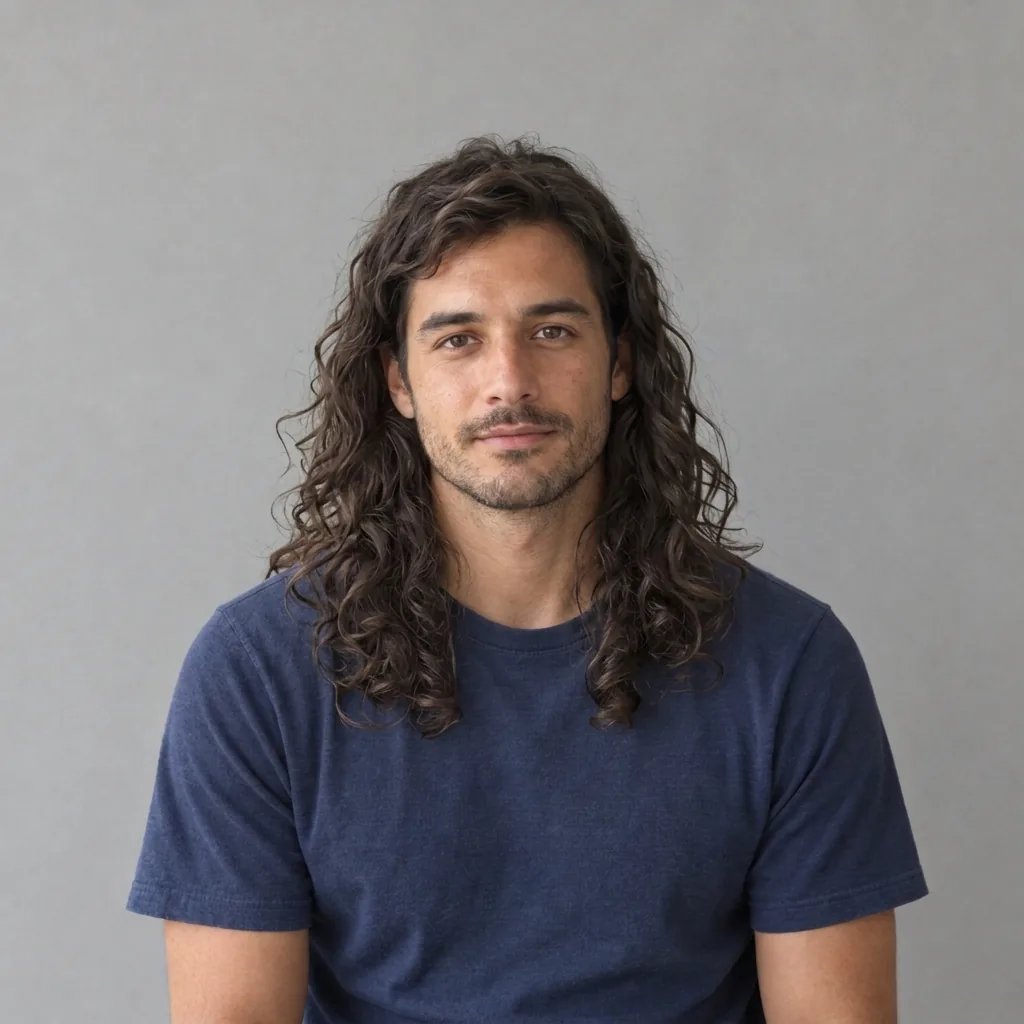
Portrait of an adult with head hair and a short beard before the bald filter
Bald filter result showing the same portrait with a shaved scalp, eyebrows and short beard
Drag to compare the original portrait with its shaved-head preview.

Style examples · GPT Image 2.5

Four Ways to Wear a Shaved Head

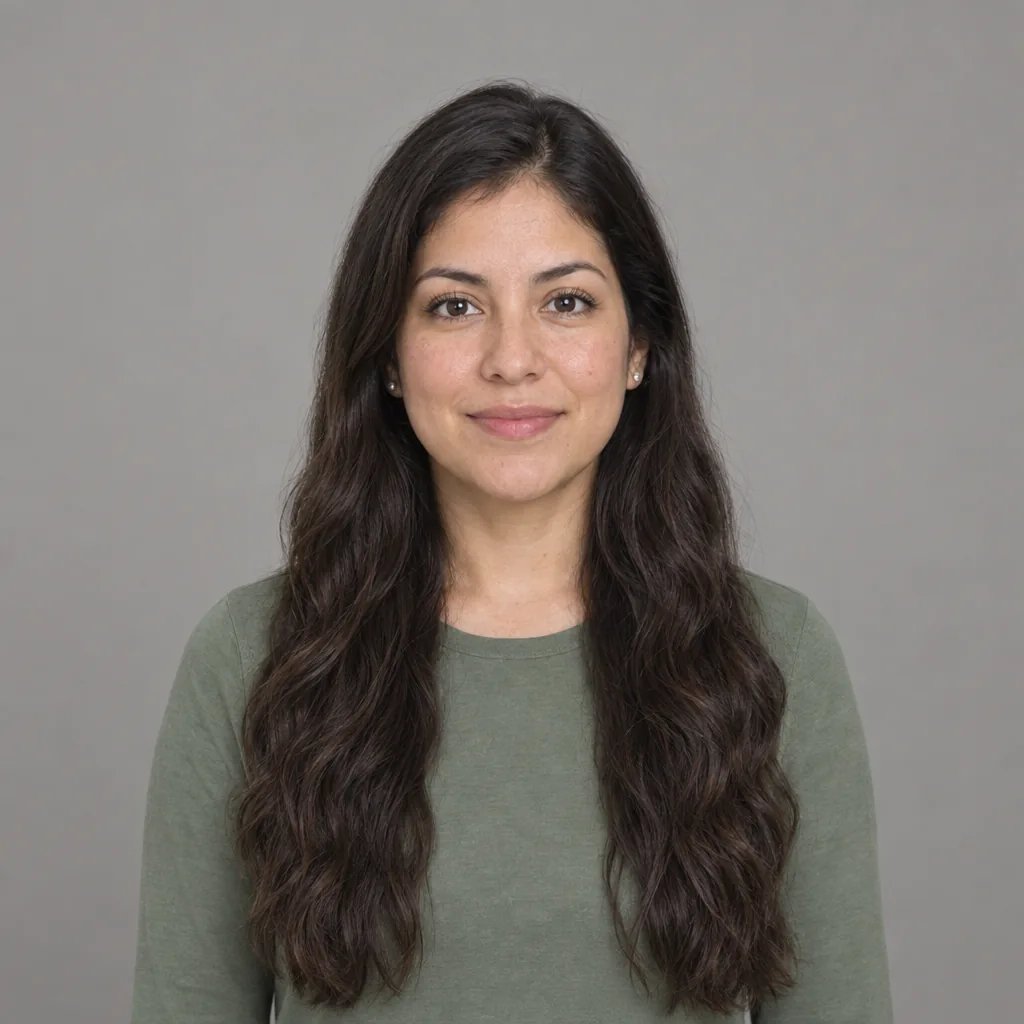
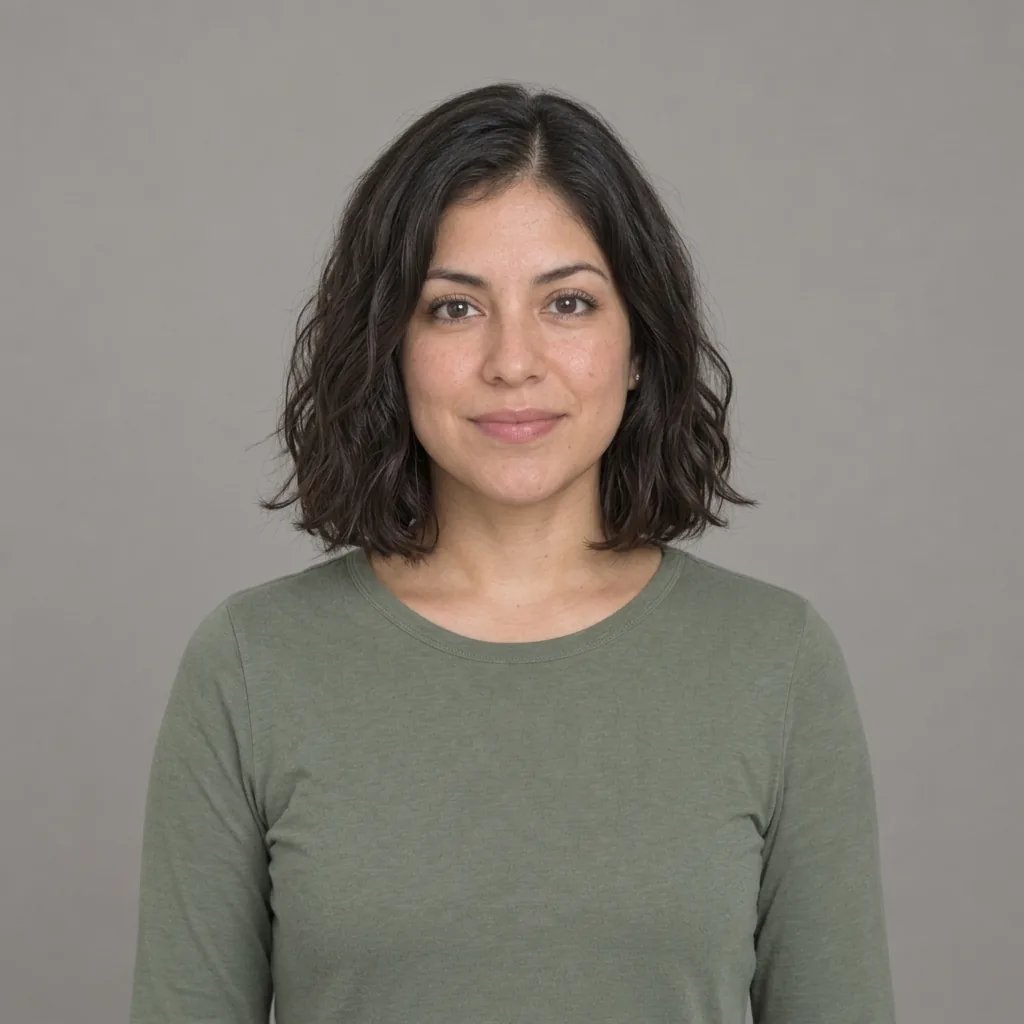
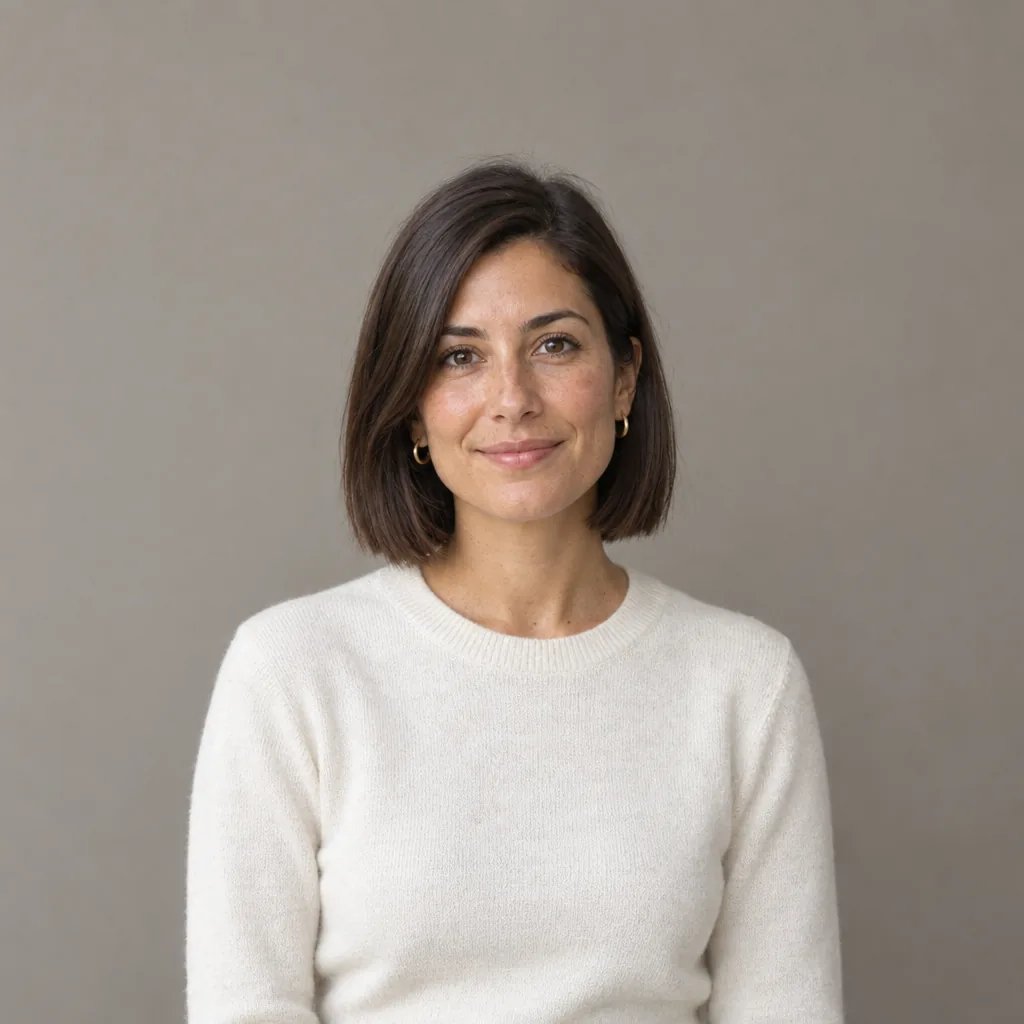
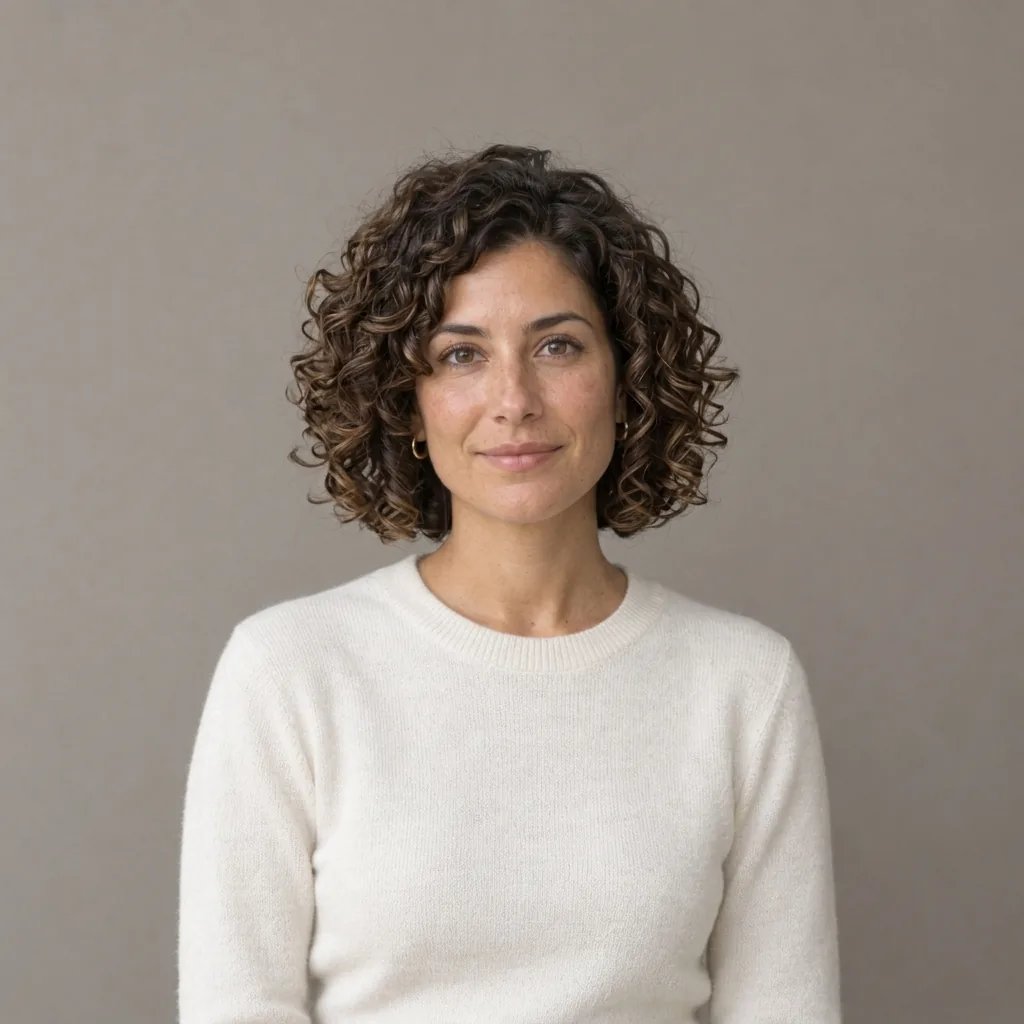
  • Shaved head with a short beard
  • A clean scalp and an open expression
  • A shaved head with a silver beard
  • The shaved look from an angle

How it works

Try the Bald Filter in Three Steps

  1. Step 1

    Upload one clear portrait

    Choose a photo with one person, the full top of the head and both temples visible. Even lighting and an unobstructed face help. Remove hats and use a square crop with space above the hair so the scalp has room in the frame.

  2. Step 2

    Generate a shaved-head preview

    A photo is required; extra words are optional. Leave the prompt empty for a natural fully shaved look, or describe a matte scalp finish. Each run uses 8 credits and returns one 1K square image.

  3. Step 3

    Compare and download

    Check the eyes, eyebrows, ears, beard and head proportions against your original, then save the version you like. If long hair or a strong shadow obscures the head, try a clearer source photo.

The shaved-head look

A Bald Simulator Focused on the Scalp

Natural scalp texture and light

A convincing bald look needs more than a skin-colored patch. The edit builds a bare scalp with subtle skin texture, highlights and shadows that follow the light in your photo. It aims for a fully shaved finish, with no fringe or clipper-length hair left behind.

Your familiar features

The preset is instructed to retain your face shape, jawline, expression and visible head proportions. Removing hair changes the silhouette, so review the forehead, temples and ears alongside the original. Hair can hide contours that a photo cannot fully reveal.

Keep your beard and eyebrows

Head hair and facial hair are treated separately. The shaved-head request keeps eyebrows, eyelashes, moustache and beard, including their shape and color. Your clothes, pose and background also guide the edit, making the hairstyle easier to compare.

Optional details

Simple Prompts for a Shaved-Head Preview

The photo already gives the filter what it needs. Use a short note to refine the scalp finish or emphasize a detail you want retained; there is no need to describe a new person or setting.

Natural, matte scalp

Fully shaved head with subtle natural skin texture and a matte finish in the original light.

Keep the beard

Remove only my head hair. Keep my eyebrows and my beard's existing shape, length and color.

Keep the same angle

Preview a shaved head from this exact angle, keeping the visible ear, expression and soft scalp shading.

Make it your own

Explore the Look Before a Haircut

Before the first shave

Get a visual starting point for a change you are considering. A shaved-head photo can help you decide whether you like the overall look with your current beard or glasses.

Bring a visual reference

Show your barber the style you have in mind. Discuss the real scalp shape and finishing details in person, using the image as a reference for the look.

Try a different portrait

Explore a bald look for a personal avatar or creative portrait. The square output fits common profile layouts and can be downloaded after generation.

Compare different angles

Try a front view and a gentle three-quarter view as separate uploads. Consistent lighting makes it easier to compare how a shaved head frames your face.

Create more with one YouArt membership

This generator uses 8 credits for one 1K image. Membership credits work across YouArt image, video, audio, and workflow tools.

Basic

For hobbyists and explorers

$9.99/mo
Select Plan
  • 1000 credits
  • Up to ~200 images/month
  • Up to ~332s video/month
  • Intelligent creative agent
  • Video editor
  • Latest image models, including GPT Image 2.5, GPT Image 2 and Nano Banana Pro
  • Latest video models, including Seedance 2
  • Realistic face uploads
  • Voice generation with ElevenLabs
  • No watermark
  • Unlimited template access

Pro

Most Popular

For creators and pro users

$29.99/mo
Select Plan
  • 3300 credits
  • Up to ~1000 images/month
  • Up to ~1100s video/month
  • Intelligent creative agent
  • Video editor
  • Latest image models, including GPT Image 2.5, GPT Image 2 and Nano Banana Pro
  • Latest video models, including Seedance 2
  • Realistic face uploads
  • Voice generation with ElevenLabs
  • No watermark
  • Unlimited template access

Max

For power users and teams

$149.99/mo
Select Plan
  • 18000 credits
  • Up to ~6000 images/month
  • Up to ~6000s video/month
  • Intelligent creative agent
  • Video editor
  • Latest image models, including GPT Image 2.5, GPT Image 2 and Nano Banana Pro
  • Latest video models, including Seedance 2
  • Realistic face uploads
  • Voice generation with ElevenLabs
  • No watermark
  • Unlimited template access

Team

For teams and studios

$329.99/mo
Select Plan
  • 36300 credits
  • Up to ~12000 images/month
  • Up to ~12100s video/month
  • Realistic face uploads
  • Share canvas, workflows, and assets with your team
  • Up to 10 members per team
  • Up to 5 teams
  • Role-based management
  • Team credit management and spending caps
  • Per-member usage tracking

FAQ

Bald Filter FAQ

It creates a fully shaved-head preview from your uploaded portrait. The AI removes scalp hair and fills the covered area with a plausible scalp, guided by your visible face, head proportions and lighting. You receive one new image; your original file stays unchanged.

The preset explicitly asks to keep eyebrows, eyelashes, beard and moustache, including their color and shape. Only scalp hair is meant to change. Check those details in the result, especially where long hair overlaps facial hair.

No. This page previews a fully shaved scalp. A buzz cut leaves visible short hair over the head, which is a different hairstyle. A faint natural follicle shadow may appear in the bald result, but the preset does not aim for clipper-length hair.

Use a sharp portrait of one person with the full head visible, clear temples and even light. A front or gentle three-quarter view is a good starting point. Hats, cropped heads, loose hair covering the face and heavy shadows leave more for the AI to infer. A photo upload is required; text alone will not start a run.

It offers a visual approximation. Scalp contours, skin tone beneath the hair, scars and other covered details are inferred from the photo. It does not predict hair loss or show hidden anatomy accurately. Use it to explore a shaved-head style, then assess the result against your original.

Each generation uses 8 credits and returns one 1K square image. A second photo or another variation is a separate run. The credit amount is shown before generation, and YouArt membership credits can be used here.

Keep exploring

More AI art styles to try

The closest looks to this one. Each is a full generator with its own prompt studio and examples.

Browse all 111 AI generators

Build beyond one image

Turn your result into a complete creative workflow

Open YouArt's visual canvas to connect generation, editing, upscaling, animation, and sound in one reusable process.