Lip Plumper Photo Filter

Lip Plumper Photo Filter for a Subtle Fuller-Lip Look

Explore a modest change in lip fullness with a lip plumper photo filter. Upload a portrait and add a short preference if you wish. The edit aims to keep your natural lip shape, expression and surrounding face recognizable while adding gentle fullness.

8 credits
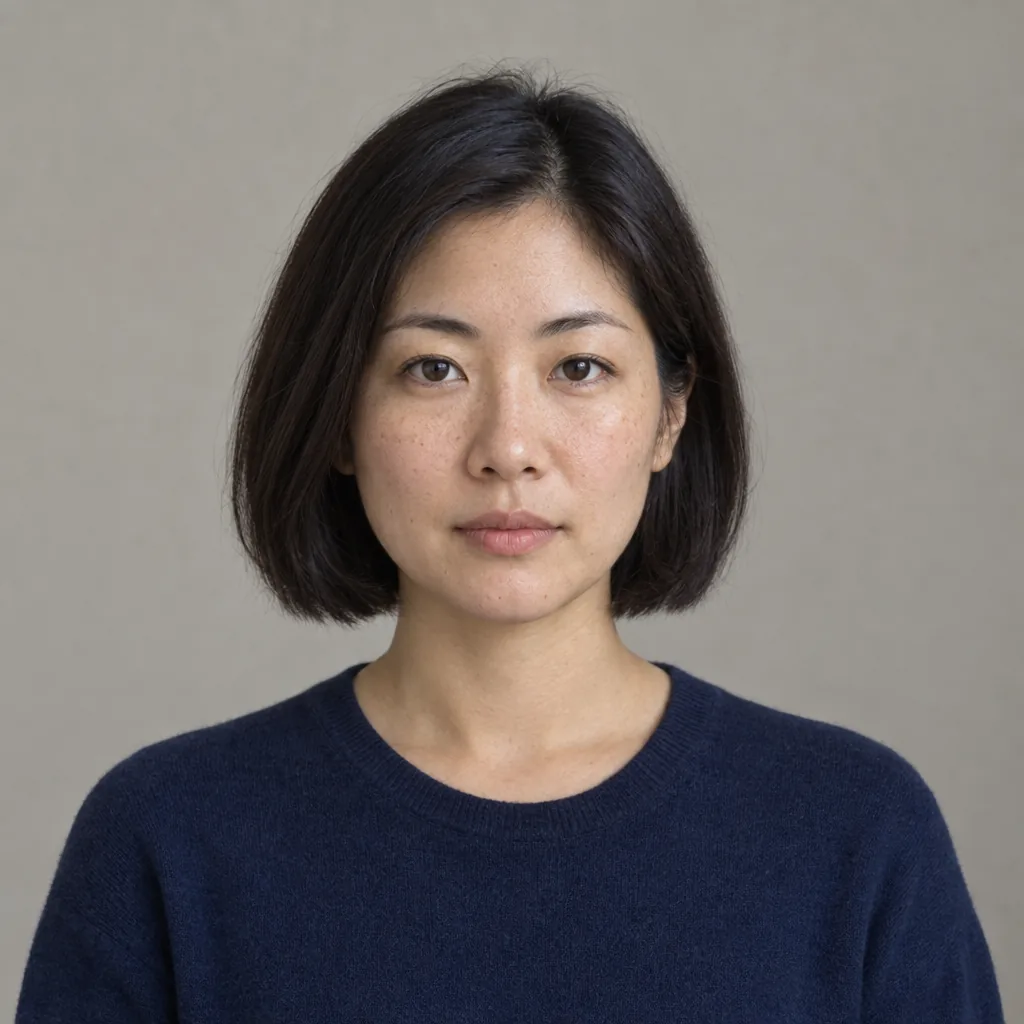
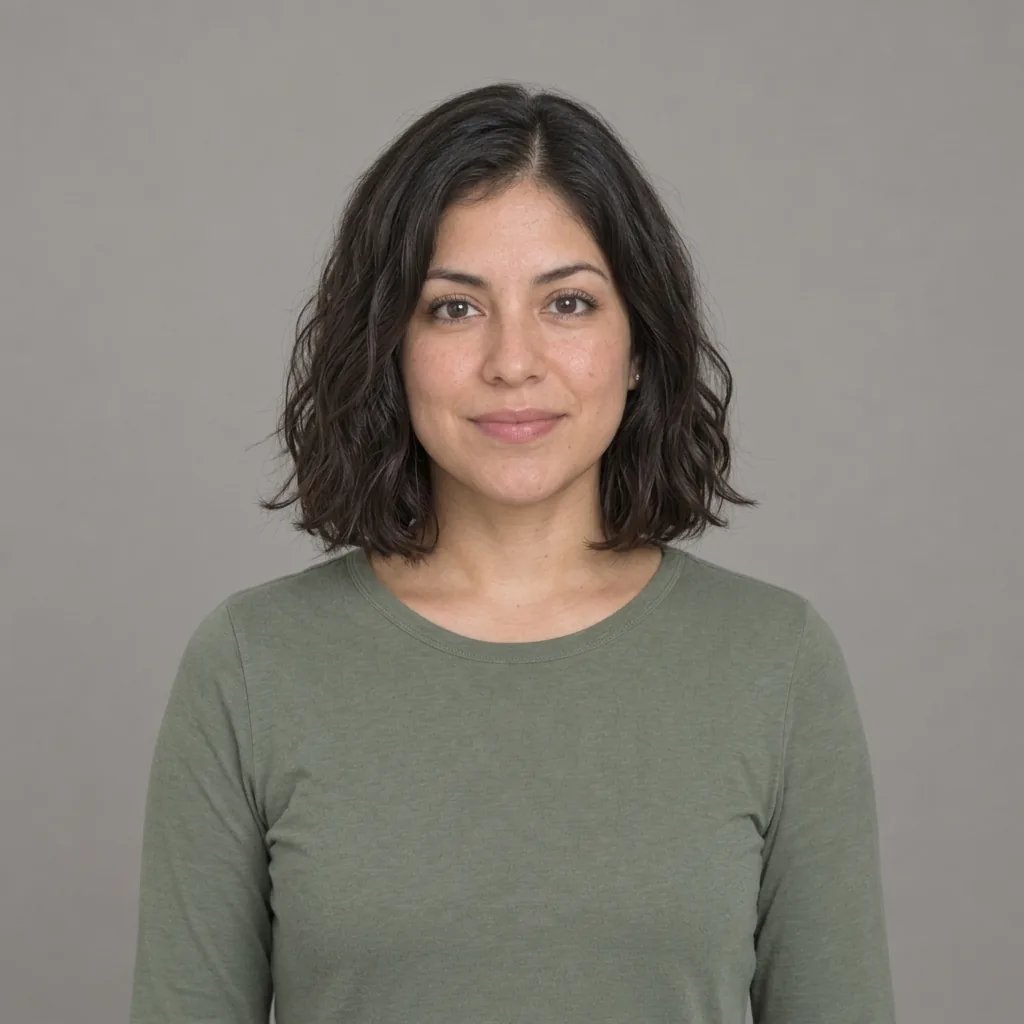
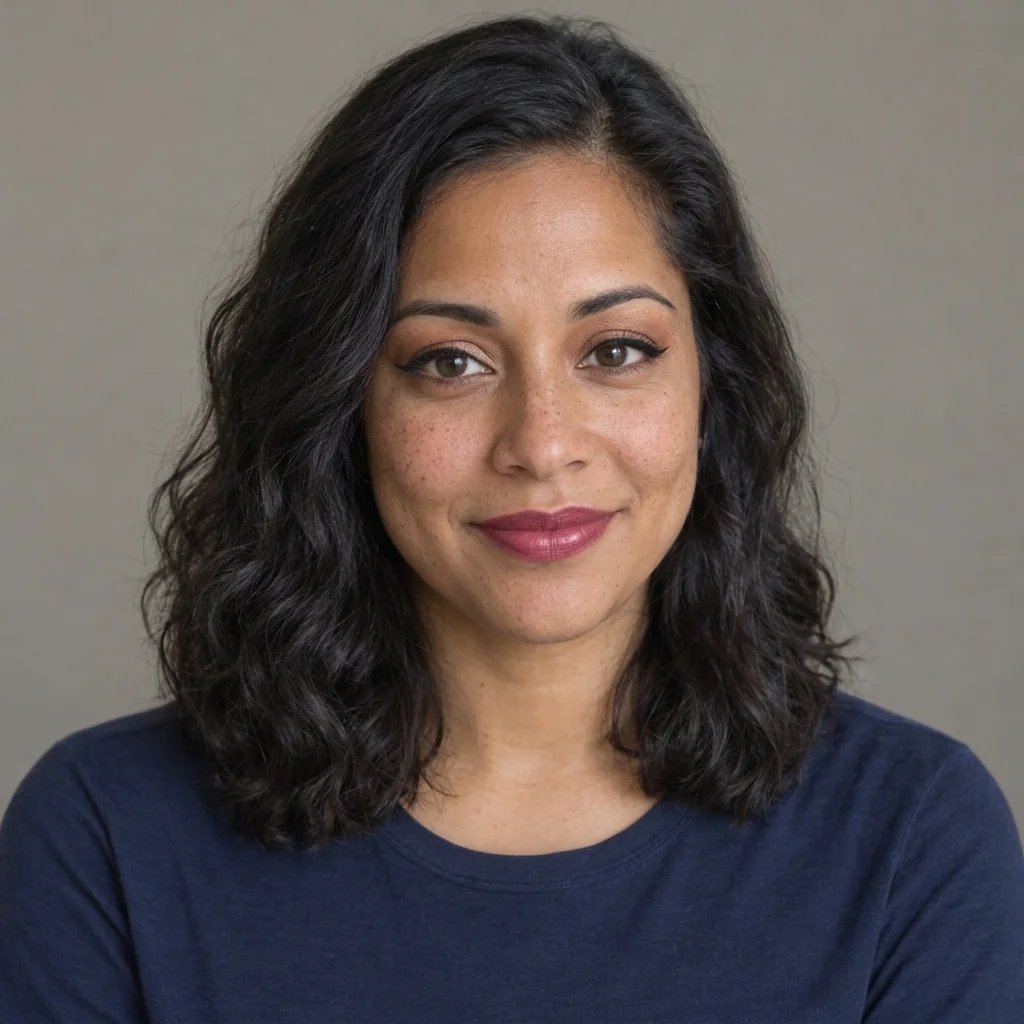
Original portrait before the lip-plumping photo effect
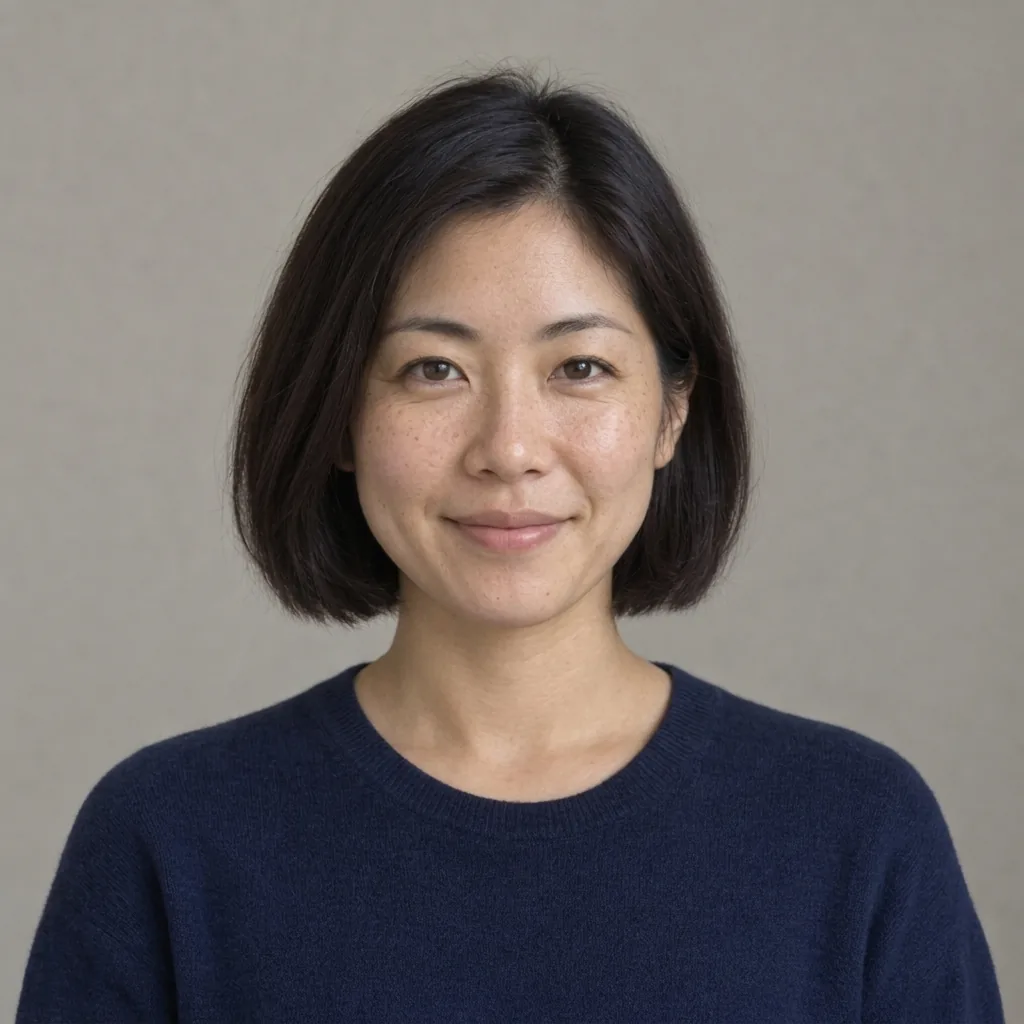
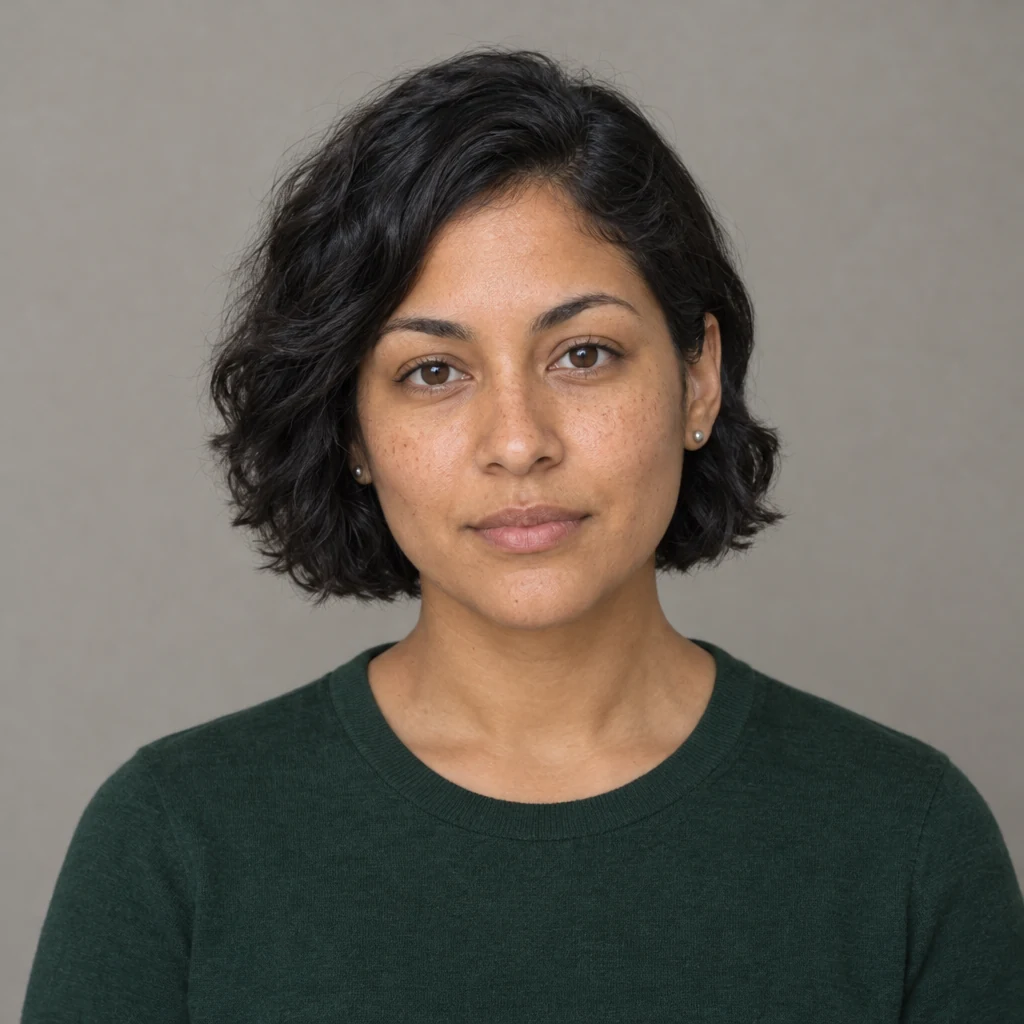
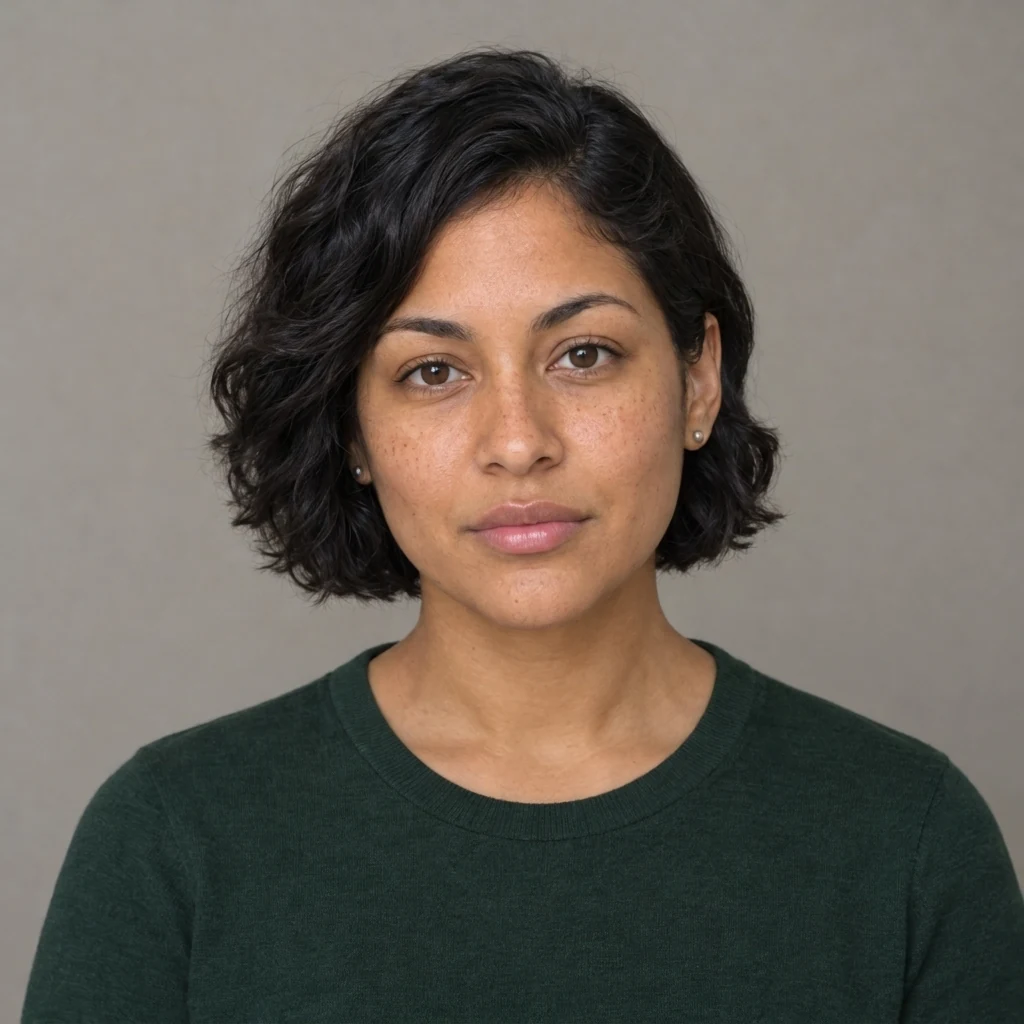
The same portrait after a subtle lip-plumping photo effect
Compare the lips and surrounding facial details in the original and edited portrait.

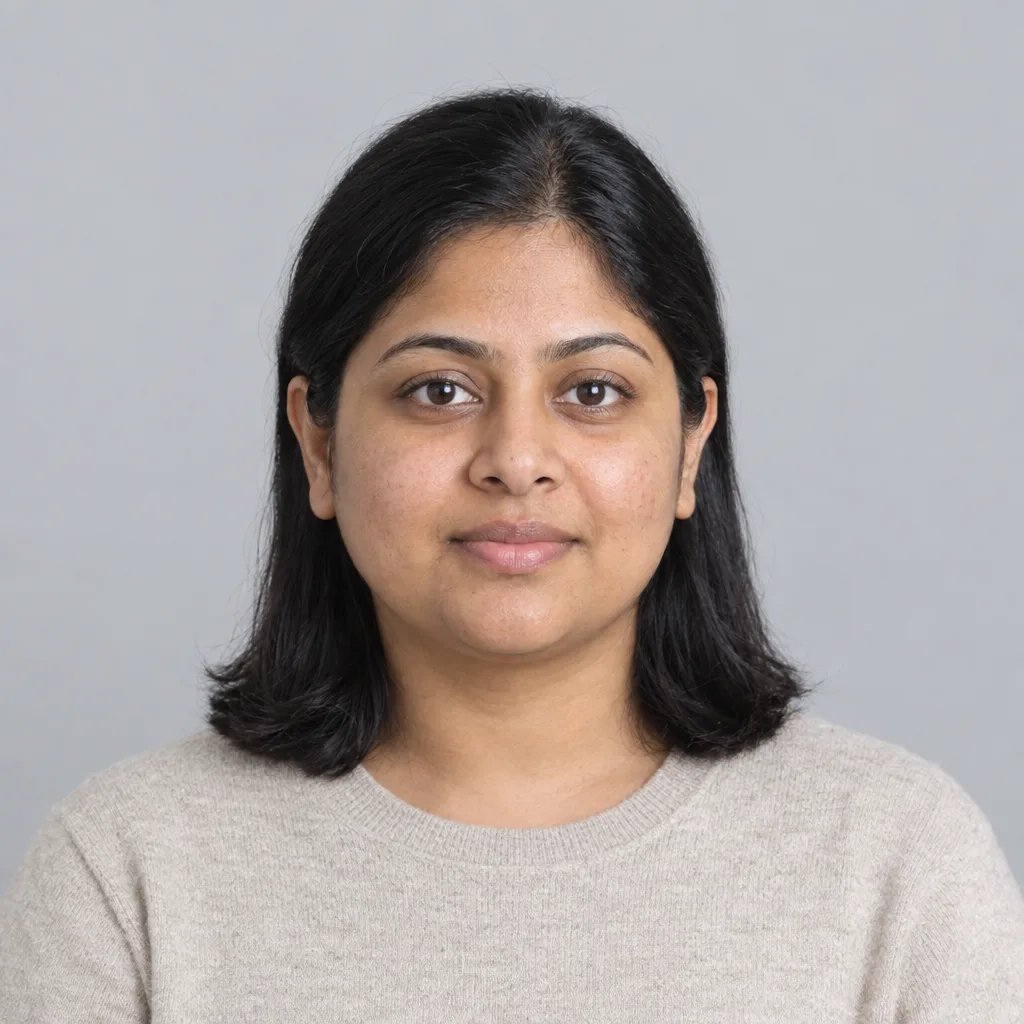
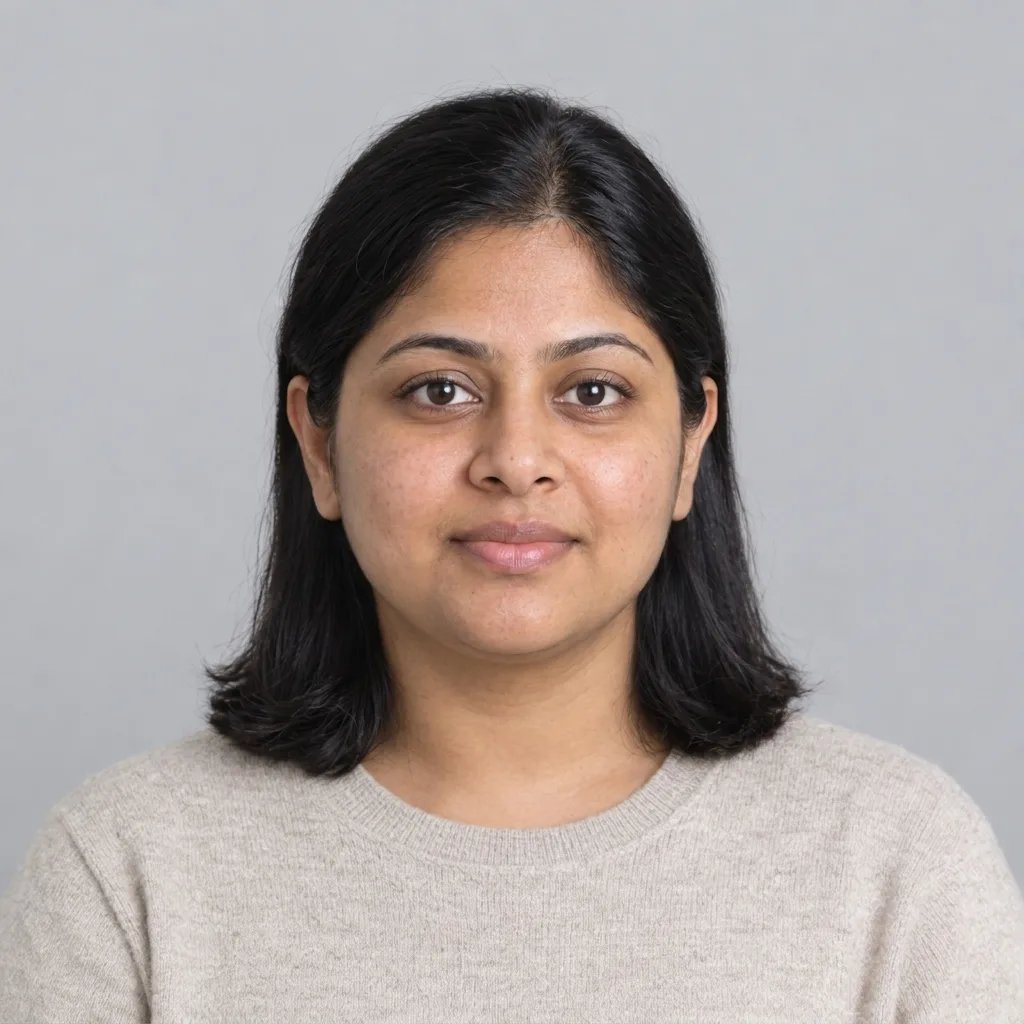
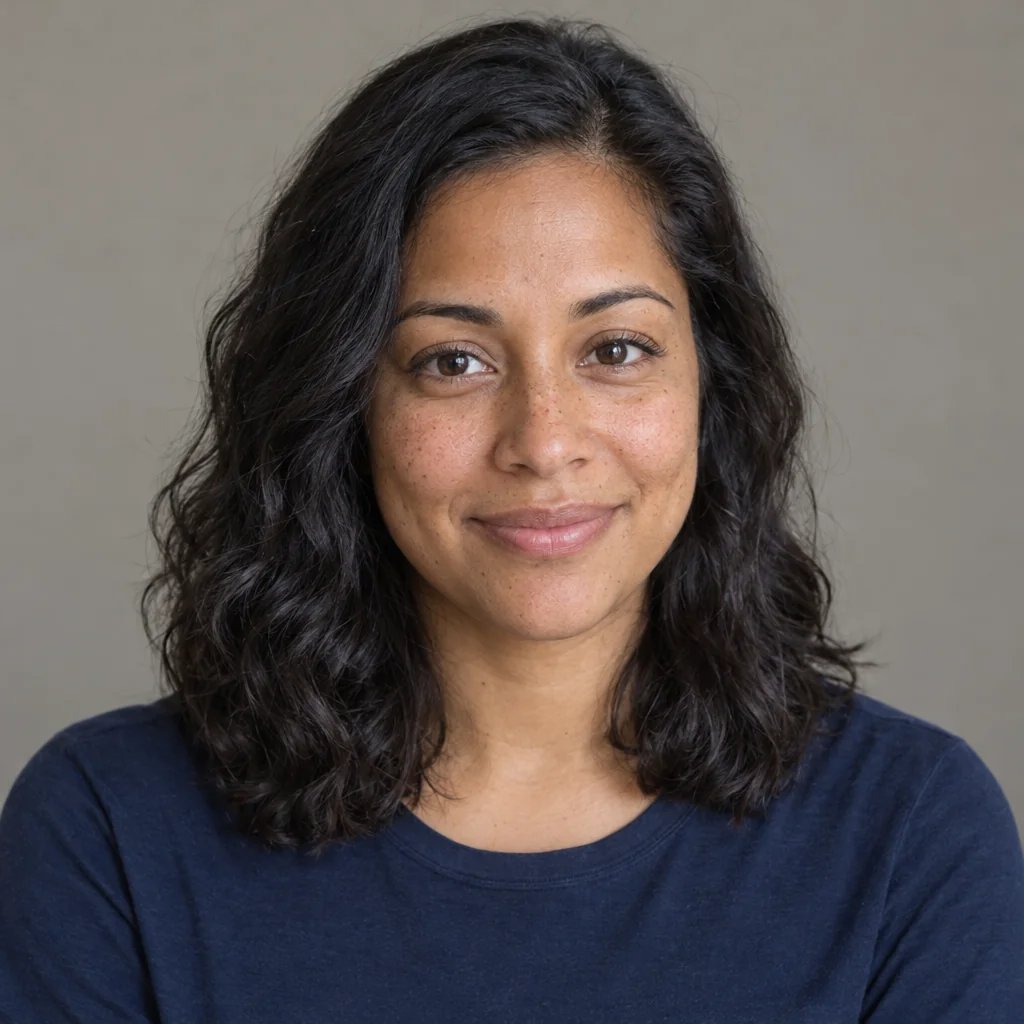
Portrait concepts created with GPT Image 2.5

Four Portrait Directions for a Gentle Lip Effect

  • Soft daylight portrait
  • Relaxed smile portrait
  • Gentle three-quarter portrait
  • Natural texture portrait

How it works

Create a Lip-Plumping Photo in Three Steps

  1. Step 1

    Upload a clear portrait

    Choose a sharp portrait with one face and clearly visible lips. Soft, even light and a relaxed expression make the lip outline easier to read. A front-facing view is a useful starting point. Avoid a hand, hair or an object covering the mouth.

  2. Step 2

    Keep the change specific

    You can generate directly from your photo or add an optional note, such as “a very subtle increase in fullness.” The default applies a modest change to the upper and lower lips. One generation costs 8 credits and returns one 1K image. Editing your note does not start a run.

  3. Step 3

    Compare the face, then download

    Compare the result with your original at the same scale. Check the lip outline, mouth width, teeth, expression and nearby skin before saving the version you prefer. If you change your description and generate again, that is a separate paid run.

A focused portrait effect

Guide the Lip Effect Without Restyling the Face

Start with a small change

The default aims for gently fuller upper and lower lips, keeping their familiar contour and cupid’s bow. Ask for a very subtle effect when you want the difference to remain restrained. Descriptions guide the image generation; there is no measured volume setting or guarantee of an exact change.

Keep the surrounding details in view

The edit is instructed to preserve your lip colour, skin texture, mouth position and expression, along with the rest of the portrait. AI may still alter fine details outside the lips. Inspect the nose, teeth, freckles, hair, earrings and background as well as the edited area.

Use it as a creative photo filter

A fuller-lip image can help you explore the mood of a portrait or create a visual concept. It does not apply a cosmetic product, measure your anatomy, or predict the outcome of injections or any other procedure. Keep those questions separate from a generated photo effect.

Short notes to try

Lip Plumper Prompts That Keep the Edit Clear

A portrait is required. These optional notes describe the desired photo effect; they do not set a clinical amount or an exact measurement. Change one preference at a time so results are easier to compare.

Keep it very subtle

Add only a very subtle amount of lip fullness. Keep my natural lip outline, colour and expression.

Balance upper and lower lips

Apply gentle, even fullness to both lips, keeping the cupid’s bow and mouth width recognizable.

Keep the portrait details

Use a modest lip-plumping effect and preserve the existing lipstick, teeth, skin texture and relaxed smile.

Ways to use the image

Explore Portrait Variations With a Clear Reference

Try a portrait variation

Compare a subtle alternative with the original photo and decide which image fits your own creative intention. Keep the original as your reference rather than treating either version as a standard you need to meet.

Explain an editing idea

Use the generated image alongside written notes to show an editor the restrained look you have in mind. Describe the details you want retained; the image is a visual reference, not a precise retouching specification.

Compare small changes

Try a short, specific note and inspect each version at the same size. Compare the lip contour and expression before making another variation, rather than judging only the overall impression from a small thumbnail.

Create more with one YouArt membership

This generator uses 8 credits for one 1K image. Membership credits work across YouArt image, video, audio, and workflow tools.

Basic

For hobbyists and explorers
$11$9.99/mo
  • 1000 credits
  • Up to ~200 images/month
  • Up to ~332s video/month
  • Intelligent creative agent
  • Video editor
  • Latest image models, including GPT Image 2.5, GPT Image 2 and Nano Banana Pro
  • Latest video models, including Seedance 2
  • Realistic face uploads
  • Voice generation with ElevenLabs
  • Video uploads up to 50 MB
  • No watermark
  • Unlimited template access
Popular

Pro

Save 16%
For creators and pro users
$36$29.99/mo
  • 3300 credits
  • Up to ~1000 images/month
  • Up to ~1100s video/month
  • Intelligent creative agent
  • Video editor
  • Latest image models, including GPT Image 2.5, GPT Image 2 and Nano Banana Pro
  • Latest video models, including Seedance 2
  • Realistic face uploads
  • Voice generation with ElevenLabs
  • Video uploads up to 200 MB
  • No watermark
  • Unlimited template access
Max

Save 24%Best Value
For power users and teams
$198$149.99/mo
  • 18000 credits
  • Up to ~6000 images/month
  • Up to ~6000s video/month
  • Intelligent creative agent
  • Video editor
  • Latest image models, including GPT Image 2.5, GPT Image 2 and Nano Banana Pro
  • Latest video models, including Seedance 2
  • Realistic face uploads
  • Voice generation with ElevenLabs
  • Video uploads up to 200 MB
  • No watermark
  • Unlimited template access

Team

Save 24%
For teams and studios
$435$329.99/mo
  • 36300 credits
  • Up to ~12000 images/month
  • Up to ~12100s video/month
  • Realistic face uploads
  • Share canvas, workflows, and assets with your team
  • Up to 10 members per team
  • Up to 5 teams
  • Role-based management
  • Team credit management and spending caps
  • Per-member usage tracking
  • Video uploads up to 200 MB

Questions answered

Lip Plumper Photo Filter FAQ

It generates a version of your uploaded portrait with a modest increase in visible lip fullness. The default targets both lips while aiming to retain their natural shape and the surrounding face. It is a creative image effect rather than a cosmetic product.

Build beyond one image

Turn your result into a complete creative workflow

Open YouArt's visual canvas to connect generation, editing, upscaling, animation, and sound in one reusable process.