AI face slimmer

Face Slimmer: Subtly Slim Your Face in a Photo

A close camera or a low angle can make a face look wider than it does in person. Upload one clear portrait of yourself for a gentle cheek and jawline retouch, or add a short note for a lighter touch. Your features, expression, skin texture and background guide the edit.

8 credits
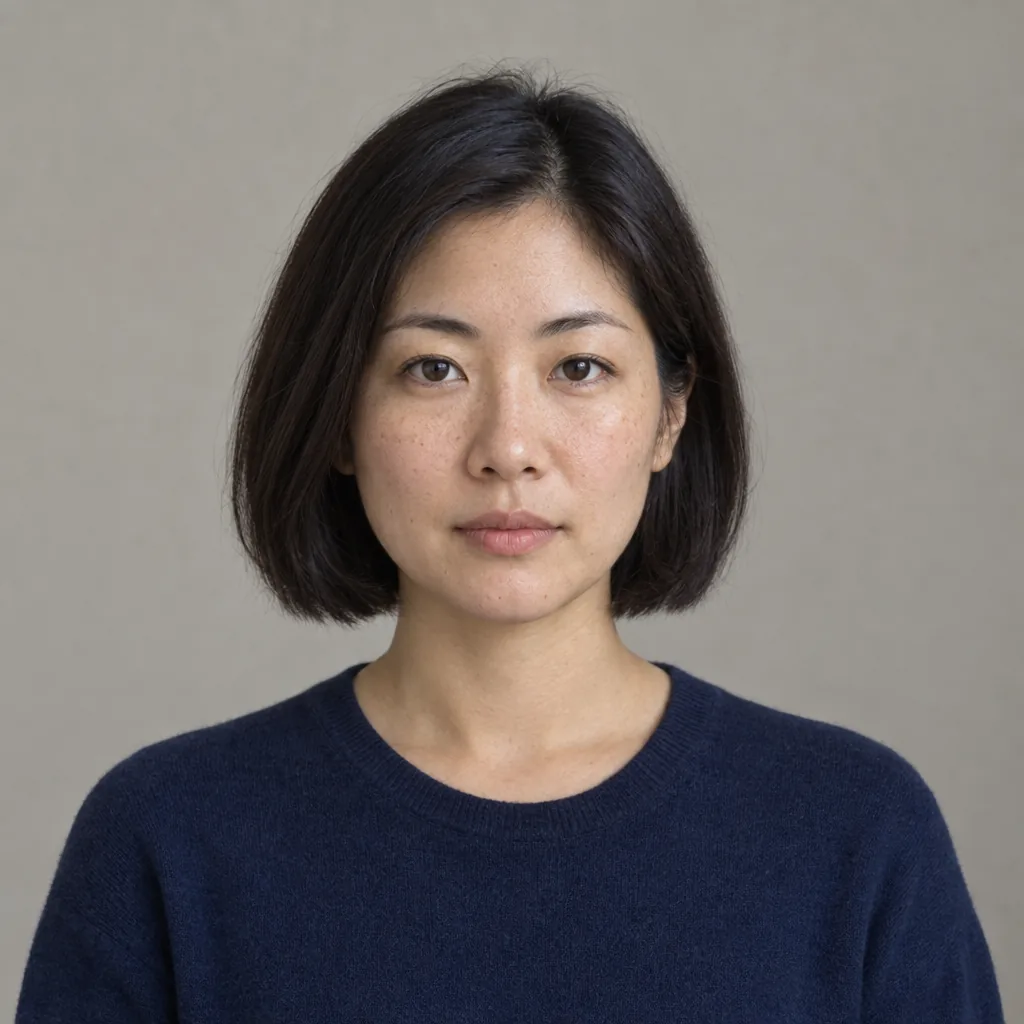
Portrait of an adult woman with shoulder-length black hair and an oatmeal top before the face slimmer
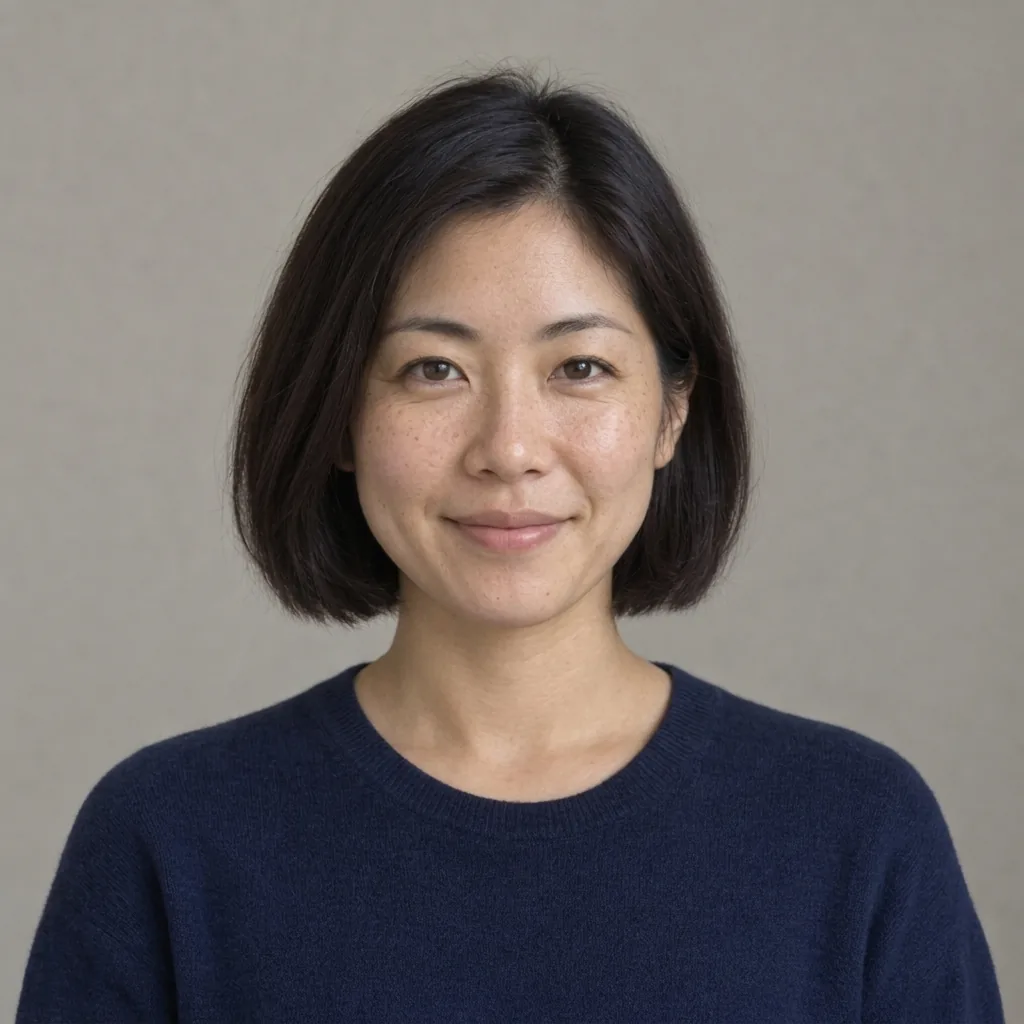
Face slimmer result showing the same woman with slightly narrower cheeks and a softer jawline
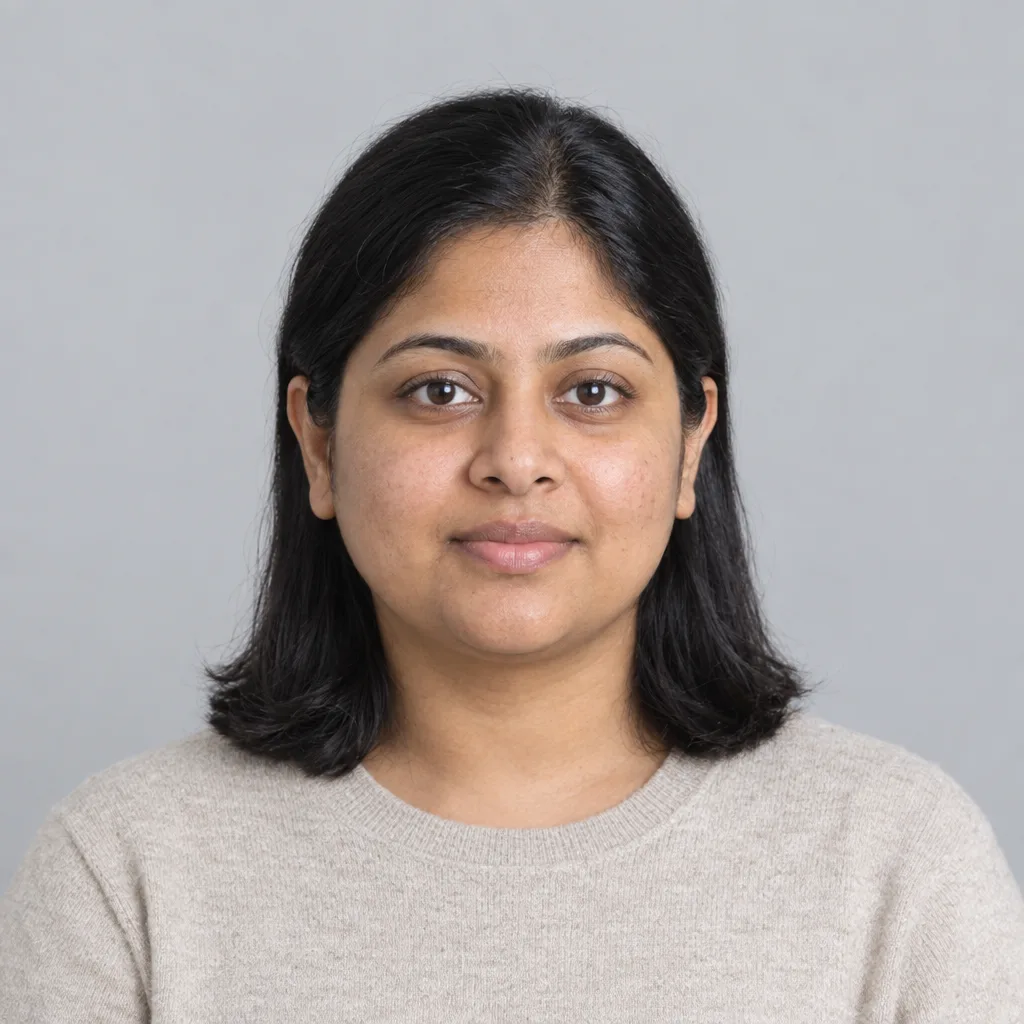
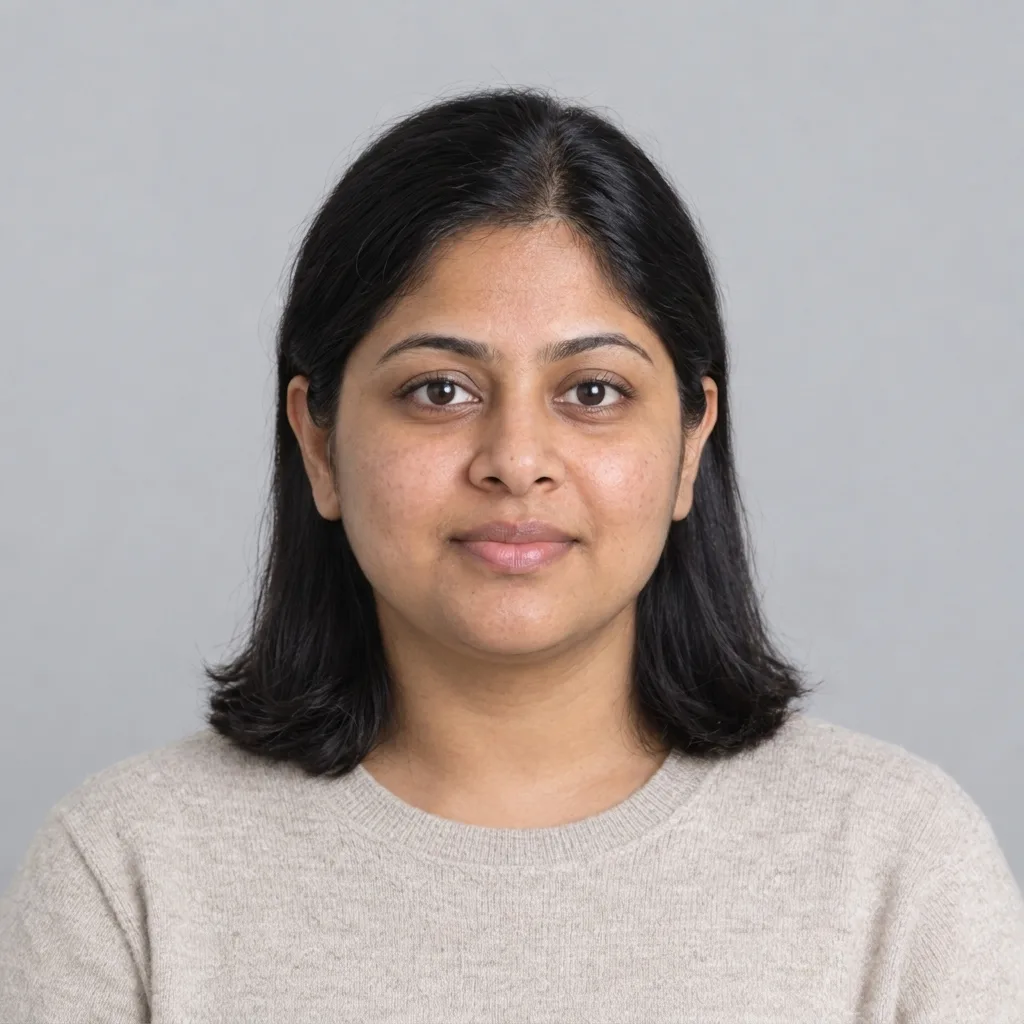
Drag to compare the original portrait and a subtle retouch.

Face slimmer examples

Four Portraits, One Gentle Retouch

  • Calm expression, long wavy hair
  • Short, even stubble along the jaw and chin
  • Freckles and a full smile in a warm café
  • A three-quarter angle in soft window light

How it works

How to Slim Your Face in a Photo

  1. Step 1

    Choose a clear portrait

    Upload a sharp photo of yourself, alone in the frame, facing the camera or at a gentle angle. Keep the jawline visible: hair, hands, scarves or high collars along the jaw leave the AI guessing.

  2. Step 2

    Keep it subtle or add a note

    Leave the text empty for a gentle default, or ask for a lighter touch or slightly more jawline definition. There is no intensity slider. One generation uses 8 credits and returns one 1K square image; a photo is required.

  3. Step 3

    Compare before you choose

    Check the eyes, nose, smile, skin texture, facial hair and glasses against your original. Download the version that still looks like you, or generate again with different words. Each variation is charged separately.

Subtle by design

An AI Face Slimmer for Subtle, Natural Changes

A gentle starting point

The default slightly narrows the cheeks and jaw and softens fullness under the chin, similar to the difference between a photo taken close up or from below and one taken at eye level. Optional words can ask for a lighter or slightly more defined result, never a different face shape.

Your features stay the guide

The edit is aimed at the lower face. Your eyes, nose, smile, skin texture, freckles, facial hair, glasses, hair, clothes and background are the reference it keeps. It adds no skin smoothing, makeup or eye enlarging, and AI can still change small details.

Best with a visible jawline

A clear view of the cheeks and jaw in even light gives the edit the most to work with. The result is one 1K square image to compare side by side with your original photo.

Optional words

Optional Words for a Subtle Result

A photo alone is enough. Keep requests small and about the cheeks and jaw so the difference is easy to judge.

Barely there

A very light slimming of my cheeks only; keep my smile, skin texture and lighting the same.

Slightly more defined jaw

A slightly more defined jawline and a little less fullness under the chin, still natural.

Keep my details

Subtle face slimming; keep my beard, glasses and freckles exactly as they are.

Where it helps

Where a Gentle Retouch Helps

Close-up selfies

A phone held close to the face can widen the features toward the edges of the frame. Try a subtle version of a close selfie and compare it with the original before choosing.

Low-angle photos

A camera below eye level can add fullness under the chin. A gentle retouch can bring a favorite shot closer to how you look at eye level.

Solo event portraits

Use a single-person portrait from a wedding, a work event or a party. Crop to one person first, because the face slimmer has no face selection for group photos.

Profile pictures

Make a subtly retouched version of a favorite photo for an avatar or profile. The square result fits most profile layouts and is meant to keep the photo recognizably you.

Create more with one YouArt membership

This generator uses 8 credits for one 1K image. Membership credits work across YouArt image, video, audio, and workflow tools.

Basic

For hobbyists and explorers

$9.99/mo
Select Plan
  • 1000 credits
  • Up to ~200 images/month
  • Up to ~332s video/month
  • Intelligent creative agent
  • Video editor
  • Latest image models, including GPT Image 2.5, GPT Image 2 and Nano Banana Pro
  • Latest video models, including Seedance 2
  • Realistic face uploads
  • Voice generation with ElevenLabs
  • No watermark
  • Unlimited template access

Pro

Popular

For creators and pro users

$29.99/mo
Select Plan
  • 3300 credits
  • Up to ~1000 images/month
  • Up to ~1100s video/month
  • Intelligent creative agent
  • Video editor
  • Latest image models, including GPT Image 2.5, GPT Image 2 and Nano Banana Pro
  • Latest video models, including Seedance 2
  • Realistic face uploads
  • Voice generation with ElevenLabs
  • No watermark
  • Unlimited template access

Max

Best Value

For power users and teams

$149.99/mo
Select Plan
  • 18000 credits
  • Up to ~6000 images/month
  • Up to ~6000s video/month
  • Intelligent creative agent
  • Video editor
  • Latest image models, including GPT Image 2.5, GPT Image 2 and Nano Banana Pro
  • Latest video models, including Seedance 2
  • Realistic face uploads
  • Voice generation with ElevenLabs
  • No watermark
  • Unlimited template access

Team

For teams and studios

$329.99/mo
Select Plan
  • 36300 credits
  • Up to ~12000 images/month
  • Up to ~12100s video/month
  • Realistic face uploads
  • Share canvas, workflows, and assets with your team
  • Up to 10 members per team
  • Up to 5 teams
  • Role-based management
  • Team credit management and spending caps
  • Per-member usage tracking

Questions answered

Face Slimmer FAQ

It creates a new version of your portrait with slightly narrower cheeks, a softer jaw contour and less fullness under the chin. Your eyes, smile, hair, clothes and background are meant to stay the same. A photo is required; text alone cannot start a run.

The default is deliberately gentle. Add a short note such as a very light touch or slightly more jawline definition to adjust it. There is no intensity slider. Requests for a dramatic change are toned down to a natural-looking result, and the face shape stays the same.

The edit is instructed to keep your eyes, nose, mouth, skin texture, age, expression, facial hair and glasses. Because the AI creates a new image, small details can still shift. Compare your eyes, nose, smile, facial hair and glasses with the original before choosing a result.

Use a sharp, evenly lit portrait of one adult, such as yourself, facing forward or at a gentle angle with the jaw visible. Edit only your own photo or one you have permission to use. The page is not for group photos or photos of children, and strong profiles, deep shadows or hair and hands across the jaw leave the AI more to guess.

No. It is a photo retouch, not a preview of a cosmetic procedure, a medical treatment or any change to your body. Use it to explore a portrait, and compare the result with your original photo.

Each generation costs 8 YouArt credits and returns one 1K image in a fixed 1:1 square frame. Uploading a photo or changing optional words does not start a paid run. Each generated variation uses another 8 credits, shown before you generate.

Build beyond one image

Turn your result into a complete creative workflow

Open YouArt's visual canvas to connect generation, editing, upscaling, animation, and sound in one reusable process.