Bold City Character Artwork

GTA Filter

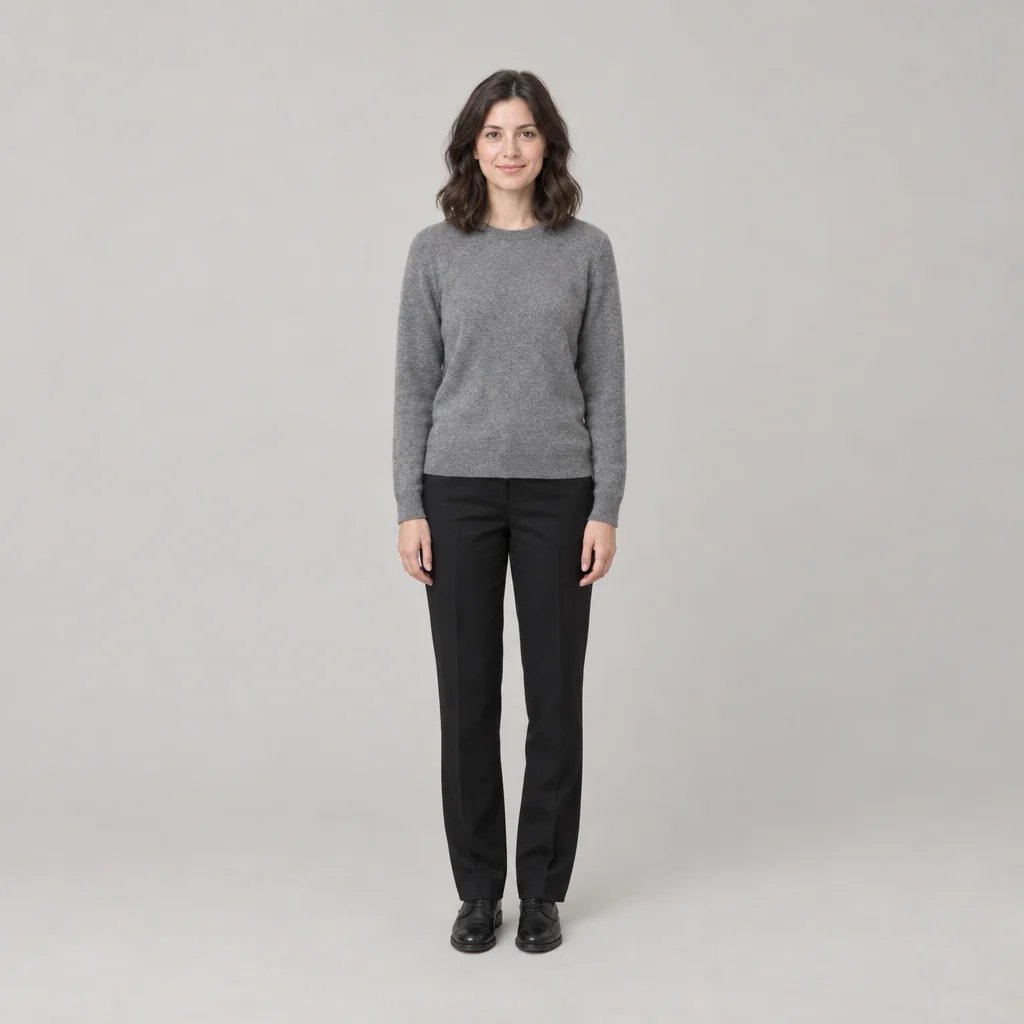
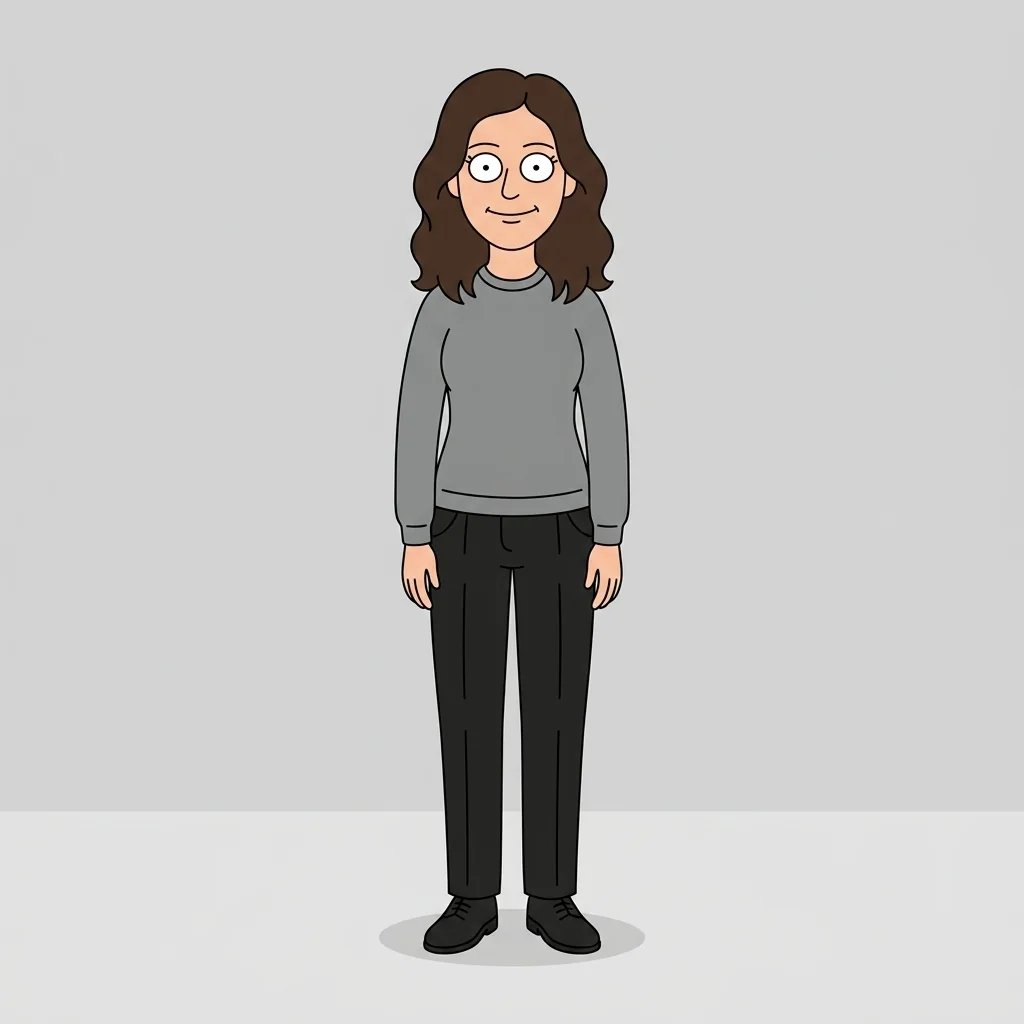
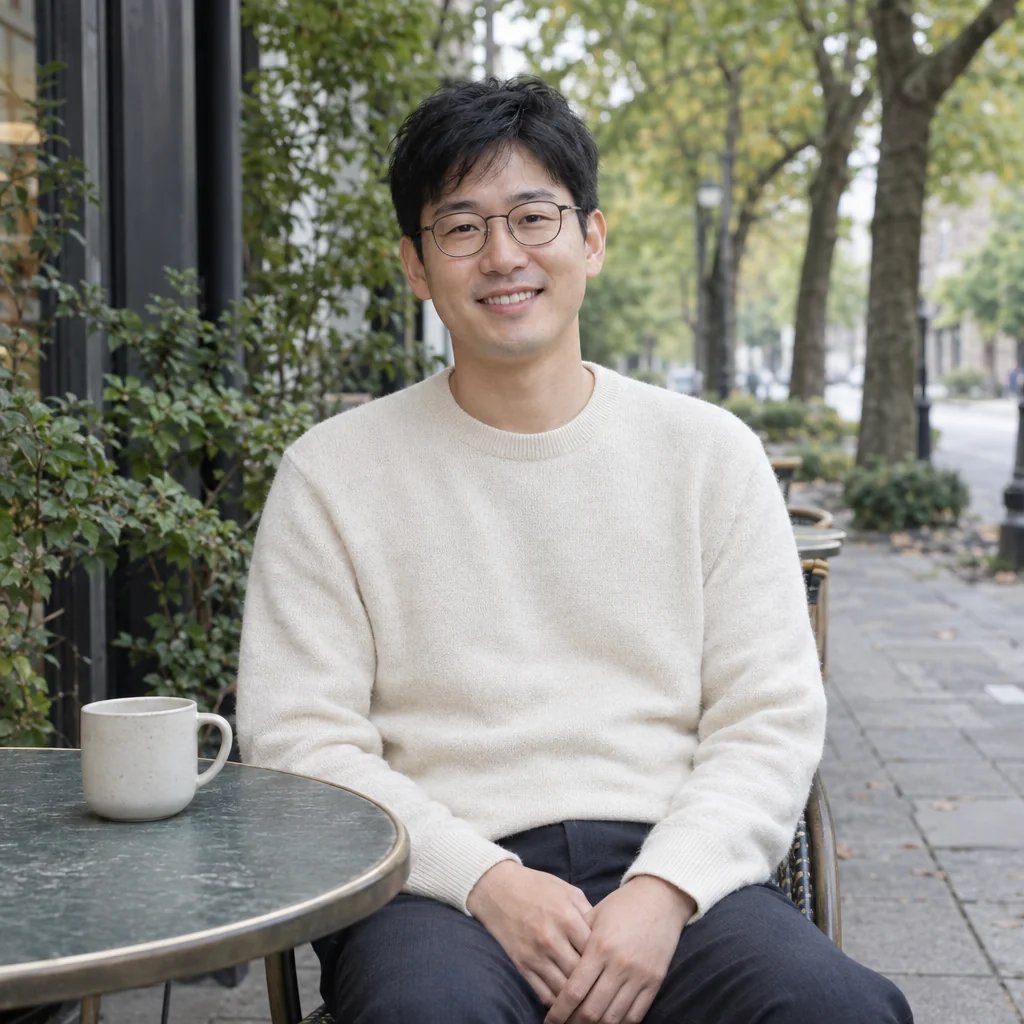
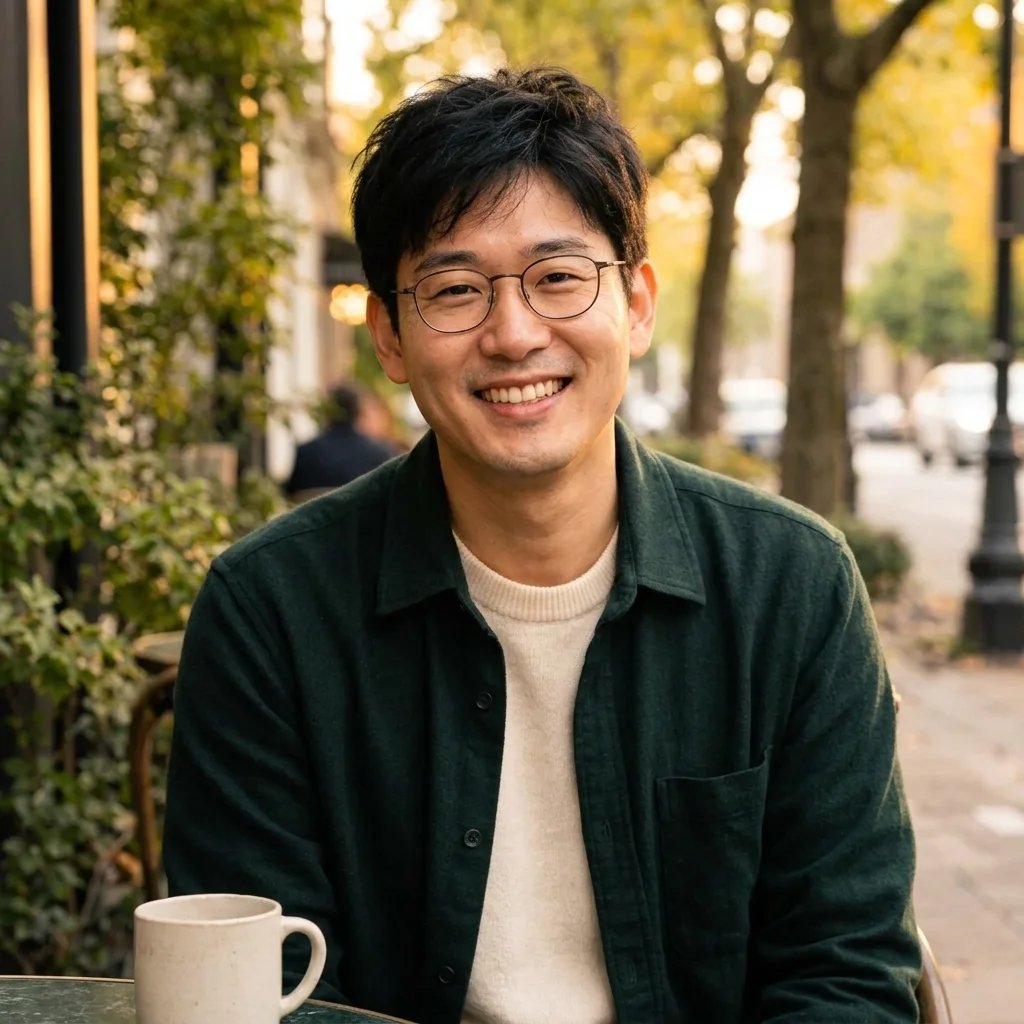
Use the GTA Filter to create a GTA-inspired illustrated city portrait with thick contours, poster-like color blocks and sunlit streets. Upload a clear adult portrait or describe an original character, then guide the setting, outfit and colors. The photo helps guide recognizable details such as glasses and hair, while the scene is newly illustrated. Choose one clear visual direction and review the result before sharing it.

8 credits

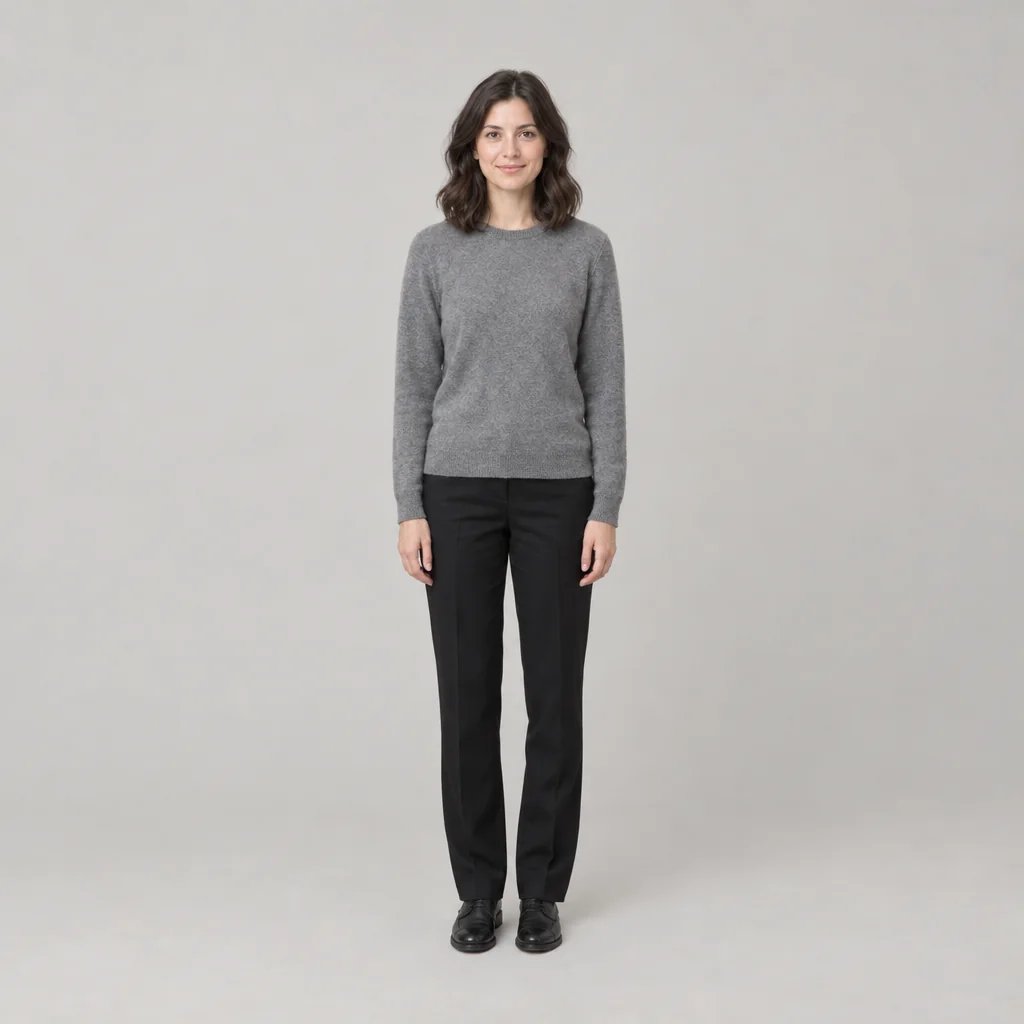
Before

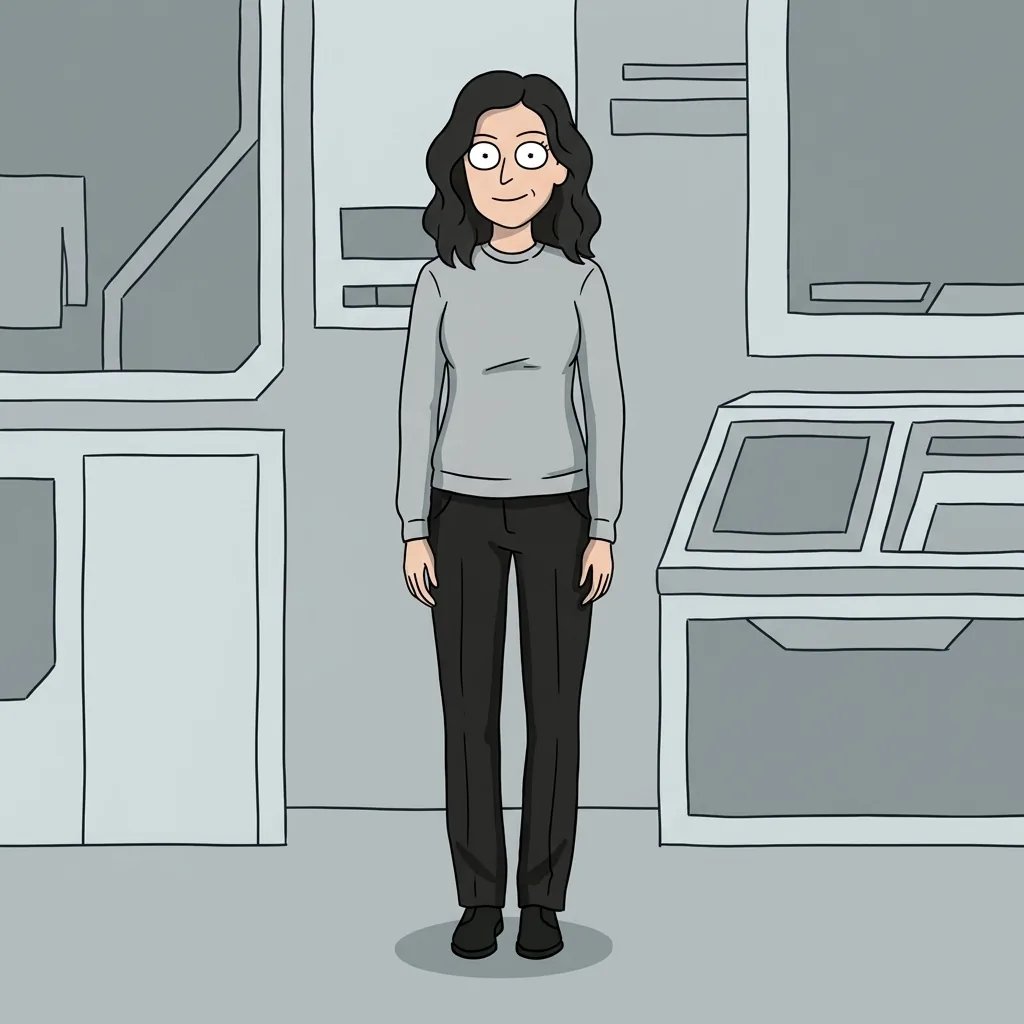
After

Bold City Character Artwork

Style concepts · GPT Image 2.5

GTA Filter · Four Image Ideas

  • Sunset street portrait
  • A rooftop creative
  • Coastal color blocks
  • Neon city evening

From a photo or an idea

How to Create Your Image

  1. Step 1

    Upload a portrait or describe an original subject

    Use a clear adult portrait with an unobstructed face, or write a description of an original character. A photo can run without extra words. Start with one subject and choose an image you are allowed to use. Even lighting helps the effect read details such as glasses, hair texture and expression.

  2. Step 2

    Choose a setting, palette and mood

    Add a few useful details about the clothing, location or light. The page supplies its visual direction, so a focused prompt is enough. Sign in and check the displayed credit cost before generating. Avoid combining several unrelated scenes in one request; one clear idea is easier to compare with the result.

  3. Step 3

    Review the result and download

    Check the face, glasses, hands, clothing and background before downloading your chosen image from the generation session. AI stylization can reinterpret identity and small details. Try another run if the result misses an important feature. Add names or other typography afterward in an image editor.

What shapes the result

GTA Filter · Explore the Look

Bold city illustration and graphic color

Broad contours and chunky shadow shapes turn a portrait into urban character artwork. Warm ochre, teal and orange blocks support an invented coastal street or rooftop. The look comes from drawing and lighting, so it works with ordinary clothes and a relaxed pose without adding a crime scene or weapons.

Guide an original setting and palette

A scene can feel very different in warm afternoon light, cool moonlight or a quiet city evening. Pick one location and two or three main colors. Describe original clothing and accessories instead of asking for an existing character. Each generation is a new interpretation, so exact costume details can vary between runs.

Carry recognizable details into the artwork

A clear reference can guide face shape, skin tone, hair texture, glasses and expression. These details are translated into drawn forms rather than preserved pixel for pixel. Compare the hairline, eye spacing and expression with your starting photo, and check whether the new outfit and setting support the character you intended.

Start with one clear direction

Prompt Ideas

Use an original subject and a few useful details. Edit the wording before generating.

Sunset street portrait

An original adult woman with cropped dark hair in a rust jacket beside a plain unbranded turquoise classic car on an invented palm-lined avenue, warm sunset.

A rooftop creative

An original adult man with curly hair and glasses in a plain teal overshirt on a city rooftop, calm confident pose, orange sky and strong angular shadows.

Coastal color blocks

An original adult cyclist in a plain white shirt and coral jacket beside an unbranded bicycle on a bright coastal promenade, turquoise sea and tan buildings.

Make the image your own

Ways to Use Your Images

A distinctive profile picture

Create a personal illustrated portrait with a simple background and a clearly visible face. Check both a square crop and a small circular crop before using it as an avatar. Details that look impressive at full size may disappear when the image is reduced.

Original character concepts

Explore a character’s clothing, colors and surroundings before developing a more detailed project. Change one part of the brief at a time so you can compare directions. This page creates individual images and does not guarantee identical features across a sequence.

Personal creative layouts

Use an image as the starting point for a personal mood board, invitation concept or story-inspired layout. Add your own typography and adjust the final dimensions in an editor. The download is a flat image rather than a layered design file or a finished print package.

Compare photo and prompt directions

Try the same idea once with a portrait and once with words alone. A photo anchors recognizable features, while a text prompt leaves more room to invent a subject. Review the outputs individually; neither approach guarantees an exact identity match or a particular result.

Create more with one YouArt membership

This generator uses 8 credits for one 1K image. Membership credits work across YouArt image, video, audio, and workflow tools.

Basic

For hobbyists and explorers
$11$9.99/mo
  • 1000 credits
  • Up to ~200 images/month
  • Up to ~332s video/month
  • Intelligent creative agent
  • Video editor
  • Latest image models, including GPT Image 2.5, GPT Image 2 and Nano Banana Pro
  • Latest video models, including Seedance 2
  • Realistic face uploads
  • Voice generation with ElevenLabs
  • Video uploads up to 50 MB
  • No watermark
  • Unlimited template access

Popular

Pro

Save 16%
For creators and pro users
$36$29.99/mo
  • 3300 credits
  • Up to ~1000 images/month
  • Up to ~1100s video/month
  • Intelligent creative agent
  • Video editor
  • Latest image models, including GPT Image 2.5, GPT Image 2 and Nano Banana Pro
  • Latest video models, including Seedance 2
  • Realistic face uploads
  • Voice generation with ElevenLabs
  • Video uploads up to 200 MB
  • No watermark
  • Unlimited template access
Max

Save 24%Best Value
For power users and teams
$198$149.99/mo
  • 18000 credits
  • Up to ~6000 images/month
  • Up to ~6000s video/month
  • Intelligent creative agent
  • Video editor
  • Latest image models, including GPT Image 2.5, GPT Image 2 and Nano Banana Pro
  • Latest video models, including Seedance 2
  • Realistic face uploads
  • Voice generation with ElevenLabs
  • Video uploads up to 200 MB
  • No watermark
  • Unlimited template access
Team

Save 24%
For teams and studios
$435$329.99/mo
  • 36300 credits
  • Up to ~12000 images/month
  • Up to ~12100s video/month
  • Realistic face uploads
  • Share canvas, workflows, and assets with your team
  • Up to 10 members per team
  • Up to 5 teams
  • Role-based management
  • Team credit management and spending caps
  • Per-member usage tracking
  • Video uploads up to 200 MB

Questions, answered

GTA Filter FAQ

It is a YouArt effect that creates a GTA-inspired illustrated city portrait with thick contours, poster-like color blocks and sunlit streets from a photo or a text description. It produces one still image. It is not a live camera filter, animation service or source of official franchise assets. This independent YouArt effect is not affiliated with or endorsed by the named franchise, artist or rights holders.

Build beyond one image

Turn your result into a complete creative workflow

Open YouArt's visual canvas to connect generation, editing, upscaling, animation, and sound in one reusable process.